Hockley County Trustees Deed (Two Cotrustees) Form
Last validated October 14, 2026 by our Forms Development TeamFormatted for recording in Hockley County, for property anywhere in the county: rural and unincorporated areas as well as Anton, Levelland, Pep, Ropesville, Smyer, Sundown, Whitharral.
- 3 documents included
- Immediate PDF download
- Formatting guarantee
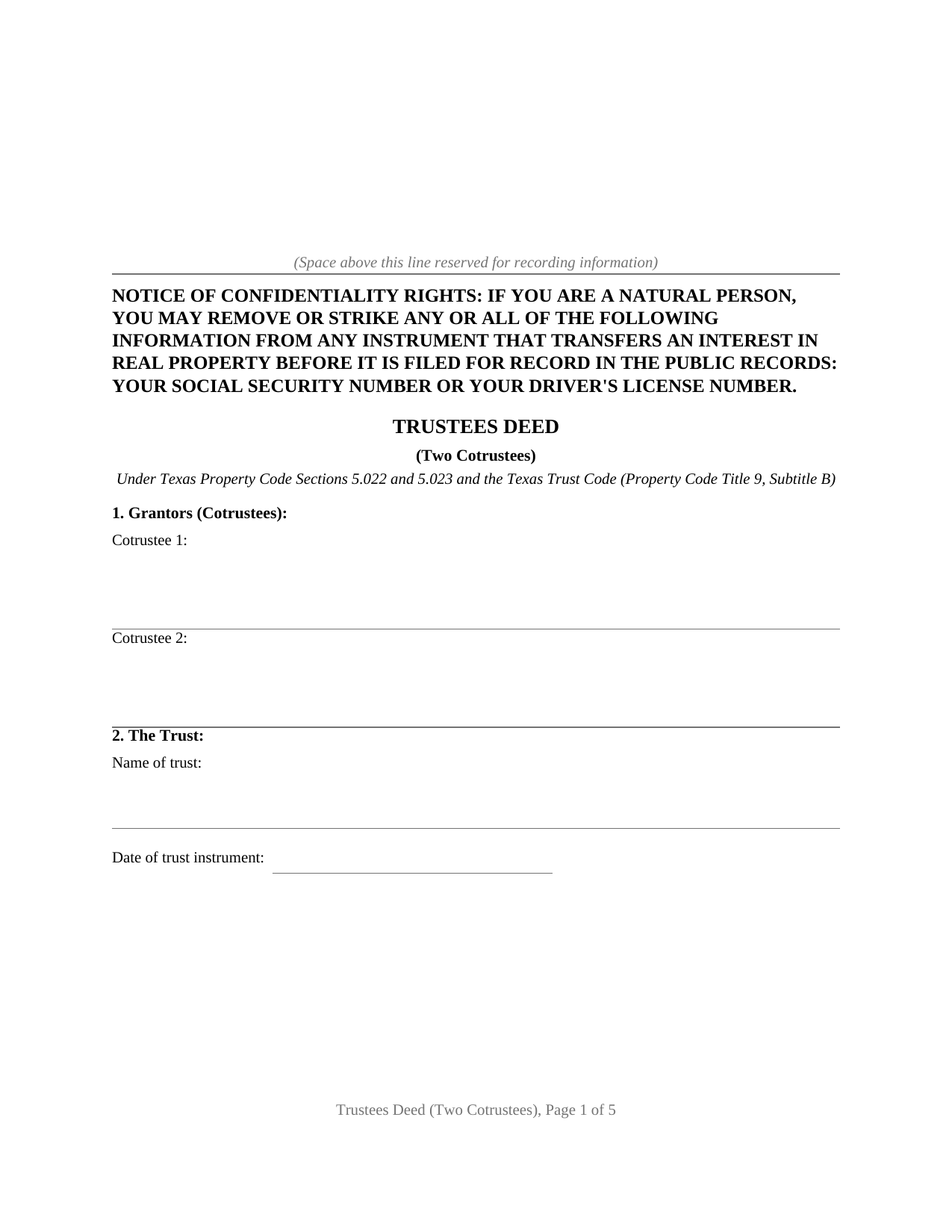
Hockley County Trustees Deed (Two Cotrustees) Form
Fill in the blank Trustees Deed (Two Cotrustees) form formatted to comply with all Texas recording and content requirements.
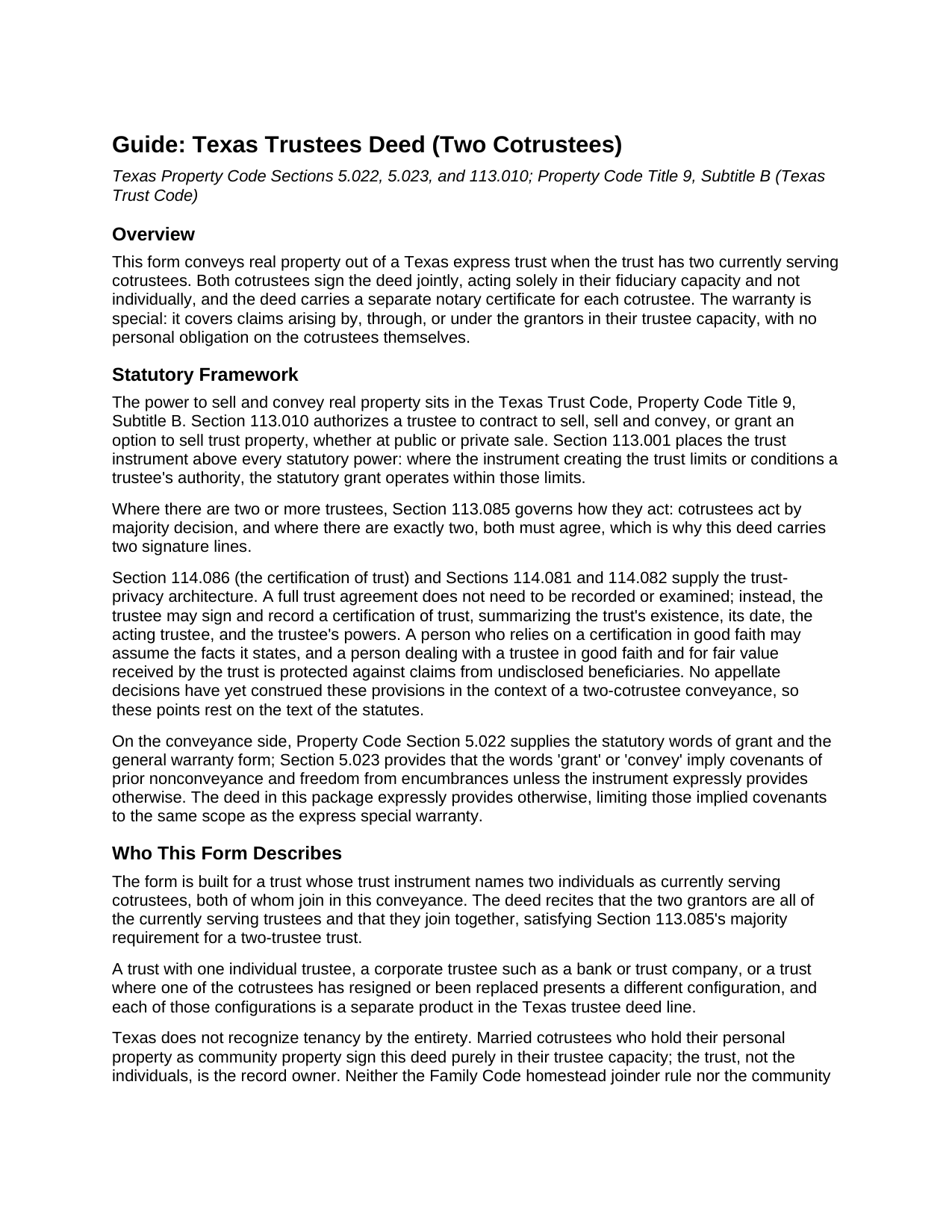
Hockley County Trustees Deed (Two Cotrustees) Guide
Line by line guide explaining every blank on the Trustees Deed (Two Cotrustees) form.
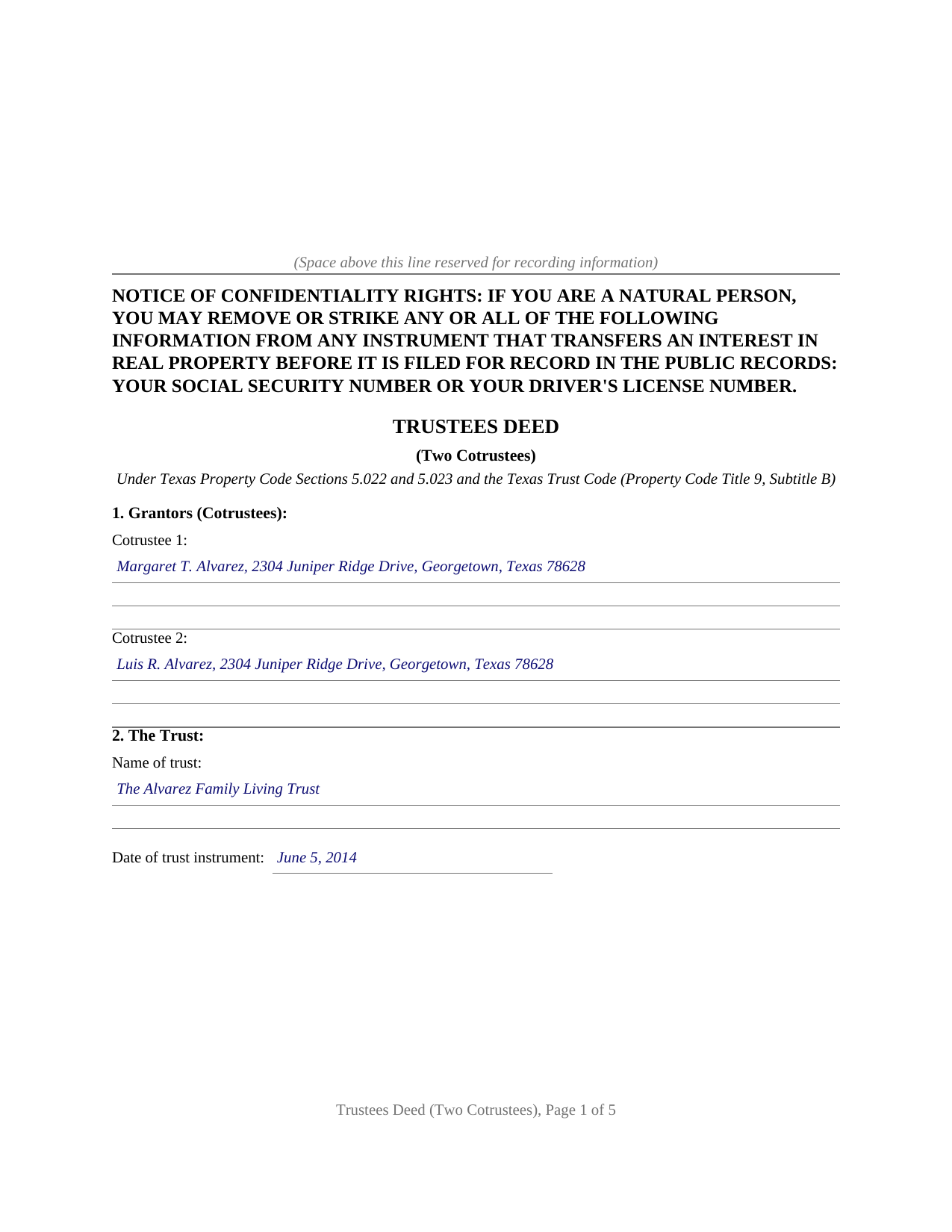
Hockley County Completed Example of the Trustees Deed (Two Cotrustees) Document
Example of a properly completed Texas Trustees Deed (Two Cotrustees) document for reference.
All 3 documents above included • One-time purchase • No recurring fees
Immediate Download • Secure Checkout
Additional Texas and Hockley County documents included at no extra charge:
Where to Record Your Documents
Hockley County Clerk
Levelland, Texas 79336
Hours: Monday - Friday 9:00 am - 5:00 pm
Phone: (806) 894-3185
Recording Tips for Hockley County:
- Bring your driver's license or state-issued photo ID
- Ensure all signatures are in blue or black ink
- Ask about their eRecording option for future transactions
- Avoid the last business day of the month when possible
- Both spouses typically need to sign if property is jointly owned
Cities and Jurisdictions in Hockley County
Properties in any of these areas use Hockley County forms:
- Anton
- Levelland
- Pep
- Ropesville
- Smyer
- Sundown
- Whitharral
Hours, fees, requirements, and more for Hockley County
How do I get my forms?
Forms are available for immediate download after payment. The Hockley County forms will be in your account ready to download to your computer. An account is created for you during checkout if you don't have one. Forms are NOT emailed.
Are these forms guaranteed to be recordable in Hockley County?
Yes. Our form blanks are guaranteed to meet or exceed the applicable formatting requirements used for recording in Hockley County, including margin requirements, font requirements, and other layout standards. This guarantee applies to formatting, not to the legal sufficiency of information entered by the user or the suitability of a form for a particular transaction.
Can I reuse these forms?
Yes. You can reuse the forms for your personal use. For example, if you have multiple properties in Hockley County you only need to order once.
What do I need to use these forms?
The forms are PDFs that you fill out on your computer. The free Adobe Acrobat Reader is recommended, and most PDF apps also work. You do NOT enter your property information online - you download the blank forms and complete them privately on your own computer.
Are there any recurring fees?
No. This is a one-time purchase. Nothing to cancel, no memberships, no recurring fees.
How much does it cost to record in Hockley County?
Recording fees in Hockley County vary. Contact the recorder's office at (806) 894-3185 for current fees.
Questions answered? Let's get started!
When two cotrustees hold title to Texas real property on behalf of a trust, both must sign the deed that conveys it. Property Code Section 113.085 states why: cotrustees act by majority, and a majority of two is both. This trustees deed is built around that arithmetic, naming both currently serving cotrustees as grantors, identifying the trust by name and date, and carrying separate signature blocks and a separate notary certificate for each signer so the cotrustees may execute on different dates, before different notaries, or in different states.
A conveyance from trust to grantee
The deed conveys with the Texas words of grant, the language Property Code Section 5.022 associates with a deed that carries the property itself rather than merely releasing whatever interest the grantors hold. The distinction matters because Geodyne Energy Income Production Partnership v. Newton Corp., 161 S.W.3d 482 (Tex. 2005), drew a line between a true conveyance and a quitclaim based on whether the language, read as a whole, transfers the property or only the grantor's rights. This deed uses grant, sell, and convey, keeping it on the conveyance side of that line. The habendum clause follows the same pattern, and the return address and grantee address blocks serve the Property Code Section 11.003 address requirement at the recording counter.
The two-cotrustee configuration
The form recites exactly two currently serving cotrustees of the same trust. Both must sign, and the conveyance language states that they join together in the conveyance, satisfying Section 113.085's majority standard for a trust with two trustees. The granting clause and the warranty both run in the cotrustee capacity expressly, so the county records carry a complete fiduciary conveyance from the vesting deed in to this deed out. The conveyance authority rests on Property Code Section 113.010, subject always to Section 113.001, which makes the trust instrument the first word on any trustee's power to sell or convey. A trust whose instrument names only one trustee, or a trust company acting through an officer, presents a configuration that a different form in the Texas trustee deed line addresses.
A warranty scoped to fiduciary tenure
The warranty is special: the grantors bind themselves, solely in their fiduciary capacity and not individually, and the trust estate, to defend the title against claims arising by, through, or under them in that capacity. An express provision under Property Code Section 5.023 limits every covenant implied from the words of grant to the same scope, so no personal obligation reaches the cotrustees' own assets. The trust agreement ordinarily stays private. Property Code Section 114.086 provides for a certification of trust, a trustee-signed summary of the trust's existence, its date, the acting trustees, and their powers, which title examiners review in place of the full instrument. Section 114.081 protects a person dealing with a trustee in good faith and for fair value received by the trust, and Section 114.082 addresses the position of undisclosed beneficiaries whose interest the vesting deed never identified.
Inside the package
The download includes the blank deed as a fillable PDF, a completed example showing the deed filled in for a fictional Williamson County sale by the two cotrustees of a family living trust, and a guide covering every numbered section of the form from the trust identification fields through the recording steps. The deed is formatted for Texas recording, with reserved space for the clerk's recording stamp, the Property Code Section 11.008 confidentiality notice in boldfaced capitals at the top of the instrument page, and the source of title and encumbrances sections that help a subsequent title examiner trace the chain. Texas imposes no transfer tax on deeds, so the instrument and any attached exhibits are the complete recording package. The materials are informational and are not legal advice.
Important: Your property must be located in Hockley County to use these forms. Documents should be recorded at the county recording office listed above.
This Trustees Deed (Two Cotrustees) meets all recording requirements specific to Hockley County.
Our Promise
The documents you receive here are guaranteed to meet or exceed the applicable Hockley County recording format requirements. If there is a rejection caused by our formatting, we will correct the issue or refund your payment. This guarantee applies to document formatting only and does not extend to information entered by the user, the selection of the form, or the legal effect of the completed document.
Save Time and Money
Get your Hockley County Trustees Deed (Two Cotrustees) form done right the first time with Deeds.com Uniform Conveyancing Blanks. At Deeds.com, we understand that your time and money are valuable resources, and we don't want you to face a penalty fee or rejection imposed by a county recorder for submitting nonstandard documents. We constantly review and update our forms to meet rapidly changing state and county recording requirements for roughly 3,500 counties and local jurisdictions.
4.8 out of 5 - ( 4,844 Reviews )
Daniel V. 5 out of 5 stars
Awesome service Recorded a deed within 24hrs and saved my self a 14hr+ journey
Thank you for your feedback. We really appreciate it. Have a great day!
Edwin M. 5 out of 5 stars
Good marks from me. Keep up the good work !
Thank you!
Valerie R. 5 out of 5 stars
My expereince with Deeds.com was easy and efficent. Great way to efile documents during these trying times.
We appreciate your business and value your feedback. Thank you. Have a wonderful day!
Christine M. 5 out of 5 stars
Forms were top notch, easy to complete, printed beautifully, recorded with no revisions. Highly recommend for anyone preparing their own deeds.
Thank you for the kind words Christine. Have an amazing day!
Lisa C. 5 out of 5 stars
Thank you. Very easy!
We are delighted to have been of service. Thank you for the positive review!
Roger A. 5 out of 5 stars
Easy peasy to use! It's great to have the guide for completing the form and an example of a completed form.
It was a pleasure serving you. Thank you for the positive feedback!
Coby A. 5 out of 5 stars
great service and quick filing.
Thank you!
Tamara R. 5 out of 5 stars
Easy to use and clear instructions.
We appreciate your business and value your feedback. Thank you. Have a wonderful day!
Devra R. 5 out of 5 stars
A refreshingly easy service to use. They offer auxiliary forms as a courtesy. Theres no "gotcha" capitalism. You pay the reasonable fee and the needed forms are accessible instantly to download. I've used it twice so far and it worked perfectly!
We appreciate your business and value your feedback. Thank you. Have a wonderful day!
Donna W. 5 out of 5 stars
This is an amazing place to come for all your deed help. I had looked on several other sites without luck, but deeds.com got everything I needed quickly and they are very inexpensive! Love this site and will be recommending it to anyone needing this type of help.
Thank you for your positive words! We’re thrilled to hear about your experience.
Joseph I. 5 out of 5 stars
Your instructions and sample are geared towards businesses. It would have been helpful to have included some for us individuals as married couples as well. I also recall one or two spelling errors on the form that I could not fix, and the instructions seem to be for a prior form. This particular registry also required a stamped self-addressed envelope for return of documents. Hey, you asked! Overall, pleased.
Thank you for your feedback. We really appreciate it. Have a great day!
Jacqueline H. 5 out of 5 stars
Thank you for all your assistance and patience in doing the deed. I can honestly say that DEEDs.com will be permanently on my list as a go to company. I will use the company as a referral to friends and family.
We appreciate your business and value your feedback. Thank you. Have a wonderful day!
ANGELIA E. 5 out of 5 stars
Thanks for your expedite process
We appreciate your business and value your feedback. Thank you. Have a wonderful day!
Deirdre M. 5 out of 5 stars
Thank for you guidance to amend & correct & recover my home with evidence you provide in Dead Fraud. I'll keep you updated.
Thank you!
Fred B. 5 out of 5 stars
Great site and very easy to use. I will be using this for all of my search and form requirements.
Thank you for your feedback. We really appreciate it. Have a great day!