Bailey County Warranty Deed to Trustee Form
Last validated November 2, 2026 by our Forms Development TeamFormatted for recording in Bailey County, for property anywhere in the county: rural and unincorporated areas as well as Bula, Enochs, Maple, Muleshoe.
- 3 documents included
- Immediate PDF download
- Formatting guarantee
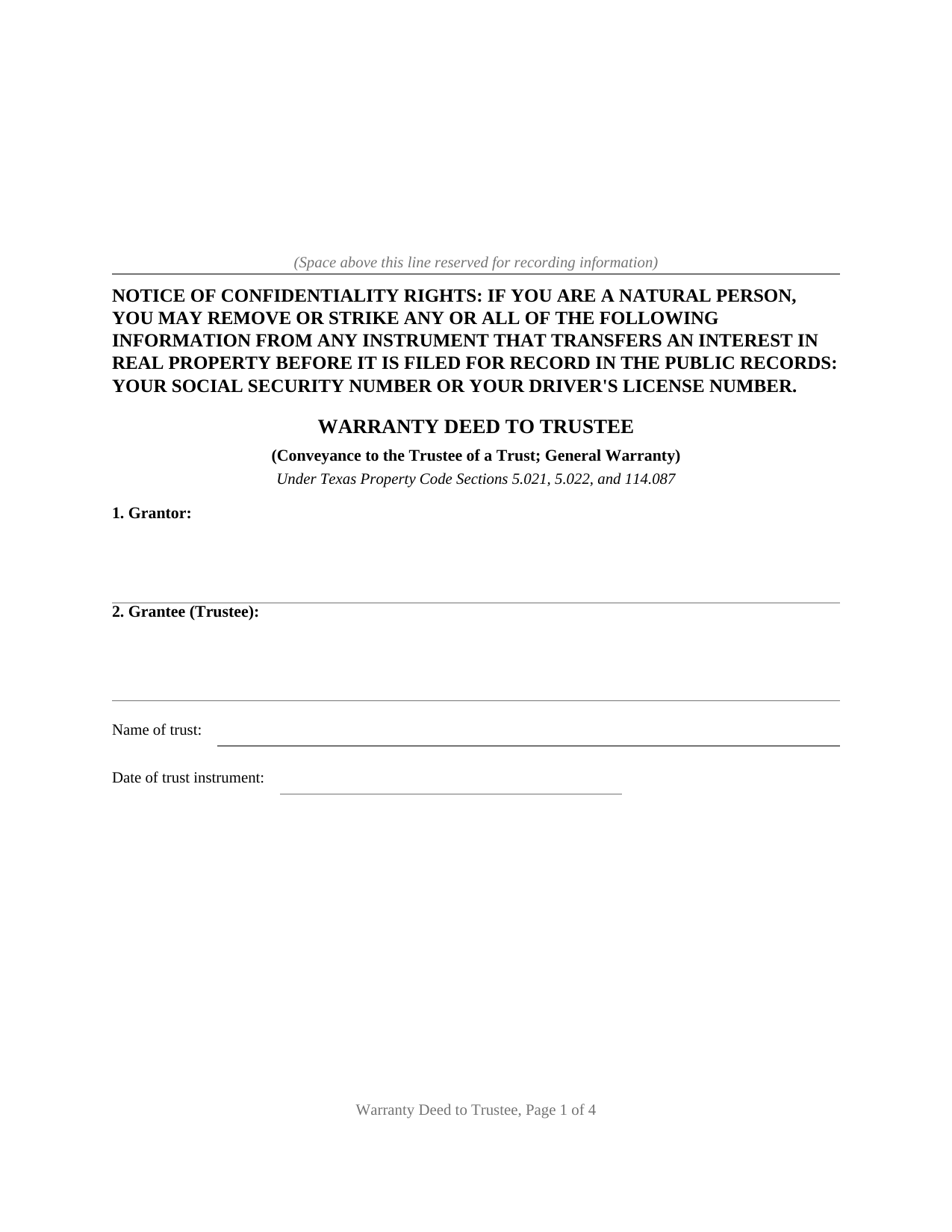
Bailey County Warranty Deed to Trustee Form
Fill in the blank Warranty Deed to Trustee form formatted to comply with all Texas recording and content requirements.
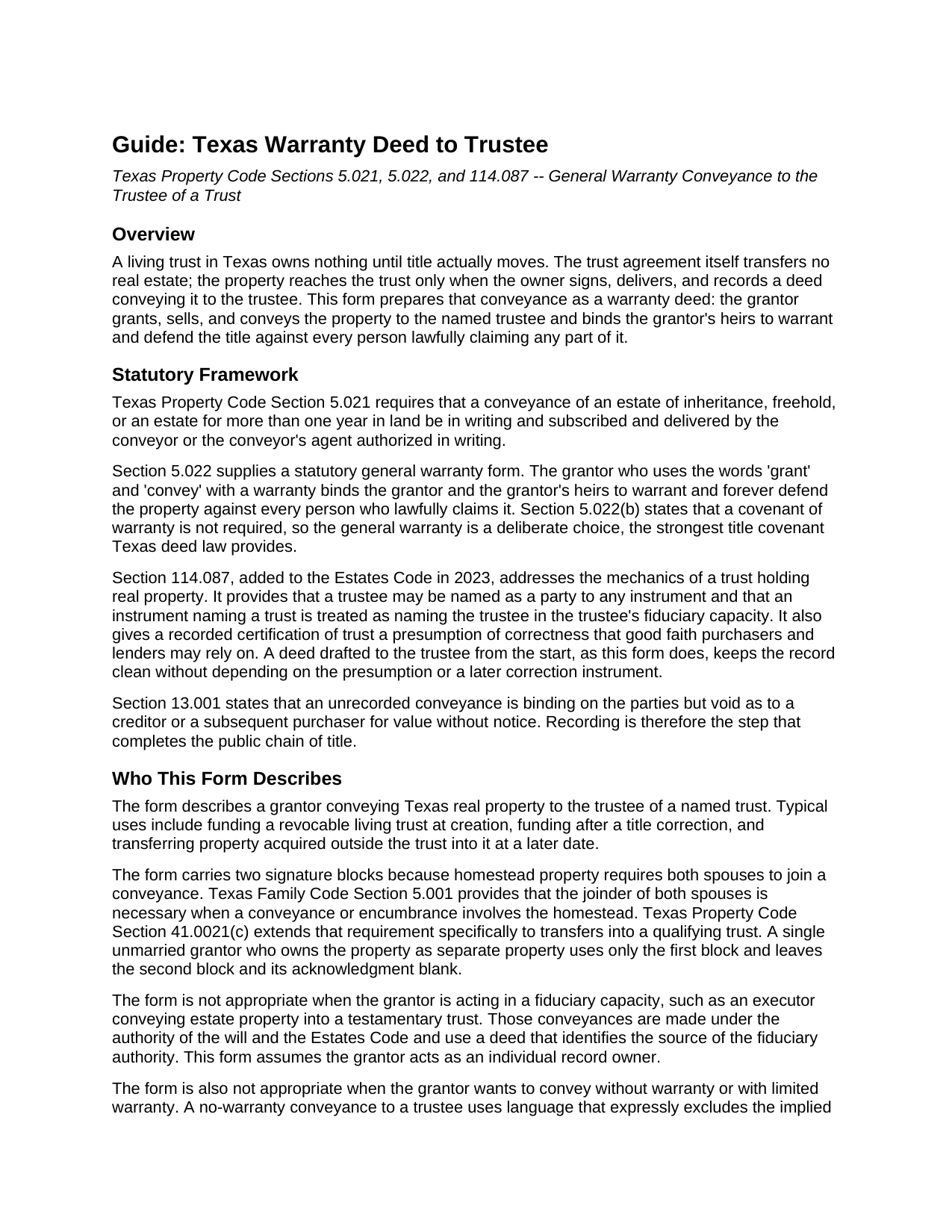
Bailey County Warranty Deed to Trustee Guide
Line by line guide explaining every blank on the Warranty Deed to Trustee form.
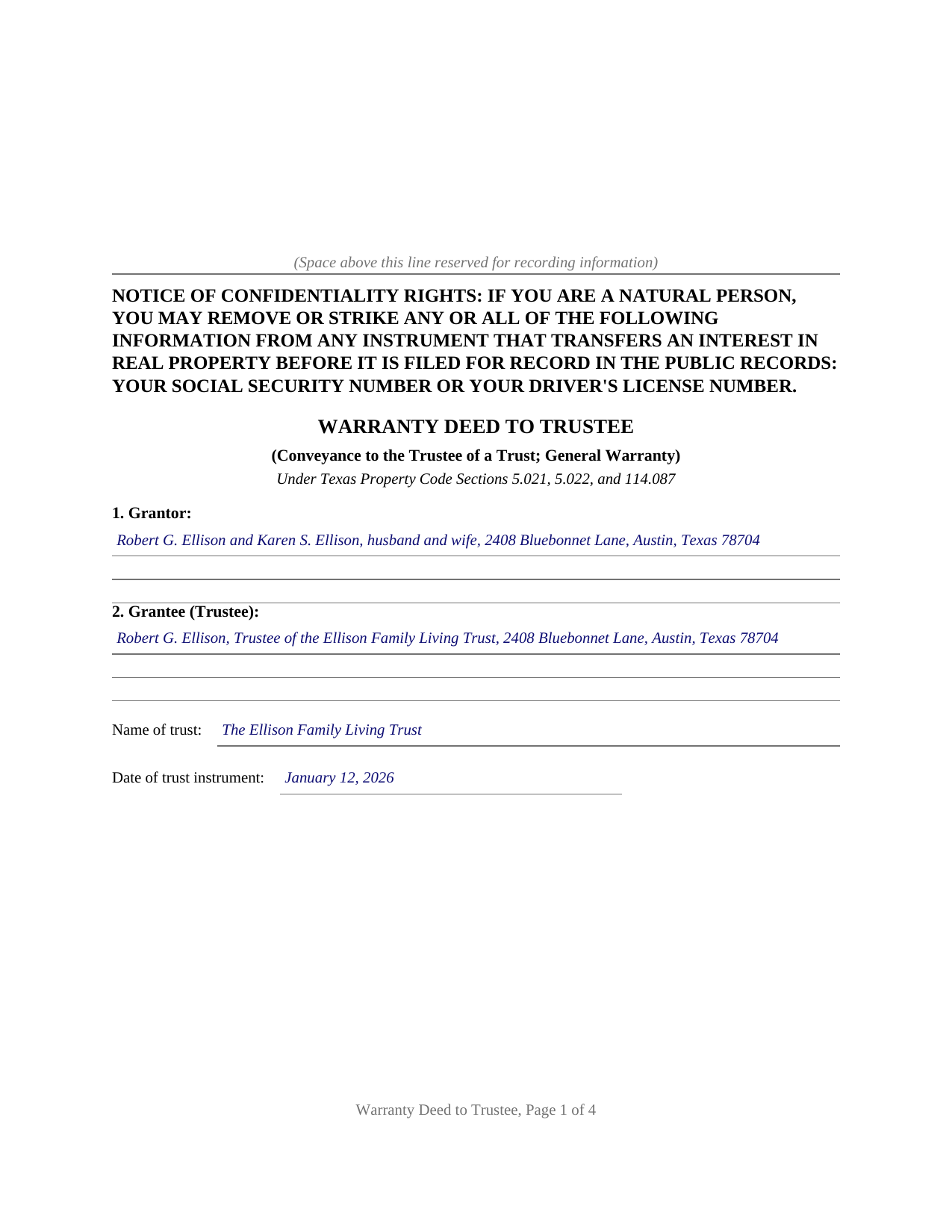
Bailey County Completed Example of the Warranty Deed to Trustee Document
Example of a properly completed Texas Warranty Deed to Trustee document for reference.
All 3 documents above included • One-time purchase • No recurring fees
Immediate Download • Secure Checkout
Additional Texas and Bailey County documents included at no extra charge:
Where to Record Your Documents
Bailey County Clerk
Muleshoe, Texas TX 79347
Hours: Monday to Friday 8:30am - 12:00 and 1:00 - 5:00pm
Phone: (806) 272-3044
Recording Tips for Bailey County:
- Bring your driver's license or state-issued photo ID
- Ensure all signatures are in blue or black ink
- Ask if they accept credit cards - many offices are cash/check only
- Check that your notary's commission hasn't expired
- Documents must be on 8.5 x 11 inch white paper
Cities and Jurisdictions in Bailey County
Properties in any of these areas use Bailey County forms:
- Bula
- Enochs
- Maple
- Muleshoe
Hours, fees, requirements, and more for Bailey County
How do I get my forms?
Forms are available for immediate download after payment. The Bailey County forms will be in your account ready to download to your computer. An account is created for you during checkout if you don't have one. Forms are NOT emailed.
Are these forms guaranteed to be recordable in Bailey County?
Yes. Our form blanks are guaranteed to meet or exceed the applicable formatting requirements used for recording in Bailey County, including margin requirements, font requirements, and other layout standards. This guarantee applies to formatting, not to the legal sufficiency of information entered by the user or the suitability of a form for a particular transaction.
Can I reuse these forms?
Yes. You can reuse the forms for your personal use. For example, if you have multiple properties in Bailey County you only need to order once.
What do I need to use these forms?
The forms are PDFs that you fill out on your computer. The free Adobe Acrobat Reader is recommended, and most PDF apps also work. You do NOT enter your property information online - you download the blank forms and complete them privately on your own computer.
Are there any recurring fees?
No. This is a one-time purchase. Nothing to cancel, no memberships, no recurring fees.
How much does it cost to record in Bailey County?
Recording fees in Bailey County vary. Contact the recorder's office at (806) 272-3044 for current fees.
Questions answered? Let's get started!
A living trust in Texas owns nothing until title actually moves. The trust agreement transfers no real estate; the property reaches the trust only when the owner signs, delivers, and records a deed conveying it to the trustee. The Texas Warranty Deed to Trustee prepares that conveyance with a covenant of general warranty, the strongest title assurance Texas deed law provides.
Title Goes to the Trustee, Not the Trust
A Texas trust is a fiduciary relationship rather than a legal entity, so legal title to trust real estate belongs to the trustee. This deed names the grantee accordingly: the trustee, identified by name and mailing address, together with the trust's full name and the date of the trust instrument. Since 2023, Property Code Section 114.087 has backstopped that architecture by treating the trustee as the named party to any instrument that names the trust, and by giving a recorded certification of trust a presumption of correctness that good faith purchasers and lenders may rely on. A deed drafted to the trustee from the start keeps the record clean without leaning on the presumption or on a later correction instrument.
A General Warranty on the Way In
The operative language follows the statutory general warranty pattern of Property Code Section 5.022: the grantor grants, sells, and conveys the property and binds the grantor and the grantor's heirs to warrant and forever defend it against every person lawfully claiming any part of it. Carrying the full covenant into the trust preserves an unbroken chain of warranties in the title, for the benefit of the trust and of anyone who later takes from the trustee. A reservations section defines what the conveyance is subject to and where the warranty stops, such as recorded easements, mineral reservations, and an existing deed of trust lien.
Homestead, Marriage, and the Qualifying Trust
Because the property conveyed is so often the family home, the form is built around Texas homestead law. Family Code Section 5.001 requires both spouses to join in a conveyance of homestead property, and Property Code Section 41.0021(c) restates that requirement for transfers into a qualifying trust, so the deed carries a second signature block and a second acknowledgment certificate for a second grantor or a joining spouse. Property Code Section 41.0021 and Tax Code Section 11.13(j) allow a properly structured qualifying trust to keep the home's creditor protection and property tax exemption after the transfer, and the guide describes how those definitions operate and what county appraisal districts look for.
Recorded in the County Where the Property Sits
The deed is recorded with the county clerk of the county where the property is located, and it is formatted for Texas recording standards, including the confidentiality notice Property Code Section 11.008 places at the top of the first page and reserved space for the clerk's recording stamp. Texas has no deed transfer tax, so the recorded deed and any exhibits are the complete recording package.
The download includes the blank deed as a fillable PDF, a completed example documenting a realistic Travis County trust funding, and a plain language guide that walks through every numbered section. The materials are informational and are not legal advice; a Texas attorney can apply these rules to a specific title or trust.
Important: Your property must be located in Bailey County to use these forms. Documents should be recorded at the county recording office listed above.
This Warranty Deed to Trustee meets all recording requirements specific to Bailey County.
Our Promise
The documents you receive here are guaranteed to meet or exceed the applicable Bailey County recording format requirements. If there is a rejection caused by our formatting, we will correct the issue or refund your payment. This guarantee applies to document formatting only and does not extend to information entered by the user, the selection of the form, or the legal effect of the completed document.
Save Time and Money
Get your Bailey County Warranty Deed to Trustee form done right the first time with Deeds.com Uniform Conveyancing Blanks. At Deeds.com, we understand that your time and money are valuable resources, and we don't want you to face a penalty fee or rejection imposed by a county recorder for submitting nonstandard documents. We constantly review and update our forms to meet rapidly changing state and county recording requirements for roughly 3,500 counties and local jurisdictions.
4.8 out of 5 - ( 4,843 Reviews )
Maribeth M. 5 out of 5 stars
Usually I have trouble registering things online, even though people tell me it's easy. This time, it WAS easy and fast, and I'm grateful I didn't have to drive somewhere and stand in line. Thank you!
We appreciate your business and value your feedback. Thank you. Have a wonderful day!
Maria B. 5 out of 5 stars
Deeds.com has excellent customer service and great processing times! I highly recommend their services.
We appreciate your business and value your feedback. Thank you. Have a wonderful day!
Donald W. 5 out of 5 stars
Well organized document preparation. Great way to save on legal fees
Thank you for your feedback. We really appreciate it. Have a great day!
Gloria L. 5 out of 5 stars
Quick and simple process! I wish I would have used them sooner!
Thank you for your feedback. We really appreciate it. Have a great day!
Larry R. 5 out of 5 stars
I appreciate the opportunity to take care of business without the hassle of parking, security checks and lines. It was all done quickly and easily.
Thank you!
Alan M. 4 out of 5 stars
The packet I downloaded was complete and useful, and process was not unduly opaque. However, I would have liked to download the whole packet, about 6 files, all at one go. Still, the forms provided the complete solution to my situation.
Thank you for your feedback. We really appreciate it. Have a great day!
Edith W. 5 out of 5 stars
I was very pleased to be able to get all the legal forms, with instructions, I need to file a beneficiary deed specific to my county in one place. The downloads went smoothly. Deeds.com has saved me time and money by offering this service.
We appreciate your business and value your feedback. Thank you. Have a wonderful day!
Arthur T. 5 out of 5 stars
Thanks
Thank you!
Fedila A. 5 out of 5 stars
Thank you! I got the forms and saved them. Fast download and the price is given before ordering which is great. The only thing missing is the sample of the Cover Page. Thanks a lot!
We appreciate your business and value your feedback. Thank you. Have a wonderful day!
Steven C. 5 out of 5 stars
Easy but a little overpriced
We appreciate your business and value your feedback. Thank you. Have a wonderful day!
Michelle I. 5 out of 5 stars
I'm happy to have found your service. Very pleased.
We appreciate your business and value your feedback. Thank you. Have a wonderful day!
Samantha A. 5 out of 5 stars
Its exactly what it said it was. I received multiple downloads, loaded fast and was pretty easy to navigate.
Thank you for your feedback. We really appreciate it. Have a great day!
Barbara C. 5 out of 5 stars
I have used these forms now at least 3 times in order to sell the same parcel of land. The forms are great and I'm happy that I could use them more than once. To no fault of Deeds.com I used them many times to sell the same land. First the man died that was buying, before it got recorded. Then his wife was going to finish it, but then decided it should be sold to another party who was a friend of hers.
We appreciate your business and value your feedback. Thank you. Have a wonderful day!
Stephen D. 5 out of 5 stars
I recommend you add a box "Add another document or package." The way it is now confused me, so I uploaded the same document two more times, thinking the upload failed the first two times.
Thank you for your feedback Stephen.
Helen M. 1 out of 5 stars
The forms are very confusing when there is so much to download! Trying to keep track and make sure you have everything needed is terrible! I think I have everything but I was under the impression I would be filling it out online and with instructions... I am very disappointed to say the least!
Sorry to hear of your disappointment Helen. We have gone ahead and canceled your order and payment. We do hope that you are able to find something more suitable to your needs elsewhere. Have a wonderful day.