Hamilton County Warranty Deed to Trustee Form
Last validated November 2, 2026 by our Forms Development TeamFormatted for recording in Hamilton County, for property anywhere in the county: rural and unincorporated areas as well as Carlton, Hamilton, Hico, Pottsville.
- 3 documents included
- Immediate PDF download
- Formatting guarantee
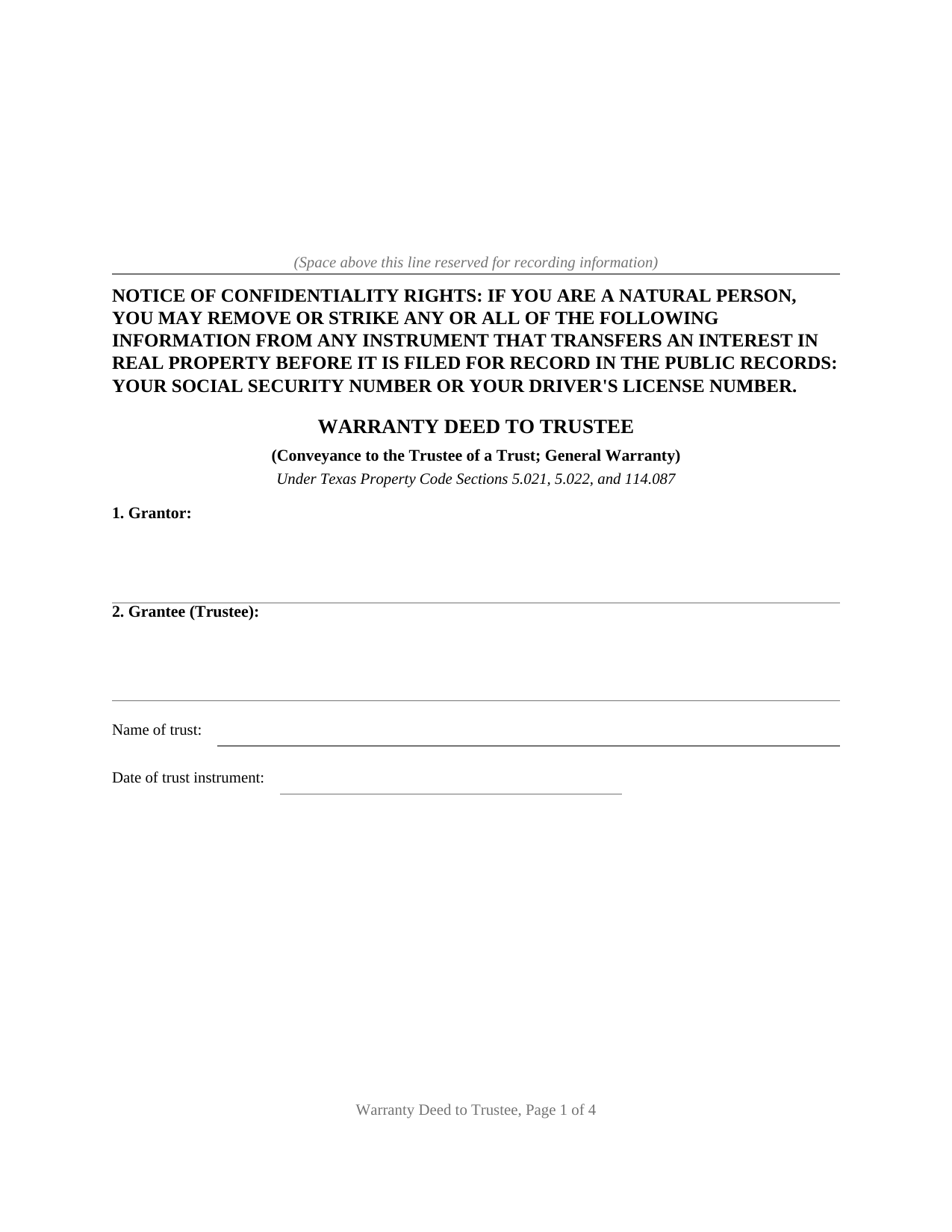
Hamilton County Warranty Deed to Trustee Form
Fill in the blank Warranty Deed to Trustee form formatted to comply with all Texas recording and content requirements.
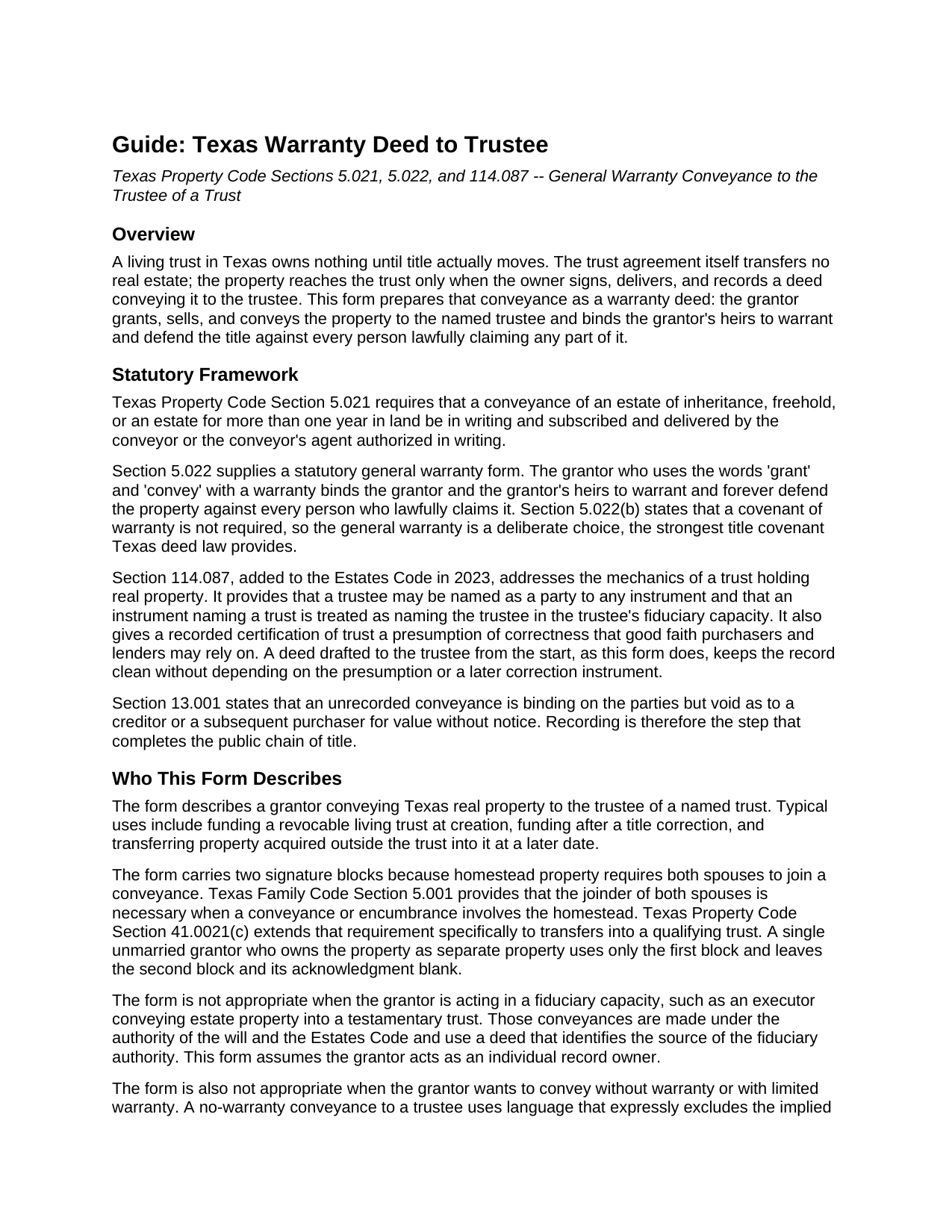
Hamilton County Warranty Deed to Trustee Guide
Line by line guide explaining every blank on the Warranty Deed to Trustee form.
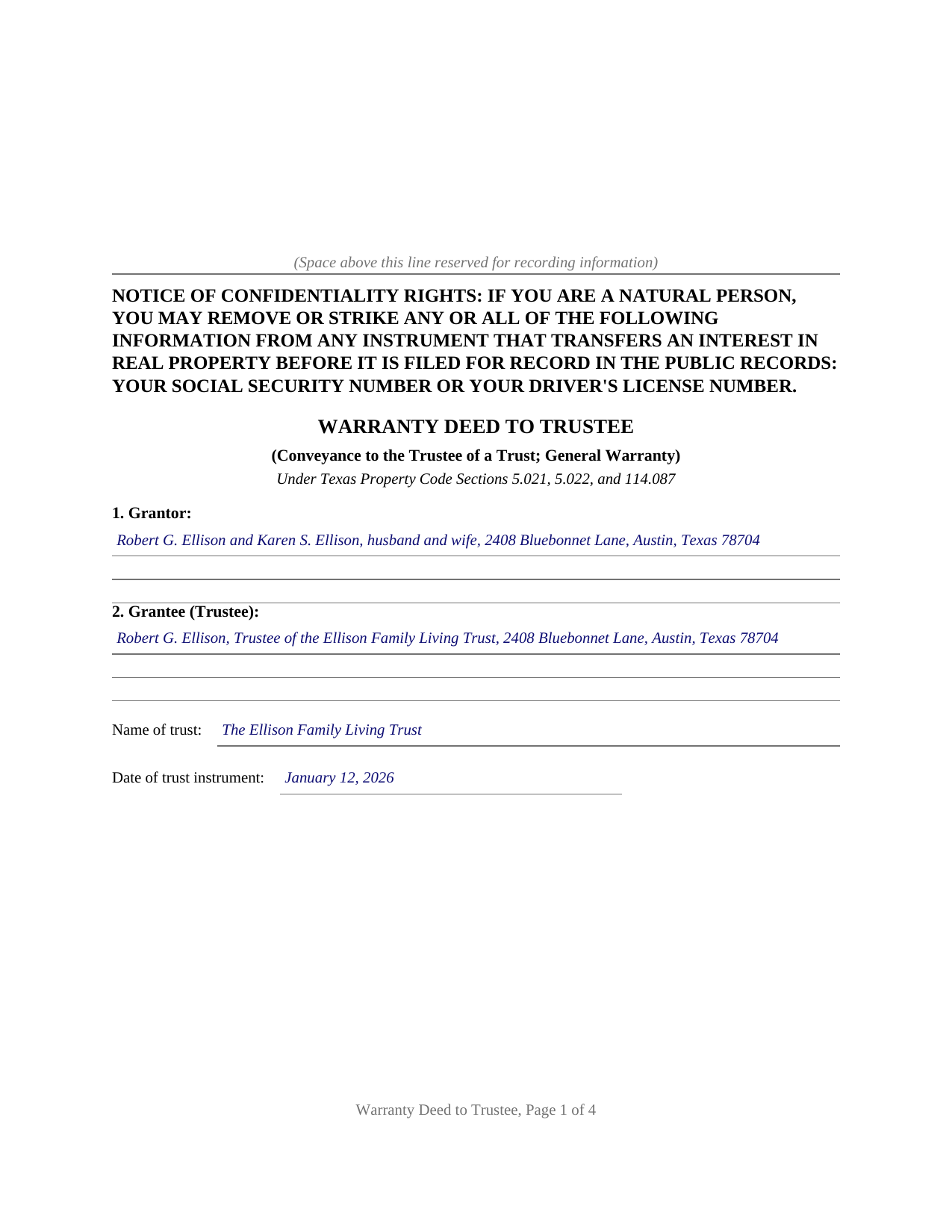
Hamilton County Completed Example of the Warranty Deed to Trustee Document
Example of a properly completed Texas Warranty Deed to Trustee document for reference.
All 3 documents above included • One-time purchase • No recurring fees
Immediate Download • Secure Checkout
Additional Texas and Hamilton County documents included at no extra charge:
Where to Record Your Documents
Hamilton County Clerk
Hamilton, Texas 76531-1909
Hours: Monday - Friday 8:00am - 4:30pm
Phone: (254)386-1205
Recording Tips for Hamilton County:
- Bring your driver's license or state-issued photo ID
- Ensure all signatures are in blue or black ink
- Request a receipt showing your recording numbers
- Ask about accepted payment methods when you call ahead
- Ask for certified copies if you need them for other transactions
Cities and Jurisdictions in Hamilton County
Properties in any of these areas use Hamilton County forms:
- Carlton
- Hamilton
- Hico
- Pottsville
Hours, fees, requirements, and more for Hamilton County
How do I get my forms?
Forms are available for immediate download after payment. The Hamilton County forms will be in your account ready to download to your computer. An account is created for you during checkout if you don't have one. Forms are NOT emailed.
Are these forms guaranteed to be recordable in Hamilton County?
Yes. Our form blanks are guaranteed to meet or exceed the applicable formatting requirements used for recording in Hamilton County, including margin requirements, font requirements, and other layout standards. This guarantee applies to formatting, not to the legal sufficiency of information entered by the user or the suitability of a form for a particular transaction.
Can I reuse these forms?
Yes. You can reuse the forms for your personal use. For example, if you have multiple properties in Hamilton County you only need to order once.
What do I need to use these forms?
The forms are PDFs that you fill out on your computer. The free Adobe Acrobat Reader is recommended, and most PDF apps also work. You do NOT enter your property information online - you download the blank forms and complete them privately on your own computer.
Are there any recurring fees?
No. This is a one-time purchase. Nothing to cancel, no memberships, no recurring fees.
How much does it cost to record in Hamilton County?
Recording fees in Hamilton County vary. Contact the recorder's office at (254)386-1205 for current fees.
Questions answered? Let's get started!
A living trust in Texas owns nothing until title actually moves. The trust agreement transfers no real estate; the property reaches the trust only when the owner signs, delivers, and records a deed conveying it to the trustee. The Texas Warranty Deed to Trustee prepares that conveyance with a covenant of general warranty, the strongest title assurance Texas deed law provides.
Title Goes to the Trustee, Not the Trust
A Texas trust is a fiduciary relationship rather than a legal entity, so legal title to trust real estate belongs to the trustee. This deed names the grantee accordingly: the trustee, identified by name and mailing address, together with the trust's full name and the date of the trust instrument. Since 2023, Property Code Section 114.087 has backstopped that architecture by treating the trustee as the named party to any instrument that names the trust, and by giving a recorded certification of trust a presumption of correctness that good faith purchasers and lenders may rely on. A deed drafted to the trustee from the start keeps the record clean without leaning on the presumption or on a later correction instrument.
A General Warranty on the Way In
The operative language follows the statutory general warranty pattern of Property Code Section 5.022: the grantor grants, sells, and conveys the property and binds the grantor and the grantor's heirs to warrant and forever defend it against every person lawfully claiming any part of it. Carrying the full covenant into the trust preserves an unbroken chain of warranties in the title, for the benefit of the trust and of anyone who later takes from the trustee. A reservations section defines what the conveyance is subject to and where the warranty stops, such as recorded easements, mineral reservations, and an existing deed of trust lien.
Homestead, Marriage, and the Qualifying Trust
Because the property conveyed is so often the family home, the form is built around Texas homestead law. Family Code Section 5.001 requires both spouses to join in a conveyance of homestead property, and Property Code Section 41.0021(c) restates that requirement for transfers into a qualifying trust, so the deed carries a second signature block and a second acknowledgment certificate for a second grantor or a joining spouse. Property Code Section 41.0021 and Tax Code Section 11.13(j) allow a properly structured qualifying trust to keep the home's creditor protection and property tax exemption after the transfer, and the guide describes how those definitions operate and what county appraisal districts look for.
Recorded in the County Where the Property Sits
The deed is recorded with the county clerk of the county where the property is located, and it is formatted for Texas recording standards, including the confidentiality notice Property Code Section 11.008 places at the top of the first page and reserved space for the clerk's recording stamp. Texas has no deed transfer tax, so the recorded deed and any exhibits are the complete recording package.
The download includes the blank deed as a fillable PDF, a completed example documenting a realistic Travis County trust funding, and a plain language guide that walks through every numbered section. The materials are informational and are not legal advice; a Texas attorney can apply these rules to a specific title or trust.
Important: Your property must be located in Hamilton County to use these forms. Documents should be recorded at the county recording office listed above.
This Warranty Deed to Trustee meets all recording requirements specific to Hamilton County.
Our Promise
The documents you receive here are guaranteed to meet or exceed the applicable Hamilton County recording format requirements. If there is a rejection caused by our formatting, we will correct the issue or refund your payment. This guarantee applies to document formatting only and does not extend to information entered by the user, the selection of the form, or the legal effect of the completed document.
Save Time and Money
Get your Hamilton County Warranty Deed to Trustee form done right the first time with Deeds.com Uniform Conveyancing Blanks. At Deeds.com, we understand that your time and money are valuable resources, and we don't want you to face a penalty fee or rejection imposed by a county recorder for submitting nonstandard documents. We constantly review and update our forms to meet rapidly changing state and county recording requirements for roughly 3,500 counties and local jurisdictions.
4.8 out of 5 - ( 4,845 Reviews )
Blaine G. 3 out of 5 stars
Pretty good promissory note...but unable to delete some of the not needed stuff. Fill in blanks are fine but not all the template language is appropriate in my situation
Thank you for your feedback. We really appreciate it. Have a great day!
Thomas A. 3 out of 5 stars
I was unable to complete the action due to the site inability to retrieve my deed.
Thank you for your feedback. We really appreciate it. Have a great day!
RONALD F. 5 out of 5 stars
Great service. Very reasonable cost. All necessary detailed information provided.
Thank you for your feedback. We really appreciate it. Have a great day!
DOUGLAS H. 5 out of 5 stars
Just as promised My quitclaim deed went through the county recorders office with no problem.
Thank you for your feedback. We really appreciate it. Have a great day!
Cheryl W. 5 out of 5 stars
Have yet to use. Appears over whelming, we will see.
Thank you for your feedback. We really appreciate it. Have a great day!
Michael L. 5 out of 5 stars
Professional, simple. Very good.
We appreciate your business and value your feedback. Thank you. Have a wonderful day!
Bruce B. 5 out of 5 stars
Worked great and was easy to use
Thanks Bruce, glad we could help.
Jerry E. 5 out of 5 stars
7 stars!
Thank you!
William C. 5 out of 5 stars
Excellent, easy to use. Technically accurate in all information offered.
Thank you!
Samantha S. 5 out of 5 stars
I really appreciated Deeds.com. It was quick and easy to use. Saved me substantial time completing my deed recording.
Thank you for your feedback. We really appreciate it. Have a great day!
Stacey H. 5 out of 5 stars
This was my first time using Deeds.com and I was very impressed on the professionalism and the expediency of the recording. Will definitely be using them again. Stacey H.
Your satisfaction with our services is of utmost importance to us. Thank you for letting us know how we did!
Ron D. 5 out of 5 stars
No choice since the county does not seem to provide info you supplied.
Thank Ron, have a great day!
Krissyn S. 5 out of 5 stars
It was so easy to find, download, and use the form I needed. Literally took about 5 minutes and I was ready to go. I loved that the download included a sample form and a guide to help fill out the form properly.
Thank you for your feedback. We really appreciate it. Have a great day!
Clarice O. 5 out of 5 stars
It was very easy plus exactly what I neded.
Thank you!
Katherine W. 5 out of 5 stars
I was impressed by the completeness of the package of forms PLUS instructions. Particularly helpful is the filled in sample, which enables you to see what a correct, completed deed ought to look like.
We appreciate your business and value your feedback. Thank you. Have a wonderful day!