Northampton County Certificate of Trust Form
Last validated October 6, 2026 by our Forms Development TeamFormatted for recording in Northampton County, for property anywhere in the county or independent city: rural and unincorporated areas as well as Birdsnest, Cape Charles, Capeville, Cheriton, Eastville, Exmore, Franktown, Jamesville and 8 more.
- 3 documents included
- Immediate PDF download
- Formatting guarantee
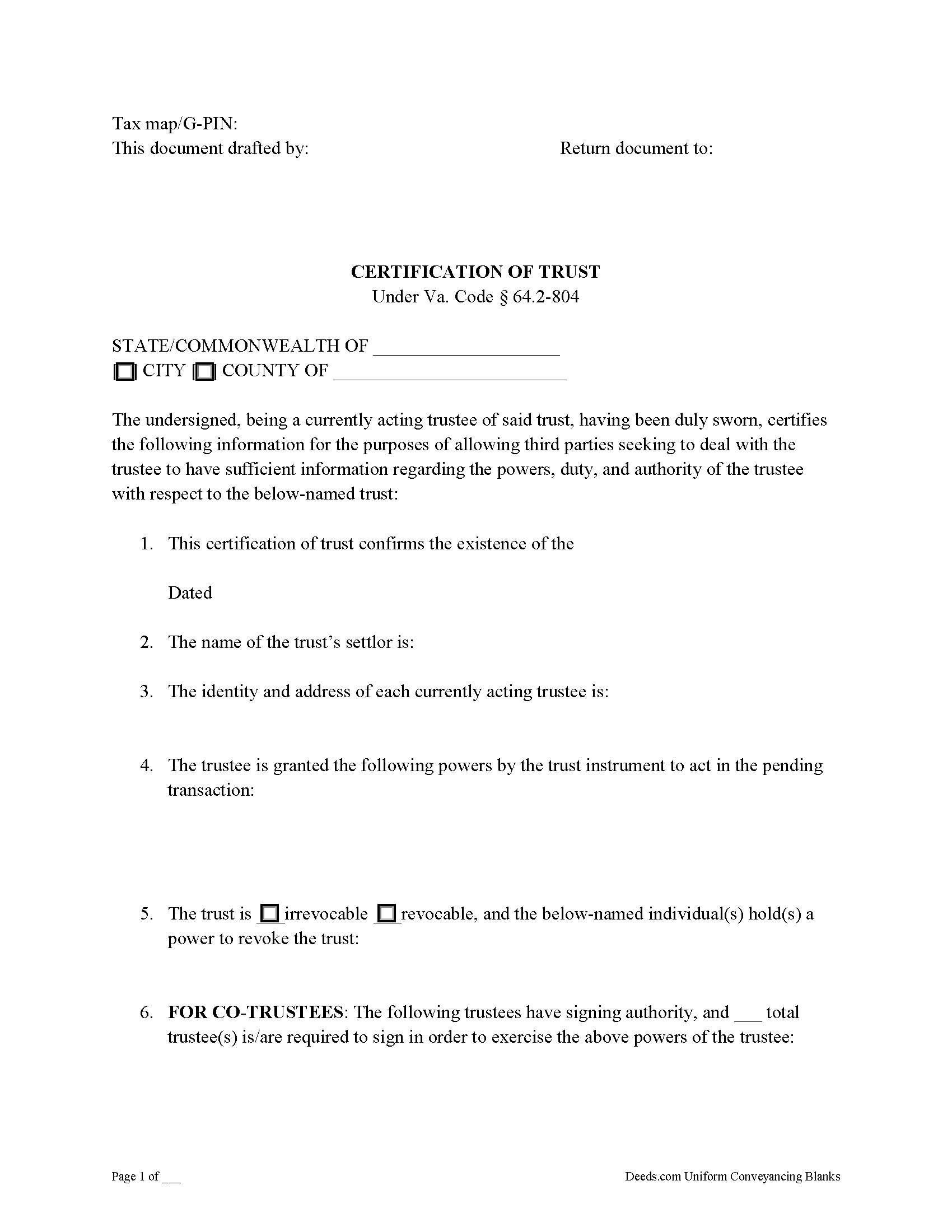
Northampton County Certificate of Trust Form
Fill in the blank form formatted to comply with all recording and content requirements.
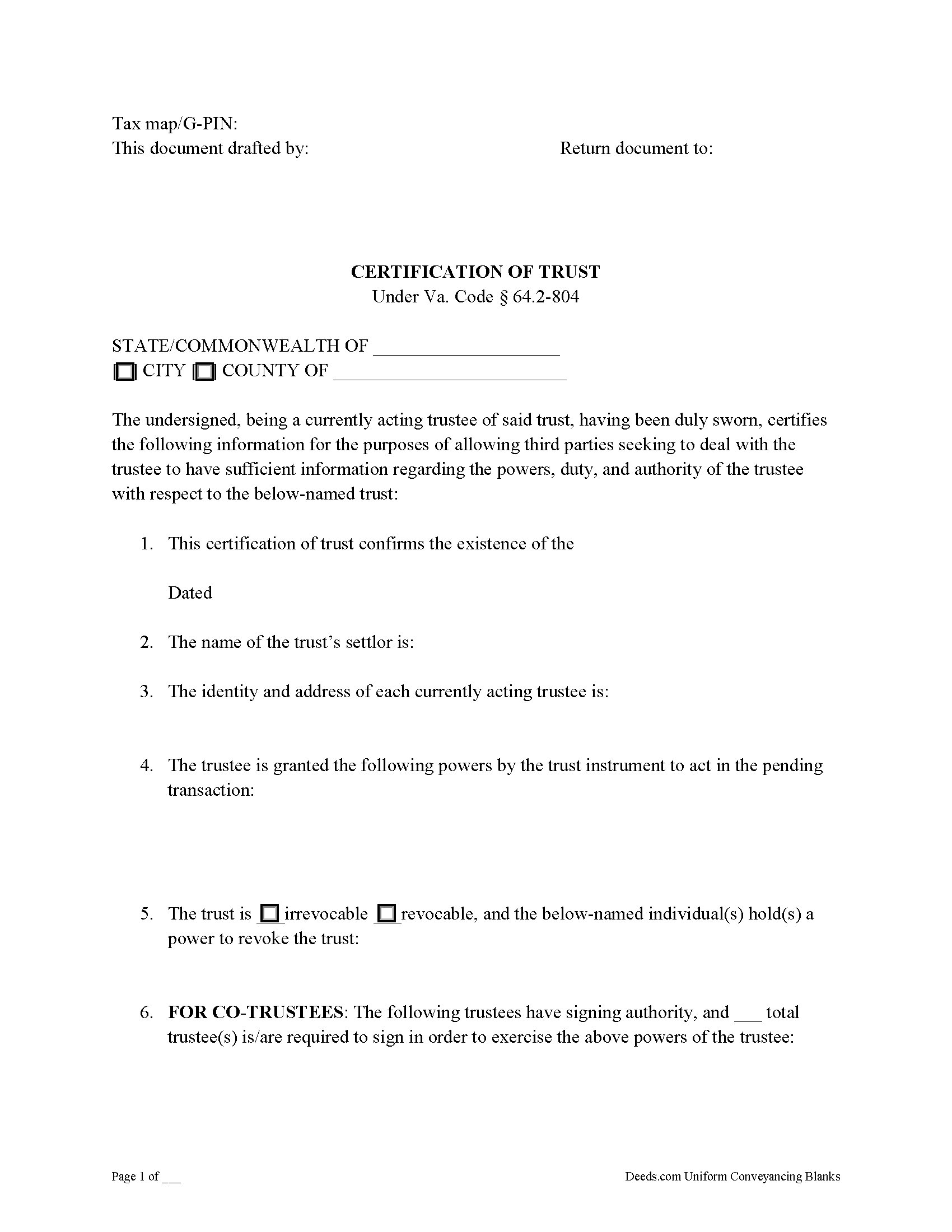
Northampton County Certificate of Trust Guide
Line by line guide explaining every blank on the form.
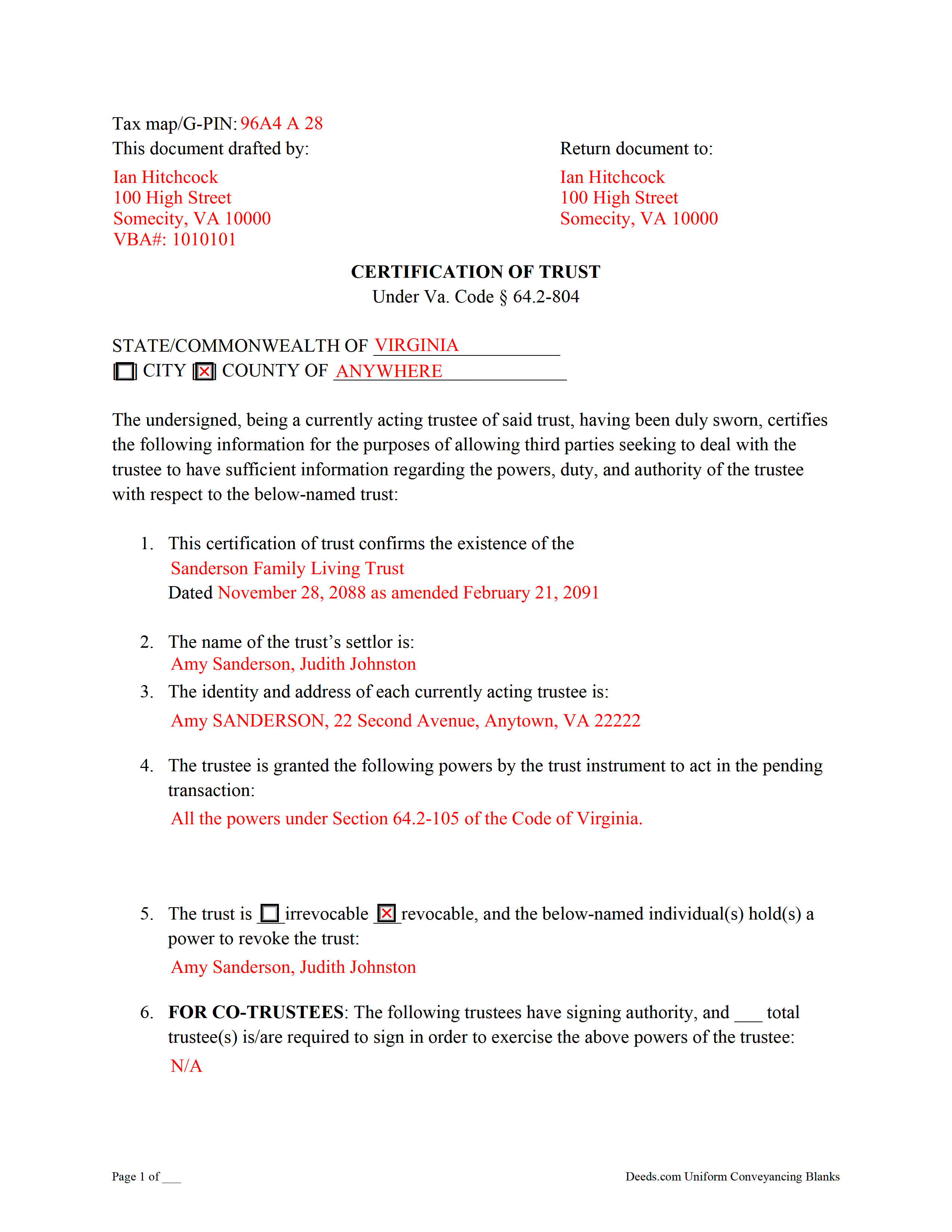
Northampton County Completed Example of the Certificate of Trust Document
Example of a properly completed form for reference.
All 3 documents above included • One-time purchase • No recurring fees
Immediate Download • Secure Checkout
Additional Virginia and Northampton County documents included at no extra charge:
Where to Record Your Documents
Northampton Circuit Court Clerk
Eastville, Virginia 23347-0036
Hours: 9:00 to 5:00 M-F
Phone: (757) 678-0465
Recording Tips for Northampton County:
- Bring your driver's license or state-issued photo ID
- Ensure all signatures are in blue or black ink
- Ask if they accept credit cards - many offices are cash/check only
- Check that your notary's commission hasn't expired
- Documents must be on 8.5 x 11 inch white paper
Cities and Jurisdictions in Northampton County
Properties in any of these areas use Northampton County forms:
- Birdsnest
- Cape Charles
- Capeville
- Cheriton
- Eastville
- Exmore
- Franktown
- Jamesville
- Machipongo
- Marionville
- Nassawadox
- Oyster
- Seaview
- Townsend
- Wardtown
- Willis Wharf
Hours, fees, requirements, and more for Northampton County
How do I get my forms?
Forms are available for immediate download after payment. The Northampton County forms will be in your account ready to download to your computer. An account is created for you during checkout if you don't have one. Forms are NOT emailed.
Are these forms guaranteed to be recordable in Northampton County?
Yes. Our form blanks are guaranteed to meet or exceed the applicable formatting requirements used for recording in Northampton County, including margin requirements, font requirements, and other layout standards. This guarantee applies to formatting, not to the legal sufficiency of information entered by the user or the suitability of a form for a particular transaction.
Can I reuse these forms?
Yes. You can reuse the forms for your personal use. For example, if you have multiple properties in Northampton County you only need to order once.
What do I need to use these forms?
The forms are PDFs that you fill out on your computer. The free Adobe Acrobat Reader is recommended, and most PDF apps also work. You do NOT enter your property information online - you download the blank forms and complete them privately on your own computer.
Are there any recurring fees?
No. This is a one-time purchase. Nothing to cancel, no memberships, no recurring fees.
How much does it cost to record in Northampton County?
Recording fees in Northampton County vary. Contact the recorder's office at (757) 678-0465 for current fees.
Questions answered? Let's get started!
Signed by a currently acting trustee, a certification or certificate of trust under Va. Code Ann. 64.2-804 is a document summarizing a trust in lieu of the trust instrument, and contains certified statements affirmed by the trustee in the presence of a notary public. The document confirms the existence of the subject trust and the trustee's capacity and relevant powers, and is presented in support of a transaction involving trust property.
A certificate of trust is frequently recorded alongside a trustee's deed or acquisition of real property by the trust, though recording of the document is not required by Virginia Code. Instead of disclosing the settlor's estate plan by providing the entire trust instrument, the certificate allows a trustee to provide parties outside of the trust arrangement (anyone who is not a trust beneficiary) only the essential information necessary to conduct the business at hand. Recipients of a certificate "may assume without inquiry the existence of the facts contained" within it ( 64.2-804(F)).
Requirements of a certificate include statements that the trust exists and that it has not been revoked or modified in a way that would invalidate the contents of the certificate. The form presents basic information, such as the trust's name and date; the identities of the settlor and the current trustee; the trust's identification number; and the name by which property is titled to the trust. In addition, the document identifies anyone who can revoke the trust and, if there are co-trustees, the specifications for authenticating documents relating to the trust.
Further, the document enumerates the powers of the trustee pertaining to the transaction for which the certificate is presented. These may include powers under the Uniform Trust Code, codified at 64.2-7 of the Virginia Code. Recipients of a certificate can also request excerpts of the trust instrument and any amendments thereto that designate the trustee and establish these powers.
Consult a lawyer with questions about trusts and certifications of trust in Virginia.
(Virginia COT Package includes form, guidelines, and completed example)
Important: Your property must be located in Northampton County to use these forms. Documents should be recorded at the county or independent city recording office listed above.
This Certificate of Trust meets all recording requirements specific to Northampton County.
Our Promise
The documents you receive here are guaranteed to meet or exceed the applicable Northampton County recording format requirements. If there is a rejection caused by our formatting, we will correct the issue or refund your payment. This guarantee applies to document formatting only and does not extend to information entered by the user, the selection of the form, or the legal effect of the completed document.
Save Time and Money
Get your Northampton County Certificate of Trust form done right the first time with Deeds.com Uniform Conveyancing Blanks. At Deeds.com, we understand that your time and money are valuable resources, and we don't want you to face a penalty fee or rejection imposed by a county recorder for submitting nonstandard documents. We constantly review and update our forms to meet rapidly changing state and county recording requirements for roughly 3,500 counties and local jurisdictions.
4.8 out of 5 - ( 4,837 Reviews )
Della M. 5 out of 5 stars
Very easy to purchase with immediate use of all of the forms that you need for probate of property. My parents had died and left equal shares of their home to my 2 brothers and I.
Thank you!
Nancy C. 5 out of 5 stars
Easy to use, found what I was looking for.
We are grateful for your feedback and looking forward to serving you again. Thank you!
Kevin B. 5 out of 5 stars
Ordered the Ohio Land Contract forms for Jefferson County. It was an awesome purchase for $28 bucks. Easy and straight forward for someone like me with no real estate background to make my own land contract and save a couple grand hiring an attorney to copy and paste one to me. I'll be buying the same package for every county I invest in!
We are grateful for your engagement and feedback, which help us to serve you better. Thank you for being an integral part of our community.
Daniel M. 5 out of 5 stars
It was quick and easy!! I recommend this site for your needs!!
Really appreciate you Daniel, thanks for the kind words.
Nancy E. 5 out of 5 stars
Easy to complete. I would suggest, since it is 2 pages, make a bigger space for land descriptions & sources.
Thank you for your feedback. We really appreciate it. Have a great day!
Kathy P. 4 out of 5 stars
Can you also make a search that includes the parcel number because that is all I had to go with and regular name searches didn't come up with anything I needed.
Your insights are invaluable to us and help us strive for better service. Thank you for taking the time to share your thoughts.
Marissa M. 5 out of 5 stars
I bought the Quitclaim deed and it was perfect to record at the courthouse
Thank you for your kind words and for choosing us.
Ismael T. 5 out of 5 stars
I was surprised and how quickly you guys process documents and helped on a mistake I had. Thank so much. I will definitely keep using Deeds.com
Thank you!
David H. 5 out of 5 stars
So So
Thank you!
Michael W. 5 out of 5 stars
Easy to use Website. Quick accurate data reporting. I will use the service in the future.
We appreciate your business and value your feedback. Thank you. Have a wonderful day!
Valarie H. 5 out of 5 stars
Thank you for offering this service. We were getting several different answers on how to solve our problem, and all of them involved getting an attorney. You saved us a ton of money and using your document made everything super easy...no attorney needed! Thank you!
Thank you for your feedback. We really appreciate it. Have a great day!
Charles F. 5 out of 5 stars
Hi Please do not take time to respond to my previous inquiry - - - I figured it out. Deeds.com is a great tool for those of us who have occasional need for your type of services. Thanks ! Chuck
Thank you!
GARY S. 5 out of 5 stars
I thought your forms are great. Easy to use with instructions provided.
We appreciate your business and value your feedback. Thank you. Have a wonderful day!
Teresa F. 5 out of 5 stars
Great! Received documents to download immediately and was able to do the needed with the information and instructions. Thank you
Thank you!
Claude F. 5 out of 5 stars
quick and easy to use, thank you
Thank you!