Prince George County Certificate of Trust Form
Last validated October 6, 2026 by our Forms Development TeamFormatted for recording in Prince George County, for property anywhere in the county or independent city: rural and unincorporated areas as well as Disputanta, Fort Lee, Prince George.
- 3 documents included
- Immediate PDF download
- Formatting guarantee
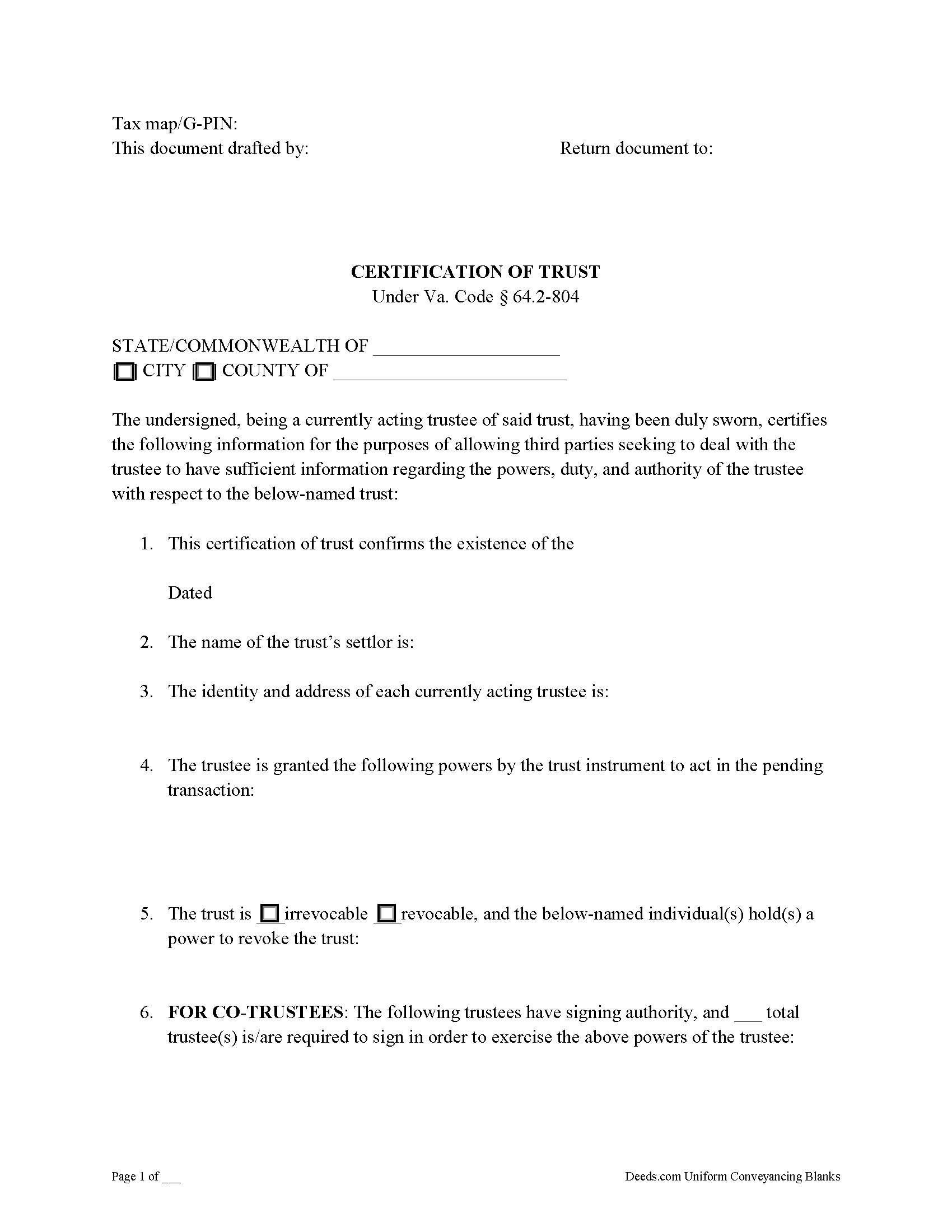
Prince George County Certificate of Trust Form
Fill in the blank form formatted to comply with all recording and content requirements.
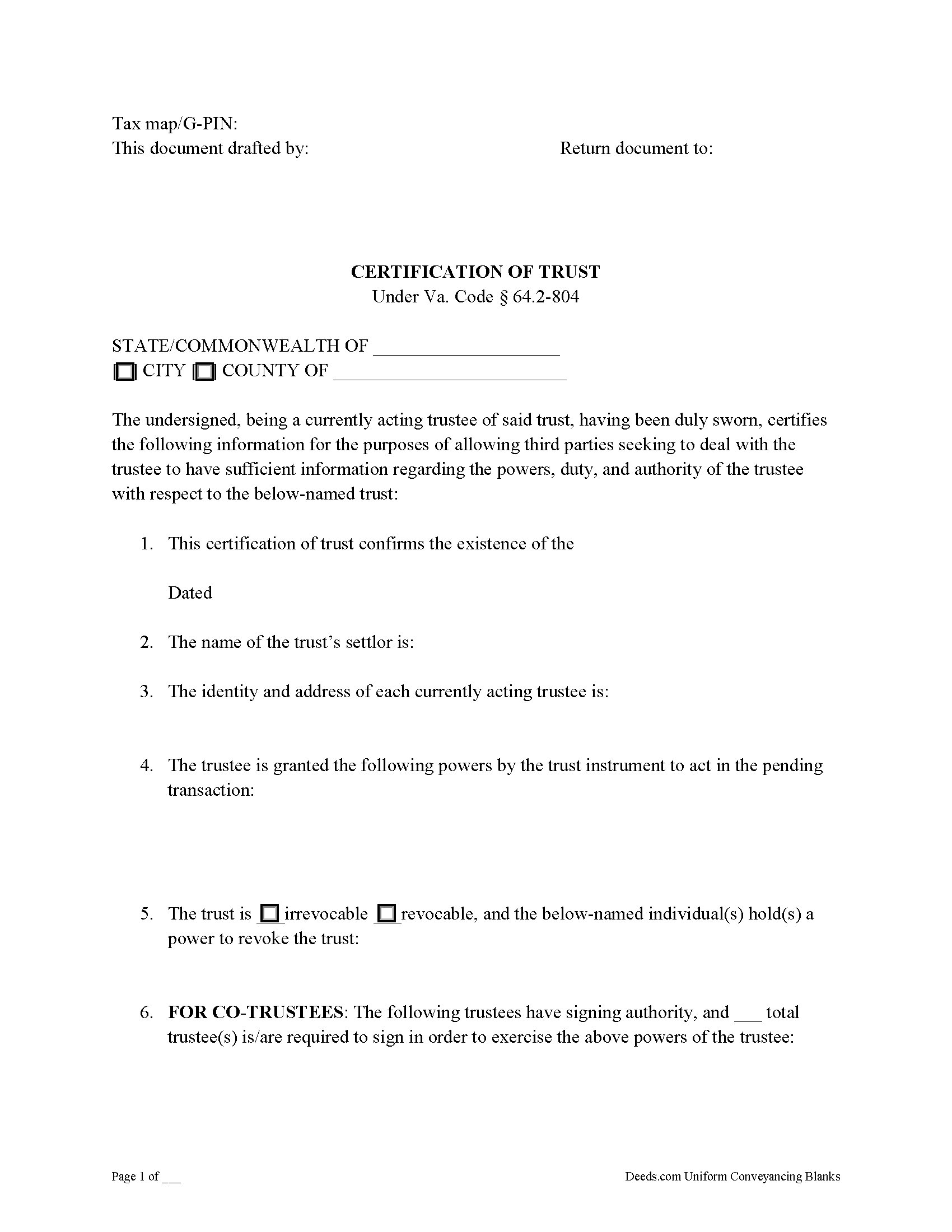
Prince George County Certificate of Trust Guide
Line by line guide explaining every blank on the form.
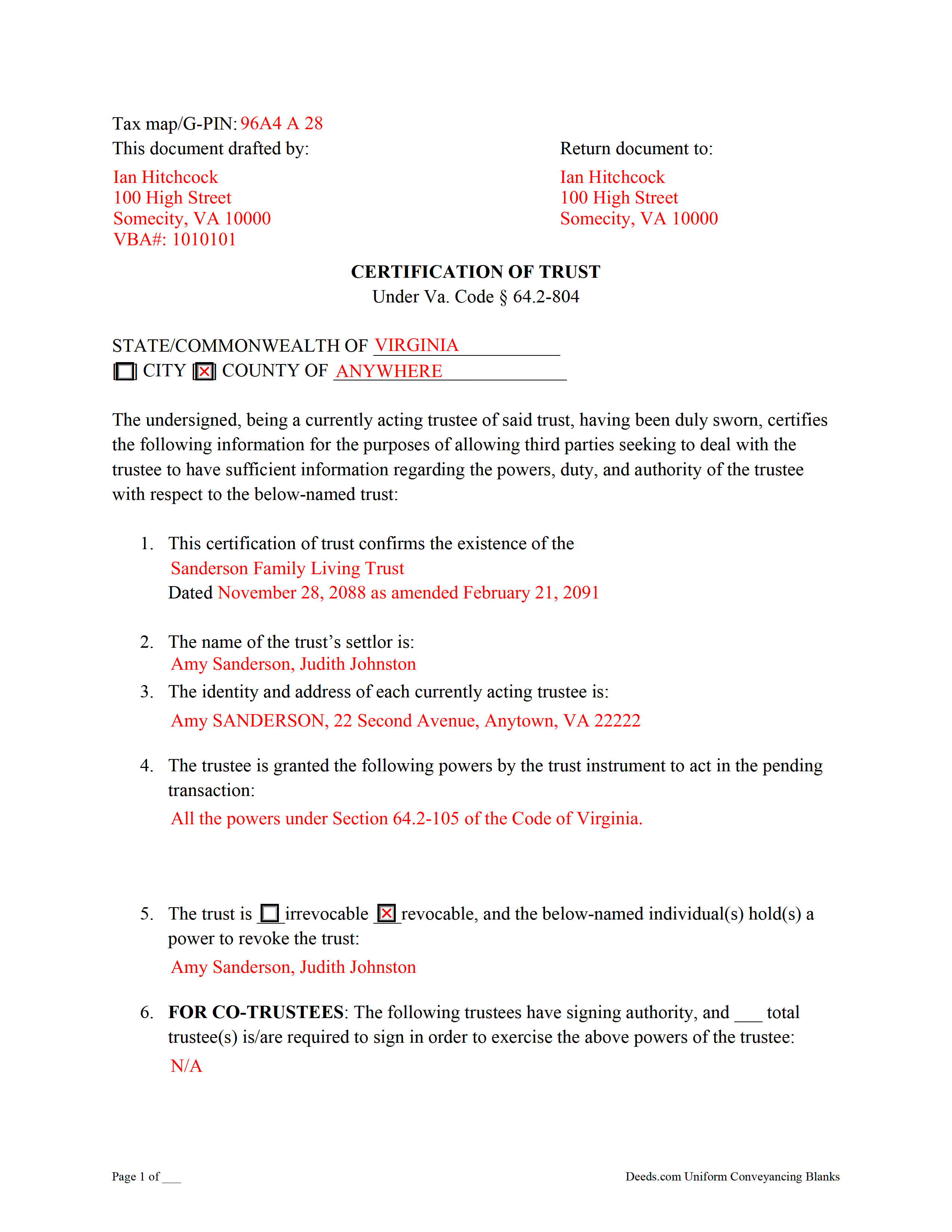
Prince George County Completed Example of the Certificate of Trust Document
Example of a properly completed form for reference.
All 3 documents above included • One-time purchase • No recurring fees
Immediate Download • Secure Checkout
Additional Virginia and Prince George County documents included at no extra charge:
Where to Record Your Documents
Prince George Circuit Court Clerk
Prince George, Virginia 23875
Hours: 8:30 to 5:00 Monday through Friday / Filing until 4:30
Phone: (804) 733-2640
Recording Tips for Prince George County:
- Bring your driver's license or state-issued photo ID
- Ensure all signatures are in blue or black ink
- Request a receipt showing your recording numbers
- Ask about accepted payment methods when you call ahead
- Ask for certified copies if you need them for other transactions
Cities and Jurisdictions in Prince George County
Properties in any of these areas use Prince George County forms:
- Disputanta
- Fort Lee
- Prince George
Hours, fees, requirements, and more for Prince George County
How do I get my forms?
Forms are available for immediate download after payment. The Prince George County forms will be in your account ready to download to your computer. An account is created for you during checkout if you don't have one. Forms are NOT emailed.
Are these forms guaranteed to be recordable in Prince George County?
Yes. Our form blanks are guaranteed to meet or exceed the applicable formatting requirements used for recording in Prince George County, including margin requirements, font requirements, and other layout standards. This guarantee applies to formatting, not to the legal sufficiency of information entered by the user or the suitability of a form for a particular transaction.
Can I reuse these forms?
Yes. You can reuse the forms for your personal use. For example, if you have multiple properties in Prince George County you only need to order once.
What do I need to use these forms?
The forms are PDFs that you fill out on your computer. The free Adobe Acrobat Reader is recommended, and most PDF apps also work. You do NOT enter your property information online - you download the blank forms and complete them privately on your own computer.
Are there any recurring fees?
No. This is a one-time purchase. Nothing to cancel, no memberships, no recurring fees.
How much does it cost to record in Prince George County?
Recording fees in Prince George County vary. Contact the recorder's office at (804) 733-2640 for current fees.
Questions answered? Let's get started!
Signed by a currently acting trustee, a certification or certificate of trust under Va. Code Ann. 64.2-804 is a document summarizing a trust in lieu of the trust instrument, and contains certified statements affirmed by the trustee in the presence of a notary public. The document confirms the existence of the subject trust and the trustee's capacity and relevant powers, and is presented in support of a transaction involving trust property.
A certificate of trust is frequently recorded alongside a trustee's deed or acquisition of real property by the trust, though recording of the document is not required by Virginia Code. Instead of disclosing the settlor's estate plan by providing the entire trust instrument, the certificate allows a trustee to provide parties outside of the trust arrangement (anyone who is not a trust beneficiary) only the essential information necessary to conduct the business at hand. Recipients of a certificate "may assume without inquiry the existence of the facts contained" within it ( 64.2-804(F)).
Requirements of a certificate include statements that the trust exists and that it has not been revoked or modified in a way that would invalidate the contents of the certificate. The form presents basic information, such as the trust's name and date; the identities of the settlor and the current trustee; the trust's identification number; and the name by which property is titled to the trust. In addition, the document identifies anyone who can revoke the trust and, if there are co-trustees, the specifications for authenticating documents relating to the trust.
Further, the document enumerates the powers of the trustee pertaining to the transaction for which the certificate is presented. These may include powers under the Uniform Trust Code, codified at 64.2-7 of the Virginia Code. Recipients of a certificate can also request excerpts of the trust instrument and any amendments thereto that designate the trustee and establish these powers.
Consult a lawyer with questions about trusts and certifications of trust in Virginia.
(Virginia COT Package includes form, guidelines, and completed example)
Important: Your property must be located in Prince George County to use these forms. Documents should be recorded at the county or independent city recording office listed above.
This Certificate of Trust meets all recording requirements specific to Prince George County.
Our Promise
The documents you receive here are guaranteed to meet or exceed the applicable Prince George County recording format requirements. If there is a rejection caused by our formatting, we will correct the issue or refund your payment. This guarantee applies to document formatting only and does not extend to information entered by the user, the selection of the form, or the legal effect of the completed document.
Save Time and Money
Get your Prince George County Certificate of Trust form done right the first time with Deeds.com Uniform Conveyancing Blanks. At Deeds.com, we understand that your time and money are valuable resources, and we don't want you to face a penalty fee or rejection imposed by a county recorder for submitting nonstandard documents. We constantly review and update our forms to meet rapidly changing state and county recording requirements for roughly 3,500 counties and local jurisdictions.
4.8 out of 5 - ( 4,845 Reviews )
Walter C. 5 out of 5 stars
Awesome everything you would ever need
Thank you!
Linda S. 5 out of 5 stars
I am quite pleased with this website. I was able to complete my task with relative ease thanks to all the help these forms provided .The example forms really helped me to navigate the process. I would recommend this service highly.
Thank you Linda, we really appreciate your feedback.
Gary Steve N. 5 out of 5 stars
Very user-friendly and easy to understand directions.
Thank you for your feedback. We really appreciate it. Have a great day!
David T. 5 out of 5 stars
Deeds.com made the experience of filing an Affidavit of Heirship in the public records of Logan County, Arkansas painless. Their process was easy to navigate, and they provided clear and immediate communication at every step. Highly recommended.
Thank you, David, for your kind words and thoughtful review! We’re so glad to hear that your experience filing an Affidavit of Heirship in Logan County, Arkansas, was smooth and stress-free. Our goal is to make these important processes as easy and transparent as possible, and it’s great to know our communication and platform met your expectations. We truly appreciate your recommendation and are here if you ever need assistance again.
MARTI M. 4 out of 5 stars
The transaction was fairly simple. thank you
Your feedback is greatly appreciated. Thank you for taking the time to share your experience!
Laura S. 5 out of 5 stars
Easy to utilize database and instructions!
We are grateful for your feedback and looking forward to serving you again. Thank you!
Donald P. 5 out of 5 stars
I wish the quick claim dead would have had letterhead that said, State South Carolina.
Thank you for your feedback. We really appreciate it. Have a great day!
Lillian F. 5 out of 5 stars
I LOVE THE EASE OF GETTING THE INFORMATION I REQUESTED. YOUR SERVICE IS MORE THAN WHAT I EXPECTED.
We appreciate your business and value your feedback. Thank you. Have a wonderful day!
Diana L. 5 out of 5 stars
Easy to use but need to go through the courthouse to do what I need to do.
Thank you!
Maria S. 3 out of 5 stars
The paperwork/forms are fine, but there isn't enough explanation for me to figure out how to file the extra forms (which I do need in my case). The main form, Deed Upon Death is fine. I think the price is pretty high for these forms. I wouldn't have purchased it because there are places to get them for much cheaper (about 6 dollars), but this site had the extra forms I wanted (property in a trust and another form). Unfortunately these were included as a "courtesy" and there are no instructions for them. So three stars for being clear about what was in the package, having the right forms that I need, but instructions for putting them to use and price took a couple of stars off. Downloading was easy and once you download you can type the info into the PDF--that makes working with the forms much easier.
Thank you for the feedback Maria. Regarding the supplement documents, it is best to get assistance from the agency that requires them. These are not legal documents, they should provide full support and guidance for them.
CECIL E C. 5 out of 5 stars
You made it easy to attain the documents I needed. The cost was very reasonable...thanks
Thank you for your feedback Cecil, we really appreciate it.
Sonia C. 5 out of 5 stars
Ordered and received the appropriate quitclaim deed docs for my area. Recorded with no questions or issues. All arounds solid product and service.
Thank you for your feedback. We really appreciate it. Have a great day!
Zennell W. 5 out of 5 stars
Quick fast and easy transaction.
We are grateful for your feedback and looking forward to serving you again. Thank you!
ROBIN C. 5 out of 5 stars
The process was very easy but I did not realize before I paid to get this form , that I could have gotten it free from Tulsa county clerks office. Other than that, it was fine.
Thank you for the honest feedback, Robin, and we're glad the process was easy for you. You're right that the Tulsa County Clerk publishes a free transfer on death deed form, and we'd never want anyone to feel they overpaid. Our version isn't that same blank, though: it adds an alternate beneficiary designation so the property still passes as you intend if your first choice doesn't survive you, it's built to handle one or two owners, and it comes with a plain-language guide and a completed example. We appreciate your business.
Earle T. 5 out of 5 stars
This is an excellent service. And very easy to use.
We appreciate your business and value your feedback. Thank you. Have a wonderful day!