Caroline County General Contractor Memorandum for Mechanics Lien Form
Last validated November 17, 2026 by our Forms Development TeamFormatted for recording in Caroline County, for property anywhere in the county or independent city: rural and unincorporated areas as well as Bowling Green, Corbin, Ladysmith, Milford, Port Royal, Rappahannock Academy, Ruther Glen, Sparta and 1 more.
- 3 documents included
- Immediate PDF download
- Formatting guarantee
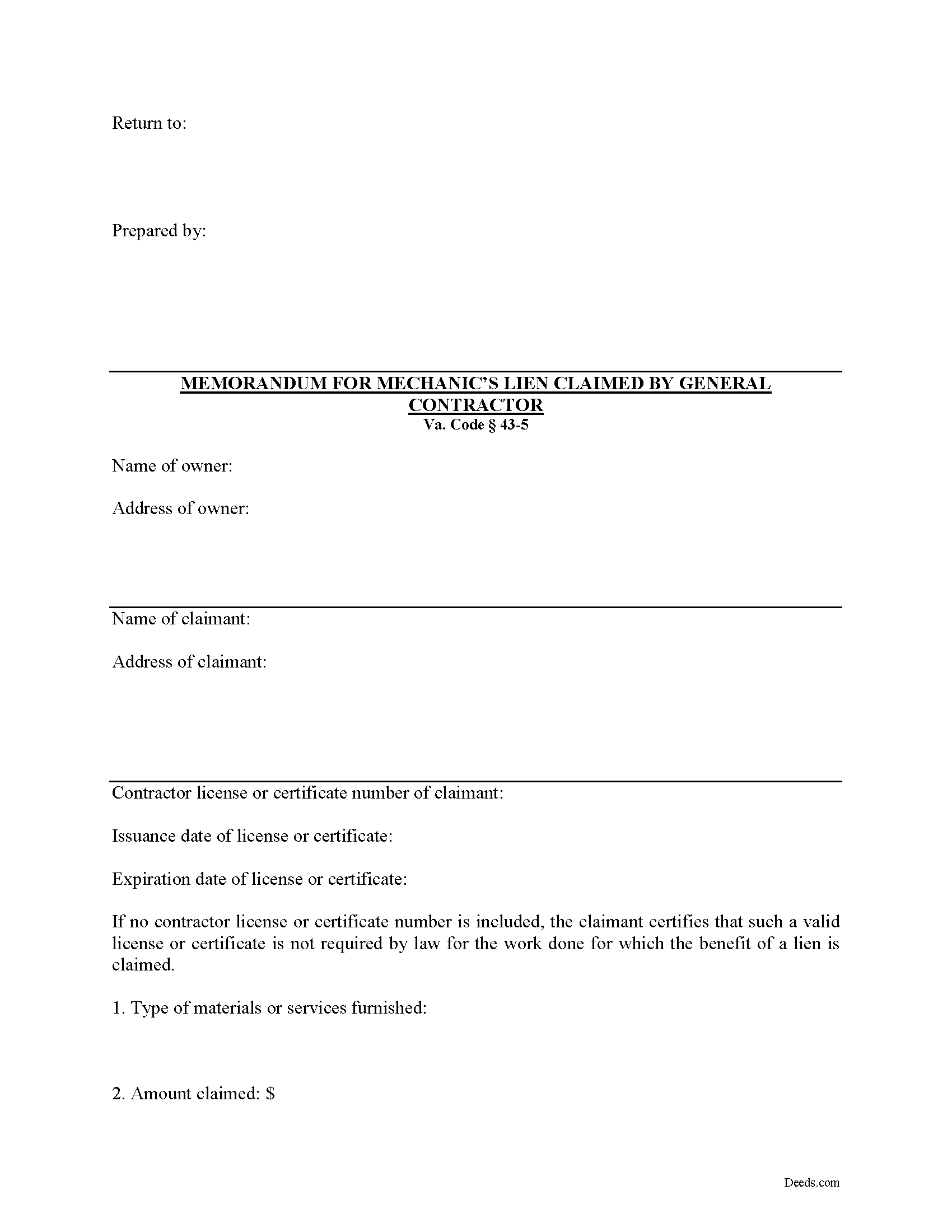
Caroline County General Contractor Memorandum for Mechanics Lien Form
Fill in the blank General Contractor Memorandum for Mechanics Lien form formatted to comply with all Virginia recording and content requirements.
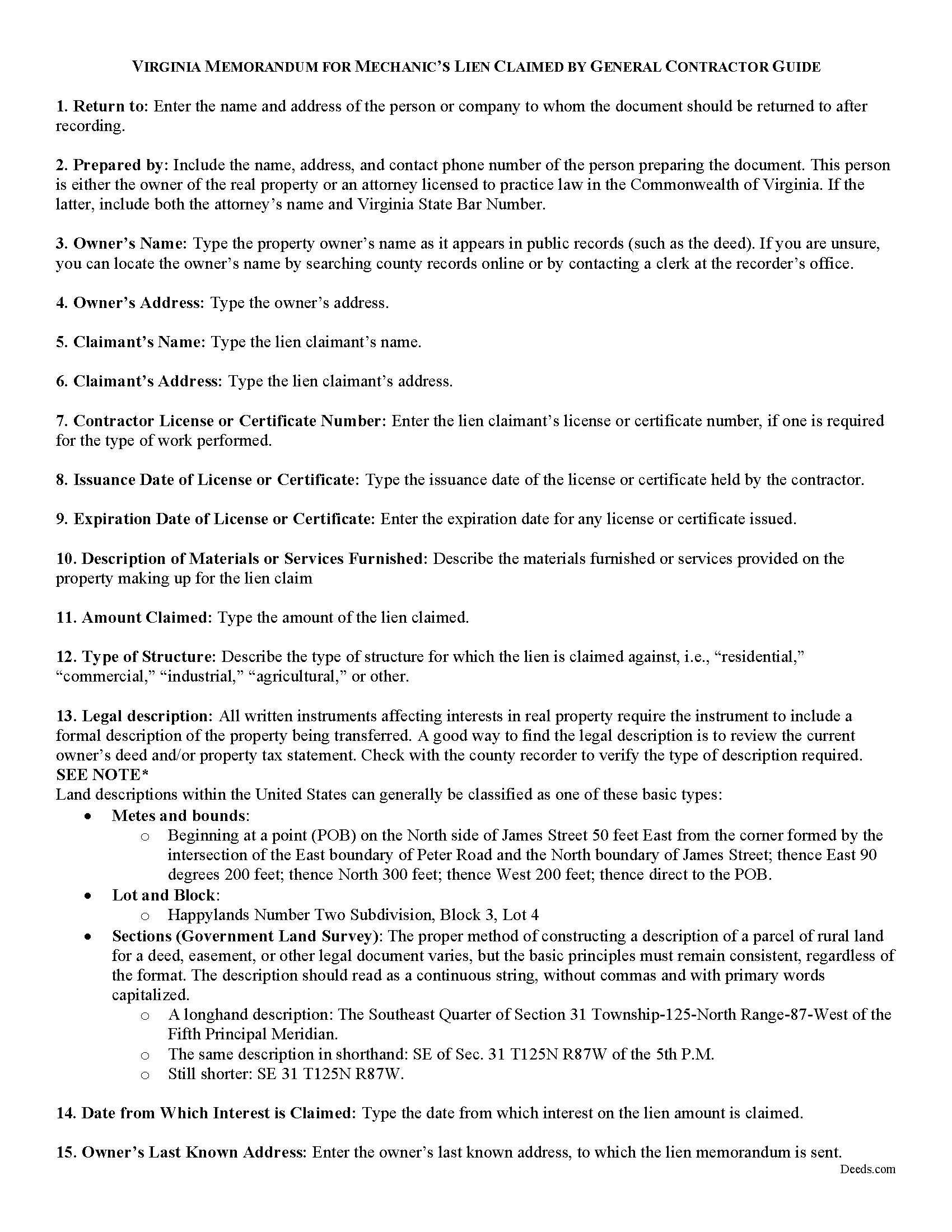
Caroline County Memorandum for Mechanics Lien Guide
Line by line guide explaining every blank on the form.
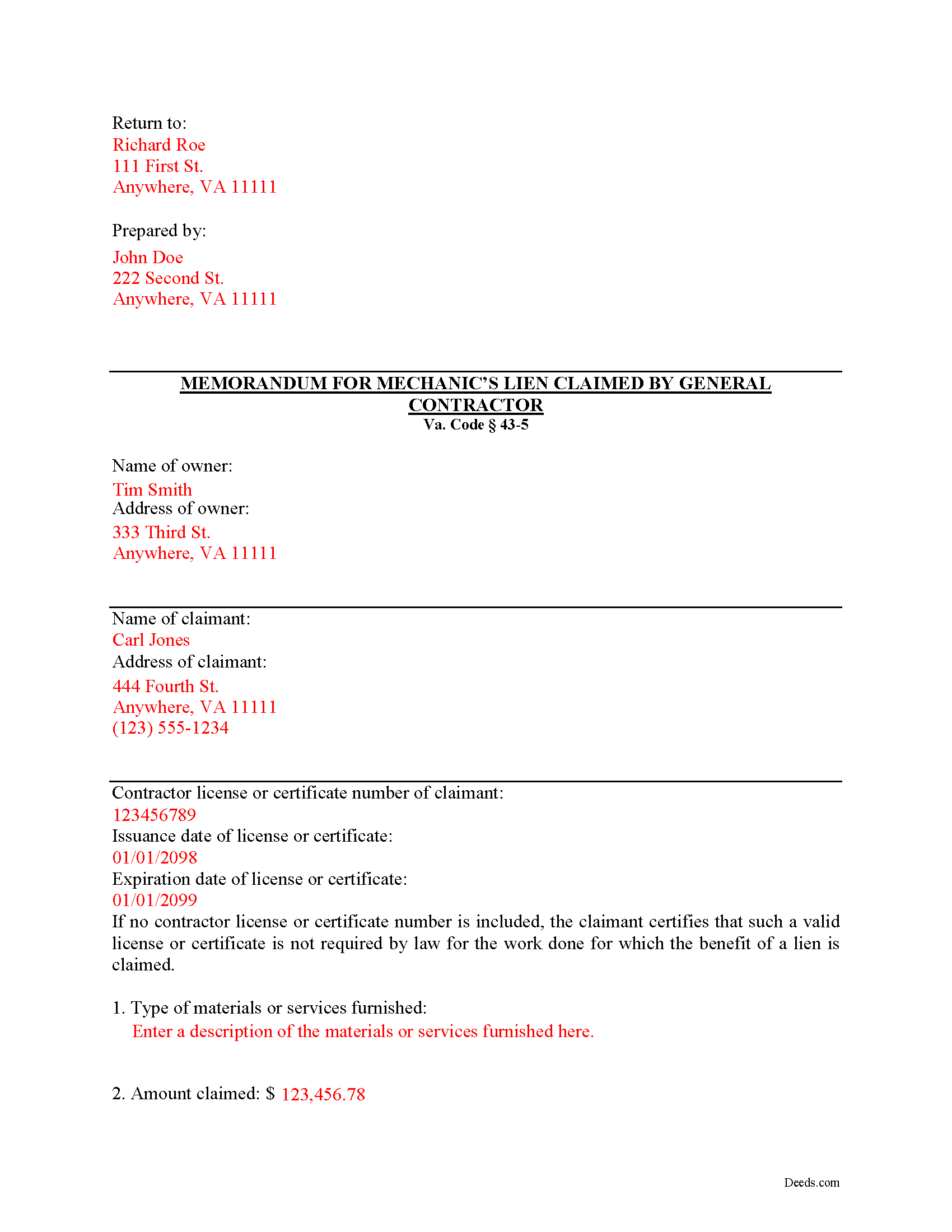
Caroline County Completed Example of the Memorandum for Mechanics Lien Document
Example of a properly completed form for reference.
All 3 documents above included • One-time purchase • No recurring fees
Immediate Download • Secure Checkout
Additional Virginia and Caroline County documents included at no extra charge:
Where to Record Your Documents
Clerk of Circuit Court
Bowling Green, Virginia 22427-0309
Hours: Monday - Friday 8:30 to 4:00 / Recording until 3:30
Phone: (804) 633-1090, 633-1092, or 633-1184
Recording Tips for Caroline County:
- Bring your driver's license or state-issued photo ID
- Ensure all signatures are in blue or black ink
- Ask if they accept credit cards - many offices are cash/check only
- Check that your notary's commission hasn't expired
- Documents must be on 8.5 x 11 inch white paper
Cities and Jurisdictions in Caroline County
Properties in any of these areas use Caroline County forms:
- Bowling Green
- Corbin
- Ladysmith
- Milford
- Port Royal
- Rappahannock Academy
- Ruther Glen
- Sparta
- Woodford
Hours, fees, requirements, and more for Caroline County
How do I get my forms?
Forms are available for immediate download after payment. The Caroline County forms will be in your account ready to download to your computer. An account is created for you during checkout if you don't have one. Forms are NOT emailed.
Are these forms guaranteed to be recordable in Caroline County?
Yes. Our form blanks are guaranteed to meet or exceed the applicable formatting requirements used for recording in Caroline County, including margin requirements, font requirements, and other layout standards. This guarantee applies to formatting, not to the legal sufficiency of information entered by the user or the suitability of a form for a particular transaction.
Can I reuse these forms?
Yes. You can reuse the forms for your personal use. For example, if you have multiple properties in Caroline County you only need to order once.
What do I need to use these forms?
The forms are PDFs that you fill out on your computer. The free Adobe Acrobat Reader is recommended, and most PDF apps also work. You do NOT enter your property information online - you download the blank forms and complete them privately on your own computer.
Are there any recurring fees?
No. This is a one-time purchase. Nothing to cancel, no memberships, no recurring fees.
How much does it cost to record in Caroline County?
Recording fees in Caroline County vary. Contact the recorder's office at (804) 633-1090, 633-1092, or 633-1184 for current fees.
Questions answered? Let's get started!
Virginia Mechanic's Lien by a General Contractor
In Virginia, a lien claimant may make a claim for a mechanic's lien by completing and recording a "Memorandum for Mechanic's Lien" document. There are separate versions of the Memorandum depending on whether the claimant is a contractor, subcontractor, or sub-subcontractor.
In general, a mechanic's lien claim becomes available when a property owner or other person in the chain has not paid the contractor or others owed payment. The lien works as a security device by placing an encumbrance on the property, which in turn prompts the property's owner to pay in order to remove the lien. Liens can also be sought against payment funds, for example, by preventing a contractor from being paid by the owner until the subcontractors are paid.
A general contractor must file a memorandum of lien at any time after the work is commenced or material furnished, but not later than 90 days from the last day of the month in which he last performs labor or furnishes material, and no later than 90 days from the time the project is completed or the work ends. Va. Code 43-4. The memorandum is then filed in the clerk's office in the county or city in which the building, structure or railroad, or any part thereof is located. Id.
The memorandum must show: (1) the name of the owner of the property, (2) the claimant of the lien, (3) the amount and consideration of the claim, (4) the time or times when the claim is or will be due and payable, (5) a verification by the oath of the claimant, or his agent, including a statement declaring his intention to claim the benefit of the lien, and (6) a brief description of the property. Id. In addition, it contains the claimant's license or certificate number issued by the Board for Contractors, if any, and the date such license or certificate was issued as well as the date such license or certificate expires. Id.
A general contractor lien claimant must include a certification of mailing of a copy of the memorandum of lien to the property owner at the owner's last known address, when recording the memorandum of lien. Id. The verification must be completed and signed while in the presence of a licensed notary.
In conclusion, a mechanic's lien is a powerful tool when used properly. By keeping track of key dates and parties in each construction job, contractors can protect their rights.
This article is provided for informational purposes only and should not be relied upon as a substitute for the advice of an attorney. Please contact an attorney with any questions about filing a Memorandum for a Mechanic's Lien in Virginia.
Important: Your property must be located in Caroline County to use these forms. Documents should be recorded at the county or independent city recording office listed above.
This General Contractor Memorandum for Mechanics Lien meets all recording requirements specific to Caroline County.
Our Promise
The documents you receive here are guaranteed to meet or exceed the applicable Caroline County recording format requirements. If there is a rejection caused by our formatting, we will correct the issue or refund your payment. This guarantee applies to document formatting only and does not extend to information entered by the user, the selection of the form, or the legal effect of the completed document.
Save Time and Money
Get your Caroline County General Contractor Memorandum for Mechanics Lien form done right the first time with Deeds.com Uniform Conveyancing Blanks. At Deeds.com, we understand that your time and money are valuable resources, and we don't want you to face a penalty fee or rejection imposed by a county recorder for submitting nonstandard documents. We constantly review and update our forms to meet rapidly changing state and county recording requirements for roughly 3,500 counties and local jurisdictions.
4.8 out of 5 - ( 4,867 Reviews )
Yehong M. 5 out of 5 stars
everything worked well,
Thank you!
Aubrey M. 5 out of 5 stars
I am an attorney who was trying to draft some deeds in arizona. The deed templates coupled with the document instructions saved me hours work. At 1st I was skeptical, so spent hours figuring out how to draft the documents, but could have saved so much time If I had just spend the $20 sooner. Would use again is needed a deed format as a basis for my drafting.
Thank you for your feedback. We really appreciate it. Have a great day!
Steven B. 5 out of 5 stars
Easy peazy to find the right forms and they come with instructions and a sample.
Your feedback is appreciated. Thank you for letting us know how we did.
Brian S. 3 out of 5 stars
PDF fields change font sizes leading to an unprofessional-appearing printed page. The examples for "Convey to" section don't include how to specify just one person instead of a married couple. Maybe that is simple but it would help to spell it out in an example. Haven't submitted to County Recorder yet, so will find out if it is acceptable.
Thank you for the feedback Brian.
The font issue is caused by using a PDF viewer other than Adobe Acrobat Reader. Our form fields are set to a uniform 12-point font, but non-Adobe viewers often render form fields inconsistently. Opening and printing the form with the free Adobe Acrobat Reader will resolve that.
Regarding the examples, that's a fair point, we'll look at expanding them.
Lutz P. 5 out of 5 stars
Your forms are great but I couldn’t use them with my computer and acrobats reader didn’t work. And then my thermal printer would only print 1/3 size pages with no way to fix it. I ordered a new color printer and we’ll see what happens.
Thank you, Lutz. We're glad you like the forms, and we're sorry getting them working turned into such a hassle. That shrunken page is typical of thermal printers: most use narrow receipt or label paper, so a full page gets scaled down to fit, and no setting can change that. Thermal paper also fades over time, which you don't want on a document you're recording, so the new printer is the right call. When it arrives, print on plain white paper with “Actual size” selected in the print settings so the page comes out full size with its margins intact. If Acrobat Reader gives you trouble again, save the form to your computer first and open the saved file in Acrobat Reader rather than in your web browser. Still stuck? Contact our support team and we'll walk you through it.
DARLA L. 5 out of 5 stars
I was happy with the quick response to obtain the requested forms. Effective and easy website to use.
We appreciate your business and value your feedback. Thank you. Have a wonderful day!
Debra G. 5 out of 5 stars
Nice, clear, well formatted documents. Good information provided.
Thank you for your kind words and for choosing us.
david h. 5 out of 5 stars
very convenient...
Thank you!
Viola G. 4 out of 5 stars
Some of the forms I ordered didn't have enough space for all of the information, but were useful as a guide for creating what I needed. Now I'll be trying the e-recording to see how that goes.
Thank you!
David D. 5 out of 5 stars
Very easy to us & thanks for all the info to fill out the form.
We appreciate your business and value your feedback. Thank you. Have a wonderful day!
GLENN J. 5 out of 5 stars
Totally impressed with the magnitude of data available and ease of operation. Great job.
Thank you, Glenn. We appreciate the kind words and are glad you found the platform easy to use and the information helpful. Thanks for taking the time to share your experience.
Barbara B. 5 out of 5 stars
A great help! Thank you.
Thank you!
MIMI T. 5 out of 5 stars
Awesome great service!
Fantastic! Thanks for the feedback Mimi.
Charles C. 5 out of 5 stars
Using an I pad and cannot type on form that was downloaded. I do not have a computer Charles
Thank you for your feedback Charles. You might want to make sure you have the Adobe app on your Ipad: https://itunes.apple.com/us/app/adobe-fill-sign/id950099951?mt=8
William P. 5 out of 5 stars
Good timely service. Returned my fee on a document that could not be located.
Thank you!