Greensville County Quitclaim Deed (Married Grantor with Non-Owner Spouse Joinder) Form
Last validated September 15, 2026 by our Forms Development TeamFormatted for recording in Greensville County, for property anywhere in the county or independent city: rural and unincorporated areas as well as Emporia, Jarratt, Skippers.
- 3 documents included
- Immediate PDF download
- Formatting guarantee
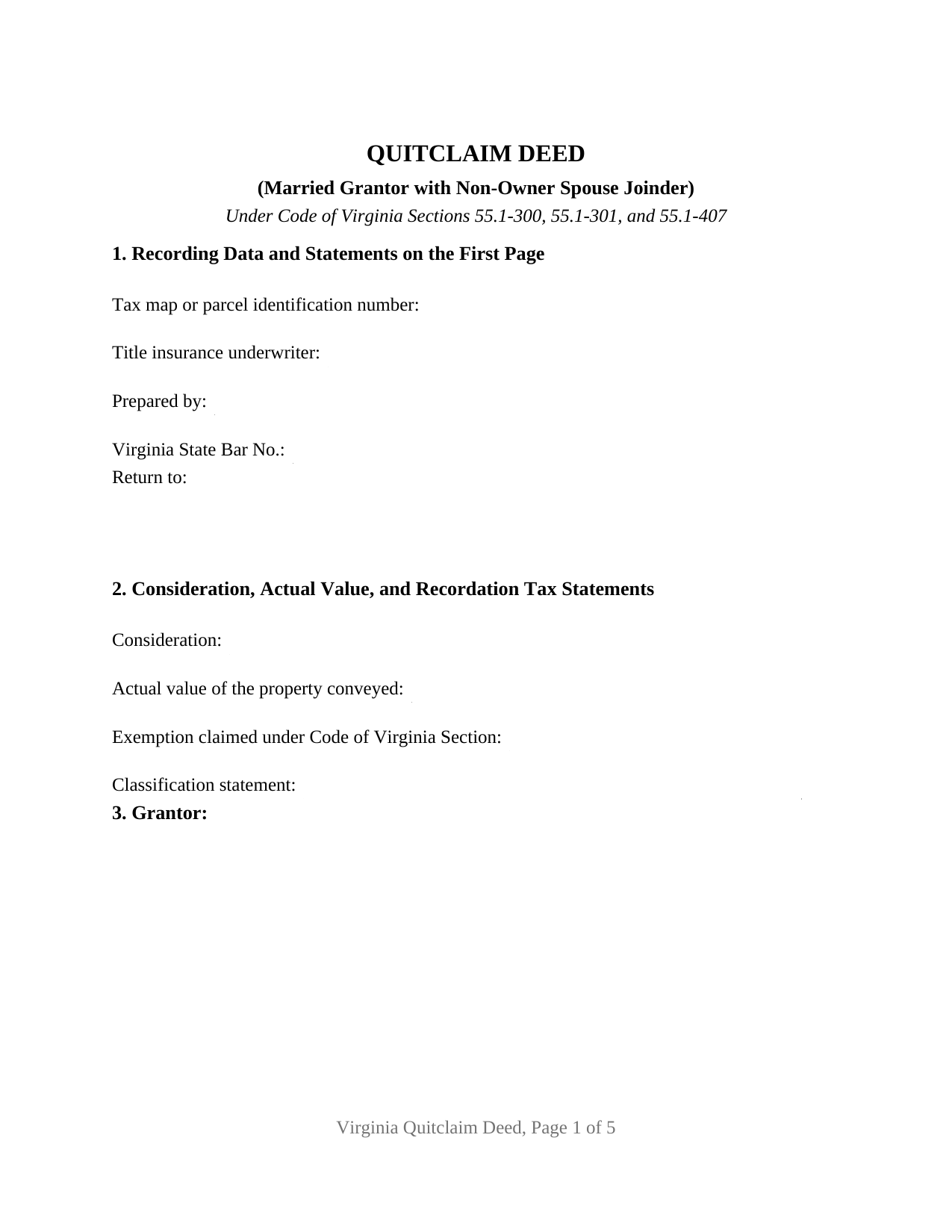
Greensville County Quitclaim Deed (Married Grantor with Non-Owner Spouse Joinder) Form
Fill in the blank Quitclaim Deed (Married Grantor with Non-Owner Spouse Joinder) form formatted to comply with all Virginia recording and content requirements.
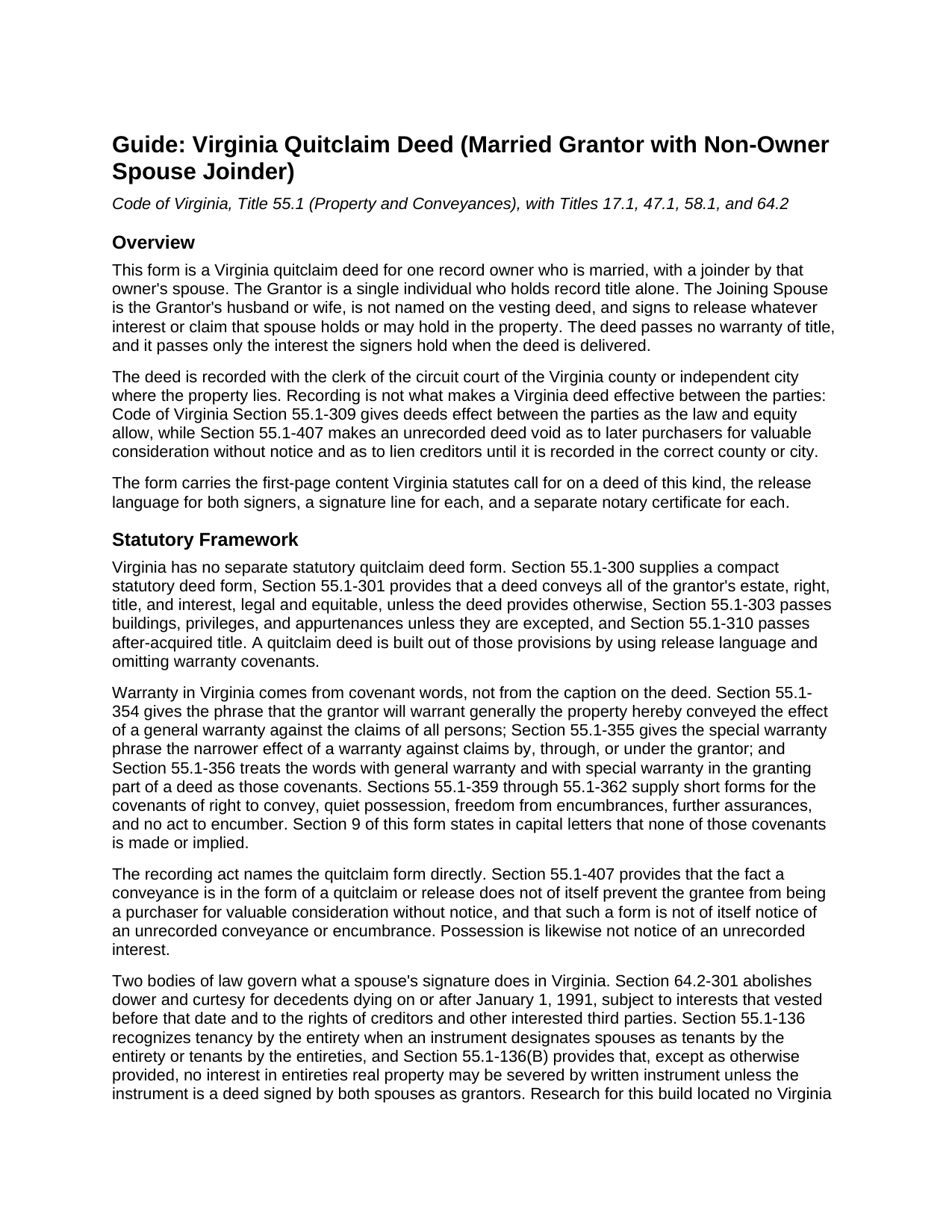
Greensville County Quitclaim Deed (Married Grantor with Non-Owner Spouse Joinder) Guide
Line by line guide explaining every blank on the Quitclaim Deed (Married Grantor with Non-Owner Spouse Joinder) form.
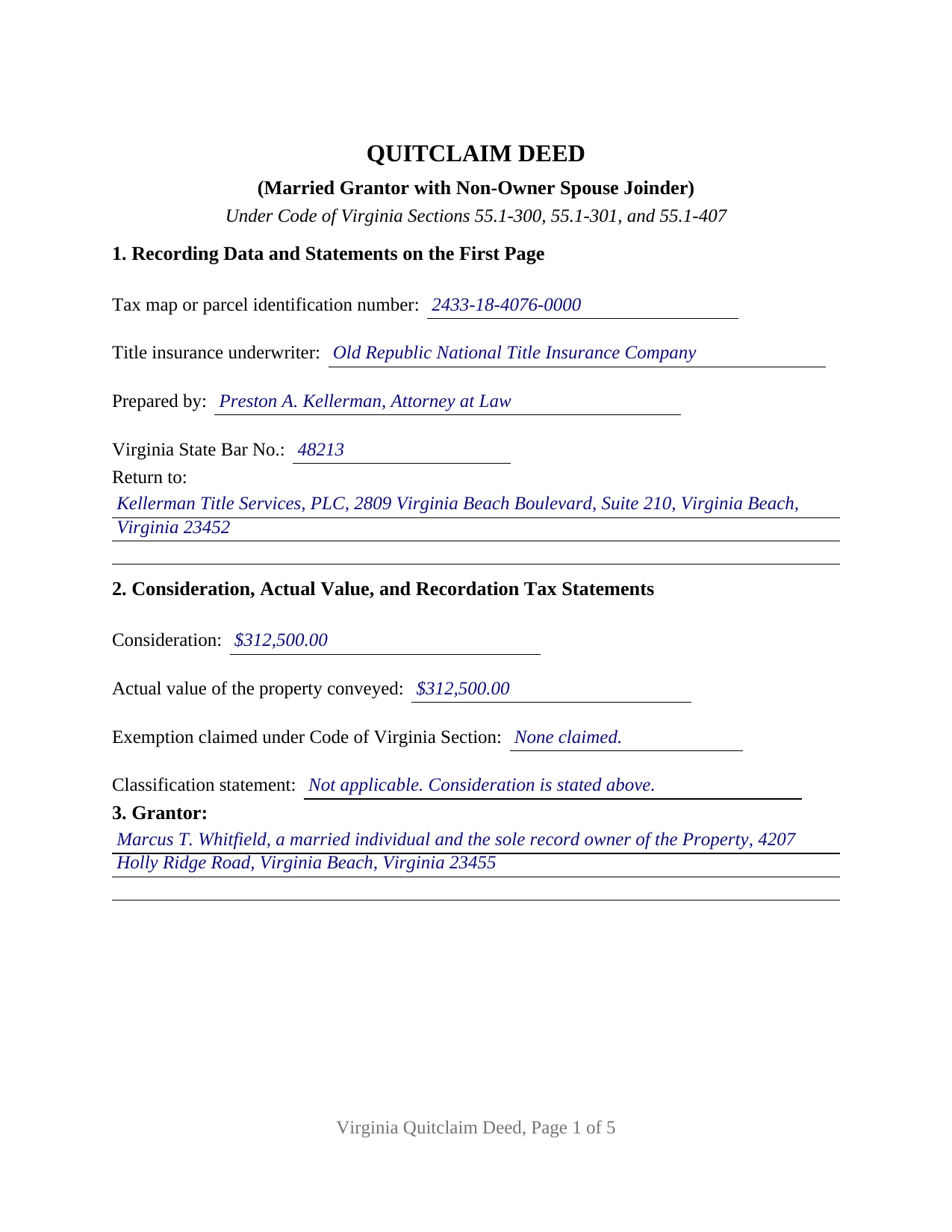
Greensville County Completed Example of the Quitclaim Deed (Married Grantor with Non-Owner Spouse Joinder) Document
Example of a properly completed Virginia Quitclaim Deed (Married Grantor with Non-Owner Spouse Joinder) document for reference.
All 3 documents above included • One-time purchase • No recurring fees
Immediate Download • Secure Checkout
Additional Virginia and Greensville County documents included at no extra charge:
Where to Record Your Documents
Greensville Clerk of Circuit Court
Emporia, Virginia 23847-0631
Hours: Monday - Friday 9:00am - 5:00pm
Phone: (434) 348-4215
Recording Tips for Greensville County:
- Bring your driver's license or state-issued photo ID
- Ensure all signatures are in blue or black ink
- Verify all names are spelled correctly before recording
- White-out or correction fluid may cause rejection
- Ask about their eRecording option for future transactions
Cities and Jurisdictions in Greensville County
Properties in any of these areas use Greensville County forms:
- Emporia
- Jarratt
- Skippers
Hours, fees, requirements, and more for Greensville County
How do I get my forms?
Forms are available for immediate download after payment. The Greensville County forms will be in your account ready to download to your computer. An account is created for you during checkout if you don't have one. Forms are NOT emailed.
Are these forms guaranteed to be recordable in Greensville County?
Yes. Our form blanks are guaranteed to meet or exceed the applicable formatting requirements used for recording in Greensville County, including margin requirements, font requirements, and other layout standards. This guarantee applies to formatting, not to the legal sufficiency of information entered by the user or the suitability of a form for a particular transaction.
Can I reuse these forms?
Yes. You can reuse the forms for your personal use. For example, if you have multiple properties in Greensville County you only need to order once.
What do I need to use these forms?
The forms are PDFs that you fill out on your computer. The free Adobe Acrobat Reader is recommended, and most PDF apps also work. You do NOT enter your property information online - you download the blank forms and complete them privately on your own computer.
Are there any recurring fees?
No. This is a one-time purchase. Nothing to cancel, no memberships, no recurring fees.
How much does it cost to record in Greensville County?
Recording fees in Greensville County vary. Contact the recorder's office at (434) 348-4215 for current fees.
Questions answered? Let's get started!
This Virginia quitclaim deed carries a second signature that conveys no ownership. One grantor appears on it, a married individual whose name alone sits on the vesting deed, and beside that grantor the form prints a joinder block for the husband or wife who was never added to title. The spouse signs to let go of whatever claim the marriage might be argued to have produced, and the instrument goes to the clerk of the circuit court of the Virginia county or independent city keeping the land records.
One owner on the deed, two names on the signature page
Section 3 takes the record owner, with the marital status stated, and Section 4 takes the spouse, with the statement that this second signer holds no record title. Each has a signature line and a notary certificate of its own. Because Section 47.1-16 requires every notarial act to show its own date and the county or city where it happened, the owner may sign in one locality and the spouse later in another, with one instrument still going to record. An owner who inherited the parcel while married and never retitled it, and an owner conveying to a buyer whose title examiner has asked for the spouse's signature before closing, both present the owner-plus-joinder configuration this deed recites. The form provides for two individuals signing in their own names, with no trustee, executor, attorney-in-fact, or entity capacity.
What Virginia asks of a spouse's signature, and what it does not
Virginia abolished dower and curtesy for deaths on or after January 1, 1991, in Section 64.2-301, and research for this product located no Virginia statute obliging a non-owner spouse to join in a lifetime conveyance of the other spouse's separately titled land. The rule that genuinely takes two spousal signatures, Section 55.1-136(B), reaches the severance of property already held as tenants by the entirety, a different title posture altogether. This joinder therefore does its work through its own words: Section 9 has the spouse remise, release, and quitclaim any right, title, interest, or claim that spouse holds or may hold, including any claim arising from the marriage. That is why settlement practice asks for the signature although no statute compels it, and the guide sets out the reasoning with its citations.
Release words, and the covenants withheld
Warranty in Virginia follows covenant language rather than the heading on the page, and the phrases that Sections 55.1-354 through 55.1-362 give effect to are absent here on purpose. Section 9 states in capital letters that no covenant or warranty of title is made or implied, and that only the interest the two signers hold at delivery passes, subject to the encumbrances then binding the parcel.
Page one and the entries a Virginia clerk reads there
Section 1 gathers what Virginia places on the face of a residential deed of four dwelling units or fewer: the title insurance underwriter, or the fact that it is unknown, and the preparer statement naming the owner or the Virginia attorney with a bar number, both under Section 17.1-223(B), plus the return address contemplated by Section 17.1-223(A) and the parcel or tax map number required under Section 17.1-252. Section 2 takes the consideration and actual value behind the 25 cent per $100 recordation tax, plus the classification statement Section 58.1-811(D) has called for since July 1, 2026 where nothing is paid.
What the release does not reach
Releasing a claim in one parcel is not a waiver of what Virginia gives a surviving spouse. Section 64.2-308.14 provides that the elective share and the rights to homestead allowance, exempt property, and family allowance are waived by a written contract, agreement, or waiver signed by the surviving spouse, and Section 64.2-308.6 can pull a transfer made during marriage and within two years before death into the augmented estate. The guide covers those limits, the grantor tax on realty sold, cover sheet practice that changes from one circuit court clerk to the next, and the fees collected at recording.
Buyers reach this instrument searching for a quit claim deed, a release deed, or a spousal joinder deed; this package prepares the Virginia version for a married sole owner with a joining spouse. It holds three items: the deed as a fillable PDF, a completed example worked through a priced transfer of a separately titled residence in the City of Virginia Beach, and a plain-language guide covering each blank, notarization, and recording. These materials are not legal advice.
Important: Your property must be located in Greensville County to use these forms. Documents should be recorded at the county or independent city recording office listed above.
This Quitclaim Deed (Married Grantor with Non-Owner Spouse Joinder) meets all recording requirements specific to Greensville County.
Our Promise
The documents you receive here are guaranteed to meet or exceed the applicable Greensville County recording format requirements. If there is a rejection caused by our formatting, we will correct the issue or refund your payment. This guarantee applies to document formatting only and does not extend to information entered by the user, the selection of the form, or the legal effect of the completed document.
Save Time and Money
Get your Greensville County Quitclaim Deed (Married Grantor with Non-Owner Spouse Joinder) form done right the first time with Deeds.com Uniform Conveyancing Blanks. At Deeds.com, we understand that your time and money are valuable resources, and we don't want you to face a penalty fee or rejection imposed by a county recorder for submitting nonstandard documents. We constantly review and update our forms to meet rapidly changing state and county recording requirements for roughly 3,500 counties and local jurisdictions.
4.8 out of 5 - ( 4,828 Reviews )
Thomas Z. 5 out of 5 stars
Excellent site! Very informative and easy to navigate. I would highly recommend to anyone requiring documents in a quick and through fashion.
Thank you for your feedback. We really appreciate it. Have a great day!
Sherrl F. 5 out of 5 stars
I had a excellent experience using DEEDS.COM. Very clear directions and site was easy to use. I paid the fee to have my deed electronically filed and it was done the day I requested it be filed.
We appreciate your business and value your feedback. Thank you. Have a wonderful day!
terrence h. 5 out of 5 stars
Professional
Thank you!
Tammy L. 1 out of 5 stars
Very Poor and useles, a scam, don't waste your money, those templates are useless and do Not give you Any valid,proper, meeningful wording to use, did Not Help me, nothing more than what a 5th grader can come up with as far as wording or example..I feel I was riped off and this is a total scam... nothing useful
We appreciate all feedback, even when it’s critical. Thousands of customers have successfully used our documents, but they are not for everyone. These are reviewed, fill-in-the-blank templates that provide the wording and structure required by law. Some situations call for more personalized guidance or hand-holding than templates alone can provide, and in those cases an attorney may be the better option.
Kathy D. 5 out of 5 stars
Thank You, I will be looking forward to printing these files, and getting this Ladybird deed in place.
Thank you!
Leadon N. 5 out of 5 stars
Forms were easy to find, print, and complete.
We appreciate your business and value your feedback. Thank you. Have a wonderful day!
David D. 5 out of 5 stars
Forms were quick to receive and appear to be what I need to complete our task.
Thank you for your feedback. We really appreciate it. Have a great day!
Goran L. 5 out of 5 stars
Fast and convenient.
Thank you for your feedback. We really appreciate it. Have a great day!
Mark S. 5 out of 5 stars
The forms were easy and convenient to use
Thank you Mark. We appreciate your feedback.
LIDIA M. 5 out of 5 stars
excellent
Thank you!
DIANA S. 5 out of 5 stars
Five star rating. I requested a copy of the deed to my house and it arrived very quickly and for a fraction of the cost that it would have cost me on other sites. Great company. Will do business again. Five stars.
Thank you!
Jay R. 5 out of 5 stars
First time user. Great service, a little costly though
Thank you!
Alan S. 5 out of 5 stars
Very easy. Worked well. Will be glad to use the service again.
We appreciate your business and value your feedback. Thank you. Have a wonderful day!
John B. 5 out of 5 stars
Fantastic service, easy to use, and supported the entire way through every process. Excellent service!
We are motivated by your feedback to continue delivering excellence. Thank you!
JOHN P. 5 out of 5 stars
I thought your service would comply with my request quicker.
Looks like it took 4 minutes to complete your order, sorry it took so long.