Pulaski County Transfer on Death Revocation Form
Last validated October 9, 2026 by our Forms Development TeamFormatted for recording in Pulaski County, for property anywhere in the county or independent city: rural and unincorporated areas as well as Belspring, Draper, Dublin, Hiwassee, New River, Newbern, Parrott, Pulaski.
- 3 documents included
- Immediate PDF download
- Formatting guarantee
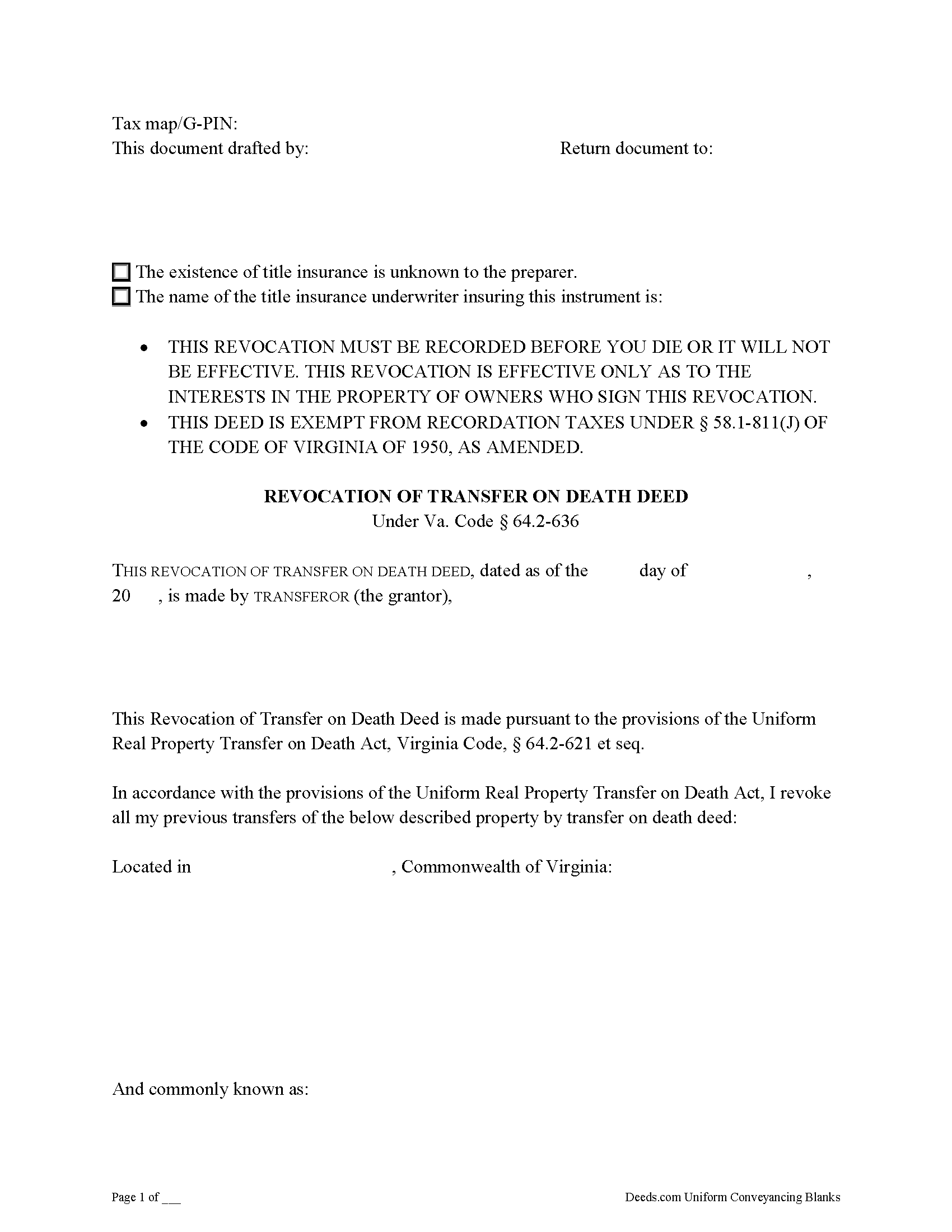
Pulaski County Transfer on Death Revocation Form
Fill in the blank form formatted to comply with all recording and content requirements.
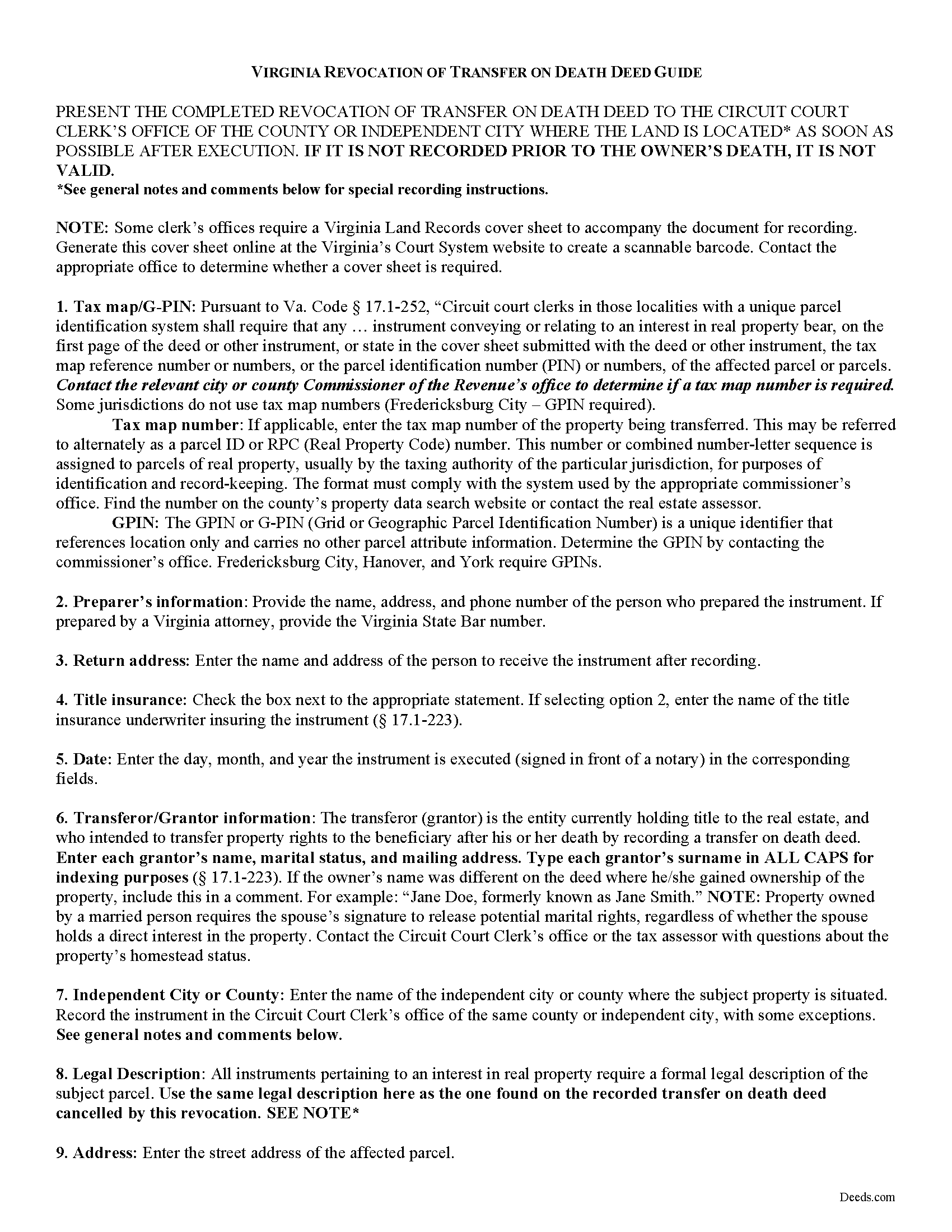
Pulaski County Transfer on Death Revocation Guide
Line by line guide explaining every blank on the form.
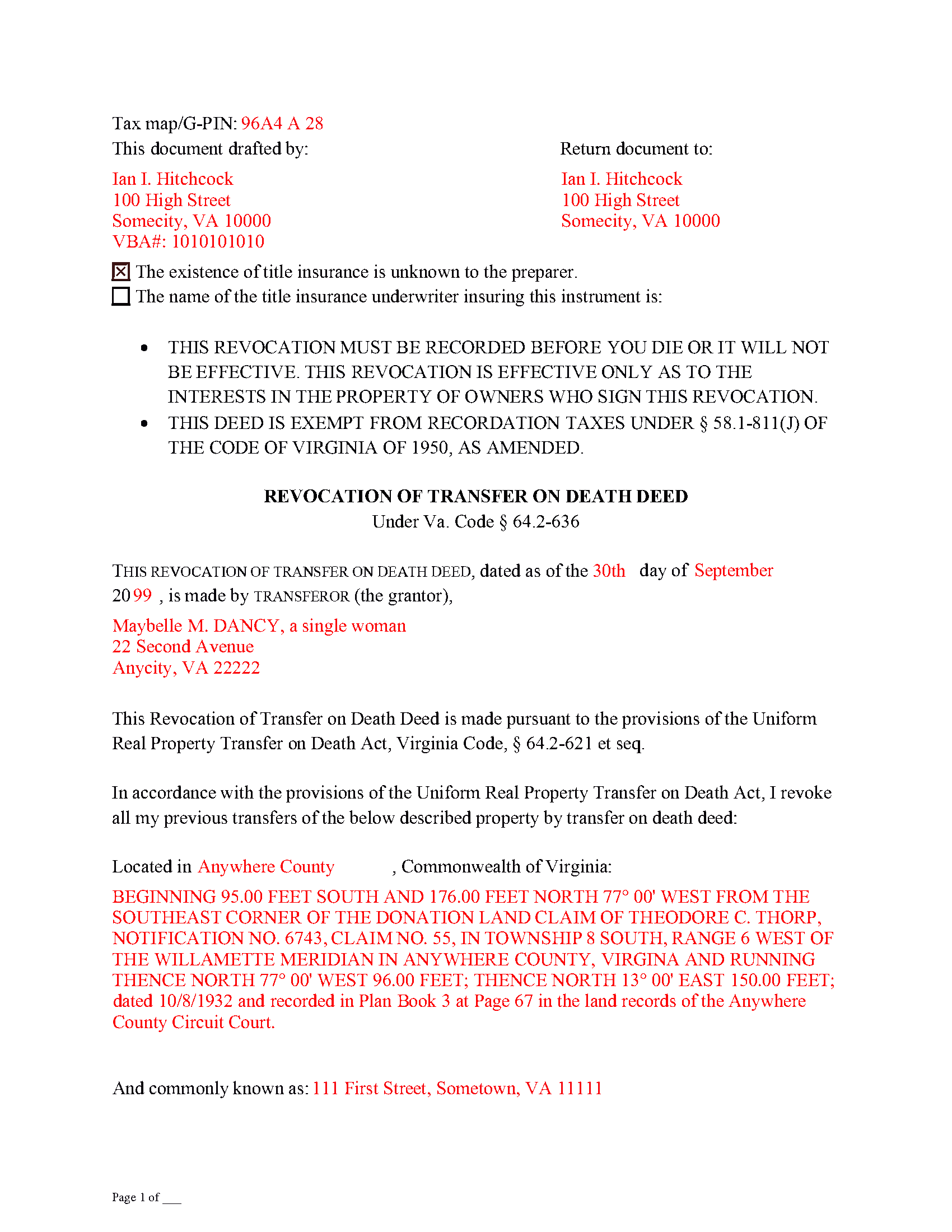
Pulaski County Completed Example of the Transfer on Death Revocation Document
Example of a properly completed form for reference.
All 3 documents above included • One-time purchase • No recurring fees
Immediate Download • Secure Checkout
Additional Virginia and Pulaski County documents included at no extra charge:
Where to Record Your Documents
Pulaski Circuit Court Clerk
Pulaski, Virginia 24301
Hours: 8:30 to 4:30 M-F
Phone: (540) 980-7825
Recording Tips for Pulaski County:
- Bring your driver's license or state-issued photo ID
- Ensure all signatures are in blue or black ink
- Leave recording info boxes blank - the office fills these
- Make copies of your documents before recording - keep originals safe
- Recorded documents become public record - avoid including SSNs
Cities and Jurisdictions in Pulaski County
Properties in any of these areas use Pulaski County forms:
- Belspring
- Draper
- Dublin
- Hiwassee
- New River
- Newbern
- Parrott
- Pulaski
Hours, fees, requirements, and more for Pulaski County
How do I get my forms?
Forms are available for immediate download after payment. The Pulaski County forms will be in your account ready to download to your computer. An account is created for you during checkout if you don't have one. Forms are NOT emailed.
Are these forms guaranteed to be recordable in Pulaski County?
Yes. Our form blanks are guaranteed to meet or exceed the applicable formatting requirements used for recording in Pulaski County, including margin requirements, font requirements, and other layout standards. This guarantee applies to formatting, not to the legal sufficiency of information entered by the user or the suitability of a form for a particular transaction.
Can I reuse these forms?
Yes. You can reuse the forms for your personal use. For example, if you have multiple properties in Pulaski County you only need to order once.
What do I need to use these forms?
The forms are PDFs that you fill out on your computer. The free Adobe Acrobat Reader is recommended, and most PDF apps also work. You do NOT enter your property information online - you download the blank forms and complete them privately on your own computer.
Are there any recurring fees?
No. This is a one-time purchase. Nothing to cancel, no memberships, no recurring fees.
How much does it cost to record in Pulaski County?
Recording fees in Pulaski County vary. Contact the recorder's office at (540) 980-7825 for current fees.
Questions answered? Let's get started!
As of July 1, 2013, Virginia joined the growing number of states allowing transfer on death deeds. These instruments are governed by the Uniform Real Property Transfer on Death Act (URPTODA), which is incorporated into the Virginia statutes at 64.2-621 et seq.
One of the most useful characteristics of this estate planning tool is its flexibility. Life is unpredictable, and it's important to update wills and other documents dealing with what happens after death. For most deeds, once the owner/transferor signs and records the document, the transfer of title is completed and permanent. With transfer on death deeds, though, recording the executed form sets out the owner's intended plans for the property, but only after his/her death -- while alive, the owner maintains absolute control over and possession of the real estate. Because the conveyance is only for a potential future interest, and generally involves no consideration (money or something else of value given in exchange for the property), these deeds can be revoked for any reason, and at any time during the owner's life.
The Virginia statutes define the processes available for revoking a transfer on death deed at 64.2-630. The primary methods are executing a new transfer on death deed that explicitly revokes or changes the named beneficiary on one that was previously recorded; executing a revocation instrument; or executing an inter vivos deed, permanently transferring ownership of the real property to another owner. All of the methods require that the instrument changing the status of a transfer on death deed be executed and recorded DURING THE OWNER'S LIFE.
Each situation is unique, so carefully review all the options and their potential advantages and consequences before deciding on the appropriate method for revoking a transfer on death deed.
(Virginia Revocation of TOD Package includes form, guidelines, and completed example)
Important: Your property must be located in Pulaski County to use these forms. Documents should be recorded at the county or independent city recording office listed above.
This Transfer on Death Revocation meets all recording requirements specific to Pulaski County.
Our Promise
The documents you receive here are guaranteed to meet or exceed the applicable Pulaski County recording format requirements. If there is a rejection caused by our formatting, we will correct the issue or refund your payment. This guarantee applies to document formatting only and does not extend to information entered by the user, the selection of the form, or the legal effect of the completed document.
Save Time and Money
Get your Pulaski County Transfer on Death Revocation form done right the first time with Deeds.com Uniform Conveyancing Blanks. At Deeds.com, we understand that your time and money are valuable resources, and we don't want you to face a penalty fee or rejection imposed by a county recorder for submitting nonstandard documents. We constantly review and update our forms to meet rapidly changing state and county recording requirements for roughly 3,500 counties and local jurisdictions.
4.8 out of 5 - ( 4,836 Reviews )
Robert F. 5 out of 5 stars
Breeze.... It feels silly to hire an attorney to do this for just one beneficiary. Thanks.
Thank you for your feedback. We really appreciate it. Have a great day!
Dee W. 5 out of 5 stars
Easy process! Submit payment, fill out forms using the document guide provided, and print!
We appreciate your business and value your feedback. Thank you. Have a wonderful day!
Katherine M. 5 out of 5 stars
Very helpful!
Thank you!
CAROL C. 5 out of 5 stars
Deeds.com is very user friendly and quite simple to use. Customer service is also prompt in responding to any inquiry. I have been pleased with them since I began using them over 3-years ago.
We appreciate your business and value your feedback. Thank you. Have a wonderful day!
Robert J. F. 5 out of 5 stars
Nice work. Easy to use site for reasonable price. Thank you.
Thank you for your feedback. We really appreciate it. Have a great day!
Patricia C. 3 out of 5 stars
Only source I could find. Wasn't sure if I needed same certificate from each state and site had me checkout separately for each. Good way to keep you customer paying up. Just hope what I received is acceptable.
Thank you!
Wendy S. 4 out of 5 stars
Good template that met my needs. Much better than another draft template that I found on another site. Would have been helpful if the template had been provided in a Word format instead of PDF so that I could remove the sections that are not applicable.
We appreciate your business and value your feedback. Thank you. Have a wonderful day!
Shirley T. 4 out of 5 stars
Quit Claim deed for North Carolina did not include all of the information I needed (two separate notary sections), but I was able to re-create another notary section in Word, and then insert it in the appropriate place after printing both documents. Otherwise, the document worked as described.
Thank you for your feedback. We really appreciate it. Have a great day!
Nancy C. 5 out of 5 stars
Amazing every that you need right at your fingertips. Extremely easy to navigate and very informative. I would highly recommend this site!!!
We appreciate your business and value your feedback. Thank you. Have a wonderful day!
James J. 5 out of 5 stars
Thank you for service. The deed process was easy to complete. My new deed was accepted by the county clerk and the tax assessors office.
Thank you for your feedback. We really appreciate it. Have a great day!
Eric F. 5 out of 5 stars
Thank You deeds.com, your site helped me accomplish a difficult mission.
We appreciate your business and value your feedback. Thank you. Have a wonderful day!
Melody P. 5 out of 5 stars
Thank you for getting our docs recorded so quickly and efficiently! Great and dependable service, as always!
We appreciate your business and value your feedback. Thank you. Have a wonderful day!
Charles G. 5 out of 5 stars
Easy to request. Fast response
Thank you!
Barbara B. 5 out of 5 stars
Great forms and instructions!
Thank you Barbara.
Jennifer B. 3 out of 5 stars
I didn't care for it because I was having to do other things in between filling it out and all of a sudden it would not allow me back in it to make changes. Luckily I had saved it and then had to do FILL/SIGN option which looks ugly but that was the only way I could add what I needed.
We appreciate your business and value your feedback. Thank you. Have a wonderful day!