Falls Church City Warranty Deed (Individual Grantor) Form
Last validated October 20, 2026 by our Forms Development TeamFormatted for recording in Falls Church City, for property anywhere in the county or independent city: rural and unincorporated areas as well as Falls Church.
- 3 documents included
- Immediate PDF download
- Formatting guarantee
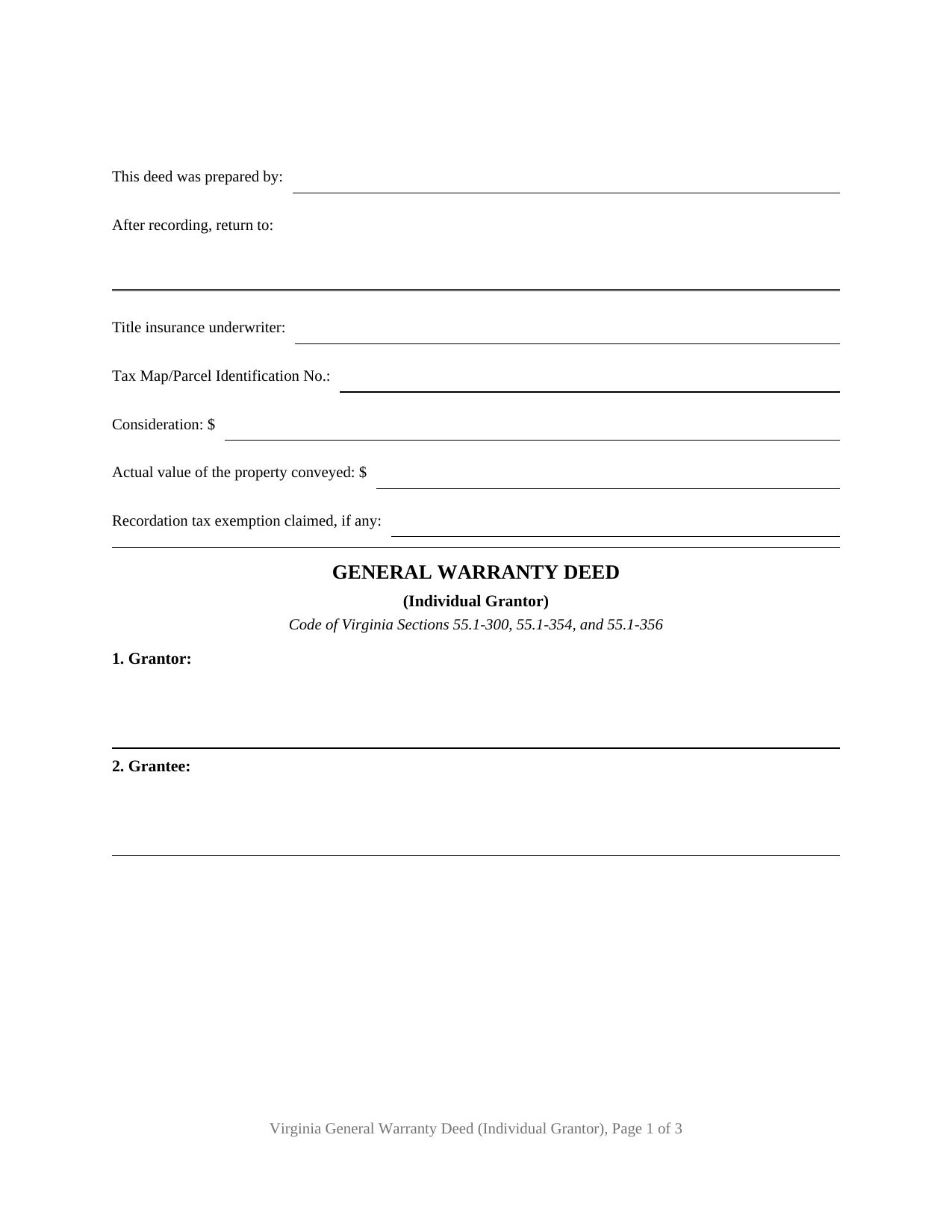
Falls Church City Warranty Deed (Individual Grantor) Form
Fill in the blank Warranty Deed (Individual Grantor) form formatted to comply with all Virginia recording and content requirements.
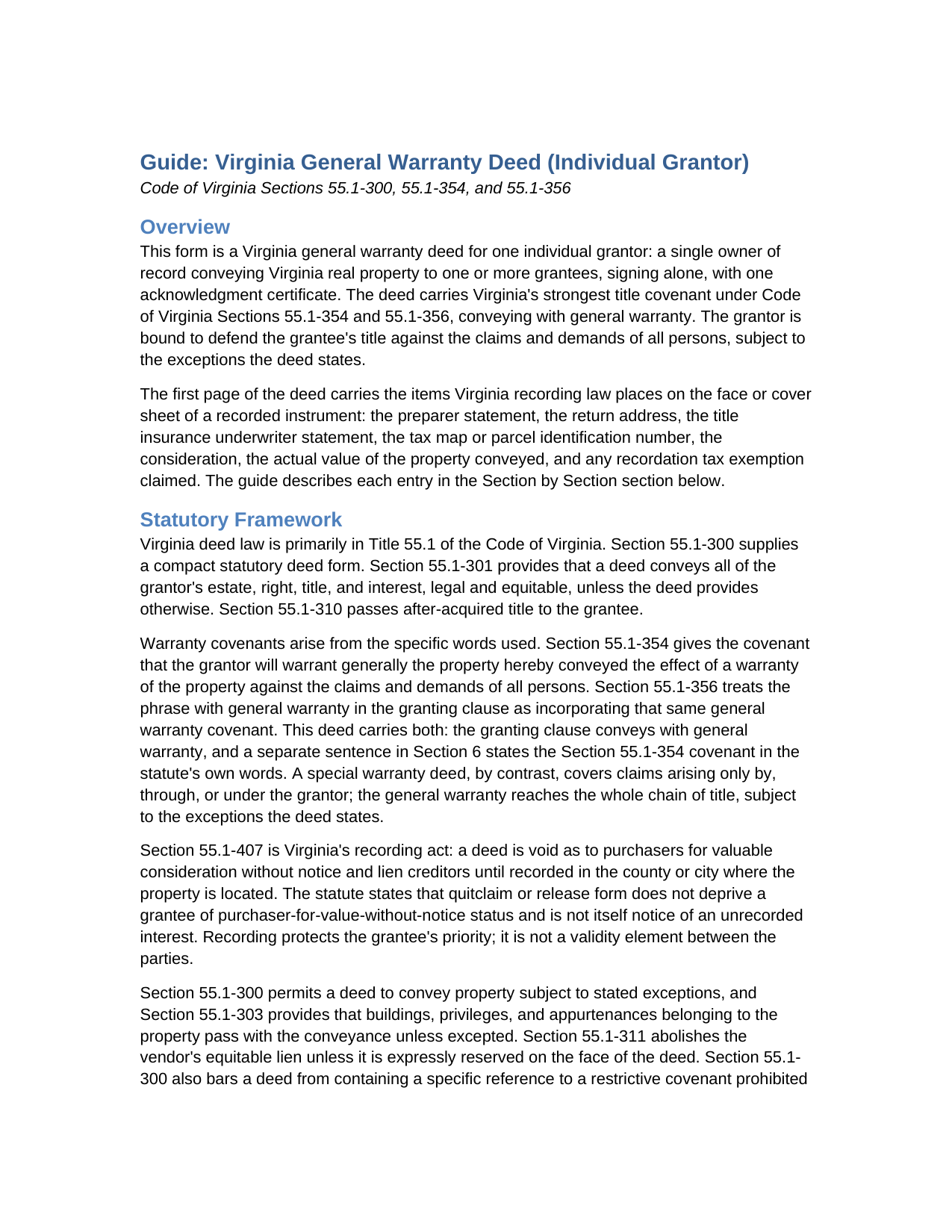
Falls Church City Warranty Deed (Individual Grantor) Guide
Line by line guide explaining every blank on the Warranty Deed (Individual Grantor) form.
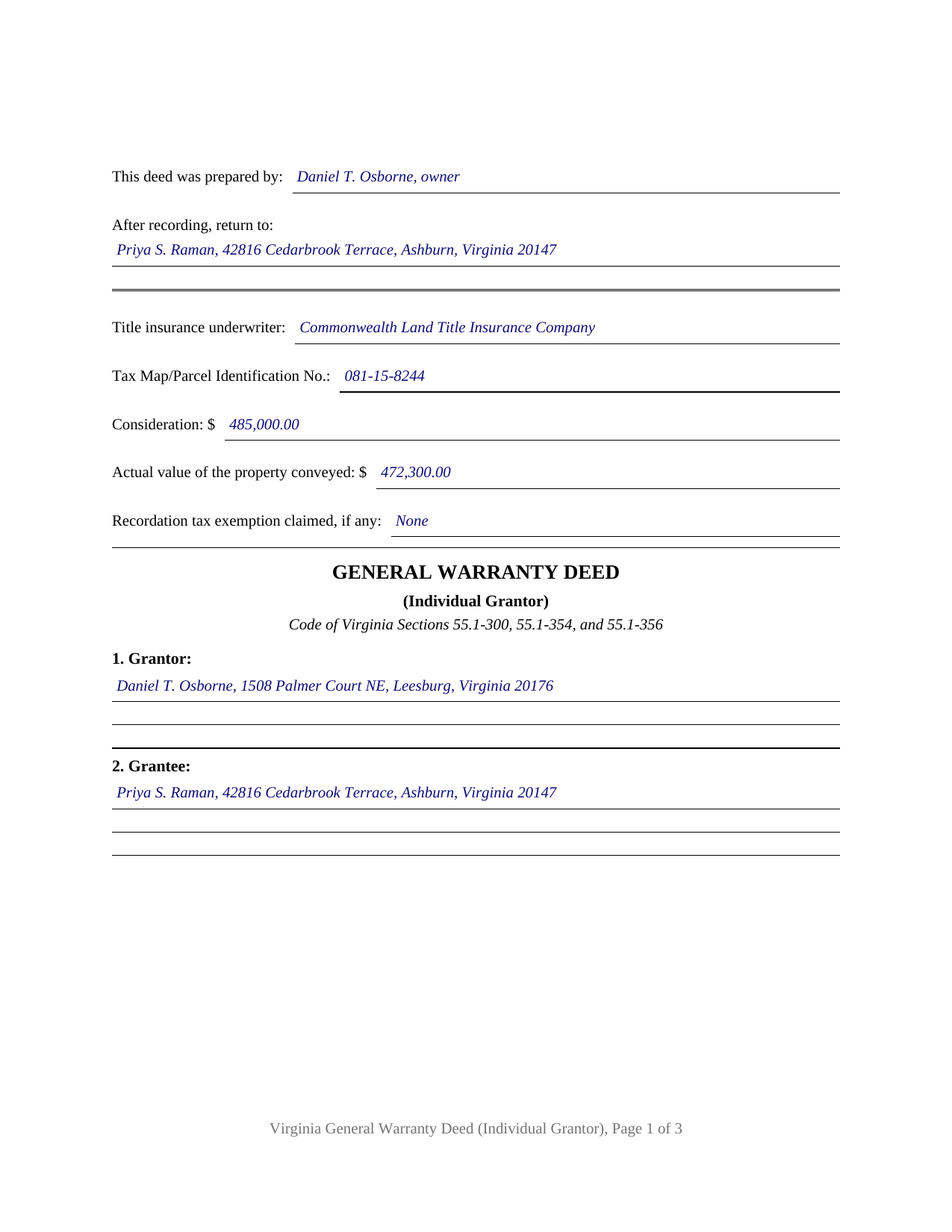
Falls Church City Completed Example of the Warranty Deed (Individual Grantor) Document
Example of a properly completed Virginia Warranty Deed (Individual Grantor) document for reference.
All 3 documents above included • One-time purchase • No recurring fees
Immediate Download • Secure Checkout
Additional Virginia and Falls Church City documents included at no extra charge:
Where to Record Your Documents
Arlington Clerk of Circuit Court
Arlington, Virginia 22201
Hours: Monday - Friday 8:00 am - 4:00 pm
Phone: (703) 228-7010
Recording Tips for Falls Church City:
- Bring your driver's license or state-issued photo ID
- Ensure all signatures are in blue or black ink
- Ask if they accept credit cards - many offices are cash/check only
- Check that your notary's commission hasn't expired
- Documents must be on 8.5 x 11 inch white paper
Cities and Jurisdictions in Falls Church City
Properties in any of these areas use Falls Church City forms:
- Falls Church
Hours, fees, requirements, and more for Falls Church City
How do I get my forms?
Forms are available for immediate download after payment. The Falls Church City forms will be in your account ready to download to your computer. An account is created for you during checkout if you don't have one. Forms are NOT emailed.
Are these forms guaranteed to be recordable in Falls Church City?
Yes. Our form blanks are guaranteed to meet or exceed the applicable formatting requirements used for recording in Falls Church City, including margin requirements, font requirements, and other layout standards. This guarantee applies to formatting, not to the legal sufficiency of information entered by the user or the suitability of a form for a particular transaction.
Can I reuse these forms?
Yes. You can reuse the forms for your personal use. For example, if you have multiple properties in Falls Church City you only need to order once.
What do I need to use these forms?
The forms are PDFs that you fill out on your computer. The free Adobe Acrobat Reader is recommended, and most PDF apps also work. You do NOT enter your property information online - you download the blank forms and complete them privately on your own computer.
Are there any recurring fees?
No. This is a one-time purchase. Nothing to cancel, no memberships, no recurring fees.
How much does it cost to record in Falls Church City?
Recording fees in Falls Church City vary. Contact the recorder's office at (703) 228-7010 for current fees.
Questions answered? Let's get started!
This form prepares a Virginia general warranty deed for one individual grantor: a single owner of record conveying Virginia real property to one or more grantees, signing alone, with one acknowledgment certificate. The deed carries Virginia's strongest title covenant and collects, on its first page, the items Virginia recording law expects to find there.
A warranty that answers for the whole chain of title
Virginia deeds take their character from covenant words rather than captions. Under Code of Virginia Section 55.1-354, a covenant that the grantor will warrant generally the property hereby conveyed operates as a warranty of the property against the claims and demands of all persons, and Section 55.1-356 gives the words with general warranty in the granting clause the same effect. This deed carries both formulations: the granting clause conveys with general warranty in the compact statutory pattern of Section 55.1-300, and a separate sentence states the Section 55.1-354 covenant in the statute's own words. A special warranty deed, by contrast, answers only for claims arising by, through, or under the grantor; the general warranty reaches the whole chain of title, subject to the exceptions the deed states.
One grantor, one signature, one certificate
The form recites a single individual grantor holding record title alone, married or unmarried. One signature line closes the deed with the Section 55.1-300 attestation phrase, witness the following signature, and one acknowledgment certificate follows, printed in the Section 55.1-621 statutory short form for an individual and carrying the venue, commission expiration, and notary registration number lines Virginia notarial law places on a certificate. Co-owners conveying together, spouses holding as tenants by the entirety (whose conveyance takes a deed signed by both spouses as grantors under Section 55.1-136), and entity or fiduciary grantors present configurations this form does not recite.
The first page carries Virginia's recording data
Section 17.1-223 of the Code of Virginia builds a checklist into the first page of a Virginia deed, and the top of this form collects it: the preparer statement for a residential deed of up to four dwelling units (prepared by the owner, or by a Virginia attorney with a State Bar number), the return address, the title insurance underwriter statement, the tax map or parcel identification number required in localities with unique parcel systems, the consideration and the actual value of the property conveyed, and the line for any recordation tax exemption claimed. Consideration on the first page matters twice over: the clerk may reject a deed missing the required first-page information absent a cover sheet, and a deed subject to the grantor tax is not admitted to record until its first page states the consideration.
Recording with the circuit court clerk
The completed deed is recorded with the clerk of the circuit court of the county or city where the property is located. Recording is what protects the grantee against later purchasers and lien creditors under Virginia's recording act, Section 55.1-407. The document meets the statewide format standards for recorded instruments, with a top margin of at least 1.25 inches on every page, compliant side and bottom margins, and body text above the 9 point minimum, and it reserves space for the clerk's recording information. The guide walks through the state recordation tax, the grantor tax, the regional fees that apply in Northern Virginia and Hampton Roads localities, and the county cover sheet practices that vary from clerk to clerk.
The download contains the warranty deed as a fillable PDF, a completed example showing every entry for a realistic Loudoun County transaction, and a plain language guide that explains each section, the signing and notarization steps, and the recording process; the materials are informational and are not legal advice.
Important: Your property must be located in Falls Church City to use these forms. Documents should be recorded at the county or independent city recording office listed above.
This Warranty Deed (Individual Grantor) meets all recording requirements specific to Falls Church City.
Our Promise
The documents you receive here are guaranteed to meet or exceed the applicable Falls Church City recording format requirements. If there is a rejection caused by our formatting, we will correct the issue or refund your payment. This guarantee applies to document formatting only and does not extend to information entered by the user, the selection of the form, or the legal effect of the completed document.
Save Time and Money
Get your Falls Church City Warranty Deed (Individual Grantor) form done right the first time with Deeds.com Uniform Conveyancing Blanks. At Deeds.com, we understand that your time and money are valuable resources, and we don't want you to face a penalty fee or rejection imposed by a county recorder for submitting nonstandard documents. We constantly review and update our forms to meet rapidly changing state and county recording requirements for roughly 3,500 counties and local jurisdictions.
4.8 out of 5 - ( 4,844 Reviews )
Deirdre M. 5 out of 5 stars
Good documents good price saved me a lot of money and time.
Thanks for the feedback Deirdre, we appreciate it.
Estelle R. 5 out of 5 stars
Easy to download. Hopefully easy to fill in. Just wish there was wording for a Beneficiary Deed for moving real estate property owned by a married couple to their Trust upon death of last Trustee.
We appreciate your business and value your feedback. Thank you. Have a wonderful day!
Kelly M. 5 out of 5 stars
Received exactly what you said I would get. Good Quick Service
Thank you, Kelly. We’re glad everything was as expected and that the service was quick.
David L. 5 out of 5 stars
Really a great service for a reasonable price. Will definitely use again.
Thank you for your feedback. We really appreciate it. Have a great day!
Katherine H. 5 out of 5 stars
extremely thorough by covering all bases, easy to understand, direct access, fair price with no strings attached. I recommend the service to everyone.
We appreciate your business and value your feedback. Thank you. Have a wonderful day!
Erik H. 5 out of 5 stars
tl;dr - Bookmarked and anticipating using this site for years to come. My justification for rating 5/5 1. Provide intuitive method for requesting property records. 2. Cost for records *seems reasonable. 3. They clearly state that interested parties could gather these records at more affordable costs through the county (which was more confusing for an inexperienced person such as myself). I mean, I appreciate and respect this level of honesty. *I didn't shop around too much because it was difficult for me to find other services that could deliver CA property records.
We appreciate your business and value your feedback. Thank you. Have a wonderful day!
Thomas J. 5 out of 5 stars
Seems to be just what I needed. I will certainly keep your services handy in the future. I will recommend your site whenever I can.
We are delighted to have been of service. Thank you for the positive review!
DENNIS K. 5 out of 5 stars
I am a civil engineer, not an attorney. I deal with easements on a regular basis but not so much on the "recording" side of things. I normally prepare the graphic exhibits that accompany the dedication language but I am not the one who provides that language. Your forms solved that issue for me. Thanks.
Thank you!
Dubelsa T. 5 out of 5 stars
Loved it!!!!! Beats going downtown!!!! Super easy and fast!!!
We appreciate your business and value your feedback. Thank you. Have a wonderful day!
Erik J. 5 out of 5 stars
First time using Deeds.com and feel that your platform is clear and easy to use. I was also pleased with the messaging center and follow-up and also surprised at how quickly our particular deed was recorded and available to view. Having said that, when I first investigated Deeds.com the fee was $15 and as of 1/1/21 it has increased to $19 which I feel is pretty steep for the handling of 1 simple document especially when the turnaround was basically the same day. Your fee was nearly the equivalent of the cost of the Clerk's recording fee. Perhaps you should offer a fee schedule for those of us who are not volume recorders. Just a thought.
Thank you!
Julia C. 5 out of 5 stars
Deeds.com was such a blessing in order for me to get something done that my lawyers could not get done. Transferring a mineral right from my deceased parents to me and my husband. The mineral company person I worked with went above and beyond helping me fill the paperwork out perfectly so that it had “right of survivorship” (and other things phrased properly) so that either my husband or I won’t have the issue I have had. Had it not been for deeds.com I don’t think I would have been able to complete this process. I hope anyone that ever needs something such as this learns about I deeds.com.
Thank you, Julia, for your kind and thoughtful review. We're truly honored to have played a role in helping you and your husband secure your mineral rights — especially after such a frustrating experience elsewhere. It’s great to hear that our team and resources were able to guide you through the process with clarity and care. Your words mean a lot to us, and we hope others in similar situations find the support they need through Deeds.com, just like you did. Wishing you continued peace of mind and security with your property.
Ralph S. 5 out of 5 stars
Excellent deed correction experience and guidance!!! Thank you! R. Scott.
We appreciate your business and value your feedback. Thank you. Have a wonderful day!
Susan S. 5 out of 5 stars
Very quick, easy and readily available forms. No wait, no advertisements, no pressure to purchase MORE. I expected to only get part of the information I needed, and for there to be a hidden cost to get the complete package, but surprisingly, I got immediate access to all the forms I ordered, AND THERE WERE NO ADDITIONAL HIDDEN COSTS! How refreshing!
Thank you Susan, we really appreciate your feedback.
George D. 4 out of 5 stars
The TODD form has been notarized and registered with my county Register of Deeds office, so it works just fine. My only quibble is that when I printed it out, it missed part of the last line of the notary's info and the fine print in the bottom corners. When I printed it at 90% scale, it included those things.
Thank you for your feedback. We really appreciate it. Have a great day!
Dawn W. 5 out of 5 stars
wonderful help!!!
Thank you!