Pacific County Quitclaim Deed (Corrective) Form
Last validated November 18, 2026 by our Forms Development TeamFormatted for recording in Pacific County, for property anywhere in the county: rural and unincorporated areas as well as Bay Center, Chinook, Ilwaco, Lebam, Long Beach, Menlo, Nahcotta, Naselle and 6 more.
- 3 documents included
- Immediate PDF download
- Formatting guarantee
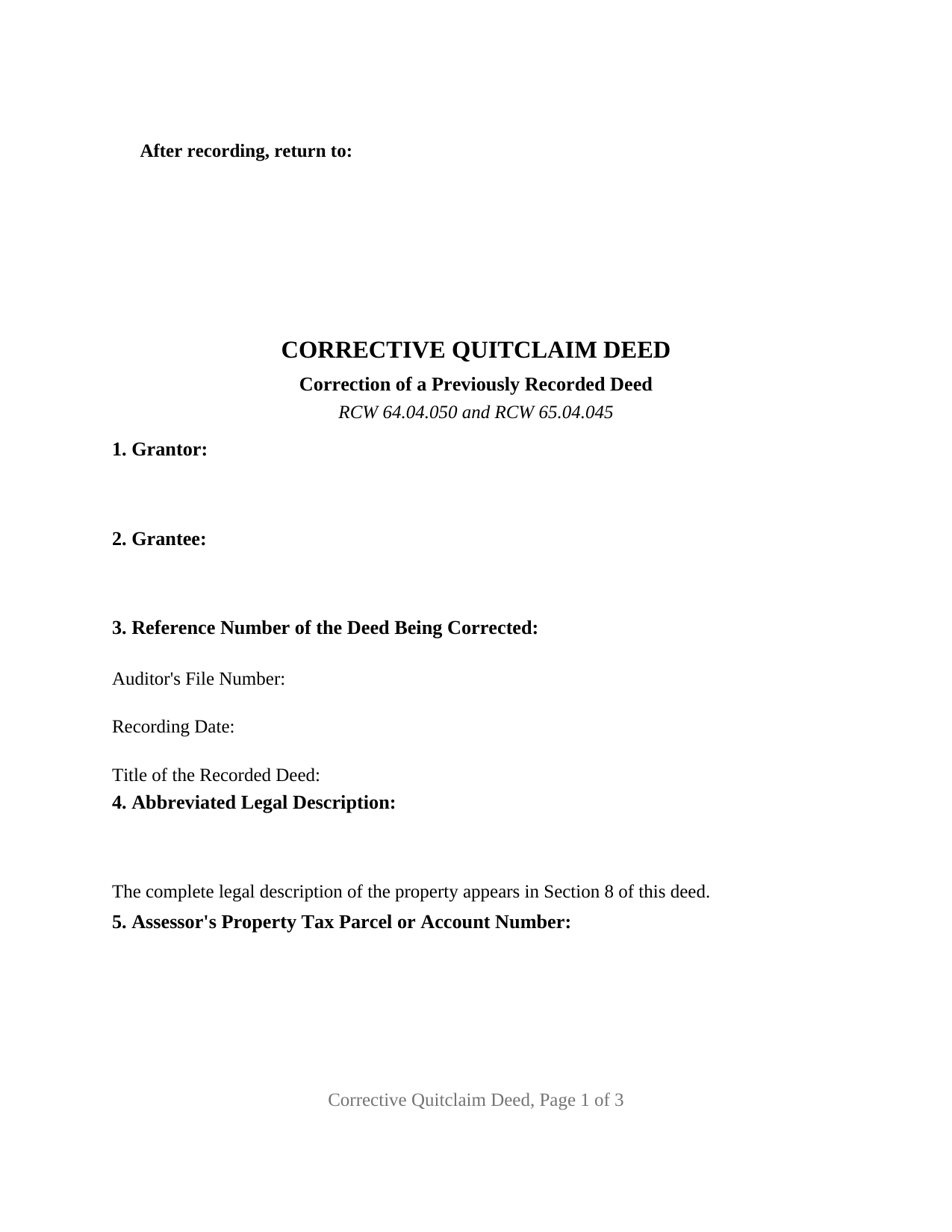
Pacific County Quitclaim Deed (Corrective) Form
Fill in the blank Quitclaim Deed (Corrective) form formatted to comply with all Washington recording and content requirements.
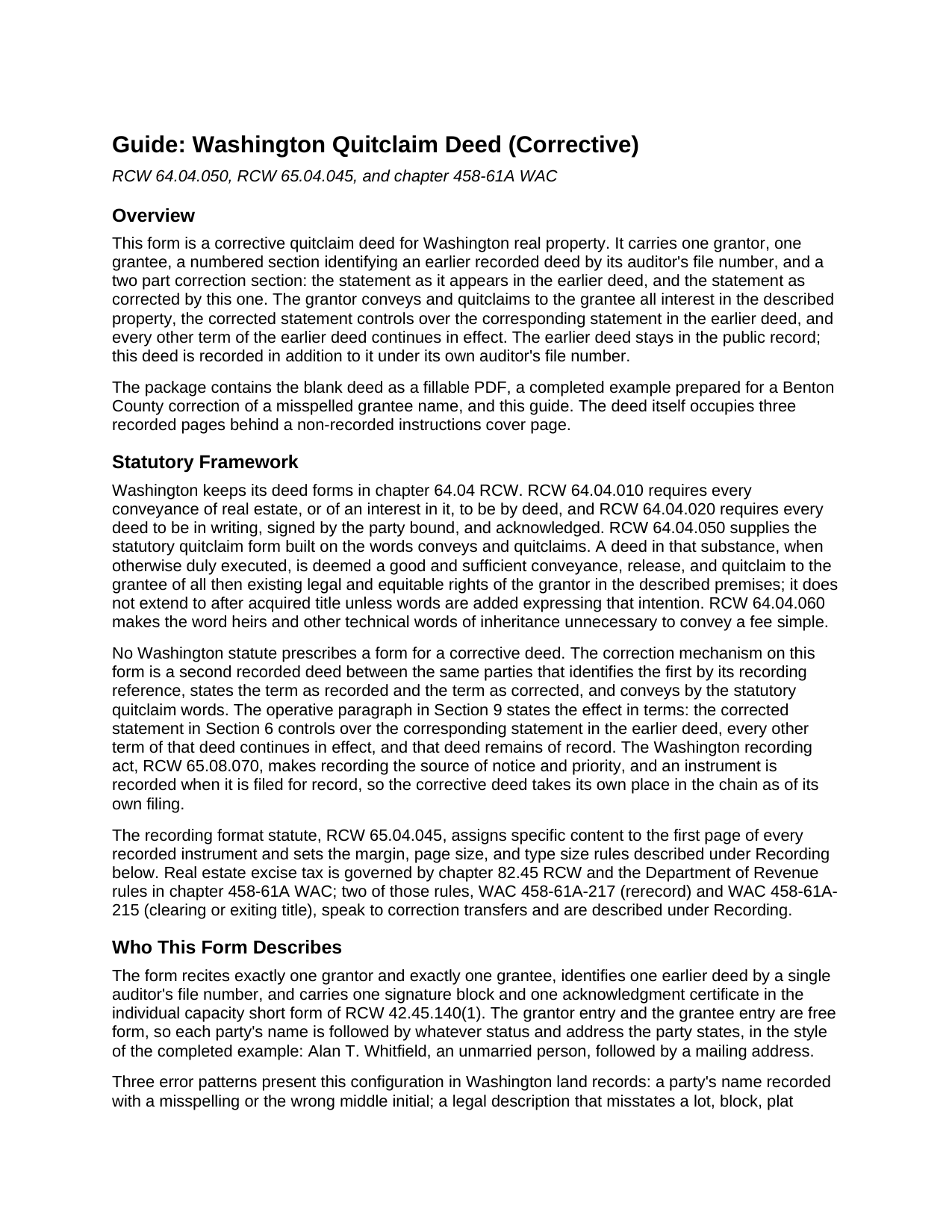
Pacific County Quitclaim Deed (Corrective) Guide
Line by line guide explaining every blank on the Quitclaim Deed (Corrective) form.
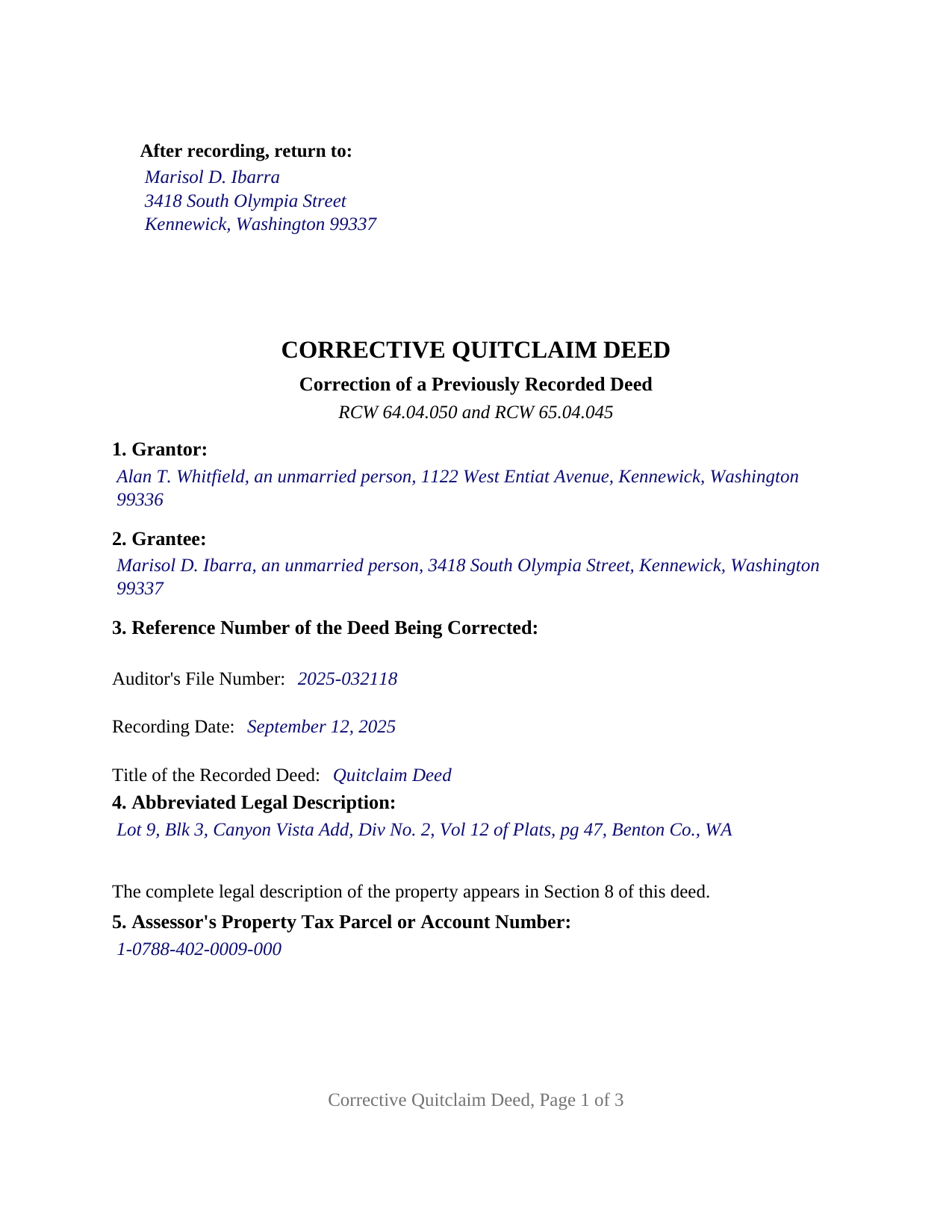
Pacific County Completed Example of the Quitclaim Deed (Corrective) Document
Example of a properly completed Washington Quitclaim Deed (Corrective) document for reference.
All 3 documents above included • One-time purchase • No recurring fees
Immediate Download • Secure Checkout
Additional Washington and Pacific County documents included at no extra charge:
Where to Record Your Documents
Pacific County Auditor: Recording
South Bend, Washington 98586
Hours: Monday through Friday 8:00am - 4:00pm
Phone: (360) 875-9318
Recording Tips for Pacific County:
- Bring your driver's license or state-issued photo ID
- Ensure all signatures are in blue or black ink
- Leave recording info boxes blank - the office fills these
- Make copies of your documents before recording - keep originals safe
- Recorded documents become public record - avoid including SSNs
Cities and Jurisdictions in Pacific County
Properties in any of these areas use Pacific County forms:
- Bay Center
- Chinook
- Ilwaco
- Lebam
- Long Beach
- Menlo
- Nahcotta
- Naselle
- Ocean Park
- Oysterville
- Raymond
- Seaview
- South Bend
- Tokeland
Hours, fees, requirements, and more for Pacific County
How do I get my forms?
Forms are available for immediate download after payment. The Pacific County forms will be in your account ready to download to your computer. An account is created for you during checkout if you don't have one. Forms are NOT emailed.
Are these forms guaranteed to be recordable in Pacific County?
Yes. Our form blanks are guaranteed to meet or exceed the applicable formatting requirements used for recording in Pacific County, including margin requirements, font requirements, and other layout standards. This guarantee applies to formatting, not to the legal sufficiency of information entered by the user or the suitability of a form for a particular transaction.
Can I reuse these forms?
Yes. You can reuse the forms for your personal use. For example, if you have multiple properties in Pacific County you only need to order once.
What do I need to use these forms?
The forms are PDFs that you fill out on your computer. The free Adobe Acrobat Reader is recommended, and most PDF apps also work. You do NOT enter your property information online - you download the blank forms and complete them privately on your own computer.
Are there any recurring fees?
No. This is a one-time purchase. Nothing to cancel, no memberships, no recurring fees.
How much does it cost to record in Pacific County?
Recording fees in Pacific County vary. Contact the recorder's office at (360) 875-9318 for current fees.
Questions answered? Let's get started!
A recorded Washington deed cannot be edited. Once the county auditor images it, that deed stays in the public record exactly as it was filed, and the way to fix what it says is to record a second deed that points back at the first one and states the corrected term. This form is that second deed. It carries one grantor, one grantee, a numbered section holding the auditor's file number of the deed being corrected, and two blanks that set the language side by side: as it appears in the earlier deed, and as corrected here.
Two statements, side by side
Section 6 is the section the whole form is built around. The first blank states the term as the earlier deed states it, described closely enough that a reader can find it there. The second states the same term as corrected. Section 9 then supplies the effect in operative words: the corrected statement controls over the corresponding statement in the earlier deed, and every other term of that deed continues in effect. Nothing is deleted from the record, and nothing outside the corrected term is reopened. A title examiner reading the chain finds both instruments and reads them together.
Quitclaim words doing corrective work
The conveyance runs on the statutory form of RCW 64.04.050. Conveys and quitclaims makes the instrument a good and sufficient conveyance, release, and quitclaim of the legal and equitable rights the grantor holds on the day of delivery, with no covenant of title attached and no reach to after acquired title, which the statute withholds unless a deed adds words asking for it. That measured scope is the point here: a correction restates a conveyance the parties already made rather than selling anything new, so the deed passes what the grantor has and stops.
The rule Washington wrote for corrections
Excise tax treatment has a rule of its own. WAC 458-61A-217, captioned Rerecord, keeps the rerecording of documents to correct a legal description, change contract terms, or correct the spelling of the name of a party outside the real estate excise tax, and calls for an affidavit giving the prior affidavit number, the recorded document number for the prior transaction, and a complete explanation of why the rerecording is necessary. WAC 458-61A-215 supplies a second route where a quitclaim passes for the sole purpose of clearing title with nothing given for it. That affidavit is a Department of Revenue form, obtained separately and not part of this package, and it reaches the county treasurer before the deed reaches the auditor.
A correction dated the day it is recorded
The corrective deed enters the record under its own auditor's file number and its own date. RCW 65.08.070 makes recording the source of notice and priority, so anything that reached the record between the two deeds keeps whatever position its own filing gives it. The first page of this form is built to RCW 65.04.045, with the reference number of the deed being corrected among the indexing items the auditor reads there.
One grantor, one grantee, one certificate
The form recites exactly one grantor, exactly one grantee, and one earlier deed identified by a single file number, with one signature line and one certificate in the individual capacity short form of RCW 42.45.140(1). Three error patterns present that configuration in Washington land records: a party's name carrying a misspelling or the wrong middle initial, a legal description that misstates a lot, block, plat volume, or page, and a term that reached the record in a different form than the parties gave it. What the form is not set up as: two grantor entries, a signer acting in a representative capacity, or an instrument that puts a new name on title or takes one off, which transfers an interest instead of restating one. Where the parcel is community real property, or a homestead, RCW 26.16.030(3) and RCW 6.13.060 put two signatures and two acknowledgments on the conveyance, which is not the shape of this form.
The download holds the blank deed as a fillable PDF, a completed example prepared for a Benton County correction of a misspelled grantee name, and a plain language guide to every entry, the notarization, the excise tax affidavit, and recording. Searchers also look for a correction deed, a deed of correction, or a quit claim deed to fix a name or legal description. These materials describe Washington law in general terms; they are not legal advice.
Important: Your property must be located in Pacific County to use these forms. Documents should be recorded at the county recording office listed above.
This Quitclaim Deed (Corrective) meets all recording requirements specific to Pacific County.
Our Promise
The documents you receive here are guaranteed to meet or exceed the applicable Pacific County recording format requirements. If there is a rejection caused by our formatting, we will correct the issue or refund your payment. This guarantee applies to document formatting only and does not extend to information entered by the user, the selection of the form, or the legal effect of the completed document.
Save Time and Money
Get your Pacific County Quitclaim Deed (Corrective) form done right the first time with Deeds.com Uniform Conveyancing Blanks. At Deeds.com, we understand that your time and money are valuable resources, and we don't want you to face a penalty fee or rejection imposed by a county recorder for submitting nonstandard documents. We constantly review and update our forms to meet rapidly changing state and county recording requirements for roughly 3,500 counties and local jurisdictions.
4.8 out of 5 - ( 4,865 Reviews )
Gina I. 5 out of 5 stars
Found the forms I needed with no problem and easy to fill out thanks to the guide that is with it. Big help!
Thank you for your feedback. We really appreciate it. Have a great day!
Terry C. 4 out of 5 stars
It is a difficult challenge -- trying to take the needless jargon out of legal transactions so ordinary citizens can manage their affairs. Deeds.com hasn't solved all the problems, but has made a super effort to help us achieve self-sufficiency.
We appreciate your business and value your feedback. Thank you. Have a wonderful day!
Scott P. 5 out of 5 stars
So far so good
Thank you!
Sean M. 5 out of 5 stars
This was exactly what I needed. For $25-$30 it gave me the formatted document I needed and made it so easy to input the info. I wouldn't recommend it to someone who has no clue what they're doing, but for somebody who knows all the info and just needs a formatted page to input it onto, this is perfect.
We appreciate your business and value your feedback. Thank you. Have a wonderful day!
Dave W. 5 out of 5 stars
Very handy when clueless about filling out a form. Saved hours of research.
Your appreciative words mean the world to us. Thank you and we look forward to serving you again!
XIN Y. 5 out of 5 stars
Great e-Recording service. Fast and convenient! All done in the comfort of my home. Love it!!!
We appreciate your business and value your feedback. Thank you. Have a wonderful day!
yasin a. 5 out of 5 stars
good service
Thank you!
Walter R. 5 out of 5 stars
I was able to get all the Forms I required and it was straight forward and easy. Thank you , Walt R.
Thank you!
Linda Munguia N. 5 out of 5 stars
Easy process. Appreciated the detailed instructions for filing.
Thank you!
Juanita B. 5 out of 5 stars
Very easy and fast transaction. Thank you for complete set of forms needed for property transfer.
Thank you for your feedback. We really appreciate it. Have a great day!
Rebecca C. 5 out of 5 stars
Was sort of complicated for this phone illiterate 70 year old 😂. Asked my daughter for help. She breezed right through it with no problem whatsoever!! Thank you!!
Thank you, Rebecca! Glad your daughter could lend a hand. We appreciate the review.
John E. 5 out of 5 stars
This process exceeded my expectations. A great customer experience!
We appreciate your business and value your feedback. Thank you. Have a wonderful day!
Patricia C. 5 out of 5 stars
Deeds.com saved me time and research by offering a beneficiary deed and full instructions for filling it out. My home will now pass directly to my only son without probate. This form and other complimentary forms was an excellent value.
Thank you for your feedback. We really appreciate it. Have a great day!
Virginia C. 5 out of 5 stars
I had a nice surprise seeing how fast the process was to download in a safe manner the documents. The example and guide to fill the original document are very valuable to facilitate the filling in. Thank you!!
Thank you for your feedback. We really appreciate it. Have a great day!
Daniel S. 5 out of 5 stars
It was easy to find the forms I was looking for and the guided steps and examples of how to use the form were beneficial.
Thank you for your feedback. We really appreciate it. Have a great day!