Fayette County Memorandum of Trust Form
Last validated October 13, 2026 by our Forms Development TeamFormatted for recording in Fayette County, for property anywhere in the county: rural and unincorporated areas as well as Alloy, Ansted, Boomer, Cannelton, Charlton Heights, Danese, Deep Water, Dothan and 33 more.
- 3 documents included
- Immediate PDF download
- Formatting guarantee
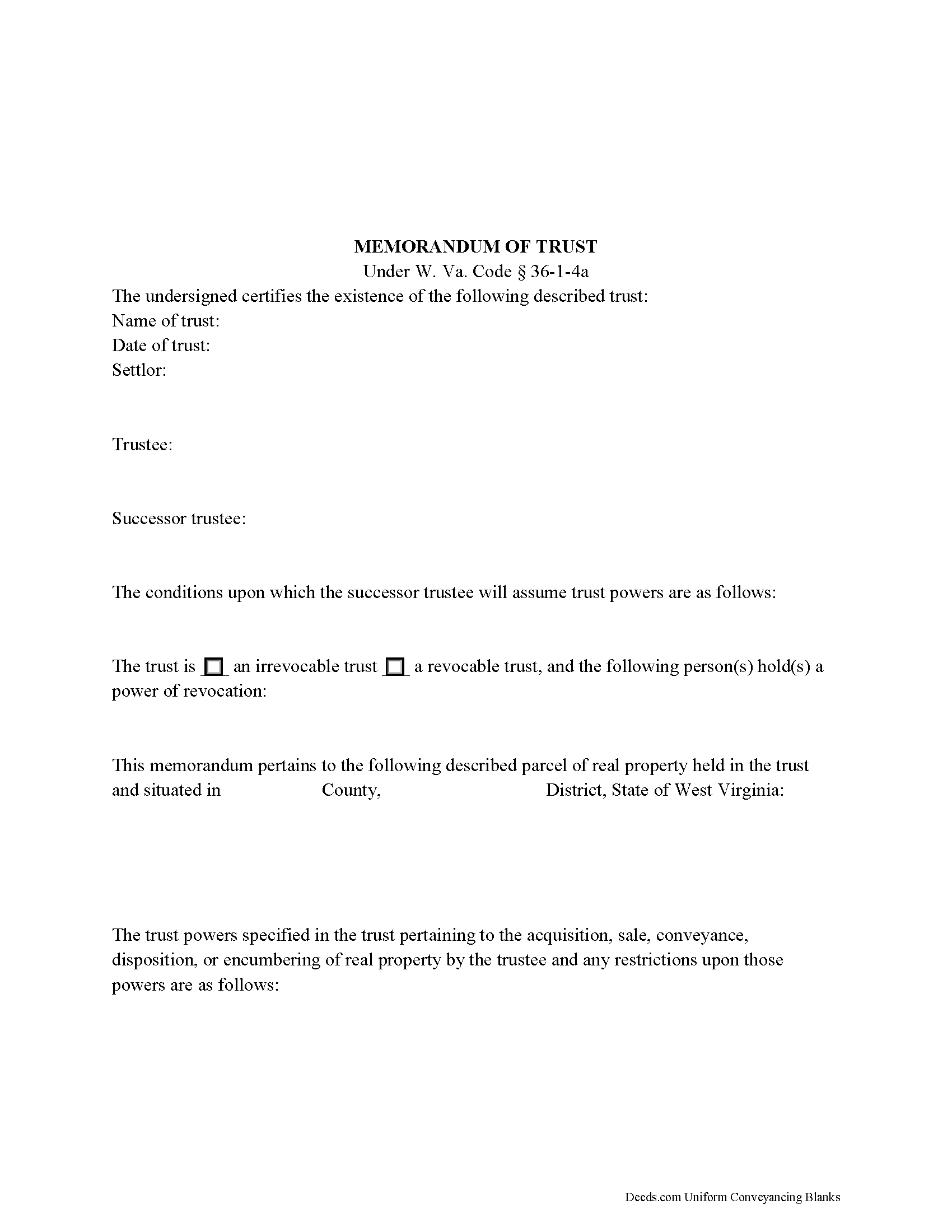
Fayette County Memorandum of Trust Form
Fill in the blank form formatted to comply with all recording and content requirements.
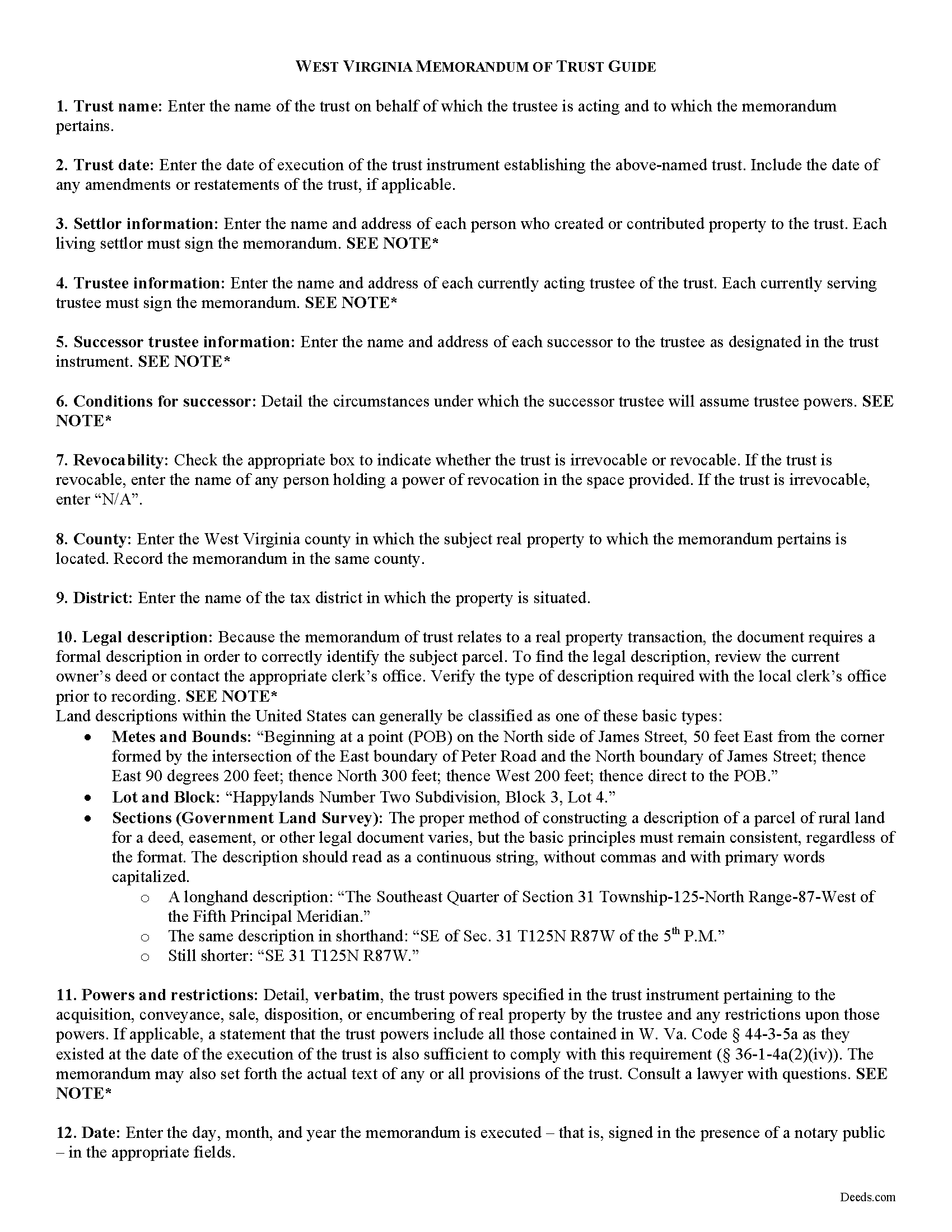
Fayette County Memorandum of Trust Guide
Line by line guide explaining every blank on the form.
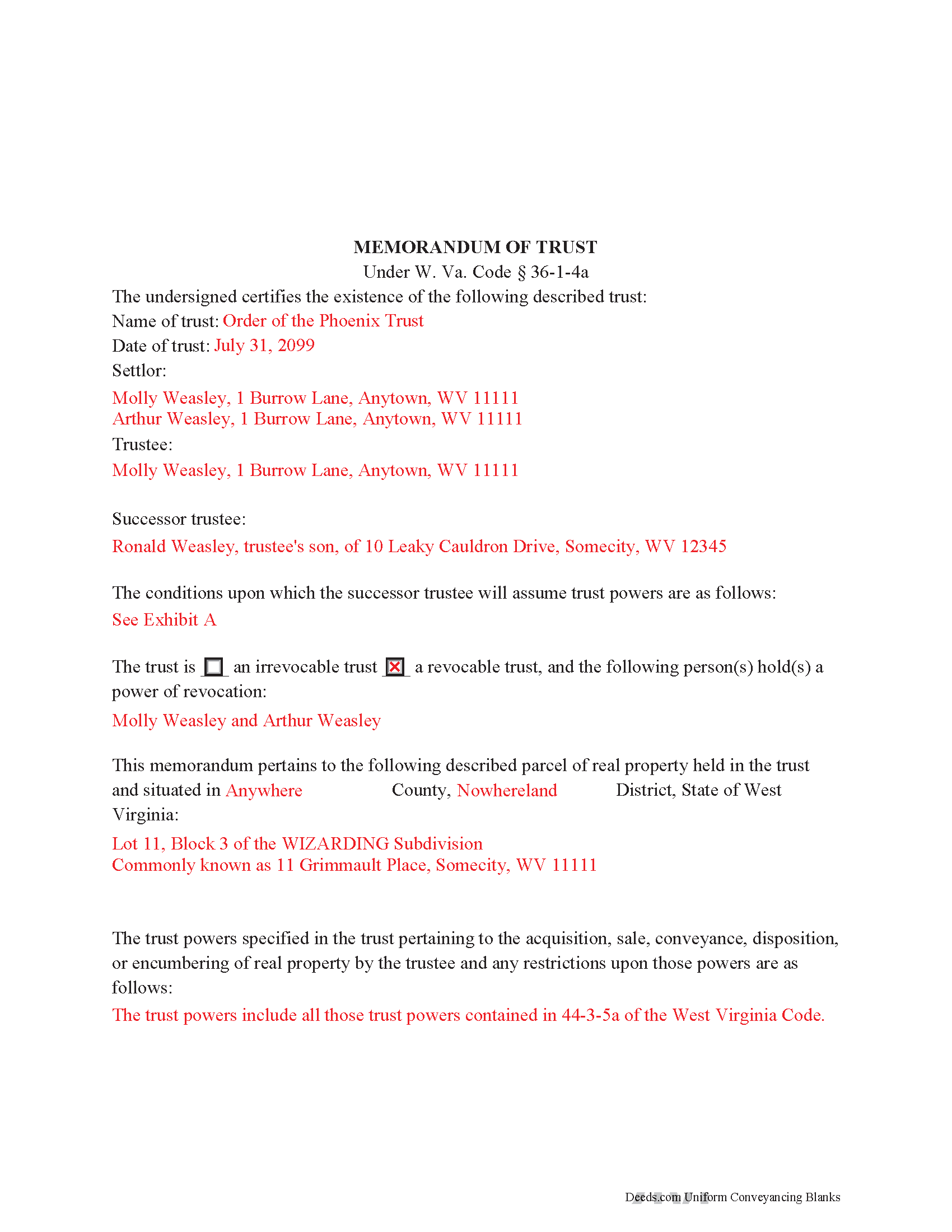
Fayette County Completed Example of the Memorandum of Trust Document
Example of a properly completed form for reference.
All 3 documents above included • One-time purchase • No recurring fees
Immediate Download • Secure Checkout
Additional West Virginia and Fayette County documents included at no extra charge:
Where to Record Your Documents
Fayette County Clerk's Office
Fayetteville, West Virginia 25840-1256
Hours: 8:00 to 4:00 M-F
Phone: (304) 574-4226
Recording Tips for Fayette County:
- Bring your driver's license or state-issued photo ID
- Ensure all signatures are in blue or black ink
- Bring extra funds - fees can vary by document type and page count
- Check margin requirements - usually 1-2 inches at top
- Leave recording info boxes blank - the office fills these
Cities and Jurisdictions in Fayette County
Properties in any of these areas use Fayette County forms:
- Alloy
- Ansted
- Boomer
- Cannelton
- Charlton Heights
- Danese
- Deep Water
- Dothan
- Edmond
- Fayetteville
- Gauley Bridge
- Glen Ferris
- Glen Jean
- Hico
- Hilltop
- Kanawha Falls
- Kimberly
- Kincaid
- Lansing
- Layland
- Lochgelly
- Lookout
- Meadow Bridge
- Minden
- Montgomery
- Mount Carbon
- Mount Hope
- Mount Olive
- Nallen
- Oak Hill
- Page
- Pax
- Powellton
- Prince
- Robson
- Scarbro
- Smithers
- Spring Dale
- Thurmond
- Victor
- Winona
Hours, fees, requirements, and more for Fayette County
How do I get my forms?
Forms are available for immediate download after payment. The Fayette County forms will be in your account ready to download to your computer. An account is created for you during checkout if you don't have one. Forms are NOT emailed.
Are these forms guaranteed to be recordable in Fayette County?
Yes. Our form blanks are guaranteed to meet or exceed the applicable formatting requirements used for recording in Fayette County, including margin requirements, font requirements, and other layout standards. This guarantee applies to formatting, not to the legal sufficiency of information entered by the user or the suitability of a form for a particular transaction.
Can I reuse these forms?
Yes. You can reuse the forms for your personal use. For example, if you have multiple properties in Fayette County you only need to order once.
What do I need to use these forms?
The forms are PDFs that you fill out on your computer. The free Adobe Acrobat Reader is recommended, and most PDF apps also work. You do NOT enter your property information online - you download the blank forms and complete them privately on your own computer.
Are there any recurring fees?
No. This is a one-time purchase. Nothing to cancel, no memberships, no recurring fees.
How much does it cost to record in Fayette County?
Recording fees in Fayette County vary. Contact the recorder's office at (304) 574-4226 for current fees.
Questions answered? Let's get started!
The memorandum of trust, codified under the Estates and Trusts chapter of the West Virginia Code at 36-1-4a is executed jointly by all acting trustees and living settlors of a trust. It is recorded in the land records with an acquisition and/or conveyance of real property by a trust in order to maintain a clear account for potential title examinations.
A memorandum contains a statement that the trust exists and the date of the trust; the names of each settlor, current trustee, and successor trustee; the conditions under which the successor assumes trustee powers; and whether or not the trust is revocable. The form also requires a verbatim accounting of the trustee's powers "relative to the acquisition, sale, disposition, or encumbering of real property ... or the conveyance or disposition of real property," depending on the situation, and any restrictions on those powers (W. Va. Code 36-1-4a(a)(2)(iv)). Due to the nature of the transaction for which the memorandum is recorded, a legal description of the subject property is also required. The memorandum may also include the entire text "of any or all of the provisions of the trust" ( 36-1-4a(b)).
Each case is unique, so contact an attorney with questions about this form or anything else relating to trusts in West Virginia.
(West Virginia MOT Package includes form, guidelines, and completed example)
Important: Your property must be located in Fayette County to use these forms. Documents should be recorded at the county recording office listed above.
This Memorandum of Trust meets all recording requirements specific to Fayette County.
Our Promise
The documents you receive here are guaranteed to meet or exceed the applicable Fayette County recording format requirements. If there is a rejection caused by our formatting, we will correct the issue or refund your payment. This guarantee applies to document formatting only and does not extend to information entered by the user, the selection of the form, or the legal effect of the completed document.
Save Time and Money
Get your Fayette County Memorandum of Trust form done right the first time with Deeds.com Uniform Conveyancing Blanks. At Deeds.com, we understand that your time and money are valuable resources, and we don't want you to face a penalty fee or rejection imposed by a county recorder for submitting nonstandard documents. We constantly review and update our forms to meet rapidly changing state and county recording requirements for roughly 3,500 counties and local jurisdictions.
4.8 out of 5 - ( 4,845 Reviews )
Dennis M. 5 out of 5 stars
Very quick and easy to use. Deeds.com saved me a lot of money!
Thank you!
Thomas D. 5 out of 5 stars
The site is fine with one exception. About half the pdf files I downloaded were corrupted. I could not open them or view their contents. Fortunately, the link continued to work, so after I discovered this, I downloaded the corrupted files again, and they now seem fine. I do not know if my computer or the website caused this odd problem.
Thank you for your feedback. We really appreciate it. Have a great day!
Helen B. 5 out of 5 stars
Very Good!
Thank you!
MATUS C. 5 out of 5 stars
Quick, easy way to get the forms I needed
Thank you for your feedback. We really appreciate it. Have a great day!
Niranjan C. 5 out of 5 stars
Whole process was very easy and quick. Forms were easy to fill, examples were quite appropriate. Recommended.
Thank you!
Alan E. 5 out of 5 stars
I couldn't be happier with this service. They're helpful, quick and thorough. They make filing government documents very easy.
Thank you for your feedback. We really appreciate it. Have a great day!
Jean K. 4 out of 5 stars
The website worked fine and I would have been happy to pay the extra money except the deed I needed was "not available". Ended up calling the courthouse anyway.
Thank you for your feedback. We really appreciate it. Have a great day!
Dhanminder D. 5 out of 5 stars
The service was great. Thank you.
Thank you!
William W. 5 out of 5 stars
No fuss-No muss. Very easy!
Thank you!
sharon s. 5 out of 5 stars
great site for downloading forms
Thank you!
Brenda G. 5 out of 5 stars
So far have only done the download, will come back with further review at a later date.
Thank you!
Zehira D. 5 out of 5 stars
Great service! fast, reliable, and very affordable. No contract, no subscription
We are sincerely grateful for your feedback and are committed to providing the highest quality service. Thank you for your trust in us.
Linda K C. 5 out of 5 stars
I wanted to do an Enhancement Life Quitclaim deed and the county government lady didn’t know what I was even talking about. I ordered the deed from Deeds.com and filled it all in,submitted to the county clerk who took 10 minutes to study it before she accepted the deed. This was the easiest transaction I’ve ever made! I actually felt smarter than the clerk who worked at the count office over 20 years.
Thank you, Linda! We’re glad the process went smoothly and that our forms helped you complete your recording with confidence. We appreciate you taking the time to share your experience!
Charles D. 5 out of 5 stars
Very easy to download, very easy to use. Good examples to answer questions.
Thank you!
Mary B. 5 out of 5 stars
I was very pleased with my experience on Deeds.com. I hand purchased the wrong papers and they credited my account so I could purchase the correct papers. I will use them again
We appreciate your business and value your feedback. Thank you. Have a wonderful day!