Calumet County Contractor Notice of Intent to File Lien Form
Last validated November 12, 2026 by our Forms Development TeamFormatted for recording in Calumet County, for property anywhere in the county: rural and unincorporated areas as well as Brillion, Chilton, Forest Junction, Hilbert, New Holstein, Potter, Sherwood, Stockbridge.
- 3 documents included
- Immediate PDF download
- Formatting guarantee
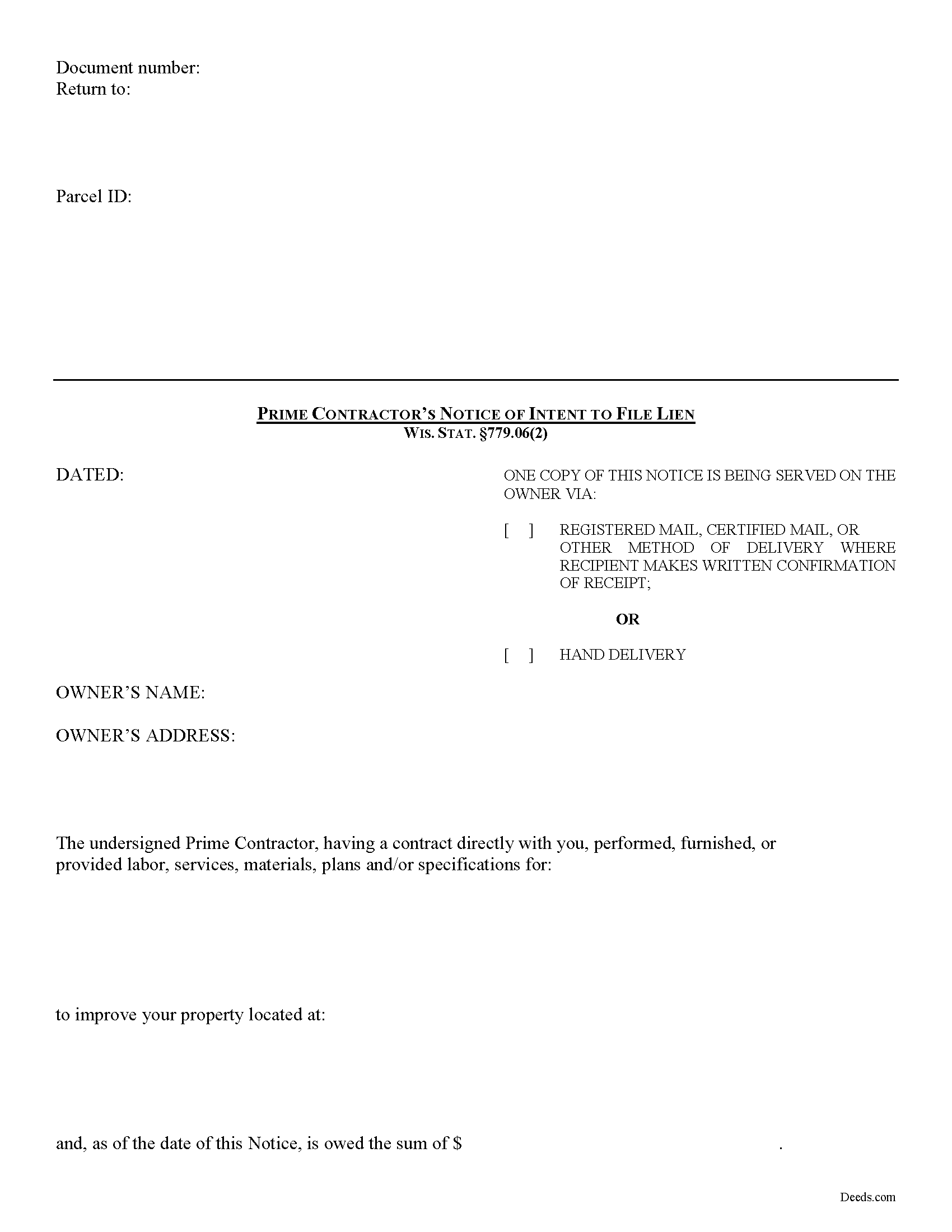
Calumet County Contractor Notice of Intent to File Lien
Fill in the blank form formatted to comply with all recording and content requirements.
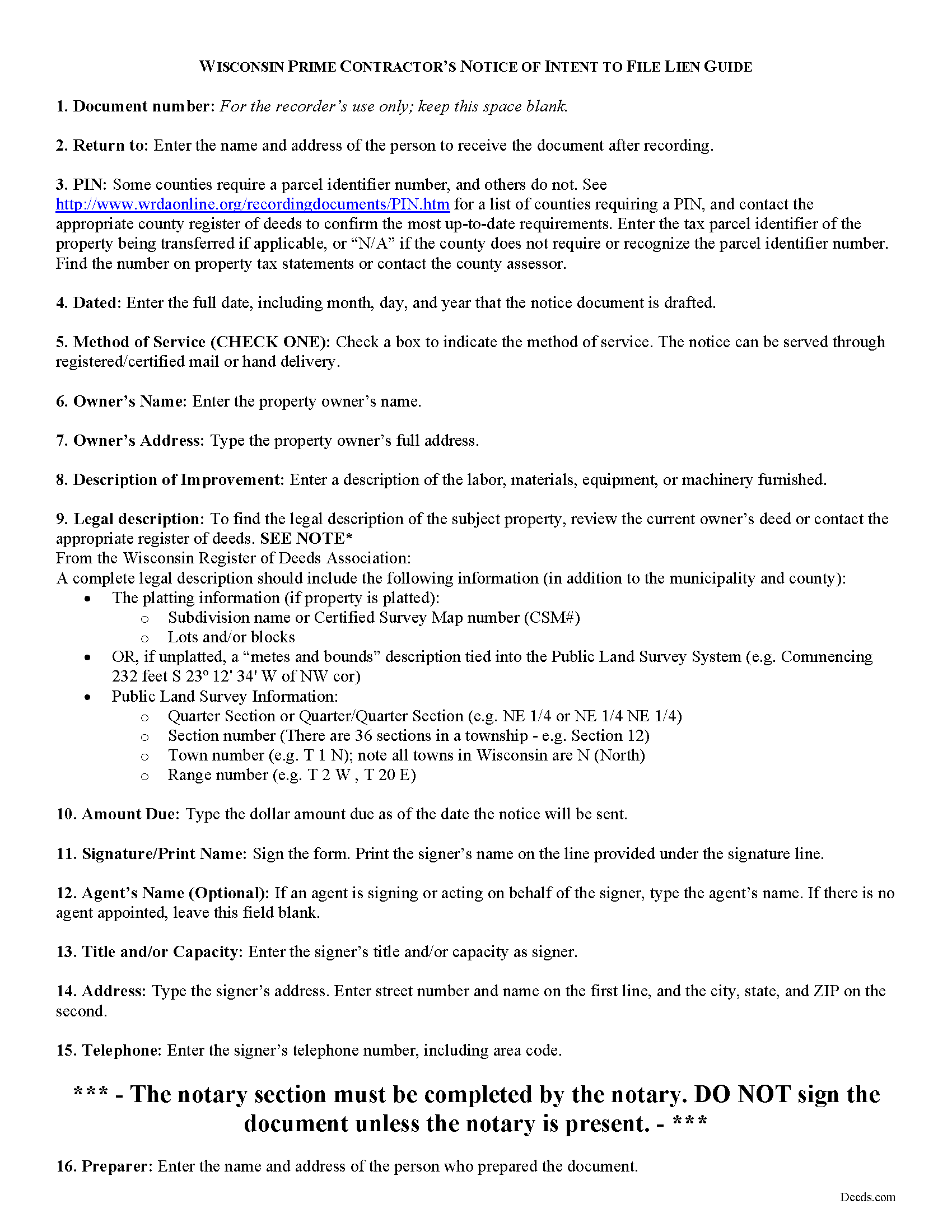
Calumet County Contractor Notice of Intent to File Lien Guide
Line by line guide explaining every blank on the form.
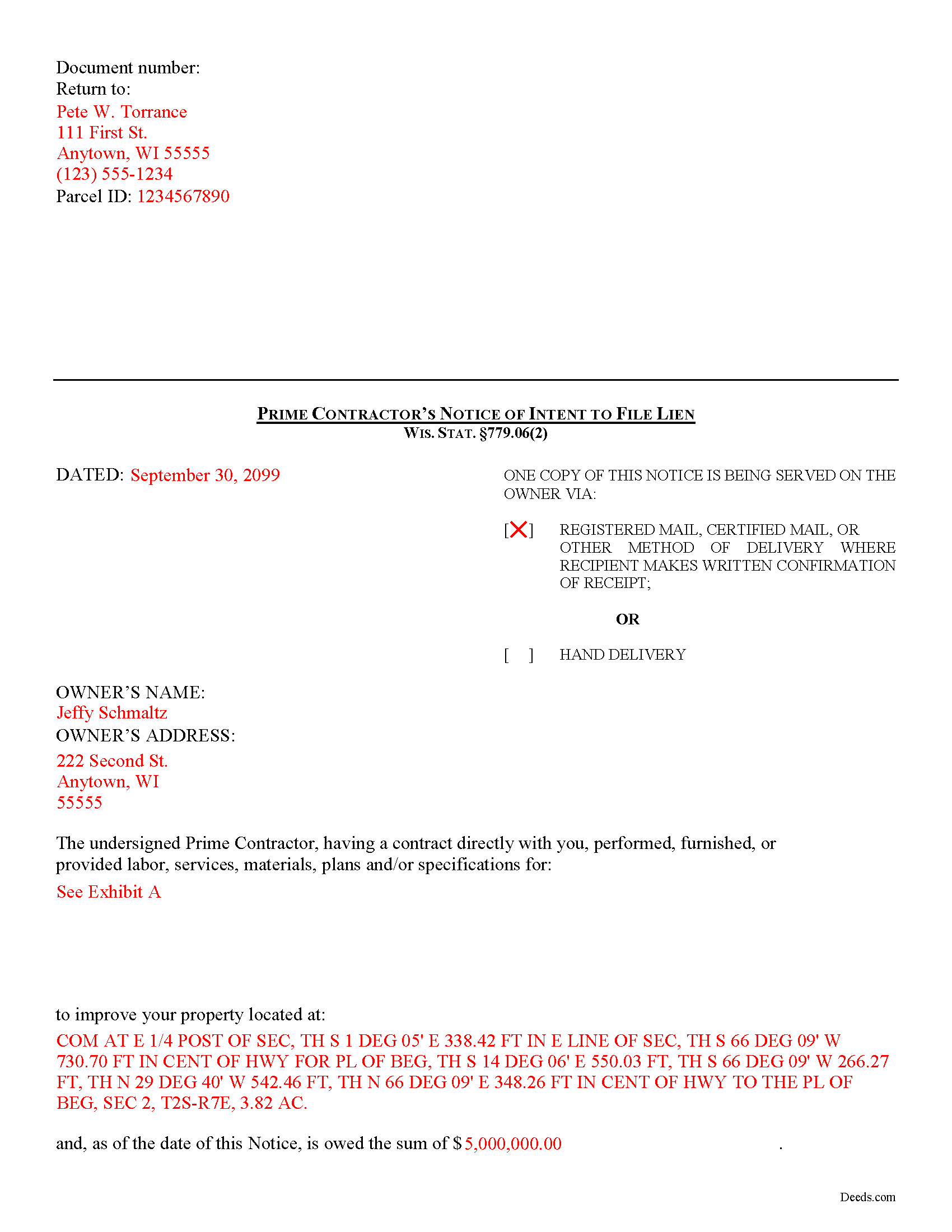
Calumet County Completed Example of the Contractor Notice of Intent to File Lien Document
Example of a properly completed form for reference.
All 3 documents above included • One-time purchase • No recurring fees
Immediate Download • Secure Checkout
Additional Wisconsin and Calumet County documents included at no extra charge:
Where to Record Your Documents
Calumet County Register
Chilton, Wisconsin 53014
Hours: Monday - Friday 8:00am - 4:30pm / Recording until 4:00pm
Phone: (920) 849-1441
Recording Tips for Calumet County:
- Bring your driver's license or state-issued photo ID
- Ensure all signatures are in blue or black ink
- Ask about accepted payment methods when you call ahead
- Ask for certified copies if you need them for other transactions
- Ask if they accept credit cards - many offices are cash/check only
Cities and Jurisdictions in Calumet County
Properties in any of these areas use Calumet County forms:
- Brillion
- Chilton
- Forest Junction
- Hilbert
- New Holstein
- Potter
- Sherwood
- Stockbridge
Hours, fees, requirements, and more for Calumet County
How do I get my forms?
Forms are available for immediate download after payment. The Calumet County forms will be in your account ready to download to your computer. An account is created for you during checkout if you don't have one. Forms are NOT emailed.
Are these forms guaranteed to be recordable in Calumet County?
Yes. Our form blanks are guaranteed to meet or exceed the applicable formatting requirements used for recording in Calumet County, including margin requirements, font requirements, and other layout standards. This guarantee applies to formatting, not to the legal sufficiency of information entered by the user or the suitability of a form for a particular transaction.
Can I reuse these forms?
Yes. You can reuse the forms for your personal use. For example, if you have multiple properties in Calumet County you only need to order once.
What do I need to use these forms?
The forms are PDFs that you fill out on your computer. The free Adobe Acrobat Reader is recommended, and most PDF apps also work. You do NOT enter your property information online - you download the blank forms and complete them privately on your own computer.
Are there any recurring fees?
No. This is a one-time purchase. Nothing to cancel, no memberships, no recurring fees.
How much does it cost to record in Calumet County?
Recording fees in Calumet County vary. Contact the recorder's office at (920) 849-1441 for current fees.
Questions answered? Let's get started!
Pre-Lien Notices in Wisconsin
Preliminary notices are an important step to securing a mechanic's lien and are often required to ensure the property owner has notice of who is working on his or her property so there is a chance to avoid a lien. Most states mandate the form of notice that must be provided. In Wisconsin, prime contractors are required to serve a notice of intent to file a construction lien
In Wisconsin, a claimant cannot claim a lien right or maintain an action to enforce a lien right, unless the lien claimant serves written notice on the owner of an intent to file a lien claim at least 30 days before timely filing the lien claim. Wis. Stat. 779.06(2). The notice is required whether or not the claimant has been required to and has given a previous notice of furnishing. Id. The notice must briefly describe the nature of the claim, the amount due and the land and improvement to which it relates. Id.
This article is provided for informational purposes only and should not be relied upon as a substitute for the advice from a legal professional. Please contact an attorney with questions about sending a notice of intent to file a lien, or for any other issues related to liens in Wisconsin.
Important: Your property must be located in Calumet County to use these forms. Documents should be recorded at the county recording office listed above.
This Contractor Notice of Intent to File Lien meets all recording requirements specific to Calumet County.
Our Promise
The documents you receive here are guaranteed to meet or exceed the applicable Calumet County recording format requirements. If there is a rejection caused by our formatting, we will correct the issue or refund your payment. This guarantee applies to document formatting only and does not extend to information entered by the user, the selection of the form, or the legal effect of the completed document.
Save Time and Money
Get your Calumet County Contractor Notice of Intent to File Lien form done right the first time with Deeds.com Uniform Conveyancing Blanks. At Deeds.com, we understand that your time and money are valuable resources, and we don't want you to face a penalty fee or rejection imposed by a county recorder for submitting nonstandard documents. We constantly review and update our forms to meet rapidly changing state and county recording requirements for roughly 3,500 counties and local jurisdictions.
4.8 out of 5 - ( 4,867 Reviews )
Taylor M. 5 out of 5 stars
Service is good. The website isn't very user friendly and could use some updating. Overall I'm happy with the service.
Thank you for your feedback. We really appreciate it. Have a great day!
Elizabeth B. 5 out of 5 stars
Excellent product! Easy to fill out, complete directions. I highly recommend.
We appreciate your business and value your feedback. Thank you. Have a wonderful day!
Stuart P. 5 out of 5 stars
Easy and fast. I'll use this service for all my recordings
We appreciate your business and value your feedback. Thank you. Have a wonderful day!
Nancy C. 5 out of 5 stars
Simple and easy to download. After reading the instructions/sample pages I did still have some questions regarding the beneficiary deed for the state of MO.
We appreciate your business and value your feedback. Thank you. Have a wonderful day!
Joan P. 5 out of 5 stars
Thank you for combining all necessary documents in one simple location.
Thank you!
Kimberly E. 2 out of 5 stars
It was very easy to order,download, and print. The only issue I have is that the guide that came with my form really did not help me filling it out. I feel the explanations could have been better and suited more for the standard person. I was still confused when filling it out and will probably have to get a lawyer to make sure it's filled out correctly
Thank you for your feedback. We really appreciate it. Have a great day!
Michael L. 5 out of 5 stars
I accidentally ordered the wrong deed package. Was looking for a quit claim deed and got a trustee deed. I immediately emailed the company, nothing back from them. I would like to exchange my purchase.
Thank you for your feedback. We replied to your message on December 20th at 2:05 pm, the reply was as follows: As a one time courtesy we have canceled your order/payment for the Trustee Deed document.
Kevin V. 5 out of 5 stars
This is an option for recording that worked flawlessly with my county government. Given Covid19 has closed county offices to the public as well as the personal kiosks options to record shrunk dramatically. I recommend Deeds.Com for your recording needs.
Thank you for your feedback. We really appreciate it. Have a great day!
William Q. 5 out of 5 stars
The website and information is fine. The proof in the pudding, of course, is whether the forms I used now will provide the results I want if the changes are challenged at some future date.
Thank you for your feedback. We really appreciate it. Have a great day!
JOANN S. 5 out of 5 stars
easy to use and understand forms. saved completed on my computer with no issues, even emailed them to my son for printing. recommend.
Thank you for the kind words Joann, have an amazing day!
richard s. 5 out of 5 stars
had exactly what i needed and good price
Thank you Richard! Have an amazing day.
NormaJean Q. 5 out of 5 stars
Thank you, thie was very helpful. I did find the forms I needed.Very easy to use.,
We appreciate your business and value your feedback. Thank you. Have a wonderful day!
Paula S. 5 out of 5 stars
I highly recommend this website. It was quick and easy with very helpful guides and examples! I am so very thankful that I stumbled across the Deed website! Definitely worth every penny spent!
We appreciate your business and value your feedback. Thank you. Have a wonderful day!
John B. 5 out of 5 stars
I bought a Quitclaim Deed package for Fayette County, Kentucky, to transfer my house into a Living Trust that I had set up previously. Creating my Quitclaim Deed was pretty straightforward, using the form, the instructions, and the sample Quitclaim Deed. I signed my Quitclaim Deed at a nearby Notary Public, then took it to the Fayette County Clerk's office to be recorded. The clerk there asked me to make two small changes to the Quitclaim Deed, which she let me do in pen on the spot: * In the signature block for the receiver of the property, filled in "Capacity" as "Grantee as Trustee ______________________________ Living Trust". * In the notary's section, changed "were acknowledged before me" to "were acknowledged and sworn to before me".
Thank you for your feedback. We really appreciate it. Have a great day!
Allen O. 5 out of 5 stars
The website was easy to use and the forms will guide me as our family sells interest in property to other family members in Central New York.
Thank you for your feedback. We really appreciate it. Have a great day!