Dunn County Grant Deed Form
Last validated October 30, 2026 by our Forms Development TeamFormatted for recording in Dunn County, for property anywhere in the county: rural and unincorporated areas as well as Boyceville, Colfax, Downing, Downsville, Eau Galle, Elk Mound, Knapp, Menomonie and 4 more.
- 3 documents included
- Immediate PDF download
- Formatting guarantee
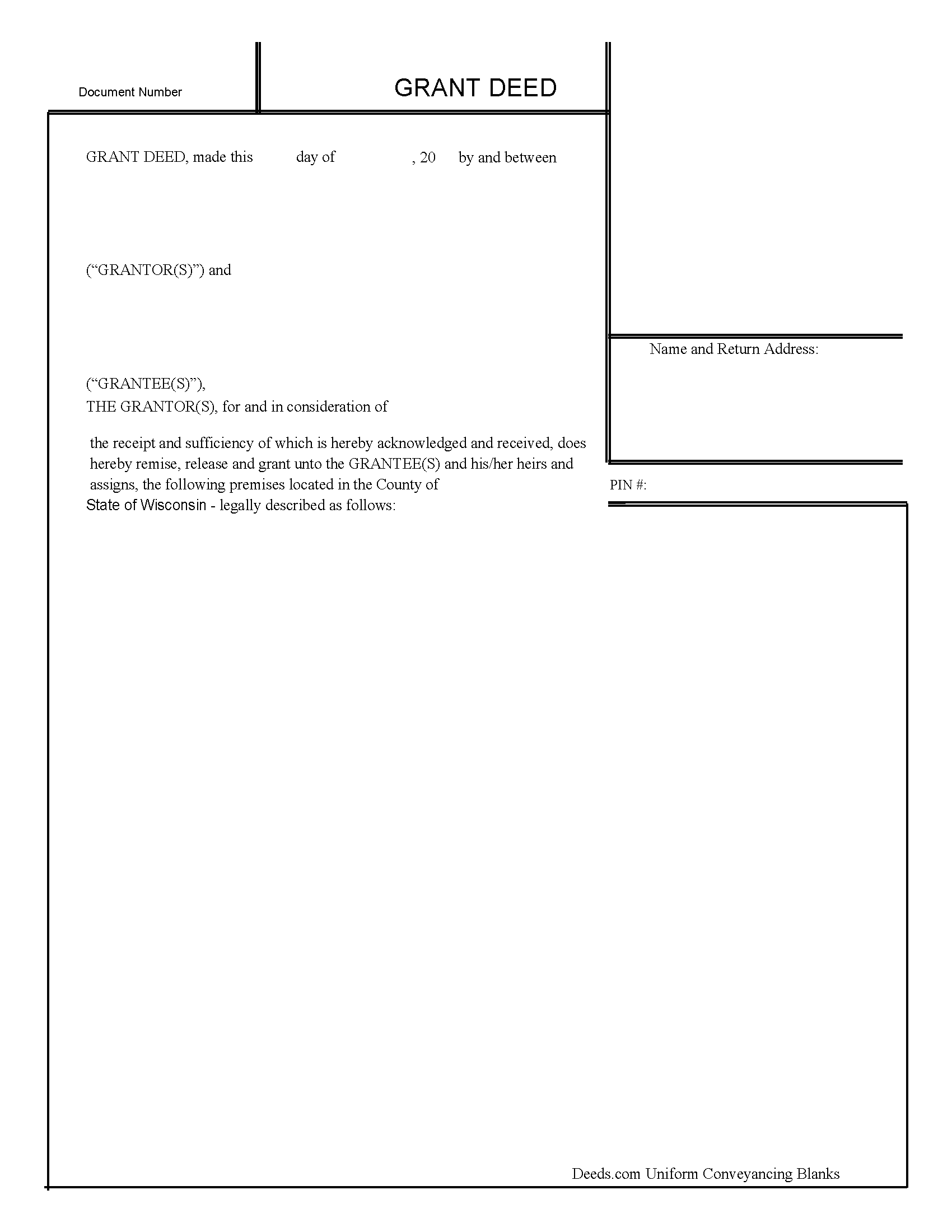
Dunn County Grant Deed Form
Fill in the blank form formatted to comply with all recording and content requirements.
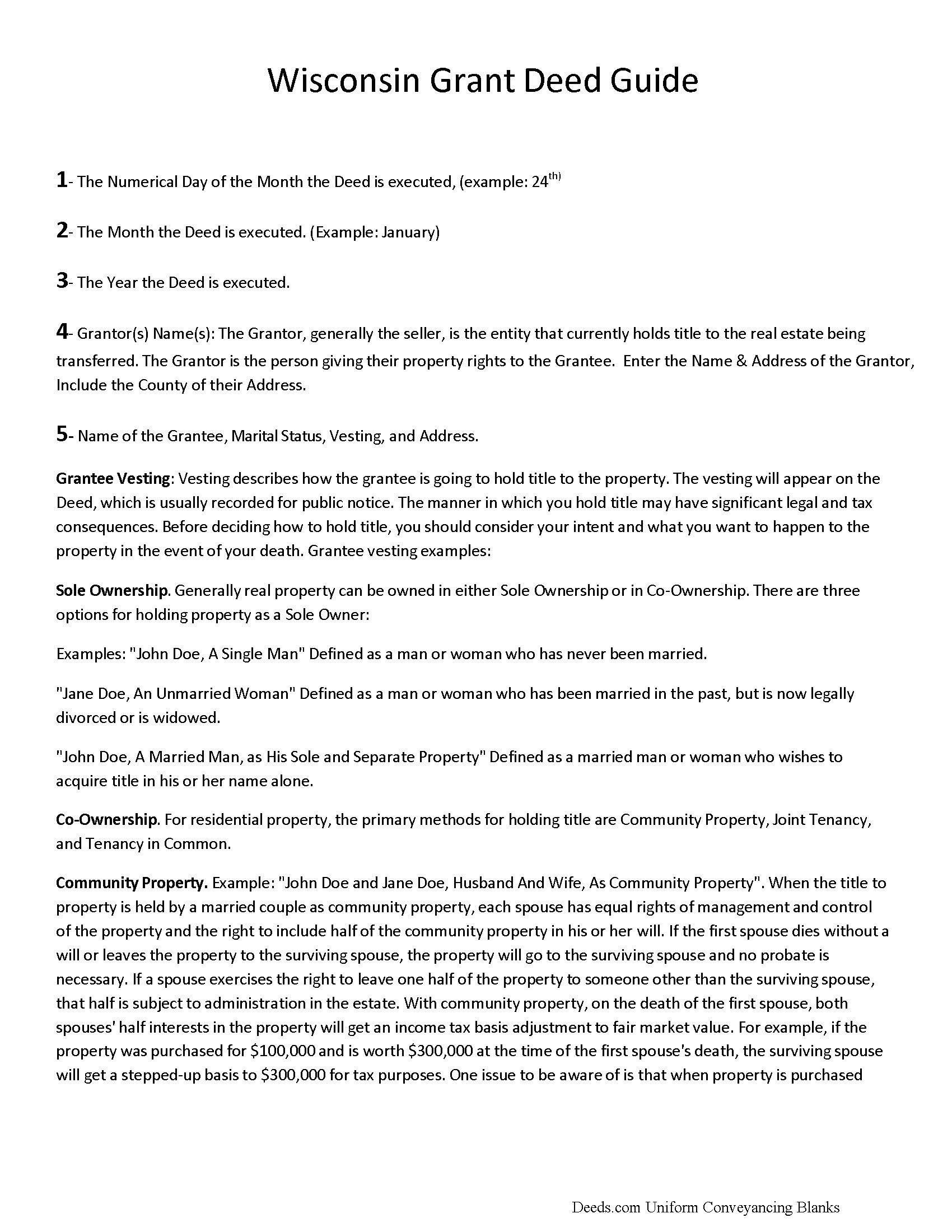
Dunn County Grant Deed Guide
Line by line guide explaining every blank on the form.
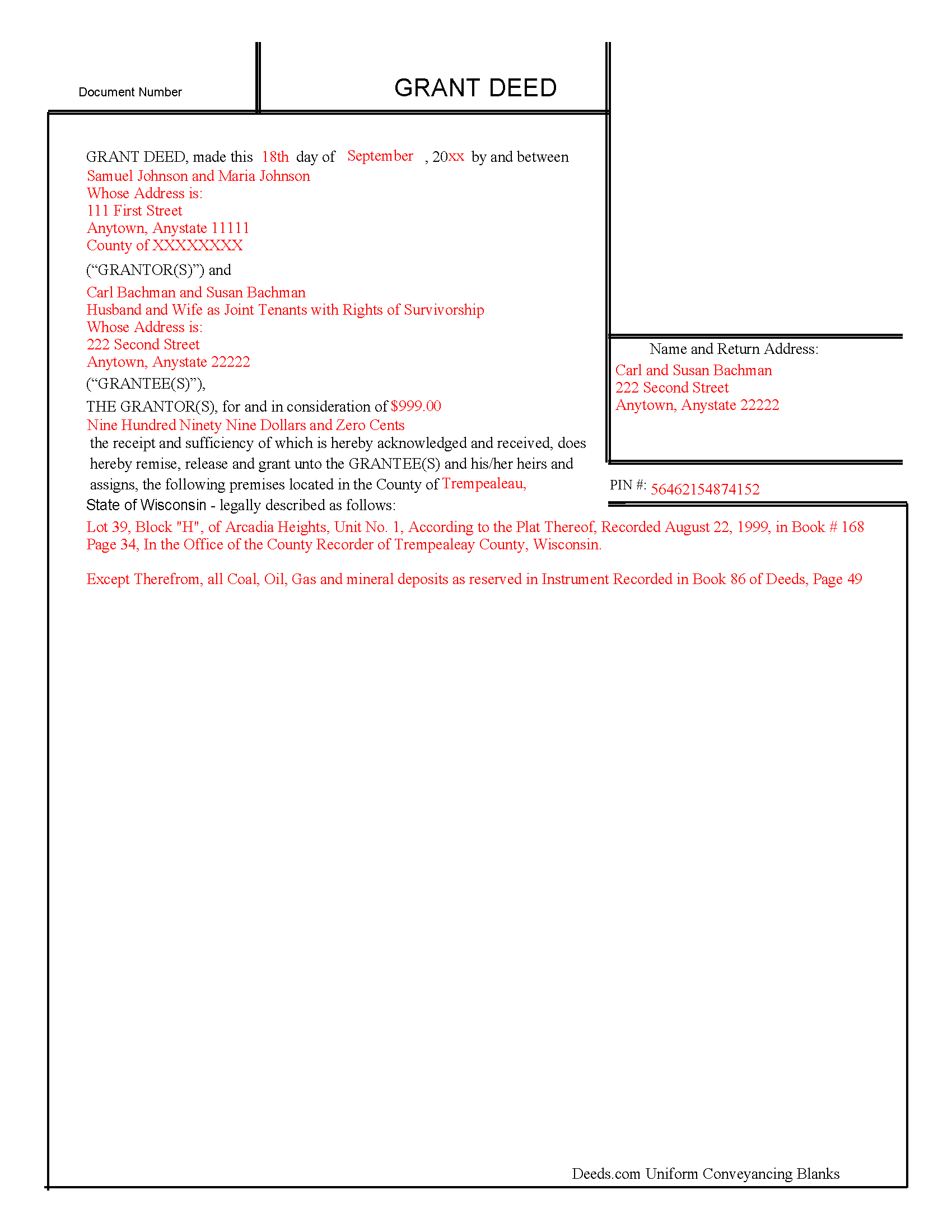
Dunn County Completed Example of the Grant Deed Document
Example of a properly completed form for reference.
All 3 documents above included • One-time purchase • No recurring fees
Immediate Download • Secure Checkout
Additional Wisconsin and Dunn County documents included at no extra charge:
Where to Record Your Documents
Dunn County Register of Deeds
Menomonie, Wisconsin 54751
Hours: Monday - Friday 8:00 am - 4:30 pm
Phone: (715) 232-1228
Recording Tips for Dunn County:
- Bring your driver's license or state-issued photo ID
- Ensure all signatures are in blue or black ink
- Request a receipt showing your recording numbers
- Ask about accepted payment methods when you call ahead
- Ask for certified copies if you need them for other transactions
Cities and Jurisdictions in Dunn County
Properties in any of these areas use Dunn County forms:
- Boyceville
- Colfax
- Downing
- Downsville
- Eau Galle
- Elk Mound
- Knapp
- Menomonie
- Ridgeland
- Rock Falls
- Sand Creek
- Wheeler
Hours, fees, requirements, and more for Dunn County
How do I get my forms?
Forms are available for immediate download after payment. The Dunn County forms will be in your account ready to download to your computer. An account is created for you during checkout if you don't have one. Forms are NOT emailed.
Are these forms guaranteed to be recordable in Dunn County?
Yes. Our form blanks are guaranteed to meet or exceed the applicable formatting requirements used for recording in Dunn County, including margin requirements, font requirements, and other layout standards. This guarantee applies to formatting, not to the legal sufficiency of information entered by the user or the suitability of a form for a particular transaction.
Can I reuse these forms?
Yes. You can reuse the forms for your personal use. For example, if you have multiple properties in Dunn County you only need to order once.
What do I need to use these forms?
The forms are PDFs that you fill out on your computer. The free Adobe Acrobat Reader is recommended, and most PDF apps also work. You do NOT enter your property information online - you download the blank forms and complete them privately on your own computer.
Are there any recurring fees?
No. This is a one-time purchase. Nothing to cancel, no memberships, no recurring fees.
How much does it cost to record in Dunn County?
Recording fees in Dunn County vary. Contact the recorder's office at (715) 232-1228 for current fees.
Questions answered? Let's get started!
Title to real property in Wisconsin can be transferred with a grant deed. Wisconsin conveyancing forms are not codified.
Every conveyance in Wisconsin will pass all the estate or interest of the grantor, unless a different intention is expressed directly or by implication in the deed (706.10(3)). No warranty or covenant is implied in any conveyance in Wisconsin, whether or not such conveyance contains special warranties or covenants (706.10(6)). In a grant deed, the grantor warrants that he has not previously conveyed the property to anyone other than the grantee and that he has not encumbered the property. Further, a grant deed will convey the grantor's after-acquired title, unless limited by specific words contained in the deed.
The grantor in a grant deed is required to sign the deed and have his or her signature acknowledge or otherwise authenticated according to the laws of the state. Any of the officers listed in 706.06 can authenticate an instrument in Wisconsin. Notarial acts can be performed in Wisconsin or in another state. In either case, a notarial act must be certified by a certificate of acknowledgment (706.07). Acknowledgments taken in Wisconsin can be taken before a notary public; a judge, clerk, or deputy clerk of a court of record; a court commissioner; a register of deeds or deputy register of deeds; a municipal judge; or a county clerk or deputy county clerk (706.07).
In order for a grant deed to impart constructive notice to purchasers of value, it must be recorded and indexed by the register of deeds in the county where the property is located. If the property is in more than one county, the deed must be recorded in each such county. An unrecorded grant deed will be void as against any subsequent purchaser, in good faith and for a valuable consideration, for the same real estate or any portion of the same real estate whose conveyance is recorded first (706.08). This is a race-notice recording act.
(Wisconsin Grant Deed Package includes form, guidelines, and completed example)
(Wisconsin Grant Deed Package includes form, guidelines, and completed example)
Important: Your property must be located in Dunn County to use these forms. Documents should be recorded at the county recording office listed above.
This Grant Deed meets all recording requirements specific to Dunn County.
Our Promise
The documents you receive here are guaranteed to meet or exceed the applicable Dunn County recording format requirements. If there is a rejection caused by our formatting, we will correct the issue or refund your payment. This guarantee applies to document formatting only and does not extend to information entered by the user, the selection of the form, or the legal effect of the completed document.
Save Time and Money
Get your Dunn County Grant Deed form done right the first time with Deeds.com Uniform Conveyancing Blanks. At Deeds.com, we understand that your time and money are valuable resources, and we don't want you to face a penalty fee or rejection imposed by a county recorder for submitting nonstandard documents. We constantly review and update our forms to meet rapidly changing state and county recording requirements for roughly 3,500 counties and local jurisdictions.
4.8 out of 5 - ( 4,844 Reviews )
JOANNE W. 5 out of 5 stars
Excellent product and so easily obtained. Well worth the price.
Thank you for your feedback. We really appreciate it. Have a great day!
Brian O. 5 out of 5 stars
It's an instant download. I was very pleased that it included instructions and any necessary additional forms. Much easier than spending 3 hours on a county assessor's website searching for every single form. A good deal and I don't know how Deeds.com keeps up with thousands of counties. The fillable .pdf capability is a great enhancement.
Thank you for your feedback. We really appreciate it. Have a great day!
Rebecca M. 5 out of 5 stars
Haven't used yet but I will check it out tomorrow
Thank you!
Steven M. 5 out of 5 stars
They always get me the information I need, in a timely manner.
We appreciate your business and value your feedback. Thank you. Have a wonderful day!
Michael S. 5 out of 5 stars
Recording a Warranty Deed with Mohave County AZ was easy and efficient by using Deeds.com. I will be using their service for all of my e-filing going forward. Thank you Deeds.com!!!!
We are delighted to have been of service. Thank you for the positive review!
Evelyn B. 5 out of 5 stars
Wow! Deeds.com provided proficient eRecording with great response time and great service... and it was super easy, super fast, and very reasonably priced. What more could you possibly want?! Highly recommended!
We appreciate your business and value your feedback. Thank you. Have a wonderful day!
SUSAN B. 5 out of 5 stars
THE PROCEDURE IN GETTING THIS MECHANICS LIEN PROCESSED HAS SO FAR BEEN RELATIVELY SIMPLY - BETTER THAN HAVING TO WAIT ON MAIL OR GO IN PERSON TO GET RECORDED
We are delighted to have been of service. Thank you for the positive review!
Larry B. 1 out of 5 stars
Poor quality document. Deed did not contain space for mandatory rax info required.
Thank you for your feedback Larry. We do hope that you found something more suitable to your needs elsewhere. Have a wonderful day.
Sharon S. 5 out of 5 stars
very satisfied...
Thank you!
David M. 5 out of 5 stars
Holy cow. I was told by several people that getting a deed recorded would take 7-10 days. So I thought I'd give deeds.com a try with their e-filing service. I created my account and submitted my deed around 4:00 p.m. and it was recorded before I woke up the next morning. Awesome service! Totally worth the $19 service fee.
We appreciate your business and value your feedback. Thank you. Have a wonderful day!
Lillian D. 5 out of 5 stars
I found the deeds.com site easy to use and very up to date. I am a senior citizen and not very tek inclined but I was able to reach the goal that I was seeking. I would use it again if the need arrived.
We appreciate your business and value your feedback. Thank you. Have a wonderful day!
Dorothy B. 5 out of 5 stars
Love your deed service. Simple and easy.
Thank you!
Nancy B. 5 out of 5 stars
Very user-friendly. Looks like everything I needed in one place. Great job.
We appreciate your business and value your feedback. Thank you. Have a wonderful day!
William A B. 5 out of 5 stars
Good service...deed release form as required.
Thank you!
Angela B. 5 out of 5 stars
The site made everything very easy to understand and access. I was able to get everything I needed and the cost was reasonable.
We appreciate your business and value your feedback. Thank you. Have a wonderful day!