Dunn County Contractor Notice of Intent to File Lien Form
Last validated November 2, 2026 by our Forms Development TeamFormatted for recording in Dunn County, for property anywhere in the county: rural and unincorporated areas as well as Boyceville, Colfax, Downing, Downsville, Eau Galle, Elk Mound, Knapp, Menomonie and 4 more.
- 3 documents included
- Immediate PDF download
- Formatting guarantee
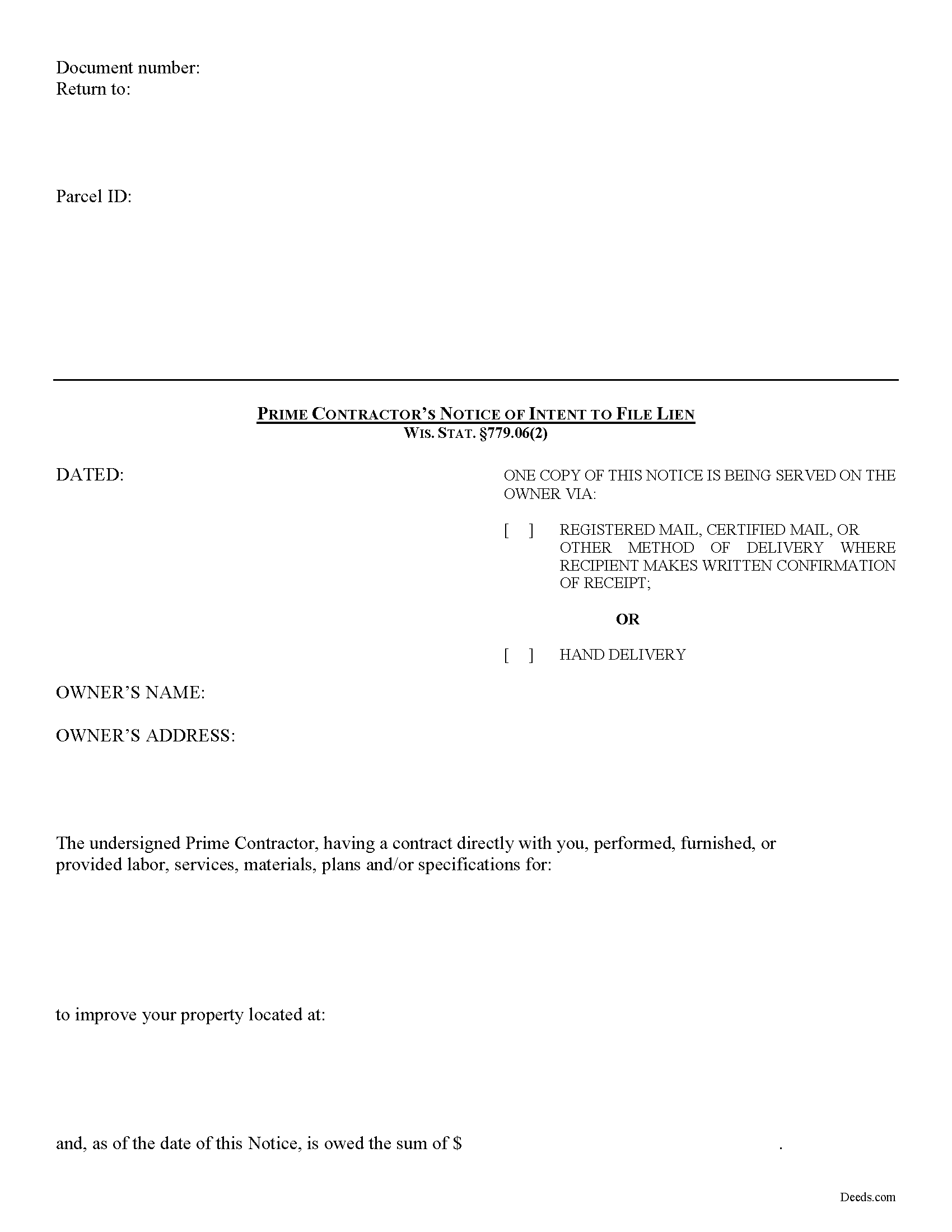
Dunn County Contractor Notice of Intent to File Lien
Fill in the blank form formatted to comply with all recording and content requirements.
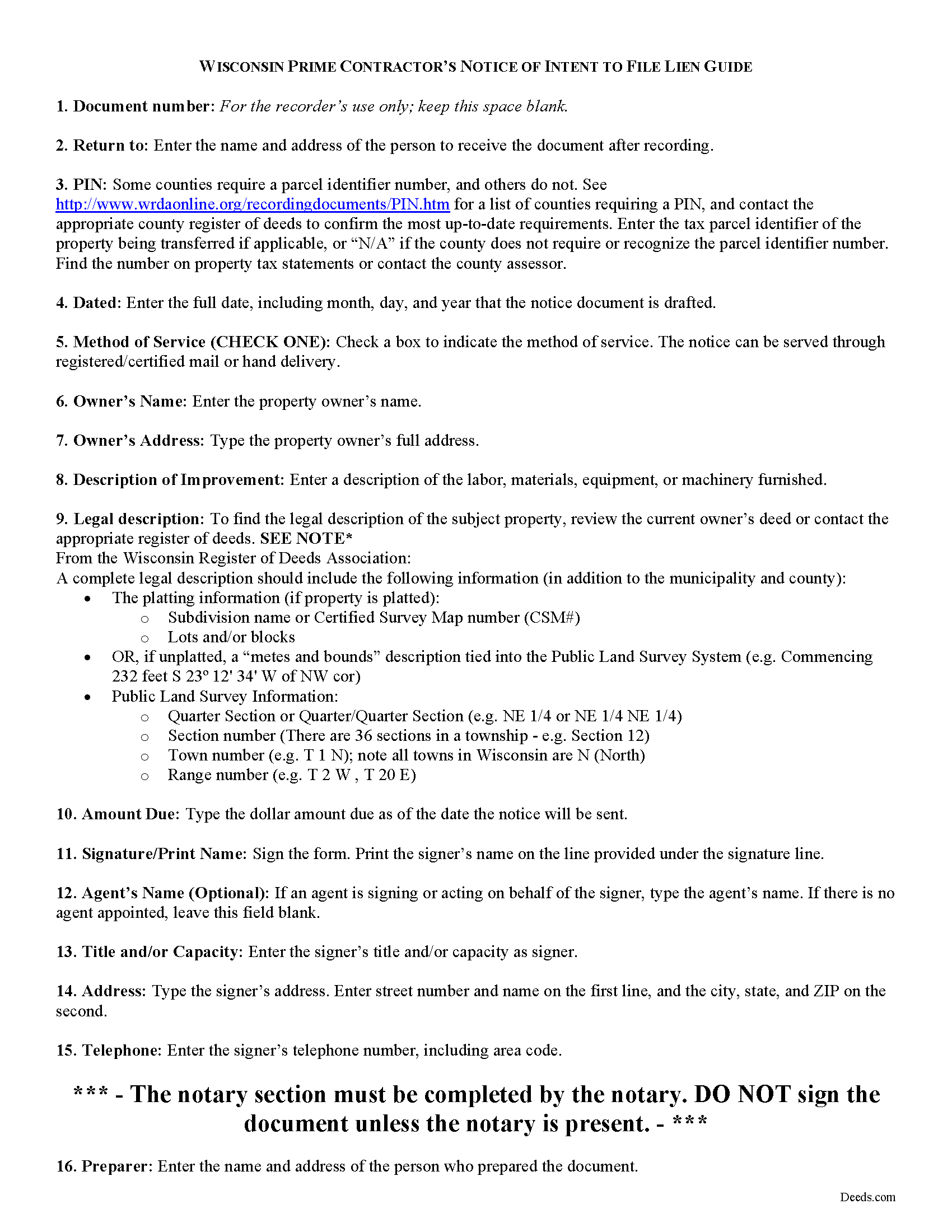
Dunn County Contractor Notice of Intent to File Lien Guide
Line by line guide explaining every blank on the form.
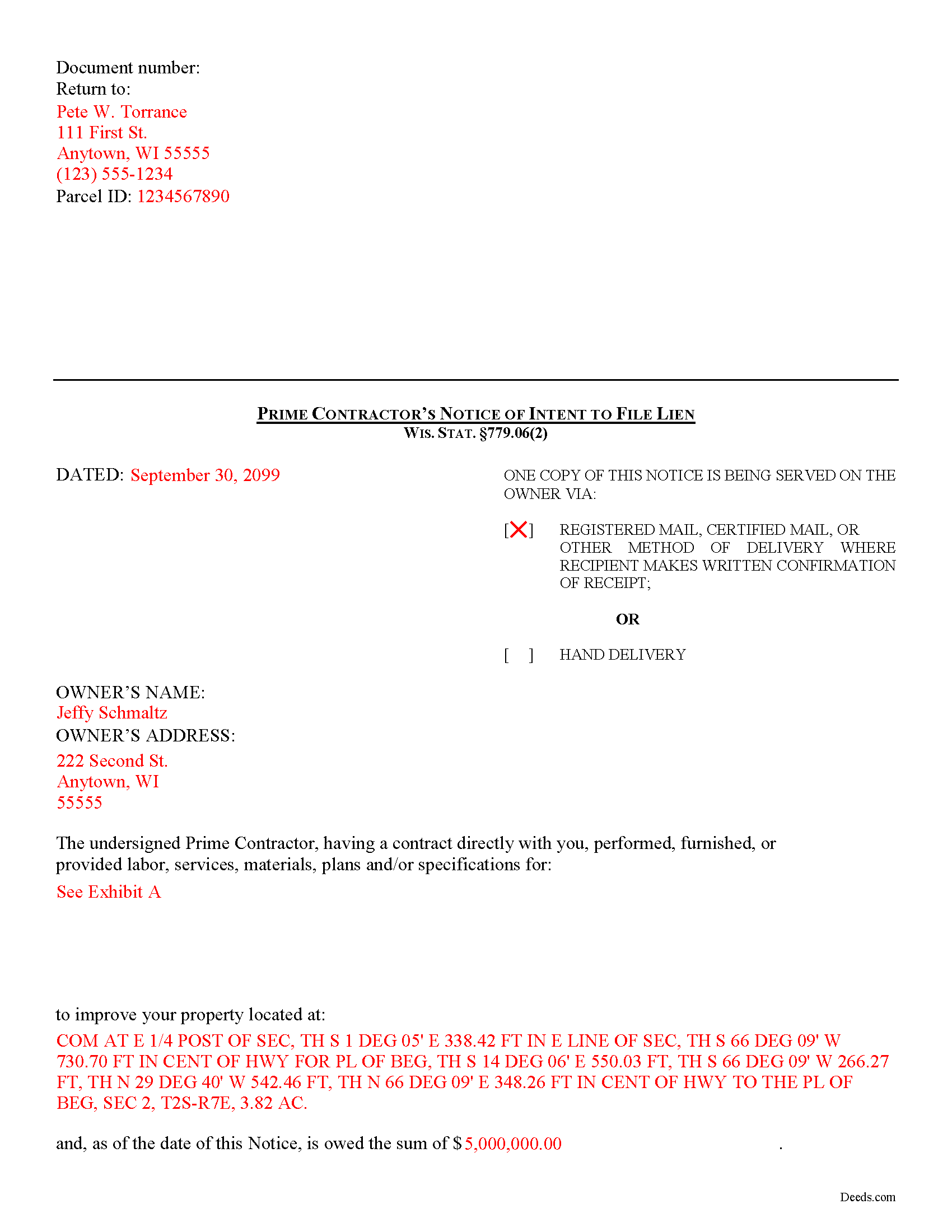
Dunn County Completed Example of the Contractor Notice of Intent to File Lien Document
Example of a properly completed form for reference.
All 3 documents above included • One-time purchase • No recurring fees
Immediate Download • Secure Checkout
Additional Wisconsin and Dunn County documents included at no extra charge:
Where to Record Your Documents
Dunn County Register of Deeds
Menomonie, Wisconsin 54751
Hours: Monday - Friday 8:00 am - 4:30 pm
Phone: (715) 232-1228
Recording Tips for Dunn County:
- Bring your driver's license or state-issued photo ID
- Ensure all signatures are in blue or black ink
- Bring extra funds - fees can vary by document type and page count
- Check margin requirements - usually 1-2 inches at top
- Leave recording info boxes blank - the office fills these
Cities and Jurisdictions in Dunn County
Properties in any of these areas use Dunn County forms:
- Boyceville
- Colfax
- Downing
- Downsville
- Eau Galle
- Elk Mound
- Knapp
- Menomonie
- Ridgeland
- Rock Falls
- Sand Creek
- Wheeler
Hours, fees, requirements, and more for Dunn County
How do I get my forms?
Forms are available for immediate download after payment. The Dunn County forms will be in your account ready to download to your computer. An account is created for you during checkout if you don't have one. Forms are NOT emailed.
Are these forms guaranteed to be recordable in Dunn County?
Yes. Our form blanks are guaranteed to meet or exceed the applicable formatting requirements used for recording in Dunn County, including margin requirements, font requirements, and other layout standards. This guarantee applies to formatting, not to the legal sufficiency of information entered by the user or the suitability of a form for a particular transaction.
Can I reuse these forms?
Yes. You can reuse the forms for your personal use. For example, if you have multiple properties in Dunn County you only need to order once.
What do I need to use these forms?
The forms are PDFs that you fill out on your computer. The free Adobe Acrobat Reader is recommended, and most PDF apps also work. You do NOT enter your property information online - you download the blank forms and complete them privately on your own computer.
Are there any recurring fees?
No. This is a one-time purchase. Nothing to cancel, no memberships, no recurring fees.
How much does it cost to record in Dunn County?
Recording fees in Dunn County vary. Contact the recorder's office at (715) 232-1228 for current fees.
Questions answered? Let's get started!
Pre-Lien Notices in Wisconsin
Preliminary notices are an important step to securing a mechanic's lien and are often required to ensure the property owner has notice of who is working on his or her property so there is a chance to avoid a lien. Most states mandate the form of notice that must be provided. In Wisconsin, prime contractors are required to serve a notice of intent to file a construction lien
In Wisconsin, a claimant cannot claim a lien right or maintain an action to enforce a lien right, unless the lien claimant serves written notice on the owner of an intent to file a lien claim at least 30 days before timely filing the lien claim. Wis. Stat. 779.06(2). The notice is required whether or not the claimant has been required to and has given a previous notice of furnishing. Id. The notice must briefly describe the nature of the claim, the amount due and the land and improvement to which it relates. Id.
This article is provided for informational purposes only and should not be relied upon as a substitute for the advice from a legal professional. Please contact an attorney with questions about sending a notice of intent to file a lien, or for any other issues related to liens in Wisconsin.
Important: Your property must be located in Dunn County to use these forms. Documents should be recorded at the county recording office listed above.
This Contractor Notice of Intent to File Lien meets all recording requirements specific to Dunn County.
Our Promise
The documents you receive here are guaranteed to meet or exceed the applicable Dunn County recording format requirements. If there is a rejection caused by our formatting, we will correct the issue or refund your payment. This guarantee applies to document formatting only and does not extend to information entered by the user, the selection of the form, or the legal effect of the completed document.
Save Time and Money
Get your Dunn County Contractor Notice of Intent to File Lien form done right the first time with Deeds.com Uniform Conveyancing Blanks. At Deeds.com, we understand that your time and money are valuable resources, and we don't want you to face a penalty fee or rejection imposed by a county recorder for submitting nonstandard documents. We constantly review and update our forms to meet rapidly changing state and county recording requirements for roughly 3,500 counties and local jurisdictions.
4.8 out of 5 - ( 4,844 Reviews )
Michael M. 5 out of 5 stars
Easy to follow directions and instructions to properly and legally fill-in the Deed that I requested. It was also very easy and convenient. If I was going to employ an Attorney or Legal Documents Preparer, they would easily charge me between $150 to $225 a Deed! For the cost of $19.97, anyone would pursue this price! Thank you, Deeds.com for a wonderful and terrific experience! I'm going to need you again to change Titles for my other Investment Properties.
Thank you for your feedback. We really appreciate it. Have a great day!
Jana C H. 5 out of 5 stars
Form was the one I needed and the instructions along with a sample form was all I needed.
We appreciate your business and value your feedback. Thank you. Have a wonderful day!
Scott S. 5 out of 5 stars
Awesome service. I'm impressed.
We appreciate your business and value your feedback. Thank you. Have a wonderful day!
Beverly J. A. 5 out of 5 stars
The forms where easy to follow with the directions showing how to fill out the forms that I needed.
Thank you for your feedback. We really appreciate it. Have a great day!
candy h. 5 out of 5 stars
service was great!
Thank you!
Glenda T. 5 out of 5 stars
you made this so easy,user friendly
Thank you for your feedback. We really appreciate it. Have a great day!
Willie S. 5 out of 5 stars
So easy and fast. Since covid-19 is here, this option is perfect.
Thank you!
Kelli M. 5 out of 5 stars
It is easy to use but difficult to know when the document has been reviewed for recording and when the invoice is ready. It would be helpful for the website to send an email automatically once the document(s) are ready to be recorded to let you know what the time line is.....Thank you for your help.
Thank you for your feedback. We really appreciate it. Have a great day!
Gayela C. 5 out of 5 stars
Easy to use and I really like having the guides that come along with the forms.
Thank you!
Johnny A. 5 out of 5 stars
My complete name is Johnny Alicea Rodriguez And the DEED is on my half brother and mine name. Jimmy Dominguez and myself Thanks
Beverly H. 5 out of 5 stars
Thanks!!
Thank you!
Roy B. 5 out of 5 stars
Great way to get forms needed and fill them out then we only need to record them!
Thank you!
Ronald B. 5 out of 5 stars
Simple to use, download, fill-in and print.
We appreciate your business and value your feedback. Thank you. Have a wonderful day!
Norma V. 5 out of 5 stars
So far it's been great. My 2 deeds were accepted and prepared for recording very quickly. Now I am waiting for the County to record them and Deeds.com to e-send them back to me. Very impressive!
We appreciate your business and value your feedback. Thank you. Have a wonderful day!
Justine John S. 5 out of 5 stars
Splendid! I will definitely and absolutely recommend you guys and this company to my co-investors !
Thank you!