Dunn County Warranty Deed Form
Last validated October 6, 2026 by our Forms Development TeamFormatted for recording in Dunn County, for property anywhere in the county: rural and unincorporated areas as well as Boyceville, Colfax, Downing, Downsville, Eau Galle, Elk Mound, Knapp, Menomonie and 4 more.
- 3 documents included
- Immediate PDF download
- Formatting guarantee
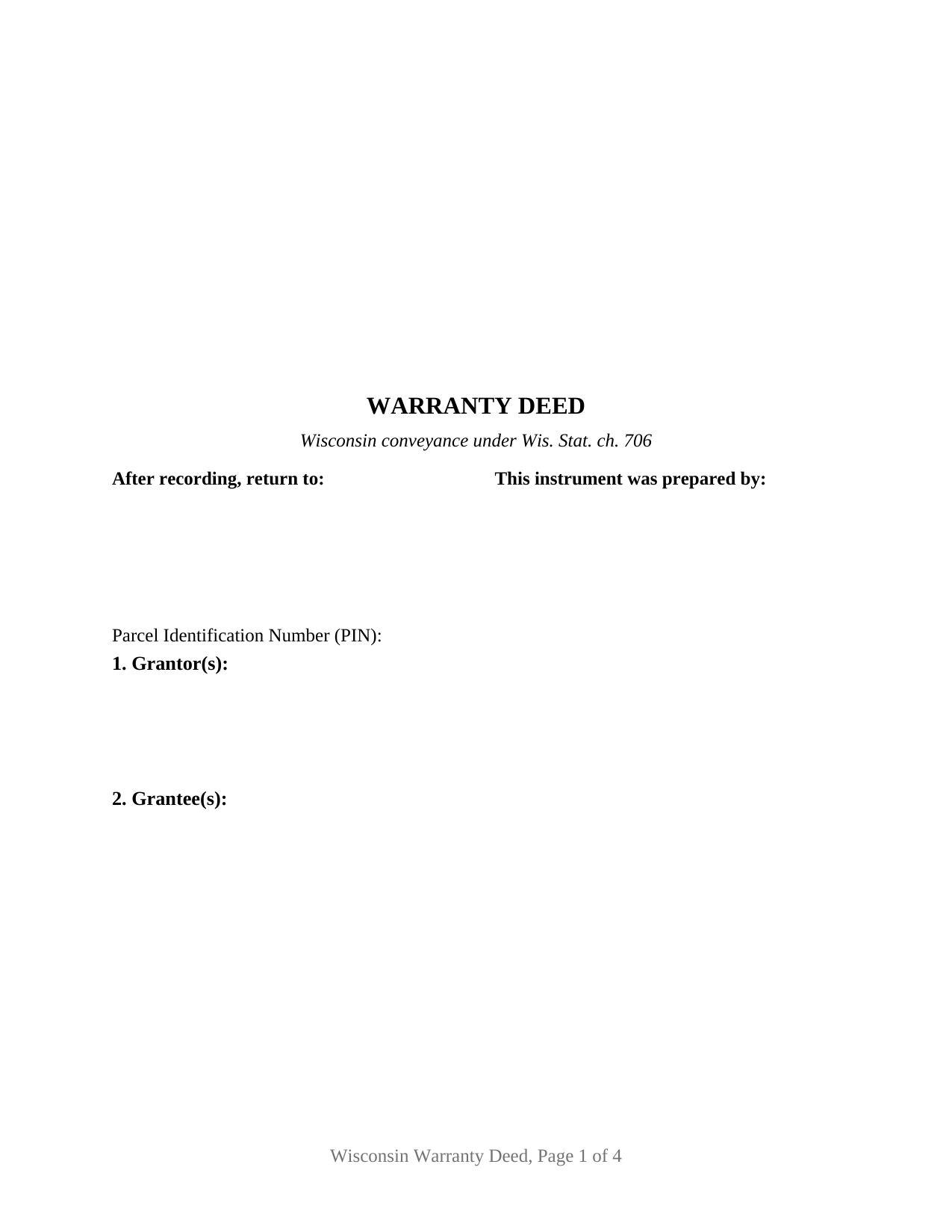
Dunn County Warranty Deed Form
Fill in the blank Warranty Deed form formatted to comply with all Wisconsin recording and content requirements.
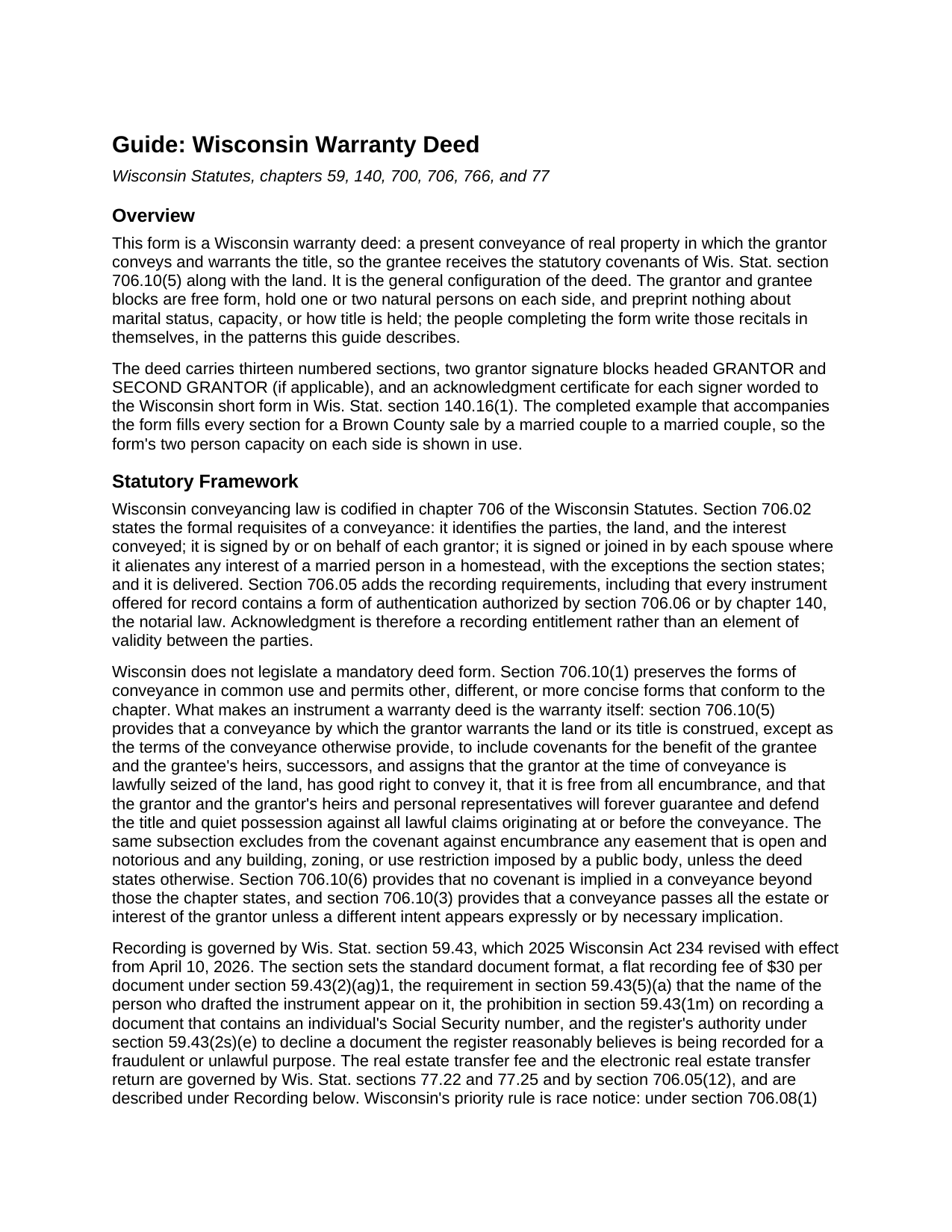
Dunn County Warranty Deed Guide
Line by line guide explaining every blank on the Warranty Deed form.
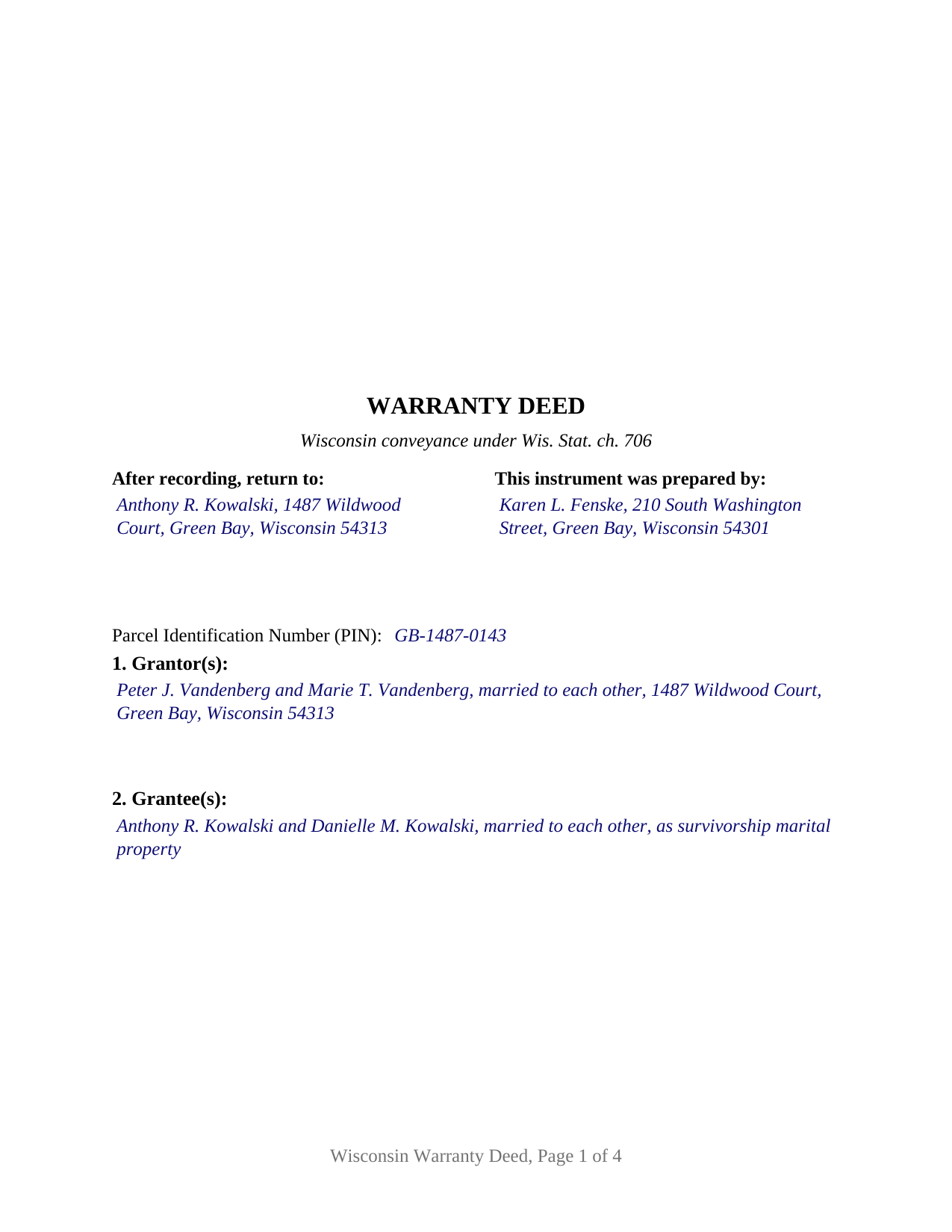
Dunn County Completed Example of the Warranty Deed Document
Example of a properly completed Wisconsin Warranty Deed document for reference.
All 3 documents above included • One-time purchase • No recurring fees
Immediate Download • Secure Checkout
Additional Wisconsin and Dunn County documents included at no extra charge:
Where to Record Your Documents
Dunn County Register of Deeds
Menomonie, Wisconsin 54751
Hours: Monday - Friday 8:00 am - 4:30 pm
Phone: (715) 232-1228
Recording Tips for Dunn County:
- Bring your driver's license or state-issued photo ID
- Ensure all signatures are in blue or black ink
- Ask about their eRecording option for future transactions
- Avoid the last business day of the month when possible
- Both spouses typically need to sign if property is jointly owned
Cities and Jurisdictions in Dunn County
Properties in any of these areas use Dunn County forms:
- Boyceville
- Colfax
- Downing
- Downsville
- Eau Galle
- Elk Mound
- Knapp
- Menomonie
- Ridgeland
- Rock Falls
- Sand Creek
- Wheeler
Hours, fees, requirements, and more for Dunn County
How do I get my forms?
Forms are available for immediate download after payment. The Dunn County forms will be in your account ready to download to your computer. An account is created for you during checkout if you don't have one. Forms are NOT emailed.
Are these forms guaranteed to be recordable in Dunn County?
Yes. Our form blanks are guaranteed to meet or exceed the applicable formatting requirements used for recording in Dunn County, including margin requirements, font requirements, and other layout standards. This guarantee applies to formatting, not to the legal sufficiency of information entered by the user or the suitability of a form for a particular transaction.
Can I reuse these forms?
Yes. You can reuse the forms for your personal use. For example, if you have multiple properties in Dunn County you only need to order once.
What do I need to use these forms?
The forms are PDFs that you fill out on your computer. The free Adobe Acrobat Reader is recommended, and most PDF apps also work. You do NOT enter your property information online - you download the blank forms and complete them privately on your own computer.
Are there any recurring fees?
No. This is a one-time purchase. Nothing to cancel, no memberships, no recurring fees.
How much does it cost to record in Dunn County?
Recording fees in Dunn County vary. Contact the recorder's office at (715) 232-1228 for current fees.
Questions answered? Let's get started!
Wisconsin does not legislate a deed form. Wis. Stat. section 706.10(1) keeps the conveyancing forms already in common use and leaves room for shorter ones, so what makes an instrument a warranty deed here is the operative word warrants. The Wisconsin Warranty Deed carries that language in a document formatted for the register of deeds, with free form party blocks for one or two people on each side.
Two words, and the promise behind them
The deed conveys and warrants. That second verb is what section 706.10(5) reads as a covenant package running to the grantee and the grantee's heirs, successors and assigns: the grantor was lawfully seized when the deed was delivered, had good right to convey, passed the land free of encumbrance, and will forever guarantee and defend the title and quiet possession against every lawful claim originating before the conveyance. Buyers search for it as a general warranty deed or full covenant deed, and the reach is what those names suggest: back through the entire chain, not the grantor's own years alone. Section 706.10(6) draws the opposite line: nothing is implied in a Wisconsin conveyance. The promise is as wide as the deed's text, which is what gives the exceptions section its weight.
One form, one or two names on each side
This is the general configuration of the deed. The Grantor and Grantee blocks are free form and preprint no status, capacity, or vesting language, so each holds one or two natural persons signing in their own capacity. Four count patterns record on the same document: one grantor to one grantee, one to two, two to one, two to two. Execution follows that shape, with signature blocks headed GRANTOR and SECOND GRANTOR (if applicable) and an acknowledgment certificate for each; where a single grantor conveys, the second block and its certificate are left blank. Because each certificate stands alone, signers may acknowledge on different dates, before different officers, or in different states. The form recites natural persons only; a conveyance by a company, a trustee, an agent under a power of attorney, or three or more owners follows a different pattern.
Marital property, and the signature that decides validity
Chapter 766 makes Wisconsin a marital property state, a form of community property in which each spouse holds a present undivided one half interest. Apart from classification sits a rule reaching validity itself: under section 706.02(1)(f) a conveyance is invalid unless signed, or joined in by separate conveyance, by each spouse where it alienates any interest of a married person in a homestead, excepting a conveyance directly between spouses. The homestead status section carries the grantors' own statement of that fact, and the second signature block is where a nonowner spouse signs.
How the grantee block reads
Two grantees take title in whatever form the words after their names indicate, and the Wisconsin menu is its own. Chapter 700 supplies tenancy in common, the classification a conveyance lands in when nothing indicates an intent to create a joint tenancy, and joint tenancy, made by phrases the statute lists such as as joint tenants or with right of survivorship. Chapter 766 supplies the spousal forms, where the trap is fine: section 766.60(5)(a) provides that a marital property title form lacking the words survivorship marital property does not establish survivorship. Tenancy by the entirety is not on the Wisconsin list at all.
At the register of deeds
Recording happens in the county where the land lies, for the statewide fee section 59.43(2)(ag)1 sets at thirty dollars per document. The form is built to the format statute: the document name near the top of page one, a blank three inch by three inch recording area in the upper right corner, first page return information, the drafter's name section 59.43(5)(a) makes a condition of recording, and a parcel number line. Format failures here bring refusal rather than a surcharge. A conveyance also travels with the Department of Revenue's electronic real estate transfer return, and the fee of 30 cents per $100 of value falls on the grantor; an exempt conveyance states its exemption on the deed's face by subsection of section 77.25.
The download holds three files: the blank fillable deed formatted for Wisconsin recording, a completed example filled through the second notary certificate for a Brown County transaction, and a plain language guide taking every section with its statutory source. The materials are informational and are not legal advice; questions about a specific Wisconsin title belong with a Wisconsin attorney.
Important: Your property must be located in Dunn County to use these forms. Documents should be recorded at the county recording office listed above.
This Warranty Deed meets all recording requirements specific to Dunn County.
Our Promise
The documents you receive here are guaranteed to meet or exceed the applicable Dunn County recording format requirements. If there is a rejection caused by our formatting, we will correct the issue or refund your payment. This guarantee applies to document formatting only and does not extend to information entered by the user, the selection of the form, or the legal effect of the completed document.
Save Time and Money
Get your Dunn County Warranty Deed form done right the first time with Deeds.com Uniform Conveyancing Blanks. At Deeds.com, we understand that your time and money are valuable resources, and we don't want you to face a penalty fee or rejection imposed by a county recorder for submitting nonstandard documents. We constantly review and update our forms to meet rapidly changing state and county recording requirements for roughly 3,500 counties and local jurisdictions.
4.8 out of 5 - ( 4,845 Reviews )
W J C. 5 out of 5 stars
Good documents. Very helpful.
Thank you!
Deborah K. 5 out of 5 stars
great job but, I wanted to upload a document. I got it wrong, but the info was good.
Thank you!
Annie R. 5 out of 5 stars
Excellent service. Documents easy to understand and use.
We appreciate your business and value your feedback. Thank you. Have a wonderful day!
Michael C. 5 out of 5 stars
I would appreciate being able to increase the size of the blocks such as the Grantor block and the legal description block where information is enter on the form and to adjust the font. Otherwise great product,
Thank you for your feedback Michael. We do wish we could make that an option. Unfortunately, adhering to formatting requirements (specifically margin requirements) leaves a finite amount of space available on the page.
Andrew F. 5 out of 5 stars
The process was terrific. Much better than hiring someone local to process deeds, as deeds.com got back to me right away with corrections before submitting.
Thank you for your feedback. We really appreciate it. Have a great day!
Earnest K. 4 out of 5 stars
I used the "personal representative's deed." There were a few errors, after I went to record it at the county recorder's office. For #7, it should've stated "The estate of Joe Schmoe, hereby grants Mr. Personal Representative....." instead of, "I Mr. Personal Representative, as personal representative, hereby grant to personal representative...." The person at the recorder's office said you cannot state "you are granting property to yourself." Just fix that, and everything else is fine.
Your insights are invaluable to us and help us strive for better service. Thank you for taking the time to share your thoughts.
Lisa G. 5 out of 5 stars
Form and info was good
We appreciate your business and value your feedback. Thank you. Have a wonderful day!
Jeff C. 5 out of 5 stars
Had the paperwork that I needed. Was a quick and easy transaction.
We appreciate your business and value your feedback. Thank you. Have a wonderful day!
Diane C. 5 out of 5 stars
Website is very user friendly and provided a variety of forms to download for use
Thank you!
Mary M. 5 out of 5 stars
Being able to buy the three documents together (directions, deed and example) made the process easy to complete.
We’re always here to help. Thank you for your feedback.
jonnie F. 5 out of 5 stars
Easiest and most efficient way to process your documents, this company is amazing. They help me meet the deadline on a critical inspection by processing my NOC in less then a day. Thank You.
We appreciate your business and value your feedback. Thank you. Have a wonderful day!
David D. 5 out of 5 stars
Very easy to us & thanks for all the info to fill out the form.
We appreciate your business and value your feedback. Thank you. Have a wonderful day!
Ed H. 5 out of 5 stars
I filled out the Kansas form and presented it to the Clerk of Deeds in Rawlins Co and there were no problems and no expensive attorney involved for a simple transaction.
Your feedback is greatly appreciated. Thank you for taking the time to share your experience!
James R. 5 out of 5 stars
Useful and quick.
Thank you!
Wendy S. 5 out of 5 stars
Very easy and affordable.
We appreciate your business and value your feedback. Thank you. Have a wonderful day!