Fond Du Lac County Transfer on Death Deed Form
Last validated October 16, 2026 by our Forms Development TeamFormatted for recording in Fond Du Lac County, for property anywhere in the county: rural and unincorporated areas as well as Brandon, Campbellsport, Eden, Eldorado, Fairwater, Fond Du Lac, Malone, Mount Calvary and 5 more.
- 3 documents included
- Immediate PDF download
- Formatting guarantee
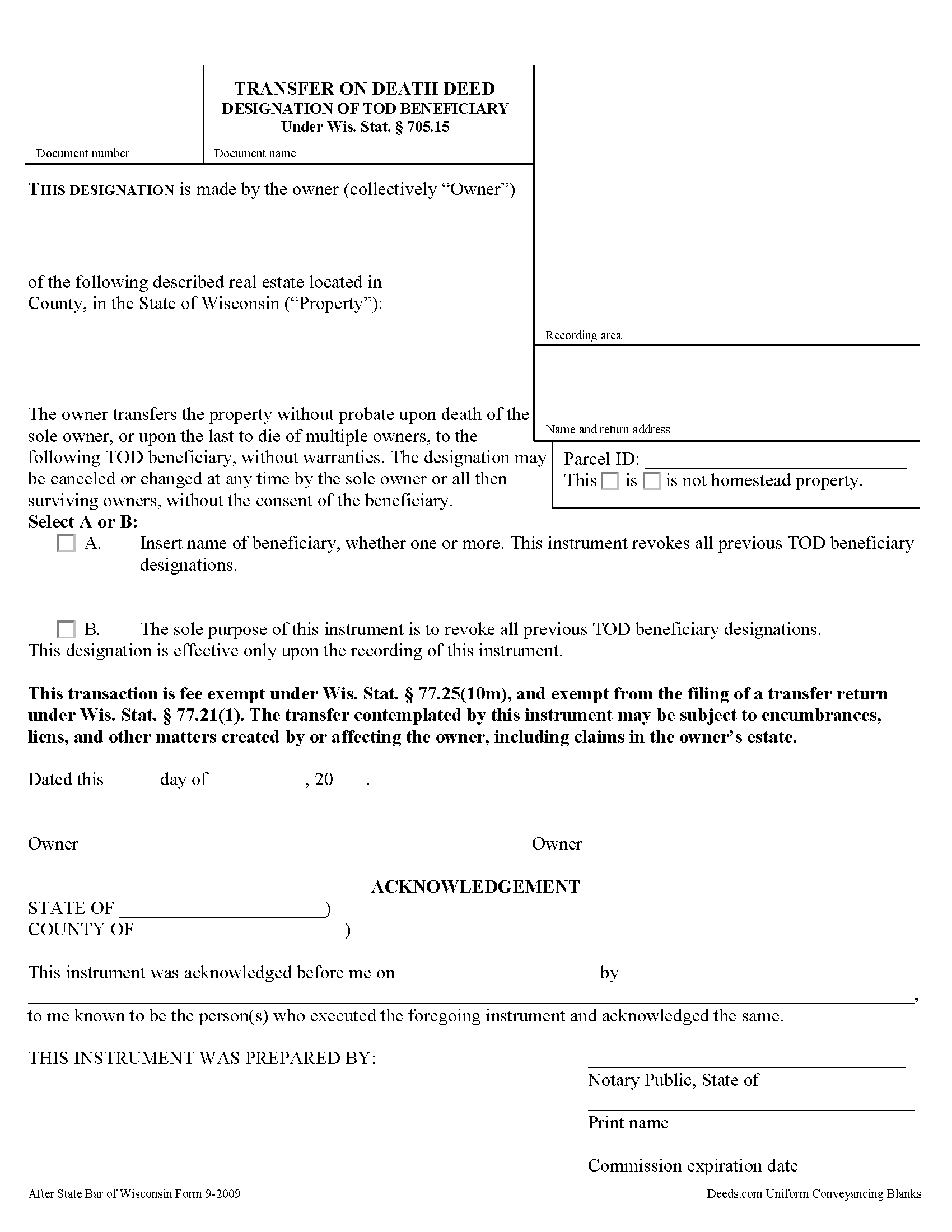
Fond Du Lac County Transfer on Death Deed Form
Fill in the blank form formatted to comply with all recording and content requirements.
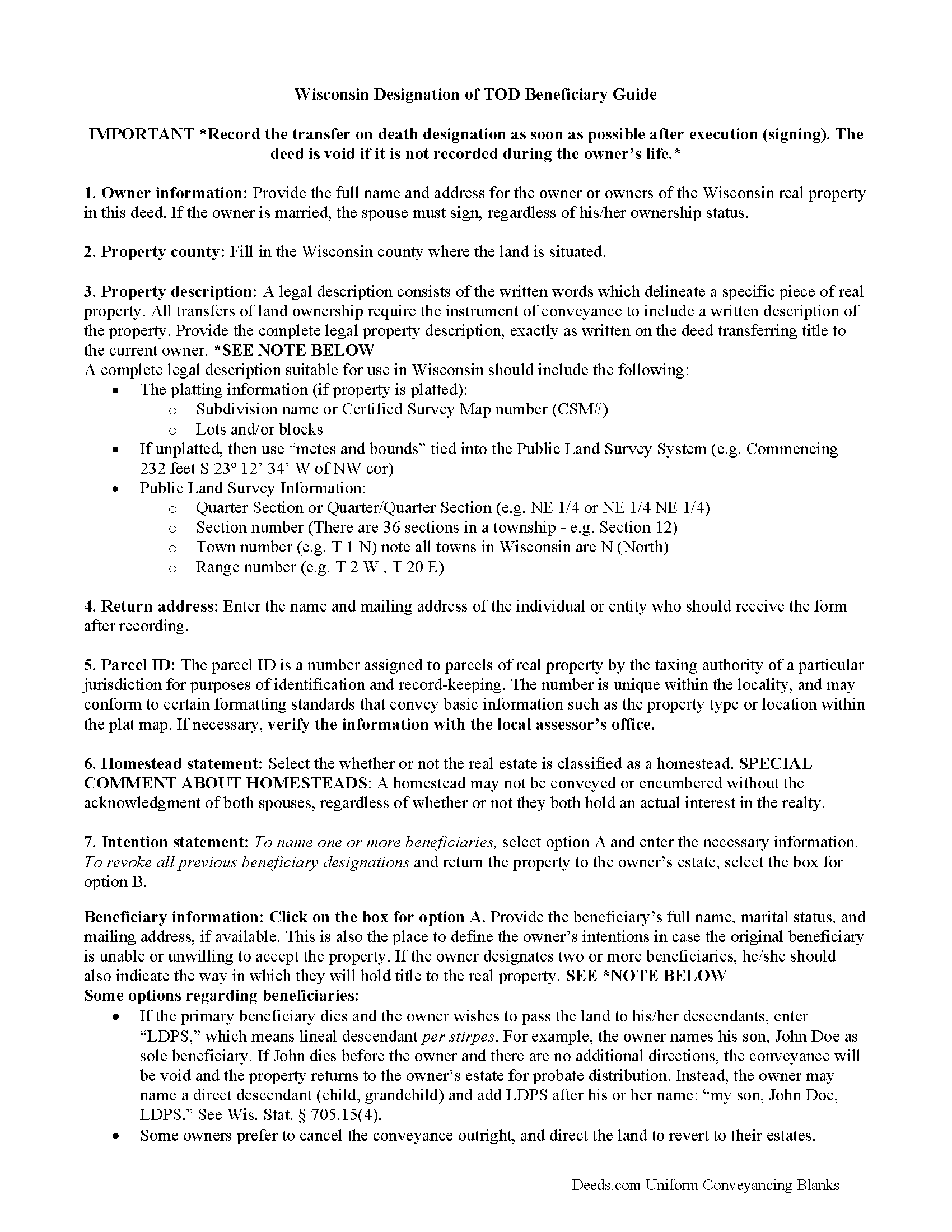
Fond Du Lac County Transfer on Death Deed Guide
Line by line guide explaining every blank on the form.
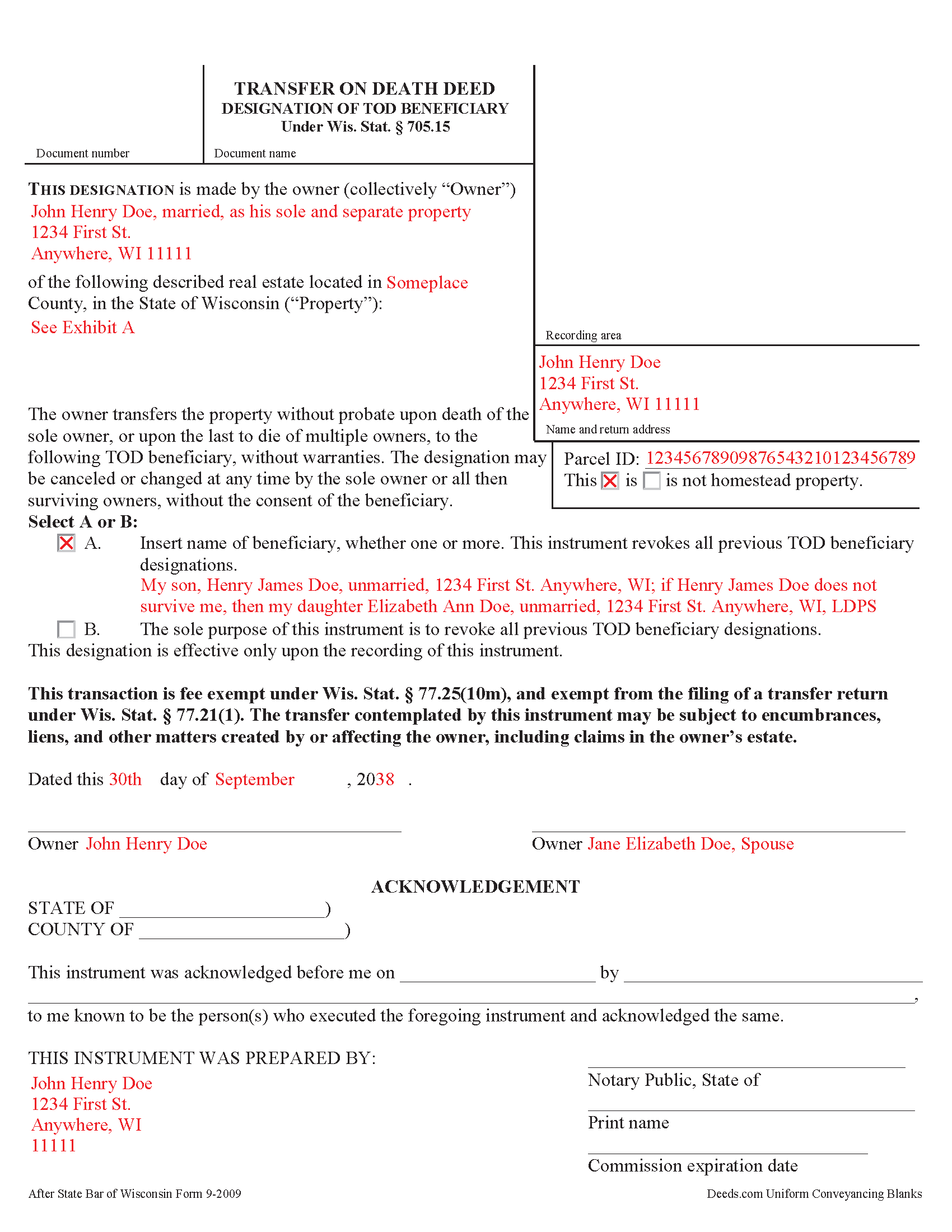
Fond Du Lac County Completed Example of the Transfer on Death Deed Document
Example of a properly completed form for reference.
All 3 documents above included • One-time purchase • No recurring fees
Immediate Download • Secure Checkout
Additional Wisconsin and Fond Du Lac County documents included at no extra charge:
Where to Record Your Documents
Fond Du Lac County Register
Fond Du Lac, Wisconsin 54936-0509
Hours: Monday - Friday 7:45am - 4:30pm. Real estate documents are recorded between 8:00am and 3:30pm Monday - Friday except Holidays. Documents received after 3:30pm are recorded the following business day.
Phone: (920) 929-3018, 3020
Recording Tips for Fond Du Lac County:
- Bring your driver's license or state-issued photo ID
- Ensure all signatures are in blue or black ink
- Ask about their eRecording option for future transactions
- Avoid the last business day of the month when possible
- Both spouses typically need to sign if property is jointly owned
Cities and Jurisdictions in Fond Du Lac County
Properties in any of these areas use Fond Du Lac County forms:
- Brandon
- Campbellsport
- Eden
- Eldorado
- Fairwater
- Fond Du Lac
- Malone
- Mount Calvary
- Oakfield
- Ripon
- Rosendale
- Saint Cloud
- Van Dyne
Hours, fees, requirements, and more for Fond Du Lac County
How do I get my forms?
Forms are available for immediate download after payment. The Fond Du Lac County forms will be in your account ready to download to your computer. An account is created for you during checkout if you don't have one. Forms are NOT emailed.
Are these forms guaranteed to be recordable in Fond Du Lac County?
Yes. Our form blanks are guaranteed to meet or exceed the applicable formatting requirements used for recording in Fond Du Lac County, including margin requirements, font requirements, and other layout standards. This guarantee applies to formatting, not to the legal sufficiency of information entered by the user or the suitability of a form for a particular transaction.
Can I reuse these forms?
Yes. You can reuse the forms for your personal use. For example, if you have multiple properties in Fond Du Lac County you only need to order once.
What do I need to use these forms?
The forms are PDFs that you fill out on your computer. The free Adobe Acrobat Reader is recommended, and most PDF apps also work. You do NOT enter your property information online - you download the blank forms and complete them privately on your own computer.
Are there any recurring fees?
No. This is a one-time purchase. Nothing to cancel, no memberships, no recurring fees.
How much does it cost to record in Fond Du Lac County?
Recording fees in Fond Du Lac County vary. Contact the recorder's office at (920) 929-3018, 3020 for current fees.
Questions answered? Let's get started!
Under Wisconsin Statutes section 705.15, owners of real property in Wisconsin may designate one or more people to gain ownership of their property outside of the probate process. The transfer on death deed form contains the designation and must be recorded, DURING THE OWNER'S NATURAL LIFE, for validity.
By executing and recording a transfer on death beneficiary designation, the owner retains absolute control over the real estate, and may sell, mortgage, or use the property in any legal manner, and change or revoke the beneficiary designation without penalty or obligation to inform the beneficiary.
Because the transfer does not occur until after the owner's death, there is no transfer tax due when recording the deed under 77.21(1) and 77.25(10m). While the change in ownership happens as a function of law when the owner dies, when the beneficiary claims the land, he or she must record form TOD-110 to make the transfer official and enter the updated information into the public records.
Wisconsin's transfer on death deeds are useful estate planning tools. Even so, carefully consider the potential impact of a non-probate transfer of property on taxes, as well as eligibility for local, state, and federal benefits. Each case is unique, so contact an attorney with questions or for complex situations.
(Wisconsin TODD Package includes form, guidelines, and completed example)
Important: Your property must be located in Fond Du Lac County to use these forms. Documents should be recorded at the county recording office listed above.
This Transfer on Death Deed meets all recording requirements specific to Fond Du Lac County.
Our Promise
The documents you receive here are guaranteed to meet or exceed the applicable Fond Du Lac County recording format requirements. If there is a rejection caused by our formatting, we will correct the issue or refund your payment. This guarantee applies to document formatting only and does not extend to information entered by the user, the selection of the form, or the legal effect of the completed document.
Save Time and Money
Get your Fond Du Lac County Transfer on Death Deed form done right the first time with Deeds.com Uniform Conveyancing Blanks. At Deeds.com, we understand that your time and money are valuable resources, and we don't want you to face a penalty fee or rejection imposed by a county recorder for submitting nonstandard documents. We constantly review and update our forms to meet rapidly changing state and county recording requirements for roughly 3,500 counties and local jurisdictions.
4.8 out of 5 - ( 4,828 Reviews )
Kevin C. 5 out of 5 stars
Easy to use but the quit claim deep looked old and dated. The example of how to fill out should have asterisks stating what is need and what can be skipped
Thank you for your feedback. We really appreciate it. Have a great day!
Stephen D. 5 out of 5 stars
Very good hope to use in the future.
Thank you for your feedback. We really appreciate it. Have a great day!
Gail D. 5 out of 5 stars
Very concise and thorough website. Easily navigated and easily affordable.
Knowing our customers are happy is our top priority. Thank you for the wonderful feedback!
Therese L. 5 out of 5 stars
Good instructions and example
Thank you!
Richard L. 5 out of 5 stars
very useful
Thank you!
Chad N. 5 out of 5 stars
Thank you for taking care of a recording very quickly. I am very impressed by your service an would recommend to anyone. Easy to navigate.
Thank you for your feedback. We really appreciate it. Have a great day!
Desiree R. 5 out of 5 stars
very easy to use
We are delighted to have been of service. Thank you for the positive review!
Ronald B. 5 out of 5 stars
Simple to use, download, fill-in and print.
We appreciate your business and value your feedback. Thank you. Have a wonderful day!
Martine S. 5 out of 5 stars
Very easy process and was recorded in a prompt manner. We will be using your services again in the future for sure.
We appreciate your business and value your feedback. Thank you. Have a wonderful day!
Theodore K. 2 out of 5 stars
This does the job but we are not able to save this in our account and if you don't pay for Adobe and only have Adobe reader, I cannot save any information on the form online in my account. I do understand why they do this because they would lose money. A huge issue is that when I got to the end of the document and was adding an Exhibit A, as I typed, the page kept jumping back up the to top and I couldn't see what I was typing. I had to type a little then scroll back down and when I would type more, it would jump up again. This was a real problem.
Thank you for your feedback. We really appreciate it. Have a great day!
Renee K. 5 out of 5 stars
So very easy to upload documents to the site and communication is very quick. It made our transactions so effortless.
Thank you!
Shaaron Z. 5 out of 5 stars
So far, this is working well. However, I don't see a form to change name due to marriage.
Thank you!
Ernest B. 5 out of 5 stars
Forms were perfect, recorded quickly with no issue.
Thank you!
Steven H. 5 out of 5 stars
Great Product!!! Used the more commonly known websites before, but never again. It was easy, great examples to follow so that I was sure and confident that I completed the document correctly. Thank You!
Thank you for your feedback. We really appreciate it. Have a great day!
Melody P. 5 out of 5 stars
Great service continues! Thanks again!
Thank you!