Bayfield County Trustee Deed Form
Last validated November 20, 2026 by our Forms Development TeamFormatted for recording in Bayfield County, for property anywhere in the county: rural and unincorporated areas as well as Bayfield, Benoit, Cable, Cornucopia, Drummond, Grand View, Herbster, Iron River and 3 more.
- 3 documents included
- Immediate PDF download
- Formatting guarantee
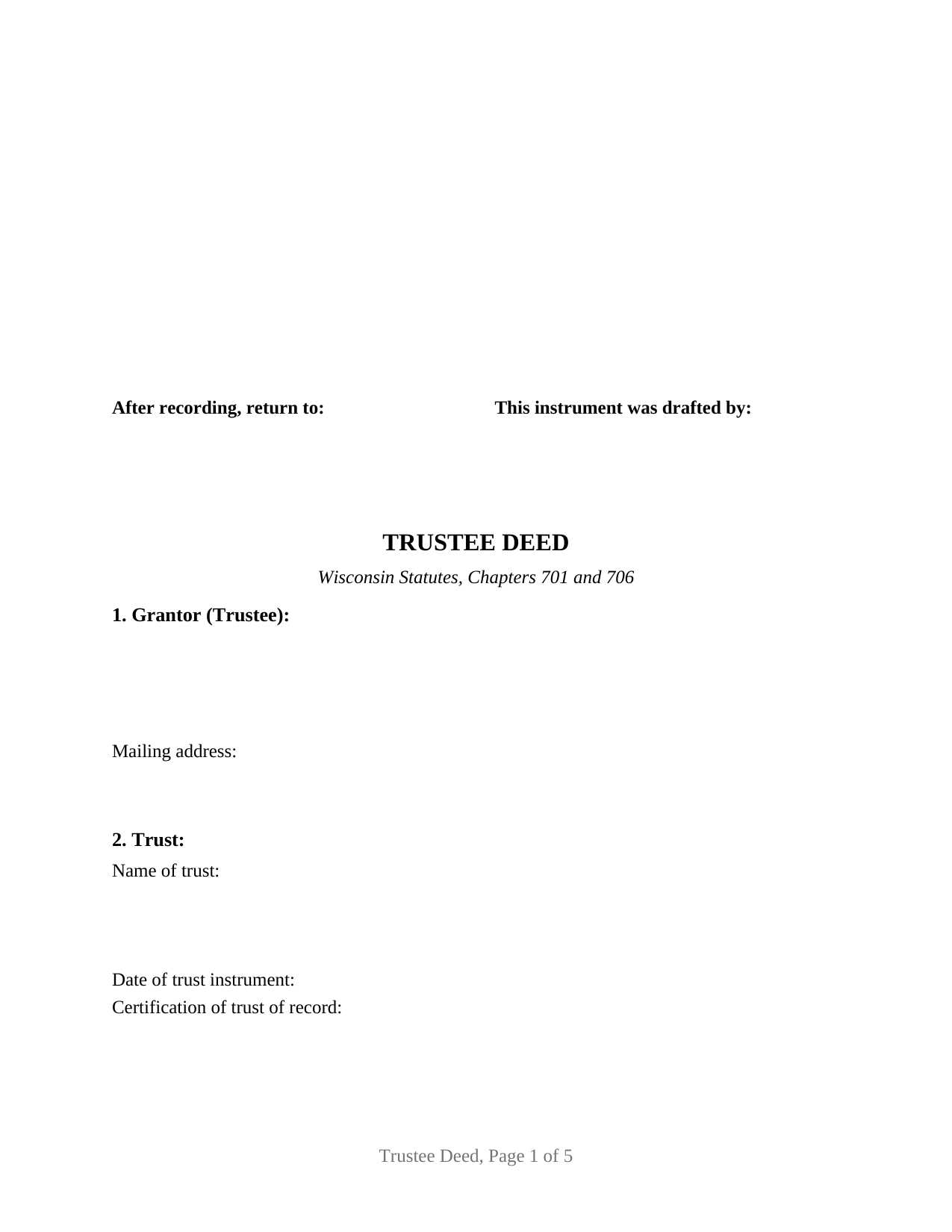
Bayfield County Trustee Deed Form
Fill in the blank Trustee Deed form formatted to comply with all Wisconsin recording and content requirements.
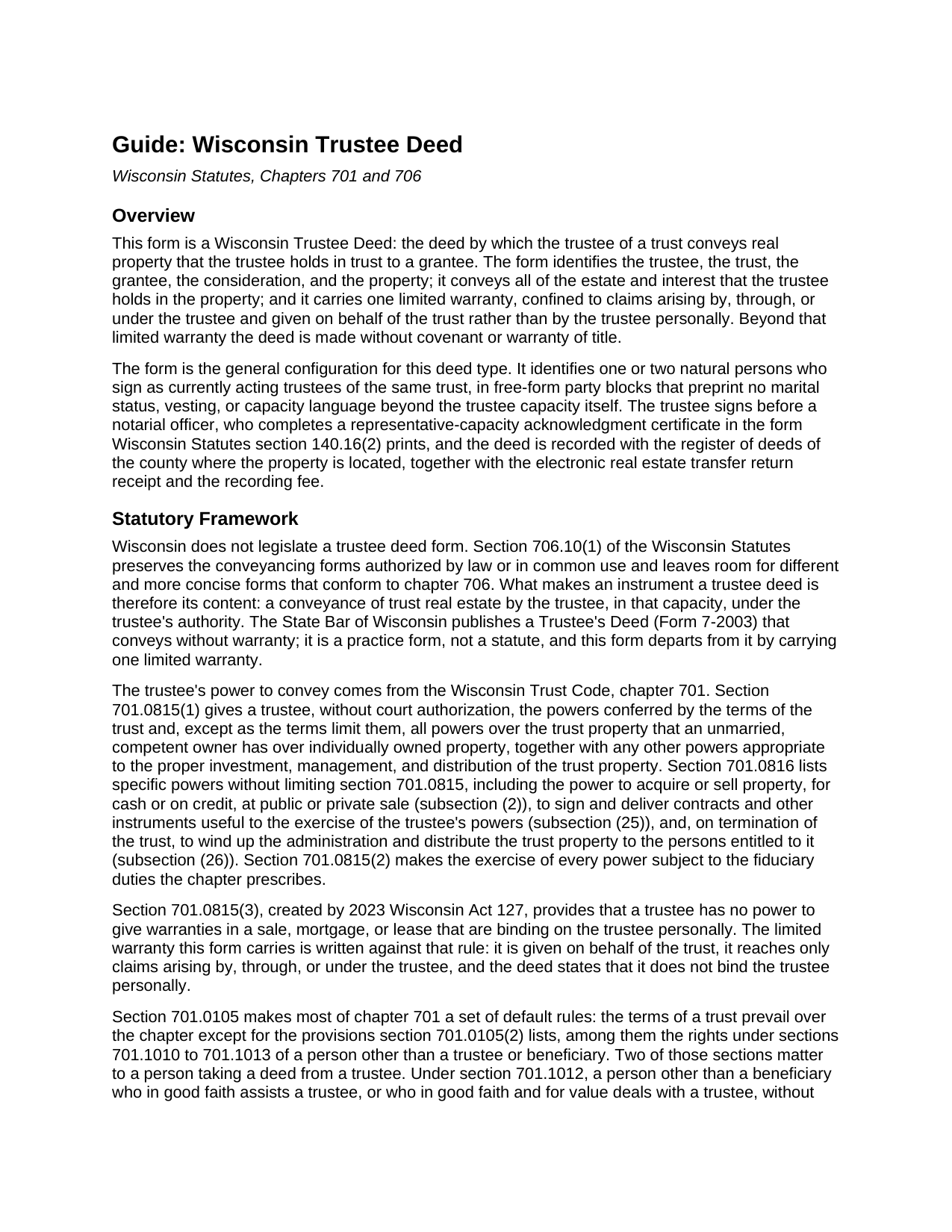
Bayfield County Trustee Deed Guide
Line by line guide explaining every blank on the Trustee Deed form.
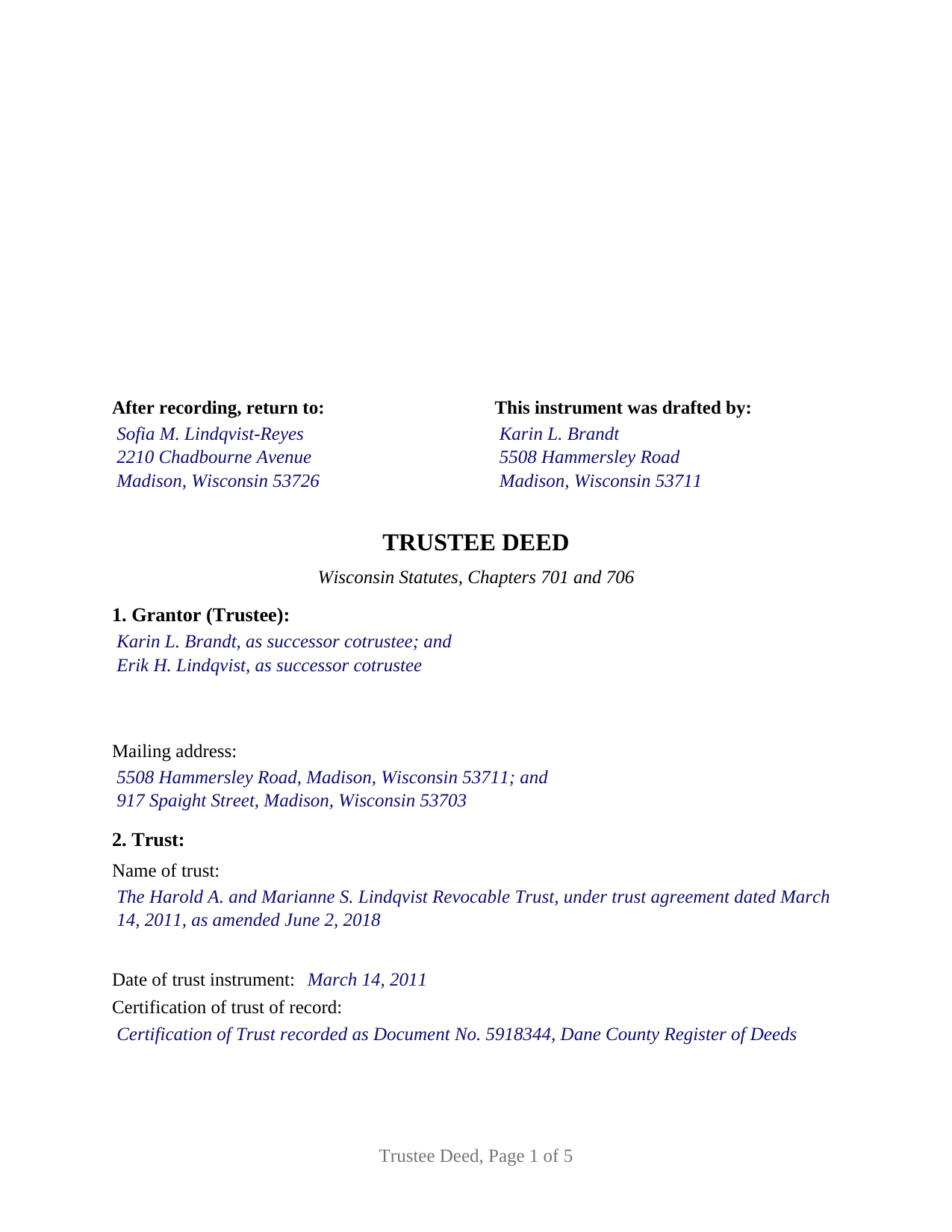
Bayfield County Completed Example of the Trustee Deed Document
Example of a properly completed Wisconsin Trustee Deed document for reference.
All 3 documents above included • One-time purchase • No recurring fees
Immediate Download • Secure Checkout
Additional Wisconsin and Bayfield County documents included at no extra charge:
Where to Record Your Documents
Bayfield County Register of Deeds
Washburn, Wisconsin 54891
Hours: Monday - Friday 8:00am - 4:00pm
Phone: (715) 373-6119
Recording Tips for Bayfield County:
- Bring your driver's license or state-issued photo ID
- Ensure all signatures are in blue or black ink
- Ask for certified copies if you need them for other transactions
- Ask if they accept credit cards - many offices are cash/check only
- Check that your notary's commission hasn't expired
Cities and Jurisdictions in Bayfield County
Properties in any of these areas use Bayfield County forms:
- Bayfield
- Benoit
- Cable
- Cornucopia
- Drummond
- Grand View
- Herbster
- Iron River
- Mason
- Port Wing
- Washburn
Hours, fees, requirements, and more for Bayfield County
How do I get my forms?
Forms are available for immediate download after payment. The Bayfield County forms will be in your account ready to download to your computer. An account is created for you during checkout if you don't have one. Forms are NOT emailed.
Are these forms guaranteed to be recordable in Bayfield County?
Yes. Our form blanks are guaranteed to meet or exceed the applicable formatting requirements used for recording in Bayfield County, including margin requirements, font requirements, and other layout standards. This guarantee applies to formatting, not to the legal sufficiency of information entered by the user or the suitability of a form for a particular transaction.
Can I reuse these forms?
Yes. You can reuse the forms for your personal use. For example, if you have multiple properties in Bayfield County you only need to order once.
What do I need to use these forms?
The forms are PDFs that you fill out on your computer. The free Adobe Acrobat Reader is recommended, and most PDF apps also work. You do NOT enter your property information online - you download the blank forms and complete them privately on your own computer.
Are there any recurring fees?
No. This is a one-time purchase. Nothing to cancel, no memberships, no recurring fees.
How much does it cost to record in Bayfield County?
Recording fees in Bayfield County vary. Contact the recorder's office at (715) 373-6119 for current fees.
Questions answered? Let's get started!
Wisconsin Trustee Deed
This download is a Wisconsin Trustee Deed, the deed by which the trustee of a trust conveys real property that the trustee holds in trust to a grantee. The deed is captioned under Wisconsin Statutes, Chapters 701 and 706, and is written for one or two currently acting trustees of the same trust conveying to one or two grantees. Wisconsin does not prescribe a statutory trustee deed form; Wis. Stat. 706.10(1) permits other forms that conform to Chapter 706. The package has statewide scope and contains three PDF files:
- Trustee Deed form – a fillable five-page deed preceded by a one-page instructions sheet marked as not part of the recorded instrument.
- Trustee Deed guide – nine pages describing the form section by section, the trustee’s statutory authority to convey, and the signing, recording, and transfer-fee framework in general terms.
- Completed example – the same deed filled in from the title block through both notarial certificates.
What the deed conveys
The conveyance language is preprinted. The trustee, acting solely in that capacity and not individually, conveys all of the estate and interest in the property that the trustee holds as trustee, subject to the encumbrances and exceptions listed in the deed. The deed carries one limited warranty: the trustee warrants title against the lawful claims of persons claiming by, through, or under the trustee as trustee, and against no other claims. That warranty is stated to be given on behalf of the trust and not to bind the trustee personally, wording the guide ties to Wis. Stat. 701.0815(3), under which a trustee has no power to give warranties in a sale that bind the trustee personally. Except for that limited warranty, the deed is made without covenant or warranty of title; it does not carry the covenants of seisin, right to convey, freedom from encumbrance, and general warranty that Wis. Stat. 706.10(5) attaches to a deed in which the grantor warrants without limitation.
Parties, trust, and signing
The form identifies the trustee and the trust by name and date of the trust instrument, with an entry that identifies a recorded certification of trust by document number and recording office where one exists. The certification of trust under Wis. Stat. 701.1013 is a separate document that the deed only references. The grantee block is free-form and preprints no vesting, marital-status, or capacity language beyond the trustee capacity itself, so the co-ownership form of two grantees is stated in the entry rather than fixed by the form.
The signature section carries a GRANTOR block and a SECOND GRANTOR block, each with the trustee capacity under the printed-name line, followed by two separate acknowledgment certificates; the second block and certificate are provided for a second cotrustee of the same trust. Each certificate is the representative-capacity short form of Wis. Stat. 140.16(2), printed with the words "as trustee of" and a blank for the trust name, and is written for an in-person notarial act. The form carries no signature line for the spouse of a trustee or of a beneficiary.
Recording and transfer fee entries
The deed is built to the Wisconsin standard document format of Wis. Stat. 59.43(2m): the return-information and drafter blocks sit above the document title on the first deed page, and the upper-right area of that page is left blank for the register of deeds. The statewide recording fee under Wis. Stat. 59.43(2)(ag) is $30 per document. A real estate transfer fee entry carries the Wis. Stat. 77.25 exemption subsection that Wis. Stat. 77.22(1) requires on the face of an exempt conveyance; the guide explains how that entry differs between an exempt conveyance, such as a distribution from a trustee to a beneficiary without actual consideration, and a sale for a price on which the fee is paid at recording. The electronic real estate transfer return is a separate filing and is not part of this package.
What the guide covers
The guide walks through the form section by section, quoting the corresponding entry from the completed example, so a reader can see what kind of information each entry receives and how a finished deed reads from the title block through the notarial certificates. In general terms it also describes the trustee’s power to convey under Chapter 701, cotrustee signing, the certification of trust, the Wisconsin co-ownership forms a grantee entry may state, the representative-capacity acknowledgment, the standard document format, and the transfer fee, electronic return, and exemptions. It identifies three transaction patterns the deed’s recital fits: a trustee selling trust real estate to a buyer for a price, a trustee (often a successor trustee after the settlor’s death) distributing a parcel to the beneficiary entitled to it, and a trustee conveying a parcel out of a revocable trust during the settlor’s life. The guide states that it describes the form and statutes in general terms and does not apply the law to any particular trust, title, or transaction.
What the example shows
The completed example is a trustee-to-beneficiary distribution: two successor cotrustees of a revocable trust conveying a platted lot to two beneficiaries as tenants in common for no actual consideration, with a recorded certification of trust identified by document number, a source-of-title entry, listed encumbrances and exceptions, and the Wis. Stat. 77.25(9) exemption claimed. Both signature blocks and both acknowledgment certificates are completed, so the example demonstrates the two-cotrustee version of the form in full. Sample entries appear in blue italic type to distinguish them from the printed form.
Boundaries of this deed
The form is written for natural-person trustees. The guide states it is not set up as a deed from a corporate trustee, a deed signed by a trustee through an attorney-in-fact, a deed from three or more trustees, or a conveyance carrying the full warranty covenants of Wis. Stat. 706.10(5).
The deed is a conveyance only. It does not create, fund, amend, restate, or revoke the trust and does not appoint or change a trustee; it is not a certification of trust, the electronic real estate transfer return, or a transfer on death beneficiary designation. It conveys only the estate and interest the trustee holds in trust, does not clear liens, easements, restrictions, or taxes of record, and supplies no title insurance or title examination.
This description and the included guide provide general information about the form and the Wisconsin statutes it is built on. They are not legal advice and do not address any particular trust, property, or transaction.
Important: Your property must be located in Bayfield County to use these forms. Documents should be recorded at the county recording office listed above.
This Trustee Deed meets all recording requirements specific to Bayfield County.
Our Promise
The documents you receive here are guaranteed to meet or exceed the applicable Bayfield County recording format requirements. If there is a rejection caused by our formatting, we will correct the issue or refund your payment. This guarantee applies to document formatting only and does not extend to information entered by the user, the selection of the form, or the legal effect of the completed document.
Save Time and Money
Get your Bayfield County Trustee Deed form done right the first time with Deeds.com Uniform Conveyancing Blanks. At Deeds.com, we understand that your time and money are valuable resources, and we don't want you to face a penalty fee or rejection imposed by a county recorder for submitting nonstandard documents. We constantly review and update our forms to meet rapidly changing state and county recording requirements for roughly 3,500 counties and local jurisdictions.
4.8 out of 5 - ( 4,864 Reviews )
Todd B. 5 out of 5 stars
very quick and easy
Thank you!
Heather W. 5 out of 5 stars
Easy to use Example provided Clear instructions
Thank you for your feedback. We really appreciate it. Have a great day!
DEBORAH H. 5 out of 5 stars
I found everything I needed
Your feedback is valuable to us and helps us improve. Thank you for sharing your thoughts!
LOUISE W. 5 out of 5 stars
Thank you for your help on my Quit Claim deed. I am very pleased with your patience and the resolving of the deed.
Thank you for your feedback. We really appreciate it. Have a great day!
Theresa J. 5 out of 5 stars
I thank you for your service. I received the needed information.
Thank you!
Christine B. 5 out of 5 stars
The site was easy to navigate.
Thank you!
Ann D. 4 out of 5 stars
I found what my lawyer recommended and was able to download it easily.
We appreciate your business and value your feedback. Thank you. Have a wonderful day!
Linda D. 3 out of 5 stars
It was easy to download the form I wanted BUT there were 2 other options listed for "open/download." I didn't want to risk more charges for something I couldn't determine I needed so I passed them up. There were a few others listed with the option to "view" so I did that, without down-loading, and there were no additional charges. I would've liked that opportunity for 2 others that didn't offer "view" so maybe deeds.com missed a sale?
Thank you for your feedback Linda. All the documents available for download in your account are included with your payment, no additional charges.
Patricia W. 5 out of 5 stars
Had to have help because unable to put phone number in your format. Daughter figured a way around the problem. I am 80 years old but capable of filling out simple forms but not when the format creates problems.
Thank you for your feedback. We really appreciate it. Have a great day!
Ginger C. 5 out of 5 stars
So far so good. Thank you for your prompt responses. Much appreciated.
Thank you!
Roman F. 5 out of 5 stars
You form was good the only thing that did not work was the download to fill it out !!! I use a Mac system and maybe that's what the issue was. I filled it out by hand and it worked for the purpose .
Thanks for the kind words, Roman. Glad the form worked for you. For the fillable fields, the PDF opens best in a dedicated reader like Preview or Adobe Acrobat rather than inside a browser window, which can sometimes flatten them out. We appreciate your business.
James E. 5 out of 5 stars
Forms were available for immediate download. Examples were helpful in completing form.
We appreciate your business and value your feedback. Thank you. Have a wonderful day!
Martin T. 5 out of 5 stars
The deed I needed was available to me easily. I was able to fill it out with the help of the example deed provided. I am very satisfied with the value received for the price paid.
Thank you!
Alfred J. H. 5 out of 5 stars
Excellent resource for legal forms. Very satisfied. Instructions and caveats explained clearly. Thank You!
Thank you!
Eric P. 5 out of 5 stars
Great experience downloading the form I needed. The guide and example of a completed form was very helpful. Without using Deeds.com, I'm afraid I may have had my form, which needed to be notarized, rejected by the Office of Deeds due to formatting and specific legal wording that was mandatory. It was very much worth the cost that I was hesitant to pay. I am a satisfied first time customer.
Thank you for your kind words and for choosing us.