Bayfield County Mortgage and Promissory Note Form
Last validated October 27, 2026 by our Forms Development TeamFormatted for recording in Bayfield County, for property anywhere in the county: rural and unincorporated areas as well as Bayfield, Benoit, Cable, Cornucopia, Drummond, Grand View, Herbster, Iron River and 3 more.
- 7 documents included
- Immediate PDF download
- Formatting guarantee
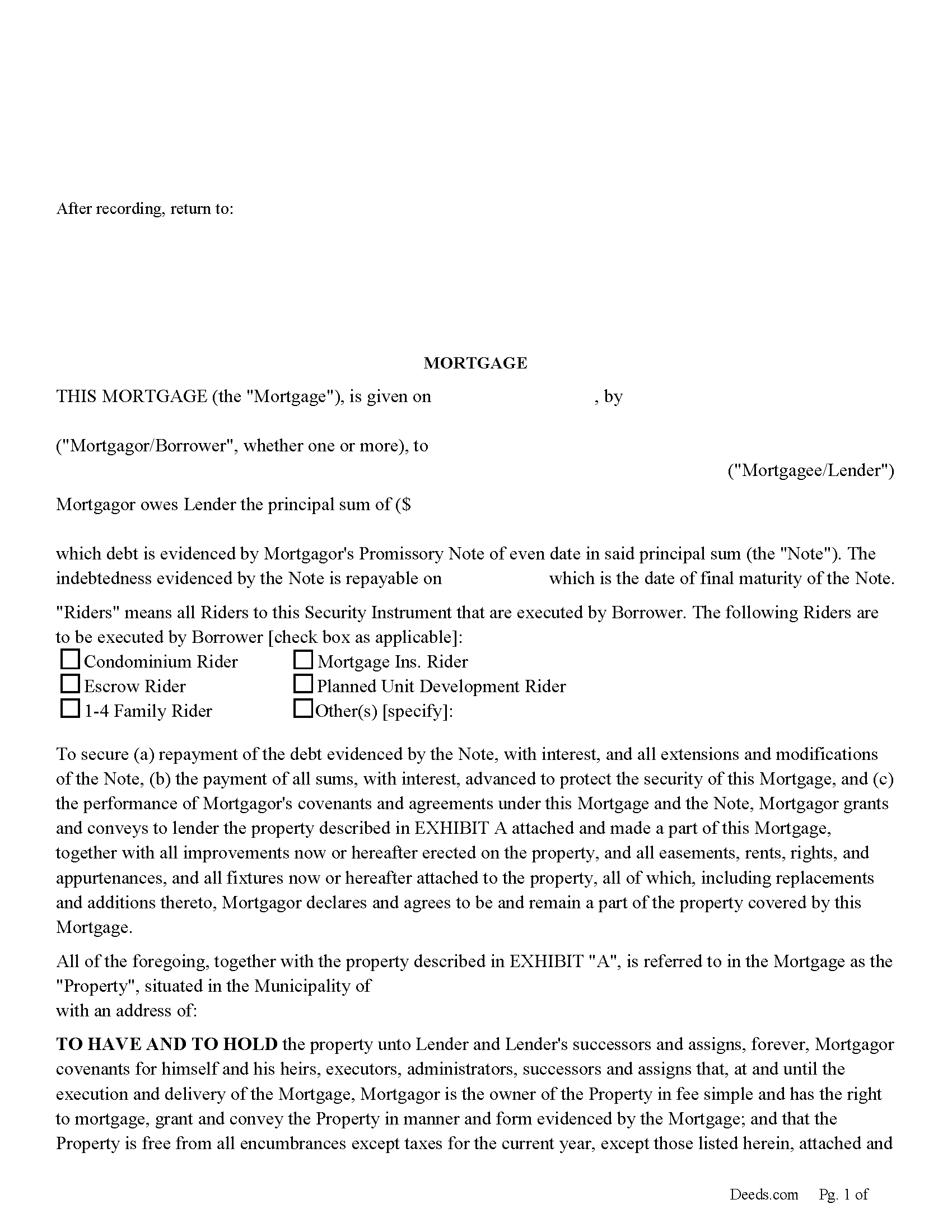
Bayfield County Mortgage Form
Fill in the blank form formatted to comply with all recording and content requirements.
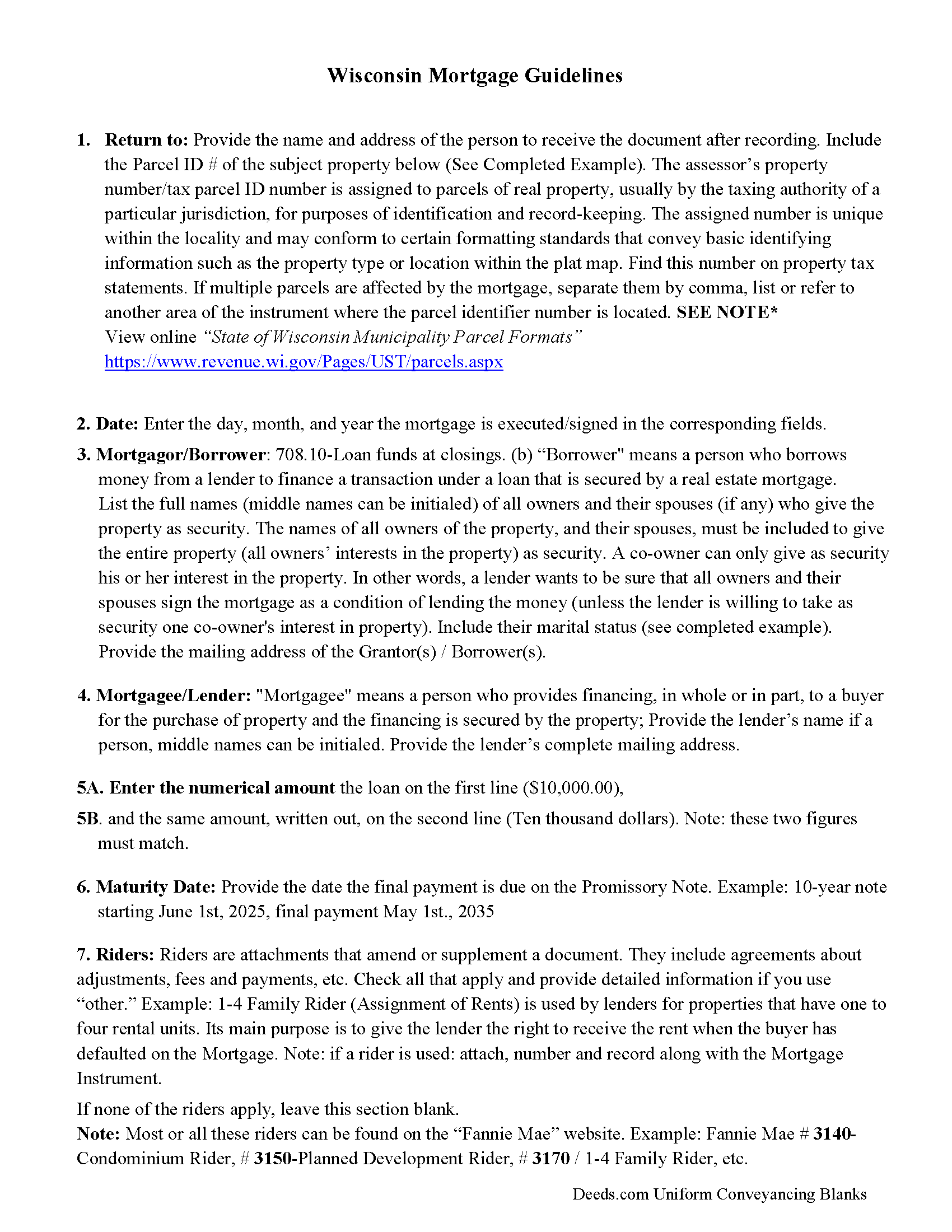
Bayfield County Mortgage Guidelines
Line by line guide explaining every blank on the form.
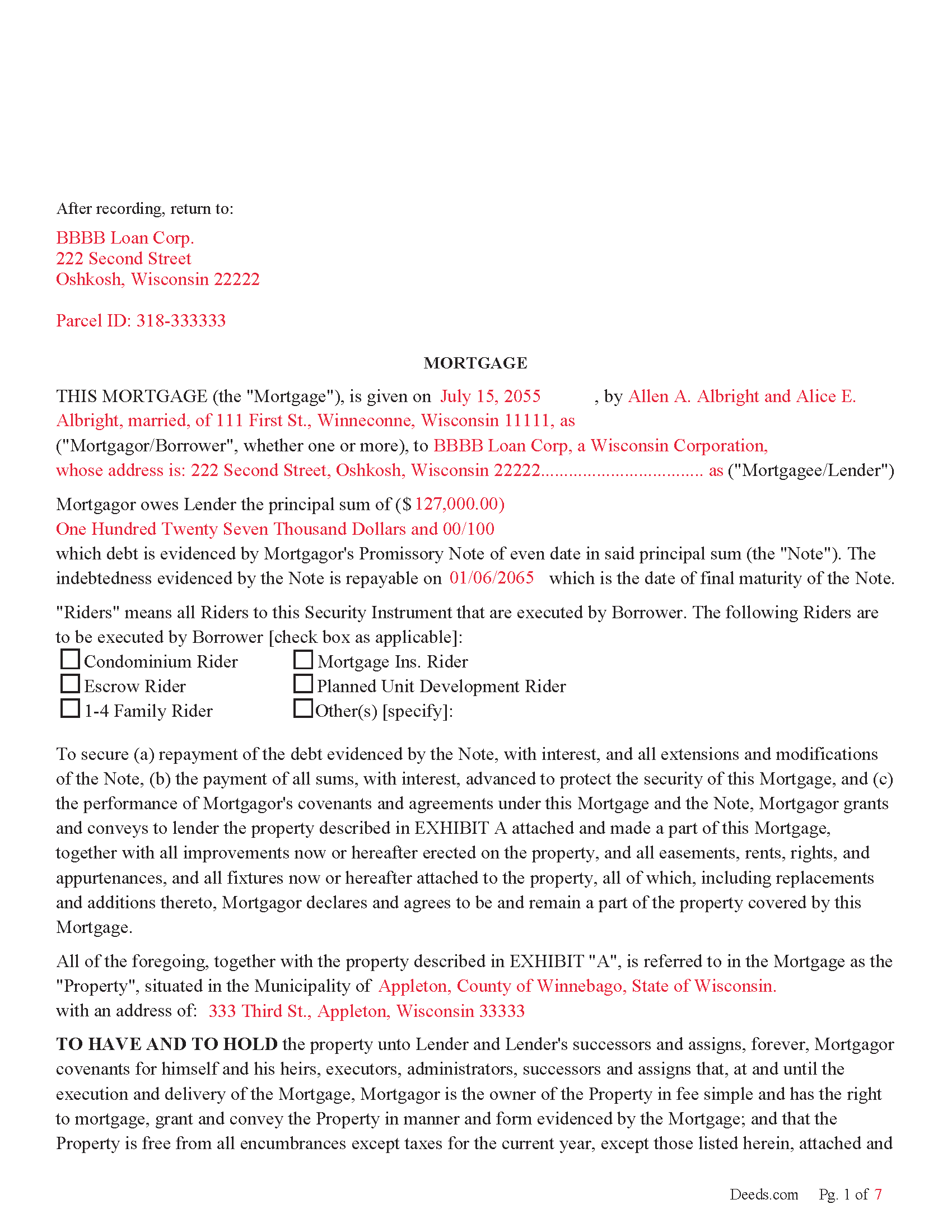
Bayfield County Completed Example of the Mortgage Document
Example of a properly completed form for reference.
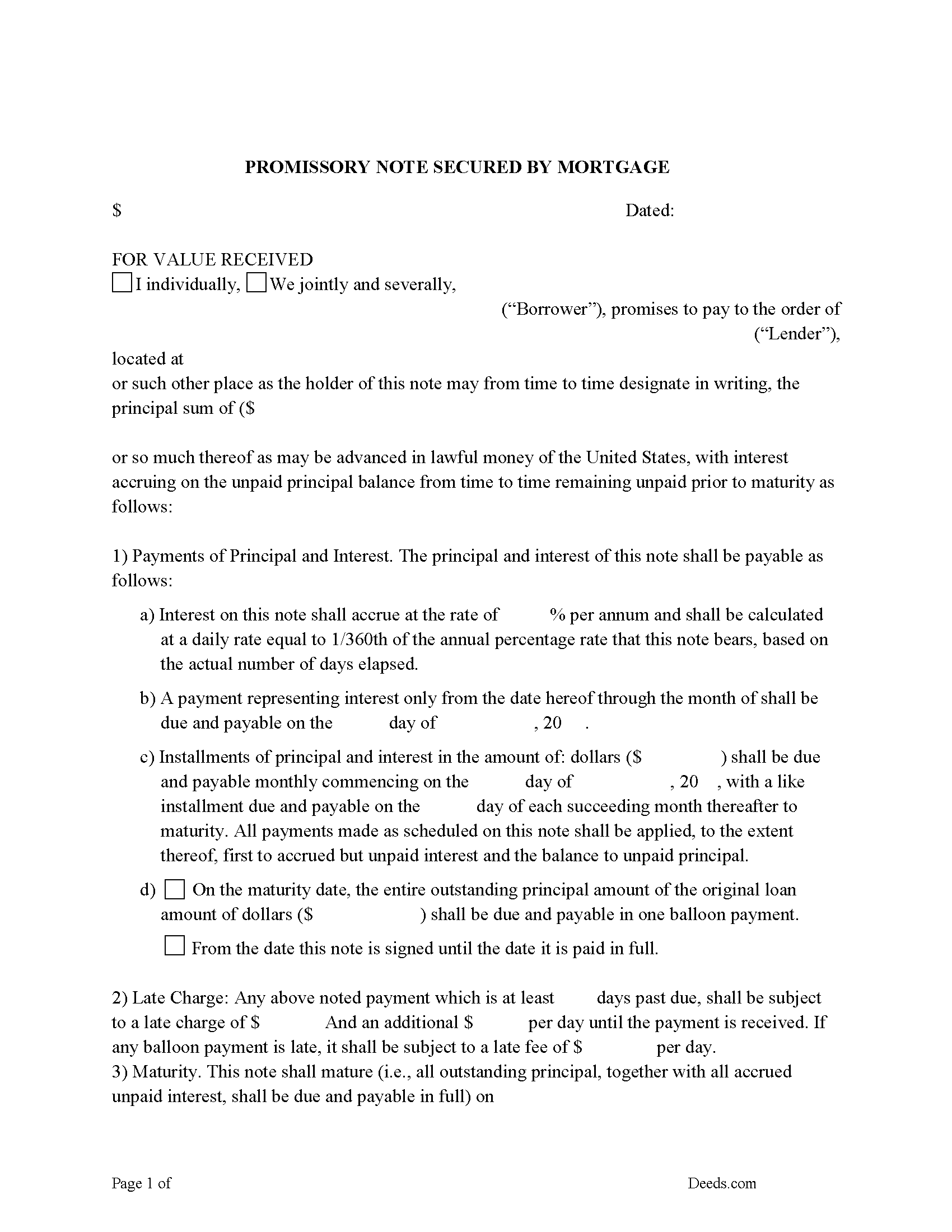
Bayfield County Promissory Note Form
Note that is secured by the Mortgage.
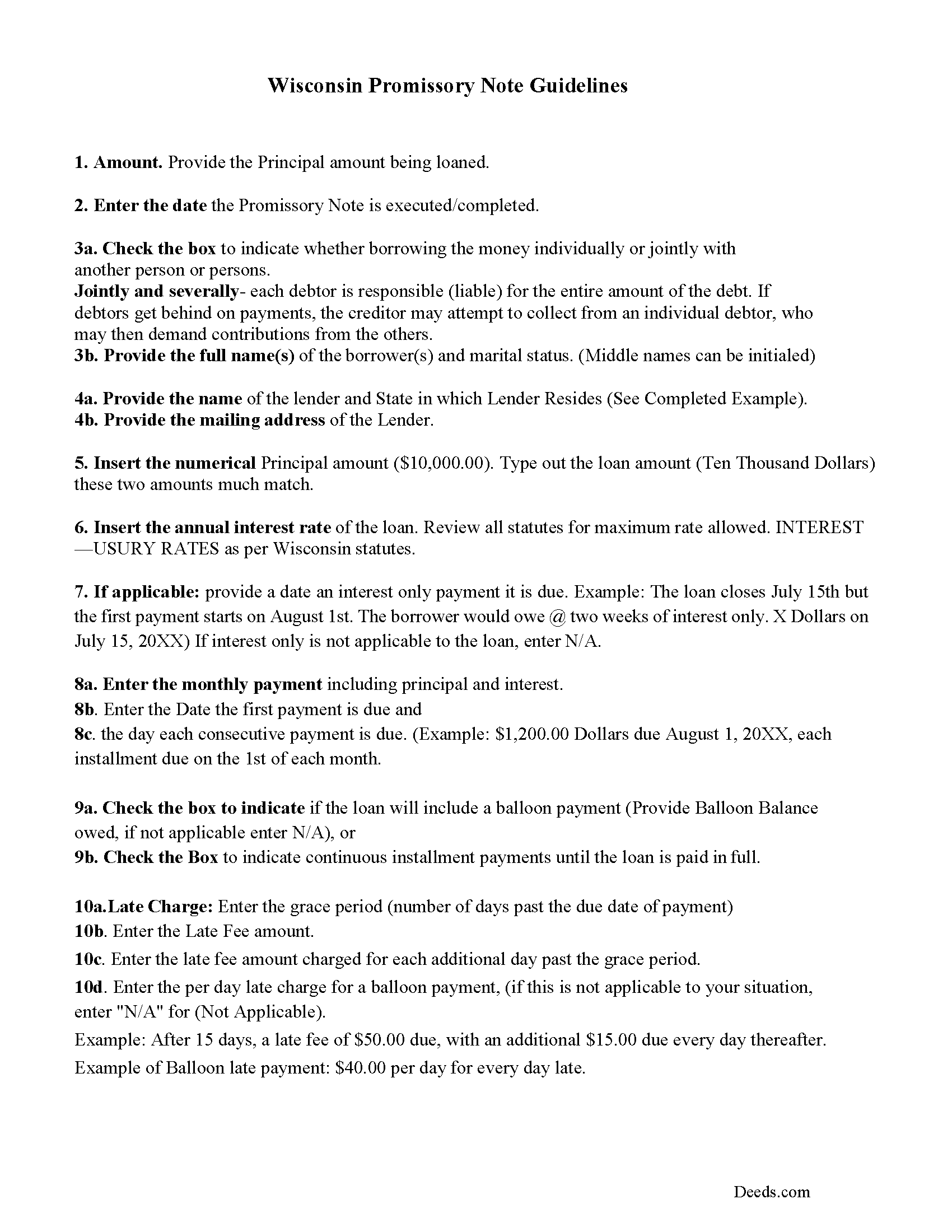
Bayfield County Promissory Note Guidelines
Line by line guide explaining every blank on the form.
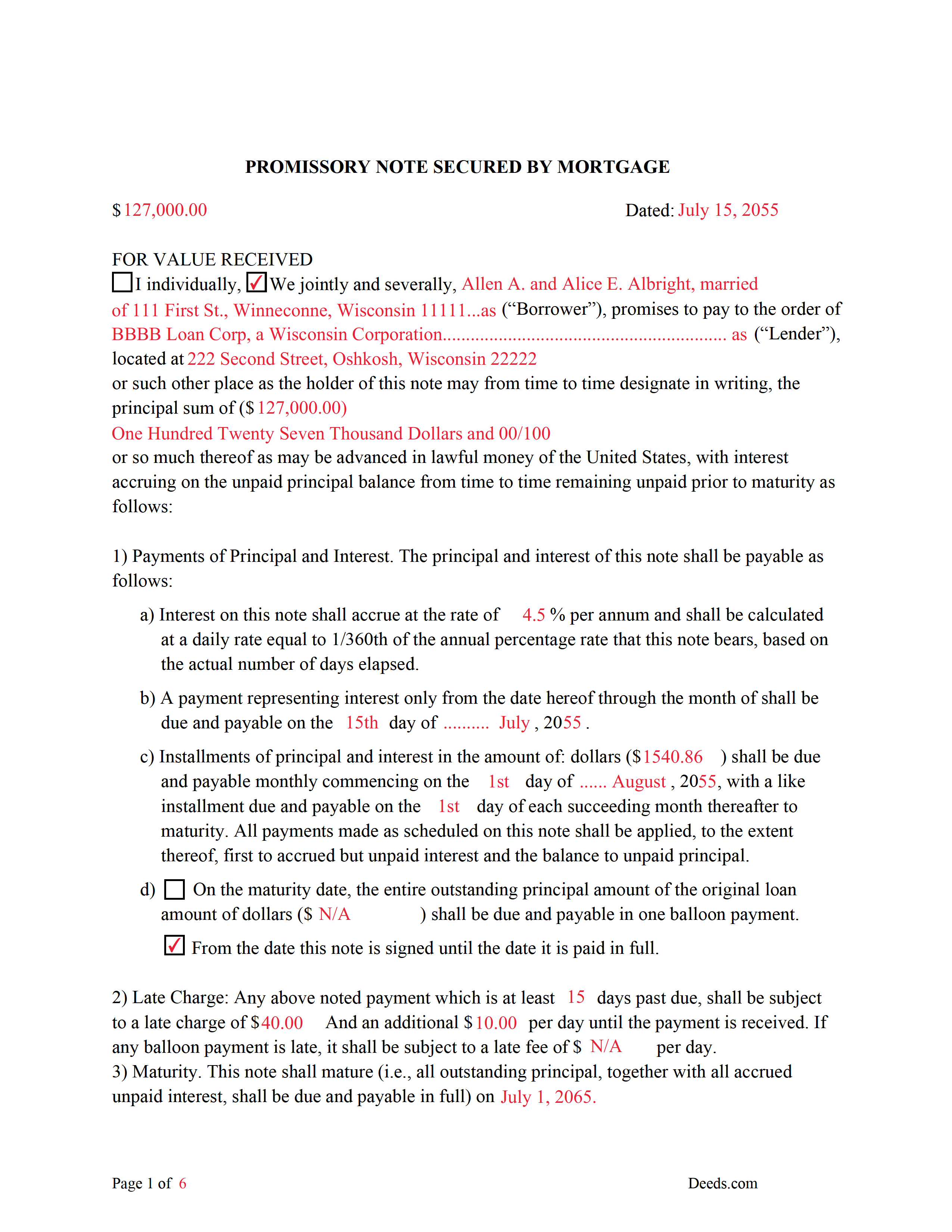
Bayfield County Completed Example of the Promissory Note Document
Example of a properly completed form for reference.
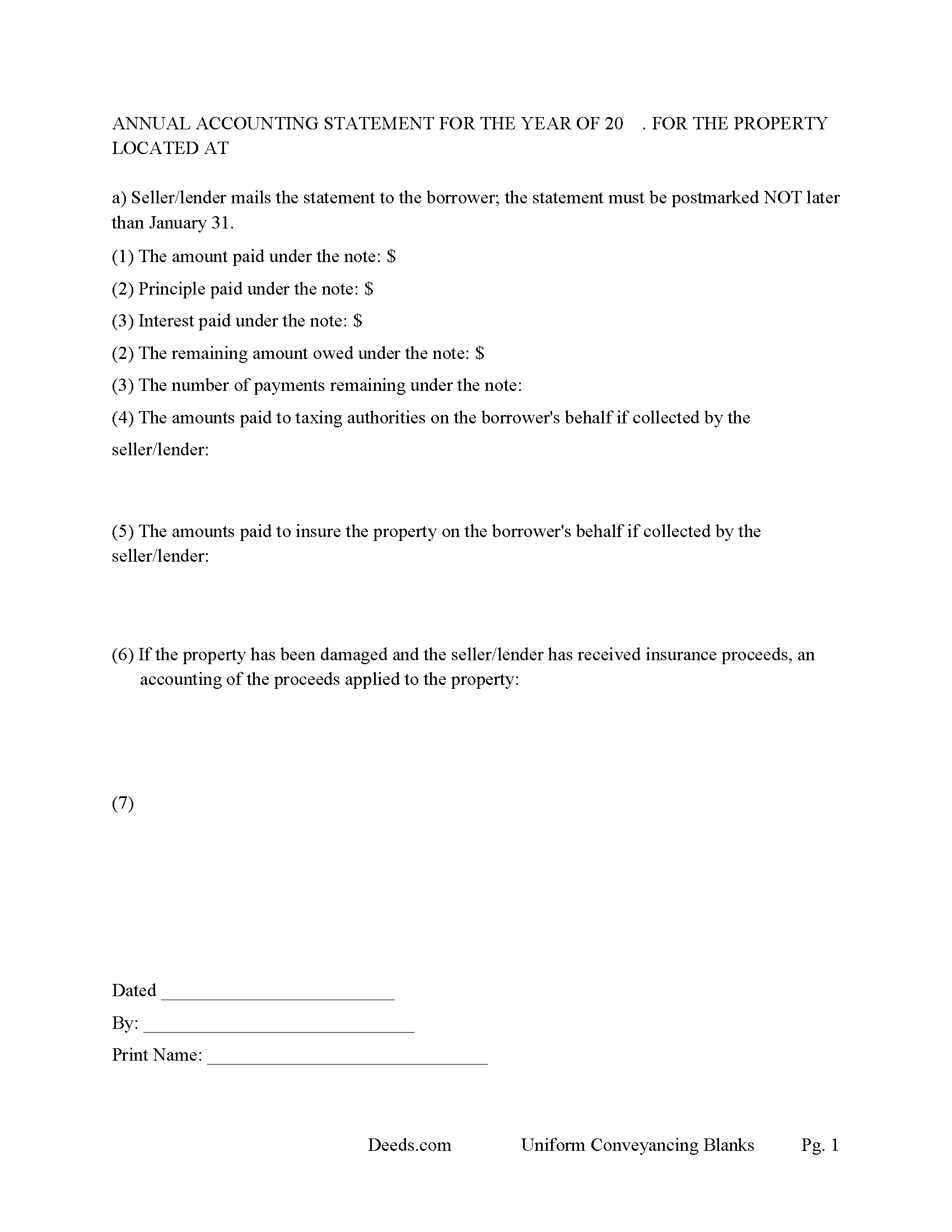
Bayfield County Annual Accounting Statement Form
Mail to borrower for fiscal year reporting.
All 7 documents above included • One-time purchase • No recurring fees
Immediate Download • Secure Checkout
Additional Wisconsin and Bayfield County documents included at no extra charge:
Where to Record Your Documents
Bayfield County Register of Deeds
Washburn, Wisconsin 54891
Hours: Monday - Friday 8:00am - 4:00pm
Phone: (715) 373-6119
Recording Tips for Bayfield County:
- Bring your driver's license or state-issued photo ID
- Ensure all signatures are in blue or black ink
- Bring extra funds - fees can vary by document type and page count
- Check margin requirements - usually 1-2 inches at top
- Leave recording info boxes blank - the office fills these
Cities and Jurisdictions in Bayfield County
Properties in any of these areas use Bayfield County forms:
- Bayfield
- Benoit
- Cable
- Cornucopia
- Drummond
- Grand View
- Herbster
- Iron River
- Mason
- Port Wing
- Washburn
Hours, fees, requirements, and more for Bayfield County
How do I get my forms?
Forms are available for immediate download after payment. The Bayfield County forms will be in your account ready to download to your computer. An account is created for you during checkout if you don't have one. Forms are NOT emailed.
Are these forms guaranteed to be recordable in Bayfield County?
Yes. Our form blanks are guaranteed to meet or exceed the applicable formatting requirements used for recording in Bayfield County, including margin requirements, font requirements, and other layout standards. This guarantee applies to formatting, not to the legal sufficiency of information entered by the user or the suitability of a form for a particular transaction.
Can I reuse these forms?
Yes. You can reuse the forms for your personal use. For example, if you have multiple properties in Bayfield County you only need to order once.
What do I need to use these forms?
The forms are PDFs that you fill out on your computer. The free Adobe Acrobat Reader is recommended, and most PDF apps also work. You do NOT enter your property information online - you download the blank forms and complete them privately on your own computer.
Are there any recurring fees?
No. This is a one-time purchase. Nothing to cancel, no memberships, no recurring fees.
How much does it cost to record in Bayfield County?
Recording fees in Bayfield County vary. Contact the recorder's office at (715) 373-6119 for current fees.
Questions answered? Let's get started!
Use this form to finance a condominium, residential property, rental property, small commercial and/or a planned unit development. (A mortgage on real property creates a lien on the property mortgaged; except for the lien and subject to s. 708.11, the mortgagor retains the interest that the mortgagor had at the time of mortgage until that interest is divested by some later act.) (708.01Effect of mortgage.)
This mortgage contains a power of sale, (When a power to sell lands shall be given to the grantee in any mortgage or other conveyance intended to secure the payment of money the power shall be deemed a part of the security and shall vest in and may be executed by any person, who, by assignment or otherwise, shall become entitled to the money so secured to be paid.)( 708.05 Mortgages, power to sell under.)
The promissory note includes interest rates, default rates, late payment fees, default terms, etc. A mortgage and promissory note with strong default clauses and a power of sale, can be beneficial to the lender. Mortgage and the Note are severable.
(Wisconsin Mortgage Package includes forms, guidelines, and completed examples) For use in Wisconsin only.
Important: Your property must be located in Bayfield County to use these forms. Documents should be recorded at the county recording office listed above.
This Mortgage and Promissory Note meets all recording requirements specific to Bayfield County.
Our Promise
The documents you receive here are guaranteed to meet or exceed the applicable Bayfield County recording format requirements. If there is a rejection caused by our formatting, we will correct the issue or refund your payment. This guarantee applies to document formatting only and does not extend to information entered by the user, the selection of the form, or the legal effect of the completed document.
Save Time and Money
Get your Bayfield County Mortgage and Promissory Note form done right the first time with Deeds.com Uniform Conveyancing Blanks. At Deeds.com, we understand that your time and money are valuable resources, and we don't want you to face a penalty fee or rejection imposed by a county recorder for submitting nonstandard documents. We constantly review and update our forms to meet rapidly changing state and county recording requirements for roughly 3,500 counties and local jurisdictions.
4.8 out of 5 - ( 4,844 Reviews )
Paul B. 5 out of 5 stars
Very efficient and easy to use process
Paul, we’re glad to hear you had a smooth and efficient experience! Making things easy for our customers is always our goal.
Jeane W. 5 out of 5 stars
I needed to add my partner to my warranty deed and deeds.com made it easy to understand what form I needed, attached a great explanation of the form and a sample of the form filled out. Couldn't be happier. In fact I'm researching a Revocable Transfer on Death Deed now and they've given me the confidence to rewrite my own will on my own.
Your feedback is greatly appreciated. Thank you for taking the time to share your experience!
Candace K. 5 out of 5 stars
I was able to find the Certificate of Trust after a little searching. Once found, the remainder of the process was easy. My task was done in no time. It's a great site.
Thank you for your feedback. We really appreciate it. Have a great day!
Sally P. 5 out of 5 stars
I cannot thank the staff at Deeds.com enough for all of their assistance and their quick and their most pleasant responses. They were extremely quick and efficient to help me to file my documents. Thanks for everything and I will definitely be referring folks to your site.
Our team is deeply committed to providing efficient, reliable assistance and it's always rewarding to know we've made a difference for our customers. Your kind words about our quick and pleasant responses are much appreciated and will certainly serve as an extra boost of motivation for our team.
We also sincerely appreciate your intention to refer others to our site. Your trust and confidence in our service means a lot to us, and we're grateful to have you as part of the Deeds.com community.
Martha G. 5 out of 5 stars
Well-designed site. Incredibly easy to find what I needed, very reasonable cost.
Thank you for your feedback. We really appreciate it. Have a great day!
Marilyn C. 5 out of 5 stars
Fillable documents, after a download, would be helpful. Very good to have all these forms online and accessible for an overall fee.
Thank you!
Janalee T. 5 out of 5 stars
Fast, easy. quickly accepted by county recorder.
Thank you!
Tamyra M. 5 out of 5 stars
Easy instructions.
Thanks for your feedback. We’re glad we could help.
Michael S. 4 out of 5 stars
So far, I'm happy with my experience. I'm still reviewing the guide for the docs I downloaded. Including the guide for the docs is indeed a plus.
Thank you Michael, we really appreciate your feedback.
Kevin M. 5 out of 5 stars
All I can say is WOW. They were so fast and professional. I received my copy of my deed that same day I requested it. There was some confusion on my part but within minutes it was explained.
We appreciate your business and value your feedback. Thank you. Have a wonderful day!
Eddy C & Tina H. 2 out of 5 stars
did not use, much to expensive.
Thank you for your feedback. We do hope that you found something more suitable to your needs elsewhere. Have a wondaful day.
Suhila C. 5 out of 5 stars
This site is awesome. It has everything I need to purchase and sell (transfer deed ownership) land and property. I cannot wait to get our new land and building for business. Thanks, Suhila
We appreciate your business and value your feedback. Thank you. Have a wonderful day!
Frazer W. 5 out of 5 stars
The great part about Deeds.com is that the staff works with filers to get the job done.
Thank you, Frazer! We appreciate your kind words and are glad our team could help get the job done.
Robert S. 5 out of 5 stars
Very timely service and retrieved information I was looking for
We appreciate your business and value your feedback. Thank you. Have a wonderful day!
Joseph S. 5 out of 5 stars
The best solution in creating deeds.
Thank you!