Montgomery County Declaration of Lien Rights Form
Last validated September 24, 2026 by our Forms Development TeamFormatted for recording in Montgomery County, for property anywhere in the county: rural and unincorporated areas as well as Cecil, Grady, Hope Hull, Lapine, Mathews, Montgomery, Mount Meigs, Pike Road and 2 more.
- 3 documents included
- Immediate PDF download
- Formatting guarantee
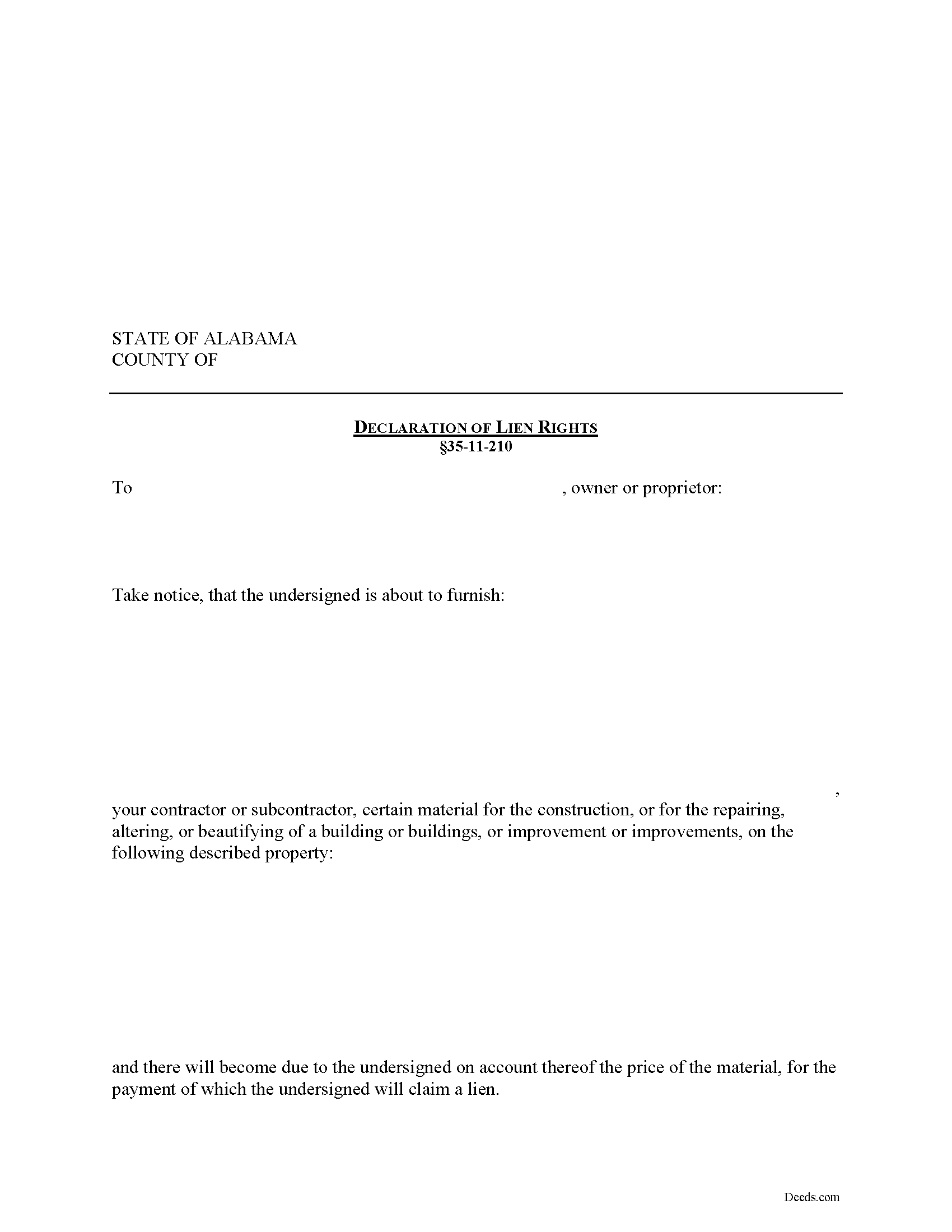
Montgomery County Declaration of Lien Rights Form
Fill in the blank Declaration of Lien Rights form formatted to comply with all Alabama recording and content requirements.
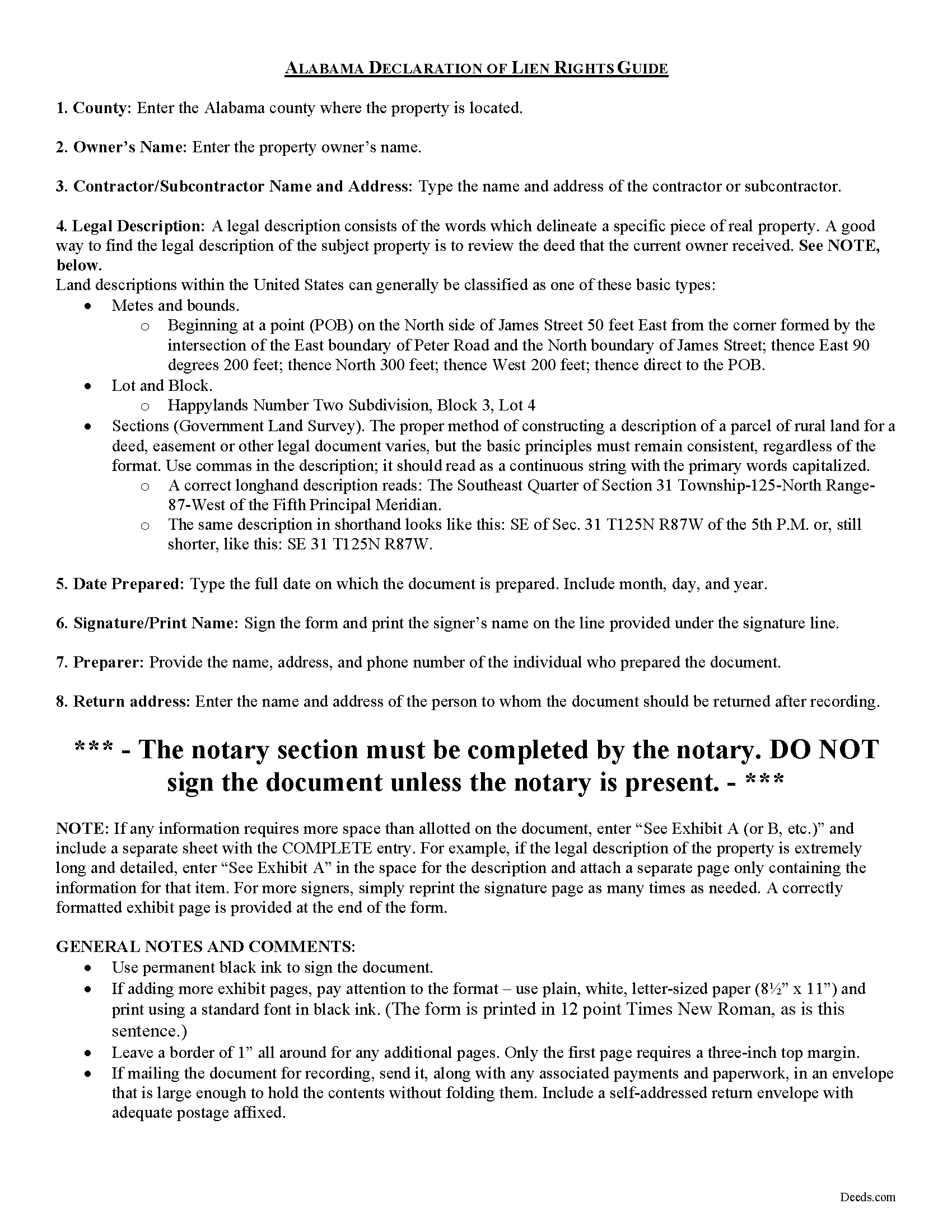
Montgomery County Declaration of Lien Rights Guide
Line by line guide explaining every blank on the form.
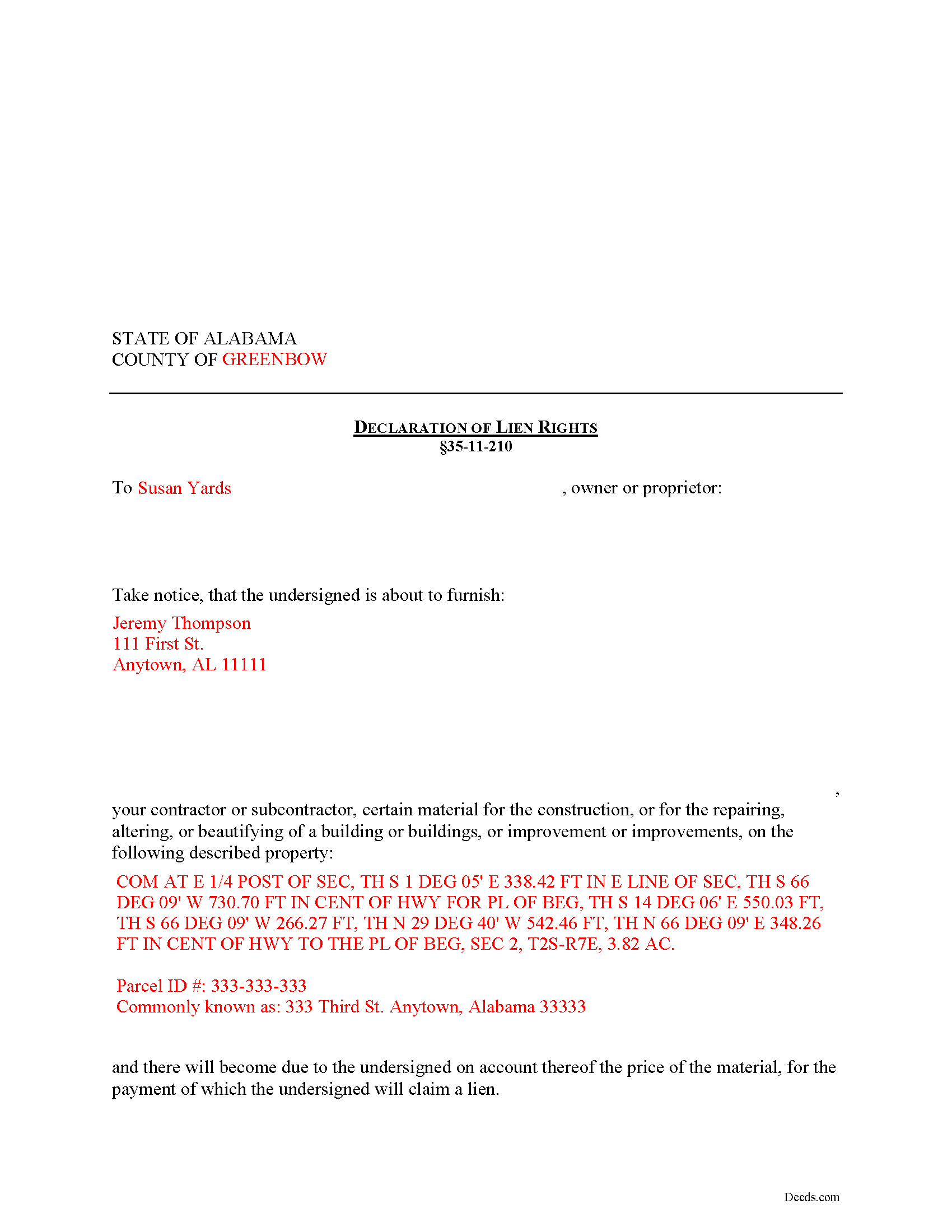
Montgomery County Completed Example of the Declaration of Lien Rights Document
Example of a properly completed form for reference.
All 3 documents above included • One-time purchase • No recurring fees
Immediate Download • Secure Checkout
Additional Alabama and Montgomery County documents included at no extra charge:
Where to Record Your Documents
Judge of Probate: Records & Recording
Montgomery, Alabama 36104
Hours: 8:00 to 5:00 M-F
Phone: (334) 832-1236 or 1237
Recording Tips for Montgomery County:
- Bring your driver's license or state-issued photo ID
- Ensure all signatures are in blue or black ink
- Recorded documents become public record - avoid including SSNs
- Recording fees may differ from what's posted online - verify current rates
- Request a receipt showing your recording numbers
Cities and Jurisdictions in Montgomery County
Properties in any of these areas use Montgomery County forms:
- Cecil
- Grady
- Hope Hull
- Lapine
- Mathews
- Montgomery
- Mount Meigs
- Pike Road
- Pine Level
- Ramer
Hours, fees, requirements, and more for Montgomery County
How do I get my forms?
Forms are available for immediate download after payment. The Montgomery County forms will be in your account ready to download to your computer. An account is created for you during checkout if you don't have one. Forms are NOT emailed.
Are these forms guaranteed to be recordable in Montgomery County?
Yes. Our form blanks are guaranteed to meet or exceed the applicable formatting requirements used for recording in Montgomery County, including margin requirements, font requirements, and other layout standards. This guarantee applies to formatting, not to the legal sufficiency of information entered by the user or the suitability of a form for a particular transaction.
Can I reuse these forms?
Yes. You can reuse the forms for your personal use. For example, if you have multiple properties in Montgomery County you only need to order once.
What do I need to use these forms?
The forms are PDFs that you fill out on your computer. The free Adobe Acrobat Reader is recommended, and most PDF apps also work. You do NOT enter your property information online - you download the blank forms and complete them privately on your own computer.
Are there any recurring fees?
No. This is a one-time purchase. Nothing to cancel, no memberships, no recurring fees.
How much does it cost to record in Montgomery County?
Recording fees in Montgomery County vary. Contact the recorder's office at (334) 832-1236 or 1237 for current fees.
Questions answered? Let's get started!
Establishing Lien Rights without a Direct Contract in Alabama
In Alabama, laborers, material suppliers, or any other person or firm that furnished work, labor, or material on a piece of property has a valid claim for a lien. Liens of this type are called mechanic's or construction liens. In Alabama, a claimant can claim either a full price or an unpaid balance lien. A full price lien is available to contractors that have contracted directly with the owner for the full price of labor, services, or materials. An unpaid balance lien is available for laborers, subcontractors, or materials suppliers without a direct contract and a lien is limited only to the unpaid balance.
Upon complying with the provisions of Alabama lien law, lien claimants shall have a lien on the building or improvements as well as on the land on which these are situated. Ala. Code Ann. 35-11-210. The lien exists to the extent in ownership of all the right, title, and interest therein of the owner or proprietor, and to the extent in area of the entire lot or parcel of land in a city or town; or, if not in a city or town, of one acre in addition to the land upon which the building or improvement is situated. Id. Further, if employees of the contractor or persons furnishing material to him or her claim a lien, the lien shall extend only to the amount of any unpaid balance due the contractor by the owner or proprietor, and the employees and materialmen shall also have a lien on the unpaid balance. Id.
To preserve the option for lien rights, a potential claimant must notify the owner or responsible party before furnishing any materials for the project. By including prices in the notice, the furnisher of the material shall have a lien for the full price specified, without regard to whether or not the amount of the claim for the material so furnished exceeds the unpaid balance due the contractor. Id. However, if the owner or proprietor or his or her agent objects to the price, this may not be the case. Id.
Unless the owner or proprietor or his or her agent shall notify the furnisher in writing before the material is used, that he or she will not be responsible for the price thereof, the claimant will be entitled to a full price lien. Id.
The notice contains the name of the owner or proprietor as well as the name and address of the contractor or subcontractor and a description of the owner's property. File the completed notice with the local recording office for the county where the property is located.
This article is provided for informational purposes only and should not be relied upon as a substitute for the advice from an attorney. Please speak with an attorney for questions regarding lien notices or any other issues related to liens in Alabama.
Important: Your property must be located in Montgomery County to use these forms. Documents should be recorded at the county recording office listed above.
This Declaration of Lien Rights meets all recording requirements specific to Montgomery County.
Our Promise
The documents you receive here are guaranteed to meet or exceed the applicable Montgomery County recording format requirements. If there is a rejection caused by our formatting, we will correct the issue or refund your payment. This guarantee applies to document formatting only and does not extend to information entered by the user, the selection of the form, or the legal effect of the completed document.
Save Time and Money
Get your Montgomery County Declaration of Lien Rights form done right the first time with Deeds.com Uniform Conveyancing Blanks. At Deeds.com, we understand that your time and money are valuable resources, and we don't want you to face a penalty fee or rejection imposed by a county recorder for submitting nonstandard documents. We constantly review and update our forms to meet rapidly changing state and county recording requirements for roughly 3,500 counties and local jurisdictions.
4.8 out of 5 - ( 4,823 Reviews )
Margaret S. 5 out of 5 stars
Great experience, quick and easy, thank you!
Thank you for your feedback. We really appreciate it. Have a great day!
Robert S. 5 out of 5 stars
Documents available immediately as advertised. Was easy to understand the guide and complete the deed form for notarization and filing for recording.
Thank you!
Kim B. 5 out of 5 stars
The package was extremely helpful and provided everything I needed to complete this for my mom- I highly recommend their service!
Your feedback is greatly appreciated. Thank you for taking the time to share your experience!
Virginia P. 1 out of 5 stars
Not user friendly despite additional guide. There are other products out there that are superior. A waste of $20.
Sorry to hear that Virginia. Your order and payment has been canceled. We do hope that you find something more suitable to your needs elsewhere. Have a wonderful day.
Quanah N. 5 out of 5 stars
Instruction easy to follow
Thank you!
Robbin J. 5 out of 5 stars
Really great website!! Easy to use!! Very helpful!!
Thank you!
Dan M. 5 out of 5 stars
Quick ... Easy ... Great Instructions ... Easy Peasy ...
We are grateful for your feedback and looking forward to serving you again. Thank you!
Judy C. 5 out of 5 stars
Both sets of deeds were complete and easy to understand. Both states accepted the forms to transfer property.
We appreciate your business and value your feedback. Thank you. Have a wonderful day!
Melody L. 3 out of 5 stars
Beware, you cannot save the information you typed and change it later. It will be a PDF upon saving. So if you need corrections...you have to start all over!
Thank you for your feedback. We really appreciate it. Have a great day!
Yvonne W. 4 out of 5 stars
I'm not certain yet that this is all I need to do what I need to do. Marion Co. Clerk's office has not been helpful. I found this site from that site & hopefully it will help.
Thanks for the feedback Yvonne. We hope you found what you needed. Have a wonderful day!
Cassandra C. 5 out of 5 stars
I was easy fast and easy to order and download.
We appreciate your business and value your feedback. Thank you. Have a wonderful day!
LEROY S. 5 out of 5 stars
Thank you for your kind help. Great help. VR Roy F. Sutton
Thank you for your feedback. We really appreciate it. Have a great day!
Darrell P. 5 out of 5 stars
My legal description exceeds the avaiable space in the one page Exhibit A...any way to add a second page as 'Exhibit A (continued)'?
It is not required to use the included exhibit page. Simply label your printed legal description as the appropriate exhibit.
Felincia L. 5 out of 5 stars
The process was fast and efficient. I did get a bit confused after entering info for my package but soon realized I had completed this part of the process and only needed to leave the page and wait for review of the document and then the invoice. It was pretty simple. After payment of the invoice I was notified that the document had been submitted. A few hours later I received notice that the document was recorded by the city. It was fast!
We are motivated by your feedback to continue delivering excellence. Thank you!
donald h. 5 out of 5 stars
very informative and thank everyone involved,my deed needed to be changed and will adjusted.
Thank you!