Winston County Quitclaim Deed (Individual Grantor) Form
Last validated October 19, 2026 by our Forms Development TeamFormatted for recording in Winston County, for property anywhere in the county: rural and unincorporated areas as well as Addison, Arley, Delmar, Double Springs, Haleyville, Houston, Lynn, Natural Bridge.
- 3 documents included
- Immediate PDF download
- Formatting guarantee
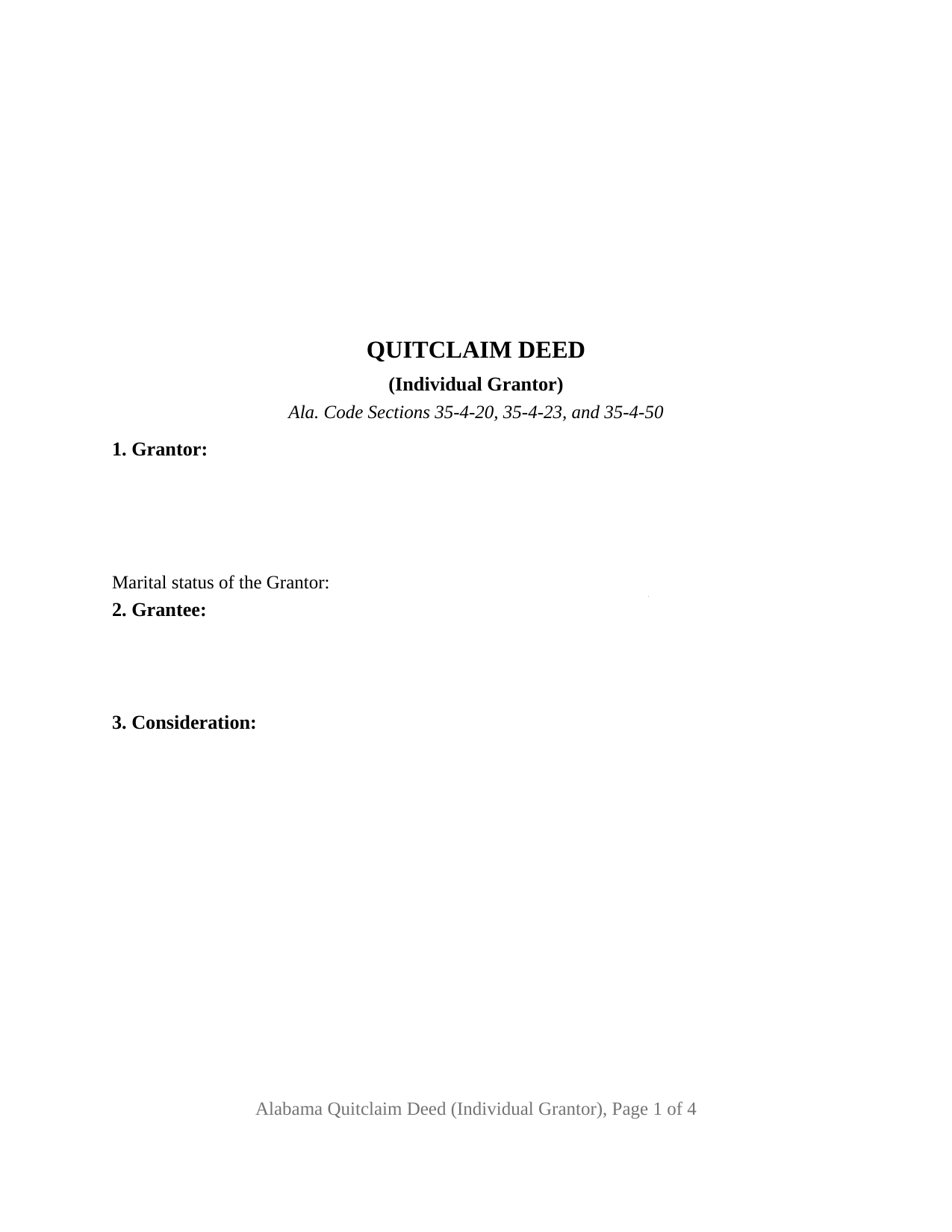
Winston County Quitclaim Deed (Individual Grantor) Form
Fill in the blank Quitclaim Deed (Individual Grantor) form formatted to comply with all Alabama recording and content requirements.
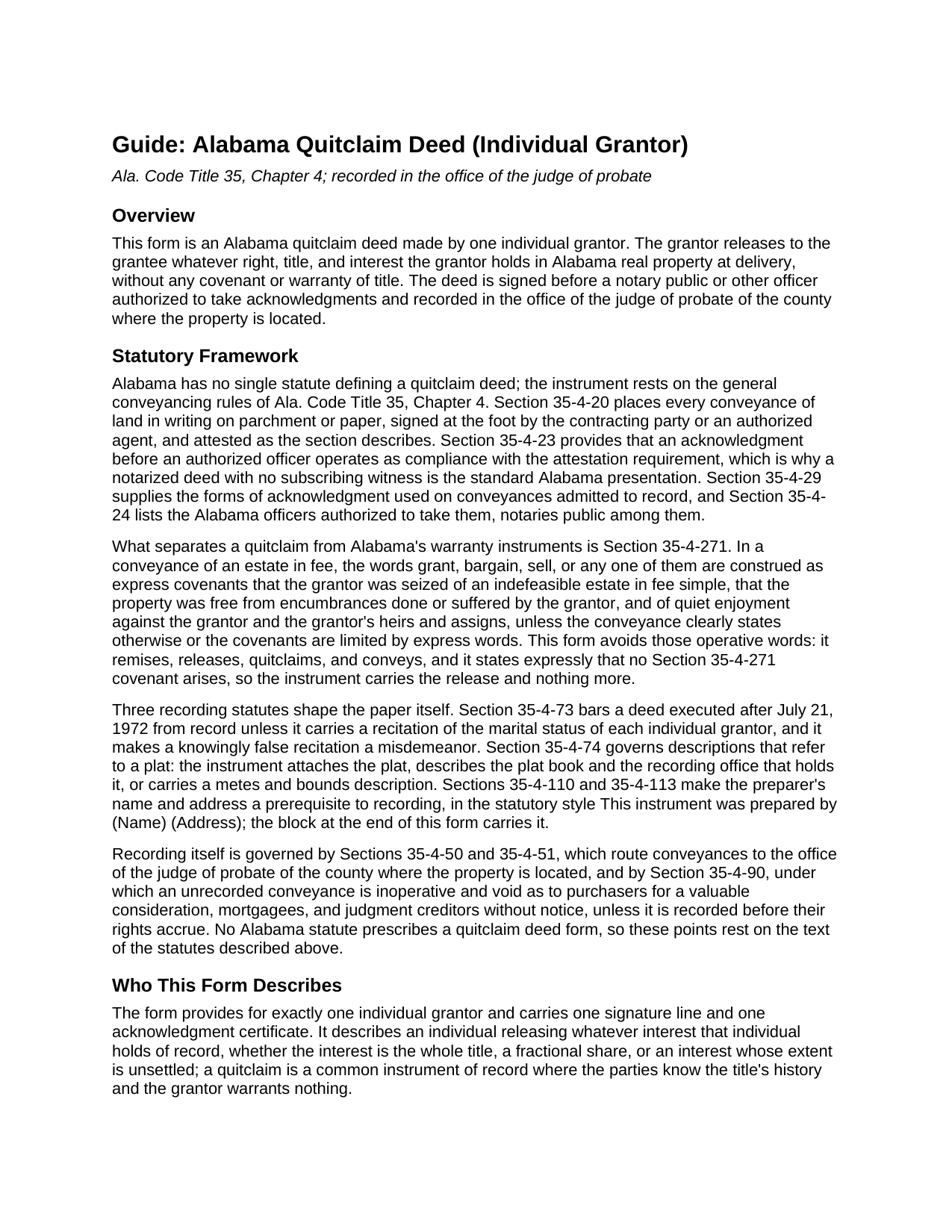
Winston County Quitclaim Deed (Individual Grantor) Guide
Line by line guide explaining every blank on the Quitclaim Deed (Individual Grantor) form.
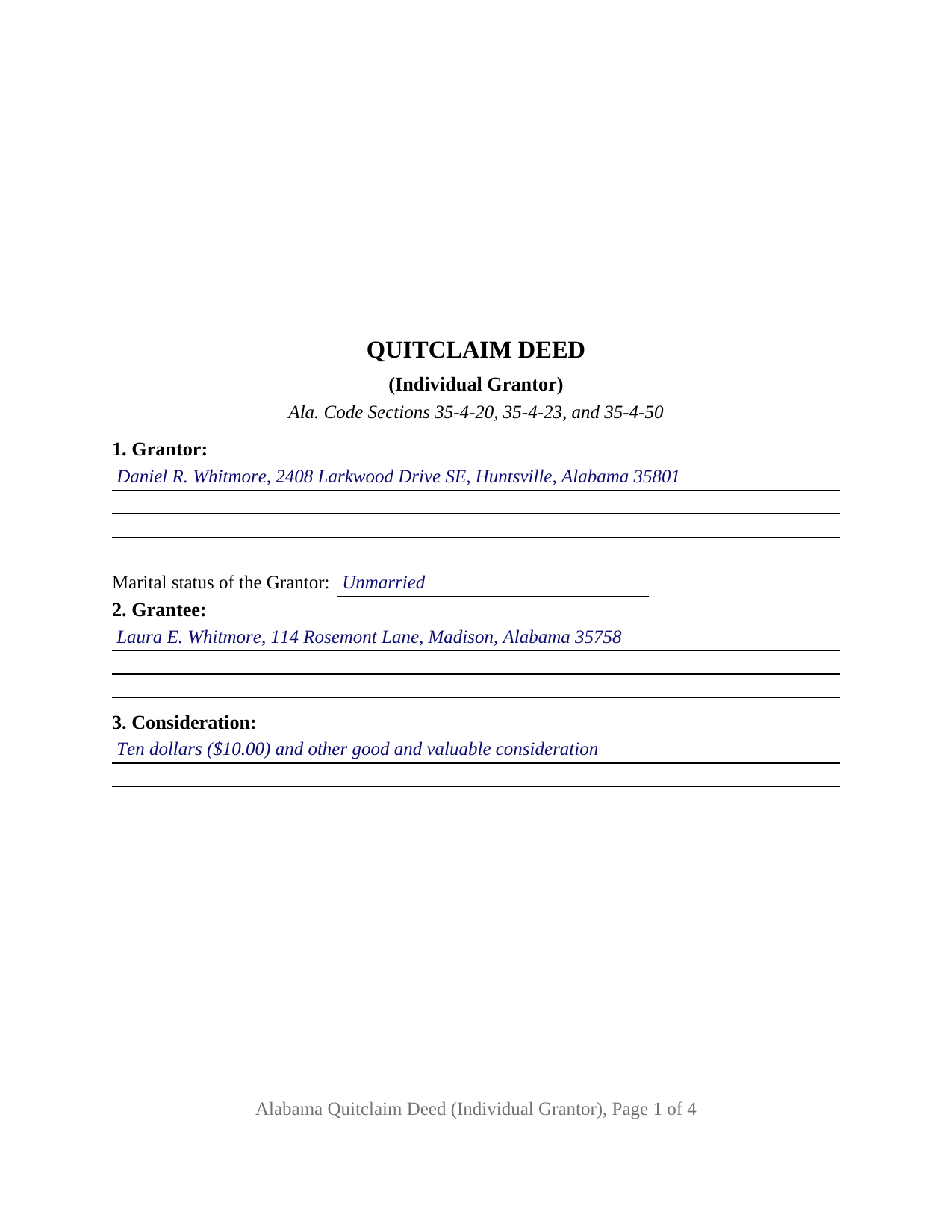
Winston County Completed Example of the Quitclaim Deed (Individual Grantor) Document
Example of a properly completed Alabama Quitclaim Deed (Individual Grantor) document for reference.
All 3 documents above included • One-time purchase • No recurring fees
Immediate Download • Secure Checkout
Additional Alabama and Winston County documents included at no extra charge:
Where to Record Your Documents
Winston County Probate Office
Double Springs, Alabama 35553
Hours: 8:00am to 4:30pm M-F
Phone: (205) 489-5219
Recording Tips for Winston County:
- Bring your driver's license or state-issued photo ID
- Ensure all signatures are in blue or black ink
- Avoid the last business day of the month when possible
- Both spouses typically need to sign if property is jointly owned
- Bring extra funds - fees can vary by document type and page count
Cities and Jurisdictions in Winston County
Properties in any of these areas use Winston County forms:
- Addison
- Arley
- Delmar
- Double Springs
- Haleyville
- Houston
- Lynn
- Natural Bridge
Hours, fees, requirements, and more for Winston County
How do I get my forms?
Forms are available for immediate download after payment. The Winston County forms will be in your account ready to download to your computer. An account is created for you during checkout if you don't have one. Forms are NOT emailed.
Are these forms guaranteed to be recordable in Winston County?
Yes. Our form blanks are guaranteed to meet or exceed the applicable formatting requirements used for recording in Winston County, including margin requirements, font requirements, and other layout standards. This guarantee applies to formatting, not to the legal sufficiency of information entered by the user or the suitability of a form for a particular transaction.
Can I reuse these forms?
Yes. You can reuse the forms for your personal use. For example, if you have multiple properties in Winston County you only need to order once.
What do I need to use these forms?
The forms are PDFs that you fill out on your computer. The free Adobe Acrobat Reader is recommended, and most PDF apps also work. You do NOT enter your property information online - you download the blank forms and complete them privately on your own computer.
Are there any recurring fees?
No. This is a one-time purchase. Nothing to cancel, no memberships, no recurring fees.
How much does it cost to record in Winston County?
Recording fees in Winston County vary. Contact the recorder's office at (205) 489-5219 for current fees.
Questions answered? Let's get started!
One grantor, one signature line, one acknowledgment certificate: the Alabama Quitclaim Deed (Individual Grantor) is built around a release of Alabama real property by a single person acting alone. The form carries the marital status entry Alabama expects of every individual grantor in its first section, then releases to the grantee whatever right, title, and interest the signer holds, without any covenant of title.
Configured around a single signer
The deed recites exactly one individual grantor. Section 1 takes that grantor's name, mailing address, and marital status; Section 10 carries the one signature line; and a single acknowledgment certificate closes the instrument. One record owner releasing an undivided fractional interest to a single grantee, and an unmarried owner delivering record title to settle a boundary line, present the single grantor pattern this deed recites. The form is not set up as a co owner release or an entity conveyance, and a married grantor's transfer of homestead property presents a two signature pattern under Ala. Code Section 6-10-3 that this configuration does not carry; the deed prints that homestead rule in capital letters so the condition is visible on the face of the instrument.
The marital status line most states never ask for
Ala. Code Section 35-4-73 keeps a deed out of the record unless it carries a recitation of the marital status of each individual grantor or vendor, a rule that has applied to instruments executed since July 21, 1972, and a knowingly false recitation is a misdemeanor. This form builds the entry into the grantor section rather than leaving it to be added at the counter, and the completed example shows the wording in place.
Release words, chosen against Section 35-4-271
Alabama attaches covenants to word choice. In a fee conveyance, the words grant, bargain, or sell, standing as operative words, are construed as express covenants of seisin, freedom from encumbrances done or suffered by the grantor, and quiet enjoyment, unless the instrument limits them (Ala. Code Section 35-4-271). This deed remises, releases, quitclaims, and conveys, and it states on its face that no Section 35-4-271 covenant arises, so the release stays a release: the grantee takes whatever interest the grantor holds at delivery, and nothing is promised about what that interest is.
An Alabama certificate, not a generic one
Alabama's statutory acknowledgment reads differently from the short forms most states use. Under Ala. Code Section 35-4-29, the officer certifies that the person whose name is signed to the conveyance is known to the officer and, being informed of the contents of the conveyance, executed it voluntarily on the day it bears date. The certificate printed on this form carries that substance. Acknowledgment also operates as compliance with the witness rule of Ala. Code Section 35-4-20 (Section 35-4-23), so the notarized deed goes to record with no subscribing witness line, and the notary block closes with the officer's printed name, state, and commission expiration.
At the probate office
The signed deed goes to the judge of probate of the county where the property is located. Recording is what protects the grantee against third parties: under Ala. Code Section 35-4-90, an unrecorded conveyance is inoperative and void as to purchasers for a valuable consideration, mortgagees, and judgment creditors without notice. At recording, the probate office collects the deed tax of fifty cents per five hundred dollars of value (Ala. Code Section 40-22-1) along with the sales value disclosure Alabama has collected since 2012, commonly on Department of Revenue Form RT-1, a one page state form completed separately at recording and not part of the deed itself. The form reserves the top three inches of its first page for the recording stamp and carries the preparer statement Ala. Code Sections 35-4-110 and 35-4-113 make a prerequisite to recording, so the paper arrives shaped for county intake.
The download delivers this Alabama quitclaim deed, also searched for as a quit claim or quick claim deed, as a blank fillable PDF, together with a completed example on a Madison County fact pattern and a guide that walks the form section by section, from the marital status entry through the acknowledgment certificate. The materials describe Alabama law in general terms and are not legal advice; an Alabama attorney can apply these rules to a particular title.
Important: Your property must be located in Winston County to use these forms. Documents should be recorded at the county recording office listed above.
This Quitclaim Deed (Individual Grantor) meets all recording requirements specific to Winston County.
Our Promise
The documents you receive here are guaranteed to meet or exceed the applicable Winston County recording format requirements. If there is a rejection caused by our formatting, we will correct the issue or refund your payment. This guarantee applies to document formatting only and does not extend to information entered by the user, the selection of the form, or the legal effect of the completed document.
Save Time and Money
Get your Winston County Quitclaim Deed (Individual Grantor) form done right the first time with Deeds.com Uniform Conveyancing Blanks. At Deeds.com, we understand that your time and money are valuable resources, and we don't want you to face a penalty fee or rejection imposed by a county recorder for submitting nonstandard documents. We constantly review and update our forms to meet rapidly changing state and county recording requirements for roughly 3,500 counties and local jurisdictions.
4.8 out of 5 - ( 4,837 Reviews )
Susan M. 5 out of 5 stars
Purchased and received immediately w/instructions for completion.
We appreciate your business and value your feedback. Thank you. Have a wonderful day!
Irwin C. 5 out of 5 stars
For starters, enrolling was as easy as could be. Then, it only took minutes before my entry was formatted and filed. Finally, when I asked a question, I got an answer within a few minutes. Couldn't be happier with service
We appreciate your business and value your feedback. Thank you. Have a wonderful day!
Helen M. 1 out of 5 stars
The forms are very confusing when there is so much to download! Trying to keep track and make sure you have everything needed is terrible! I think I have everything but I was under the impression I would be filling it out online and with instructions... I am very disappointed to say the least!
Sorry to hear of your disappointment Helen. We have gone ahead and canceled your order and payment. We do hope that you are able to find something more suitable to your needs elsewhere. Have a wonderful day.
Kenneh C. 1 out of 5 stars
I was looking for something this website does not offer. Very dissapointed.
Sorry to hear that. We do hope you found what you were looking for elsewhere.
RICHARD MANUEL F. 5 out of 5 stars
I never could even think to solve an important issue involving even overseas individuals without even a lawyer within 24 h. This service works for real and I'll keep using it from now for any future needs, referring to and proposing it as a legitimate, trusted real Optimus service. I'm extremely satisfied and being a Public Official myself I got to say that these guys have really impressed me!
Thank you!
Debra K. 5 out of 5 stars
Very happy with forms downloaded. Well worth the price. Could not find them anywhere else on the web. Also had easy to understand instructions and a demo form as a guide
Thank you Debra, we appreciate your feedback. Have a wonderful day!
Timothy K. 5 out of 5 stars
Great company to work with, quick responses.
We appreciate your business and value your feedback. Thank you. Have a wonderful day!
MARY LACEY M. 5 out of 5 stars
I am extremely impressed with the quality of this service. They are a pleasure to work with and I know I can rely on them.
Thank you for your feedback. We really appreciate it. Have a great day!
DARLA L. 5 out of 5 stars
I was happy with the quick response to obtain the requested forms. Effective and easy website to use.
We appreciate your business and value your feedback. Thank you. Have a wonderful day!
Georgana T. 3 out of 5 stars
Not clear information on ownership, which is what I wanted.
Sorry to hear that we were unable to find the information you need Georgana. Your account has been credited. Have a wonderful day.
Shari W. 5 out of 5 stars
Fast and easy. Great service. Thanks.
Thank you!
Cheryl S. 5 out of 5 stars
quick response
Thank you!
Diane O. 5 out of 5 stars
Filling out forms was easy....so far, I am happy !
We appreciate your business and value your feedback. Thank you. Have a wonderful day!
Terri S. 5 out of 5 stars
Form was easy to complete, price was reasonable and everything worked out just fine. Would absolutely use this service again if needed, Thank you :)
Thank you for your feedback. We really appreciate it. Have a great day!
Blaine G. 3 out of 5 stars
Pretty good promissory note...but unable to delete some of the not needed stuff. Fill in blanks are fine but not all the template language is appropriate in my situation
Thank you for your feedback. We really appreciate it. Have a great day!