Lauderdale County Quitclaim Deed (Interspousal) Form
Last validated October 16, 2026 by our Forms Development TeamFormatted for recording in Lauderdale County, for property anywhere in the county: rural and unincorporated areas as well as Anderson, Cloverdale, Florence, Killen, Lexington, Rogersville, Waterloo.
- 3 documents included
- Immediate PDF download
- Formatting guarantee
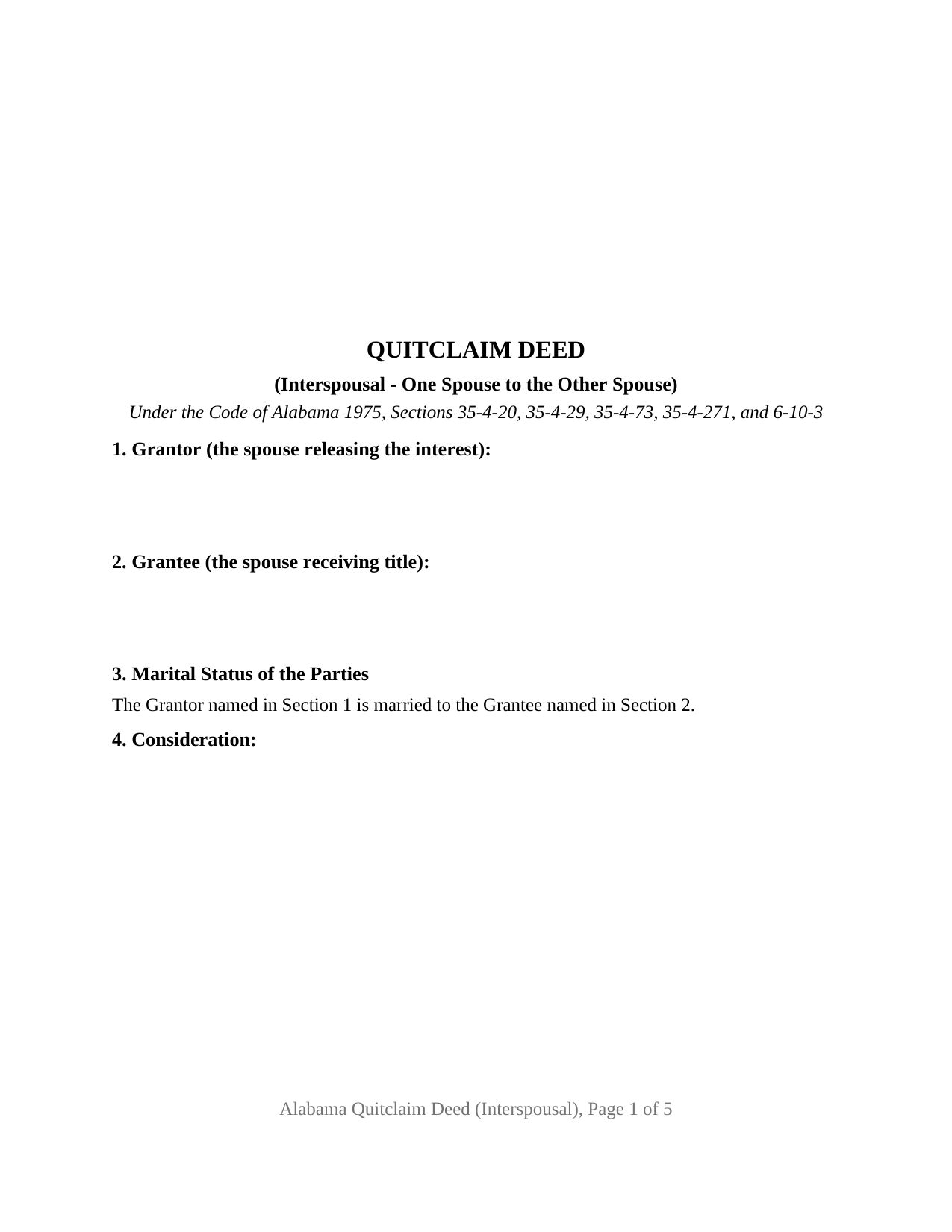
Lauderdale County Quitclaim Deed (Interspousal) Form
Fill in the blank Quitclaim Deed (Interspousal) form formatted to comply with all Alabama recording and content requirements.
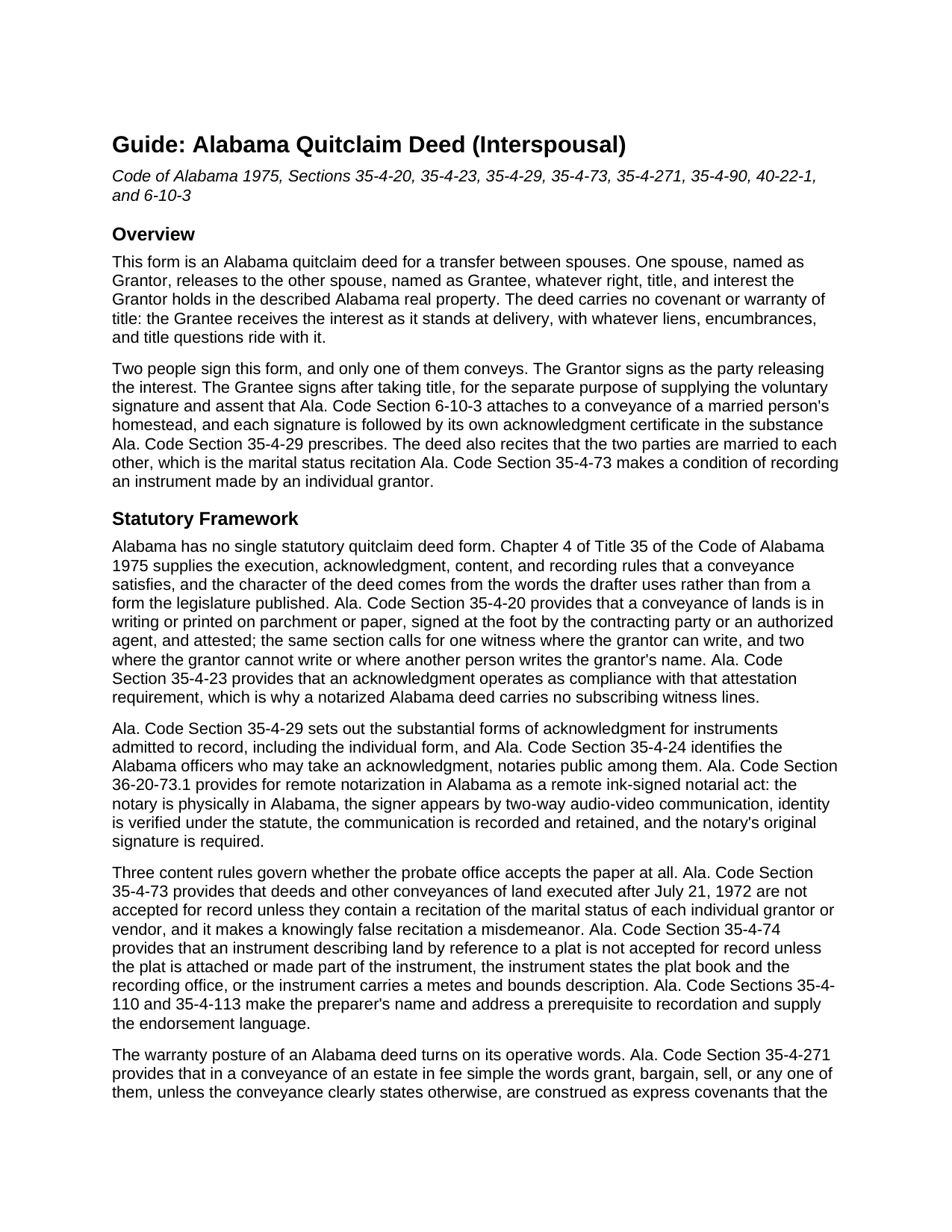
Lauderdale County Quitclaim Deed (Interspousal) Guide
Line by line guide explaining every blank on the Quitclaim Deed (Interspousal) form.
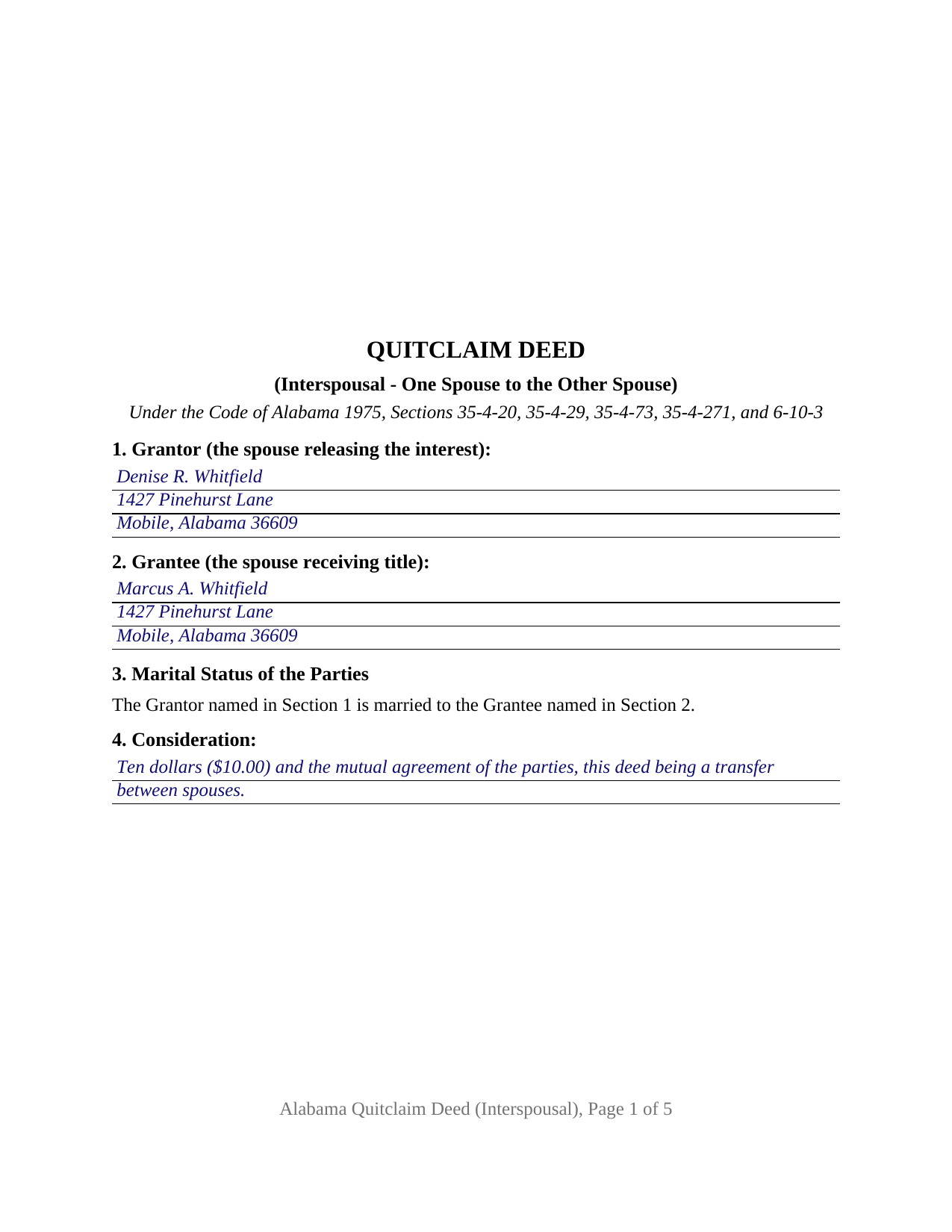
Lauderdale County Completed Example of the Quitclaim Deed (Interspousal) Document
Example of a properly completed Alabama Quitclaim Deed (Interspousal) document for reference.
All 3 documents above included • One-time purchase • No recurring fees
Immediate Download • Secure Checkout
Additional Alabama and Lauderdale County documents included at no extra charge:
Where to Record Your Documents
Judge of Probate: Recording
Florence, Alabama 35630
Hours: 8:00am-5:00pm M-F
Phone: (256) 760-5800
Recording Tips for Lauderdale County:
- Bring your driver's license or state-issued photo ID
- Ensure all signatures are in blue or black ink
- Documents must be on 8.5 x 11 inch white paper
- Double-check legal descriptions match your existing deed
- Verify all names are spelled correctly before recording
Cities and Jurisdictions in Lauderdale County
Properties in any of these areas use Lauderdale County forms:
- Anderson
- Cloverdale
- Florence
- Killen
- Lexington
- Rogersville
- Waterloo
Hours, fees, requirements, and more for Lauderdale County
How do I get my forms?
Forms are available for immediate download after payment. The Lauderdale County forms will be in your account ready to download to your computer. An account is created for you during checkout if you don't have one. Forms are NOT emailed.
Are these forms guaranteed to be recordable in Lauderdale County?
Yes. Our form blanks are guaranteed to meet or exceed the applicable formatting requirements used for recording in Lauderdale County, including margin requirements, font requirements, and other layout standards. This guarantee applies to formatting, not to the legal sufficiency of information entered by the user or the suitability of a form for a particular transaction.
Can I reuse these forms?
Yes. You can reuse the forms for your personal use. For example, if you have multiple properties in Lauderdale County you only need to order once.
What do I need to use these forms?
The forms are PDFs that you fill out on your computer. The free Adobe Acrobat Reader is recommended, and most PDF apps also work. You do NOT enter your property information online - you download the blank forms and complete them privately on your own computer.
Are there any recurring fees?
No. This is a one-time purchase. Nothing to cancel, no memberships, no recurring fees.
How much does it cost to record in Lauderdale County?
Recording fees in Lauderdale County vary. Contact the recorder's office at (256) 760-5800 for current fees.
Questions answered? Let's get started!
The second signature on this deed belongs to the person receiving the property. The Alabama Quitclaim Deed (Interspousal) carries a transfer of Alabama real estate from one spouse to the other: the grantor spouse releases whatever right, title, and interest that spouse holds, with no warranty attached, and the grantee spouse signs beneath, taking title and supplying the assent Alabama's homestead statute asks of a married person's husband or wife.
Both spouses sign, and only one of them conveys
Section 1 names the spouse letting go of the interest and Section 2 names the spouse receiving it, each with a mailing address. Section 3 prints the single fact that the two are married to each other, which states the marital status of the individual grantor that Ala. Code Section 35-4-73 keeps in the recording gate. Section 9 carries two signature blocks, and a certificate follows each. The operative section holds the two roles apart in printed words: the grantee takes title, makes no covenant, conveys nothing, and signs only for the further purpose the homestead statute describes. A spouse releasing an undivided half so the other holds the parcel alone, and a spouse whose name went onto a deed for convenience releasing it back to the spouse who bought the property, present the interspousal pattern recited here. The form is not set up for a release running to anyone outside the marriage, for two owners of record conveying together, or for an entity.
The homestead statute, read on a deed that runs to the spouse
Ala. Code Section 6-10-3 conditions a married person's homestead conveyance on the other spouse's voluntary signature and assent, shown by that spouse's examination before an officer who takes acknowledgments and by the officer's certificate, in the individual pattern of Ala. Code Section 35-4-29. Between spouses, that other spouse is the grantee, which leaves a question with no located answer: no Alabama appellate decision found in the research for this form says whether a conveyance running to the assenting spouse is itself the assent. The form answers structurally instead of arguing. The grantee spouse signs and acknowledges, so the certificate Section 6-10-3 describes sits in the record whether or not the parcel was ever homestead property.
What marriage does and does not do to Alabama title
Alabama recognizes no tenancy by the entirety and is not a community property state, and it abolished dower and curtesy effective January 1, 1983 (Ala. Code Section 43-8-57). Marriage by itself therefore puts neither spouse on the other's title, and this deed moves the grantor spouse's own record interest as it stands at delivery. Where both spouses already appear on the vesting deed, Ala. Code Section 35-4-7 makes them tenants in common unless that deed expressed survivorship, and a release by one leaves the other holding the released share alongside the share already held. The operative words here are remise, release, quitclaim, and convey; the deed adds that Section 35-4-271, which attaches title covenants to a different set of operative words, yields no covenant on this instrument.
At the probate office
The signed deed is presented to the judge of probate for the county holding the land. Recording puts the grantee spouse ahead of a later purchaser, mortgagee, or judgment creditor who takes without notice (Ala. Code Section 35-4-90). The office collects the recordation tax that Ala. Code Section 40-22-1 measures at 50 cents for each $500.00 of value or fraction of that amount, and the same statute lists instruments carrying no such tax, among them a deed made for nominal consideration to perfect title. Alabama's sales value information travels with the deed, commonly on Department of Revenue Form RT-1, a state form filled in at recording and no part of this instrument. Page one keeps its upper three inches clear for the stamp, and the endorsement of the preparer's name and address that Sections 35-4-110 and 35-4-113 call for before recordation is printed in the deed's own text.
Buyers reach this instrument as a quit claim deed, a quick claim deed, or an interspousal transfer deed. The package delivers the blank fillable PDF, a completed example set in Mobile County, and a guide walking each entry, both certificates, and the homestead statute. None of it is legal advice, and an Alabama attorney can read these rules against a particular homestead, marriage, or chain of title.
Important: Your property must be located in Lauderdale County to use these forms. Documents should be recorded at the county recording office listed above.
This Quitclaim Deed (Interspousal) meets all recording requirements specific to Lauderdale County.
Our Promise
The documents you receive here are guaranteed to meet or exceed the applicable Lauderdale County recording format requirements. If there is a rejection caused by our formatting, we will correct the issue or refund your payment. This guarantee applies to document formatting only and does not extend to information entered by the user, the selection of the form, or the legal effect of the completed document.
Save Time and Money
Get your Lauderdale County Quitclaim Deed (Interspousal) form done right the first time with Deeds.com Uniform Conveyancing Blanks. At Deeds.com, we understand that your time and money are valuable resources, and we don't want you to face a penalty fee or rejection imposed by a county recorder for submitting nonstandard documents. We constantly review and update our forms to meet rapidly changing state and county recording requirements for roughly 3,500 counties and local jurisdictions.
4.8 out of 5 - ( 4,831 Reviews )
Neil W. 5 out of 5 stars
This looks easy enough. Thanks. Very simple and efficient navigating the site.
Thank you for your feedback. We really appreciate it. Have a great day!
Ben G. 5 out of 5 stars
Faster AND less expensive than recording in person. Will be using again (and not just because of COVID).
Thank you!
Kimberly M. 5 out of 5 stars
Love Deeds.com. So easy to work with and quick as well.
Thank you again for your kind words! Have a fantastic day!
James A. 5 out of 5 stars
As advertised.
Thank you!
Susan M. 5 out of 5 stars
I was able to download a lot of forms that I need, will be going back to day to search for records so I can fill in the blanks. A great website for forms - It was easy to find what I needed and download! Thanks!!!
We appreciate your business and value your feedback. Thank you. Have a wonderful day!
Margaret D. 5 out of 5 stars
They deliver!
Thank you!
Laureen M. 5 out of 5 stars
This service was extremely helpful. I truly appreciated the way I was communicated with every step of the way in getting my Deed recorded.
Thank you!
Christopher M. 5 out of 5 stars
This was so painless and fast!
Thank you Christopher, that means a lot to us.
Coralis M. 5 out of 5 stars
Fast, efficient and professional service! Thanks
Thank you!
Kelli W. 5 out of 5 stars
Fantastic documents! Easy to complete, looked great after I filled them in and printed them. No problems with the notary or recorder (recorder clerk actually said they see deeds.com documents all the time and they love em cause it makes their job easier). Highly recommend!!
Thank you for your feedback. We really appreciate it. Have a great day!
Rhonda D. 3 out of 5 stars
The boxes do not allow you to add the entire information. The after recording return to box would not let me add a zipcode.
Thanks for the feedback Rhonda, we’ll take a look at that input field.
Barbara P. 5 out of 5 stars
Easy and fast!
We appreciate your business and value your feedback. Thank you. Have a wonderful day!
Michael H. 5 out of 5 stars
Site was easy to understand and use. Service was prompt. Good job Montgomery County!
Thank you!
Santos V. 5 out of 5 stars
Great and easy to understand.
We appreciate your business and value your feedback. Thank you. Have a wonderful day!
Robert S. 5 out of 5 stars
My Quick claim formsi downloaded had not come through so I contacted customer service and they provided me with the instructions on how to retrieve my forms, A plus service.
We are delighted to have been of service. Thank you for the positive review!