Chilton County Quitclaim Deed (Trustee Grantee) Form
Last validated October 13, 2026 by our Forms Development TeamFormatted for recording in Chilton County, for property anywhere in the county: rural and unincorporated areas as well as Clanton, Jemison, Maplesville, Stanton, Thorsby, Verbena.
- 3 documents included
- Immediate PDF download
- Formatting guarantee
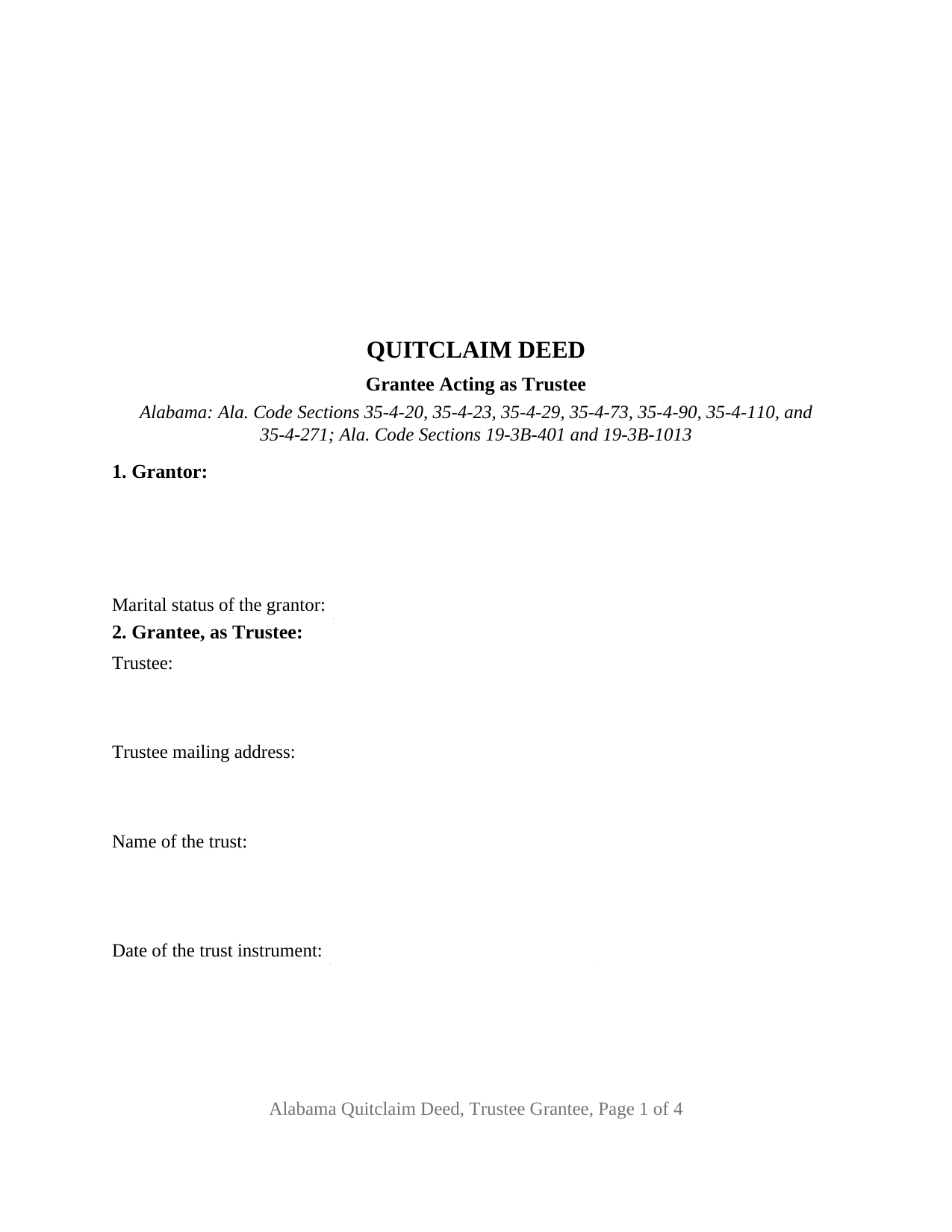
Chilton County Quitclaim Deed (Trustee Grantee) Form
Fill in the blank Quitclaim Deed (Trustee Grantee) form formatted to comply with all Alabama recording and content requirements.
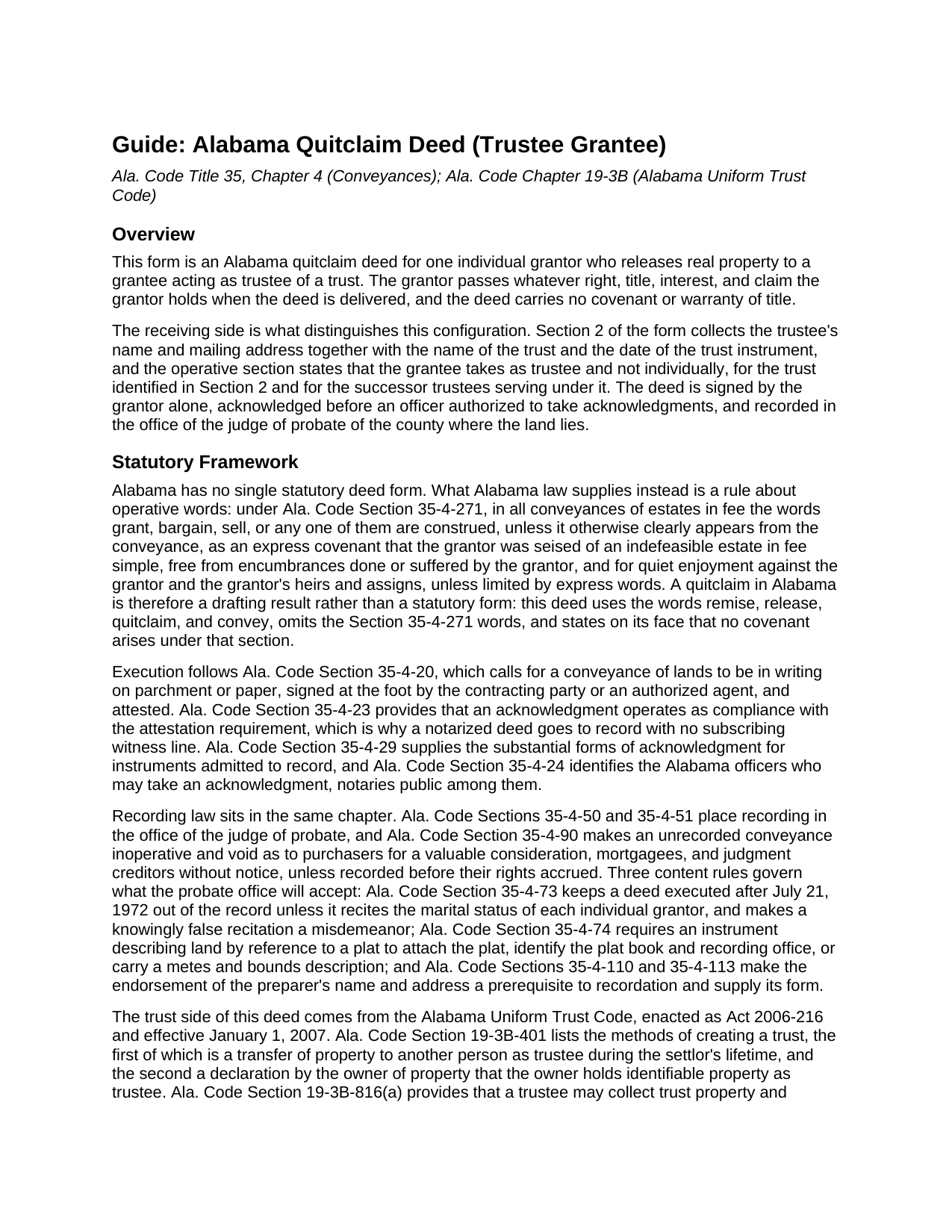
Chilton County Quitclaim Deed (Trustee Grantee) Guide
Line by line guide explaining every blank on the Quitclaim Deed (Trustee Grantee) form.
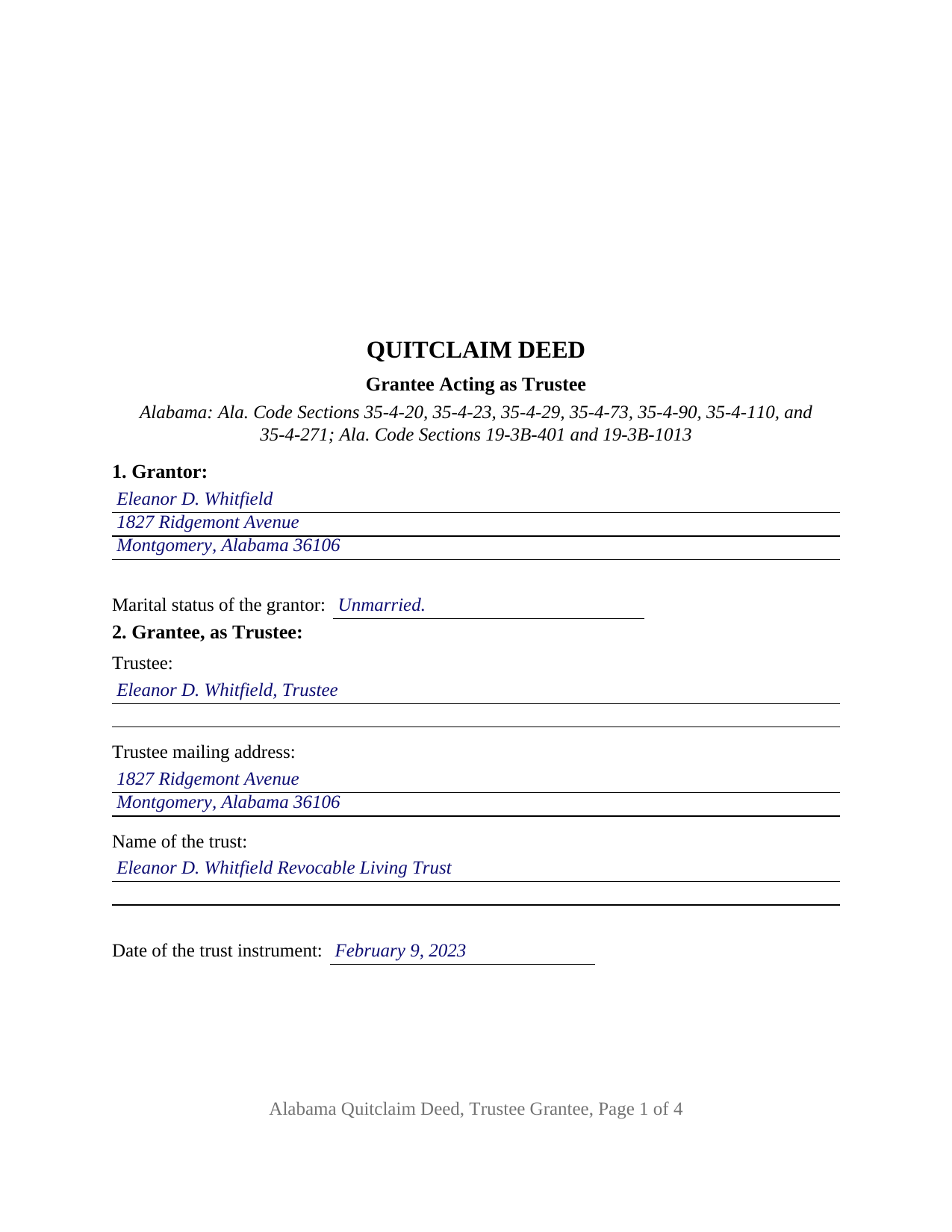
Chilton County Completed Example of the Quitclaim Deed (Trustee Grantee) Document
Example of a properly completed Alabama Quitclaim Deed (Trustee Grantee) document for reference.
All 3 documents above included • One-time purchase • No recurring fees
Immediate Download • Secure Checkout
Additional Alabama and Chilton County documents included at no extra charge:
Where to Record Your Documents
Chilton County Probate Office
Clanton, Alabama 35046
Hours: 8:30 to 4:00 M-F
Phone: (205) 755-1555
Recording Tips for Chilton County:
- Bring your driver's license or state-issued photo ID
- Ensure all signatures are in blue or black ink
- Both spouses typically need to sign if property is jointly owned
- Bring extra funds - fees can vary by document type and page count
- Check margin requirements - usually 1-2 inches at top
Cities and Jurisdictions in Chilton County
Properties in any of these areas use Chilton County forms:
- Clanton
- Jemison
- Maplesville
- Stanton
- Thorsby
- Verbena
Hours, fees, requirements, and more for Chilton County
How do I get my forms?
Forms are available for immediate download after payment. The Chilton County forms will be in your account ready to download to your computer. An account is created for you during checkout if you don't have one. Forms are NOT emailed.
Are these forms guaranteed to be recordable in Chilton County?
Yes. Our form blanks are guaranteed to meet or exceed the applicable formatting requirements used for recording in Chilton County, including margin requirements, font requirements, and other layout standards. This guarantee applies to formatting, not to the legal sufficiency of information entered by the user or the suitability of a form for a particular transaction.
Can I reuse these forms?
Yes. You can reuse the forms for your personal use. For example, if you have multiple properties in Chilton County you only need to order once.
What do I need to use these forms?
The forms are PDFs that you fill out on your computer. The free Adobe Acrobat Reader is recommended, and most PDF apps also work. You do NOT enter your property information online - you download the blank forms and complete them privately on your own computer.
Are there any recurring fees?
No. This is a one-time purchase. Nothing to cancel, no memberships, no recurring fees.
How much does it cost to record in Chilton County?
Recording fees in Chilton County vary. Contact the recorder's office at (205) 755-1555 for current fees.
Questions answered? Let's get started!
The grantee name on this deed is followed by a capacity. The Alabama Quitclaim Deed (Trustee Grantee) releases Alabama real property from one individual owner of record to a person who takes as trustee, and Section 2 collects four facts about that side: the trustee's name and mailing address, the name of the trust, and the date of the trust instrument. No covenant or warranty of title travels with the release.
Why the grantee blank takes four entries
A deed handing land to a trustee has to say whose hands those are and in what capacity. The operative section states that the grantee takes as trustee and not individually, under the trust identified in Section 2, and it runs the release to the successor trustees serving under that trust. Ala. Code Section 19-3B-401 frames it the same way, listing a transfer of property to another person as trustee among the methods by which a trust is created, and Ala. Code Section 19-3B-816(a) describes the trustee's authority to collect trust property and accept additions to it.
Configured for one owner of record and one trustee
Section 1 takes a single grantor's name, mailing address, and marital status; Section 9 carries one signature line; and one acknowledgment certificate closes the instrument. An owner who signed a revocable living trust and later moves the residence into the trustee's name, an owner deeding a parcel to the trustee of a family trust that already holds the adjoining acreage, and an owner who took title individually after the trust was signed present the pattern this deed recites. Where the settlor is also the trustee, one person appears in both sections. The form is not set up for two owners releasing together, for an entity grantor, or for a grantee taking title individually; a married grantor's homestead transfer raises the two signature condition of Ala. Code Section 6-10-3, which this configuration does not carry and which the deed prints in capital letters.
Release words, and the status line Alabama asks for
A deed executed after July 21, 1972 is not accepted for record unless it recites the marital status of each individual grantor (Ala. Code Section 35-4-73), so that entry sits in Section 1 of this deed. Because Ala. Code Section 35-4-271 reads covenants of seisin, freedom from encumbrances, and quiet enjoyment into the words grant, bargain, and sell, this deed omits them, uses remise, release, quitclaim, and convey, and states expressly that no Section 35-4-271 covenant arises. What reaches the trust is the interest the grantor holds at delivery, with liens and easements of record riding along.
What stays with the trustee rather than the deed
The trust instrument does not travel to the probate office. Ala. Code Section 35-4-257 addresses the separate act of recording an instrument that creates or declares a trust; this deed names the trust and its date, leaving the terms where the settlor put them. When a buyer or lender later deals with the trustee, Ala. Code Section 19-3B-1013 supplies the certification of trust a trustee may furnish instead, listing facts such as the date of execution, whether the trust is revocable, and the name in which title to trust property may be taken. That certification is prepared separately and is no part of this package.
Recording in the county where the land lies
The signed and notarized deed goes to the judge of probate of that county, and recording is what puts the trustee ahead of a later purchaser, mortgagee, or judgment creditor without notice (Ala. Code Section 35-4-90). The probate judge collects the recordation tax that Ala. Code Section 40-22-1 measures against the value of the interest conveyed, along with Alabama's sales value information on Department of Revenue Form RT-1, a state form completed at recording and not part of the deed. Page one keeps its upper three inches clear for the stamp, and the preparer endorsement of Ala. Code Sections 35-4-110 and 35-4-113 is printed in the deed's text.
Searches for this instrument run to quit claim deed, quick claim deed, and deed into trust. The download delivers this Alabama quitclaim deed as a blank fillable PDF, with a completed example worked through a Montgomery County transfer into a revocable living trust and a guide covering every entry, the trustee capacity language, and the certificate. Nothing here is legal advice: these pages set out Alabama law generally, and an Alabama attorney can weigh it against a particular trust and chain of title.
Important: Your property must be located in Chilton County to use these forms. Documents should be recorded at the county recording office listed above.
This Quitclaim Deed (Trustee Grantee) meets all recording requirements specific to Chilton County.
Our Promise
The documents you receive here are guaranteed to meet or exceed the applicable Chilton County recording format requirements. If there is a rejection caused by our formatting, we will correct the issue or refund your payment. This guarantee applies to document formatting only and does not extend to information entered by the user, the selection of the form, or the legal effect of the completed document.
Save Time and Money
Get your Chilton County Quitclaim Deed (Trustee Grantee) form done right the first time with Deeds.com Uniform Conveyancing Blanks. At Deeds.com, we understand that your time and money are valuable resources, and we don't want you to face a penalty fee or rejection imposed by a county recorder for submitting nonstandard documents. We constantly review and update our forms to meet rapidly changing state and county recording requirements for roughly 3,500 counties and local jurisdictions.
4.8 out of 5 - ( 4,828 Reviews )
Stephanie B. 5 out of 5 stars
Site is SO easy to use. Thank you for such a valuable resource.
Thank you for your feedback. We really appreciate it. Have a great day!
Karen B. 5 out of 5 stars
Completed although having the sample really helped. Now to file.
Thank you for your feedback. We really appreciate it. Have a great day!
Rebecca M. 5 out of 5 stars
I found the process of uploading documentation / deeds simple and easy. Will use this service again!
Thank you for your positive words! We’re thrilled to hear about your experience.
Jean K. 4 out of 5 stars
The website worked fine and I would have been happy to pay the extra money except the deed I needed was "not available". Ended up calling the courthouse anyway.
Thank you for your feedback. We really appreciate it. Have a great day!
Christine W. 5 out of 5 stars
excellent
Thank you!
Laurie S. 5 out of 5 stars
This was super easy and fast!
We appreciate your business and value your feedback. Thank you. Have a wonderful day!
Eric D. 5 out of 5 stars
Very helpful and informative. It has saved me time going to get the forms at county recorder / clerk (as my county and state websites dont offer forms on their sites) and also provided help understanding the uses of the specific deed I needed to use.
Thank you Eric. Have a great day!
HELEN F. 5 out of 5 stars
Process was easy... paperwork was on point... process took less then one day...
We appreciate your business and value your feedback. Thank you. Have a wonderful day!
Debra M. 5 out of 5 stars
Easy Peasy. Great experience.
Thank you for your feedback. We really appreciate it. Have a great day!
Nga C. 5 out of 5 stars
I am so happy to discover the Deeds.com website. It is worth to pay the package fee and the recording fee for my beneficiary deed in AZ state. It is so convenient, I highly recommend everybody to use the service. Thank you and thank you.
Thank you for your feedback. We really appreciate it. Have a great day!
James W. 5 out of 5 stars
Easy access to forms saving lots of time researching reqmts from a State/Municipal Govt website. I saved 400-500 in lawyer fees but getting these forms, and coordinating with the Property recorders office in another state. Will use you again.
Thank you James. We really appreciate your feedback.
JERRY M. 2 out of 5 stars
Had to modify the document form fill field to accept the information required. Had limited number of characters.
Thank you for your feedback. We really appreciate it. Have a great day!
Mark & Linda W. 4 out of 5 stars
Quite simple and easy. Only one critique: It would be easier if the names of the PDF would reflect the name of the deed/form such as 'Controlling tax return' rather than '1579101185SF56863.pdf'. However I love downloading forms rather than mail.
Thank you for your feedback. We really appreciate it. Have a great day!
Patricia C. 5 out of 5 stars
They had exactly what I was looking for. Easy to follow instructions and very helpful.
We appreciate your business and value your feedback. Thank you. Have a wonderful day!
Diane C. 5 out of 5 stars
Website is very user friendly and provided a variety of forms to download for use
Thank you!