Kenai Peninsula Borough Quitclaim Deed (Trustee Grantor) Form
Last validated October 19, 2026 by our Forms Development TeamFormatted for recording in Kenai Peninsula Borough, for property anywhere in the borough or census area: rural and unincorporated areas as well as Anchor Point, Clam Gulch, Cooper Landing, Homer, Hope, Kasilof, Kenai, Moose Pass and 7 more.
- 3 documents included
- Immediate PDF download
- Formatting guarantee
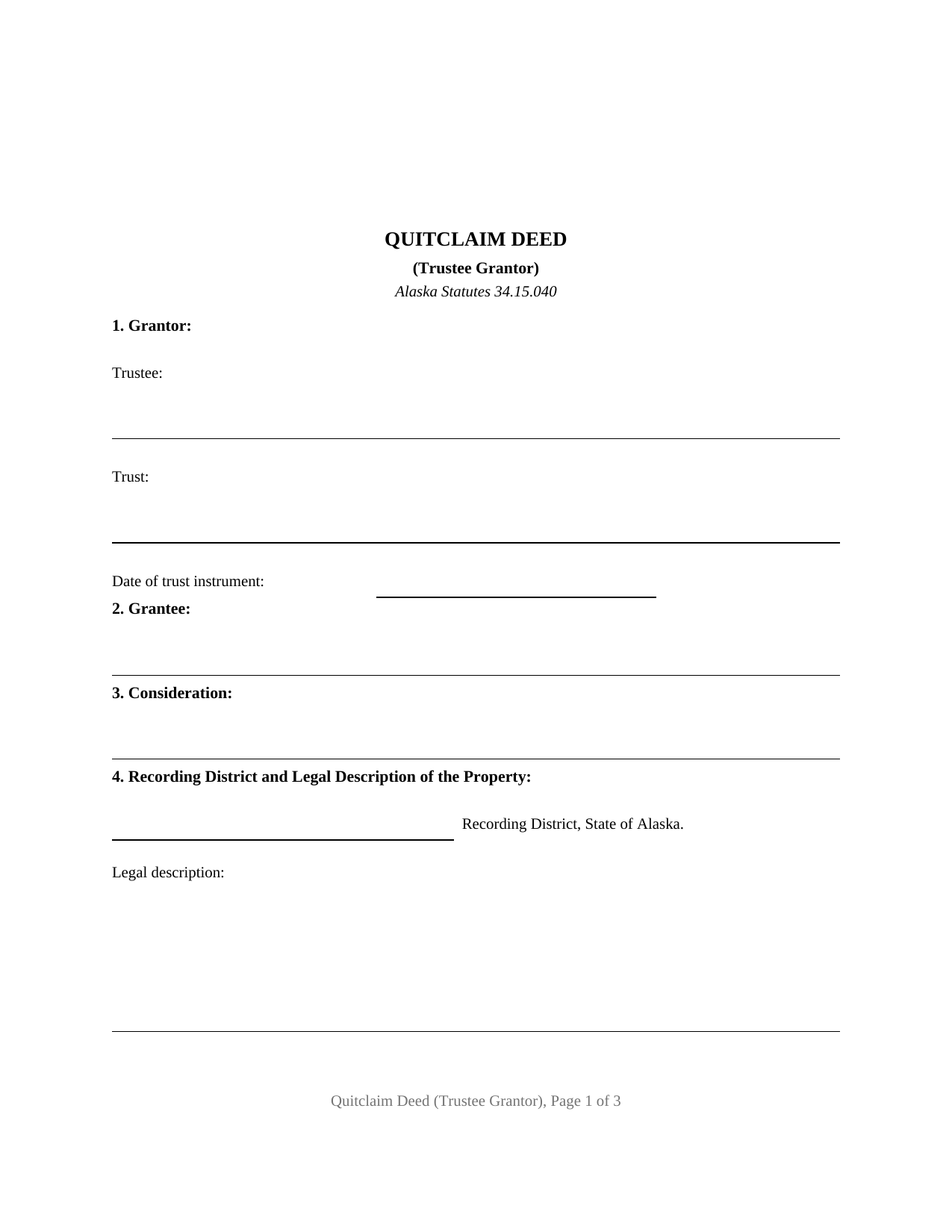
Kenai Peninsula Borough Quitclaim Deed (Trustee Grantor) Form
Fill in the blank Quitclaim Deed (Trustee Grantor) form formatted to comply with all Alaska recording and content requirements.
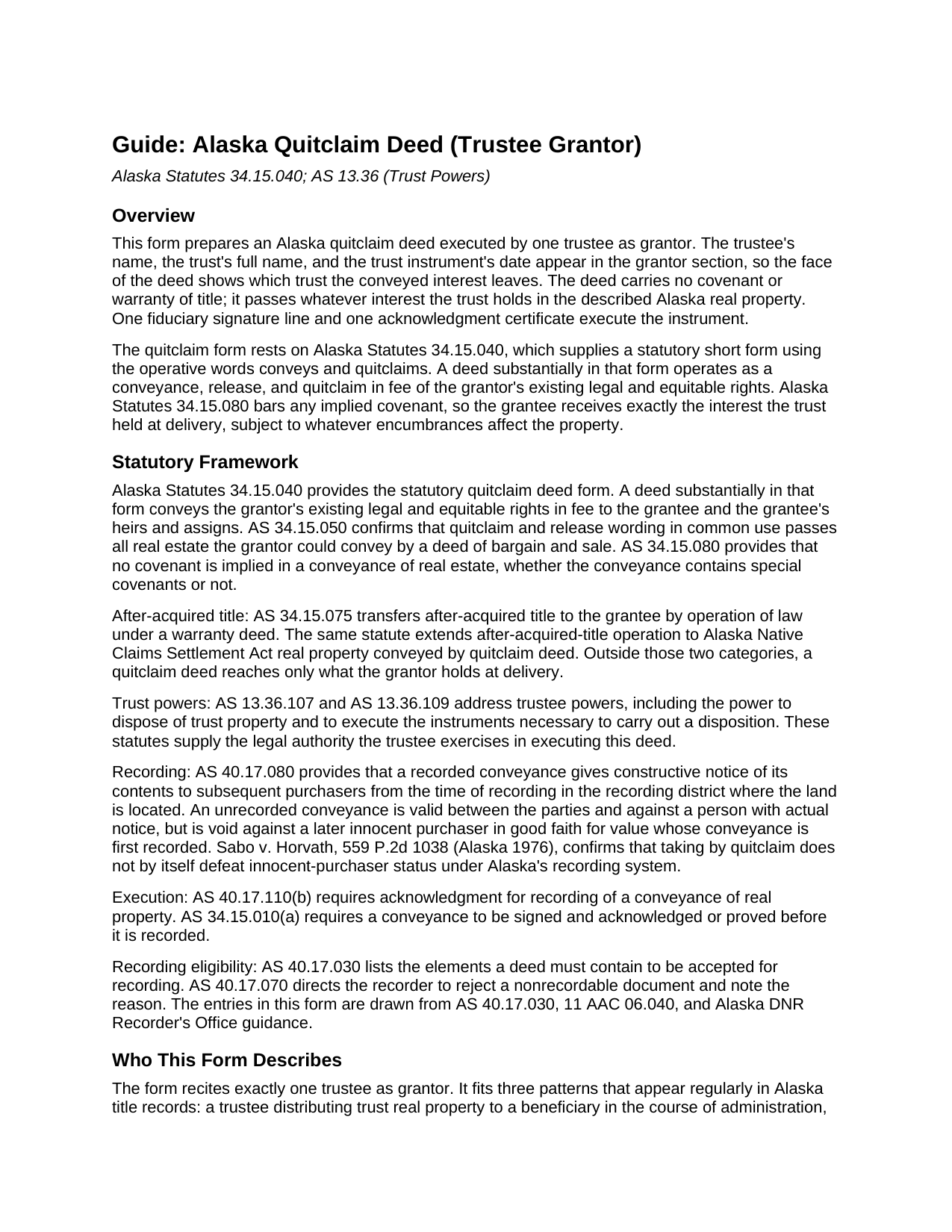
Kenai Peninsula Borough Quitclaim Deed (Trustee Grantor) Guide
Line by line guide explaining every blank on the Quitclaim Deed (Trustee Grantor) form.
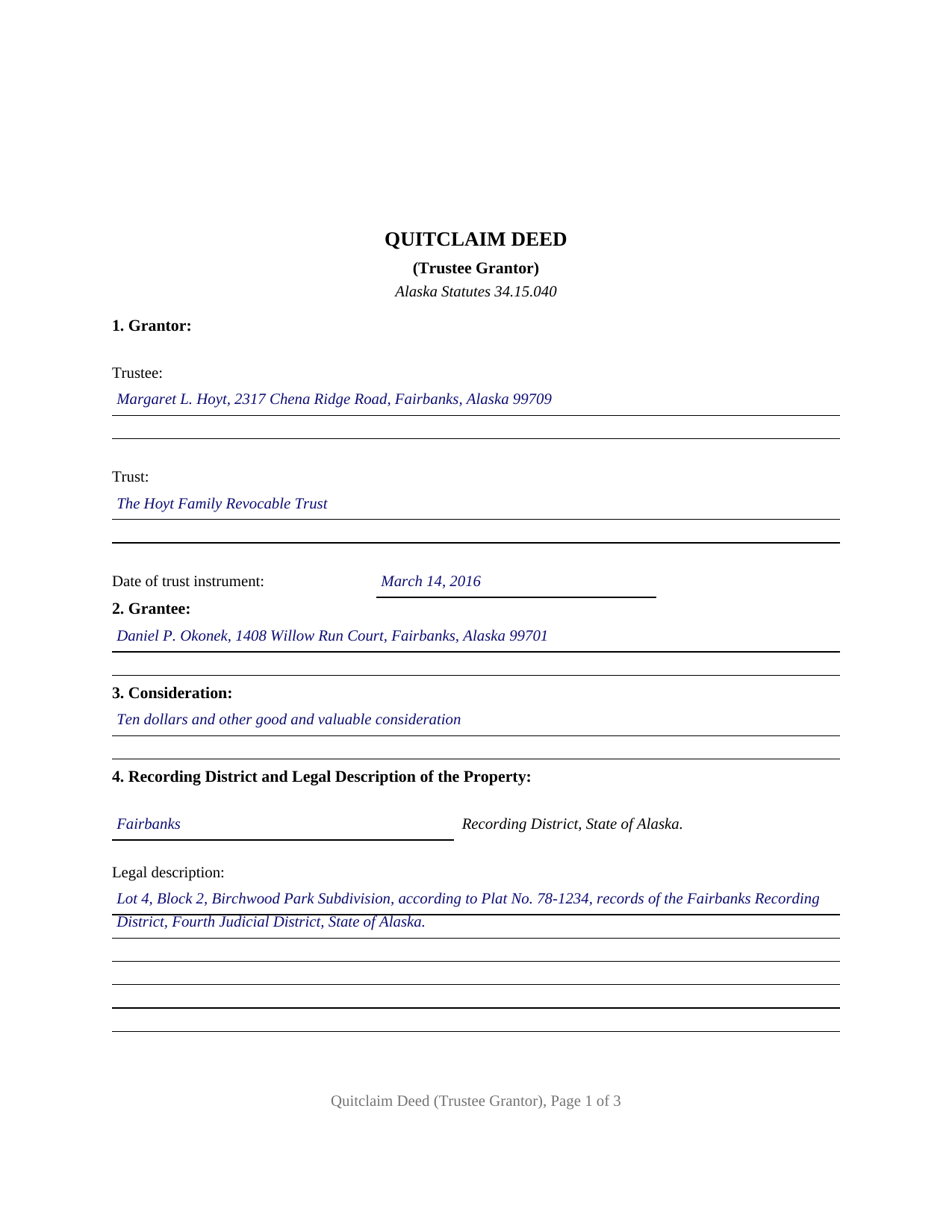
Kenai Peninsula Borough Completed Example of the Quitclaim Deed (Trustee Grantor) Document
Example of a properly completed Alaska Quitclaim Deed (Trustee Grantor) document for reference.
All 3 documents above included • One-time purchase • No recurring fees
Immediate Download • Secure Checkout
Additional Alaska and Kenai Peninsula Borough documents included at no extra charge:
Where to Record Your Documents
Kenai Office (for Kenai District)
Kenai, Alaska 99611
Hours: 8:00 to 3:30 M-F (occasional lunch closure 12:30 - 1:30)
Phone: (907) 283-3118
Anchorage Office (for Seward, Homer & Seldovia District)
Anchorage, Alaska 99501-3564
Hours: 8:00 to 3:30 M-F / Research from 7:30
Phone: (907) 269-8872 or 269-8876
Recording Tips for Kenai Peninsula Borough:
- Bring your driver's license or state-issued photo ID
- Ensure all signatures are in blue or black ink
- Both spouses typically need to sign if property is jointly owned
- Bring extra funds - fees can vary by document type and page count
- Check margin requirements - usually 1-2 inches at top
Cities and Jurisdictions in Kenai Peninsula Borough
Properties in any of these areas use Kenai Peninsula Borough forms:
- Anchor Point
- Clam Gulch
- Cooper Landing
- Homer
- Hope
- Kasilof
- Kenai
- Moose Pass
- Nikiski
- Ninilchik
- Seldovia
- Seward
- Soldotna
- Sterling
- Tyonek
Hours, fees, requirements, and more for Kenai Peninsula Borough
How do I get my forms?
Forms are available for immediate download after payment. The Kenai Peninsula Borough forms will be in your account ready to download to your computer. An account is created for you during checkout if you don't have one. Forms are NOT emailed.
Are these forms guaranteed to be recordable in Kenai Peninsula Borough?
Yes. Our form blanks are guaranteed to meet or exceed the applicable formatting requirements used for recording in Kenai Peninsula Borough, including margin requirements, font requirements, and other layout standards. This guarantee applies to formatting, not to the legal sufficiency of information entered by the user or the suitability of a form for a particular transaction.
Can I reuse these forms?
Yes. You can reuse the forms for your personal use. For example, if you have multiple properties in Kenai Peninsula Borough you only need to order once.
What do I need to use these forms?
The forms are PDFs that you fill out on your computer. The free Adobe Acrobat Reader is recommended, and most PDF apps also work. You do NOT enter your property information online - you download the blank forms and complete them privately on your own computer.
Are there any recurring fees?
No. This is a one-time purchase. Nothing to cancel, no memberships, no recurring fees.
How much does it cost to record in Kenai Peninsula Borough?
Recording fees in Kenai Peninsula Borough vary. Contact the recorder's office at (907) 283-3118 for current fees.
Questions answered? Let's get started!
This Alaska quitclaim deed is built around a trustee grantor: the grantor section names the trust by its full name and the date of its trust instrument, the conveyance recites that the signer acts solely as trustee and not individually, and one fiduciary signature with one acknowledgment certificate executes the whole instrument. It is the trustee-capacity configuration of the statutory quitclaim form at AS 34.15.040, prepared for recording through Alaska's district-based land records system.
A Deed Signed in Trustee Capacity
The form recites exactly one trustee as grantor. The trustee's name and complete mailing address, the trust's full name, and the trust instrument's date sit together in the grantor section, so the face of the deed shows which trust the conveyed interest leaves. The signature line and its printed-name entry carry the same capacity, and the certificate's by-line does too, following the representative-capacity pattern of Alaska's statutory acknowledgment short forms in AS 09.63.100. The capacity recital states the capacity in which the trustee signs; the trust instrument, or a certification of trust under AS 13.36.079, prepared separately and not included in this package, remains the document a title examiner consults about the trustee's appointment and powers.
A trustee distributing trust real property to a beneficiary in the course of administration, the trustee of a revocable living trust conveying a parcel back to its settlor, and a successor trustee releasing the trust's interest to settle a title question present the trustee-grantor pattern this deed recites. The form carries one fiduciary signer only: a trust whose terms call for two cotrustees to act together presents a multiple-signature pattern this form does not carry, and an owner moving property into a trust signs in an individual capacity, a different configuration of the quitclaim form.
Conveys and Quitclaims, With the Trust on the Face of the Deed
The operative words come straight from the statute. AS 34.15.040 supplies a short quitclaim form built on the words conveys and quitclaims, reaching all interest the grantor has, if any, and Alaska treats a deed written substantially in that pattern as a conveyance, release, and quitclaim in fee of the grantor's existing legal and equitable rights. Here those words run through the fiduciary recital: the grantor conveys and quitclaims solely as trustee of the identified trust, in the exercise of the powers the trust instrument and AS 13.36.107 and AS 13.36.109 place in a trustee, powers that include disposing of trust property and executing the instruments that carry a disposition out. The deed states that it conveys without covenant or warranty of title, the posture AS 34.15.080 reinforces by barring implied covenants in Alaska conveyances, so the grantee takes exactly the interest the trust held and nothing more.
Ready for the District Where the Land Sits
The face of the deed collects what Alaska's recording-eligibility review reads for: a document title reflecting its intent, the recording district identification called for by AS 40.17.030(a)(9), complete mailing addresses for trustee and grantee alike, a full legal description with the source of title beneath it, and a return-to block complete with zip code. The acknowledgment prints Alaska's own venue arrangement, a blank followed by the words JUDICIAL DISTRICT, with the venue lines accommodating an out-of-state notarization when the trustee signs elsewhere. Because a quit claim deed from a trust triggers no Alaska transfer tax and no transfer declaration, what goes to the recorder is ordinarily the deed itself and the statewide recording fee.
The download delivers three pieces: the blank trustee quitclaim deed as a fillable PDF, a completed example showing the form filled in for a realistic Fairbanks Recording District fact pattern, and a plain-language guide covering each numbered section, the trustee acknowledgment, and the recording steps. The materials describe Alaska law in general terms and are not legal advice.
Important: Your property must be located in Kenai Peninsula Borough to use these forms. Documents should be recorded at the borough or census area recording office listed above.
This Quitclaim Deed (Trustee Grantor) meets all recording requirements specific to Kenai Peninsula Borough.
Our Promise
The documents you receive here are guaranteed to meet or exceed the applicable Kenai Peninsula Borough recording format requirements. If there is a rejection caused by our formatting, we will correct the issue or refund your payment. This guarantee applies to document formatting only and does not extend to information entered by the user, the selection of the form, or the legal effect of the completed document.
Save Time and Money
Get your Kenai Peninsula Borough Quitclaim Deed (Trustee Grantor) form done right the first time with Deeds.com Uniform Conveyancing Blanks. At Deeds.com, we understand that your time and money are valuable resources, and we don't want you to face a penalty fee or rejection imposed by a county recorder for submitting nonstandard documents. We constantly review and update our forms to meet rapidly changing state and county recording requirements for roughly 3,500 counties and local jurisdictions.
4.8 out of 5 - ( 4,839 Reviews )
Sawnie A. 3 out of 5 stars
the deeds and related materials themselves are excellent but the PDF application is awful plus there is no way to customize the documents for specific purposes, so I had to type them from scratch in each instance.
Thank you for your feedback. We really appreciate it. Have a great day!
Joe W. 5 out of 5 stars
Effortless transaction and very thorough paperwork and explanations.
Thank you!
Patrick R. 5 out of 5 stars
I was satisfied and would refer this website to others.
Thank you for your feedback. We really appreciate it. Have a great day!
Zachary F. 3 out of 5 stars
I am a lawyer and purchased a specialized type of deed for a special scenario. The product received was functional, but not great. Wording is slightly clunky and the form layout was not convenient for making a professional final product. The wording also didn't contemplate a remote-state probate, which is a common scenario. Something about the PDF prevented me from doing cut and paste, so I had to do OCR to get the relevant text for inserting in my existing draft deed. Finally, while the site claims it is customized for the exact state and county, it does not appear to be well-customized for that purpose and I had to use other language (not sourced from the deeds.com document) to meet local norms.
Thank you for your feedback. We really appreciate it. Have a great day!
Paul F. 5 out of 5 stars
Excellent - no reservations. I used them on a Sunday and had my info on Monday. Not only did they execute the order flawlessly, the fixed my screw up* immediately. *I hit refresh before the "secured" page transmitted, so I created (2) two orders of the same item.
Thanks for the review Paul, glad you were happy with the service and staff. Our staff is pretty good at catching the few duplicate orders that get through.
Jacqueline H. 5 out of 5 stars
Thank you for all your assistance and patience in doing the deed. I can honestly say that DEEDs.com will be permanently on my list as a go to company. I will use the company as a referral to friends and family.
We appreciate your business and value your feedback. Thank you. Have a wonderful day!
Deb D. 5 out of 5 stars
Excellent website - easy to use, and found exactly the form I needed right away. Highly recommend.
Thank you for your feedback. We really appreciate it. Have a great day!
Jill S. 5 out of 5 stars
This was highly convenient and successful.
Glad to hear we could help Jill, thanks for the kind words!!
Shantu S. 5 out of 5 stars
Easy to follow directions and complete the Deed.
Thank you!
crystal l. 5 out of 5 stars
Another legal professional directed me to this site. The best advice I've received from the legal profession! Forms were instantly available, easily printed & exactly what I needed at a cost that was more than affordable!! I will definitely be back again!!
Thank you Crystal and please thank your associate for us. Have a fantastic day!
Ronald P. 3 out of 5 stars
Forms easy to download but experienced problems trying to type in my information into the forms. Then when I went to print a form, Adobe wanted to charge me for printing. I ended up printing the blank forms and then filling them out manually.
Thank you, Ronald. We're glad you found the forms easy to download, though we're sorry to hear about the printing and fill-in experience. Our forms are designed to be fillable and printable using free software like Adobe Reader. If you ever run into issues, our support team is happy to help!
Robert T. 5 out of 5 stars
Very quick thank you.
Thank you!
Carol H. 5 out of 5 stars
Great help Quite useful
Thank you!
Larry P. 5 out of 5 stars
Love your site. I found just what I needed and it was so easy. Saved me countless time and effort. Worth every penny.
We appreciate your business and value your feedback. Thank you. Have a wonderful day!
Lisa D. 5 out of 5 stars
Had the correct forms I needed with guides and examples to follow on filling them out. Very easy to use. Thanks!
We appreciate your business and value your feedback. Thank you. Have a wonderful day!