Yuma County Disclaimer Deed (Spousal) Form
Last validated August 24, 2026 by our Forms Development TeamFormatted for recording in Yuma County, for property anywhere in the county: rural and unincorporated areas as well as Dateland, Gadsden, Roll, San Luis, Somerton, Tacna, Wellton, Yuma.
- 3 documents included
- Immediate PDF download
- Formatting guarantee
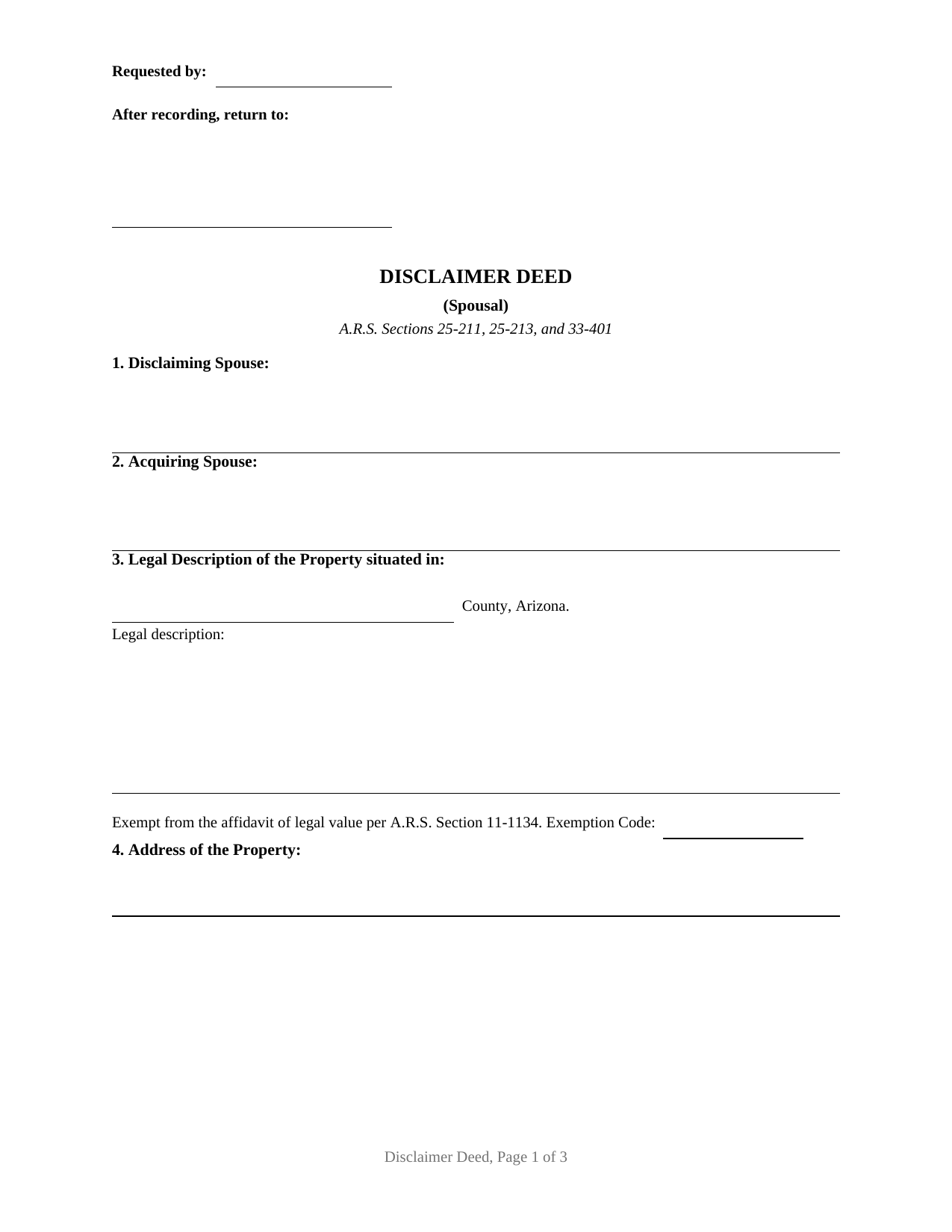
Yuma County Disclaimer Deed (Spousal) Form
Fill in the blank Disclaimer Deed (Spousal) form formatted to comply with all Arizona recording and content requirements.
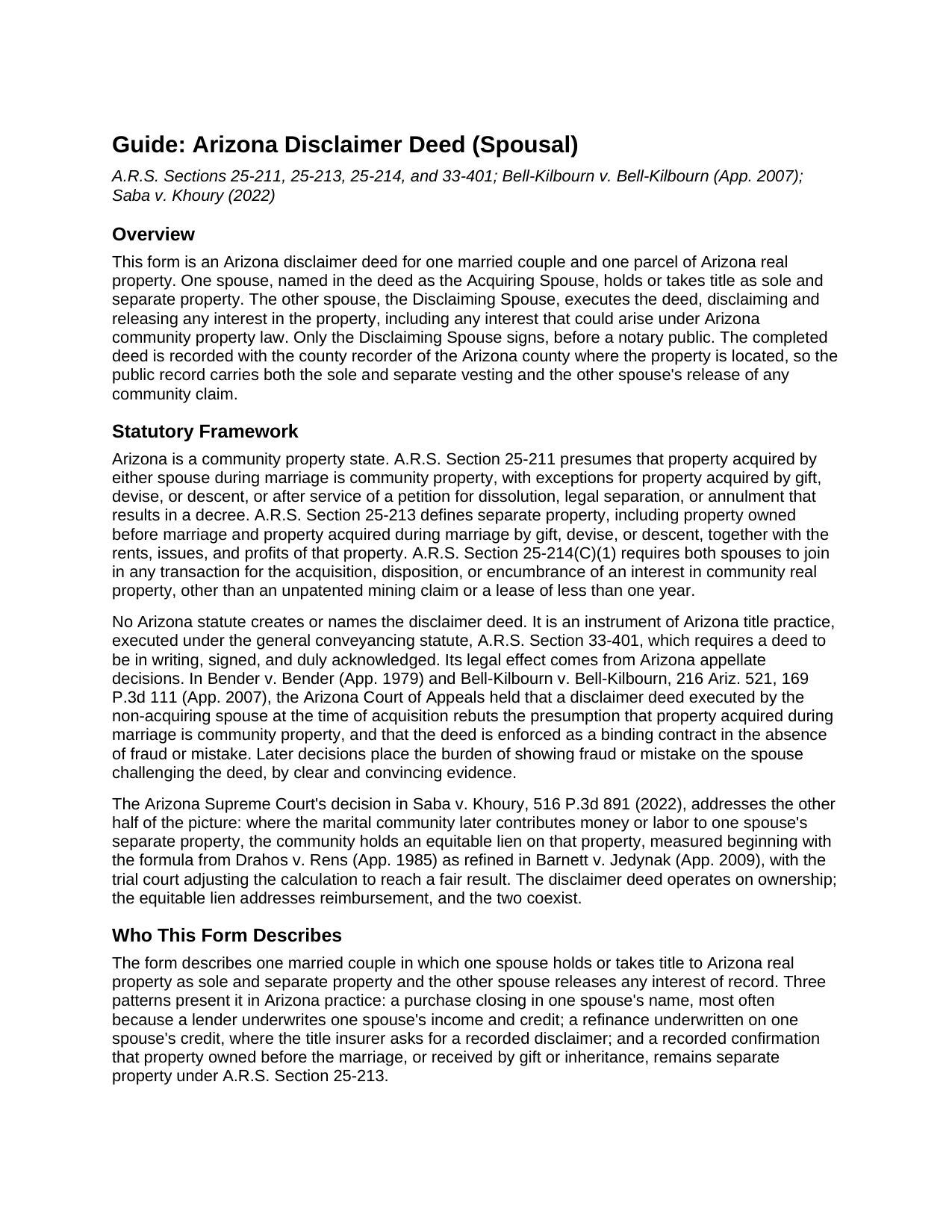
Yuma County Disclaimer Deed (Spousal) Guide
Line by line guide explaining every blank on the Disclaimer Deed (Spousal) form.
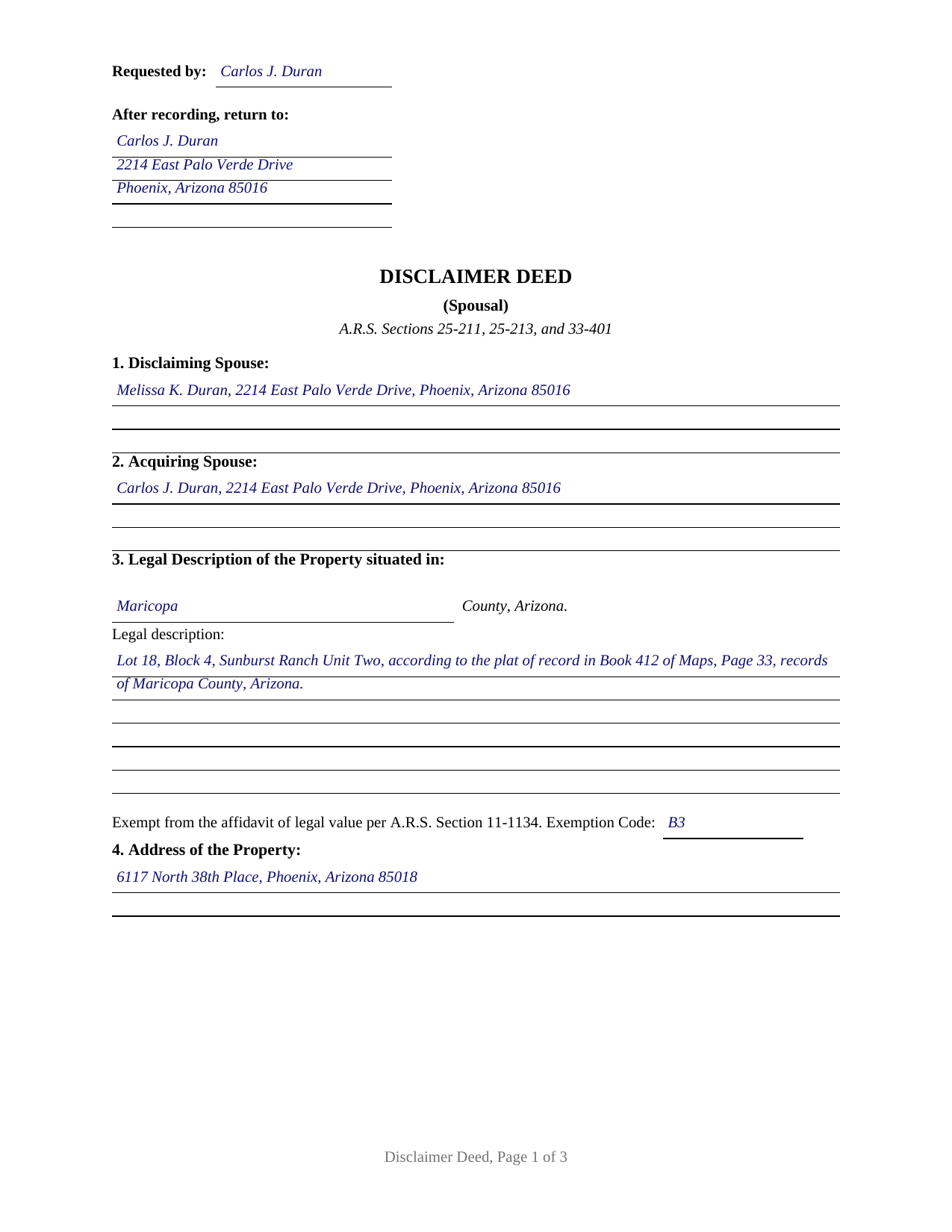
Yuma County Completed Example of the Disclaimer Deed (Spousal) Document
Example of a properly completed Arizona Disclaimer Deed (Spousal) document for reference.
All 3 documents above included • One-time purchase • No recurring fees
Immediate Download • Secure Checkout
Additional Arizona and Yuma County documents included at no extra charge:
Where to Record Your Documents
Recorder's Office
Yuma, Arizona 85364-2311
Hours: 8:00am - 5:00pm M-F
Phone: 928-373-6020
Recording Tips for Yuma County:
- Bring your driver's license or state-issued photo ID
- Ensure all signatures are in blue or black ink
- Avoid the last business day of the month when possible
- Both spouses typically need to sign if property is jointly owned
- Bring extra funds - fees can vary by document type and page count
Cities and Jurisdictions in Yuma County
Properties in any of these areas use Yuma County forms:
- Dateland
- Gadsden
- Roll
- San Luis
- Somerton
- Tacna
- Wellton
- Yuma
Hours, fees, requirements, and more for Yuma County
How do I get my forms?
Forms are available for immediate download after payment. The Yuma County forms will be in your account ready to download to your computer. An account is created for you during checkout if you don't have one. Forms are NOT emailed.
Are these forms guaranteed to be recordable in Yuma County?
Yes. Our form blanks are guaranteed to meet or exceed the applicable formatting requirements used for recording in Yuma County, including margin requirements, font requirements, and other layout standards. This guarantee applies to formatting, not to the legal sufficiency of information entered by the user or the suitability of a form for a particular transaction.
Can I reuse these forms?
Yes. You can reuse the forms for your personal use. For example, if you have multiple properties in Yuma County you only need to order once.
What do I need to use these forms?
The forms are PDFs that you fill out on your computer. The free Adobe Acrobat Reader is recommended, and most PDF apps also work. You do NOT enter your property information online - you download the blank forms and complete them privately on your own computer.
Are there any recurring fees?
No. This is a one-time purchase. Nothing to cancel, no memberships, no recurring fees.
How much does it cost to record in Yuma County?
Recording fees in Yuma County vary. Contact the recorder's office at 928-373-6020 for current fees.
Questions answered? Let's get started!
One signature line, and it belongs to the spouse who receives nothing. This Arizona Disclaimer Deed is the spousal instrument recorded when one spouse takes title to Arizona real property as sole and separate property: the other spouse signs the deed, disclaiming any interest in the property, and the acquiring spouse signs nothing at all. What the signer executes is a recorded statement of what the signer does not own.
Why an Arizona purchase in one name produces this deed
Arizona presumes that property acquired by either spouse during marriage is community property under A.R.S. Section 25-211, and Section 25-214 requires both spouses to join in any disposition or encumbrance of community real property. A married buyer taking title alone, most often because a lender underwrites one spouse's income and credit, leaves that presumption sitting on the record. The disclaimer deed is the title industry's answer: escrow obtains the non-acquiring spouse's disclaimer and records it alongside the vesting deed, so the record carries both the sole and separate vesting and the other spouse's release of any community claim. The same instrument appears at refinances and where a spouse confirms of record that premarital or inherited property remains separate property under Section 25-213.
What the disclaimer recites and releases
The form recites that the spouses are married, that the acquiring spouse purchased or acquired the property as sole and separate property with separate funds or separate credit, and that the disclaiming spouse holds no past or present interest. It then disclaims, remises, releases, and forever quitclaims to the acquiring spouse all right, title, interest, claim, or lien, past, present, or future, including any interest arising under Arizona community property law. Arizona's appellate courts give that language real force: in Bell-Kilbourn v. Bell-Kilbourn (App. 2007), the court held that a disclaimer deed rebuts the community property presumption and is enforced as a binding contract in the absence of fraud or mistake, whatever the lending motive behind the titling decision.
The equitable lien that survives the signature
Disclaiming ownership does not disclaim reimbursement. The same case law recognizes that community funds later spent paying the mortgage or improving the property entitle the marital community to an equitable lien on the separate property, and the Arizona Supreme Court in Saba v. Khoury (2022) confirmed the Drahos/Barnett formula as the starting point for measuring that lien. The guide in this package describes that boundary plainly, so the deed's effect on ownership and its non-effect on reimbursement both stay visible.
One couple, one property, one signer
The form names the disclaiming spouse and the acquiring spouse, identifies the property by county, legal description, and street address, identifies the vesting instrument the deed accompanies, and carries an optional special provisions section. The operative section performs the disclaimer in full prose, and the signature page holds exactly one signature line and one acknowledgment certificate in the Arizona statutory short form. A purchase closing in one spouse's name, a refinance underwritten on one spouse's credit, and a recorded confirmation of separate property present the pattern this deed recites. The form is not set up as a conveyance between spouses; an existing community interest moves by a deed that transfers title rather than by a disclaimer of an interest never held, and a couple disclaiming in each direction presents two single-signer deeds rather than one document.
Recording with the Arizona county recorder
The deed meets the Arizona format statute, A.R.S. Section 11-480: a caption naming the instrument, 10 point and larger print, letter size pages, and a first page that reserves the top margin for recording information. The recording fee is thirty dollars under Section 11-475. Because the transaction involves no monetary consideration, the deed carries the exemption notation Arizona recorders require in place of an Affidavit of Property Value, on a dedicated line beneath the legal description where the exemption code, commonly B3 for a spousal transfer or A4 for a no-consideration quitclaim, is entered.
The package contains the blank disclaimer deed as a fillable PDF, a completed example showing every entry made for a realistic Maricopa County fact pattern, and a plain language guide that walks through the form section by section with the governing statutes and case law. The materials are informational and are not legal advice.
Important: Your property must be located in Yuma County to use these forms. Documents should be recorded at the county recording office listed above.
This Disclaimer Deed (Spousal) meets all recording requirements specific to Yuma County.
Our Promise
The documents you receive here are guaranteed to meet or exceed the applicable Yuma County recording format requirements. If there is a rejection caused by our formatting, we will correct the issue or refund your payment. This guarantee applies to document formatting only and does not extend to information entered by the user, the selection of the form, or the legal effect of the completed document.
Save Time and Money
Get your Yuma County Disclaimer Deed (Spousal) form done right the first time with Deeds.com Uniform Conveyancing Blanks. At Deeds.com, we understand that your time and money are valuable resources, and we don't want you to face a penalty fee or rejection imposed by a county recorder for submitting nonstandard documents. We constantly review and update our forms to meet rapidly changing state and county recording requirements for roughly 3,500 counties and local jurisdictions.
4.8 out of 5 - ( 4,831 Reviews )
Jay B. 5 out of 5 stars
I've never had a problem locating the records I need. I can't imagine what can be done to improve the service.
Thank you!
Richard A. 5 out of 5 stars
Great product. It would be better if the document files were not embedded within other files. It made downloading a little confusing. The titles of the forms did not match exactly word for word, which required a lot of back and forth to make sure I had downloaded the proper document. What would be great is if once you download a document, the hyperlink changed color, or somehow denoted the document had been downloaded. Just a suggestion. You have my email address if you have questions. STILL! Five stars for you guys. I would not let that hiccup dissuade me from buying any form package from you guys. Thanks!
Thank you for your feedback. We really appreciate it. Have a great day!
Kenneth S. 2 out of 5 stars
Navigating the site was fine, but the service was not able to find my deed. Still have not received my refund.
Thanks for your feedback Kenneth. Sorry we were not able to pull the deed for your property. We voided your payment on December 28, 2018. Sometimes, depending on your financial institution, it can take a few days for the pending charge (hold) to expire.
Florence F. 5 out of 5 stars
excellent experience and very prompt and detail . great service
We appreciate your review and your business. Thank you.
HELEN F. 5 out of 5 stars
Was straight to the point... Easy to read instructions... smooth process
Thank you for your feedback. We really appreciate it. Have a great day!
James B. 5 out of 5 stars
Does everything I expected it to do. Very helpful. It is in compliance with applicable Nevada State regulations
Thank you for your feedback. We really appreciate it. Have a great day!
Kurt P. 5 out of 5 stars
I like the basics. The one thing I would recommend changing would be, something that tells me I have actually have submitted my package, or that I can leave at any time without needing to click on a "Submit" button.
Thank you for your feedback. We really appreciate it. Have a great day!
Dina B. 5 out of 5 stars
The web cite is very easy to navigate through making a document process simple to obtain.
Thank you!
STEPHEN C. 5 out of 5 stars
Excellent service. Easy to use. Thank you.
We appreciate your business and value your feedback. Thank you. Have a wonderful day!
Kerianne B. 5 out of 5 stars
I would definitely recommend Deeds.com. It was so easy! I wish we knew about them a long time ago.
Thank you for your feedback. We really appreciate it. Have a great day!
Ben F. 5 out of 5 stars
My initial review during download and before reading the guide and forms looks promising.
Thank you!
Robert D. 5 out of 5 stars
I was trying to register a financial statement (non real estate document). There was no link or statement on the home page to indicate that this could be done. All I had to do was to create an account, name and then upload the document. It took me over a day and several phone calls to the local deed recording office to try to figure this out. A simple link or statement to this effect would have saved me a lot of time
Thank you for your feedback. We really appreciate it. Have a great day!
Christina W. 5 out of 5 stars
I stand corrected. I received my report and it was exactly what I requested.
Thank you!
Beverly J. A. 5 out of 5 stars
Thank you for the paperwork. It was so much easier to do at home than go out and have to have people miss work.
Thank you!
Kevin & Kim S. 5 out of 5 stars
So very easy to use and we're so glad we could do everything from our home office.
We appreciate your business and value your feedback. Thank you. Have a wonderful day!