Hot Spring County Release of Mechanic Lien Form
Last validated October 21, 2026 by our Forms Development TeamFormatted for recording in Hot Spring County, for property anywhere in the county: rural and unincorporated areas as well as Bismarck, Bonnerdale, Donaldson, Friendship, Jones Mill, Malvern.
- 3 documents included
- Immediate PDF download
- Formatting guarantee
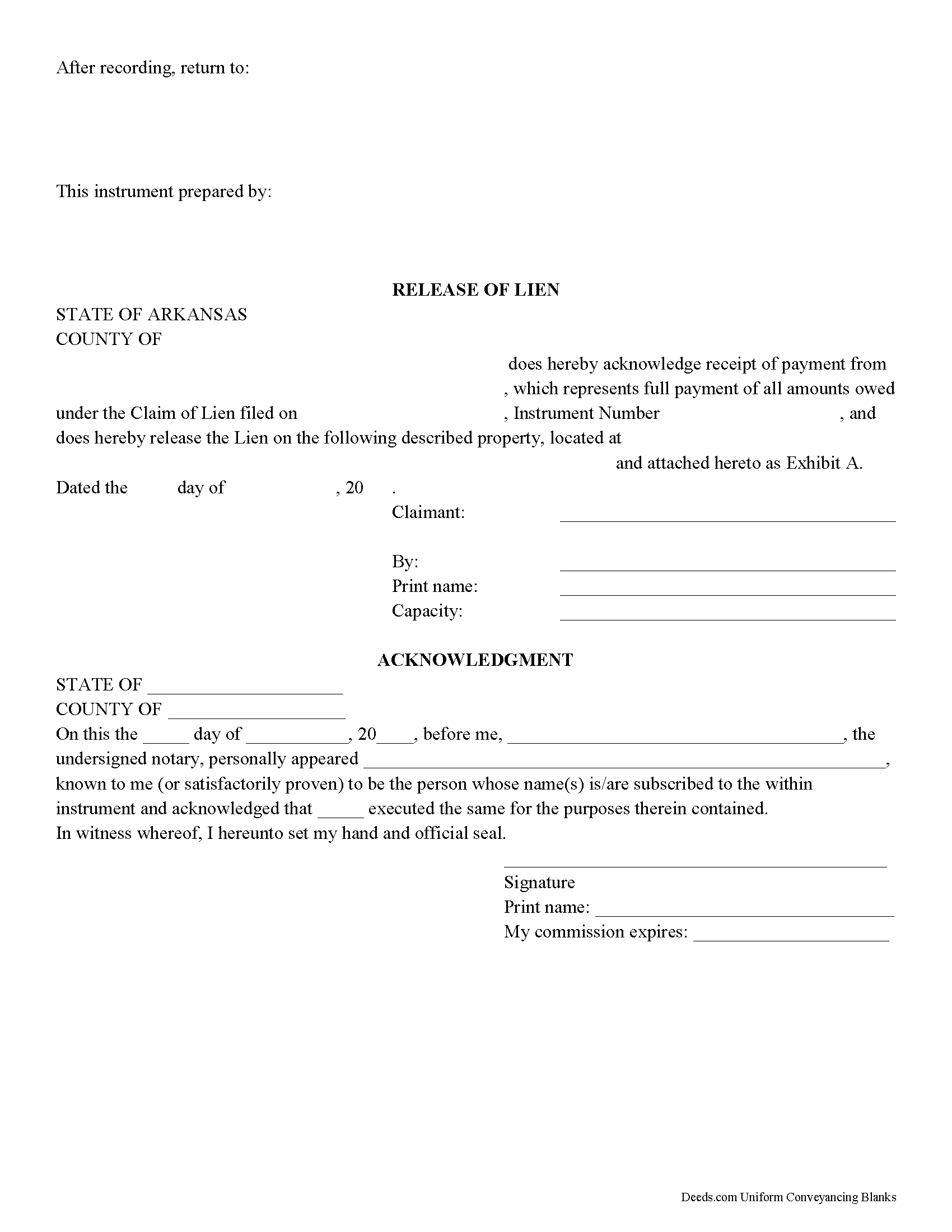
Hot Spring County Release of Mechanic Lien Form
Fill in the blank Release of Mechanic Lien form formatted to comply with all Arkansas recording and content requirements.
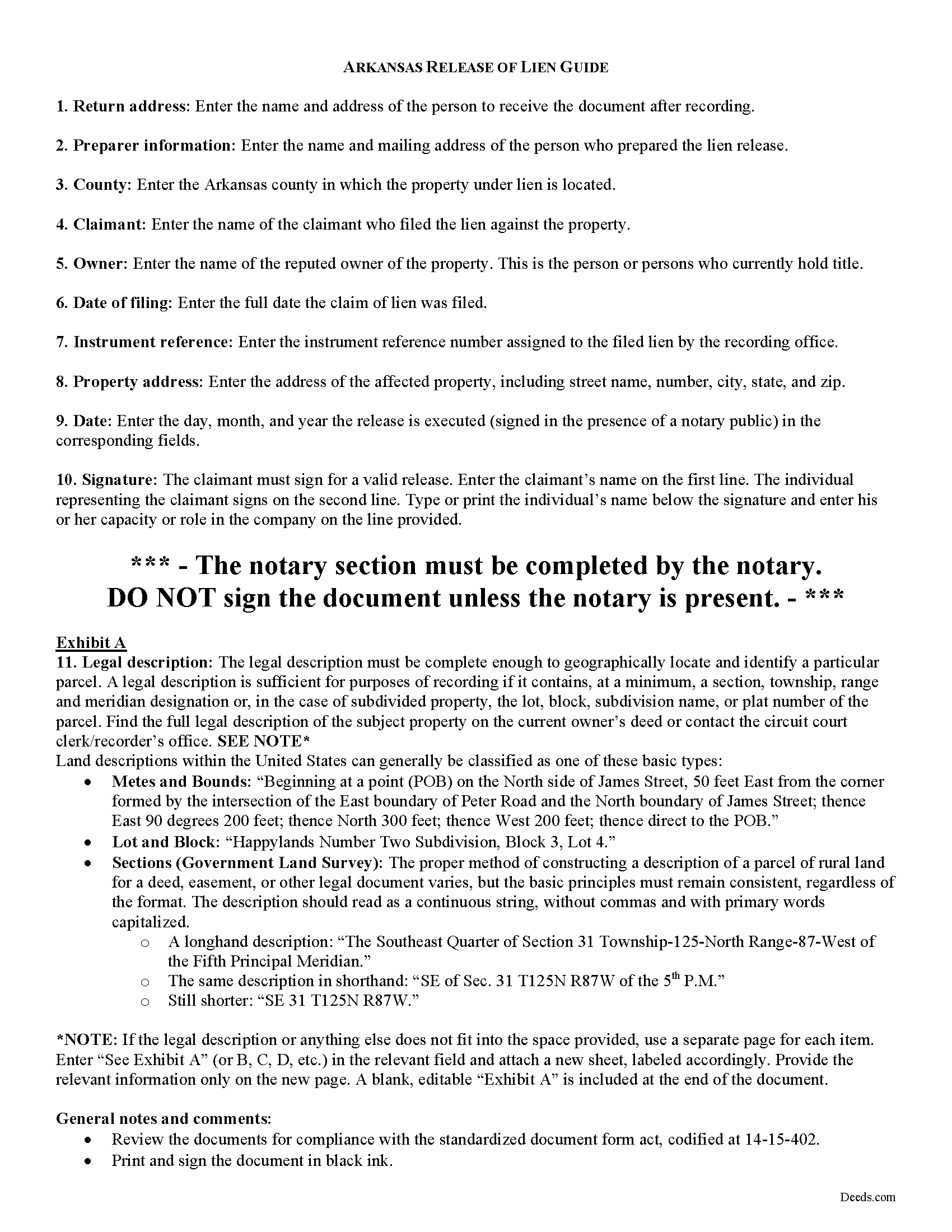
Hot Spring County Release of Mechanic Lien Guide
Line by line guide explaining every blank on the form.
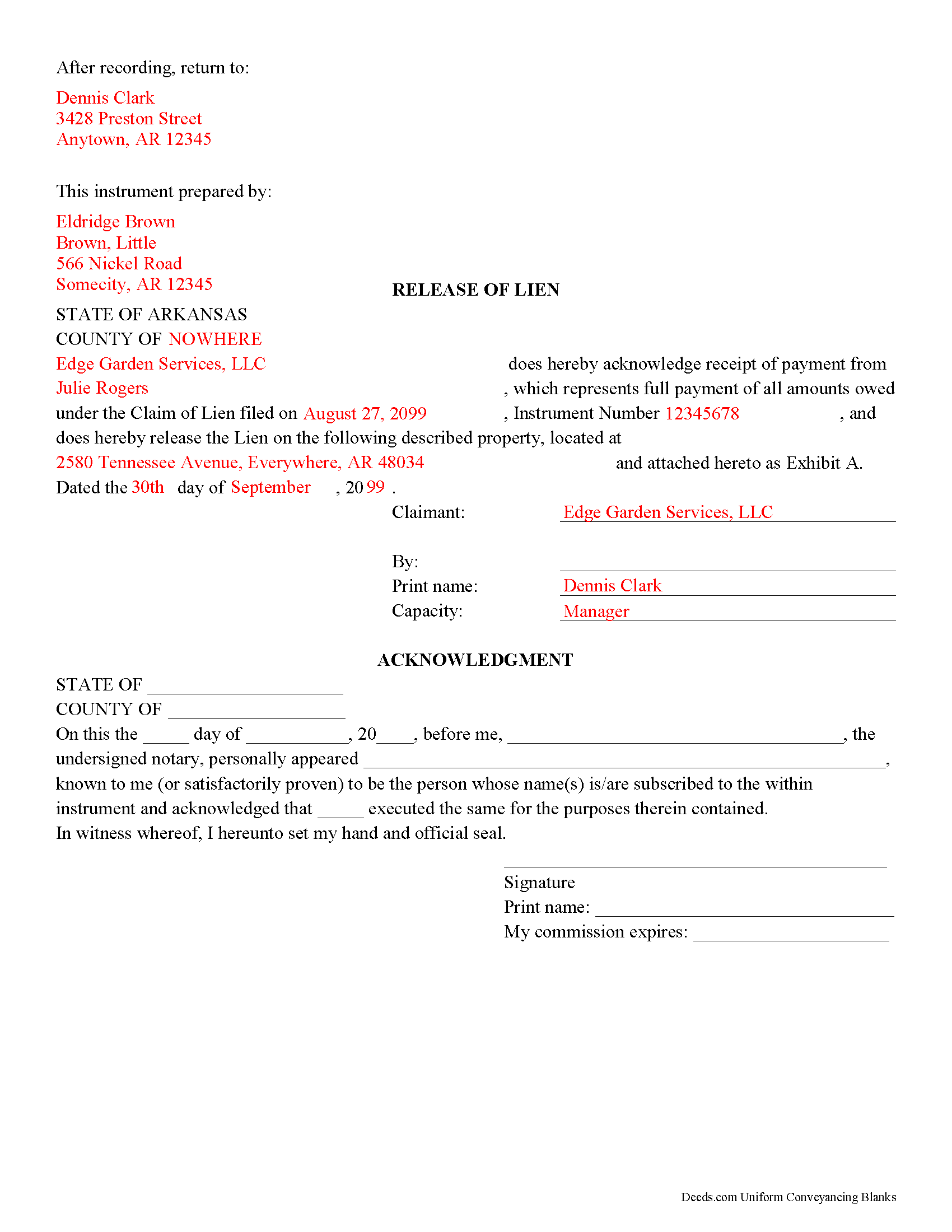
Hot Spring County Completed Example of the Release of Mechanic Lien Document
Example of a properly completed form for reference.
All 3 documents above included • One-time purchase • No recurring fees
Immediate Download • Secure Checkout
Additional Arkansas and Hot Spring County documents included at no extra charge:
Where to Record Your Documents
Hot Spring County Circuit Clerk
Malvern, Arkansas 72104
Hours: 8:30 to 4:00 M-F
Phone: (501) 332-2281
Recording Tips for Hot Spring County:
- Bring your driver's license or state-issued photo ID
- Ensure all signatures are in blue or black ink
- Recording fees may differ from what's posted online - verify current rates
- Request a receipt showing your recording numbers
- Ask about accepted payment methods when you call ahead
Cities and Jurisdictions in Hot Spring County
Properties in any of these areas use Hot Spring County forms:
- Bismarck
- Bonnerdale
- Donaldson
- Friendship
- Jones Mill
- Malvern
Hours, fees, requirements, and more for Hot Spring County
How do I get my forms?
Forms are available for immediate download after payment. The Hot Spring County forms will be in your account ready to download to your computer. An account is created for you during checkout if you don't have one. Forms are NOT emailed.
Are these forms guaranteed to be recordable in Hot Spring County?
Yes. Our form blanks are guaranteed to meet or exceed the applicable formatting requirements used for recording in Hot Spring County, including margin requirements, font requirements, and other layout standards. This guarantee applies to formatting, not to the legal sufficiency of information entered by the user or the suitability of a form for a particular transaction.
Can I reuse these forms?
Yes. You can reuse the forms for your personal use. For example, if you have multiple properties in Hot Spring County you only need to order once.
What do I need to use these forms?
The forms are PDFs that you fill out on your computer. The free Adobe Acrobat Reader is recommended, and most PDF apps also work. You do NOT enter your property information online - you download the blank forms and complete them privately on your own computer.
Are there any recurring fees?
No. This is a one-time purchase. Nothing to cancel, no memberships, no recurring fees.
How much does it cost to record in Hot Spring County?
Recording fees in Hot Spring County vary. Contact the recorder's office at (501) 332-2281 for current fees.
Questions answered? Let's get started!
When debt secured by a mechanic's lien is paid by a property owner, the claimant is required to enter a satisfaction or release of lien in the office of the clerk of court within 10 days' receipt of payment pursuant to Ark. Code Sec. 18-44-131.
Arkansas does not have a statutory form for release of lien. Even so, entering a release into the public records provides an end point for the recorded lien. This helps to preserve a clear chain of title, which is important for future transactions involving the property.
The release of lien document should contain enough information to clear the encumbrance of the claim of lien from the property title. The release names the property owner and the claimant releasing the lien, and references the claim by instrument number and date of filing. Because the instrument affects real property, a legal description of the parcel is recommended so that the property may be identified correctly.
The lien claimant must sign the release in the presence of a notary public before recording the document in the circuit clerk's office where the property is located. Documents submitted for recording must meet Arkansas's standardized form, the requirements of which are located at Ark. Code Sec. 14-15-402.
Consult a licensed attorney with questions about releasing mechanic's liens, or for any other issues related to liens in Arkansas.
Important: Your property must be located in Hot Spring County to use these forms. Documents should be recorded at the county recording office listed above.
This Release of Mechanic Lien meets all recording requirements specific to Hot Spring County.
Our Promise
The documents you receive here are guaranteed to meet or exceed the applicable Hot Spring County recording format requirements. If there is a rejection caused by our formatting, we will correct the issue or refund your payment. This guarantee applies to document formatting only and does not extend to information entered by the user, the selection of the form, or the legal effect of the completed document.
Save Time and Money
Get your Hot Spring County Release of Mechanic Lien form done right the first time with Deeds.com Uniform Conveyancing Blanks. At Deeds.com, we understand that your time and money are valuable resources, and we don't want you to face a penalty fee or rejection imposed by a county recorder for submitting nonstandard documents. We constantly review and update our forms to meet rapidly changing state and county recording requirements for roughly 3,500 counties and local jurisdictions.
4.8 out of 5 - ( 4,850 Reviews )
Julie K. 4 out of 5 stars
The process for obtaining document itself was easy, and the included guide and example are great! I do have an issue with the format itself, though. The form has pre-defined text boxes, which cannot be altered without partially rebuilding the entire document. For the 'property description' field on the Mineral Deed form, the text box is not large enough for the rather lengthy legal description entered on my original plat. Fortunately, I have a copy of Adobe Pro, so I have been able to re-build the doc to accommodate this short-coming.
Thank you for taking the time to provide feedback on our legal form. We're pleased to hear that you found the process for obtaining the document and the included guide beneficial.
We understand and appreciate your concern regarding the formatting and size limitations of certain fields, especially the 'property description' field. Our forms are designed to adhere to specific formatting requirements that are often mandated for legal compliance. Making direct alterations to the document can result in them becoming non-conforming, which is why we advise customers to use an exhibit page when their legal description is extensive or does not fit.
Gene N. 5 out of 5 stars
My mind is blown! For some reason, our veteran title companies wouldn't record our deed but luckily, the assessor's page recommended Deeds and other sites to e-record. It was so simple and so convenient!
We appreciate your business and value your feedback. Thank you. Have a wonderful day!
Giustino C. 5 out of 5 stars
I am pleased with this electronic service in making a time sensitive deed transfer since very few options exist currently with the Covid 19 Crisis. This was the only rapid and available option to record the deed transfer and the fee was reasonable. I was able to upload my notarized and executed document and had a record number as well as the official document within 24 hours. It was simple and easy to use. Thank you deeds.com!!
Thank you Giustino, glad we could help.
dill h. 5 out of 5 stars
easy-peasy
We appreciate your business and value your feedback. Thank you. Have a wonderful day!
Michael C. 5 out of 5 stars
Thank you very much. I received the exact information I was seeking.
Great to hear Michael, thanks for taking the time to leave your feedback.
Ebony L. 5 out of 5 stars
Very pleased with deeds.com. I highly recommend them to anyone, from clueless beginners like myself to the more advanced. Thank you for simplifying this process.
Thank you for your feedback. We really appreciate it. Have a great day!
Fabio S. 5 out of 5 stars
Fast, Easy and with great assistance! I will definitely use their services again!
Thank you for your feedback. We really appreciate it. Have a great day!
Vicki L. 5 out of 5 stars
Quick results with accurate information and thorough information.
Thank you!
Jon I. 5 out of 5 stars
I liked the information I download. Just what I was looking for.
We appreciate your business and value your feedback. Thank you. Have a wonderful day!
Alexis R. 5 out of 5 stars
Excellent service and reasonable fees. Highly recommend this company.
We appreciate your business and value your feedback. Thank you. Have a wonderful day!
Marie A. 5 out of 5 stars
Easy to download, helpful information and forms quick when you need them. Thank you Deeds.com.
Thank you Marie!
michele d. 4 out of 5 stars
It was easy to download, received it quickly, the sample really helped. I would like if some of the text was editable. for instance - the addresses were defaulted with the state of filing while we lived in another one.
Thank you for your feedback. We really appreciate it. Have a great day!
John F. 5 out of 5 stars
Excellent service, very reliable.
Thank you for your feedback. We really appreciate it. Have a great day!
Lucinda E. 5 out of 5 stars
I thought this form was great and easy to complete but the instructions were unclear as to whether the grantee- beneficiaries needed to sign and notarize their signatures as well. It did not appear to be the case but it would be helpful if the instructions spelled this out better.
Thank you for your feedback. We really appreciate it. Have a great day!
Francine B. 5 out of 5 stars
Looks like all forms are available. Hope they are as easy to use as it was to obtain. Thank you.
We appreciate your business and value your feedback. Thank you. Have a wonderful day!