Faulkner County Waiver of Mechanic Lien Form
Last validated October 14, 2026 by our Forms Development TeamFormatted for recording in Faulkner County, for property anywhere in the county: rural and unincorporated areas as well as Conway, Enola, Greenbrier, Guy, Mayflower, Mount Vernon, Vilonia, Wooster.
- 3 documents included
- Immediate PDF download
- Formatting guarantee
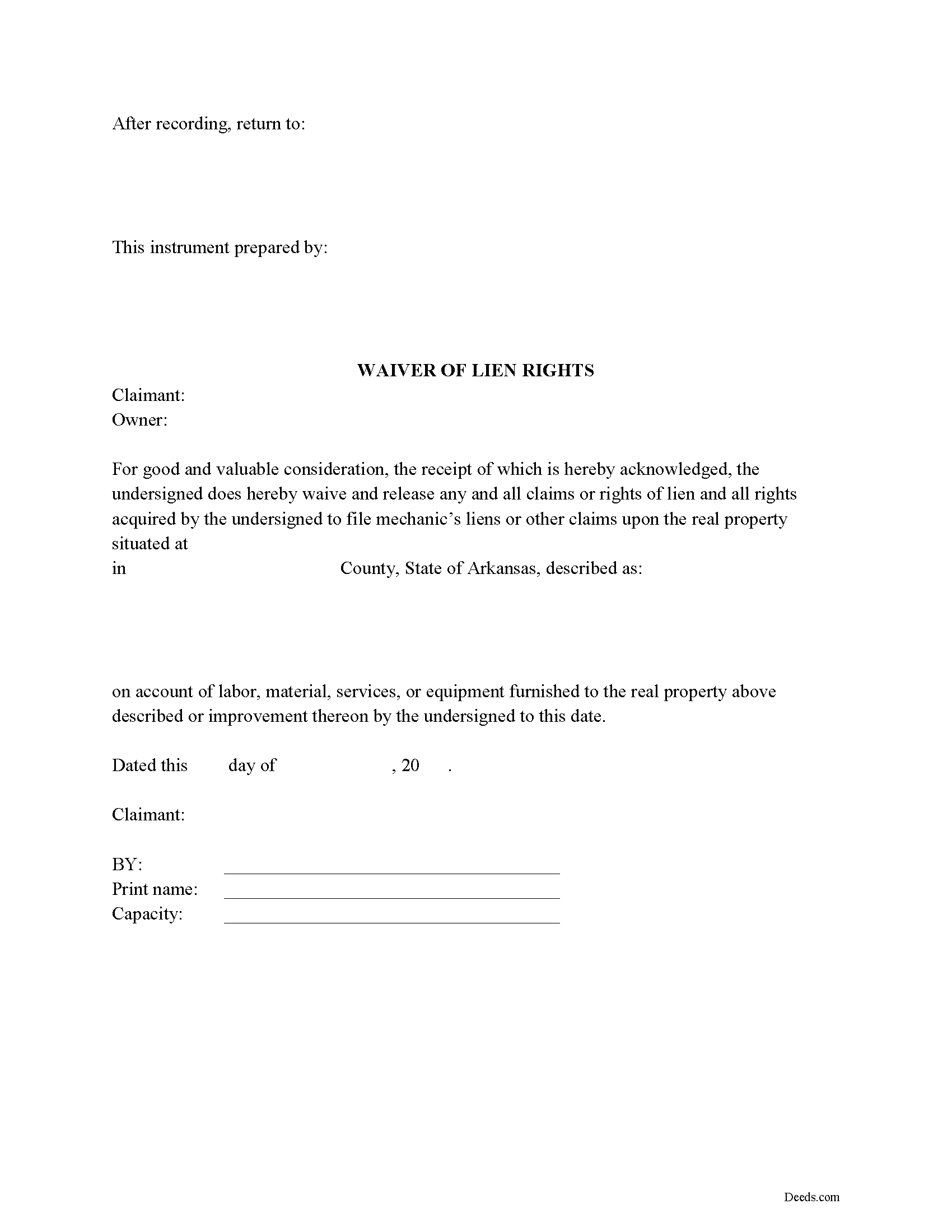
Faulkner County Waiver of Mechanic Lien Form
Fill in the blank Waiver of Mechanic Lien form formatted to comply with all Arkansas recording and content requirements.
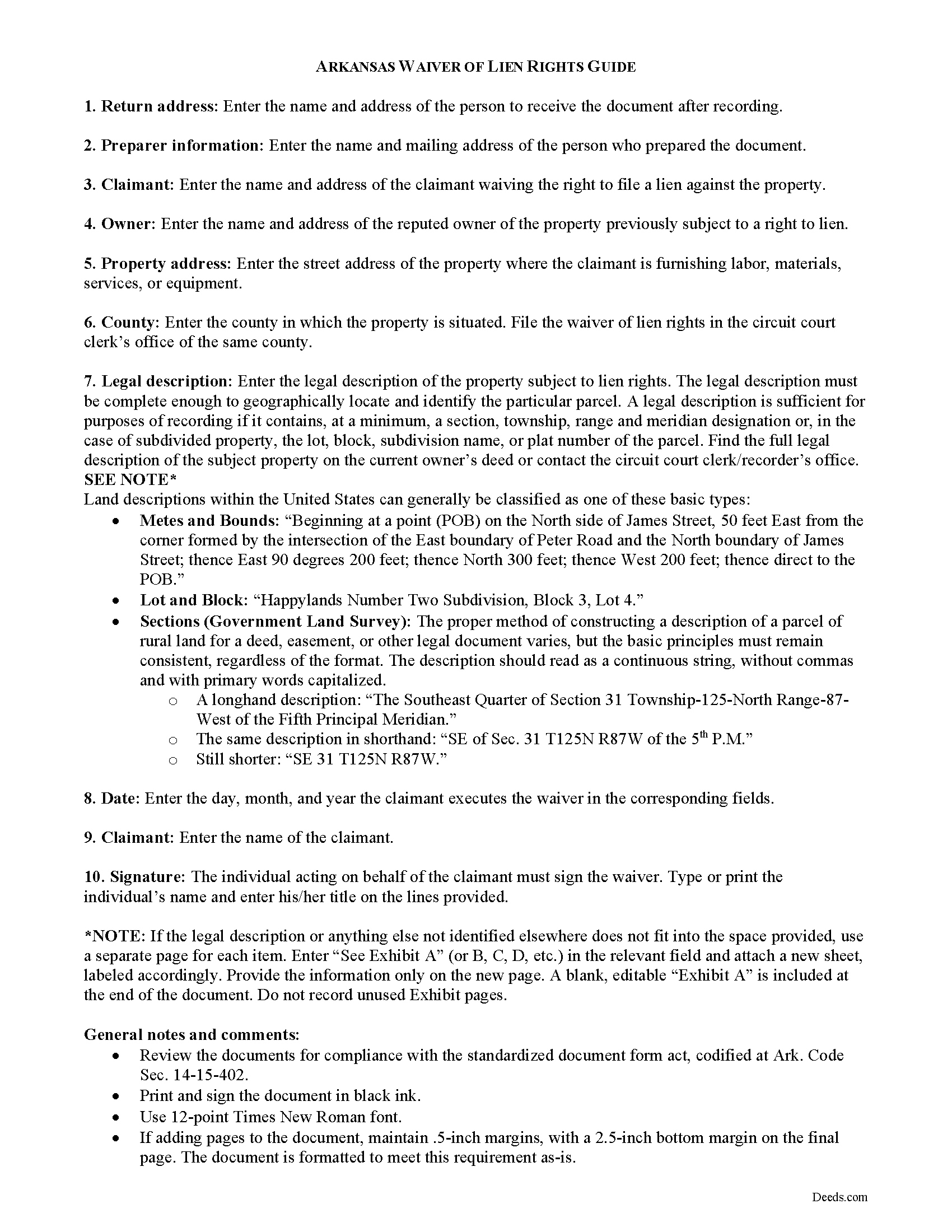
Faulkner County Waiver of Mechanic Lien Guide
Line by line guide explaining every blank on the form.
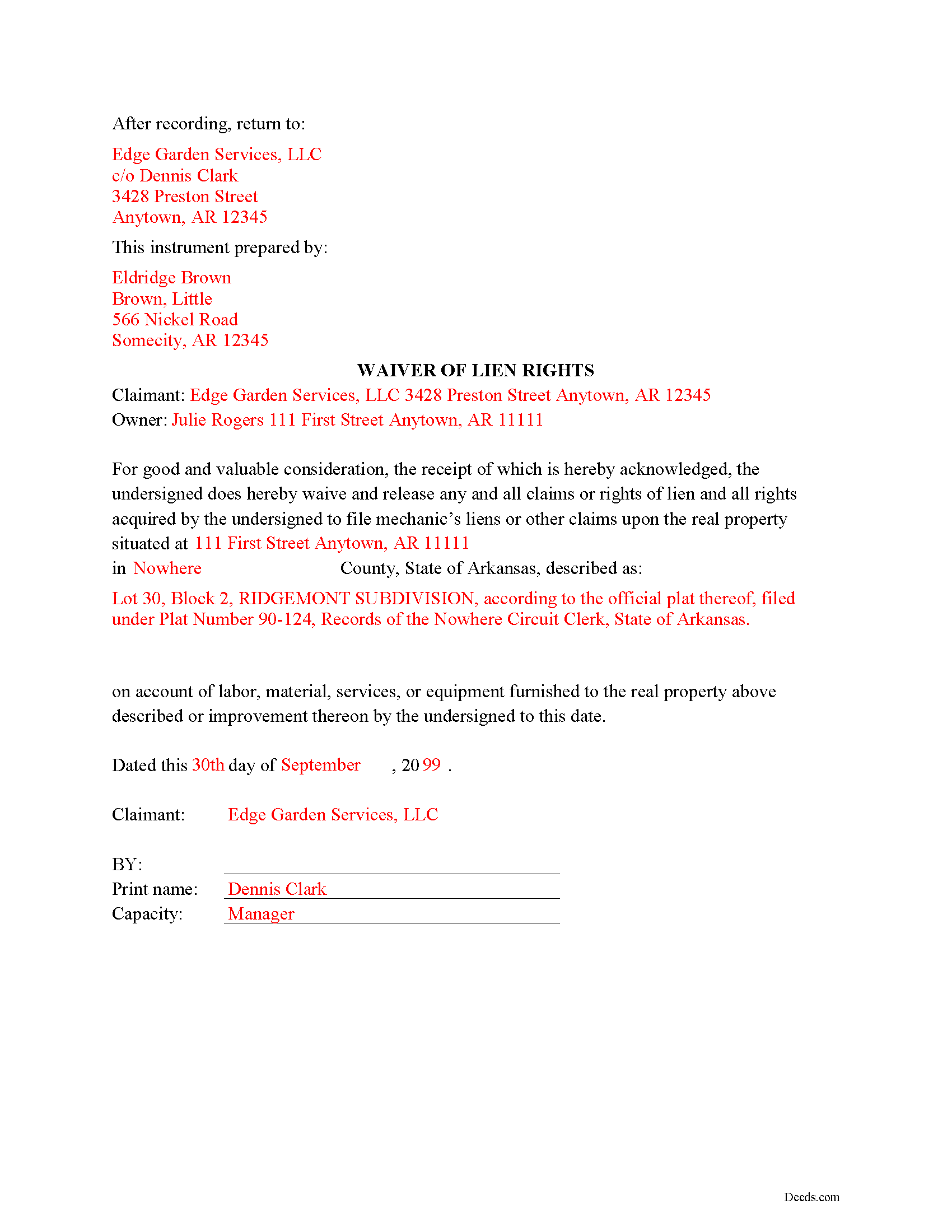
Faulkner County Completed Example of the Waiver of Mechanic Lien Document
Example of a properly completed form for reference.
All 3 documents above included • One-time purchase • No recurring fees
Immediate Download • Secure Checkout
Additional Arkansas and Faulkner County documents included at no extra charge:
Where to Record Your Documents
Faulkner County Circuit Clerk
Conway, Arkansas 72034 /72033
Hours: 8:00am to 4:30pm M-F
Phone: (501) 450-4911
Recording Tips for Faulkner County:
- Bring your driver's license or state-issued photo ID
- Ensure all signatures are in blue or black ink
- Avoid the last business day of the month when possible
- Both spouses typically need to sign if property is jointly owned
- Bring extra funds - fees can vary by document type and page count
Cities and Jurisdictions in Faulkner County
Properties in any of these areas use Faulkner County forms:
- Conway
- Enola
- Greenbrier
- Guy
- Mayflower
- Mount Vernon
- Vilonia
- Wooster
Hours, fees, requirements, and more for Faulkner County
How do I get my forms?
Forms are available for immediate download after payment. The Faulkner County forms will be in your account ready to download to your computer. An account is created for you during checkout if you don't have one. Forms are NOT emailed.
Are these forms guaranteed to be recordable in Faulkner County?
Yes. Our form blanks are guaranteed to meet or exceed the applicable formatting requirements used for recording in Faulkner County, including margin requirements, font requirements, and other layout standards. This guarantee applies to formatting, not to the legal sufficiency of information entered by the user or the suitability of a form for a particular transaction.
Can I reuse these forms?
Yes. You can reuse the forms for your personal use. For example, if you have multiple properties in Faulkner County you only need to order once.
What do I need to use these forms?
The forms are PDFs that you fill out on your computer. The free Adobe Acrobat Reader is recommended, and most PDF apps also work. You do NOT enter your property information online - you download the blank forms and complete them privately on your own computer.
Are there any recurring fees?
No. This is a one-time purchase. Nothing to cancel, no memberships, no recurring fees.
How much does it cost to record in Faulkner County?
Recording fees in Faulkner County vary. Contact the recorder's office at (501) 450-4911 for current fees.
Questions answered? Let's get started!
Arkansas provides no statutory direction for waiving rights of lien; however, it is customary for a claimant (contractor) to record a waiver of lien or partial waiver of lien as evidence of receipt of payment.
Lien waivers act as a sort of receipt, stating that a payment or arrangement for payment has been made by the owner for the potential lien claimant's furnishing of labor, materials, services, or equipment on an underlying contract. Waivers do not release the claimant's future rights to lien for labor, materials, services, or equipment furnished after the date the waiver is signed by the claimant.
A typical waiver of lien rights states contains a description of the subject property and the property's address. It identifies the claimant as the executing party and names the title owner of the property with whom the claimant has contracted. Most importantly, it contains a date up to which the claimant is waiving his right to lien (the execution date).
The waiver is signed by the contractor or individual acting on behalf of the contractor. The waiver does not have to be notarized for it to be valid. Waivers are recorded in the circuit court clerk's office in the county where the property is situated. Before recording, ensure the document complies with the standardized document form act, codified at Ark. Code Sec. 14-15-402.
Consult a lawyer with questions about waivers of right to lien, or for any other issues related to mechanic's liens in Arkansas.
Important: Your property must be located in Faulkner County to use these forms. Documents should be recorded at the county recording office listed above.
This Waiver of Mechanic Lien meets all recording requirements specific to Faulkner County.
Our Promise
The documents you receive here are guaranteed to meet or exceed the applicable Faulkner County recording format requirements. If there is a rejection caused by our formatting, we will correct the issue or refund your payment. This guarantee applies to document formatting only and does not extend to information entered by the user, the selection of the form, or the legal effect of the completed document.
Save Time and Money
Get your Faulkner County Waiver of Mechanic Lien form done right the first time with Deeds.com Uniform Conveyancing Blanks. At Deeds.com, we understand that your time and money are valuable resources, and we don't want you to face a penalty fee or rejection imposed by a county recorder for submitting nonstandard documents. We constantly review and update our forms to meet rapidly changing state and county recording requirements for roughly 3,500 counties and local jurisdictions.
4.8 out of 5 - ( 4,845 Reviews )
Louise M. 5 out of 5 stars
Amazing fast service. From the U.K. I was unable to get a check in U.S. dollars. This solved my problem as I was able to make payment with a card. So much faster than sending the documents from the U.K. via the postal service. Easy to use site, very quickly processed. Highly recommend
Thank you for your feedback. We really appreciate it. Have a great day!
ALFRED B. 5 out of 5 stars
The product was just what I needed. Not being the sharpest computer user I stumbled a little but after reading more carefully I navigated the process and I am very satisfied with my experience. deeds certainly saved me a lot of time.
Thank you!
Dave M. 5 out of 5 stars
Service as needed. A bit expensive.
Thank you for your feedback. We really appreciate it. Have a great day!
matt k. 5 out of 5 stars
you guys/girls are the bestest..
Thank you!
Joseph L. 5 out of 5 stars
I am an invalid and needed just one quitclaim form. I was able to quickly enter and complete the form. Unfortunately, it will probably be a last hurrah for me..
We appreciate your business and value your feedback. Thank you. Have a wonderful day!
Jennifer K. 5 out of 5 stars
Thank you!
Thank you for your feedback. We really appreciate it. Have a great day!
Alain L. 5 out of 5 stars
deeds.com was able to turnaround my document in a matter of hours. I was also surprised at how easy their website was to navigate, considering other websites that offered the same service were so convoluted. Thank you again for the quick turnaround.
Thank you!
Robin G. 5 out of 5 stars
Very responsive and helpful.
Thank you!
Michelle D. 5 out of 5 stars
Very professional service, they were timely and proficient with answers and sending in the documents that I requested. Will work with them again in the future
We appreciate your business and value your feedback. Thank you. Have a wonderful day!
cosmin B. 5 out of 5 stars
It's all good!!!!
Thank you!
Mary-Ann K. 5 out of 5 stars
Very pleasantly pleased so far. Hope to hear from the town registrar Transfer On Death Deed accepted. Wish all legal proceedings were so simple . . .
Thank you for your feedback. We really appreciate it. Have a great day!
Jim W. 5 out of 5 stars
ALL I CAN SAY IS WOW. I AM SO GLAD THAT SOMEONE THOUGHT OF THIS OPROCESS FOR NON-TITLE COMPANIES, SMALL COMPANIES, ETC. I REALLY APPRECIATED THE SERVICE WHEN I RECORDED MY FIRST SET OF DOCS HERE. THEY WERE A MESS AND I HAD A LOT OF QUESTIONS. AGAIN THANK YOU!
Thank you for your feedback. We really appreciate it. Have a great day!
Heather F. 5 out of 5 stars
Quality forms and information. Everything went smoothly.
Great to hear Heather. Have a fantastic day!
William O. 3 out of 5 stars
form worked great but was over priced for such a simple form , should be around $10 and most people could easily create this themselves.
Hi William, thank you for your review. We’re glad the form worked well for you. We understand it may seem simple on the surface, but Transfer on Death Deeds—especially in New York—require precise language and adherence to both state and county-level rules. Our forms are attorney-prepared, regularly reviewed for legal compliance, and include helpful instructions to reduce the risk of costly filing errors. We appreciate your feedback and hope the document serves its purpose smoothly.
Richelle B. 5 out of 5 stars
Thanks!
Thank you!