Faulkner County Affidavit of Service Form
Last validated October 9, 2026 by our Forms Development TeamFormatted for recording in Faulkner County, for property anywhere in the county: rural and unincorporated areas as well as Conway, Enola, Greenbrier, Guy, Mayflower, Mount Vernon, Vilonia, Wooster.
- 3 documents included
- Immediate PDF download
- Formatting guarantee
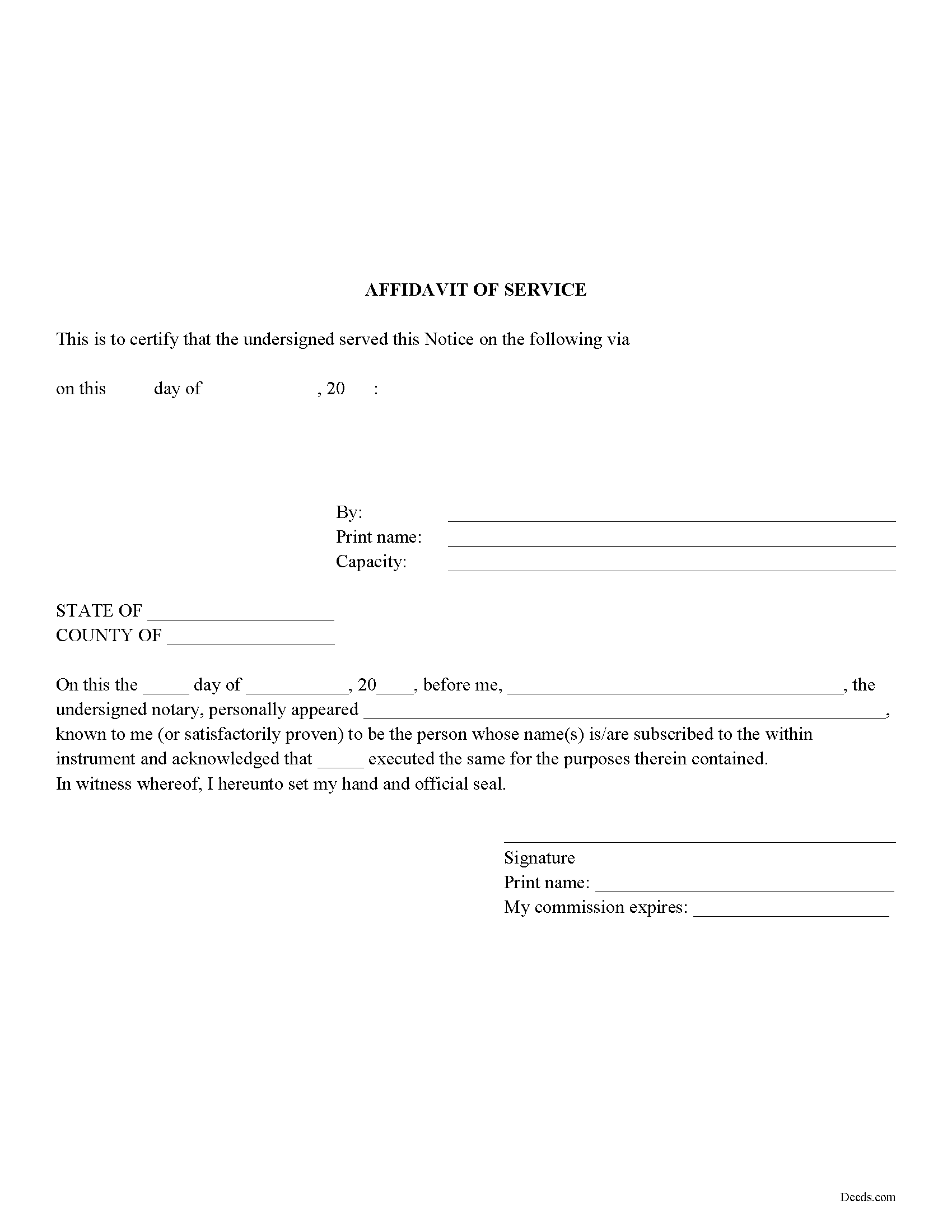
Faulkner County Affidavit of Service Form
Fill in the blank Affidavit of Service form formatted to comply with all Arkansas recording and content requirements.
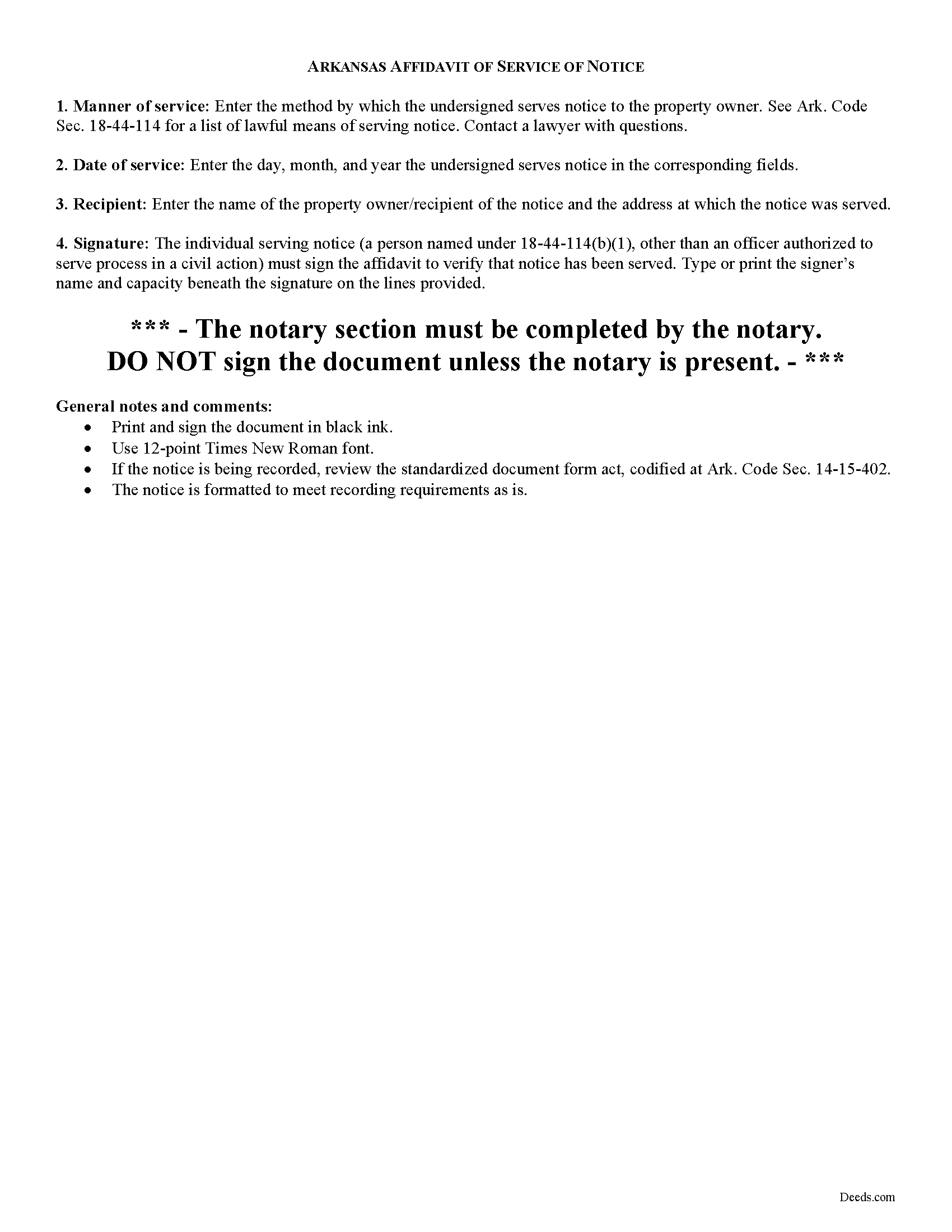
Faulkner County Affidavit of Service Guide
Line by line guide explaining every blank on the form.
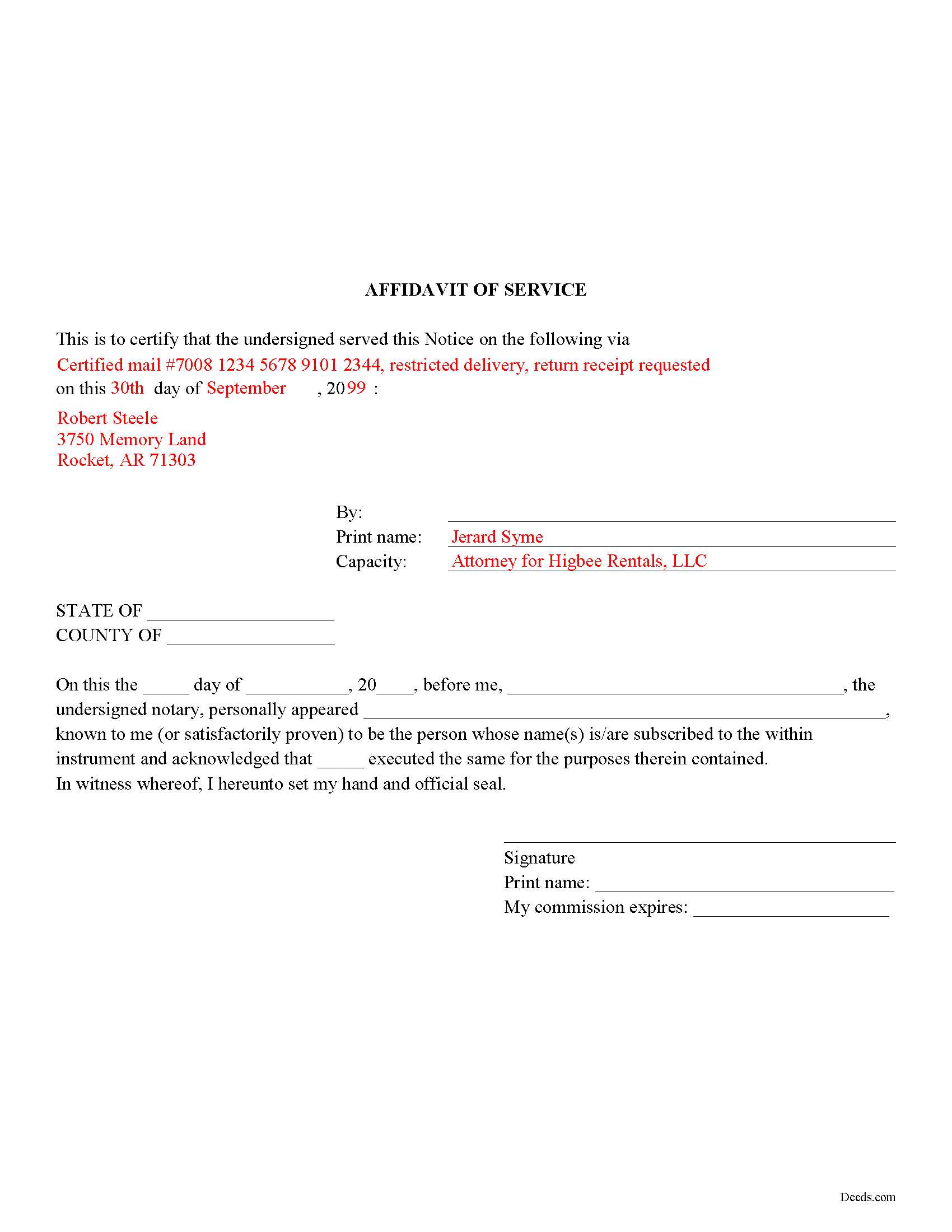
Faulkner County Completed Example of the Affidavit of Service Document
Example of a properly completed form for reference.
All 3 documents above included • One-time purchase • No recurring fees
Immediate Download • Secure Checkout
Additional Arkansas and Faulkner County documents included at no extra charge:
Where to Record Your Documents
Faulkner County Circuit Clerk
Conway, Arkansas 72034 /72033
Hours: 8:00am to 4:30pm M-F
Phone: (501) 450-4911
Recording Tips for Faulkner County:
- Bring your driver's license or state-issued photo ID
- Ensure all signatures are in blue or black ink
- Bring extra funds - fees can vary by document type and page count
- Check margin requirements - usually 1-2 inches at top
- Leave recording info boxes blank - the office fills these
Cities and Jurisdictions in Faulkner County
Properties in any of these areas use Faulkner County forms:
- Conway
- Enola
- Greenbrier
- Guy
- Mayflower
- Mount Vernon
- Vilonia
- Wooster
Hours, fees, requirements, and more for Faulkner County
How do I get my forms?
Forms are available for immediate download after payment. The Faulkner County forms will be in your account ready to download to your computer. An account is created for you during checkout if you don't have one. Forms are NOT emailed.
Are these forms guaranteed to be recordable in Faulkner County?
Yes. Our form blanks are guaranteed to meet or exceed the applicable formatting requirements used for recording in Faulkner County, including margin requirements, font requirements, and other layout standards. This guarantee applies to formatting, not to the legal sufficiency of information entered by the user or the suitability of a form for a particular transaction.
Can I reuse these forms?
Yes. You can reuse the forms for your personal use. For example, if you have multiple properties in Faulkner County you only need to order once.
What do I need to use these forms?
The forms are PDFs that you fill out on your computer. The free Adobe Acrobat Reader is recommended, and most PDF apps also work. You do NOT enter your property information online - you download the blank forms and complete them privately on your own computer.
Are there any recurring fees?
No. This is a one-time purchase. Nothing to cancel, no memberships, no recurring fees.
How much does it cost to record in Faulkner County?
Recording fees in Faulkner County vary. Contact the recorder's office at (501) 450-4911 for current fees.
Questions answered? Let's get started!
Use an affidavit of service where required to prove service of a notice on the owner of real property. It verifies that the notice was served by someone other than an officer authorized to serve process in civil action.
The affidavit, executed by the person serving notice, cites the date and manner by which notice has been served. It is signed by the individual serving notice in the presence of a notary public. The affidavit may need to be in recordable form if accompanying recorded notices. In this case, the document should meet all state and local recording requirements before submitting in the appropriate circuit clerk's office.
Consult a lawyer to verify whether an affidavit of notice is necessary for the specific circumstances.
Important: Your property must be located in Faulkner County to use these forms. Documents should be recorded at the county recording office listed above.
This Affidavit of Service meets all recording requirements specific to Faulkner County.
Our Promise
The documents you receive here are guaranteed to meet or exceed the applicable Faulkner County recording format requirements. If there is a rejection caused by our formatting, we will correct the issue or refund your payment. This guarantee applies to document formatting only and does not extend to information entered by the user, the selection of the form, or the legal effect of the completed document.
Save Time and Money
Get your Faulkner County Affidavit of Service form done right the first time with Deeds.com Uniform Conveyancing Blanks. At Deeds.com, we understand that your time and money are valuable resources, and we don't want you to face a penalty fee or rejection imposed by a county recorder for submitting nonstandard documents. We constantly review and update our forms to meet rapidly changing state and county recording requirements for roughly 3,500 counties and local jurisdictions.
4.8 out of 5 - ( 4,844 Reviews )
Jeffrey T. 5 out of 5 stars
First Time User here. Simple and easy. Delivered Deed in excellent time. Sure beats going to the recorder's office.
Thank you for your feedback. We really appreciate it. Have a great day!
Diane C. 5 out of 5 stars
Hey, great job! Love these forms. They make the process really easy.
Great to hear Diane, have a fantastic day!
Maurice M. 5 out of 5 stars
It was very convenient to be able to purchase the forms that I needed and save an extra trip downtown. I really appreciated the instructions that came with the forms.
Thank you Maurice. Have a great day!
Fernando C. 5 out of 5 stars
I was able to get what I needed!! Easy and fast!
We appreciate your business and value your feedback. Thank you. Have a wonderful day!
Danny W. 5 out of 5 stars
download complete..I am happy with results. Correct document for the state and my application, and it was a simple transaction.
We appreciate your business and value your feedback. Thank you. Have a wonderful day!
Yehong M. 5 out of 5 stars
everything worked well,
Thank you!
Katherine S. 5 out of 5 stars
This was easy!!
Thank you!
Eric L. 4 out of 5 stars
Great service, but still needs some knowledge to complete. Also missing Michigan right to farm paragraph.
Thank you!
A. S. 3 out of 5 stars
First, I am glad that you gave a blank copy, an example copy, and a 'guide'. It made it much easier to do. Overall I was very happy with your products and organization... however, things got pretty confusing and I have a pretty 'serious' law background in Real Estate and Civil law. With that said, I spent about 10+ hours getting my work done, using the Deed of Trust and Promissory note from you and there were a few problems: First, it would be FANTASTIC if you actually aligned your guide to actually match the Deed or Promissory Note. What I mean is that if the Deed says 'section (E)' then your guide shouldn't be 'randomly' numbered as 1,2,3, for advice/instructions, but should EXACTLY match 'section (E)'. Some places you have to 'hunt' for what you are looking for, and if you did it based on my suggestion, you wouldn't need to 'hunt' and it would avoid confusion. 2nd: This one really 'hurt'... you had something called the 'Deed of Trust Master Form' yet you had basically no information on what it was or how to use it. The only information you had was a small section at the top of the 'Short Form Deed of Trust Guide'. Holy Cow, was that 'section' super confusing. I still don't know if I did it correctly, but your guide says only put a return address on it and leave the rest of the 16 or so page Deed of Trust beneath it blank... and then include your 'Deed of Trust' (I had to assume the short form deed that I had just created) as part of it. I had to assume that I had to print off the entire 17 page or so title page and blank deed. I also had to assume that the promissory note was supposed to be EXHIBIT A or B on the Short Form Deed. It would be great if someone would take a serious look at that short section in your 'Short Form Deed of Trust Guide' and realize that those of us using your products are seriously turning this into a county clerk to file and that most of us, probably already have a property that has an existing Deed... or at least can find one in the county records if necessary... and make sure that you make a distinction between the Deed for the property that already exists, versus the Deed of Trust and Promissory note that we are trying to file. Thanks.
Thank you for your feedback. We'll have staff review the document for clarity. Have a great day!
Pamela J. 5 out of 5 stars
Thank you the service was prompt and efficient.
Thank you!
Ken W. 5 out of 5 stars
Everything perfect, good price. Completely satisfied
Thank you!
Rodney S. 5 out of 5 stars
Good service; thank you.
Thank you!
Fawn T. 5 out of 5 stars
So easy, forms were great, examples of filled out forms, and instructions guide. Made it way easier, totally worth it!
We appreciate your business and value your feedback. Thank you. Have a wonderful day!
DARRYL B. 5 out of 5 stars
Professional and convenient.
Thank you for your feedback. We really appreciate it. Have a great day!
milton m. 5 out of 5 stars
good product easy to use, as advertised
Thank you for your feedback. We really appreciate it. Have a great day!