Santa Barbara County Certificate of Trust Form
Last validated November 4, 2026 by our Forms Development TeamFormatted for recording in Santa Barbara County, for property anywhere in the county: rural and unincorporated areas as well as Buellton, Carpinteria, Casmalia, Goleta, Guadalupe, Lompoc, Los Alamos, Los Olivos and 6 more.
- 3 documents included
- Immediate PDF download
- Formatting guarantee
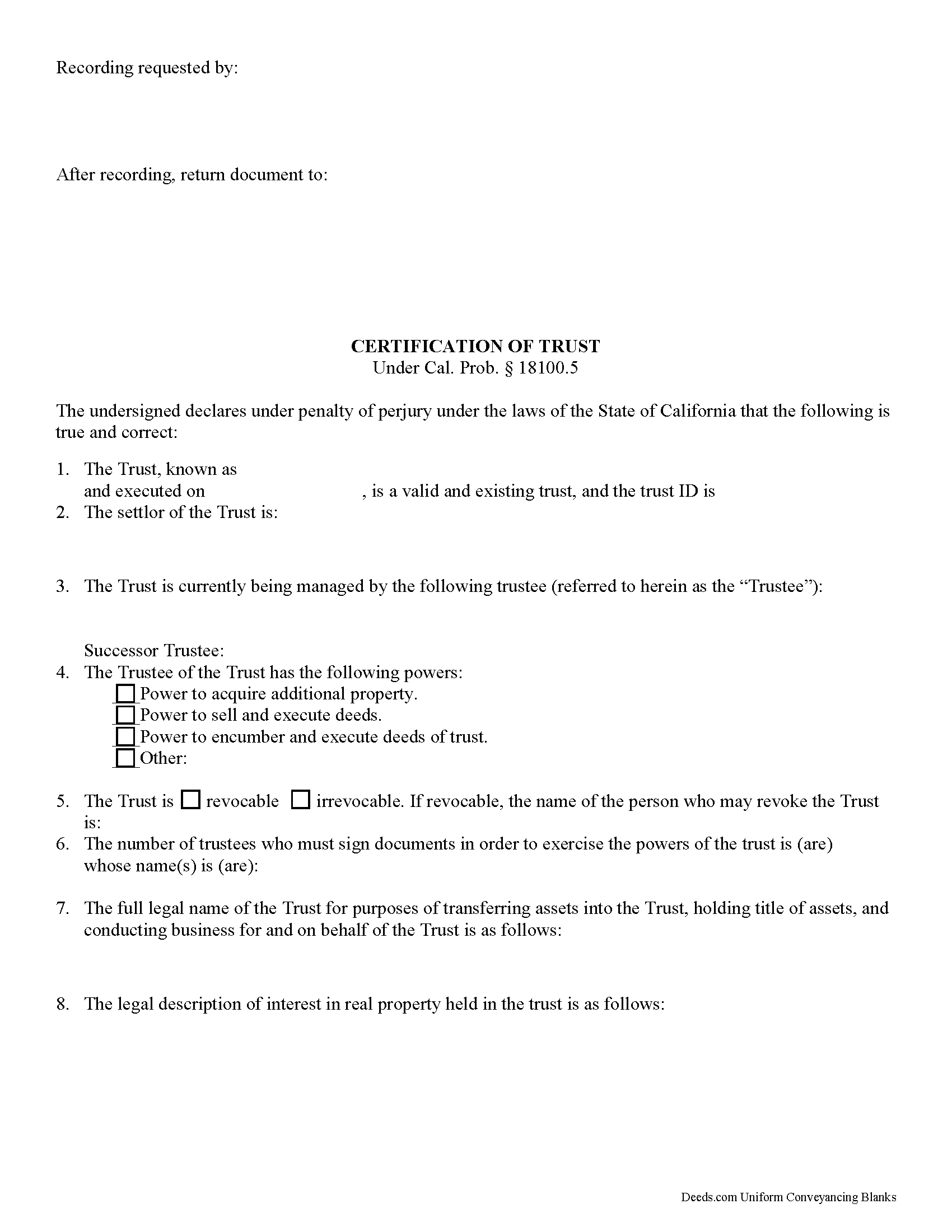
Santa Barbara County Certificate of Trust Form
Fill in the blank form formatted to comply with all recording and content requirements.
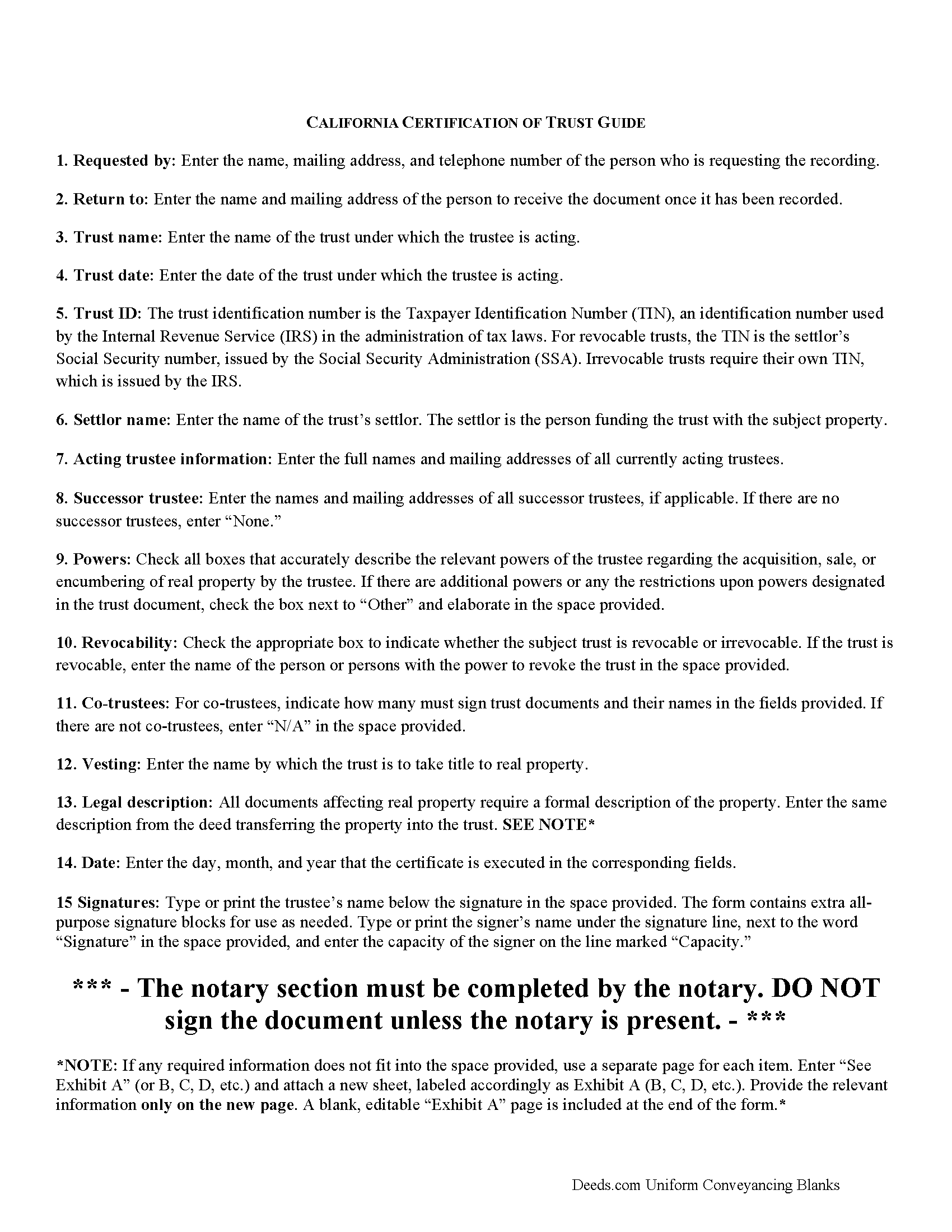
Santa Barbara County Certificate of Trust Guide
Line by line guide explaining every blank on the form.
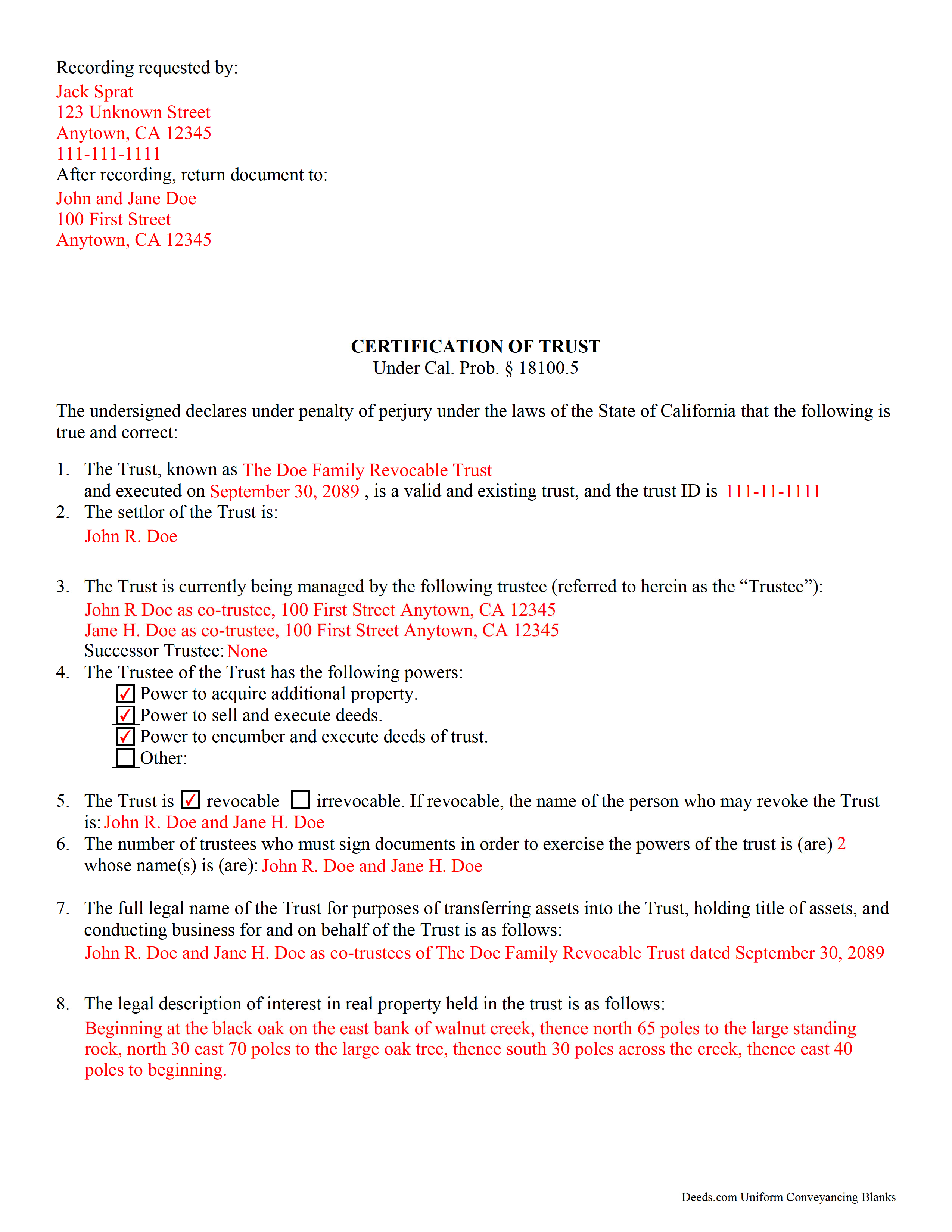
Santa Barbara County Completed Example of the Certificate of Trust Document
Example of a properly completed form for reference.
All 3 documents above included • One-time purchase • No recurring fees
Immediate Download • Secure Checkout
Additional California and Santa Barbara County documents included at no extra charge:
Where to Record Your Documents
Lompoc
Lompoc, California 93436
Hours: Monday, Wednesday, Friday: 9:00am - 12:00 & 1:00 - 4:00pm
Phone: (805) 737-7705
Santa Maria
Santa Maria, California 93455-1341
Hours: Monday through Friday 8:00 am to 4:30 pm
Phone: (805) 346-8370
Hall of Records & Mailing Address
Santa Barbara, California 93101
Hours: Monday through Friday 8:00 am to 4:30 pm
Phone: (805) 568-2250
Recording Tips for Santa Barbara County:
- Bring your driver's license or state-issued photo ID
- Ensure all signatures are in blue or black ink
- Double-check legal descriptions match your existing deed
- Verify all names are spelled correctly before recording
- White-out or correction fluid may cause rejection
Cities and Jurisdictions in Santa Barbara County
Properties in any of these areas use Santa Barbara County forms:
- Buellton
- Carpinteria
- Casmalia
- Goleta
- Guadalupe
- Lompoc
- Los Alamos
- Los Olivos
- New Cuyama
- Santa Barbara
- Santa Maria
- Santa Ynez
- Solvang
- Summerland
Hours, fees, requirements, and more for Santa Barbara County
How do I get my forms?
Forms are available for immediate download after payment. The Santa Barbara County forms will be in your account ready to download to your computer. An account is created for you during checkout if you don't have one. Forms are NOT emailed.
Are these forms guaranteed to be recordable in Santa Barbara County?
Yes. Our form blanks are guaranteed to meet or exceed the applicable formatting requirements used for recording in Santa Barbara County, including margin requirements, font requirements, and other layout standards. This guarantee applies to formatting, not to the legal sufficiency of information entered by the user or the suitability of a form for a particular transaction.
Can I reuse these forms?
Yes. You can reuse the forms for your personal use. For example, if you have multiple properties in Santa Barbara County you only need to order once.
What do I need to use these forms?
The forms are PDFs that you fill out on your computer. The free Adobe Acrobat Reader is recommended, and most PDF apps also work. You do NOT enter your property information online - you download the blank forms and complete them privately on your own computer.
Are there any recurring fees?
No. This is a one-time purchase. Nothing to cancel, no memberships, no recurring fees.
How much does it cost to record in Santa Barbara County?
Recording fees in Santa Barbara County vary. Contact the recorder's office at (805) 737-7705 for current fees.
Questions answered? Let's get started!
California Certification of Trust
In California, the certification of trust is governed by Probate Code Section 18100.5.
A certificate of trust is used by an acting trustee or trustees of a trust to prove to financial institutions or other third parties that he/she/they has/have the authority to act on behalf of the trust. The certificate is used in lieu of the full trust document to keep nonessential information about the trust, such as the identities of trust beneficiaries, confidential.
The certificate verifies the existence of the trust and presents the pertinent details of the trust, such as the settlor, the trustee, the powers granted to the trustee, and, in the case that there are co-trustees, the number and identity of persons required to sign legal documents dealing with the trust. The certificate also specifies how the trust will vest title to real property.
Like all documents affecting real estate, the certification requires a legal description of the real property subject to the trust. In California, the certification also must include the trust's taxpayer ID, a number that is either the SSN of the settlor (in the case of revocable trusts) or an EIN assigned by the IRS (in the case of irrevocable trusts).
Trust law can quickly become complicated, and each case is unique, so contact a lawyer with any questions that arise.
(California Certificate of Trust Package includes form, guidelines, and completed example)
Important: Your property must be located in Santa Barbara County to use these forms. Documents should be recorded at the county recording office listed above.
This Certificate of Trust meets all recording requirements specific to Santa Barbara County.
Our Promise
The documents you receive here are guaranteed to meet or exceed the applicable Santa Barbara County recording format requirements. If there is a rejection caused by our formatting, we will correct the issue or refund your payment. This guarantee applies to document formatting only and does not extend to information entered by the user, the selection of the form, or the legal effect of the completed document.
Save Time and Money
Get your Santa Barbara County Certificate of Trust form done right the first time with Deeds.com Uniform Conveyancing Blanks. At Deeds.com, we understand that your time and money are valuable resources, and we don't want you to face a penalty fee or rejection imposed by a county recorder for submitting nonstandard documents. We constantly review and update our forms to meet rapidly changing state and county recording requirements for roughly 3,500 counties and local jurisdictions.
4.8 out of 5 - ( 4,858 Reviews )
Robert G. 5 out of 5 stars
Very nice. Especially liked that I could re-use the form since I have a couple of properties.
Thank you!
Julia M. 5 out of 5 stars
I live in AZ and have an existing beneficiary deed on my property. I needed to know the process of revoking a beneficiary deed. Your site was very helpful by providing the correct form and instructions for recording it. Thank you!
Your satisfaction with our services is of utmost importance to us. Thank you for letting us know how we did!
Elizabeth P. 5 out of 5 stars
Perfect quitclaim form. Easy to fill in with the required information and all the required information has a place (no easy feat in our county!). It is helpful that they include exhibit pages for larger blocks of information (our legal is 2 pages long). Great job folks!
Thank you for the kind words Elizabeth. Have an amazing day!
John C. 5 out of 5 stars
So far it's OK but have not filed it with the the county so can't say if it will be what they want
Thank you for your feedback. We really appreciate it. Have a great day!
Janice S. 5 out of 5 stars
All instructions and forms are very easy to read and fill-out. Thank you
Thank you for your feedback. We really appreciate it. Have a great day!
Robert B. 5 out of 5 stars
Excellent, easy to operate, saved $$$ by doing this TOD deed myself. WILL BUY AGAIN!!
Thank you Robert. Have a fantastic day!
Susan S. 5 out of 5 stars
I just started using Deeds.com but so far it has been a very easy and pleasant experience. I work in the area of family law and I was thrilled to find a service that offers the recoding of deeds via e-recording.
Glad we could be of service Susan, thank you for your kind words. Have an amazing day!
Ken S. 5 out of 5 stars
Easy to downloand. Instructions were helpful and easy to follow. Made the process a lot easier for me.
Thanks Ken.
Juanita G. 5 out of 5 stars
Easy and efficient service. The communication is on point. Thank you!
Thank you for your positive words! We’re thrilled to hear about your experience.
Gerlinde H. 5 out of 5 stars
This was fantastic. I downloaded the document, filled it out, printed it, had it notarized and drove to the recorders office and had it recorded within less than 15 minutes. Instructions are precise and easy to understand. You saved me hundreds of dollars a lawyer would have charged for the same work.
We appreciate your business and value your feedback. Thank you. Have a wonderful day!
linda l. 4 out of 5 stars
I was very impressed with the Mineral Deed form, especially with the instructions to fill it out AND a copy of a completed for to compare against. This definitely saved me money for an attorney. The one thing I don't understand, though, is why I could not save the completed Deed to my hard drive. I did have to change a few things after the fact and I had to re-type the entire page to make the corrections. If not for this, I would definitely rate the forms and instructions as a 5 star.
Thank you for your feedback. We really appreciate it. Have a great day!
Annette A. 5 out of 5 stars
I requested a property report and it was completed fast and accurately. I would highly recommend this service.
We appreciate your business and value your feedback. Thank you. Have a wonderful day!
Sven S. 5 out of 5 stars
great experience so far! Im using Deeds.com for e-recording. Easy to use website, document upload is a snap, you are walked through and reminded if theres something missing.
We appreciate your business and value your feedback. Thank you. Have a wonderful day!
Sheila G. 5 out of 5 stars
I was very pleased with the responses and quick access to info.
We appreciate your business and value your feedback. Thank you. Have a wonderful day!
Lenore B. 4 out of 5 stars
Thank you for making this deed available. The guide was such a big help.
Thanks Lenore, have a great day!