Santa Clara County Deed Corrective Affidavit Form
Last validated September 11, 2026 by our Forms Development TeamFormatted for recording in Santa Clara County, for property anywhere in the county: rural and unincorporated areas as well as Alviso, Campbell, Coyote, Cupertino, Gilroy, Holy City, Los Altos, Los Gatos and 13 more.
- 3 documents included
- Immediate PDF download
- Formatting guarantee
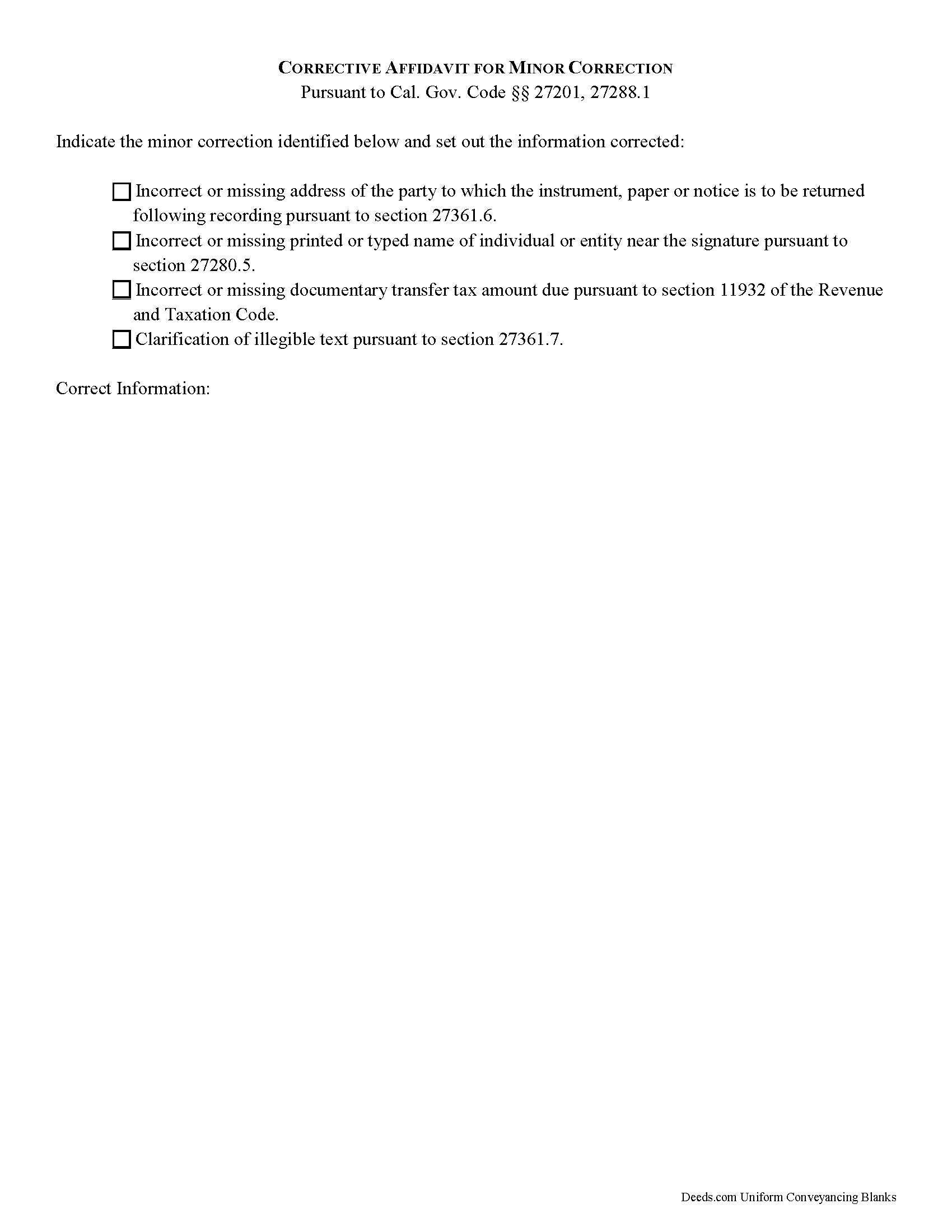
Santa Clara County Deed Corrective Affidavit Form
Fill in the blank Deed Corrective Affidavit form formatted to comply with all California recording and content requirements.
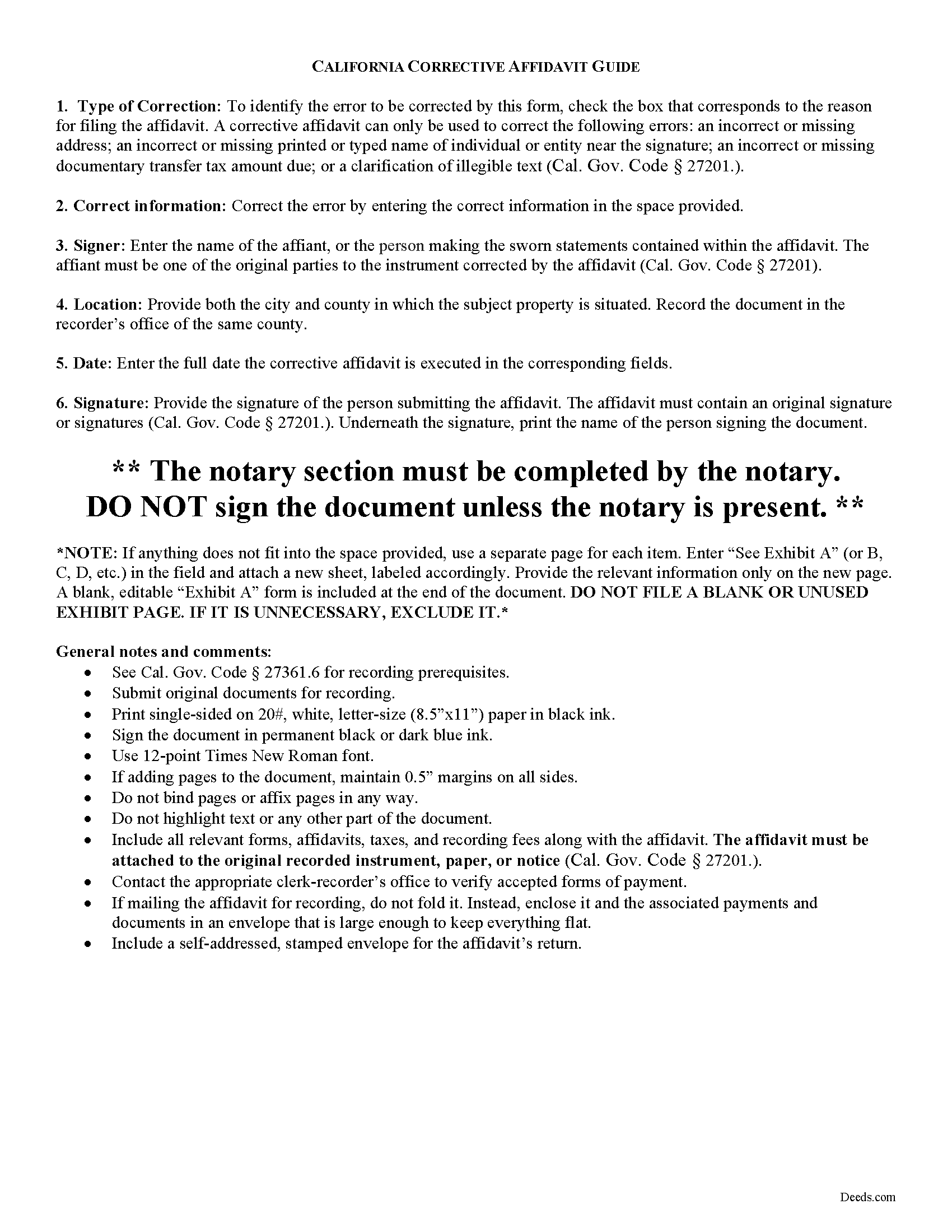
Santa Clara County Corrective Affidavit Guide
Line by line guide explaining every blank on the form.
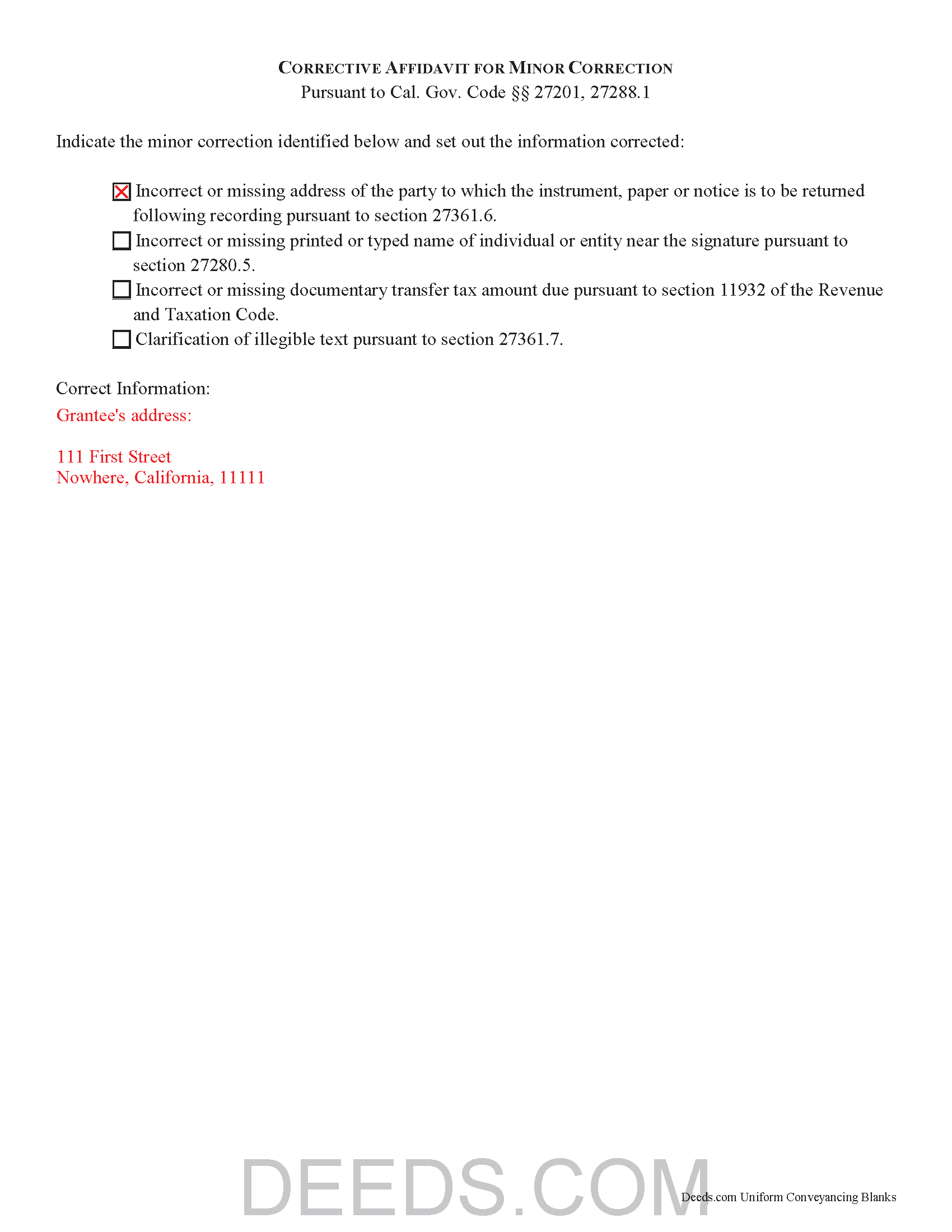
Santa Clara County Completed Example of the Deed Corrective Affidavit Document
Example of a properly completed California Deed Corrective Affidavit document for reference.
All 3 documents above included • One-time purchase • No recurring fees
Immediate Download • Secure Checkout
Additional California and Santa Clara County documents included at no extra charge:
Where to Record Your Documents
County Clerk-Recorder
San Jose, California 95134
Hours: 8:00 a.m. to 4:30 p.m
Phone: (408) 299-5688
Recording Tips for Santa Clara County:
- Bring your driver's license or state-issued photo ID
- Ensure all signatures are in blue or black ink
- Documents must be on 8.5 x 11 inch white paper
- Double-check legal descriptions match your existing deed
- Verify all names are spelled correctly before recording
Cities and Jurisdictions in Santa Clara County
Properties in any of these areas use Santa Clara County forms:
- Alviso
- Campbell
- Coyote
- Cupertino
- Gilroy
- Holy City
- Los Altos
- Los Gatos
- Milpitas
- Morgan Hill
- Mount Hamilton
- Mountain View
- New Almaden
- Palo Alto
- Redwood Estates
- San Jose
- San Martin
- Santa Clara
- Saratoga
- Stanford
- Sunnyvale
Hours, fees, requirements, and more for Santa Clara County
How do I get my forms?
Forms are available for immediate download after payment. The Santa Clara County forms will be in your account ready to download to your computer. An account is created for you during checkout if you don't have one. Forms are NOT emailed.
Are these forms guaranteed to be recordable in Santa Clara County?
Yes. Our form blanks are guaranteed to meet or exceed the applicable formatting requirements used for recording in Santa Clara County, including margin requirements, font requirements, and other layout standards. This guarantee applies to formatting, not to the legal sufficiency of information entered by the user or the suitability of a form for a particular transaction.
Can I reuse these forms?
Yes. You can reuse the forms for your personal use. For example, if you have multiple properties in Santa Clara County you only need to order once.
What do I need to use these forms?
The forms are PDFs that you fill out on your computer. The free Adobe Acrobat Reader is recommended, and most PDF apps also work. You do NOT enter your property information online - you download the blank forms and complete them privately on your own computer.
Are there any recurring fees?
No. This is a one-time purchase. Nothing to cancel, no memberships, no recurring fees.
How much does it cost to record in Santa Clara County?
Recording fees in Santa Clara County vary. Contact the recorder's office at (408) 299-5688 for current fees.
Questions answered? Let's get started!
Corrective Affidavits in California
Typically, any rerecorded document must be resigned and acknowledged as a new document. However, an erroneous document will not be recorded as a new document if it is presented with a corrective affidavit (Cal. Gov. Code 27201.). A corrective affidavit is a statutory device under Cal. Gov. Code 27201, used to correct a minor error in a document that has been recorded at an earlier date.
Minor errors are those that, when corrected, cause no actual change in the substance of the document. Section 27201 of the Government Code states that a corrective affidavit can only be used to correct the following: an incorrect or missing return address; a clarification of illegible text; an incorrect or missing printed or typed name near the signature; or an incorrect or missing documentary transfer tax amount due.
More extensive corrections to recorded documents typically require a new deed. Adding or removing a grantee, for example, or making material changes to the legal description, may all require a new document of conveyance. When in doubt about the appropriate vehicle to address the error, consult with a lawyer.
A correction deed is exempt from transfer tax because no transfer is being made, and no consideration is exchanged (Cal. Rev. and Tax. Code 11911). Some counties demand a documentary transfer tax affidavit stating the reason for the exemption, to be filed in addition to the other documents being recorded, so check the county recorder's website to confirm any local requirements.
For the correction to be valid, the affidavit must be attached to the original recorded document with a cover sheet complying with Cal. Gov. Code 27361.6, stating the reason for rerecording on the cover sheet, by the person who submitted the original document for recording (Cal. Gov. Code 27201.).
The affidavit itself must include the information corrected, be certified by the party submitting the affidavit under penalty of perjury, and be acknowledged pursuant to Cal. Gov. Code 27287. The affidavit can be acknowledged by any one of the officials listed in Cal. Civ. Code 1181. Finally, the form must meet all state and local standards for recorded documents. Submit the completed affidavit, along with any necessary supporting materials, to the local recording office to correct and update the public data.
This article is provided for informational purposes only and is not a substitute for legal advice. Contact an attorney with questions about corrective affidavits, or for any other issues related to real property in California.
(California Correction Deed Package includes form, guidelines, and completed example)
Important: Your property must be located in Santa Clara County to use these forms. Documents should be recorded at the county recording office listed above.
This Deed Corrective Affidavit meets all recording requirements specific to Santa Clara County.
Our Promise
The documents you receive here are guaranteed to meet or exceed the applicable Santa Clara County recording format requirements. If there is a rejection caused by our formatting, we will correct the issue or refund your payment. This guarantee applies to document formatting only and does not extend to information entered by the user, the selection of the form, or the legal effect of the completed document.
Save Time and Money
Get your Santa Clara County Deed Corrective Affidavit form done right the first time with Deeds.com Uniform Conveyancing Blanks. At Deeds.com, we understand that your time and money are valuable resources, and we don't want you to face a penalty fee or rejection imposed by a county recorder for submitting nonstandard documents. We constantly review and update our forms to meet rapidly changing state and county recording requirements for roughly 3,500 counties and local jurisdictions.
4.8 out of 5 - ( 4,828 Reviews )
Jay B. 5 out of 5 stars
I've never had a problem locating the records I need. I can't imagine what can be done to improve the service.
Thank you!
Catherine B. 5 out of 5 stars
Was looking for information and forms relating to a trust my parents created, but what I purchased seems geared toward trusts containing real estate only, which is not what I needed. Clearly I missed something prior to purchasing something I can not use. Perhaps additional clarification for us without any experience is this area would be helpful.
Thank you for your feedback. We really appreciate it. Have a great day!
Pauletta C. 5 out of 5 stars
worked like a charm
Thank you!
Robert O. 5 out of 5 stars
A very easy site to use and got the documents that I needed without any problems. Would highly recommend this site.
Thank you Robert, Have a great day!
Jan David F. 1 out of 5 stars
Your data doesn't go deep enough in time to be useful to me. I needed deeds from 1911 to 1966.
Thank you for your feedback Jan. It does look like staff canceled your order after discussing your needs with you.
Dean B. 5 out of 5 stars
I needed to cut and paste my phone number with the dashes in order to use this website with my iPhone
Thank you!
thomas C. 5 out of 5 stars
Thank you for being there for me when I couldn't get it done myself. I was a little confused with the operation at first but then became easy. I will definitely be using you again and again. Even after the pandemic is over.It's approximately 15 miles one way to downtown Orlando to do what you did for me sitting at my house
Glad we could help Thomas, have a great day!
Betty H. S. 5 out of 5 stars
I have no complaints thank you.
Thanks Betty, Have a great day!
Dennis D. 5 out of 5 stars
Thanks for the efficient process and instructions.
Thank you for your feedback. We really appreciate it. Have a great day!
Lana J. 5 out of 5 stars
Very easy to use and the forms were perfectly formatted. Great value and service!!
We appreciate your business and value your feedback. Thank you. Have a wonderful day!
David H. 5 out of 5 stars
Thank You the form is easy to use.
Thank you!
Tamara H. 5 out of 5 stars
Absolutely awesome, all the information and forms I needed Thanks Tamie Hamilton
We appreciate your business and value your feedback. Thank you. Have a wonderful day!
Carl T. 5 out of 5 stars
Great site with good information and pricing. Let me know when you are able to record documents in California.
Thank you for your feedback. We really appreciate it. Have a great day!
Inara X. 5 out of 5 stars
Great service
Thank you for your positive words! We’re thrilled to hear about your experience.
Charlotte V. 5 out of 5 stars
t was a bit confusing at first. I am really old though. It was fairly easy to use. I will continue to use Deeds. com for all my future needs. Thank you Deeds.com for making life so much easier.
We are grateful for your feedback and looking forward to serving you again. Thank you!