Santa Cruz County Warranty Deed Form
Last validated October 14, 2026 by our Forms Development TeamFormatted for recording in Santa Cruz County, for property anywhere in the county: rural and unincorporated areas as well as Aptos, Ben Lomond, Boulder Creek, Brookdale, Capitola, Davenport, Felton, Freedom and 6 more.
- 3 documents included
- Immediate PDF download
- Formatting guarantee
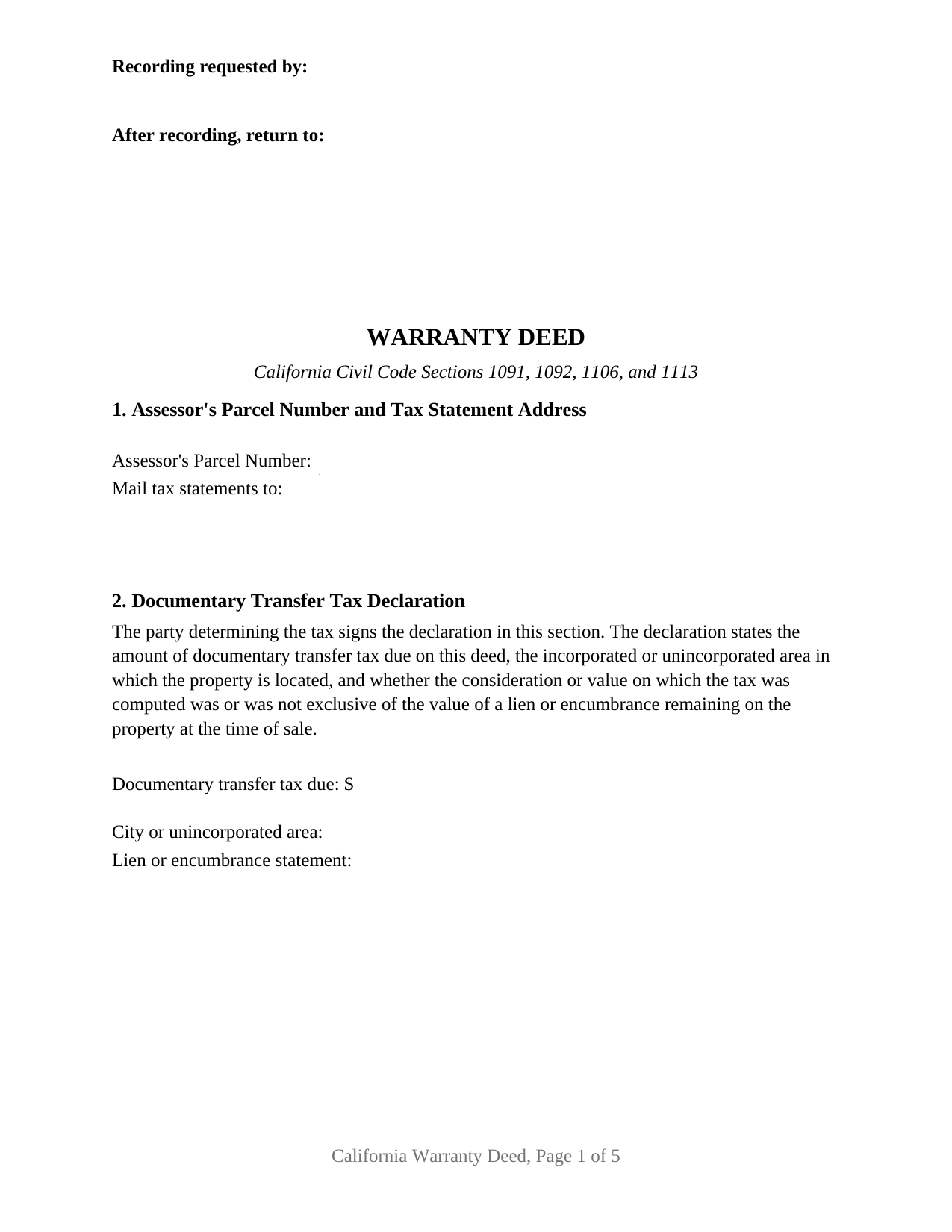
Santa Cruz County Warranty Deed Form
Fill in the blank Warranty Deed form formatted to comply with all California recording and content requirements.
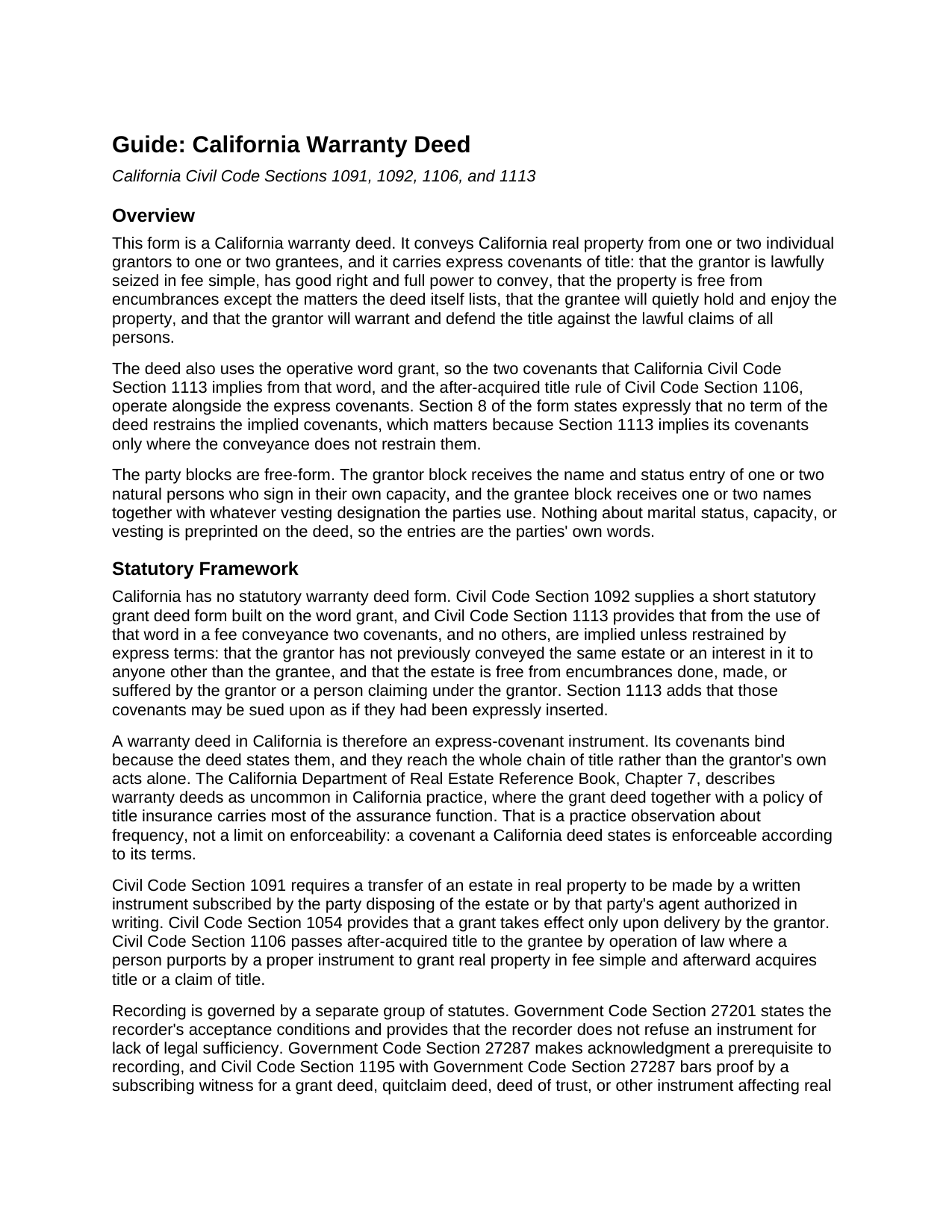
Santa Cruz County Warranty Deed Guide
Line by line guide explaining every blank on the Warranty Deed form.
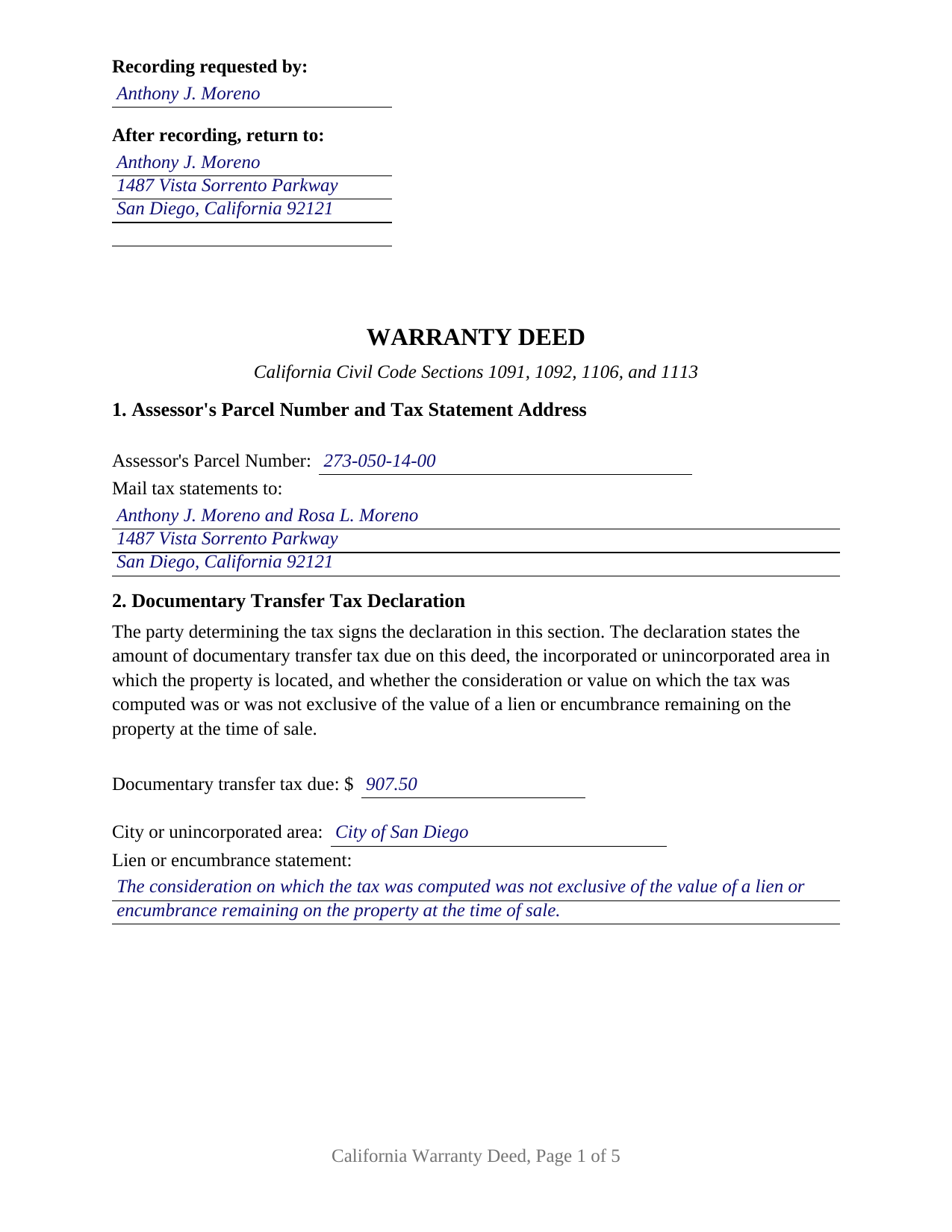
Santa Cruz County Completed Example of the Warranty Deed Document
Example of a properly completed California Warranty Deed document for reference.
All 3 documents above included • One-time purchase • No recurring fees
Immediate Download • Secure Checkout
Additional California and Santa Cruz County documents included at no extra charge:
Where to Record Your Documents
County Recorder
Santa Cruz, California 95060
Hours: 8:00am to 12:00 and 1:00 to 4:00pm
Phone: (831) 454-2800
Recording Tips for Santa Cruz County:
- Bring your driver's license or state-issued photo ID
- Ensure all signatures are in blue or black ink
- Ask for certified copies if you need them for other transactions
- Ask if they accept credit cards - many offices are cash/check only
- Check that your notary's commission hasn't expired
Cities and Jurisdictions in Santa Cruz County
Properties in any of these areas use Santa Cruz County forms:
- Aptos
- Ben Lomond
- Boulder Creek
- Brookdale
- Capitola
- Davenport
- Felton
- Freedom
- Los Gatos
- Mount Hermon
- Santa Cruz
- Scotts Valley
- Soquel
- Watsonville
Hours, fees, requirements, and more for Santa Cruz County
How do I get my forms?
Forms are available for immediate download after payment. The Santa Cruz County forms will be in your account ready to download to your computer. An account is created for you during checkout if you don't have one. Forms are NOT emailed.
Are these forms guaranteed to be recordable in Santa Cruz County?
Yes. Our form blanks are guaranteed to meet or exceed the applicable formatting requirements used for recording in Santa Cruz County, including margin requirements, font requirements, and other layout standards. This guarantee applies to formatting, not to the legal sufficiency of information entered by the user or the suitability of a form for a particular transaction.
Can I reuse these forms?
Yes. You can reuse the forms for your personal use. For example, if you have multiple properties in Santa Cruz County you only need to order once.
What do I need to use these forms?
The forms are PDFs that you fill out on your computer. The free Adobe Acrobat Reader is recommended, and most PDF apps also work. You do NOT enter your property information online - you download the blank forms and complete them privately on your own computer.
Are there any recurring fees?
No. This is a one-time purchase. Nothing to cancel, no memberships, no recurring fees.
How much does it cost to record in Santa Cruz County?
Recording fees in Santa Cruz County vary. Contact the recorder's office at (831) 454-2800 for current fees.
Questions answered? Let's get started!
California is a grant deed state, and no section of its codes supplies a warranty deed form. A warranty deed here is drafted, not adopted: its covenants bind because the instrument writes them out. This form writes them out in full, keeps the operative word grant working underneath them, and lays out a first page for the recorder.
Covenants the deed states, and covenants the word grant implies
Civil Code Section 1113 is the hinge. From the word grant in a fee conveyance it implies two covenants and, in the statute's own phrase, none other: that no earlier conveyance of the same estate went to anyone else, and that no encumbrance the grantor made or suffered burdens it. Those covenants arrive unless express terms restrain them. A warranty deed adds a fuller set of promises: seisin in fee simple, good right and full power to convey, freedom from encumbrances apart from the matters the deed lists, quiet enjoyment, and a promise to warrant and defend against all lawful claims, reaching back through the whole chain of title. Because express terms can cut the implied covenants down, Section 8 of this deed states that no term of it restrains them, so the Section 1113 covenants and the after-acquired title rule of Civil Code Section 1106 keep running beside the written ones.
One or two people on either side
The party blocks are open text, and nothing about status, capacity, or vesting is preprinted on the instrument. The grantor block takes one or two natural persons signing in their own capacity, with the status wording the parties use, the grantee block takes one or two names with whatever designation follows them, and the deed closes with two signature blocks and two acknowledgment certificates, the second of each left blank where a single owner conveys. Four count patterns run through the one instrument: one owner to one buyer, one owner to a pair, two owners to one buyer, and two owners to two. Spouses conveying community real property, whose joint execution Family Code Section 1102 calls for, and a sole owner conveying separate property under Section 770 both reach the record this way. The form is not set up as an entity or trustee conveyance, a signing through an attorney in fact, or a deed for three or more owners.
The words that follow the grantee names
What the grantee line says decides how the new owners hold. California supplies a default rather than a preference: under Civil Code Section 686, an interest created in favor of several persons in their own right is an interest in common unless acquired in partnership, declared to be a joint tenancy, or acquired as community property. Express words change that. Section 683 requires a joint tenancy to be declared expressly, and Section 682.1 recognizes community property with right of survivorship where the transfer document declares it, passing title to the survivor at the first death without administration. The guide sets out each form the state recognizes, the words that create it, and its statute, including why a tenancy by the entirety never appears on a California deed.
A signed tax declaration on the face of the deed
Revenue and Taxation Code Section 11932 puts the amount of documentary transfer tax due, and the property's incorporated or unincorporated location, on the face of a taxable document. Section 11933 adds a declaration of that amount signed by the party who determined it, stating whether the consideration on which the tax was computed was or was not exclusive of a lien remaining at the time of sale. This general warranty deed carries those entries and the declarant signature line on its first page, below the reserved recording space and the indexed title, alongside the future tax statement address a fee-title deed shows before acceptance. The guide takes up the county rate, city transfer taxes, the exemptions, and the Preliminary Change of Ownership Report that travels with a change in ownership.
What arrives
The completed example fills every blank for a San Diego County sale by two co-owners to a couple taking survivorship title, from the tax figures through both notary certificates. The guide runs section by section, covers the vesting menu, the signing formalities, and the recorder's fees and format rules, and states what a covenant leaves untouched when a lien already sits on the record. This purchase includes the blank fillable deed, the completed example, and the guide; the materials are informational and are not legal advice.
Important: Your property must be located in Santa Cruz County to use these forms. Documents should be recorded at the county recording office listed above.
This Warranty Deed meets all recording requirements specific to Santa Cruz County.
Our Promise
The documents you receive here are guaranteed to meet or exceed the applicable Santa Cruz County recording format requirements. If there is a rejection caused by our formatting, we will correct the issue or refund your payment. This guarantee applies to document formatting only and does not extend to information entered by the user, the selection of the form, or the legal effect of the completed document.
Save Time and Money
Get your Santa Cruz County Warranty Deed form done right the first time with Deeds.com Uniform Conveyancing Blanks. At Deeds.com, we understand that your time and money are valuable resources, and we don't want you to face a penalty fee or rejection imposed by a county recorder for submitting nonstandard documents. We constantly review and update our forms to meet rapidly changing state and county recording requirements for roughly 3,500 counties and local jurisdictions.
4.8 out of 5 - ( 4,842 Reviews )
Michael J. 5 out of 5 stars
Great site, very easy to use. Thanks
Thank you for your feedback. We really appreciate it. Have a great day!
Gloria J. 5 out of 5 stars
I needed a Missouri Notice of Intent to Sell without a named designated buyer. Mo Statutes require notice be notarized and filed 45 days before any closing to protect buyer from liens. You do not have that document. We are flipping a house so it must be filed. Our lawyer was on vacation. Cannot find one anywhere on net. Finally got a template from our title company.
Thank you for your feedback Gloria.
FRANK D. 5 out of 5 stars
Excellent software along with my other Will/Trust programs. I always use your program regarding deeds.
Thank you!
Lesa F. 5 out of 5 stars
Excellent service for recovering a couple of deeds that had been misplaced. They were fast and efficient at a fair price. I would definitely use them again.
Thank you!
Thomas M. 5 out of 5 stars
Thomas hopefully these are the correct forms I need wish me luck
Thank you!
Ron B. 5 out of 5 stars
Most complete and affordable documents that I was able to locate online. Excellent printed out presentation. Very professional. More than happy with results.
Thank you!
Cindi S. 5 out of 5 stars
I asked for a letter of testamentary form and this is what I got. Not at all what I was hoping for. Just spent $20 for nothing. Very disappointed.
Thank your or your feedback. We are sorry to hear of the disappointment caused when you ordered our Colorado Personal Representative Deed of Distribution hoping you would receive something entirely different. We have corrected your mistake by canceling your order and payment. Have a wonderful day.
Caroline E. 5 out of 5 stars
VERY easy to register, to request relevant deeds that apply to your own county/state, and to download. And bonus - you get instructional materials too! Highly recommend! Thank you!
Thank you for your feedback. We really appreciate it. Have a great day!
Ken B. 5 out of 5 stars
Instructions were easy to follow
Thank you!
Melody P. 5 out of 5 stars
Thanks again for such expedient and excellent service!
Thank you!
Tajsha N. 5 out of 5 stars
I would absolutely use this service again. It was very convenient and I was pleasantly surprised at how responsive the staff was letting me know updates to my recording package. Also, my documents recorded immediately. I did have trouble uploading my document in the beginning because I didn't realize it had to be a pdf file. Once I figured that out, it was immediately accepted. Great service!
We appreciate your business and value your feedback. Thank you. Have a wonderful day!
James V. 5 out of 5 stars
Easy, quick and very proficient. I am glad I used Deeds.
Thank you!
Carlene J. 5 out of 5 stars
Great way to do business with Dc Government! I submitted my documents and received everything back and approved on the same day! No wait , no line! Lol
Thank you for your feedback. We really appreciate it. Have a great day!
Valerie R. 5 out of 5 stars
My expereince with Deeds.com was easy and efficent. Great way to efile documents during these trying times.
We appreciate your business and value your feedback. Thank you. Have a wonderful day!
Amy R. 4 out of 5 stars
Great personal support via messaging. Website confusing and broken links in emails.
Thank you!