La Plata County Deed of Trust and Promissory Note Form
Last validated October 14, 2026 by our Forms Development TeamFormatted for recording in La Plata County, for property anywhere in the county: rural and unincorporated areas as well as Bayfield, Durango, Hesperus, Ignacio, Marvel.
- 7 documents included
- Immediate PDF download
- Formatting guarantee
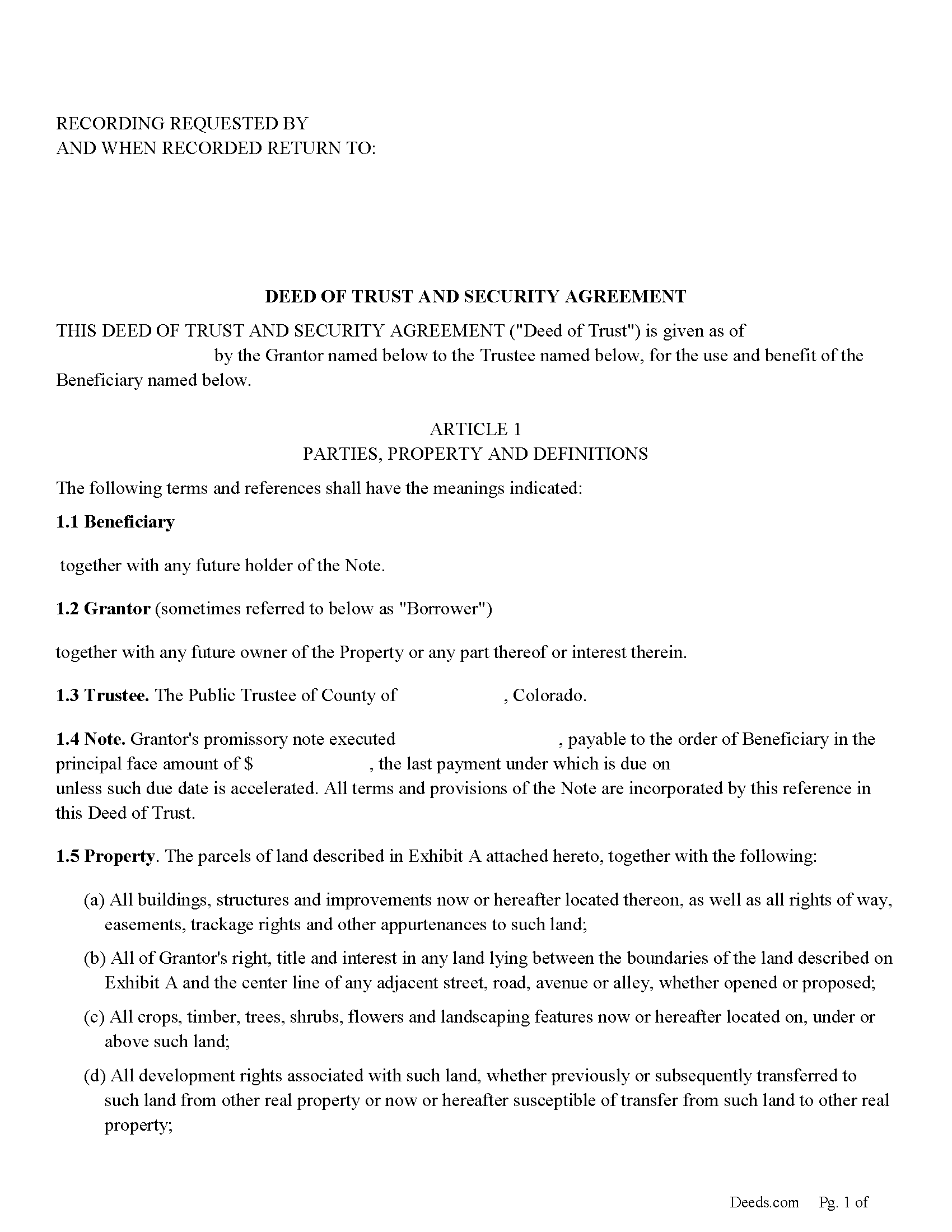
La Plata County Deed of Trust Form
Fill in the blank form formatted to comply with all recording and content requirements.
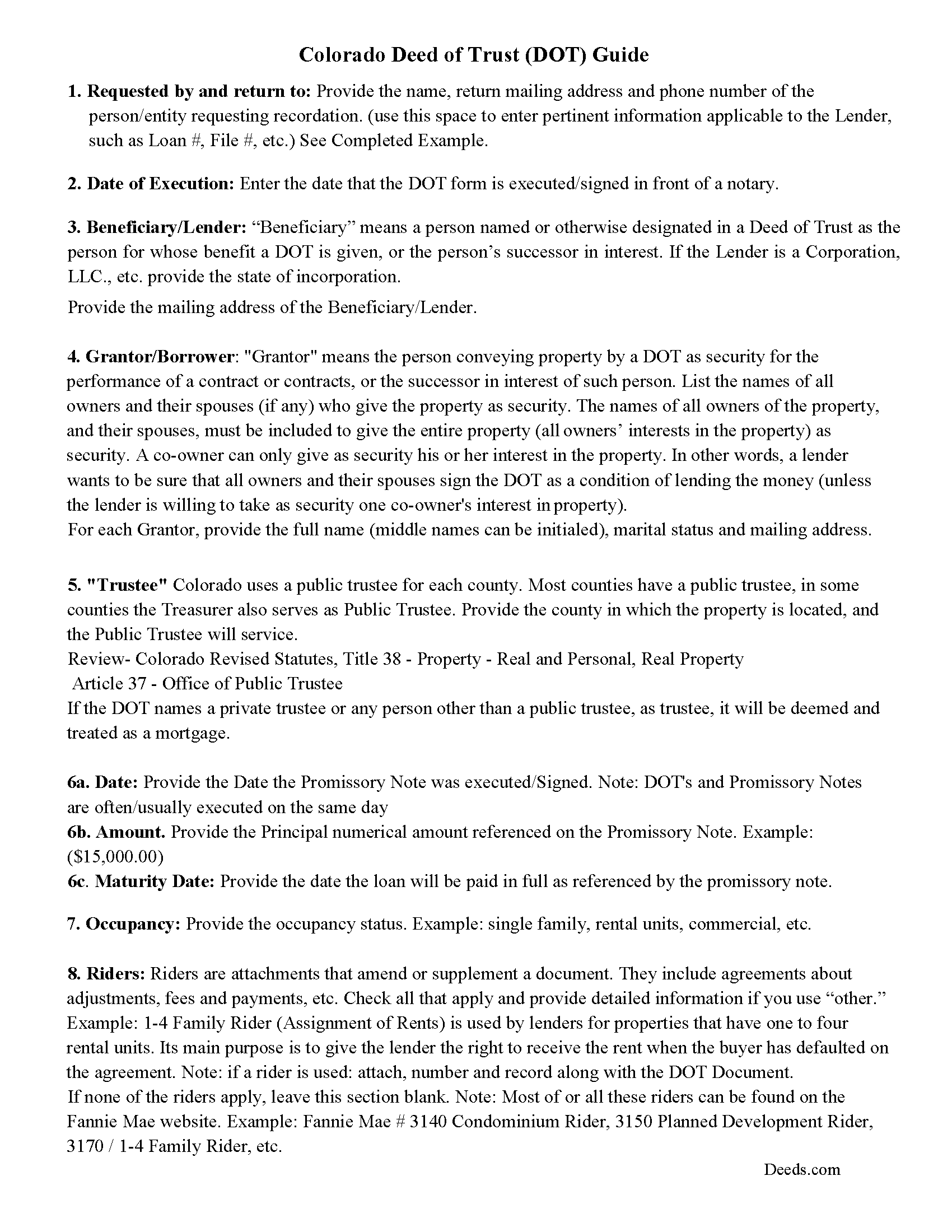
La Plata County Deed of Trust Guidelines
Line by line guide explaining every blank on the form.
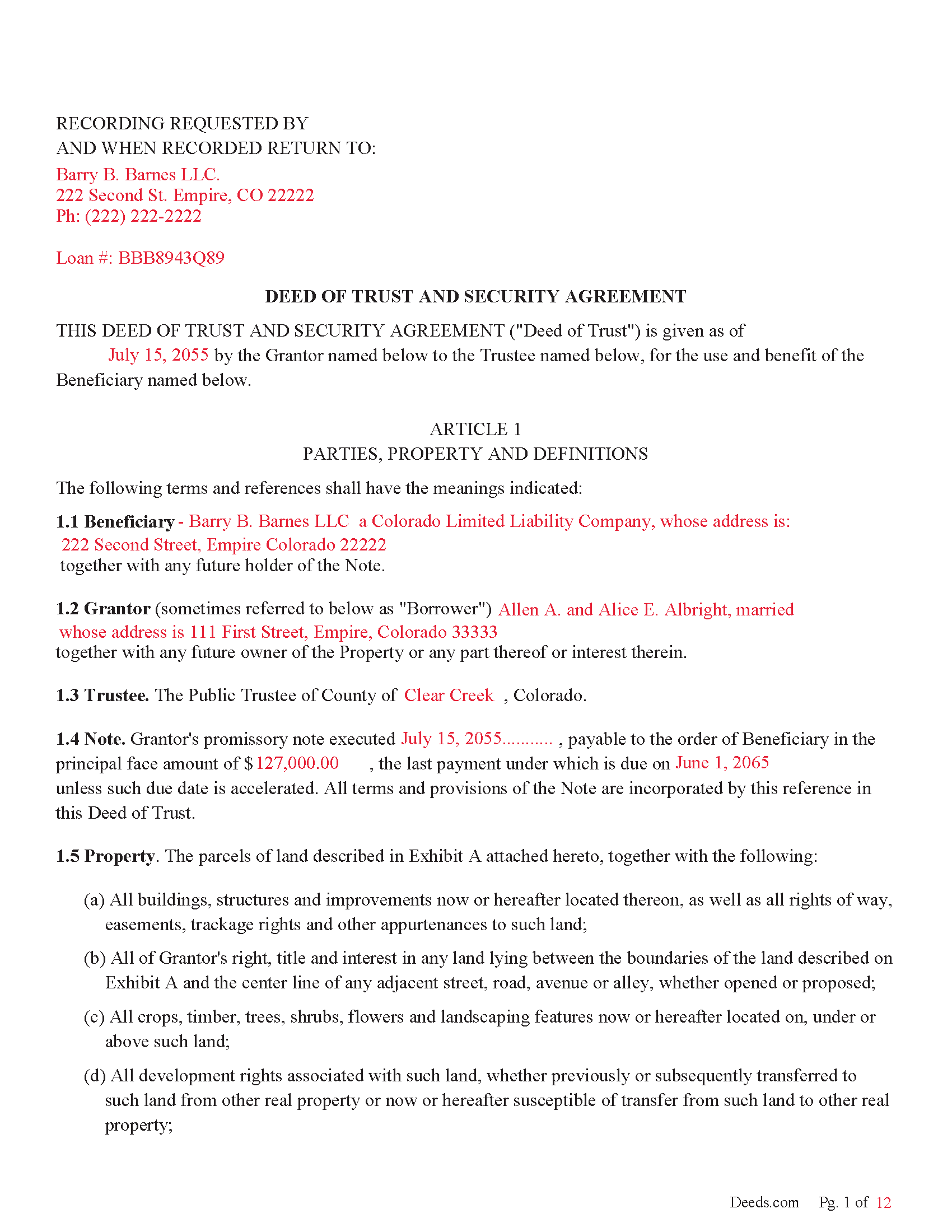
La Plata County Completed Example of a Deed of Trust Document
Example of a properly completed form for reference.
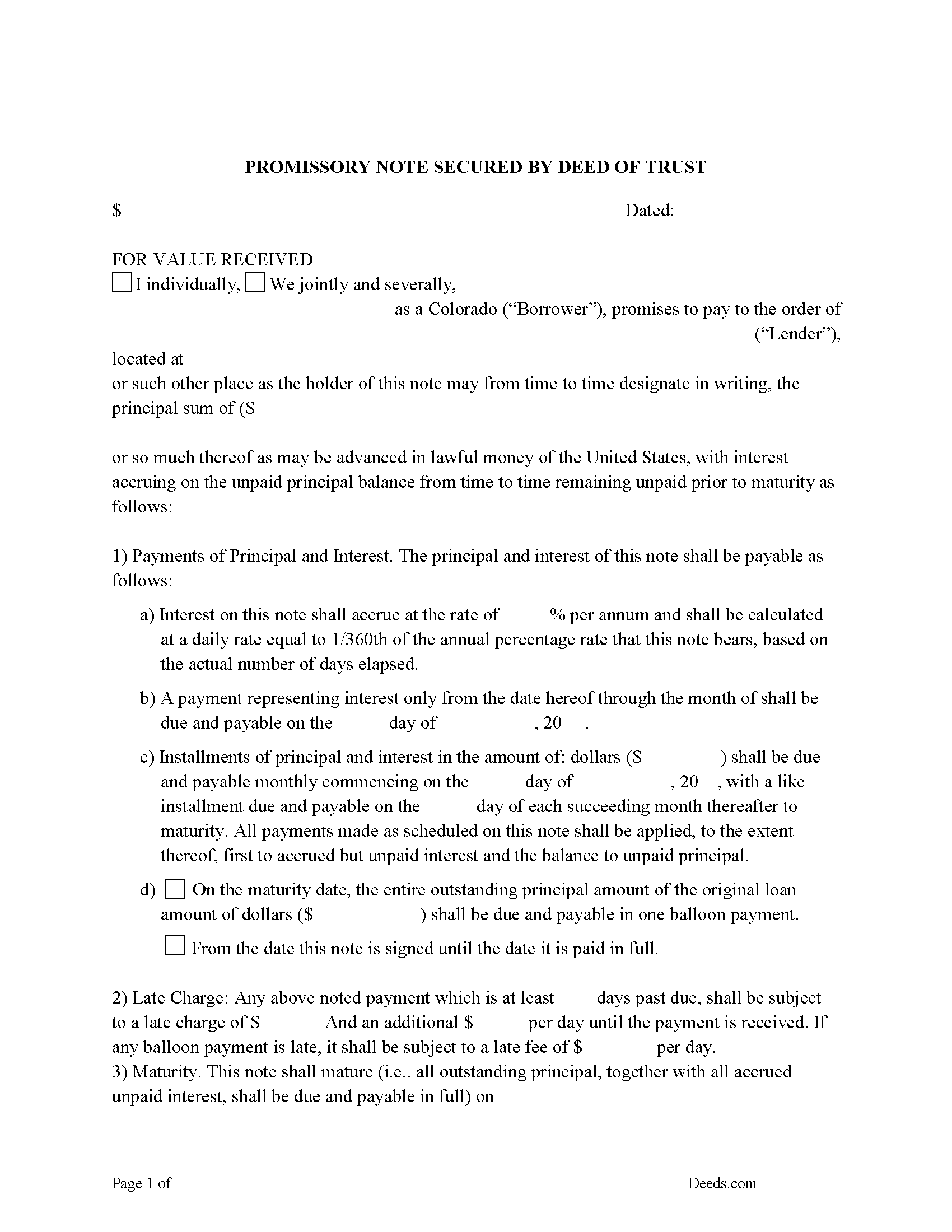
La Plata County Promissory Note Form
Note that is secured by the Deed of Trust.
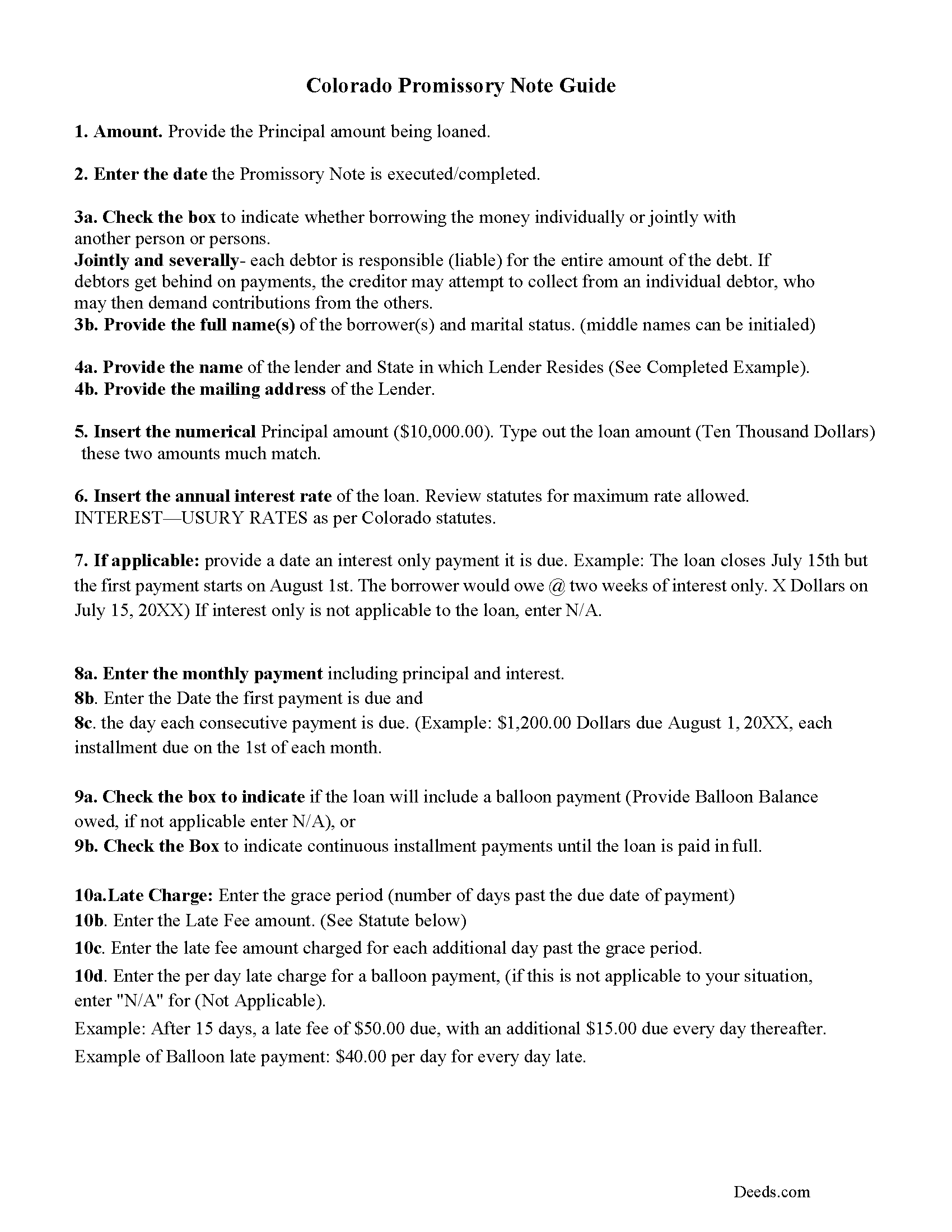
La Plata County Promissory Note Guidelines
Line by line guide explaining every blank on the form.
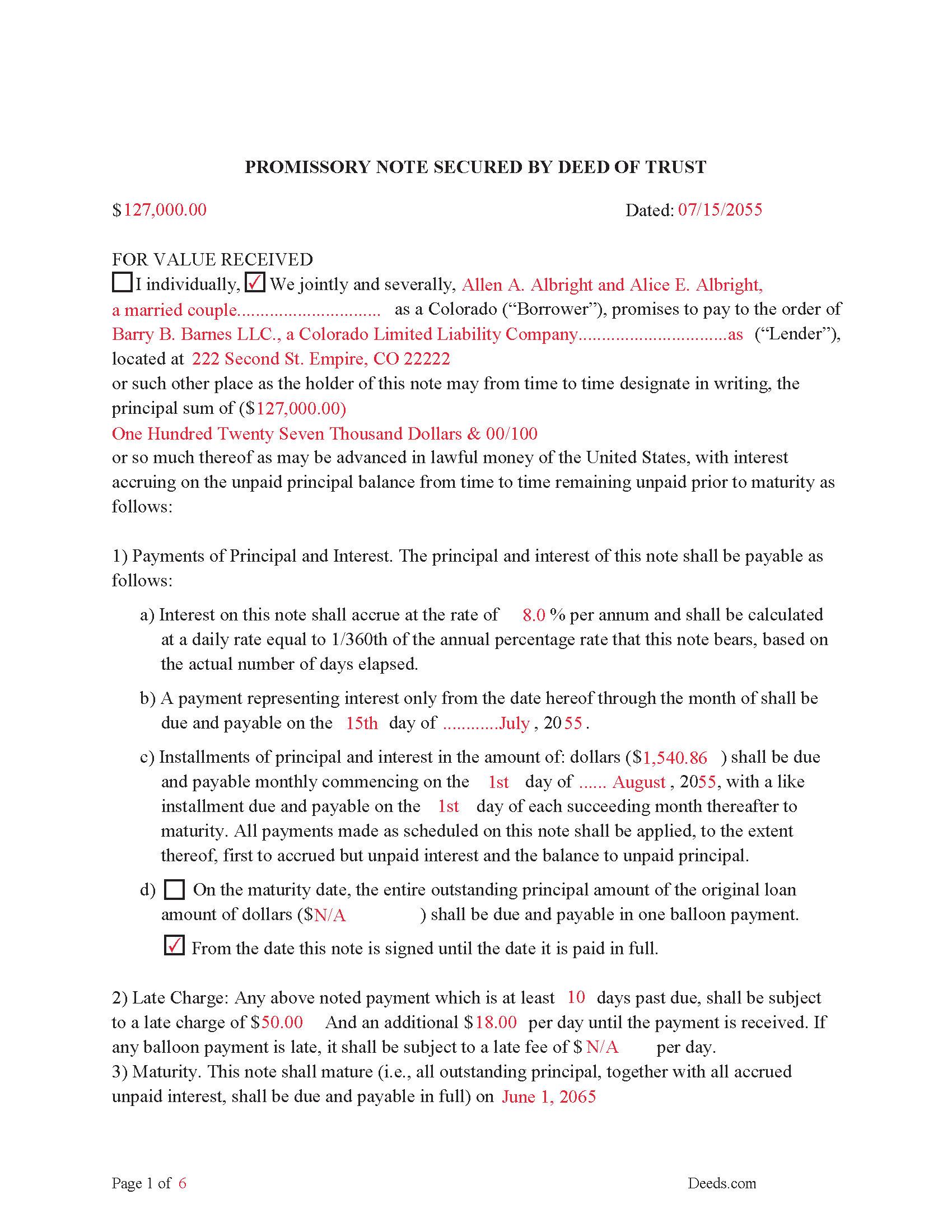
La Plata County Completed Example of the Promissory Note Document
Example of a properly completed form for reference.
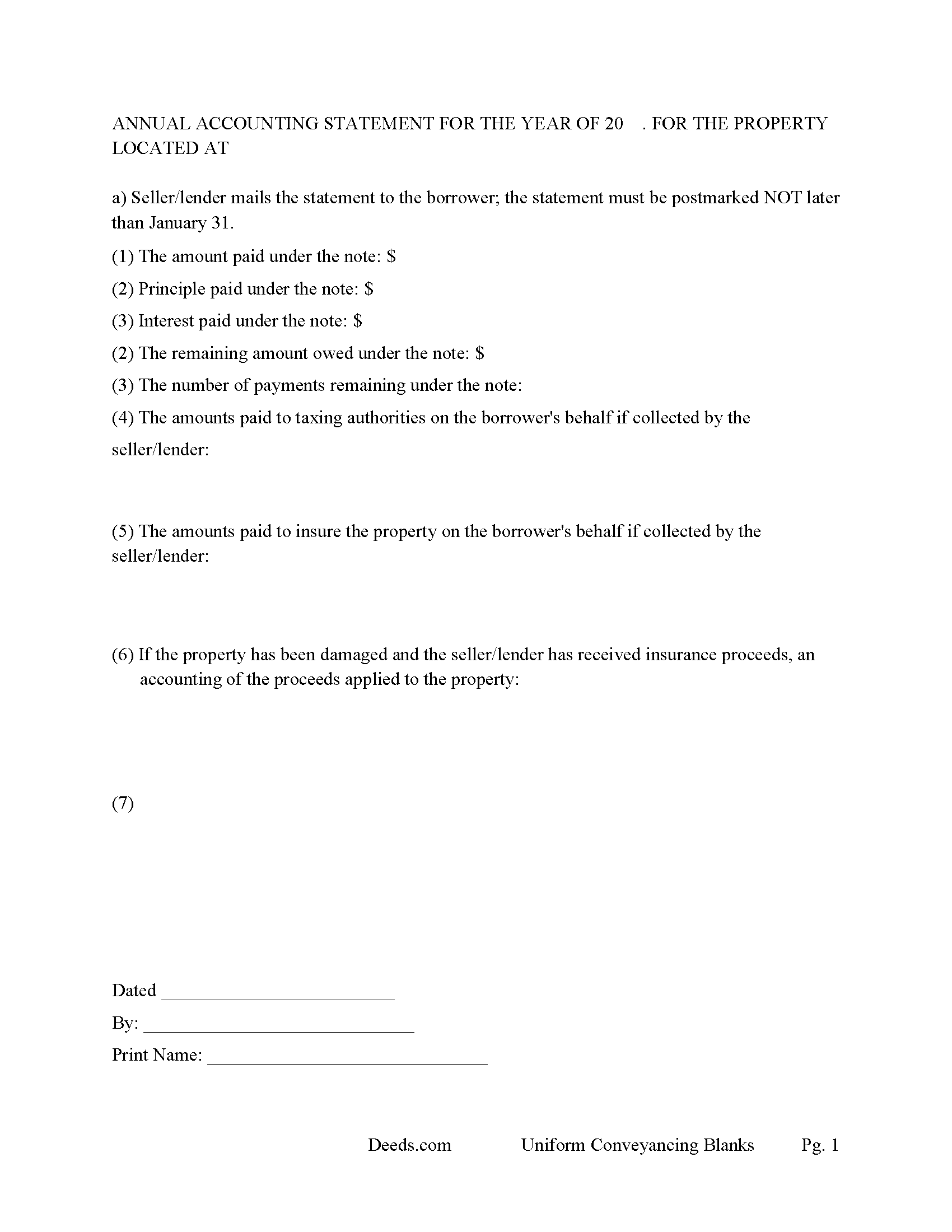
La Plata County Annual Accounting Statement Form
Mail to borrower for fiscal year reporting.
All 7 documents above included • One-time purchase • No recurring fees
Immediate Download • Secure Checkout
Additional Colorado and La Plata County documents included at no extra charge:
Where to Record Your Documents
La Plata County Clerk & Recorder
Durango, Colorado 81303
Hours: 8:00 to 5:00 Monday through Friday / Recording until 4:30
Phone: (970) 382-6280 or 382-6281
Recording Tips for La Plata County:
- Bring your driver's license or state-issued photo ID
- Ensure all signatures are in blue or black ink
- Bring extra funds - fees can vary by document type and page count
- Check margin requirements - usually 1-2 inches at top
- Leave recording info boxes blank - the office fills these
Cities and Jurisdictions in La Plata County
Properties in any of these areas use La Plata County forms:
- Bayfield
- Durango
- Hesperus
- Ignacio
- Marvel
Hours, fees, requirements, and more for La Plata County
How do I get my forms?
Forms are available for immediate download after payment. The La Plata County forms will be in your account ready to download to your computer. An account is created for you during checkout if you don't have one. Forms are NOT emailed.
Are these forms guaranteed to be recordable in La Plata County?
Yes. Our form blanks are guaranteed to meet or exceed the applicable formatting requirements used for recording in La Plata County, including margin requirements, font requirements, and other layout standards. This guarantee applies to formatting, not to the legal sufficiency of information entered by the user or the suitability of a form for a particular transaction.
Can I reuse these forms?
Yes. You can reuse the forms for your personal use. For example, if you have multiple properties in La Plata County you only need to order once.
What do I need to use these forms?
The forms are PDFs that you fill out on your computer. The free Adobe Acrobat Reader is recommended, and most PDF apps also work. You do NOT enter your property information online - you download the blank forms and complete them privately on your own computer.
Are there any recurring fees?
No. This is a one-time purchase. Nothing to cancel, no memberships, no recurring fees.
How much does it cost to record in La Plata County?
Recording fees in La Plata County vary. Contact the recorder's office at (970) 382-6280 or 382-6281 for current fees.
Questions answered? Let's get started!
Deeds of Trust are the preferred method of securing debt on property in Colorado, if the Deed of Trust includes a proper power of sale clause the lender can pursue a public trustee foreclosure in the case of default. The borrower pre-authorizes the sale of property to pay off the balance on a loan in the event of the their default.
("Deed of trust" means a security instrument containing a grant to a public trustee together with a power of sale.) ( 38-38-100.3(7))
A promissory note is a promise to pay and includes things such as interest rates, default rates, late fees, penalties, etc. The Deed of Trust makes the promissory note a debt secured by a lien on the subject property. In Colorado a promissory note must include the loan amount, payment schedule and time frame. Both borrowers and lenders must sign.
For use in Colorado only on residential property, rental property, condominiums, vacant land, second homes and planned units.
(Colorado Deed of Trust Package includes forms, guidelines, and completed examples)
Important: Your property must be located in La Plata County to use these forms. Documents should be recorded at the county recording office listed above.
This Deed of Trust and Promissory Note meets all recording requirements specific to La Plata County.
Our Promise
The documents you receive here are guaranteed to meet or exceed the applicable La Plata County recording format requirements. If there is a rejection caused by our formatting, we will correct the issue or refund your payment. This guarantee applies to document formatting only and does not extend to information entered by the user, the selection of the form, or the legal effect of the completed document.
Save Time and Money
Get your La Plata County Deed of Trust and Promissory Note form done right the first time with Deeds.com Uniform Conveyancing Blanks. At Deeds.com, we understand that your time and money are valuable resources, and we don't want you to face a penalty fee or rejection imposed by a county recorder for submitting nonstandard documents. We constantly review and update our forms to meet rapidly changing state and county recording requirements for roughly 3,500 counties and local jurisdictions.
4.8 out of 5 - ( 4,828 Reviews )
JIM H. 5 out of 5 stars
Excellent service Always find the documents in minutes. Supporting docs is a super plus!
Thank you!
Sheryl B. 5 out of 5 stars
Great forms. Just what I needed.
We appreciate your business and value your feedback. Thank you. Have a wonderful day!
Judith G. 5 out of 5 stars
Thank you, it was easy and fast. The clerks office filed without question.
Thank you Judith, have a fantastic day!
Anna C. 4 out of 5 stars
While I don't know if my filing will be accepted which is the penultimate test, I was happy with the product.
Thank you!
Sinh L. 5 out of 5 stars
Deeds.com did such a wonderful job that I had to leave a positive review. I did a deed retrieval and ran across some hiccups. Deeds.com was able to help me get my deed and even went beyond to help me have a more in depth understanding of it's title history. They responded quickly to all my messages. Great customer service. Definitely recommend! Thank you Deeds.com and thank you KVH.
We appreciate your business and value your feedback. Thank you. Have a wonderful day!
Clayton M. 5 out of 5 stars
Five stars from me. this is a very useful service with great results.
We appreciate your business and value your feedback. Thank you. Have a wonderful day!
Mike S. 3 out of 5 stars
Overpriced
Thanks Mike. We get it, $27.97 isn't cheap for a lot of people right now. Your Nevada package includes a recorder-ready affidavit, a completed sample, and step-by-step instructions for the state. Expensive, yes. Overpriced, not even close.
Laurence G. 5 out of 5 stars
Easy to use, inexpensive, very helpful
Thank you!
Jonnie G. 5 out of 5 stars
I very much dreaded this whole endeavor but very pleasantly surprised. So far, so good. I feel much more confidant that the crucial form, when presented, will play well with the county.......
We appreciate your business and value your feedback. Thank you. Have a wonderful day!
Frank W. 5 out of 5 stars
would be nice to be able to see what I am purchasing before I paid
Thank you!
Dana G. 5 out of 5 stars
This service is WONDERUL. I spent 14 years trying to get a deed recorded properly. Deeds.com kept submitting and resubmitting after corrections until it was finally accepted. They did in one day what I couldn't get done in 14 years!
Thank you!
Adam P. 5 out of 5 stars
So far so good I am happy with the service and the timeliness of the recordings. One of the only recording services that allows for the use of credit card.
Thank you for your feedback. We really appreciate it. Have a great day!
Ronald T H. 5 out of 5 stars
Wow ! Easy to use. Thanks Ron Holt
We appreciate your business and value your feedback. Thank you. Have a wonderful day!
Cary C. 5 out of 5 stars
I am very grateful for this service! But I was quite surprised to see the fees went up over 50%! The last 5 or 6 recordings I have done we each only $25.00. Thank you, Sally Center
Thank you for your feedback. We really appreciate it. Have a great day!
Bette B. 5 out of 5 stars
Got Form I needed with detailed instructions and it was inexpensive
Thank you for your feedback. We really appreciate it. Have a great day!