Yuma County Gift Deed Form
Last validated October 14, 2026 by our Forms Development TeamFormatted for recording in Yuma County, for property anywhere in the county: rural and unincorporated areas as well as Eckley, Idalia, Joes, Kirk, Vernon, Wray, Yuma.
- 3 documents included
- Immediate PDF download
- Formatting guarantee
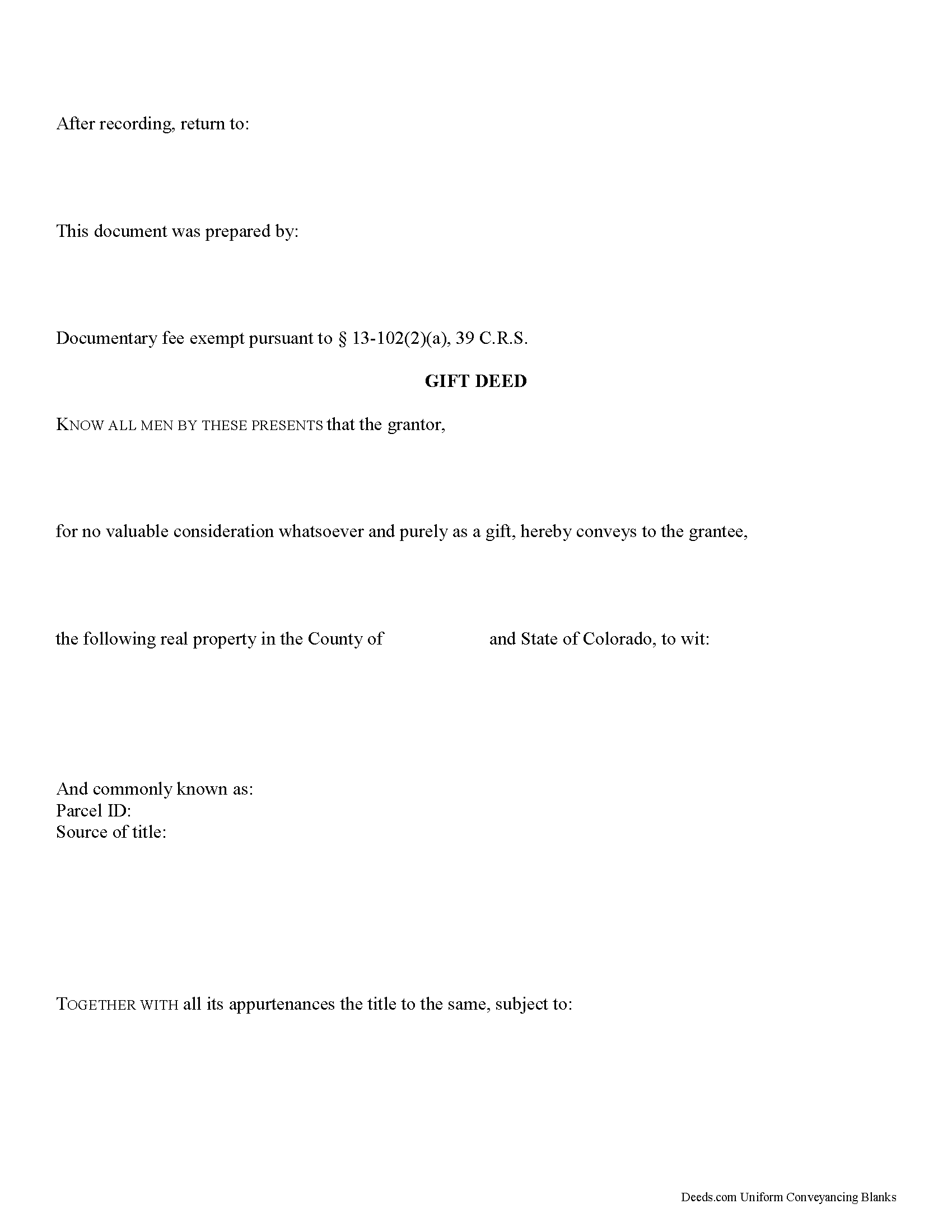
Yuma County Gift Deed Form
Fill in the blank form formatted to comply with all recording and content requirements.
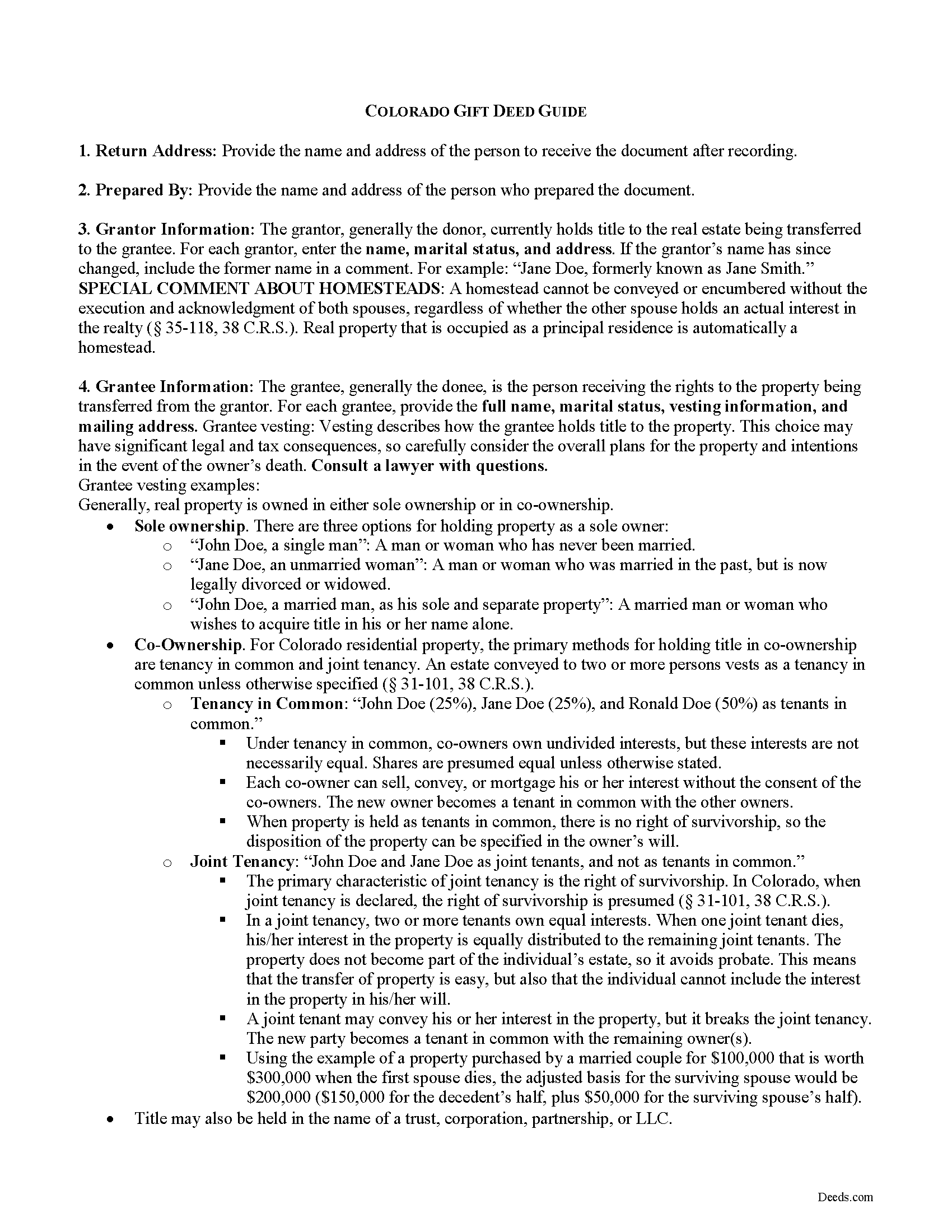
Yuma County Gift Deed Guide
Line by line guide explaining every blank on the form.
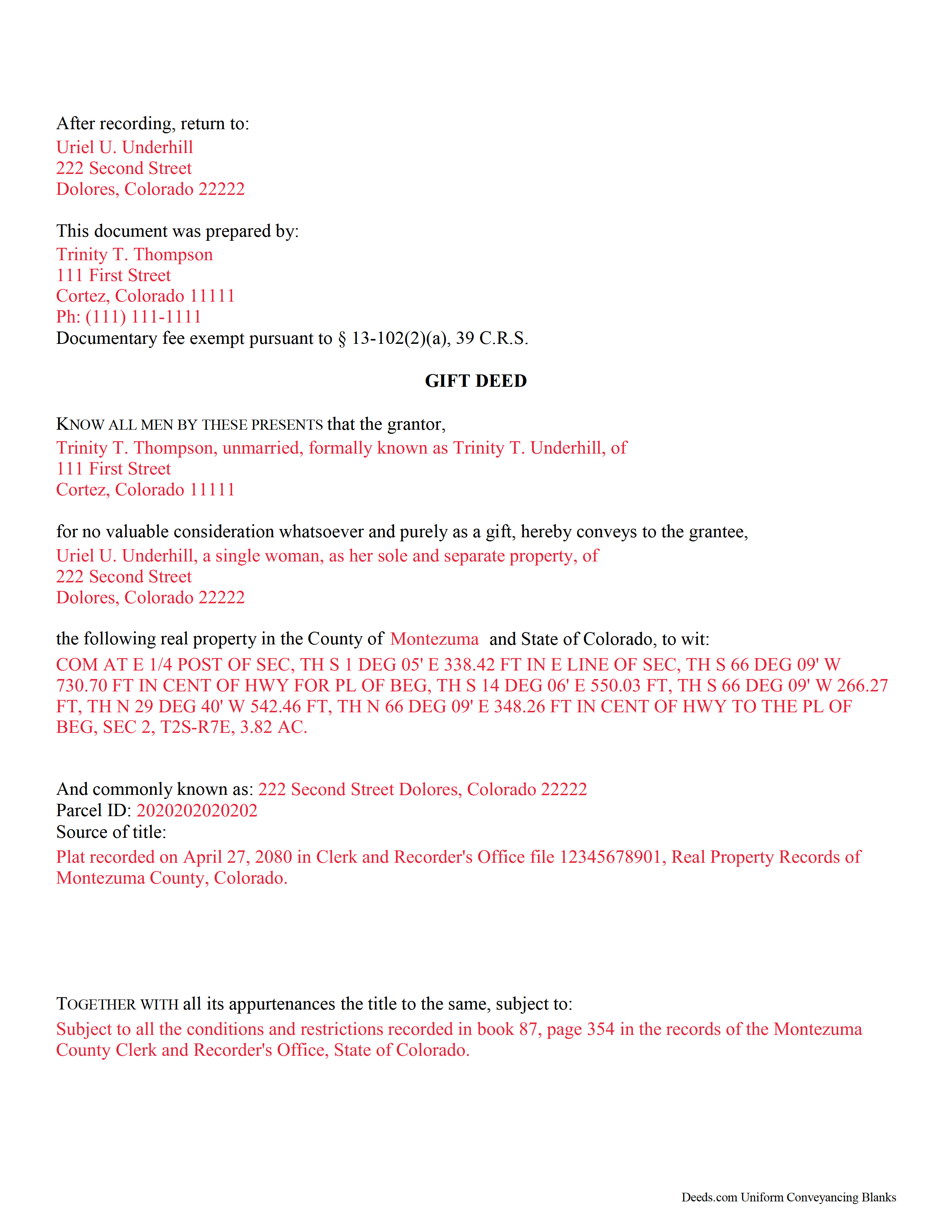
Yuma County Completed Example of the Gift Deed Document
Example of a properly completed form for reference.
All 3 documents above included • One-time purchase • No recurring fees
Immediate Download • Secure Checkout
Additional Colorado and Yuma County documents included at no extra charge:
Where to Record Your Documents
Yuma County Clerk and Recorder
Wray, Colorado 80758
Hours: 8:30 to 4:30 Monday through Friday
Phone: (970) 332-5809
Recording Tips for Yuma County:
- Bring your driver's license or state-issued photo ID
- Ensure all signatures are in blue or black ink
- Make copies of your documents before recording - keep originals safe
- Recorded documents become public record - avoid including SSNs
- Recording fees may differ from what's posted online - verify current rates
Cities and Jurisdictions in Yuma County
Properties in any of these areas use Yuma County forms:
- Eckley
- Idalia
- Joes
- Kirk
- Vernon
- Wray
- Yuma
Hours, fees, requirements, and more for Yuma County
How do I get my forms?
Forms are available for immediate download after payment. The Yuma County forms will be in your account ready to download to your computer. An account is created for you during checkout if you don't have one. Forms are NOT emailed.
Are these forms guaranteed to be recordable in Yuma County?
Yes. Our form blanks are guaranteed to meet or exceed the applicable formatting requirements used for recording in Yuma County, including margin requirements, font requirements, and other layout standards. This guarantee applies to formatting, not to the legal sufficiency of information entered by the user or the suitability of a form for a particular transaction.
Can I reuse these forms?
Yes. You can reuse the forms for your personal use. For example, if you have multiple properties in Yuma County you only need to order once.
What do I need to use these forms?
The forms are PDFs that you fill out on your computer. The free Adobe Acrobat Reader is recommended, and most PDF apps also work. You do NOT enter your property information online - you download the blank forms and complete them privately on your own computer.
Are there any recurring fees?
No. This is a one-time purchase. Nothing to cancel, no memberships, no recurring fees.
How much does it cost to record in Yuma County?
Recording fees in Yuma County vary. Contact the recorder's office at (970) 332-5809 for current fees.
Questions answered? Let's get started!
Gifts of Real Property in Colorado
Gift deeds convey title to real property from one party to another with no exchange of consideration, monetary or otherwise. Often used to transfer property between family members or to gift property as a charitable act or donation, these conveyances occur during the grantor's lifetime. Gift deeds must contain language that explicitly states that no consideration is expected or required. Ambiguous language, or references to any type of consideration, can make the gift deed contestable in court.
A lawful gift deed includes the grantor's full name and marital status, as well as the grantee's full name, marital status, vesting, and mailing address. Vesting describes how the grantee holds title to the property. Generally, real property is owned in either sole ownership or in co-ownership. For Colorado residential property, the primary methods for holding title in co-ownership are tenancy in common and joint tenancy. An estate conveyed to two or more persons vests as a tenancy in common unless otherwise specified ( 31-101, 38 C.R.S.). The primary characteristic of joint tenancy is the right of survivorship. In Colorado, when joint tenancy is declared, the right of survivorship is presumed ( 31-101, 38 C.R.S.).
As with any conveyance of realty, a gift deed requires a complete legal description of the parcel. Recite the source of title to maintain a clear chain of title, and detail any restrictions associated with the property. Each grantor must sign the deed in the presence of a notary public for a valid transfer. All signatures must be original.
A documentary fee is typically imposed on an instrument based on the amount of consideration paid for the transfer ( 13-102, 39 C.R.S.). However, since no consideration is exchanged when gifting real property, these conveyances are exempt ( 13-102(2)(a), 39 C.R.S.). This exemption should be indicated on the first page of the instrument.
In Colorado, a real property transfer declaration (TD-1000) is required for all conveyance documents. This form can be completed by either the grantor or the grantee, and it must be filed with the instrument ( 14-102(1)(a), 39 C.R.S.). Record the completed deed, along with any additional materials, in the clerk and recorder's office of the county where the property is located. Contact the same office to verify accepted forms of payment.
With gifts of real property, the recipient of the gift (grantee or donee) is not required to declare the amount of the gift as income, but if the property accrues income after the transaction, the grantee is responsible for paying the requisite state and federal income tax.
In Colorado, there is no state gift tax. For questions regarding state taxation laws, consult a tax specialist. Gifts of real property in Colorado are, however, subject to the federal gift tax. The person or entity making the gift (grantor or donor) is responsible for paying the federal gift tax; however, if the donor does not pay the gift tax, the donee will be held liable.
In accordance with federal law, individuals are permitted an annual exclusion of $15,000 on gifts. This means that if a gift is valued below $15,000, a federal gift tax return (Form 709) does not need to be filed. However, if the gift is something that could possibly be disputed by the IRS -- such as real property -- a donor may benefit from filing a Form 709.
This article is provided for informational purposes only and is not a substitute for the advice of an attorney. Contact a Colorado lawyer with any questions about gift deeds or other issues related to the transfer of real property.
(Colorado Gift Deed Package includes form, guidelines, and completed example)
Important: Your property must be located in Yuma County to use these forms. Documents should be recorded at the county recording office listed above.
This Gift Deed meets all recording requirements specific to Yuma County.
Our Promise
The documents you receive here are guaranteed to meet or exceed the applicable Yuma County recording format requirements. If there is a rejection caused by our formatting, we will correct the issue or refund your payment. This guarantee applies to document formatting only and does not extend to information entered by the user, the selection of the form, or the legal effect of the completed document.
Save Time and Money
Get your Yuma County Gift Deed form done right the first time with Deeds.com Uniform Conveyancing Blanks. At Deeds.com, we understand that your time and money are valuable resources, and we don't want you to face a penalty fee or rejection imposed by a county recorder for submitting nonstandard documents. We constantly review and update our forms to meet rapidly changing state and county recording requirements for roughly 3,500 counties and local jurisdictions.
4.8 out of 5 - ( 4,828 Reviews )
Leesa N. 5 out of 5 stars
Easy, Fast, Inexpensive and Responsive!
We appreciate your business and value your feedback. Thank you. Have a wonderful day!
Linda s. 5 out of 5 stars
This was such an easy process and even tho you had to pay a $15 - to me it was well worth not having to drive downtown etc or take the risk of mailing the documents (fearing that they would get lost). I'll be using this from now on...
We appreciate your business and value your feedback. Thank you. Have a wonderful day!
Daniel L. 5 out of 5 stars
Very good. The right forms and instructions . Thanks
We appreciate your business and value your feedback. Thank you. Have a wonderful day!
Victoria S. 5 out of 5 stars
Deed.com is AMAZING! I only had about 2 weeks to get my quit claim deed recorded by my county office before my refinace due date approached. When I uploaded my quit claim to Deed.com I got it electronically recored by county register's office in "24 hours"!!! Deed.com is quick and efficient and I will dedinitely be using Deed.com again if I ever need a document recorded again.
Thank you for your feedback. We really appreciate it. Have a great day!
Gary A. 5 out of 5 stars
I believe this is the way to go without the need of a lawyer. Fast downloads, very informative, Now the work starts
Thank you Gary.
JOHN L. 5 out of 5 stars
Not just good, very good. Very intuitive and very responsive. It just works!
Thank you for your feedback. We really appreciate it. Have a great day!
Christopher V. 5 out of 5 stars
GREAT STUFF TKS
Thank you!
Karen C. 5 out of 5 stars
Easily find and print forms necessary for peace of mind.
Thank you for your feedback. We really appreciate it. Have a great day!
John F. 5 out of 5 stars
The document I purchased was perfect for what I needed done. Very easy to obtain the document. Website very easy to navigate. Would use again and would recommend to anyone who needs the documents.
Thank you for your feedback. We really appreciate it. Have a great day!
Cecil S. 5 out of 5 stars
EXCELLENT SERVICE DONE WELL AND QUICKLY
We appreciate your business and value your feedback. Thank you. Have a wonderful day!
Patrick K. 5 out of 5 stars
Fast and easy to use. Great update communications
We appreciate your business and value your feedback. Thank you. Have a wonderful day!
Lee C. 5 out of 5 stars
Quick, easy and reasonably priced.
Thank you!
Cynthia G. 5 out of 5 stars
Thank you for this service, very helpful
We appreciate your business and value your feedback. Thank you. Have a wonderful day!
Leonard H. 5 out of 5 stars
Just perfect for what I needed. Made the property transfer very easy.
Thank you!
Richard V. 5 out of 5 stars
It was very easy to get the documents which I needed.
We appreciate your business and value your feedback. Thank you. Have a wonderful day!