Baca County Memorandum and Notice of Agreement Form
Last validated October 23, 2026 by our Forms Development TeamFormatted for recording in Baca County, for property anywhere in the county: rural and unincorporated areas as well as Campo, Pritchett, Springfield, Two Buttes, Vilas, Walsh.
- 3 documents included
- Immediate PDF download
- Formatting guarantee
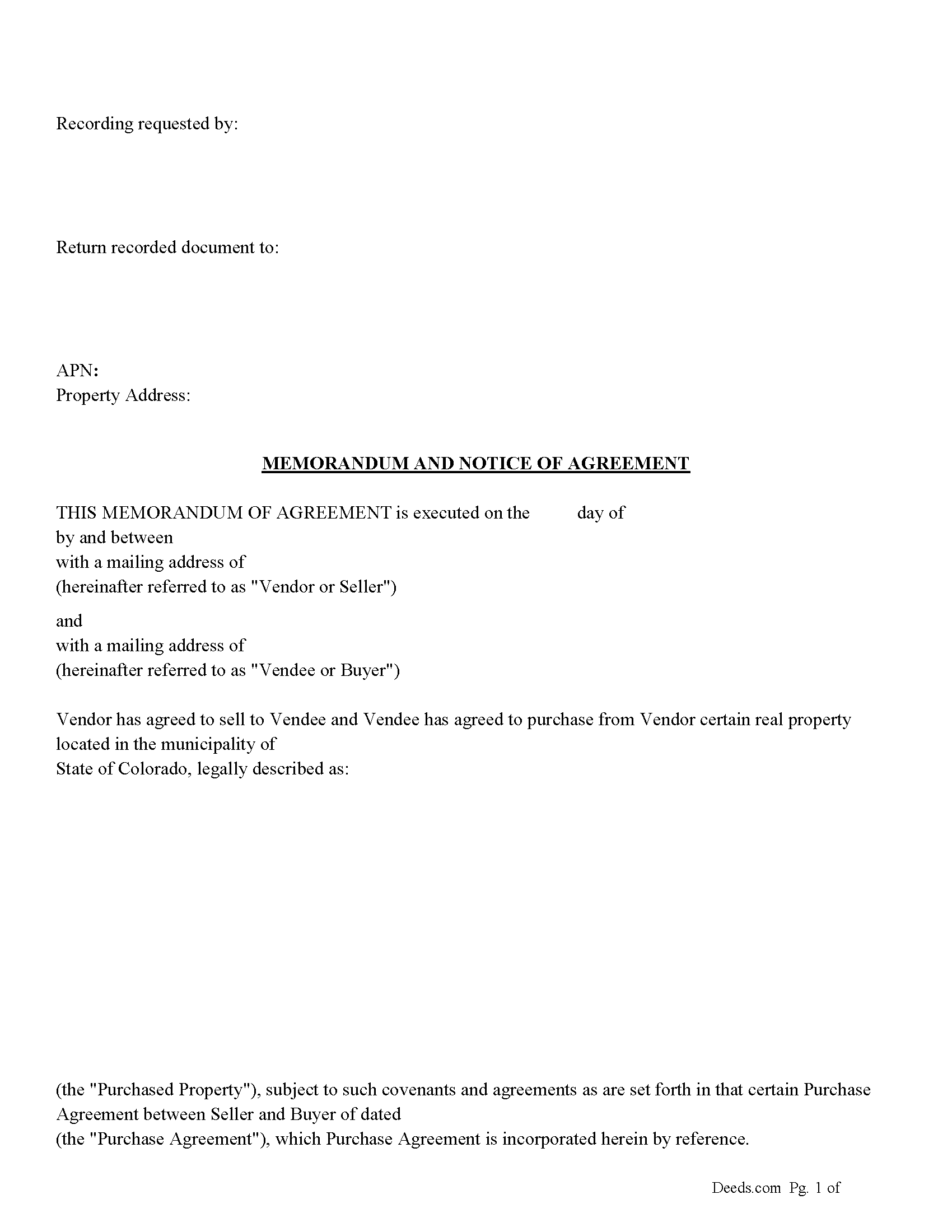
Baca County Memorandum and Notice of Agreement Form
Fill in the blank Memorandum and Notice of Agreement form formatted to comply with all Colorado recording and content requirements.
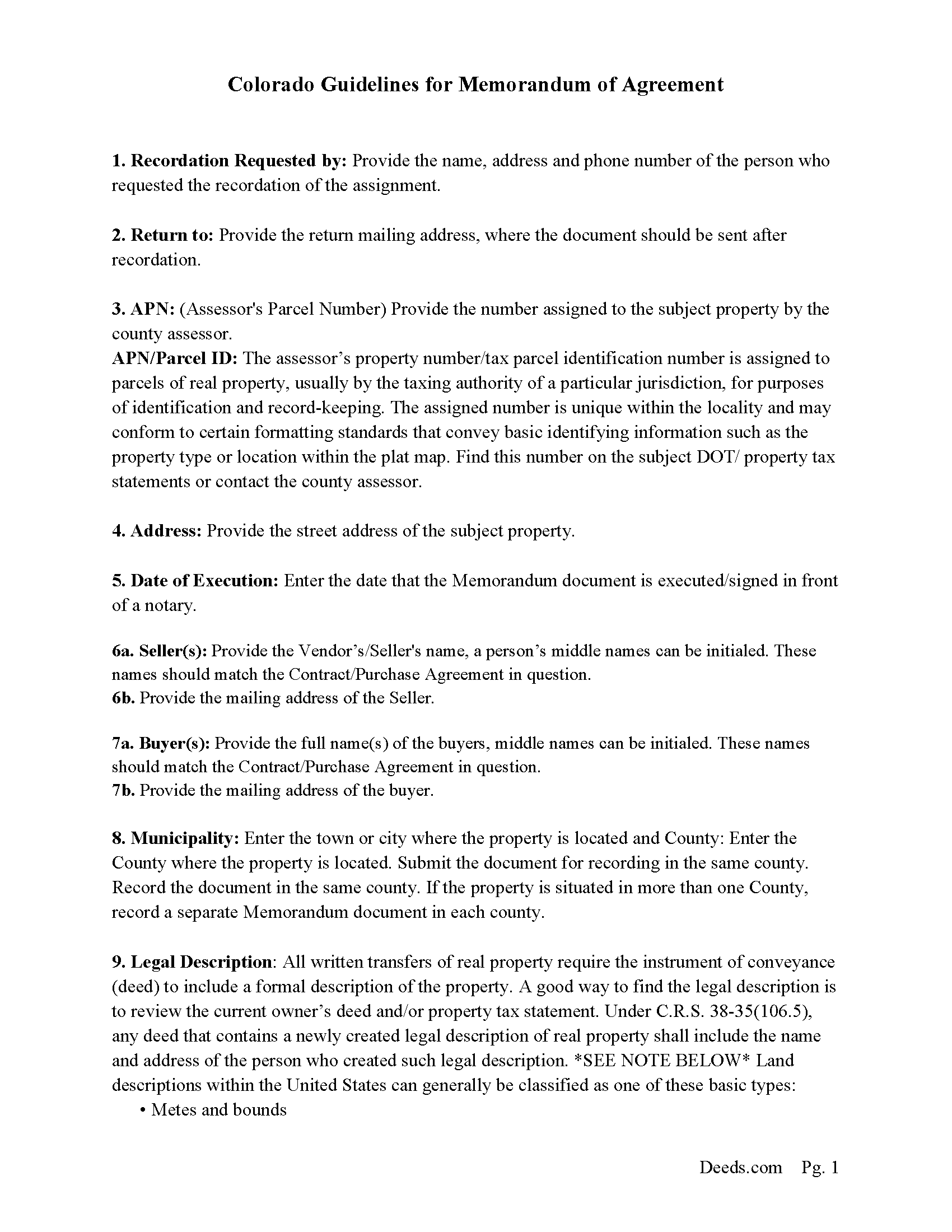
Baca County Memorandum and Notice of Agreement Guide
Line by line guide explaining every blank on the Memorandum and Notice of Agreement form.
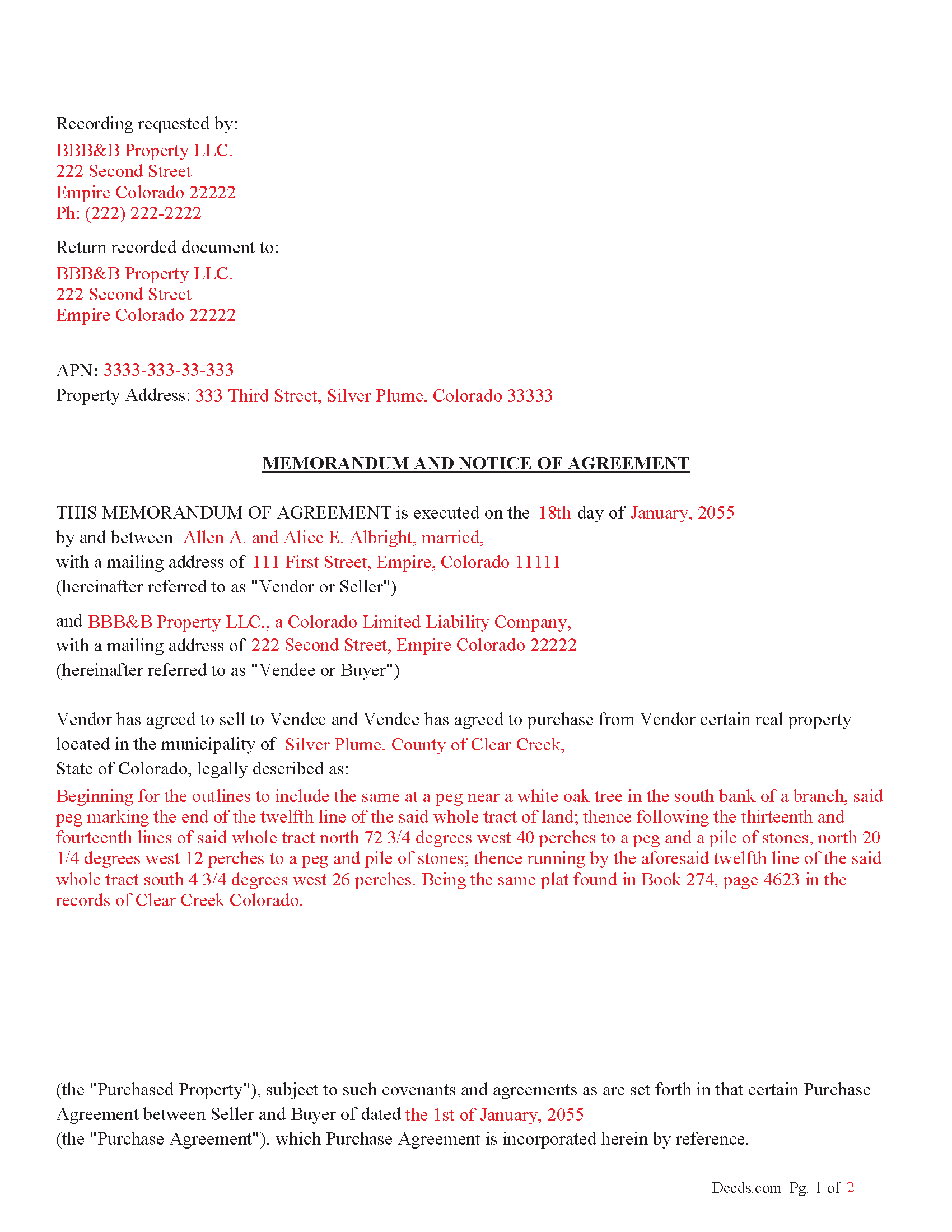
Baca County Completed Example of the Memorandum and Notice of Agreement Document
Example of a properly completed Colorado Memorandum and Notice of Agreement document for reference.
All 3 documents above included • One-time purchase • No recurring fees
Immediate Download • Secure Checkout
Additional Colorado and Baca County documents included at no extra charge:
Where to Record Your Documents
Baca County Clerk & Recorder
Springfield, Colorado 81073
Hours: 8:30am - 4:30pm M-F
Phone: (719) 523-4372
Recording Tips for Baca County:
- Bring your driver's license or state-issued photo ID
- Ensure all signatures are in blue or black ink
- Recording fees may differ from what's posted online - verify current rates
- Request a receipt showing your recording numbers
- Ask about accepted payment methods when you call ahead
Cities and Jurisdictions in Baca County
Properties in any of these areas use Baca County forms:
- Campo
- Pritchett
- Springfield
- Two Buttes
- Vilas
- Walsh
Hours, fees, requirements, and more for Baca County
How do I get my forms?
Forms are available for immediate download after payment. The Baca County forms will be in your account ready to download to your computer. An account is created for you during checkout if you don't have one. Forms are NOT emailed.
Are these forms guaranteed to be recordable in Baca County?
Yes. Our form blanks are guaranteed to meet or exceed the applicable formatting requirements used for recording in Baca County, including margin requirements, font requirements, and other layout standards. This guarantee applies to formatting, not to the legal sufficiency of information entered by the user or the suitability of a form for a particular transaction.
Can I reuse these forms?
Yes. You can reuse the forms for your personal use. For example, if you have multiple properties in Baca County you only need to order once.
What do I need to use these forms?
The forms are PDFs that you fill out on your computer. The free Adobe Acrobat Reader is recommended, and most PDF apps also work. You do NOT enter your property information online - you download the blank forms and complete them privately on your own computer.
Are there any recurring fees?
No. This is a one-time purchase. Nothing to cancel, no memberships, no recurring fees.
How much does it cost to record in Baca County?
Recording fees in Baca County vary. Contact the recorder's office at (719) 523-4372 for current fees.
Questions answered? Let's get started!
This memorandum (when recorded) serves as proof that a purchase agreement was made.
Who Can Sign a Memorandum?
According to § 38-10-108:
The memorandum must be signed by the party against whom the enforcement of the contract is being sought (usually the person who is being asked to fulfill the contract, typically the Vendee/Buyer).
Alternatively, the memorandum can also be signed by an authorized agent of the party, meaning someone legally designated to act on behalf of the person (such as an attorney or a legal representative).
How Does It Help?
A signed memorandum helps by:
1. Making the Agreement Enforceable: If the contract falls under the statute of frauds (which applies to certain types of contracts, like those for the sale of land or contracts that cannot be performed within one year), the memorandum provides the written evidence required to enforce the agreement.
2. Preventing Fraud and Disputes: By requiring a signed writing, the statute of frauds and the memorandum provision protect against false claims of agreements that were never made. The signed document becomes legal proof that both parties were in agreement.
Important: Your property must be located in Baca County to use these forms. Documents should be recorded at the county recording office listed above.
This Memorandum and Notice of Agreement meets all recording requirements specific to Baca County.
Our Promise
The documents you receive here are guaranteed to meet or exceed the applicable Baca County recording format requirements. If there is a rejection caused by our formatting, we will correct the issue or refund your payment. This guarantee applies to document formatting only and does not extend to information entered by the user, the selection of the form, or the legal effect of the completed document.
Save Time and Money
Get your Baca County Memorandum and Notice of Agreement form done right the first time with Deeds.com Uniform Conveyancing Blanks. At Deeds.com, we understand that your time and money are valuable resources, and we don't want you to face a penalty fee or rejection imposed by a county recorder for submitting nonstandard documents. We constantly review and update our forms to meet rapidly changing state and county recording requirements for roughly 3,500 counties and local jurisdictions.
4.8 out of 5 - ( 4,837 Reviews )
Scott H. 5 out of 5 stars
Good experience, good service too - thanks.
Your feedback is appreciated. Thank you for letting us know how we did.
Christine K. 5 out of 5 stars
This site was fast and easy to use. I would highly recommend using them. Thank you Deeds.com!!!!
We appreciate your business and value your feedback. Thank you. Have a wonderful day!
Janepher M. 5 out of 5 stars
Easy and informative site. Helped me figure out what I was looking for.
Thank you Janepher, we appreciate your feedback!
JoAnn S. 5 out of 5 stars
Easy to process orders.
Thank you!
Margaret S. 5 out of 5 stars
Very nice. easy to use and not too expensive.
Thank you!
Kitty H. 5 out of 5 stars
I have had it reviewed by a mortgage broker and a title manager and both said it was done correctly! Your product and the instructions are what made this possible. It took me several hours as I continued to review your information. I just finished printing and ready to file. Yeah! Thanks! Highly recommend the product!
We appreciate your business and value your feedback. Thank you. Have a wonderful day!
Margaret J. 5 out of 5 stars
Forms were clear and understandable
Thank you!
Travis S. 1 out of 5 stars
I couldn't even look for a deed because the website said that deed/title searching wasn't available. Very disappointed about it.
I'm sorry to hear that you had a disappointing experience with the website's deed/title searching feature. It can be frustrating when a feature you were hoping to use isn't available.
We do hope that you found what you were looking for elsewhere.
Angela W. 5 out of 5 stars
Very helpful and very quick to respond. Thank you!
We appreciate your business and value your feedback. Thank you. Have a wonderful day!
ALEX A. 5 out of 5 stars
Yes I appreciate your services everything so far looking good this shows the facts the reasons most of all format I enjoy it I hopefully I can use it for some other legal forms also for Fry's Baker's fraud title fraud I'm interested in a lot of services that will provide me with a preferences of a fraud situations on mortgage security loans but other than that the services are awesome and I appreciate it appreciate your services and I'll keep on using it and thanks again thumbs up
Thank you!
Joni S. 5 out of 5 stars
Excellent service, no hassle, easy to use, affordable, best service -- hands down. I thought it would be difficult for me to record a deed in Florida while residing in California but you made it so easy. I will tell everyone about your service. Thank you.
Your feedback is greatly appreciated. Thank you for taking the time to share your experience!
Craig L. 5 out of 5 stars
So far so good. I will let you know after a successful recordation of the deed.
Thank you!
Shana D. 5 out of 5 stars
I ordered the wrong forms because I didn't do enough research to understand what I needed. Their customer service was more understanding than I deserved.
Thank you!
MARY LACEY M. 5 out of 5 stars
The recording process was done perfectly. We much appreciate your communication, prompt service and highly professional assistance. Thank you.
Thank you so much for the kind words. We're glad the recording went smoothly and that our team kept you informed along the way. Keeping things prompt and professional is exactly what we aim for, so it means a lot to hear it landed. We appreciate you taking the time to share this, and we're here whenever you need us again.
Rod G. 5 out of 5 stars
You guys have it DOWN!! You made it easy to navigate your site and services. You explained things effectively. You are helpful and fast. NO WAY would even entertain using a different deed/ document recording service. I'll be back! Thank you. Rod
We appreciate your business and value your feedback. Thank you. Have a wonderful day!