Custer County Memorandum and Notice of Agreement Form
Last validated November 6, 2026 by our Forms Development TeamFormatted for recording in Custer County, for property anywhere in the county: rural and unincorporated areas as well as Westcliffe, Wetmore.
- 3 documents included
- Immediate PDF download
- Formatting guarantee
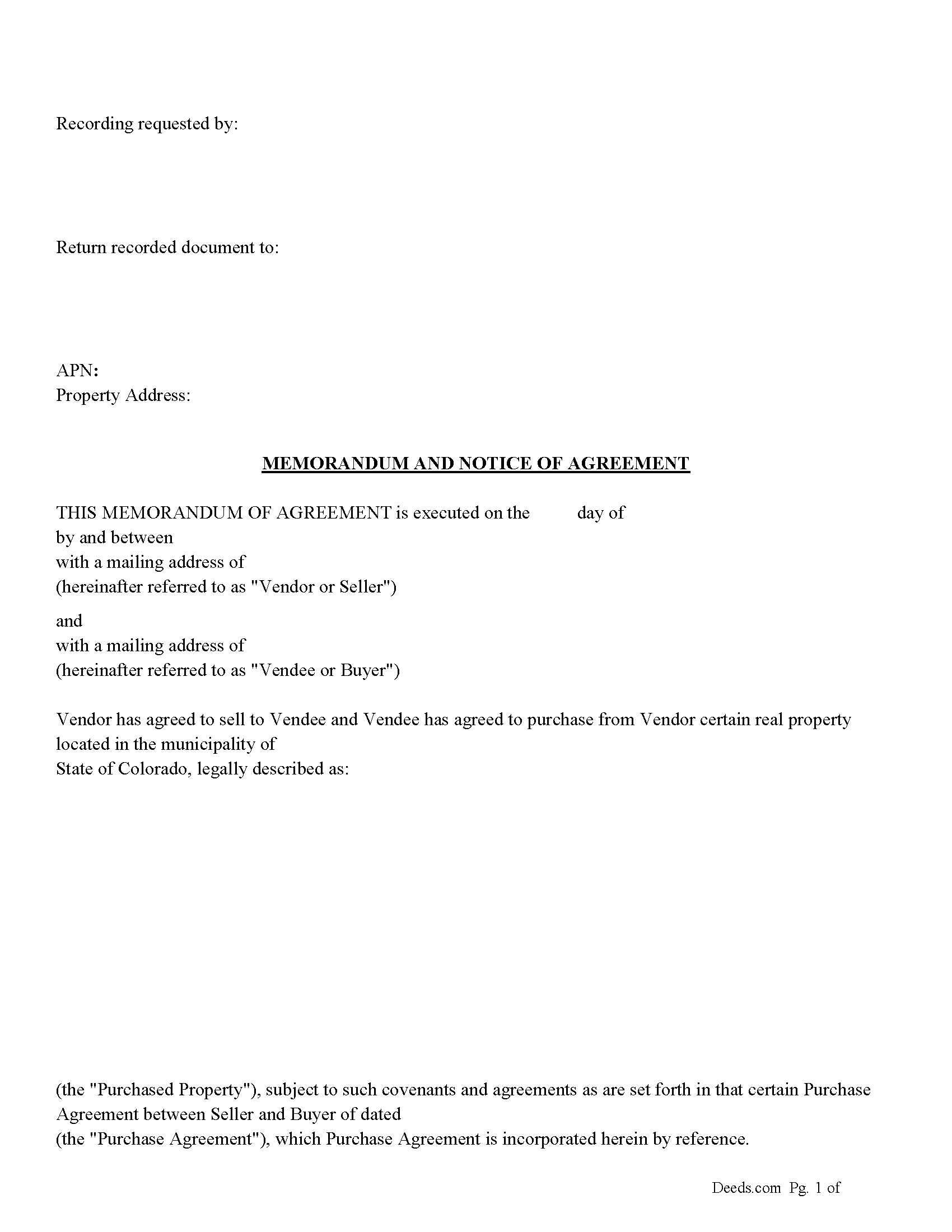
Custer County Memorandum and Notice of Agreement Form
Fill in the blank Memorandum and Notice of Agreement form formatted to comply with all Colorado recording and content requirements.
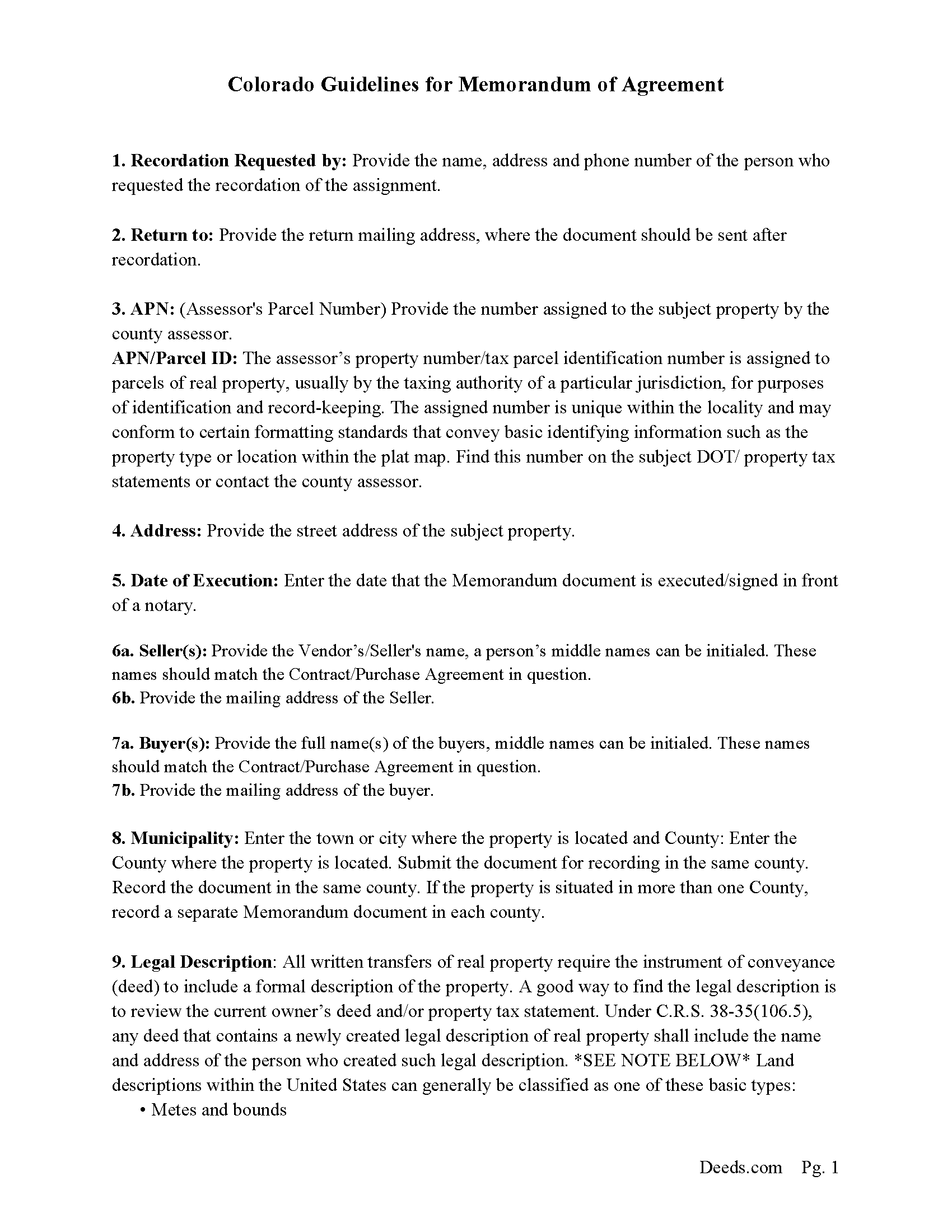
Custer County Memorandum and Notice of Agreement Guide
Line by line guide explaining every blank on the Memorandum and Notice of Agreement form.
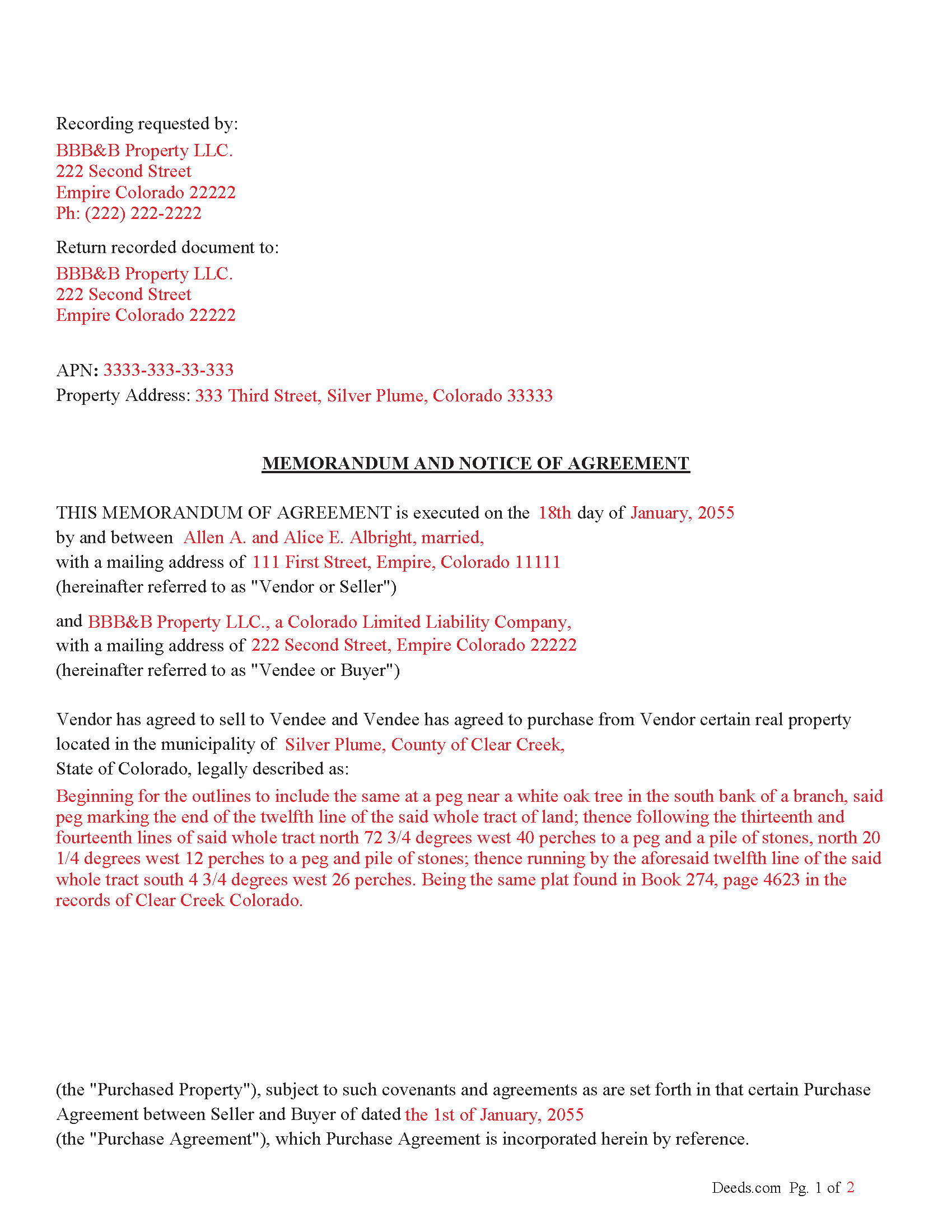
Custer County Completed Example of the Memorandum and Notice of Agreement Document
Example of a properly completed Colorado Memorandum and Notice of Agreement document for reference.
All 3 documents above included • One-time purchase • No recurring fees
Immediate Download • Secure Checkout
Additional Colorado and Custer County documents included at no extra charge:
Where to Record Your Documents
Custer County Clerk and Recorder
Westcliffe, Colorado 81252
Hours: 8:00 to 4:00 M-F
Phone: (719) 783-2441 or 783-0441
Recording Tips for Custer County:
- Bring your driver's license or state-issued photo ID
- Ensure all signatures are in blue or black ink
- Request a receipt showing your recording numbers
- Ask about accepted payment methods when you call ahead
- Ask for certified copies if you need them for other transactions
Cities and Jurisdictions in Custer County
Properties in any of these areas use Custer County forms:
- Westcliffe
- Wetmore
Hours, fees, requirements, and more for Custer County
How do I get my forms?
Forms are available for immediate download after payment. The Custer County forms will be in your account ready to download to your computer. An account is created for you during checkout if you don't have one. Forms are NOT emailed.
Are these forms guaranteed to be recordable in Custer County?
Yes. Our form blanks are guaranteed to meet or exceed the applicable formatting requirements used for recording in Custer County, including margin requirements, font requirements, and other layout standards. This guarantee applies to formatting, not to the legal sufficiency of information entered by the user or the suitability of a form for a particular transaction.
Can I reuse these forms?
Yes. You can reuse the forms for your personal use. For example, if you have multiple properties in Custer County you only need to order once.
What do I need to use these forms?
The forms are PDFs that you fill out on your computer. The free Adobe Acrobat Reader is recommended, and most PDF apps also work. You do NOT enter your property information online - you download the blank forms and complete them privately on your own computer.
Are there any recurring fees?
No. This is a one-time purchase. Nothing to cancel, no memberships, no recurring fees.
How much does it cost to record in Custer County?
Recording fees in Custer County vary. Contact the recorder's office at (719) 783-2441 or 783-0441 for current fees.
Questions answered? Let's get started!
This memorandum (when recorded) serves as proof that a purchase agreement was made.
Who Can Sign a Memorandum?
According to § 38-10-108:
The memorandum must be signed by the party against whom the enforcement of the contract is being sought (usually the person who is being asked to fulfill the contract, typically the Vendee/Buyer).
Alternatively, the memorandum can also be signed by an authorized agent of the party, meaning someone legally designated to act on behalf of the person (such as an attorney or a legal representative).
How Does It Help?
A signed memorandum helps by:
1. Making the Agreement Enforceable: If the contract falls under the statute of frauds (which applies to certain types of contracts, like those for the sale of land or contracts that cannot be performed within one year), the memorandum provides the written evidence required to enforce the agreement.
2. Preventing Fraud and Disputes: By requiring a signed writing, the statute of frauds and the memorandum provision protect against false claims of agreements that were never made. The signed document becomes legal proof that both parties were in agreement.
Important: Your property must be located in Custer County to use these forms. Documents should be recorded at the county recording office listed above.
This Memorandum and Notice of Agreement meets all recording requirements specific to Custer County.
Our Promise
The documents you receive here are guaranteed to meet or exceed the applicable Custer County recording format requirements. If there is a rejection caused by our formatting, we will correct the issue or refund your payment. This guarantee applies to document formatting only and does not extend to information entered by the user, the selection of the form, or the legal effect of the completed document.
Save Time and Money
Get your Custer County Memorandum and Notice of Agreement form done right the first time with Deeds.com Uniform Conveyancing Blanks. At Deeds.com, we understand that your time and money are valuable resources, and we don't want you to face a penalty fee or rejection imposed by a county recorder for submitting nonstandard documents. We constantly review and update our forms to meet rapidly changing state and county recording requirements for roughly 3,500 counties and local jurisdictions.
4.8 out of 5 - ( 4,846 Reviews )
Reida S. 5 out of 5 stars
Have used two times. Smooth transaction both times. Fast, simple and easy to use system. Would use them again in the future.
Thank you for your feedback. We really appreciate it. Have a great day!
Myron L. 3 out of 5 stars
The forms were not identical to the county's version but it met my needs.
Thank you!
Elaine E. W. 5 out of 5 stars
Your product package was thorough and I am the one who does not know how to use or begin to be interactive with a computer. I wish I had learned long ago....ok your directions appear to be clear but when you are not familiar to the words.....it can and is difficult.....I downloaded the forms and completed them by hand/pen.....I just hope it will be acceptable to the recorder....Thank you
Thank you for your feedback. We really appreciate it. Have a great day!
David P. 5 out of 5 stars
This service and company are THE best. We are out of State and needed to efile, and we got it done for the closing. Thanks Deeds.com
We appreciate your business and value your feedback. Thank you. Have a wonderful day!
Maria D. 5 out of 5 stars
Deeds.com has done a great job. I really recommend to everyone who needs this service, fast & reliable. Thank you
We appreciate your business and value your feedback. Thank you. Have a wonderful day!
Dennis S. 3 out of 5 stars
I am still working on the forms. I am having problems doing the forms as you can only save as pdf and it is difficult to change or modify the pdf. You have to purchase a pdf convertor program. but all seems to be there to do the deed submittals.
Thank you for your feedback. We really appreciate it. Have a great day!
Deanna S. 5 out of 5 stars
I loved the fact that the forms came with examples of the required info. That was helpful and made filling out the forms so much easier. Thank you!
We appreciate your business and value your feedback. Thank you. Have a wonderful day!
Richard H. 5 out of 5 stars
Excellent service--couldn't be more complete and useful !
We appreciate your business and value your feedback. Thank you. Have a wonderful day!
TRACEY W. 5 out of 5 stars
The system is very easy to use. I wasn't able to access what I needed but my fees were refunded without issue.
We appreciate your business and value your feedback. Thank you. Have a wonderful day!
Kathryn S. 5 out of 5 stars
So quick. So easy. Worth every penny!
Thank you for your feedback. We really appreciate it. Have a great day!
Sharon B. 3 out of 5 stars
Downloaded pdf form was difficult to use,/modify and has too much space between sections.
Your feedback is valuable to us and helps us improve. Thank you for sharing your thoughts!
A Rod P. 5 out of 5 stars
The website was short and to the point. And I receive three responses quite quickly.
We appreciate your business and value your feedback. Thank you. Have a wonderful day!
David G. 5 out of 5 stars
Thanks got what I needed
Thank you David, glad to hear that.
Angel C. 5 out of 5 stars
Solid forms hitting all the marks (statutory requirements) Fairly simple to accomplish what I was looking to do with minimal research. Would certainly use again when needed.
Thank you!
Yvonne R. 5 out of 5 stars
Quick and easy, however, I couldn't get the guide to download.
Thank you for your feedback. We really appreciate it. Have a great day!