Indian River County Special Warranty Deed (LLC Grantor) Form
Last validated November 4, 2026 by our Forms Development TeamFormatted for recording in Indian River County, for property anywhere in the county: rural and unincorporated areas as well as Fellsmere, Roseland, Sebastian, Vero Beach, Wabasso, Winter Beach.
- 3 documents included
- Immediate PDF download
- Formatting guarantee
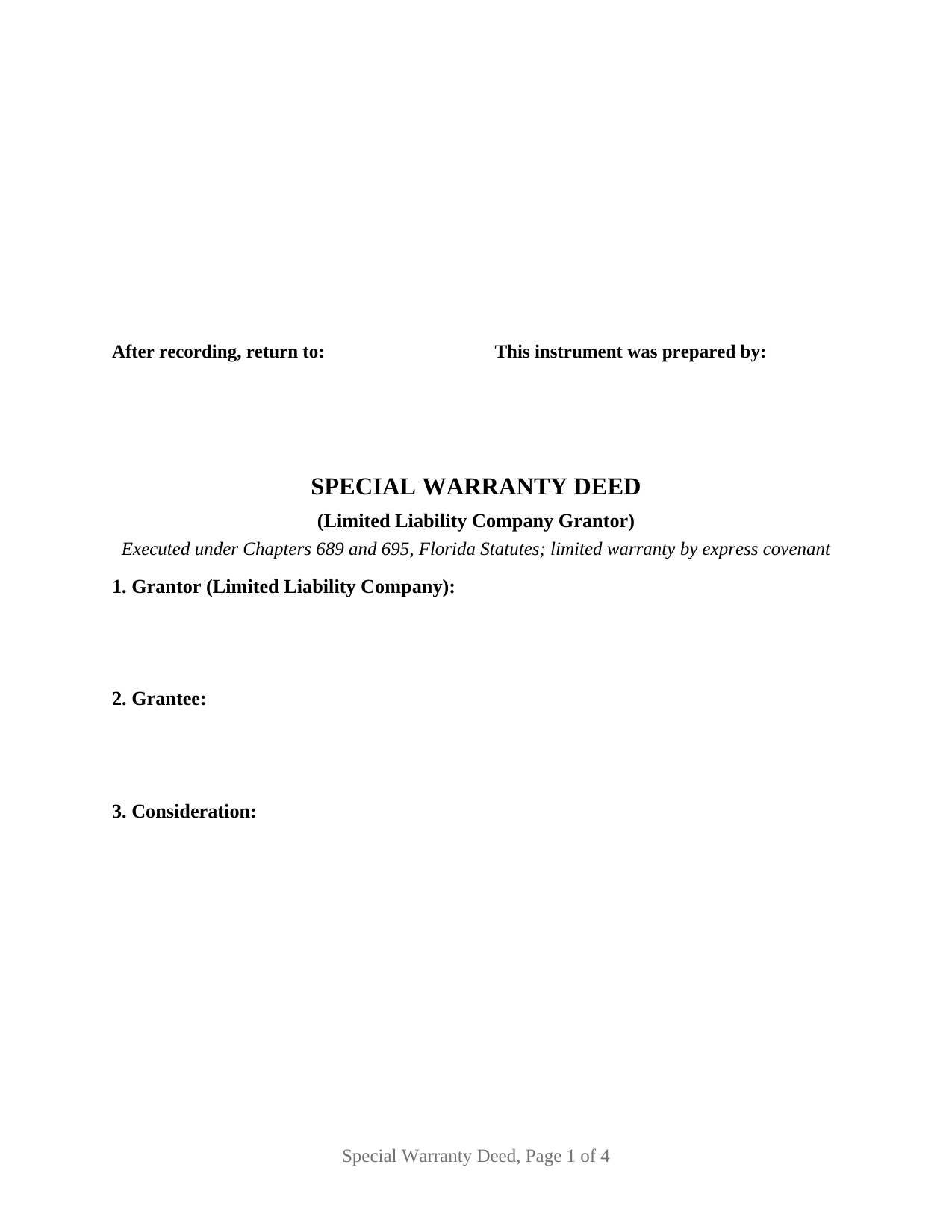
Indian River County Special Warranty Deed (LLC Grantor) Form
Fill in the blank Special Warranty Deed (LLC Grantor) form formatted to comply with all Florida recording and content requirements.
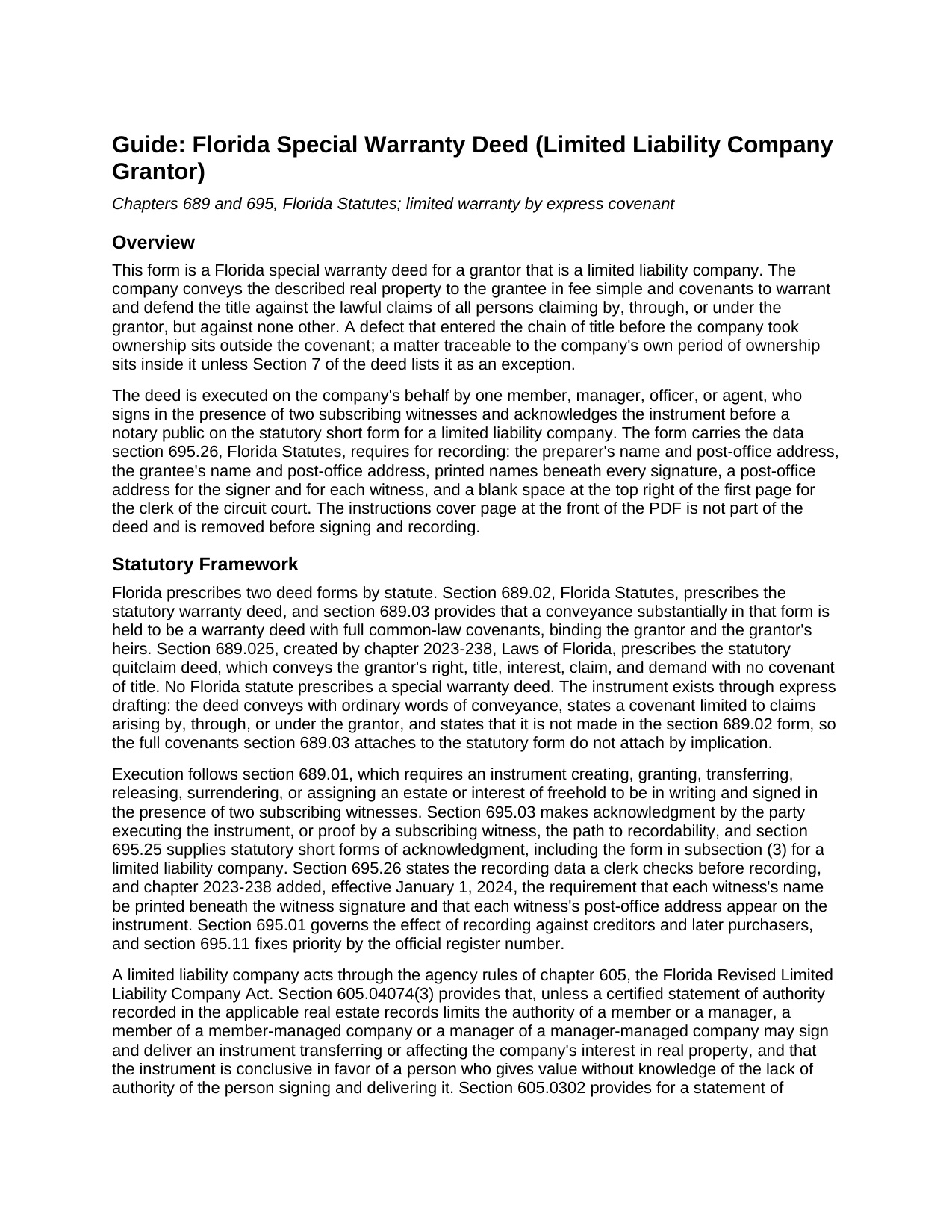
Indian River County Special Warranty Deed (LLC Grantor) Guide
Line by line guide explaining every blank on the Special Warranty Deed (LLC Grantor) form.
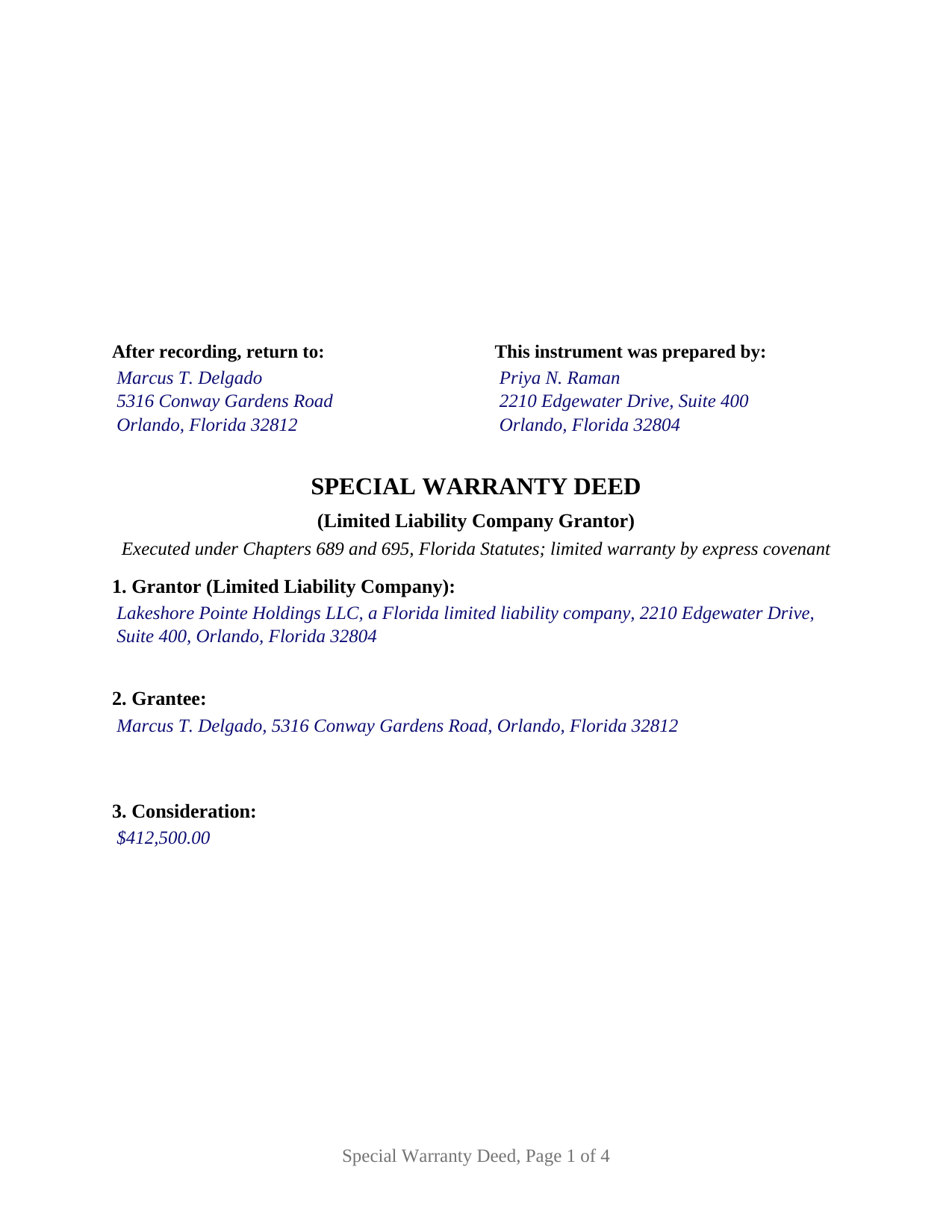
Indian River County Completed Example of the Special Warranty Deed (LLC Grantor) Document
Example of a properly completed Florida Special Warranty Deed (LLC Grantor) document for reference.
All 3 documents above included • One-time purchase • No recurring fees
Immediate Download • Secure Checkout
Additional Florida and Indian River County documents included at no extra charge:
Where to Record Your Documents
Recording - County Courthouse
Vero Beach, Florida 32960
Hours: 8:30am to 4:30pm M-F
Phone: (772) 770-5185, Ext 3175 and 3135
Recording Tips for Indian River County:
- Bring your driver's license or state-issued photo ID
- Ensure all signatures are in blue or black ink
- Both spouses typically need to sign if property is jointly owned
- Bring extra funds - fees can vary by document type and page count
- Check margin requirements - usually 1-2 inches at top
Cities and Jurisdictions in Indian River County
Properties in any of these areas use Indian River County forms:
- Fellsmere
- Roseland
- Sebastian
- Vero Beach
- Wabasso
- Winter Beach
Hours, fees, requirements, and more for Indian River County
How do I get my forms?
Forms are available for immediate download after payment. The Indian River County forms will be in your account ready to download to your computer. An account is created for you during checkout if you don't have one. Forms are NOT emailed.
Are these forms guaranteed to be recordable in Indian River County?
Yes. Our form blanks are guaranteed to meet or exceed the applicable formatting requirements used for recording in Indian River County, including margin requirements, font requirements, and other layout standards. This guarantee applies to formatting, not to the legal sufficiency of information entered by the user or the suitability of a form for a particular transaction.
Can I reuse these forms?
Yes. You can reuse the forms for your personal use. For example, if you have multiple properties in Indian River County you only need to order once.
What do I need to use these forms?
The forms are PDFs that you fill out on your computer. The free Adobe Acrobat Reader is recommended, and most PDF apps also work. You do NOT enter your property information online - you download the blank forms and complete them privately on your own computer.
Are there any recurring fees?
No. This is a one-time purchase. Nothing to cancel, no memberships, no recurring fees.
How much does it cost to record in Indian River County?
Recording fees in Indian River County vary. Contact the recorder's office at (772) 770-5185, Ext 3175 and 3135 for current fees.
Questions answered? Let's get started!
When a Florida limited liability company sells real estate, the deed at closing is often a special warranty deed: a conveyance carrying a real covenant of title, but one measured by the company's own period of ownership. The company covenants to defend the title against claims arising by, through, or under it, and against no others; matters that entered the record before the LLC acquired the property stay outside the covenant.
A covenant with a start date
Florida writes no statutory form for this deed. Section 689.02, Florida Statutes, prescribes a statutory warranty deed, and section 689.03 attaches the full common-law covenants to a conveyance substantially in that form, a warranty reaching the whole chain of title. The statutory quitclaim deed of section 689.025 sits at the other end, conveying whatever interest exists with no covenants. The special warranty deed lives between them and exists only through its express language. This form states the limited covenant in exact terms and states that the full covenants of section 689.03 do not attach, so the deed reads the way a Florida title examiner expects.
Built around an entity signature
A company that held a property for a few years can stand behind its own tenure; it has less basis for warranting what an owner three transfers back did. That match between covenant and record is why special warranty deeds appear throughout Florida commercial sales, investor and builder closings, and bank-owned transfers. The company signs by a member, manager, officer, or agent, a capacity recital states that the signer makes no personal covenant, and the notary block is the Florida statutory short-form acknowledgment for a limited liability company under section 695.25(3), with the physical presence or online notarization alternatives current law requires. Under section 605.04074(3), a member of a member-managed company or a manager of a manager-managed company may sign an instrument transferring the company's real property interest unless a recorded certified statement of authority limits that authority.
One company, one signer, one certificate
The form recites exactly one grantor, a limited liability company, and carries one signature block for the member, manager, officer, or agent who signs on its behalf, with lines beneath the signature for the signer's printed name, title, the name of the company, and a post-office address. One acknowledgment certificate follows, in the limited liability company capacity, with blanks for the company's name and its state or place of formation. A single-member company selling a rental house, a developer's LLC closing a lot sale, and a holding company conveying an office condominium each present the one-company pattern this deed recites. The form is not set up as a corporation's deed, which executes under its own statutes and acknowledges on the corporate short form, nor as a deed from a partnership, a trustee, or an individual, each of which carries a different signature architecture and a different certificate.
Ready for the recording counter
Florida deeds are signed before two subscribing witnesses along with the notary, and since January 1, 2024, section 695.26 requires each witness's printed name immediately beneath the signature and a post-office address for each witness. The form carries both witness blocks with those lines, printed-name and address lines for the company's signer, a preparer block naming a natural person, the grantee's name and post-office address, a parcel identification number line, and a first page that keeps the statutory 3 inch by 3 inch top-right space blank for the clerk. Documentary stamp tax under Chapter 201 is computed on the consideration and collected when the clerk of the circuit court records the deed; the guide walks through the statewide rate and the Miami-Dade surtax structure.
What comes in the package
The download includes the blank deed as a fillable PDF, a completed example showing an Orange County transfer from a Florida LLC filled in through the notary block, and a plain-language guide treating every section of the form, the witness and acknowledgment formalities, the signing-authority rules of Chapter 605, and the recording steps. The materials describe Florida law in general terms and are not legal advice; a Florida attorney can address how these rules operate in a specific transaction.
Important: Your property must be located in Indian River County to use these forms. Documents should be recorded at the county recording office listed above.
This Special Warranty Deed (LLC Grantor) meets all recording requirements specific to Indian River County.
Our Promise
The documents you receive here are guaranteed to meet or exceed the applicable Indian River County recording format requirements. If there is a rejection caused by our formatting, we will correct the issue or refund your payment. This guarantee applies to document formatting only and does not extend to information entered by the user, the selection of the form, or the legal effect of the completed document.
Save Time and Money
Get your Indian River County Special Warranty Deed (LLC Grantor) form done right the first time with Deeds.com Uniform Conveyancing Blanks. At Deeds.com, we understand that your time and money are valuable resources, and we don't want you to face a penalty fee or rejection imposed by a county recorder for submitting nonstandard documents. We constantly review and update our forms to meet rapidly changing state and county recording requirements for roughly 3,500 counties and local jurisdictions.
4.8 out of 5 - ( 4,845 Reviews )
Paul A. 4 out of 5 stars
The website worked fast but the information was limited and the actual deed of trust was what i was looking for from the county --- the info was limited the website is fast and seemed accurate just limited the information I needed
Thank you!
ROBERT D. 5 out of 5 stars
VERY HAPPY WITH YOUR SERVICE !
We appreciate your business and value your feedback. Thank you. Have a wonderful day!
RONALD F. 5 out of 5 stars
Great service. Very reasonable cost. All necessary detailed information provided.
Thank you for your feedback. We really appreciate it. Have a great day!
James A. 5 out of 5 stars
Thanks for you help to get me out of a quick problem. Downloads were great. I recommend this service for the arcane situations of legal angst.
We appreciate your business and value your feedback. Thank you. Have a wonderful day!
David C. 5 out of 5 stars
I needed to file an affidavit of succession. I downloaded the forms and filled in the blanks. The instructions and example sheet were very helpful. I got the paper recorded with the county today and all went smoothly. Good product.
Thank you for your feedback. We really appreciate it. Have a great day!
Larry P. 5 out of 5 stars
Very nice, they include a guide download that tells you all the lawyer speak!! I'll be using them again.
Thank you for your feedback. We really appreciate it. Have a great day!
Phuoc M. 5 out of 5 stars
Deeds.com is helpful to help me finish my forms and submit my forms to the County successfully. Very nice to do business with your company! Thanks!
We’re glad to hear things went well. Thank you for the review.
Paul B. 5 out of 5 stars
Very efficient and easy to use process
Paul, we’re glad to hear you had a smooth and efficient experience! Making things easy for our customers is always our goal.
Abdel M. 5 out of 5 stars
Easy to use and they are very responsive.
We appreciate your business and value your feedback. Thank you. Have a wonderful day!
jeann p. 5 out of 5 stars
The site was extremely helpful.
We are delighted to have been of service. Thank you for the positive review!
Marlin M. 5 out of 5 stars
5 stars!
Thank you!
Brandon C. 5 out of 5 stars
Great site and staff. I made a mistake and they helped me out when I probably didn't deserve it.
Thanks, Brandon. We were glad to cancel the order and refund your payment. Some property matters need more hands-on guidance than a self-prepared form can offer, and in your situation we’d recommend working with a local real estate attorney or title company going forward. We wish you the best with it.
Pamela G. 5 out of 5 stars
I have an apple phone. I could not fill in the form to pay because apple phones do not have a dash that can be used when the field requires a phone number with a dash. I had to borrow an android phone in which the telephone keypad had a dash that could be used. It was easy to pay using an android phone but impossible to pay using an apple phone. Remove the requirement for dashes to allow apple phones to use this service.
Thank you!
Lori W. 5 out of 5 stars
I got what I wanted immediately. Thank you.
We appreciate your business and value your feedback. Thank you. Have a wonderful day!
ALFRED B. 5 out of 5 stars
The product was just what I needed. Not being the sharpest computer user I stumbled a little but after reading more carefully I navigated the process and I am very satisfied with my experience. deeds certainly saved me a lot of time.
Thank you!