Wakulla County Warranty Deed (LLC Grantor) Form
Last validated October 10, 2026 by our Forms Development TeamFormatted for recording in Wakulla County, for property anywhere in the county: rural and unincorporated areas as well as Crawfordville, Panacea, Saint Marks, Sopchoppy.
- 3 documents included
- Immediate PDF download
- Formatting guarantee
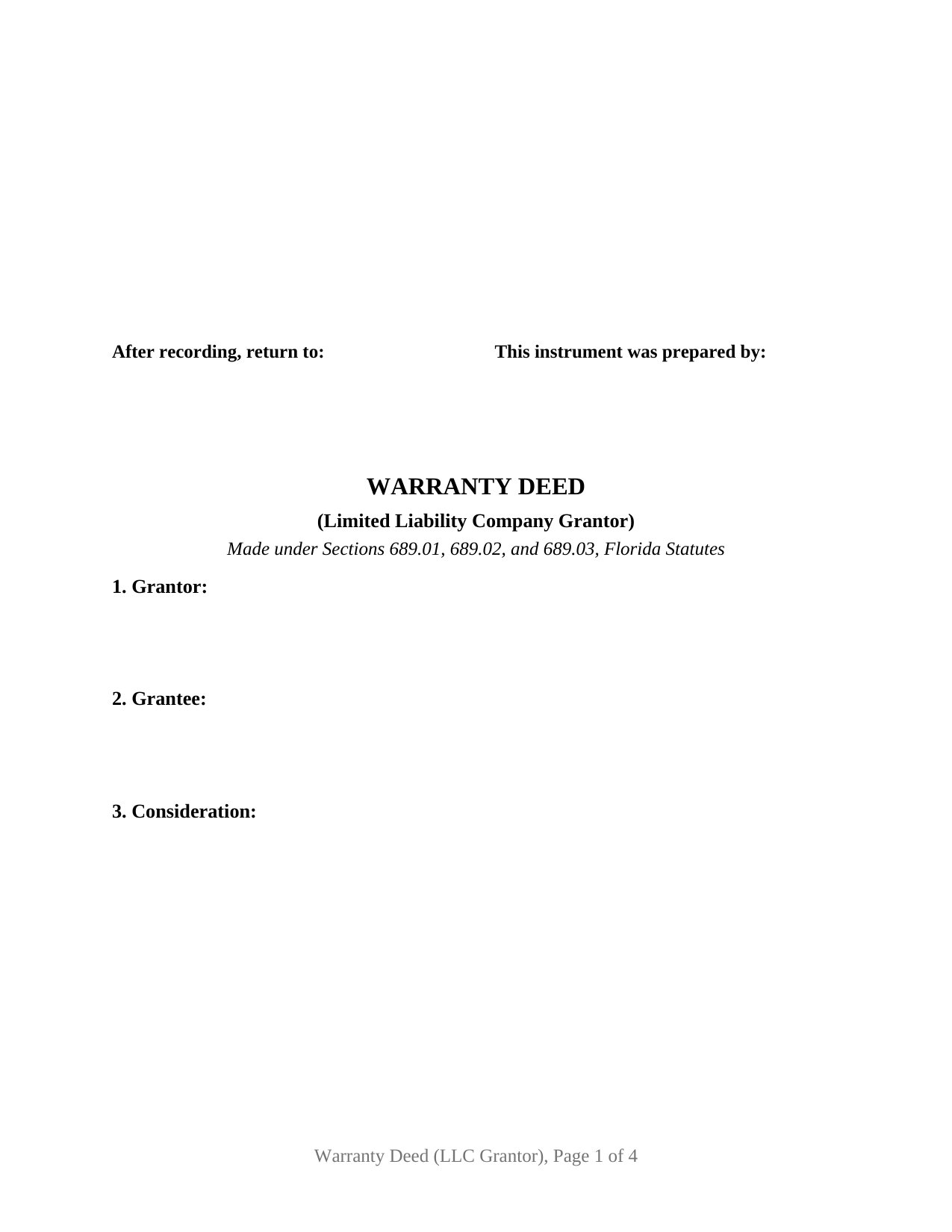
Wakulla County Warranty Deed (LLC Grantor) Form
Fill in the blank Warranty Deed (LLC Grantor) form formatted to comply with all Florida recording and content requirements.
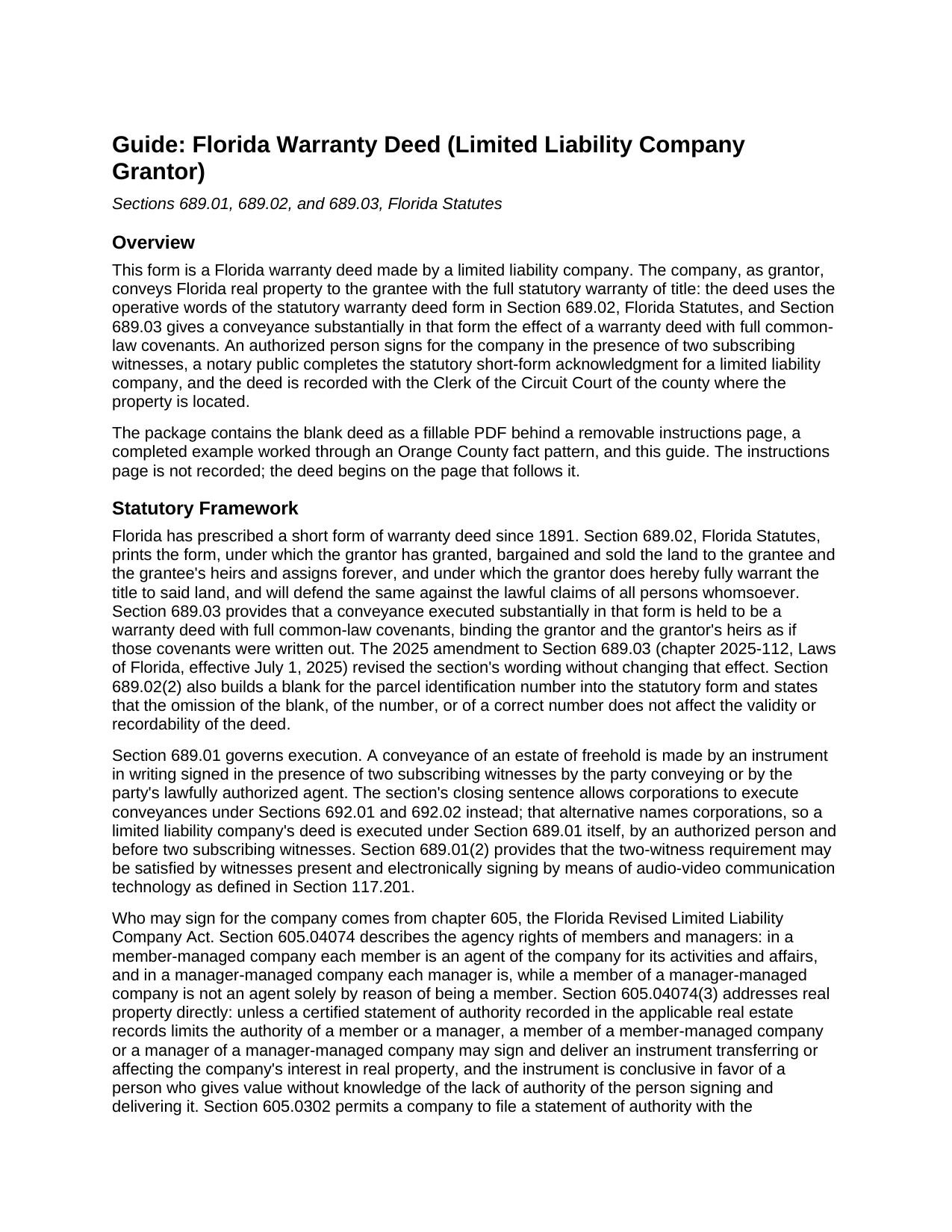
Wakulla County Warranty Deed (LLC Grantor) Guide
Line by line guide explaining every blank on the Warranty Deed (LLC Grantor) form.
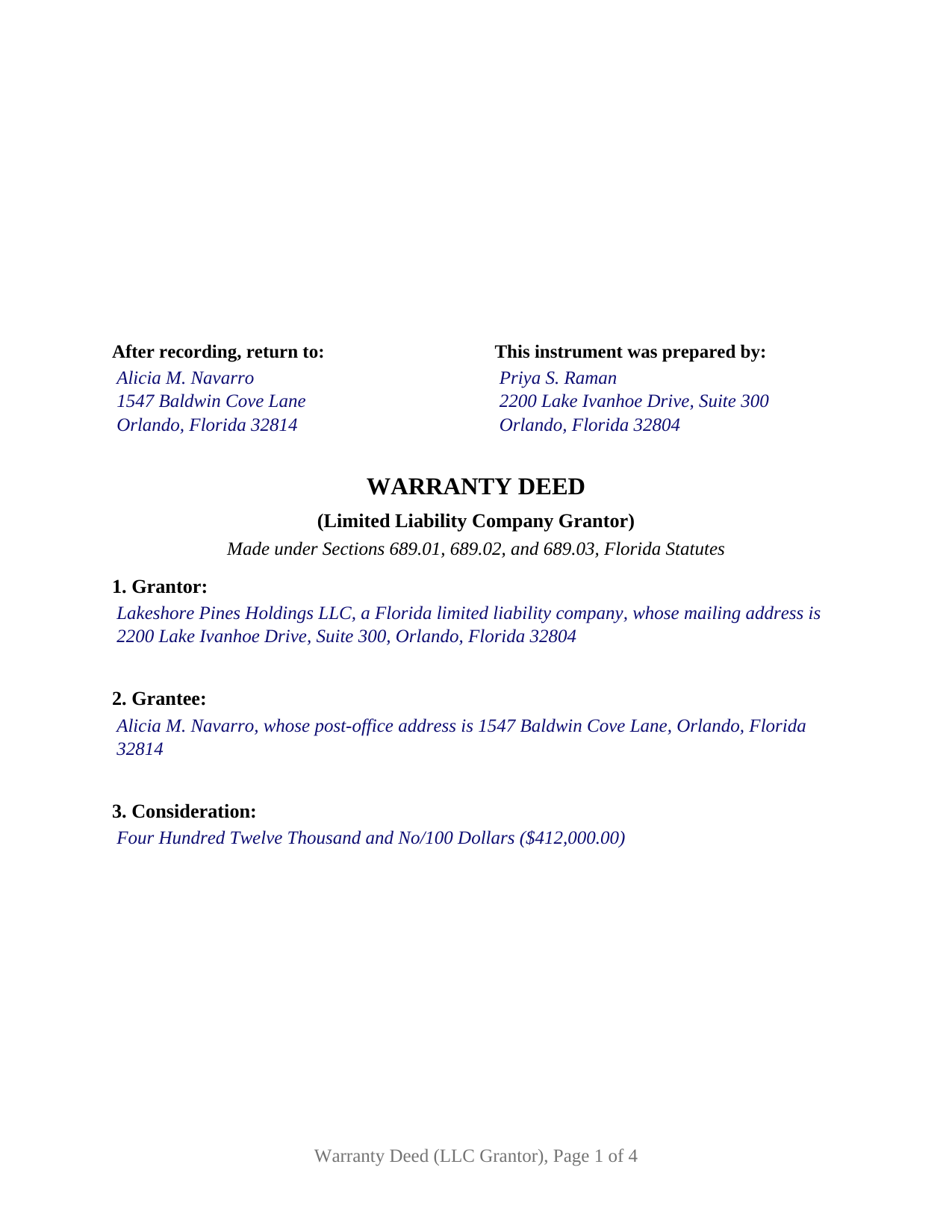
Wakulla County Completed Example of the Warranty Deed (LLC Grantor) Document
Example of a properly completed Florida Warranty Deed (LLC Grantor) document for reference.
All 3 documents above included • One-time purchase • No recurring fees
Immediate Download • Secure Checkout
Additional Florida and Wakulla County documents included at no extra charge:
Where to Record Your Documents
Clerk of Courts: Official Records/Recording Dept - Courthouse
Crawfordville, Florida 32327
Hours: 8:00am - 4:00pm M-F
Phone: (850) 926-0905
Recording Tips for Wakulla County:
- Bring your driver's license or state-issued photo ID
- Ensure all signatures are in blue or black ink
- Recorded documents become public record - avoid including SSNs
- Recording fees may differ from what's posted online - verify current rates
- Request a receipt showing your recording numbers
Cities and Jurisdictions in Wakulla County
Properties in any of these areas use Wakulla County forms:
- Crawfordville
- Panacea
- Saint Marks
- Sopchoppy
Hours, fees, requirements, and more for Wakulla County
How do I get my forms?
Forms are available for immediate download after payment. The Wakulla County forms will be in your account ready to download to your computer. An account is created for you during checkout if you don't have one. Forms are NOT emailed.
Are these forms guaranteed to be recordable in Wakulla County?
Yes. Our form blanks are guaranteed to meet or exceed the applicable formatting requirements used for recording in Wakulla County, including margin requirements, font requirements, and other layout standards. This guarantee applies to formatting, not to the legal sufficiency of information entered by the user or the suitability of a form for a particular transaction.
Can I reuse these forms?
Yes. You can reuse the forms for your personal use. For example, if you have multiple properties in Wakulla County you only need to order once.
What do I need to use these forms?
The forms are PDFs that you fill out on your computer. The free Adobe Acrobat Reader is recommended, and most PDF apps also work. You do NOT enter your property information online - you download the blank forms and complete them privately on your own computer.
Are there any recurring fees?
No. This is a one-time purchase. Nothing to cancel, no memberships, no recurring fees.
How much does it cost to record in Wakulla County?
Recording fees in Wakulla County vary. Contact the recorder's office at (850) 926-0905 for current fees.
Questions answered? Let's get started!
When the grantor line of a Florida deed names a limited liability company, the signing mechanics change and the warranty does not. This form prepares that deed: a Florida or out-of-state LLC conveying Florida real property to the grantee with the full title covenants of Sections 689.02 and 689.03, Florida Statutes.
A Statutory Covenant, Given by a Company
Florida's statutory warranty deed conveys with the words "has granted, bargained and sold" and promises that the grantor "does hereby fully warrant the title to said land, and will defend the same against the lawful claims of all persons whomsoever." Section 689.03 gives a deed substantially in that form the effect of a warranty deed with full common-law covenants, and those covenants reach the whole chain of title, including matters that arose before the company took ownership. That reach is what separates this deed from narrower instruments: a special warranty deed limits its covenant to claims arising by, through, or under the company, and a quitclaim deed passes the company's interest with no covenant at all.
Who Signs for the Company, and What the Record Shows
A company signs through people. The deed carries one signature block for an authorized person, with printed name, title, and company name beneath the signature, and its notary certificate is Florida's statutory short form for a limited liability company, acknowledged on the company's behalf by physical presence or online notarization. Chapter 605, the Florida Revised Limited Liability Company Act, supplies the authority behind that signature: under Section 605.04074, a member of a member-managed company or a manager of a manager-managed company may sign and deliver an instrument transferring the company's real property unless a recorded statement of authority limits that person, and the instrument is conclusive in favor of a buyer who gives value without knowledge of a lack of authority. A statement of authority filed under Section 605.0302 and recorded by certified copy in the county records is conclusive in favor of a person who gives value in reliance on it, and it is canceled by operation of law five years after the statement, or its most recent amendment, became effective.
Two Witnesses and the 2024 Address Detail
Section 689.01 requires a conveyance of a freehold estate to be signed in the presence of two subscribing witnesses, and the statute's seal-based execution alternative names corporations only, so an LLC deed keeps the witnesses. Since January 1, 2024, Florida recording law also calls for each witness's printed name beneath the signature and each witness's post-office address on the instrument, a change made by the 2023 real property fraud act. The form carries dedicated witness blocks with both entries, so the completed deed arrives at the counter with the data the clerk checks for.
Recording with the Clerk of Court
The first page reserves the 3 inch by 3 inch space at the top right that Section 695.26 gives the Clerk of Court, carries the preparer and return blocks at the top of the first page, and includes the parcel identification number blank that Section 689.02(2) builds into the statutory form. Documentary stamp tax falls due at recording: 70 cents per 100 dollars of consideration in every county except Miami-Dade, which has its own rate and surtax, and consideration includes any mortgage on the property whether or not the grantee assumes it.
The package includes the blank deed as a fillable PDF, a completed example for a realistic Orange County transaction, and a plain-language guide that walks through every numbered section, the witness and notary requirements, and the recording and tax steps. The materials are informational and are not legal advice.
Important: Your property must be located in Wakulla County to use these forms. Documents should be recorded at the county recording office listed above.
This Warranty Deed (LLC Grantor) meets all recording requirements specific to Wakulla County.
Our Promise
The documents you receive here are guaranteed to meet or exceed the applicable Wakulla County recording format requirements. If there is a rejection caused by our formatting, we will correct the issue or refund your payment. This guarantee applies to document formatting only and does not extend to information entered by the user, the selection of the form, or the legal effect of the completed document.
Save Time and Money
Get your Wakulla County Warranty Deed (LLC Grantor) form done right the first time with Deeds.com Uniform Conveyancing Blanks. At Deeds.com, we understand that your time and money are valuable resources, and we don't want you to face a penalty fee or rejection imposed by a county recorder for submitting nonstandard documents. We constantly review and update our forms to meet rapidly changing state and county recording requirements for roughly 3,500 counties and local jurisdictions.
4.8 out of 5 - ( 4,828 Reviews )
Derrell S. 5 out of 5 stars
I like the simplicity of your site and the reasonable charge for your services but for some reason you were unable to fulfill my order. Would appreciate knowing why. Derrell Sweem
Thank you for your feedback. We really appreciate it. Have a great day!
Cynthia S. 5 out of 5 stars
The staff was wonderful we needed an additional state form for Wisconsin for the transfer. They went Above And Beyond assisting it was they were just amazing. They are truly an asset and I am very grateful.
Great to hear — thank you for taking the time to write a review.
Eileen B. 5 out of 5 stars
I was quoted $525 to do the exact same thing from Deeds.com for only $25. Seems like a no brainer to me!
Thank you for your feedback. We really appreciate it. Have a great day!
Lisa H. 5 out of 5 stars
My recent experience with Deeds.com has been outstanding. I especially appreciated the sample filled-out deed but even more the explanation of the questions. i recommend to download both. It was very easy and fast. Thanks.
We appreciate your business and value your feedback. Thank you. Have a wonderful day!
Lisa W. 5 out of 5 stars
Great E-Service Provider!
Thank you!
Kimberly B. 5 out of 5 stars
Absolutely recommend Deeds.com! The process to recording your document is explained step by step. If you have any questions, you just send a message and almost instantly a staff member will reply. Super quick processing. I uploaded my document late Friday afternoon, it was reviewed by Deeds.com staff and sent to the county for recording on Monday. By Tuesday, my document was successfully recorded by the County Recorder's Office and a copy of my recorded document was available for me, as well!
We appreciate your business and value your feedback. Thank you. Have a wonderful day!
Brian S. 3 out of 5 stars
PDF fields change font sizes leading to an unprofessional-appearing printed page. The examples for "Convey to" section don't include how to specify just one person instead of a married couple. Maybe that is simple but it would help to spell it out in an example. Haven't submitted to County Recorder yet, so will find out if it is acceptable.
Thank you for the feedback Brian.
The font issue is caused by using a PDF viewer other than Adobe Acrobat Reader. Our form fields are set to a uniform 12-point font, but non-Adobe viewers often render form fields inconsistently. Opening and printing the form with the free Adobe Acrobat Reader will resolve that.
Regarding the examples, that's a fair point, we'll look at expanding them.
Clarence R. 5 out of 5 stars
service from your team was quick and very accurate. My experience was excellent.
Thank you!
Gloria S. 5 out of 5 stars
I needed a Contest of Lien form and was told by our County Department that the forms could be obtained online. The whole process of paying and receiving a PDF re-usable form was user friendly and the items that came with the purchase;the directions about filling out the form ect., were a fantastic addition for the price of the document. Happy customer!
We appreciate your business and value your feedback. Thank you. Have a wonderful day!
Kevin T. 5 out of 5 stars
amazing customer service. thank you deeds.com. I just wish I knew about this company earlier. Kevin
We appreciate your business and value your feedback. Thank you. Have a wonderful day!
Nancy H. 5 out of 5 stars
Easy to use site. Would continue to go to for future needs.
We appreciate your business and value your feedback. Thank you. Have a wonderful day!
Tony W. 5 out of 5 stars
I have not completed the forms yet but they appear to be exactly what I need for the purpose they are intended. Thanks
We appreciate your business and value your feedback. Thank you. Have a wonderful day!
Thomas G. 5 out of 5 stars
A few parts are confusing'.Like sending Tax statements to WHO ?/ The rest is simple I hope.Have not tried to record yet
Thank you!
Rita M. 5 out of 5 stars
Forget what I just wrote! I found it. Thank You! This is a very convenient service.
That's great to hear Rita, thanks for following up.
Michael F. 5 out of 5 stars
VERY EFFICIENT AND PLEASANT.
Thank you for your feedback. We really appreciate it. Have a great day!