Coffee County Trustee Deed Form
Last validated September 10, 2026 by our Forms Development TeamFormatted for recording in Coffee County, for property anywhere in the county: rural and unincorporated areas as well as Ambrose, Broxton, Douglas, Nicholls, West Green.
- 3 documents included
- Immediate PDF download
- Formatting guarantee
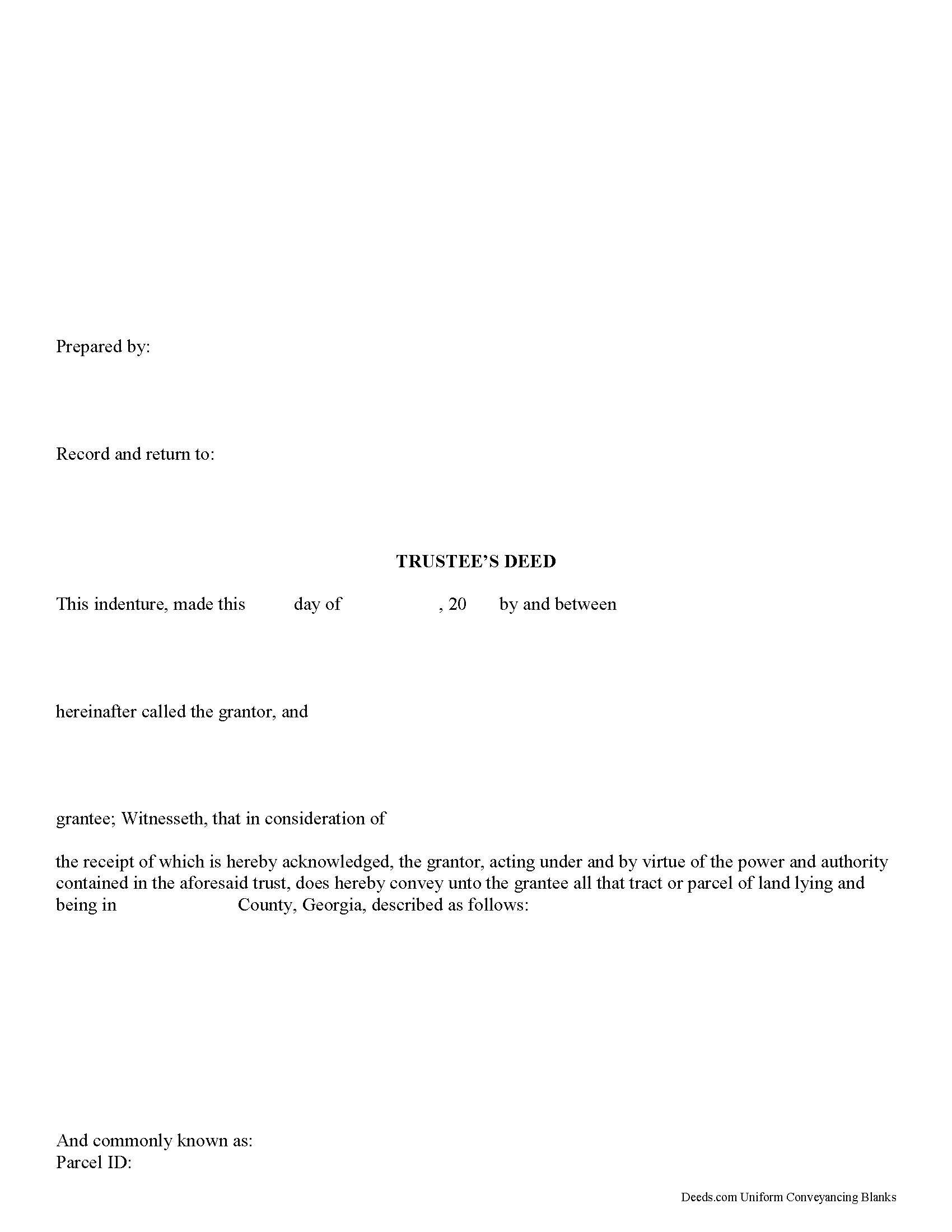
Coffee County Trustee Deed Form
Fill in the blank form formatted to comply with all recording and content requirements.
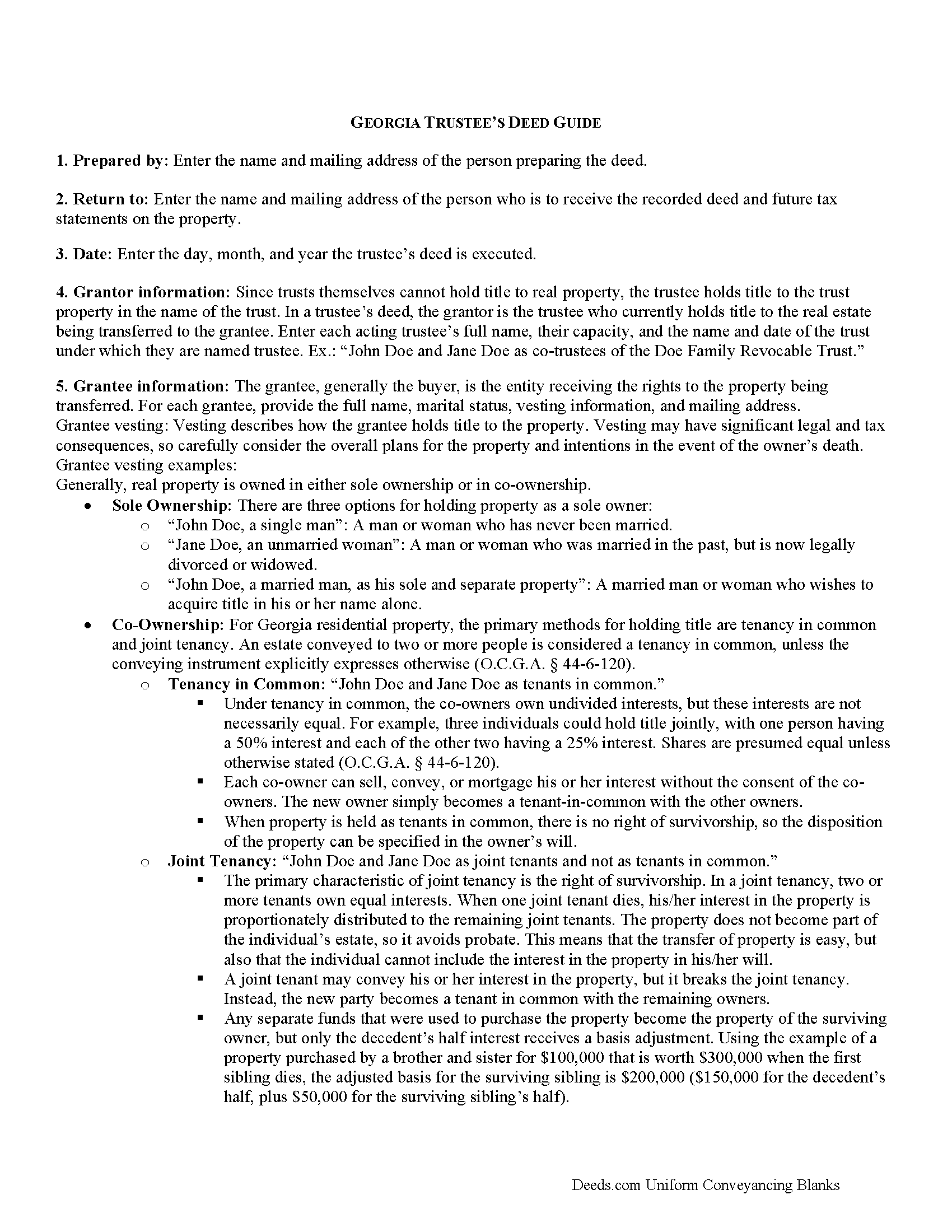
Coffee County Trustee Deed Guide
Line by line guide explaining every blank on the form.
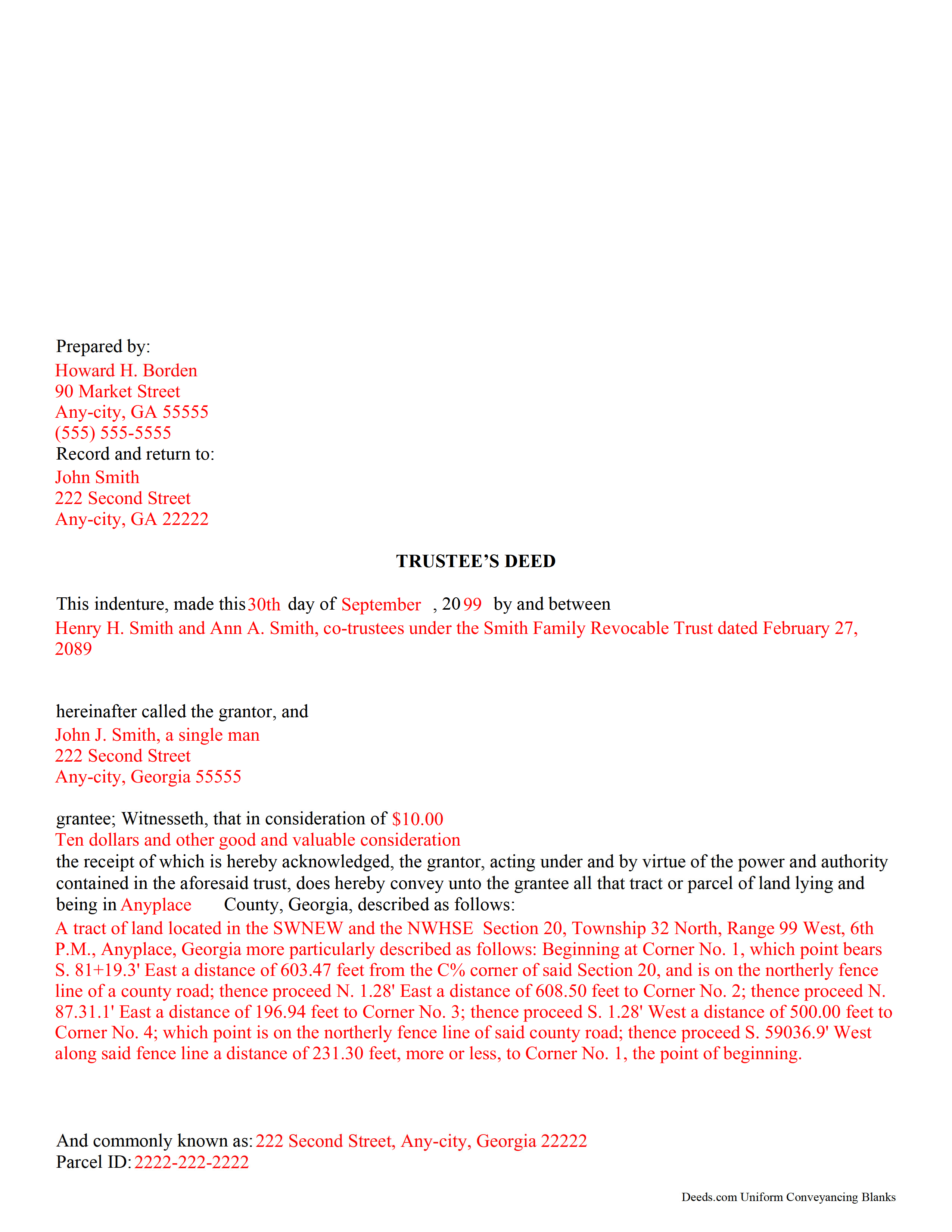
Coffee County Completed Example of the Trustee Deed Document
Example of a properly completed form for reference.
All 3 documents above included • One-time purchase • No recurring fees
Immediate Download • Secure Checkout
Additional Georgia and Coffee County documents included at no extra charge:
Where to Record Your Documents
Coffee Clerk of Superior Court
Douglas, Georgia 31533
Hours: 8:30 to 4:30 M-F
Phone: (912) 384-2865
Recording Tips for Coffee County:
- Bring your driver's license or state-issued photo ID
- Ensure all signatures are in blue or black ink
- Ask if they accept credit cards - many offices are cash/check only
- Check that your notary's commission hasn't expired
- Documents must be on 8.5 x 11 inch white paper
Cities and Jurisdictions in Coffee County
Properties in any of these areas use Coffee County forms:
- Ambrose
- Broxton
- Douglas
- Nicholls
- West Green
Hours, fees, requirements, and more for Coffee County
How do I get my forms?
Forms are available for immediate download after payment. The Coffee County forms will be in your account ready to download to your computer. An account is created for you during checkout if you don't have one. Forms are NOT emailed.
Are these forms guaranteed to be recordable in Coffee County?
Yes. Our form blanks are guaranteed to meet or exceed the applicable formatting requirements used for recording in Coffee County, including margin requirements, font requirements, and other layout standards. This guarantee applies to formatting, not to the legal sufficiency of information entered by the user or the suitability of a form for a particular transaction.
Can I reuse these forms?
Yes. You can reuse the forms for your personal use. For example, if you have multiple properties in Coffee County you only need to order once.
What do I need to use these forms?
The forms are PDFs that you fill out on your computer. The free Adobe Acrobat Reader is recommended, and most PDF apps also work. You do NOT enter your property information online - you download the blank forms and complete them privately on your own computer.
Are there any recurring fees?
No. This is a one-time purchase. Nothing to cancel, no memberships, no recurring fees.
How much does it cost to record in Coffee County?
Recording fees in Coffee County vary. Contact the recorder's office at (912) 384-2865 for current fees.
Questions answered? Let's get started!
A trustee's deed is an instrument of trust administration used by a trustee to convey real property out of a trust.
A trust is created by a settlor, who funds the trust with real and/or personal property for estate planning purposes. Since a trust is not a person and cannot hold title, when the settlor transfers real property into the trust, title to the property is vested in the name of the trustee. The trustee manages the trust's assets according to the directions set out in the trust document, often for the benefit of a third party, called a beneficiary.
There is no statutory form for conveyances in Georgia, so long as the transfer between parties is clear (O.C.G.A. 44-5-33). A valid trustee's deed names the trustee as the grantor and provides basic information about the trust under which the trustee is acting, including the name and date of the trust. The settlor is not involved in the transfer. However, a certificate of trust is sometimes included, which names the original settlor of the trust, verifies the trust's existence and the trustee's authority to act on its behalf, and confirms the power of sale that the trustee has under the trust.
In Georgia, the basic trustee's deed is similar to a quitclaim deed, in that it offers no warranty of title. Depending on the situation, the trustee can add guarantees to bring the deed in line with special warranty or warranty deeds.
Since a trustee's deed affects real property, in addition to the information regarding the trust, it must also meet the content requirements for recording other deeds, including a legal description of the property subject to the transaction, the parcel identification number, and any restrictions or easements the transfer is subject to. All trustees must sign the deed, which must be witnessed by two people (one of which may be the notary) and acknowledged in the presence of a notary. The deed is then recorded in the county in which the real property subject to the trust is situated.
Trust law can quickly become complicated, and each situation is unique. Contact a lawyer with any specific questions and for guidance on trust law.
(Georgia Trustee Deed Package includes form, guidelines, and completed example)
Important: Your property must be located in Coffee County to use these forms. Documents should be recorded at the county recording office listed above.
This Trustee Deed meets all recording requirements specific to Coffee County.
Our Promise
The documents you receive here are guaranteed to meet or exceed the applicable Coffee County recording format requirements. If there is a rejection caused by our formatting, we will correct the issue or refund your payment. This guarantee applies to document formatting only and does not extend to information entered by the user, the selection of the form, or the legal effect of the completed document.
Save Time and Money
Get your Coffee County Trustee Deed form done right the first time with Deeds.com Uniform Conveyancing Blanks. At Deeds.com, we understand that your time and money are valuable resources, and we don't want you to face a penalty fee or rejection imposed by a county recorder for submitting nonstandard documents. We constantly review and update our forms to meet rapidly changing state and county recording requirements for roughly 3,500 counties and local jurisdictions.
4.8 out of 5 - ( 4,819 Reviews )
David K. 5 out of 5 stars
My 1st trip to your site. I give it a full 5-star rating! Thank you. I'll be back.
Thank you for your feedback. We really appreciate it. Have a great day!
Frank H. 4 out of 5 stars
Form and instructions were useful. But I suggest creating a form for transferring a deed pursuant to a trust. The existing form is based on a will going through probate so it doesn't fit the trust situation in some respects.
Thank you for your feedback. We really appreciate it. Have a great day!
Edith T. 5 out of 5 stars
this was wonderful. I found everything very easy to understand. And great examples.
Thank you!
Scott W. 5 out of 5 stars
World class forms and service! Wish I had known about this site years ago, woulda saved me lots of headaches. Thank you.
Thanks for the kinds words Scott, have an amazing day!
ELIZABETH A P. 5 out of 5 stars
THE FORMS WERE GOOD, EASY TO UNDERSTAND. NICE TO BE ABLE TO DOWNLOAD THEM INSTANTLY. LIKED THAT I DID NOT HAVE TO JOIN ANYTHING WITH ONGOING FEES.
Thank you Elizabeth, have a great day!
Janet J. 5 out of 5 stars
These forms were very easy to both download and print, as well as fill out on the site and then print. The instructions are clear and concise. We have not yet been to the County to file them, but we are expecting no issues.
We appreciate your business and value your feedback. Thank you. Have a wonderful day!
Evelyn N. 5 out of 5 stars
Great website, efficient and informational. Very helpful!
We appreciate your business and value your feedback. Thank you. Have a wonderful day!
DAVID H. 5 out of 5 stars
perfect. follow examples. no problem at court house. good deed layout.
Thank you for your feedback. We really appreciate it. Have a great day!
Debbi B. 4 out of 5 stars
The deeds were a very reasonable price. However, it was made to seem like it was part of Jefferson County, and I didn't love the deceptiveness.
Debbi, we understand that you came away with the impression that Deeds.com was part of Jefferson County, but we respectfully disagree with the characterization of our website as deceptive. Deeds.com is an independent document provider and does not represent itself as affiliated with Jefferson County or any other government agency. Jefferson County is identified because customers need forms and recording information appropriate for the correct jurisdiction. If a particular page or statement caused confusion, please contact Deeds.com Customer Care so we can review it.
Daniel D. 5 out of 5 stars
Easier than I expected. I followed the downloaded examples step by step, and before I knew it, the form was completed correctly and good to go. Thank you, Daniel D.
We appreciate your business and value your feedback. Thank you. Have a wonderful day!
Cecelia C. 5 out of 5 stars
Service was fantastic. So helpful and they promptly get back with you. No reason to drive if you are out of state and need to get a deed filed. Safe way to file if you don't want to go to public office or can't physically get there.
Thank you for your feedback. We really appreciate it. Have a great day!
willie jr t. 5 out of 5 stars
Awesome! Thanks so so much!
Thank you!
Lan S. 5 out of 5 stars
extremely satisfied with the service. I could not get file size correctly at the beginning. I received quick responses pointing out specific problem, which was very helpful for me to correct the mistake. It took 5 or 6 times due to different errors to finally achieve the qualified version. The customer care team was very patient walking me through the process.
We appreciate your business and value your feedback. Thank you. Have a wonderful day!
Gail J. 5 out of 5 stars
Great! Got the document I needed
Thank you for your feedback. We really appreciate it. Have a great day!
Rosemary W. 5 out of 5 stars
considering the current epidemic your fees save me time and parking fees. with help from DC recorder of deeds I was directed to the correct link to process my deed
Thank you for your feedback. We really appreciate it. Have a great day!