Honolulu County Correction Deed Form
Last validated October 13, 2026 by our Forms Development TeamFormatted for recording in Honolulu County, for property anywhere in the county: rural and unincorporated areas as well as Aiea, Camp H M Smith, Ewa Beach, Fort Shafter, Haleiwa, Hauula, Hickam Afb, Honolulu and 20 more.
- 3 documents included
- Immediate PDF download
- Formatting guarantee
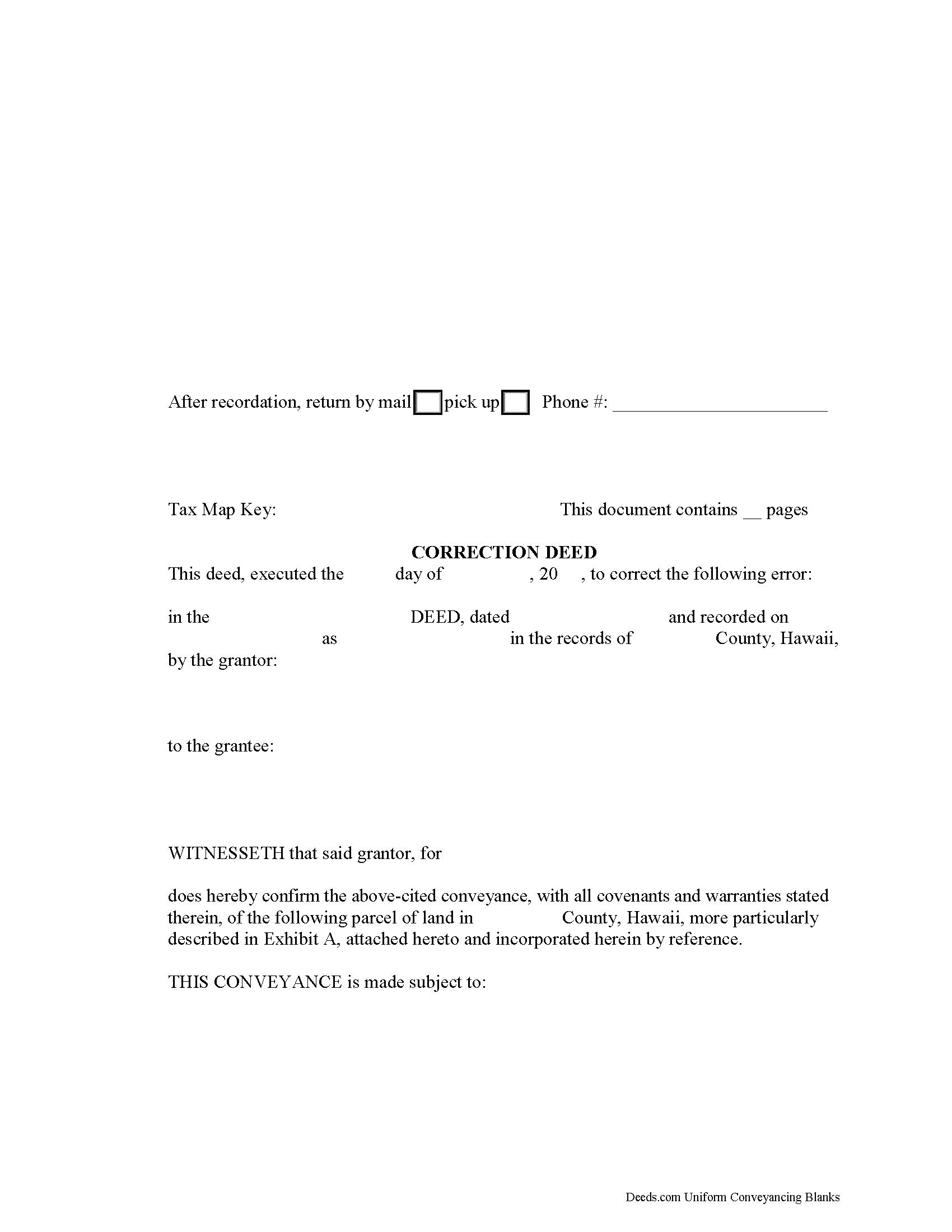
Honolulu County Correction Deed Form
Fill in the blank form formatted to comply with all recording and content requirements.
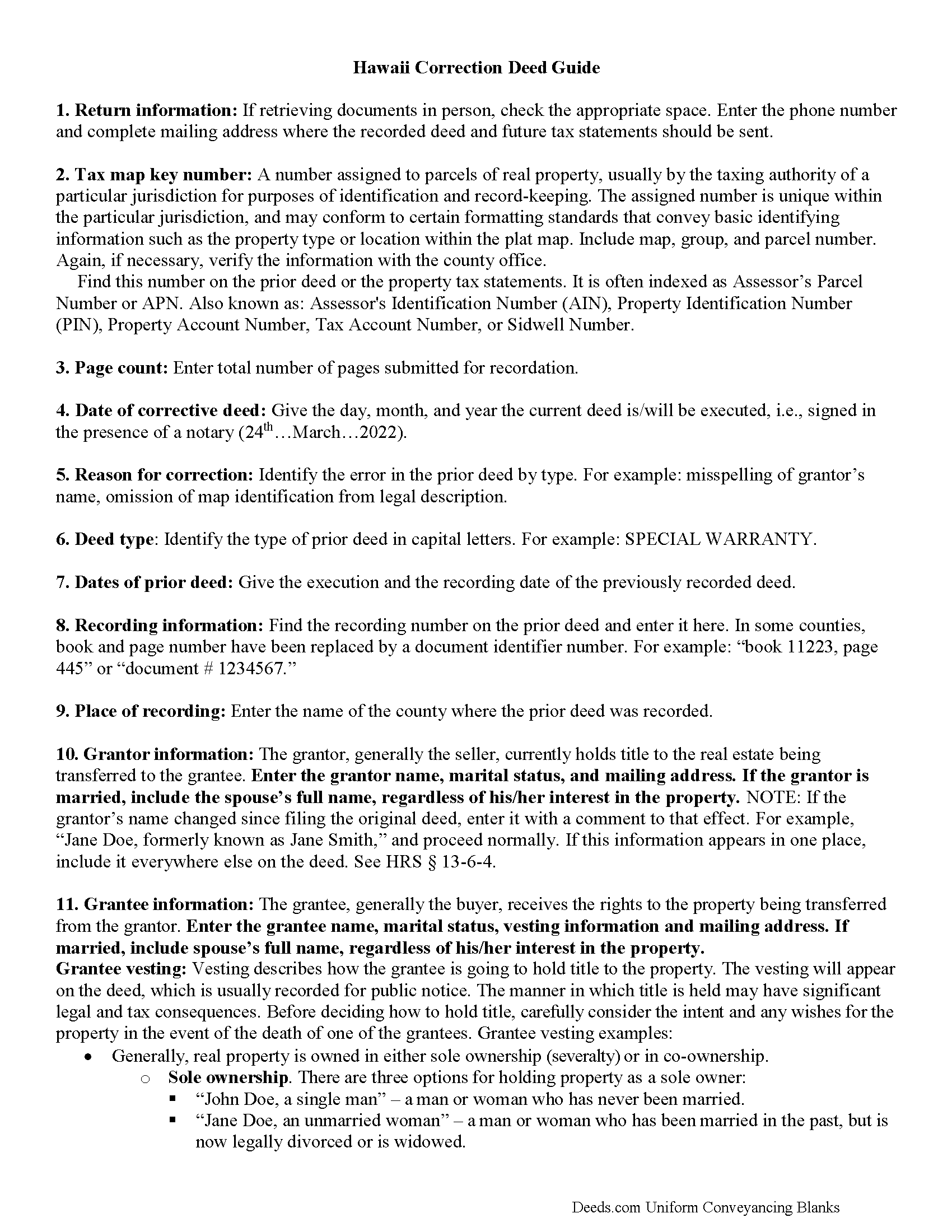
Honolulu County Correction Deed Guide
Line by line guide explaining every blank on the form.
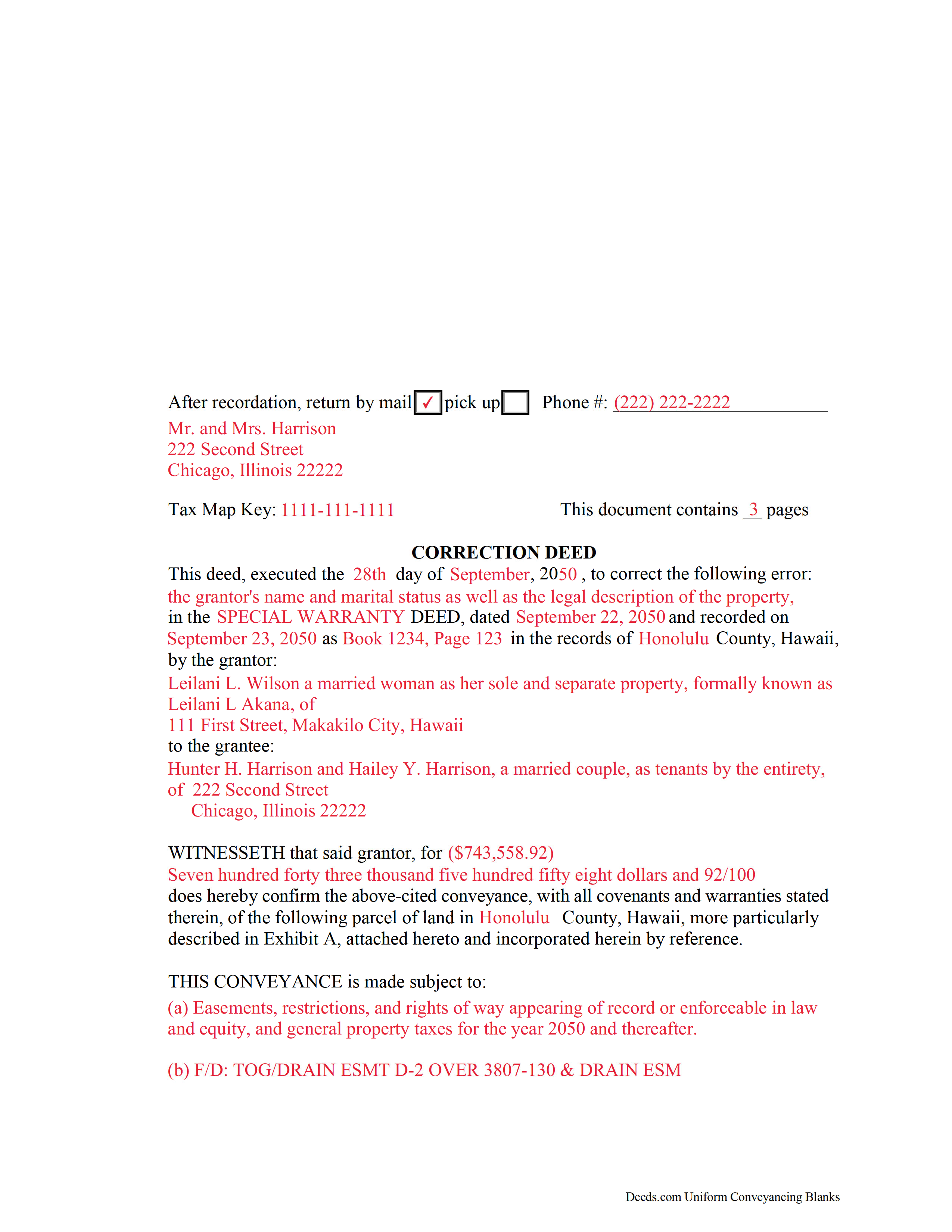
Honolulu County Completed Example of the Correction Deed Document
Example of a properly completed form for reference.
All 3 documents above included • One-time purchase • No recurring fees
Immediate Download • Secure Checkout
Additional Hawaii and Honolulu County documents included at no extra charge:
Where to Record Your Documents
Hawaii Bureau of Conveyances
Honolulu, Hawaii 96813 / 96803
Hours: 7:45am to 4:30pm / Recording: 8:00am to 3:30pm
Phone: (808) 587-0147
Recording Tips for Honolulu County:
- Bring your driver's license or state-issued photo ID
- Ensure all signatures are in blue or black ink
- Leave recording info boxes blank - the office fills these
- Make copies of your documents before recording - keep originals safe
- Recorded documents become public record - avoid including SSNs
Cities and Jurisdictions in Honolulu County
Properties in any of these areas use Honolulu County forms:
- Aiea
- Camp H M Smith
- Ewa Beach
- Fort Shafter
- Haleiwa
- Hauula
- Hickam Afb
- Honolulu
- Kaaawa
- Kahuku
- Kailua
- Kaneohe
- Kapolei
- Kunia
- Laie
- M C B H Kaneohe Bay
- Mililani
- Pearl City
- Pearl Harbor
- Schofield Barracks
- Tripler Army Medical Center
- Wahiawa
- Waialua
- Waianae
- Waimanalo
- Waipahu
- Wake Island
- Wheeler Army Airfield
Hours, fees, requirements, and more for Honolulu County
How do I get my forms?
Forms are available for immediate download after payment. The Honolulu County forms will be in your account ready to download to your computer. An account is created for you during checkout if you don't have one. Forms are NOT emailed.
Are these forms guaranteed to be recordable in Honolulu County?
Yes. Our form blanks are guaranteed to meet or exceed the applicable formatting requirements used for recording in Honolulu County, including margin requirements, font requirements, and other layout standards. This guarantee applies to formatting, not to the legal sufficiency of information entered by the user or the suitability of a form for a particular transaction.
Can I reuse these forms?
Yes. You can reuse the forms for your personal use. For example, if you have multiple properties in Honolulu County you only need to order once.
What do I need to use these forms?
The forms are PDFs that you fill out on your computer. The free Adobe Acrobat Reader is recommended, and most PDF apps also work. You do NOT enter your property information online - you download the blank forms and complete them privately on your own computer.
Are there any recurring fees?
No. This is a one-time purchase. Nothing to cancel, no memberships, no recurring fees.
How much does it cost to record in Honolulu County?
Recording fees in Honolulu County vary. Contact the recorder's office at (808) 587-0147 for current fees.
Questions answered? Let's get started!
Use the correction deed to correct an error in a previously recorded deed of conveyance in Hawaii.
Errors in a previously recorded deed can be corrected by preparing and recording a correction deed. This helps to prevent title flaws, which may cause problems when the current owner attempts to sell the property. The correction deed does not convey title; instead, it confirms the prior conveyance.
The corrective deed must be executed from the original grantor to the original grantee. Apart from supplying the corrected information, it must identify the reason for correcting and reference the prior deed by date, recording number (book and page or document number), and place of recording.
For small errors in various sections of the prior deed, such as typos and minor omissions of names or parts of names, marital status, or spouse's information, a correction deed is the right vehicle. When correcting the legal description, have both the grantor and the grantee sign the corrective deed and confirm the correction.
For certain types of changes, a correction deed may not be appropriate. Adding or removing a grantee, for example, or making material changes to the legal description, especially deleting a portion of the originally transferred property, may require a new deed of conveyance instead of correction of the original deed. When in doubt about how to correct an error, consult with a lawyer.
Important: Your property must be located in Honolulu County to use these forms. Documents should be recorded at the county recording office listed above.
This Correction Deed meets all recording requirements specific to Honolulu County.
Our Promise
The documents you receive here are guaranteed to meet or exceed the applicable Honolulu County recording format requirements. If there is a rejection caused by our formatting, we will correct the issue or refund your payment. This guarantee applies to document formatting only and does not extend to information entered by the user, the selection of the form, or the legal effect of the completed document.
Save Time and Money
Get your Honolulu County Correction Deed form done right the first time with Deeds.com Uniform Conveyancing Blanks. At Deeds.com, we understand that your time and money are valuable resources, and we don't want you to face a penalty fee or rejection imposed by a county recorder for submitting nonstandard documents. We constantly review and update our forms to meet rapidly changing state and county recording requirements for roughly 3,500 counties and local jurisdictions.
4.8 out of 5 - ( 4,839 Reviews )
Annette A. 5 out of 5 stars
I requested a property report and it was completed fast and accurately. I would highly recommend this service.
We appreciate your business and value your feedback. Thank you. Have a wonderful day!
James M. 5 out of 5 stars
Very good experience.
Thank you!
Joann J. 5 out of 5 stars
Much easier to navigate than some others I've been on. Liked the upfront pricing.
We appreciate your comments and your trust in us. Thank you.
ALFRED B. 5 out of 5 stars
The product was just what I needed. Not being the sharpest computer user I stumbled a little but after reading more carefully I navigated the process and I am very satisfied with my experience. deeds certainly saved me a lot of time.
Thank you!
Howard K. 5 out of 5 stars
Great products, quick downloads, the "guides" are extremely helpful. Overall 5 stars!
Thank you!
Carlene J. 5 out of 5 stars
Great way to do business with Dc Government! I submitted my documents and received everything back and approved on the same day! No wait , no line! Lol
Thank you for your feedback. We really appreciate it. Have a great day!
Lisa C. 5 out of 5 stars
Great. Thank you. Received information quickly. Helped out a lot.
Thank you!
Scott M. 5 out of 5 stars
Complete Package don't spend good money for a title co. to do this
Thank you for your feedback. We really appreciate it. Have a great day!
L. Candace H. 5 out of 5 stars
So far it's been good & informative. I have not chosen forms for download but I like the site. Thanks
Thank you!
Christine K. 5 out of 5 stars
While I was initially disappointed I could not go to the local County to file my paperwork due to Covid-19, I was thrilled to work with Deeds.com. Their staff was INCREDIBLY FAST, super knowledgeable and the whole process happened from my computer in minutes. Very positive experience.
We appreciate your business and value your feedback. Thank you. Have a wonderful day!
Amy L B. 5 out of 5 stars
easy to download forms and help is there if you need it!
Thank you, Amy! We appreciate your kind words and are glad you found the forms easy to download. Our team is always here if you ever need assistance. Thanks for choosing us!
Robert S B. 2 out of 5 stars
I would not have ordered this form had I realised how limited the fields are for details. There is no room for elaboration of terms. The language only allows one grantor and one grantee, and the gender and quantity default construction is a poor choice. Be basic, but leave room for more.
Thank you for your feedback. We really appreciate it. Have a great day!
Karen V. 5 out of 5 stars
It was a easy process to get the forms I needed.
We appreciate your business and value your feedback. Thank you. Have a wonderful day!
Randi J. 5 out of 5 stars
Everything was so easy and self explanatory and very inexpensive. Thank you.
Thank you for your feedback. We really appreciate it. Have a great day!
Larry J. 5 out of 5 stars
we are hoping this is what we need. Thanks
Thank you!