Christian County Mechanics Lien Preliminary 90 Day Notice Form
Last validated September 28, 2026 by our Forms Development TeamFormatted for recording in Christian County, for property anywhere in the county: rural and unincorporated areas as well as Assumption, Bulpitt, Edinburg, Kincaid, Morrisonville, Mount Auburn, Moweaqua, Owaneco and 6 more.
- 3 documents included
- Immediate PDF download
- Formatting guarantee
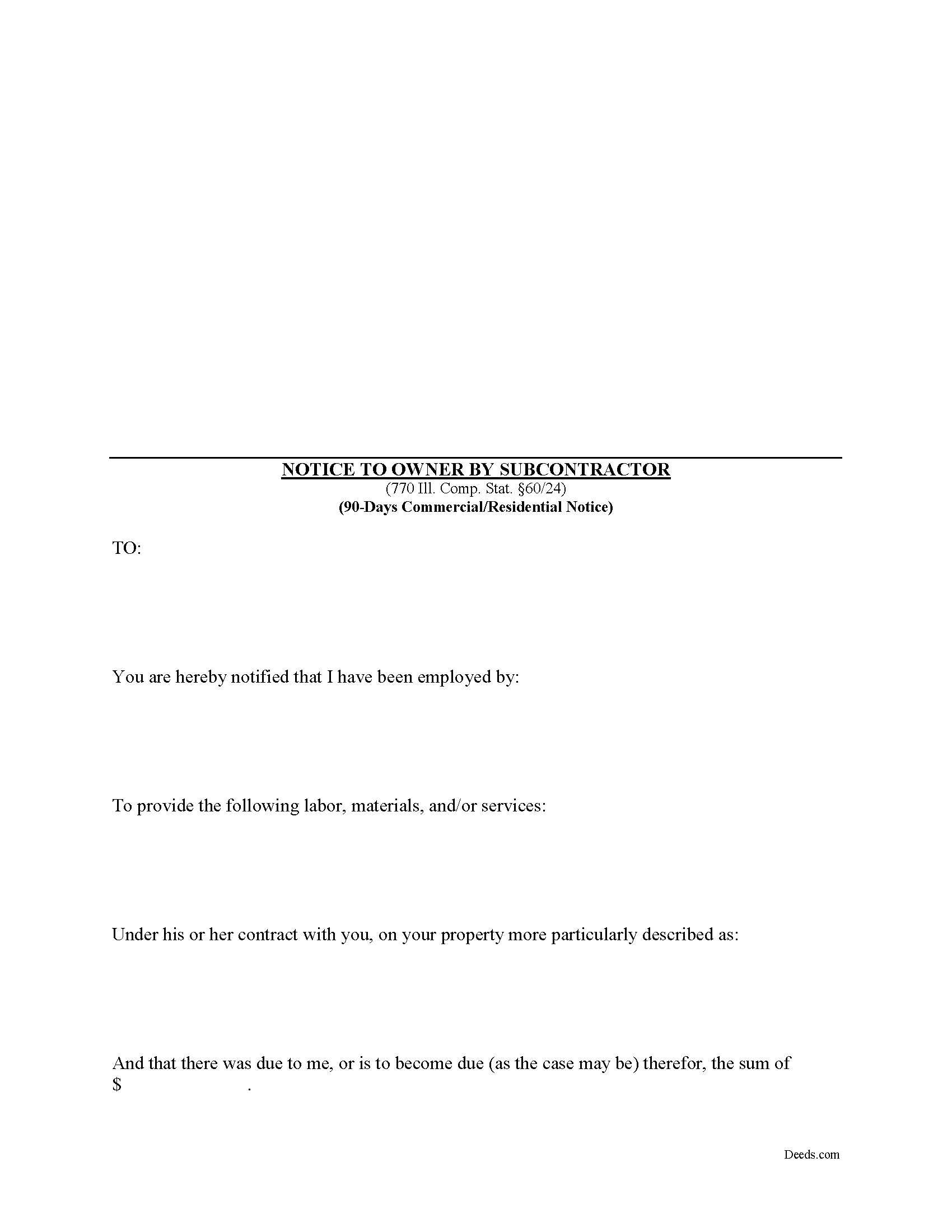
Christian County Mechanics Lien Preliminary 90 Day Notice Form
Fill in the blank Mechanics Lien Preliminary 90 Day Notice form formatted to comply with all Illinois recording and content requirements.
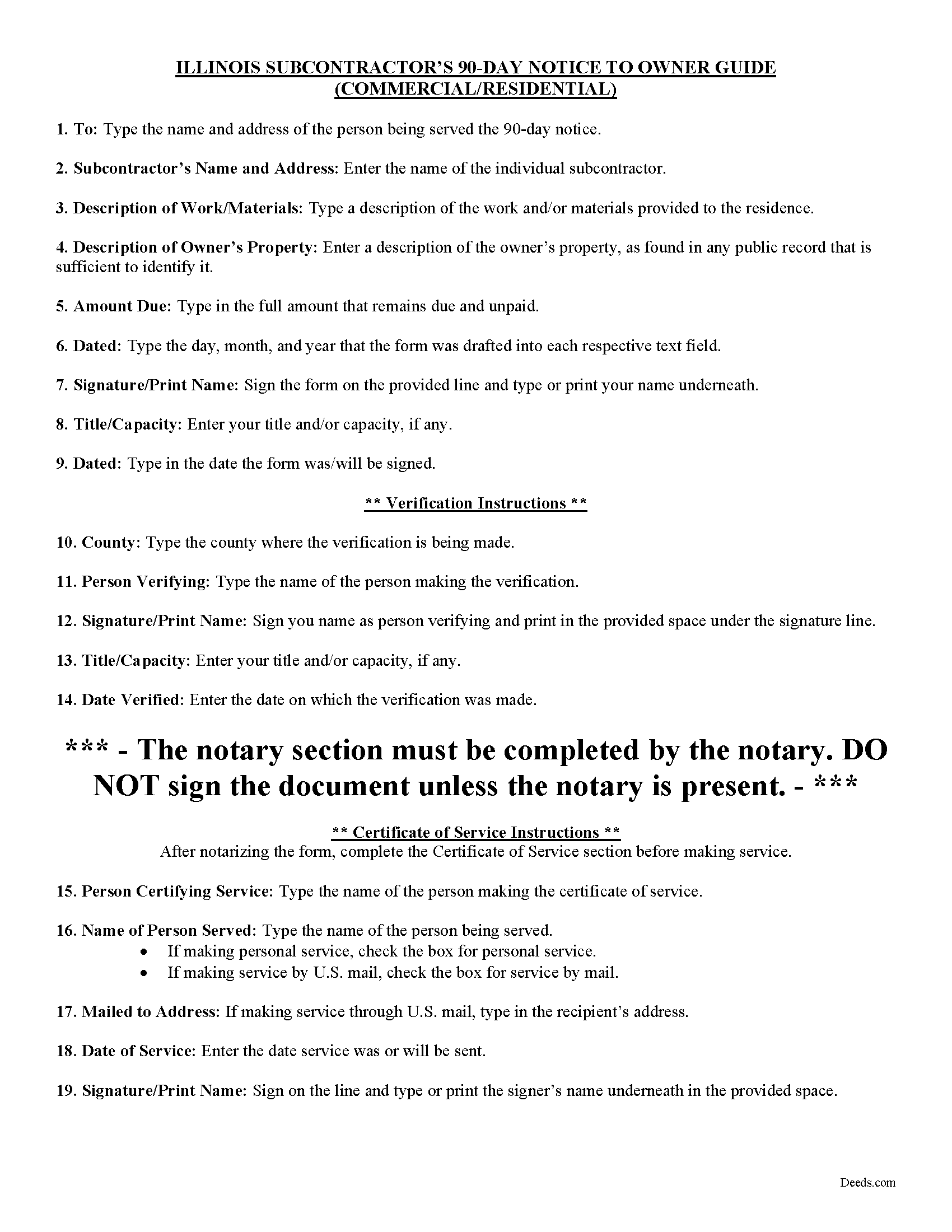
Christian County Preliminary 90 Day Notice Guide
Line by line guide explaining every blank on the form.
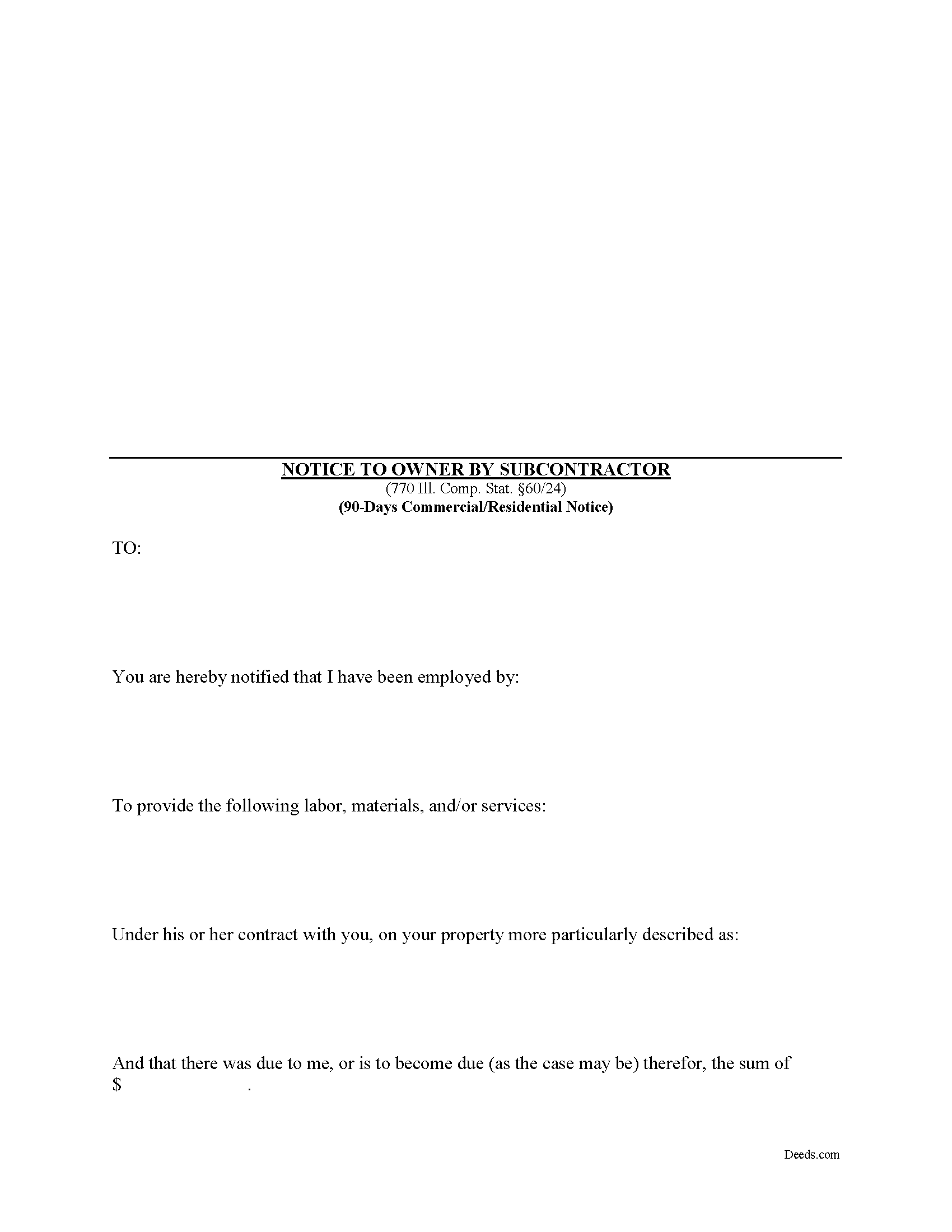
Christian County Completed Example of the Preliminary 90 Day Notice Document
Example of a properly completed form for reference.
All 3 documents above included • One-time purchase • No recurring fees
Immediate Download • Secure Checkout
Additional Illinois and Christian County documents included at no extra charge:
Where to Record Your Documents
Christian County Recorder's Office
Taylorville, Illinois 62568
Hours: 8:00 to 4:00 Monday through Friday
Phone: (217) 824-4960
Recording Tips for Christian County:
- Bring your driver's license or state-issued photo ID
- Ensure all signatures are in blue or black ink
- Recorded documents become public record - avoid including SSNs
- Recording fees may differ from what's posted online - verify current rates
- Request a receipt showing your recording numbers
Cities and Jurisdictions in Christian County
Properties in any of these areas use Christian County forms:
- Assumption
- Bulpitt
- Edinburg
- Kincaid
- Morrisonville
- Mount Auburn
- Moweaqua
- Owaneco
- Palmer
- Pana
- Rosamond
- Stonington
- Taylorville
- Tovey
Hours, fees, requirements, and more for Christian County
How do I get my forms?
Forms are available for immediate download after payment. The Christian County forms will be in your account ready to download to your computer. An account is created for you during checkout if you don't have one. Forms are NOT emailed.
Are these forms guaranteed to be recordable in Christian County?
Yes. Our form blanks are guaranteed to meet or exceed the applicable formatting requirements used for recording in Christian County, including margin requirements, font requirements, and other layout standards. This guarantee applies to formatting, not to the legal sufficiency of information entered by the user or the suitability of a form for a particular transaction.
Can I reuse these forms?
Yes. You can reuse the forms for your personal use. For example, if you have multiple properties in Christian County you only need to order once.
What do I need to use these forms?
The forms are PDFs that you fill out on your computer. The free Adobe Acrobat Reader is recommended, and most PDF apps also work. You do NOT enter your property information online - you download the blank forms and complete them privately on your own computer.
Are there any recurring fees?
No. This is a one-time purchase. Nothing to cancel, no memberships, no recurring fees.
How much does it cost to record in Christian County?
Recording fees in Christian County vary. Contact the recorder's office at (217) 824-4960 for current fees.
Questions answered? Let's get started!
This statutory form is meant for use by subcontractors or others who are not directly contracted for work with the property owner.
For residential, owner-occupied projects, the 90-day notice form is the second preliminary notice sent in anticipation of filing a lien (the 60-day notice must be served beforehand sent via certified mail within 60 days from the first furnishing). For a commercial project, the 90-day form is the first notice sent to the owner. Either way, both commercial and residential jobs require the 90-day notice prior to filing a lien. 770 Ill. Comp. Stat. 60/24(a).
The 90-day notice is a demand for payment that must be sent by all contractors, subcontractors, laborers, and material/equipment suppliers who have not directly contracted with the owner or the owner's agent. Note that all eligible workers must send the notice within 90 days after the final furnishing of work or delivery of materials to the jobsite. Id. Any substantial additional or extra work can enlarge the time, but mere corrections of previously completed work will not affect the end date. Be aware the time is 90 days, not three months, so count 90 days from the date labor or materials were last furnished.
Serve the notice either through personal service by using a process server, or use the easier and less expensive option of certified mail. The notice does not have to be recorded but keep track of all dates and confirmations of receipt of service to help create a paper trail if a lien becomes necessary. If the deadlines are near, consider a process server. If mailing, serve the notice by certified mail, return receipt requested on the owner, the mortgage lenders, and the general contractor.
The 90-day notice must be verified which means the contractor's signature represents the contents of the notice are accurate and true. The notice must also be notarized by signing it in front of a licensed Notary Public who affixes his or her seal to the document.
This article is provided for informational purposes only and does not constitute legal advice. If you have any questions about mechanic's liens, including the preliminary notices, please consult an attorney.
Important: Your property must be located in Christian County to use these forms. Documents should be recorded at the county recording office listed above.
This Mechanics Lien Preliminary 90 Day Notice meets all recording requirements specific to Christian County.
Our Promise
The documents you receive here are guaranteed to meet or exceed the applicable Christian County recording format requirements. If there is a rejection caused by our formatting, we will correct the issue or refund your payment. This guarantee applies to document formatting only and does not extend to information entered by the user, the selection of the form, or the legal effect of the completed document.
Save Time and Money
Get your Christian County Mechanics Lien Preliminary 90 Day Notice form done right the first time with Deeds.com Uniform Conveyancing Blanks. At Deeds.com, we understand that your time and money are valuable resources, and we don't want you to face a penalty fee or rejection imposed by a county recorder for submitting nonstandard documents. We constantly review and update our forms to meet rapidly changing state and county recording requirements for roughly 3,500 counties and local jurisdictions.
4.8 out of 5 - ( 4,828 Reviews )
samantha b. 5 out of 5 stars
excellent instructions and the examples made completing the forms so very simple. thanks so much.
Thank you Samantha.
Rod G. 5 out of 5 stars
You guys have it DOWN!! You made it easy to navigate your site and services. You explained things effectively. You are helpful and fast. NO WAY would even entertain using a different deed/ document recording service. I'll be back! Thank you. Rod
We appreciate your business and value your feedback. Thank you. Have a wonderful day!
reed w. 5 out of 5 stars
Great service that saved me a lot of time for under 30 bucks.
We appreciate your business and value your feedback. Thank you. Have a wonderful day!
TERRY E. 5 out of 5 stars
VERY EASY TO USE !
Thank you!
Robert W. 5 out of 5 stars
The forms were as I expected them to be. The guide was very helpful. Overall very good.
Thanks Robert. We appreciate your feedback.
Jerry B. 5 out of 5 stars
Easy to use and fully comprehensive.
Thank you for your feedback Jerry, we appreciate you.
Laryn A. 5 out of 5 stars
Very happy with the beneficiary deed forms packet. It was helpful to have an example of a properly filled out form. The only suggestion would be is to show where the exemption code should be placed on the form.
Thank you for your feedback. We really appreciate it. Have a great day!
Vicki L. 5 out of 5 stars
Quick results with accurate information and thorough information.
Thank you!
Michael L. G. 5 out of 5 stars
Thank you, Deed.com provided the needed forms to change county and state information after the passing of my father, saved me a trip to law office, especially after the lawyers would not return my calls, so I would recommend you check Deed.com for information, saved my family money for lawyer fees, would use Deed.com again. Mike
Thank you for your feedback. We really appreciate it. Have a great day!
Elizabeth L. 5 out of 5 stars
Used this site and the forms a few times now and always a good experience. It's so nice to be able to download these forms to my computer and work on them there. So many others want you to do everything online, pain in my opinion. Thank you Deeds!
Thank you for your feedback. We really appreciate it. Have a great day!
Fred B. 5 out of 5 stars
Great site and very easy to use. I will be using this for all of my search and form requirements.
Thank you for your feedback. We really appreciate it. Have a great day!
ARTHEMEASE B. 5 out of 5 stars
You made a very confusing process very easy. Your response was timely. I will definitely use you again.
We appreciate your business and value your feedback. Thank you. Have a wonderful day!
Danelle S. 5 out of 5 stars
So easy and fast that even I could do it, and I'm technologically challenged! Thank you Deeds.com for taking care of the technical stuff so I can live and play. Definitely speedy delivery!
Thank you!
Roberta J B. 5 out of 5 stars
User friendly
Thank you!
Francine B. 5 out of 5 stars
Looks like all forms are available. Hope they are as easy to use as it was to obtain. Thank you.
We appreciate your business and value your feedback. Thank you. Have a wonderful day!