Cumberland County Quitclaim Deed (Corrective) Form
Last validated November 17, 2026 by our Forms Development TeamFormatted for recording in Cumberland County, for property anywhere in the county: rural and unincorporated areas as well as Greenup, Janesville, Jewett, Neoga, Toledo.
- 3 documents included
- Immediate PDF download
- Formatting guarantee
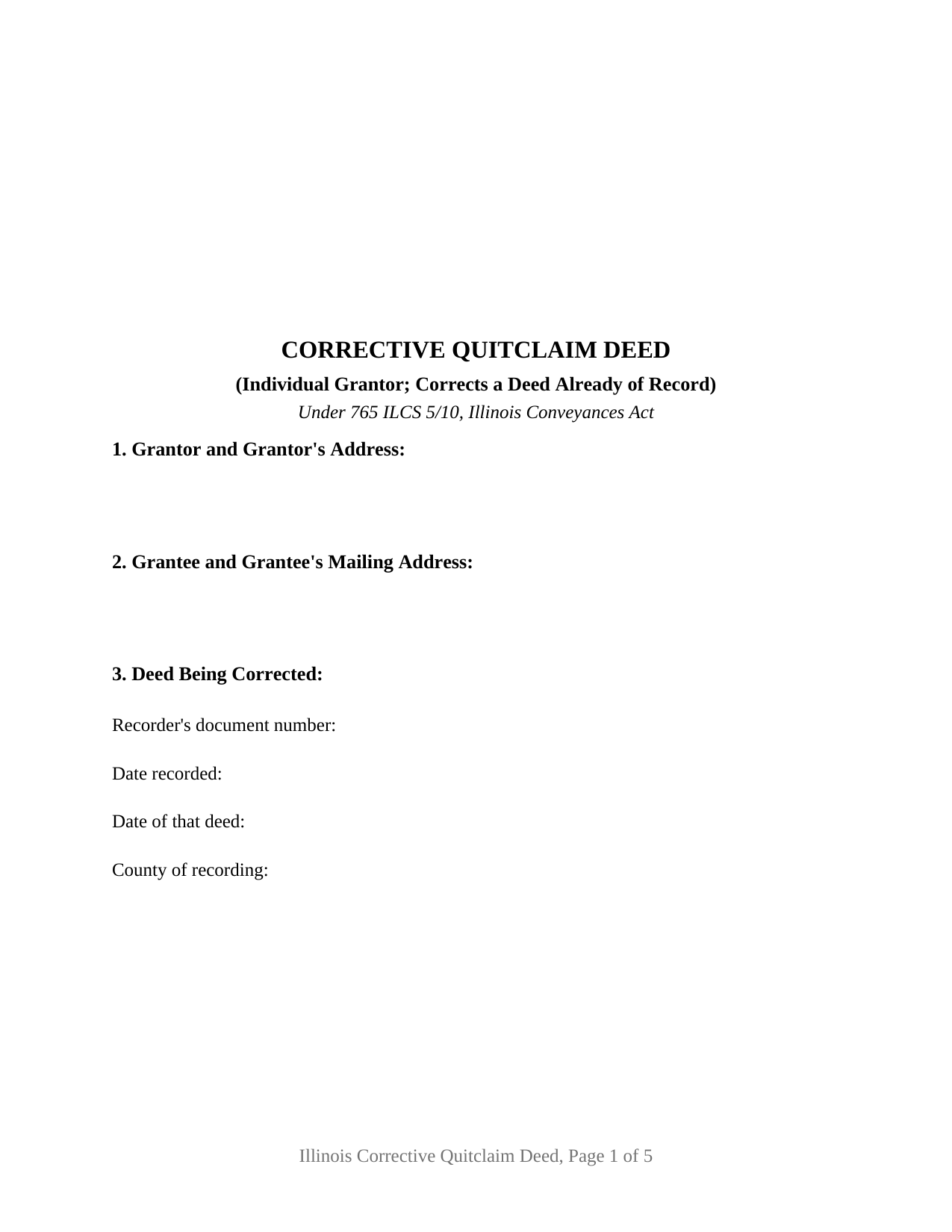
Cumberland County Quitclaim Deed (Corrective) Form
Fill in the blank Quitclaim Deed (Corrective) form formatted to comply with all Illinois recording and content requirements.
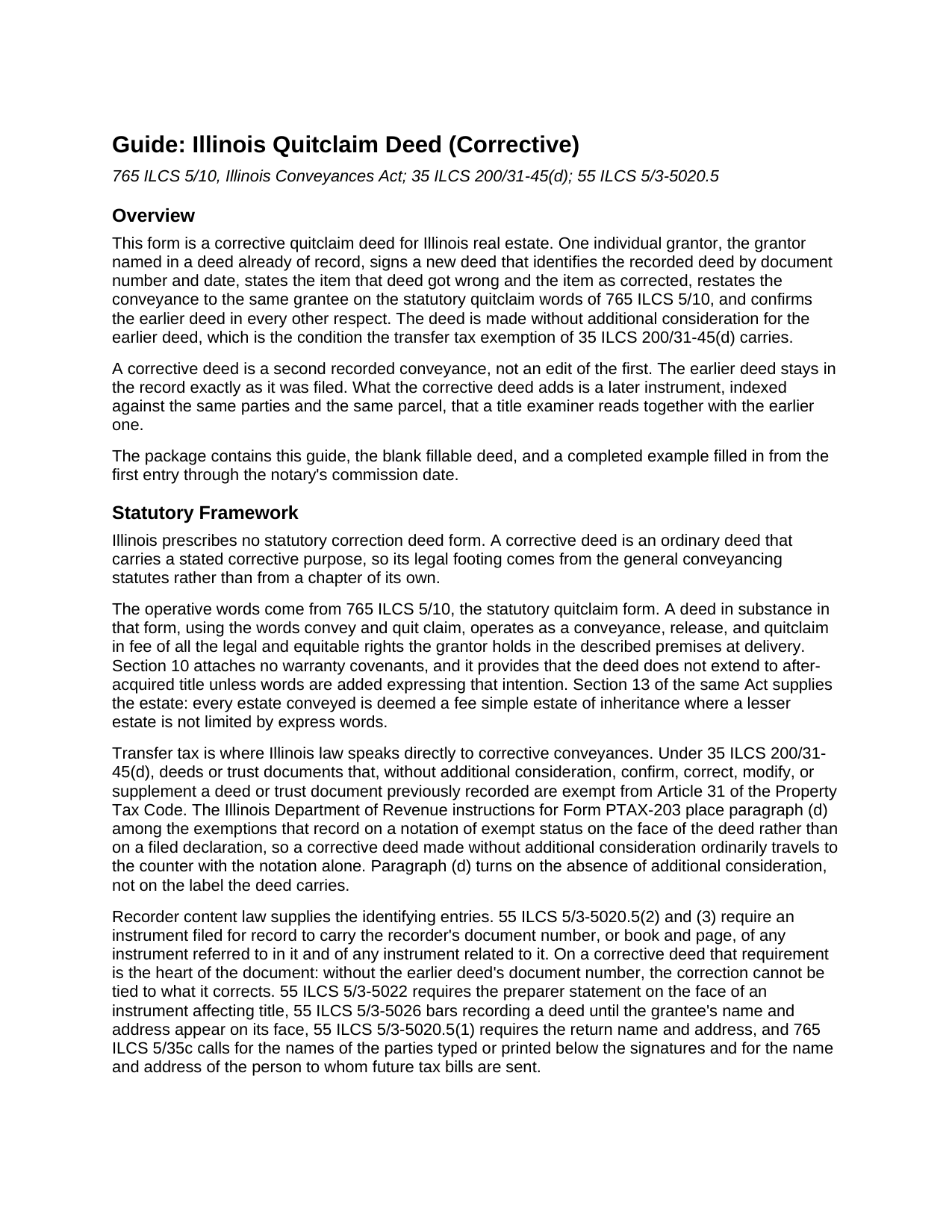
Cumberland County Quitclaim Deed (Corrective) Guide
Line by line guide explaining every blank on the Quitclaim Deed (Corrective) form.
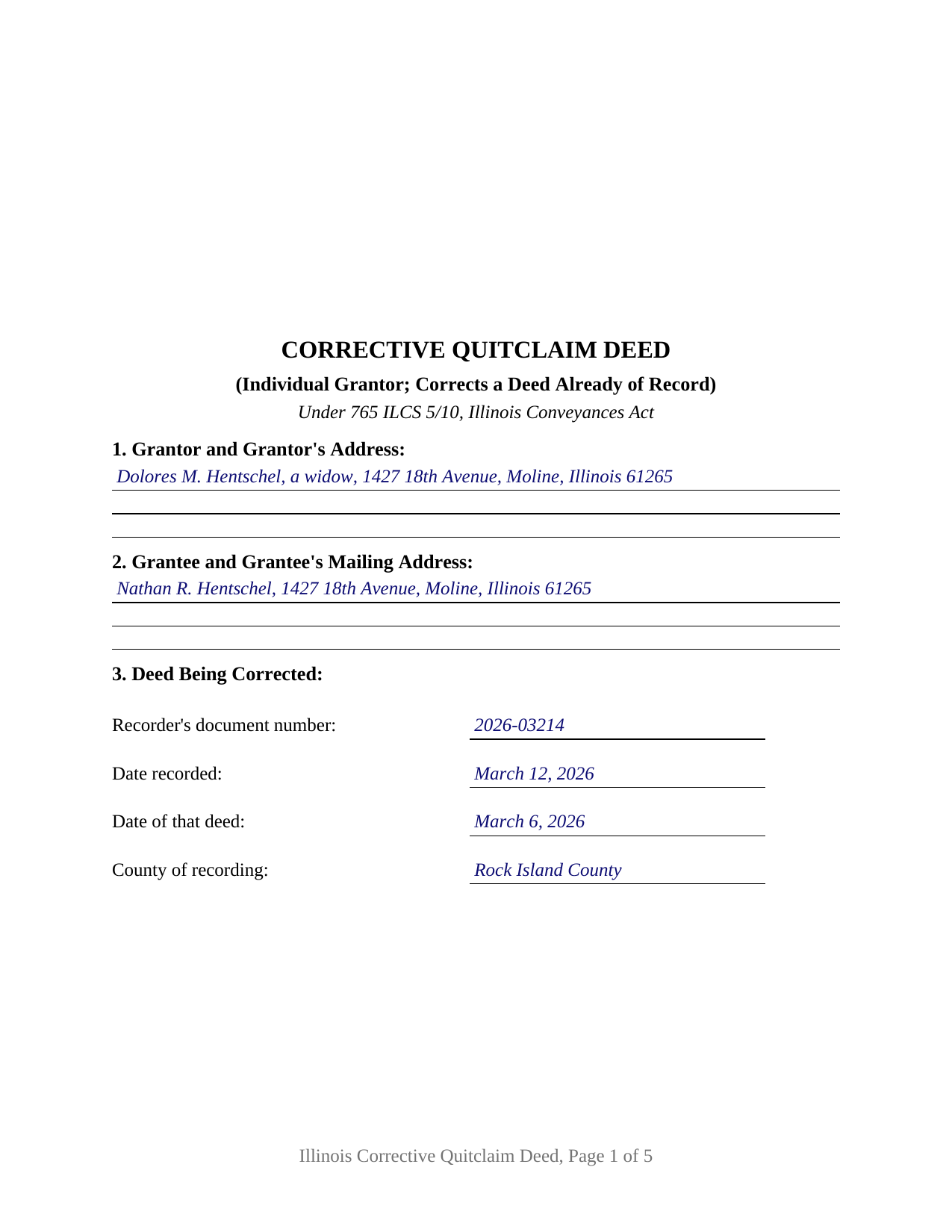
Cumberland County Completed Example of the Quitclaim Deed (Corrective) Document
Example of a properly completed Illinois Quitclaim Deed (Corrective) document for reference.
All 3 documents above included • One-time purchase • No recurring fees
Immediate Download • Secure Checkout
Additional Illinois and Cumberland County documents included at no extra charge:
Where to Record Your Documents
County Clerk - Recorder
Toledo, Illinois 62468
Hours: 8:30 to 4:30 M-F
Phone: (217) 849-2631
Recording Tips for Cumberland County:
- Bring your driver's license or state-issued photo ID
- Ensure all signatures are in blue or black ink
- Bring extra funds - fees can vary by document type and page count
- Check margin requirements - usually 1-2 inches at top
- Leave recording info boxes blank - the office fills these
Cities and Jurisdictions in Cumberland County
Properties in any of these areas use Cumberland County forms:
- Greenup
- Janesville
- Jewett
- Neoga
- Toledo
Hours, fees, requirements, and more for Cumberland County
How do I get my forms?
Forms are available for immediate download after payment. The Cumberland County forms will be in your account ready to download to your computer. An account is created for you during checkout if you don't have one. Forms are NOT emailed.
Are these forms guaranteed to be recordable in Cumberland County?
Yes. Our form blanks are guaranteed to meet or exceed the applicable formatting requirements used for recording in Cumberland County, including margin requirements, font requirements, and other layout standards. This guarantee applies to formatting, not to the legal sufficiency of information entered by the user or the suitability of a form for a particular transaction.
Can I reuse these forms?
Yes. You can reuse the forms for your personal use. For example, if you have multiple properties in Cumberland County you only need to order once.
What do I need to use these forms?
The forms are PDFs that you fill out on your computer. The free Adobe Acrobat Reader is recommended, and most PDF apps also work. You do NOT enter your property information online - you download the blank forms and complete them privately on your own computer.
Are there any recurring fees?
No. This is a one-time purchase. Nothing to cancel, no memberships, no recurring fees.
How much does it cost to record in Cumberland County?
Recording fees in Cumberland County vary. Contact the recorder's office at (217) 849-2631 for current fees.
Questions answered? Let's get started!
An Illinois deed cannot be edited once the recorder has stamped it. The record keeps what was filed, transposed digits and all, and the repair is a second instrument that speaks about the first. This corrective quitclaim deed is arranged for that job: the individual who signed the deed of record signs again, names that deed by its document number, states the item it got wrong beside the item as corrected, and restates the conveyance in the statutory words of 765 ILCS 5/10.
Paragraph (d), and the condition it turns on
Illinois transfer tax law names this instrument directly. Under 35 ILCS 200/31-45(d), a deed that, without additional consideration, confirms, corrects, modifies, or supplements a previously recorded deed is exempt from Article 31 of the Property Tax Code, and the Department of Revenue instructions for Form PTAX-203 group that paragraph with the exemptions recorded on a notation of exempt status written on the face of the deed rather than on a filed declaration. What the paragraph turns on is the absence of new money, not the caption: a correction carrying fresh consideration is an ordinary taxable conveyance. Section 10 prints the statement that no additional consideration passes, a blank for the paragraph claimed, and a signature and date for the notation.
The document number that ties the two deeds together
55 ILCS 5/3-5020.5 has every recorded instrument carry the recorder's document number, or book and page, of any instrument it refers to and of any instrument related to it. On most deeds that entry is a courtesy to the next title searcher. On a correction deed it is the entire mechanism, because an instrument that does not name what it corrects floats loose in the grantor and grantee indexes. Section 3 gathers four identifiers of the deed being corrected: the document number, the date of recording, the date of the deed itself, and the county where it was filed. Section 7 then states the item twice, once as the recorded deed put it and once as corrected, so the reach of the change sits on the face of the new deed.
What the corrective configuration carries
The form recites one individual grantor, the person named as grantor in the deed being corrected, and one grantee block carrying the grantee that deed named. Below the operative section sit one signature line and one acknowledgment certificate following the substance of 765 ILCS 5/26, with the express homestead release language of the Illinois statutory forms inside the granting sentence, where 765 ILCS 5/27 requires it to be stated rather than implied. That section corrects the earlier deed in the respects stated in Section 7 and in no other respect, confirms it otherwise, and disclaims any covenant of title. Scrivener's errors presenting this configuration include a transposed lot or block number, a plat document number written incorrectly, a misspelled party name, a wrong permanent index number, an omitted homestead clause, and a defective acknowledgment on the recorded deed. A deed executed by two record owners takes both of their signatures and sits outside this one-signer layout, as does an entity grantor; and where the parcel is an occupied homestead and the grantor is married, 735 ILCS 5/12-904 conditions a valid release of that estate on a writing signed by the individual and that individual's spouse.
Where a signed correction stops
A corrective deed has force because the hand that made the original conveyance restates it voluntarily. Where the grantor has died, cannot be located, or denies that anything was wrong, the question leaves the recorder's counter for a courtroom, and Illinois sets a demanding bar: reformation calls for a mistake of fact, mutual and common to both parties, proved by clear and convincing evidence, the ground on which Skelly v. Ersch reformed a deed in 1922. Nor does the new deed erase the old one or borrow its date. Both instruments stay in the chain, and 765 ILCS 5/30 measures each against creditors and subsequent purchasers without notice from the time it was filed.
Three files come with the purchase: the corrective quitclaim deed as a fillable PDF, a completed example for a Rock Island County deed that described the wrong lot number, and a guide walking every numbered section together with the homestead, notarization, and recording questions a correction raises. None of this is legal advice. It sets out Illinois law in general terms, and one particular error in one chain of title is a question for an Illinois attorney or title company.
Important: Your property must be located in Cumberland County to use these forms. Documents should be recorded at the county recording office listed above.
This Quitclaim Deed (Corrective) meets all recording requirements specific to Cumberland County.
Our Promise
The documents you receive here are guaranteed to meet or exceed the applicable Cumberland County recording format requirements. If there is a rejection caused by our formatting, we will correct the issue or refund your payment. This guarantee applies to document formatting only and does not extend to information entered by the user, the selection of the form, or the legal effect of the completed document.
Save Time and Money
Get your Cumberland County Quitclaim Deed (Corrective) form done right the first time with Deeds.com Uniform Conveyancing Blanks. At Deeds.com, we understand that your time and money are valuable resources, and we don't want you to face a penalty fee or rejection imposed by a county recorder for submitting nonstandard documents. We constantly review and update our forms to meet rapidly changing state and county recording requirements for roughly 3,500 counties and local jurisdictions.
4.8 out of 5 - ( 4,864 Reviews )
reed w. 5 out of 5 stars
Great service that saved me a lot of time for under 30 bucks.
We appreciate your business and value your feedback. Thank you. Have a wonderful day!
Bill M. 3 out of 5 stars
I found the path from the home page to actually ordering the document I wanted extremely convoluted and non-intuitive. I went around in circles several times before I figured out how to actually buy the document.
Thank you for your feedback. We really appreciate it. Have a great day!
Jessi S. 5 out of 5 stars
Delivery of documents was instantaneous once payment is received. Thank you for that. For future clarification to potential users, Deeds.com may want to categorize the type of easement documents that are available. I was needing a 'utility easement' form and received an 'ingress/egress' form. Had I known it was an ingress/egress document, I would not have made the purchase. Outside of this issue, this site is very helpful for the average layperson to hold guardianship over personal interests.
Thank you for your feedback. We really appreciate it. Have a great day!
Roxanne C. 5 out of 5 stars
I love that this service is available. Uploading my document took no time at all. I love that we have an option of upload our documentsinsread of going in to file.
Thank you for your feedback. We really appreciate it. Have a great day!
Erik N. 5 out of 5 stars
I liked it, very much.
Thank you!
Deanna S. 5 out of 5 stars
I loved the fact that the forms came with examples of the required info. That was helpful and made filling out the forms so much easier. Thank you!
We appreciate your business and value your feedback. Thank you. Have a wonderful day!
Roxanne B. 5 out of 5 stars
This is an excellent service during a pandemic! Recording documents can be challenging with changing hours and rules. Yesterday I was able to file an important document from the comfort of my home.
Thank you for your feedback. We really appreciate it. Have a great day!
Thomas D. 2 out of 5 stars
The documents themselves are fine and the information provided with them is helpful. I find the actual processing of the documents, however, to be difficult particularly once the document has been saved. First, I note that the box for the date only allows entry of the last 2 digits of the year. Unfortunately, my download only allows me to enter one of the 2 digits required. When I delete it repeatedly, it eventually allows both digits to be entered but puts them in extremely small text and in superscrypt. I have not found a solution to this problem and am not sure the deed can even be recorded with this problem. Another problem is that if you try to revise the document after you have saved it the curser goes to the end of the line after each key entry. This means that there basically is no way to efficiently save the document for reworking later since you will have to delete everything you have entered in the text box unless you only need to make a single keystroke change or are willing to replace the curser after each entry. Try that with a long property description! Please note that I am using a Mac to prepare my documents and perhaps this is part of an "incompatibility problem". However, I didn't see a disclaimer regarding Mac use and so would expect the documents to perform correctly. Overall, I give the program a "2 star" rating because I am experiencing significant difficulties in entering dates in the documents even before saving them and because saving your work for later revision appears to be basically unworkable.
Thank you for your feedback Thomas, we appreciate you being specific about the issues you encountered. Adobe and Mac have a fairly long history of issues working together.
Cynthia S. 4 out of 5 stars
Good find, provides guide to use.
We appreciate your business and value your feedback. Thank you. Have a wonderful day!
John M. 5 out of 5 stars
Easy to use site with a good selection of documents
Thank you!
Sandra T. 5 out of 5 stars
I hope this will address all I need to make sure my father is not being taken for granted by my siblings and a nephew and his wife. thank you
Thank you!
Anne S. 5 out of 5 stars
Responsive and honest. They were unable to obtain records for me, no fault of theirs, and immediately let me know and credited my account. I give Deeds dot com five stars and would come back. Thank you.
Thank you for your feedback. We really appreciate it. Have a great day!
alena t. 5 out of 5 stars
It was quick and easy to print and download the forms I needed.
We appreciate your business and value your feedback. Thank you. Have a wonderful day!
Dianne J. 5 out of 5 stars
Thought we would just do a quit claim to remove a name on a deed but after read your instruction and all that is needed we decided to meet with a lawyer. Appreciate all the info that you supplied.
Glad to hear that Dianne. We always recommend seeking the advice of a professional if you are not completely sure of what you are doing. Have a great day!
Clint E. 5 out of 5 stars
Good value. I like not only getting the forms, but also the instructions and examples the forms came with
We appreciate your business and value your feedback. Thank you. Have a wonderful day!