Pulaski County Quitclaim Deed Form
Last validated October 15, 2026 by our Forms Development TeamFormatted for recording in Pulaski County, for property anywhere in the county: rural and unincorporated areas as well as Grand Chain, Karnak, Mound City, Mounds, Olmsted, Perks, Pulaski, Ullin and 1 more.
- 3 documents included
- Immediate PDF download
- Formatting guarantee
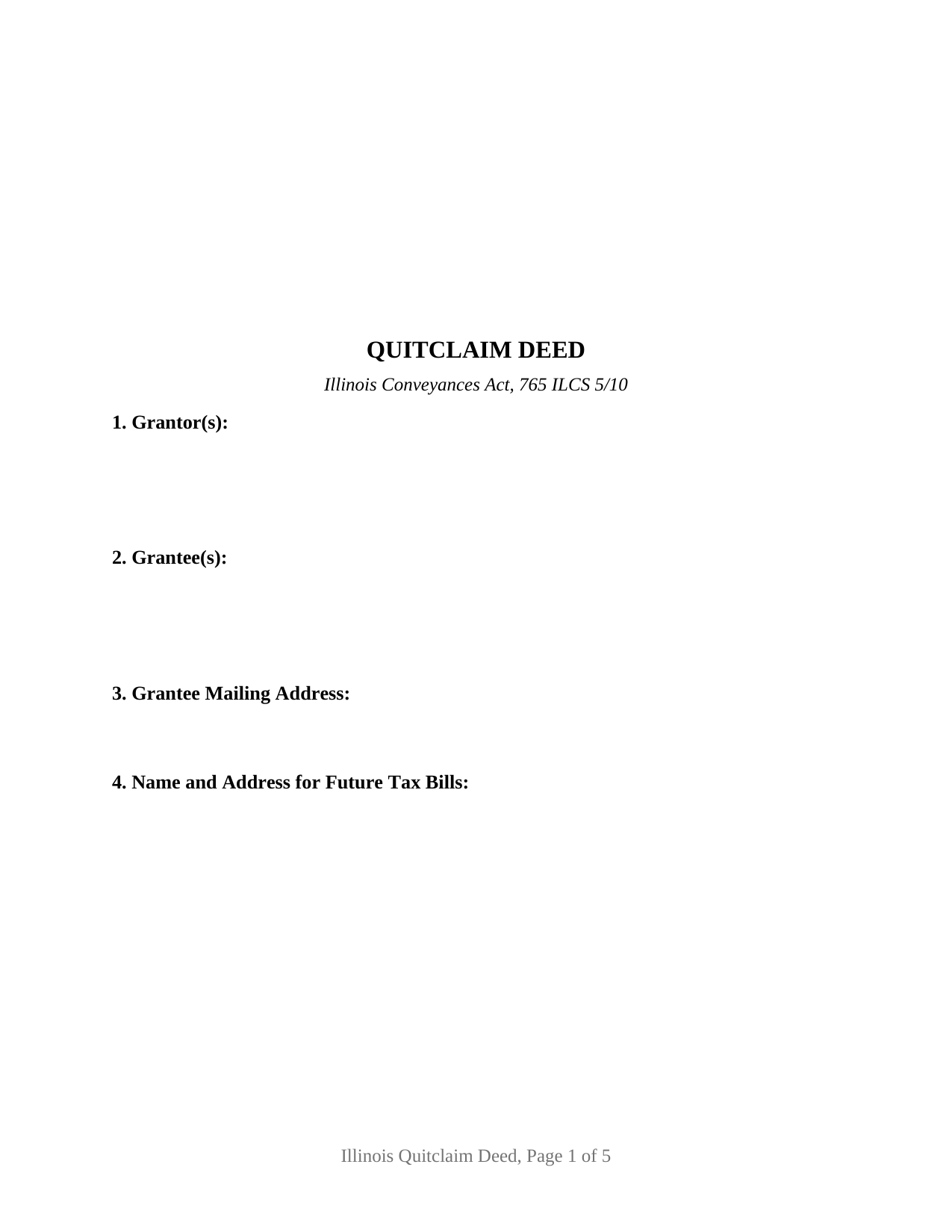
Pulaski County Quitclaim Deed Form
Fill in the blank Quitclaim Deed form formatted to comply with all Illinois recording and content requirements.
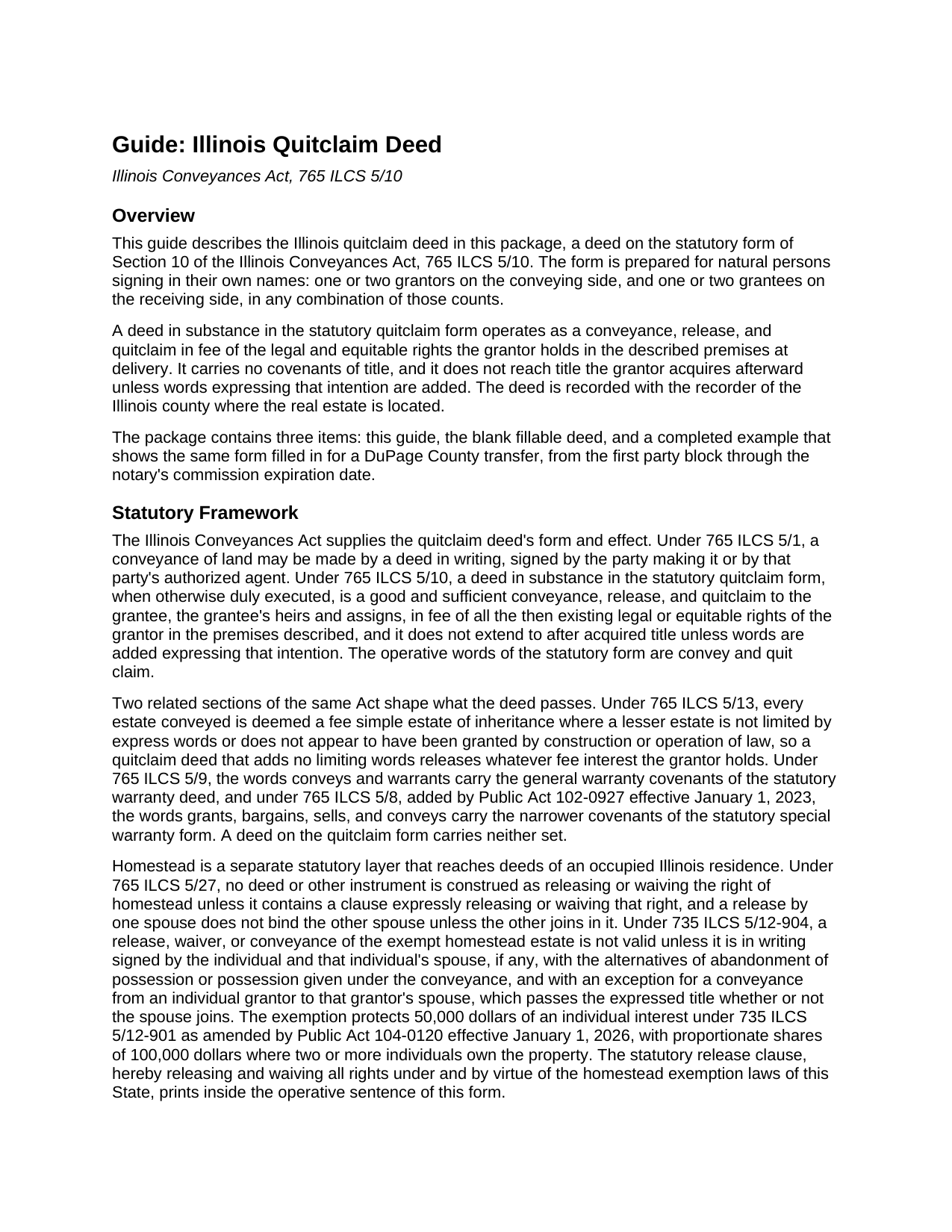
Pulaski County Quitclaim Deed Guide
Line by line guide explaining every blank on the Quitclaim Deed form.
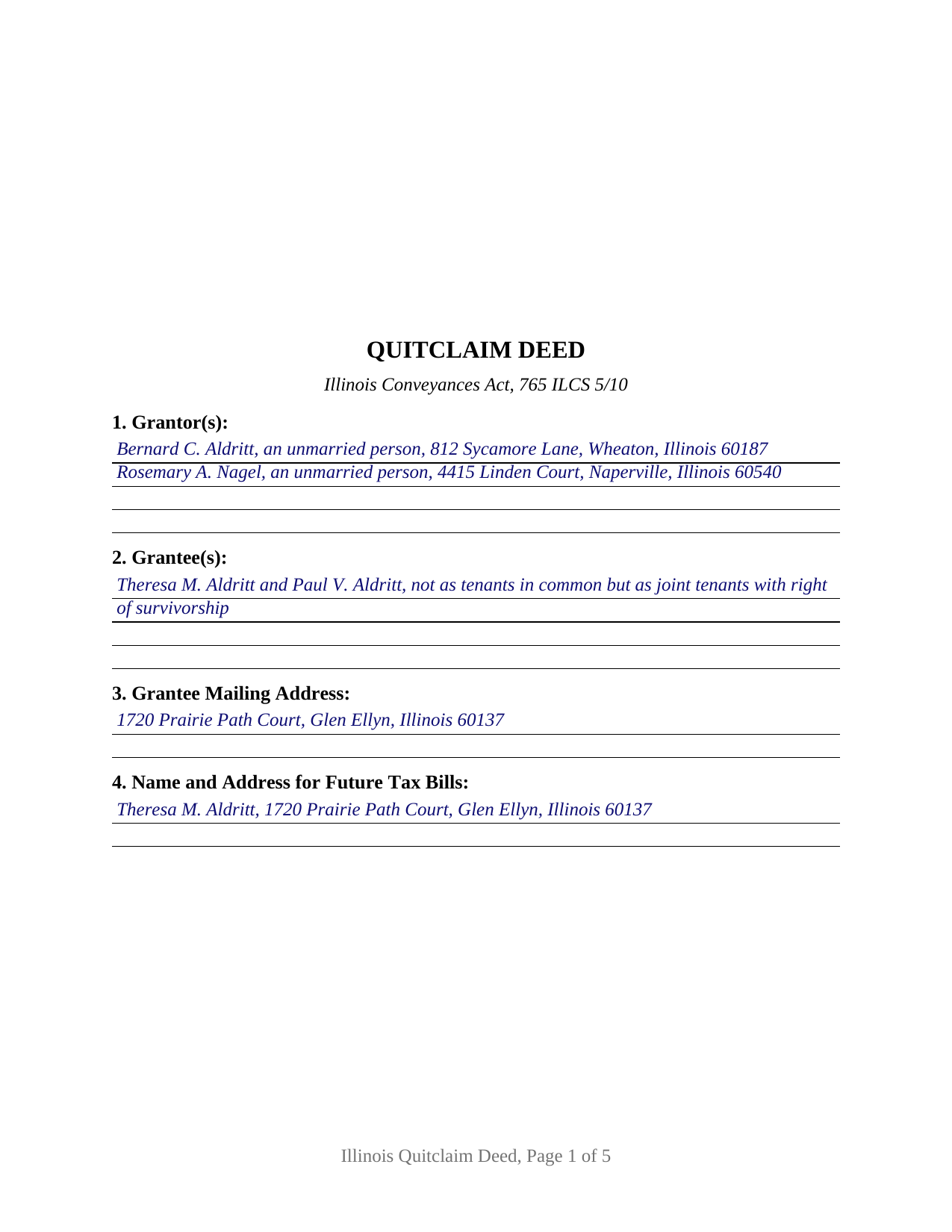
Pulaski County Completed Example of the Quitclaim Deed Document
Example of a properly completed Illinois Quitclaim Deed document for reference.
All 3 documents above included • One-time purchase • No recurring fees
Immediate Download • Secure Checkout
Additional Illinois and Pulaski County documents included at no extra charge:
Where to Record Your Documents
Pulaski County Clerk/Recorder
Mound City, Illinois 62963
Hours: 8:00 to 4:00 M-F
Phone: (618) 748-9360
Recording Tips for Pulaski County:
- Bring your driver's license or state-issued photo ID
- Ensure all signatures are in blue or black ink
- Make copies of your documents before recording - keep originals safe
- Recorded documents become public record - avoid including SSNs
- Recording fees may differ from what's posted online - verify current rates
Cities and Jurisdictions in Pulaski County
Properties in any of these areas use Pulaski County forms:
- Grand Chain
- Karnak
- Mound City
- Mounds
- Olmsted
- Perks
- Pulaski
- Ullin
- Villa Ridge
Hours, fees, requirements, and more for Pulaski County
How do I get my forms?
Forms are available for immediate download after payment. The Pulaski County forms will be in your account ready to download to your computer. An account is created for you during checkout if you don't have one. Forms are NOT emailed.
Are these forms guaranteed to be recordable in Pulaski County?
Yes. Our form blanks are guaranteed to meet or exceed the applicable formatting requirements used for recording in Pulaski County, including margin requirements, font requirements, and other layout standards. This guarantee applies to formatting, not to the legal sufficiency of information entered by the user or the suitability of a form for a particular transaction.
Can I reuse these forms?
Yes. You can reuse the forms for your personal use. For example, if you have multiple properties in Pulaski County you only need to order once.
What do I need to use these forms?
The forms are PDFs that you fill out on your computer. The free Adobe Acrobat Reader is recommended, and most PDF apps also work. You do NOT enter your property information online - you download the blank forms and complete them privately on your own computer.
Are there any recurring fees?
No. This is a one-time purchase. Nothing to cancel, no memberships, no recurring fees.
How much does it cost to record in Pulaski County?
Recording fees in Pulaski County vary. Contact the recorder's office at (618) 748-9360 for current fees.
Questions answered? Let's get started!
A quitclaim deed measures what it moves at a single moment. Under 765 ILCS 5/10 the words convey and quit claim release the rights a grantor holds in the premises described when the deed is delivered, and the statute stops there: title arriving afterward stays with the grantor unless the deed adds words expressing that intention. This Illinois form prints those statutory words above party blocks that stay open, one or two individuals on either side.
Released at delivery, and no further
A deed in substance in the statutory form is a good and sufficient conveyance, release, and quitclaim in fee of the grantor's then existing rights, and it promises nothing about what those rights are worth. No covenant of seisin, none against encumbrances, no defense of the title afterward: that is the distance between this instrument and the conveys and warrants form of 765 ILCS 5/9. What the Act does supply sits a few sections over, in 765 ILCS 5/13: absent express words of limitation, whatever the grantor holds passes in fee simple.
Party blocks the form leaves open
Sections 1 and 2 take one or two individuals each, with the residence, status, or co-ownership wording the parties themselves supply, and nothing marital, capacity, or vesting related is printed in advance. Four count patterns run through the one instrument: one grantor to one grantee, one to two, two to one, and two to two. Below them sit two signature blocks headed GRANTOR and SECOND GRANTOR (if applicable), each with an acknowledgment certificate carrying the substance of 765 ILCS 5/26, so two signers may appear before different notaries on different days; a conveyance by one grantor leaves the second block and its certificate empty. Where two grantees are named, the wording in Section 2 fixes how they take, and 765 ILCS 1005/1 answers a clause silent on the point by leaving them as tenants in common. A deed executed for a company, a corporation, a partnership, a trustee, or an agent under a power of attorney recites authority these blocks do not collect, and three or more owners on a side exceed their two-party capacity.
Homestead, stated and never assumed
The homestead estate moves on express words alone. 765 ILCS 5/27 construes no instrument as releasing or waiving that right unless a clause expressly does so, which is why the operative sentence here carries the statutory phrase releasing and waiving all rights under and by virtue of the homestead exemption laws of this State. Signatures are the second half of the question, and they answer to the statute: on an occupied residence 735 ILCS 5/12-904 measures a valid release of the exempt estate by a writing the owner and the owner's spouse have both signed, a signature the second block carries.
What a recorder reads before taking the deed
Illinois conditions recording on content printed on the face of the instrument, and each item occupies a numbered section: the grantee's name and address under 55 ILCS 5/3-5026, the tax bill endorsement of 765 ILCS 5/35c, the return entry and the prior document number under 55 ILCS 5/3-5020.5, and the preparer statement 55 ILCS 5/3-5022 makes a condition of recording. Geometry answers 55 ILCS 5/3-5018.2 and 55 ILCS 5/4-12002.3, down to the blank 3 by 5 inch space at the upper right corner of page one. One rule is this instrument's own: in a county of 3,000,000 or more inhabitants, 55 ILCS 5/3-5046 has the recorder mail notice to the owners of record whenever a quitclaim deed is filed.
One of two transfer tax routes
State tax under 35 ILCS 200/31-10 runs at 50 cents for each $500 of value, a county board may add up to 25 cents, and a municipality that has certified a home rule ordinance to the recorder stops the filing until its own tax is shown paid. A taxable transfer reaches the counter with the PTAX-203 declaration or its MyDec equivalent and the stamps. An exempt transfer instead carries the signed and dated notation Section 12 prints, naming the paragraph of 35 ILCS 200/31-45 the transfer rests on.
The download holds three files: the fillable Illinois quit claim deed form, a completed example filled in for a DuPage County transfer through the notary's commission expiration date, and a guide covering each numbered section along with signing, homestead, notarization, and county recording. These pages describe Illinois law in general terms and are not legal advice; an Illinois attorney or title company can speak to one particular title.
Important: Your property must be located in Pulaski County to use these forms. Documents should be recorded at the county recording office listed above.
This Quitclaim Deed meets all recording requirements specific to Pulaski County.
Our Promise
The documents you receive here are guaranteed to meet or exceed the applicable Pulaski County recording format requirements. If there is a rejection caused by our formatting, we will correct the issue or refund your payment. This guarantee applies to document formatting only and does not extend to information entered by the user, the selection of the form, or the legal effect of the completed document.
Save Time and Money
Get your Pulaski County Quitclaim Deed form done right the first time with Deeds.com Uniform Conveyancing Blanks. At Deeds.com, we understand that your time and money are valuable resources, and we don't want you to face a penalty fee or rejection imposed by a county recorder for submitting nonstandard documents. We constantly review and update our forms to meet rapidly changing state and county recording requirements for roughly 3,500 counties and local jurisdictions.
4.8 out of 5 - ( 4,830 Reviews )
Marjorie D. 5 out of 5 stars
The process was easy and efficient. I will definitely be using this service!
Thank you for your feedback. We really appreciate it. Have a great day!
Glenella J. 4 out of 5 stars
I wish you had the older deeds online to look at. Other than that, I was very satisfied with my experience.
Thank you for your feedback. We really appreciate it. Have a great day!
alena t. 5 out of 5 stars
It was quick and easy to print and download the forms I needed.
We appreciate your business and value your feedback. Thank you. Have a wonderful day!
James M. 5 out of 5 stars
Awesome product. Quick and easy. Thanks
Happy we could assist. Thank you for sharing your experience.
Sherilyn L. 5 out of 5 stars
Easy to use & cost is great Thank you
We appreciate your business and value your feedback. Thank you. Have a wonderful day!
Kevin C. 2 out of 5 stars
I like your service, but the error message I received yesterday was confusing. It said that Utah County does not record cover pages, so I should either remove the cover page or change the “order“ of the documents being submitted. This is ambiguous. I examined my package and it looked like the cover page was already being submitted separately, as a supporting document at the end, and there was no way to explicitly change the ordering of the submitted documents, that is up to your service. So I removed the cover page. But that makes me nervous, how will they know where to route it when it is done? So now I’m not sure if it was submitted correctly.
Thank you for the review, Kevin, and for laying out exactly what you saw.
The message you received ("Utah County does not accept cover pages for recording. Please remove or reorder to the back. Thank you.") came directly from the Utah County Recorder. We pass recorder rejection notes along as written, and we agree it was ambiguous. Rejection notes from recording offices often are, since they are written for people who file in that county every day.
Supporting documents always travel behind the main document they belong to, so there was nothing for you to reorder, and by your description the cover page was already at the back. With the cover page removed, the package matched what the recorder's note asked for.
On routing: nothing is mailed back with e-recording. The recorder records the document image, adds the recording information, and returns the recorded copy electronically through the e-recording system to us. It then appears on your package in your account and you get a message from us. A cover page plays no part in that, so leaving it out did not affect where your document goes.
Shabaz W. 5 out of 5 stars
Very convenient
Thank you!
Jill R. 5 out of 5 stars
So helpful and extremely responsive. Such a convenient way to record deeds.
We appreciate your business and value your feedback. Thank you. Have a wonderful day!
Steve W. 5 out of 5 stars
Simple and easy transaction
Thank you for your feedback. We really appreciate it. Have a great day!
Jennifer B. 3 out of 5 stars
I didn't care for it because I was having to do other things in between filling it out and all of a sudden it would not allow me back in it to make changes. Luckily I had saved it and then had to do FILL/SIGN option which looks ugly but that was the only way I could add what I needed.
We appreciate your business and value your feedback. Thank you. Have a wonderful day!
Angel C. 5 out of 5 stars
Solid forms hitting all the marks (statutory requirements) Fairly simple to accomplish what I was looking to do with minimal research. Would certainly use again when needed.
Thank you!
Sherry G. 5 out of 5 stars
This site was perfect in a time when travel is almost impossible. They asked a few questions to make sure everything would work out and once submitted took less than 24 hours. Less than 48 hours total time. Absolutely would use them again to submit documents even once can travel again!
Thank you for your feedback. We really appreciate it. Have a great day!
Rita T. 5 out of 5 stars
This is the first time I use this site, and it was very easy and user friendly. I was able to fill out what i needed with the help of their example. quick download. like it. The price was reasonable. Definitely will use again. Highly recommend!
We appreciate your business and value your feedback. Thank you. Have a wonderful day!
Gordon J. 5 out of 5 stars
The experience was generally very satisfactory. I was able to fill out the Trust Deed and send it via email no problem. However, I was not able to send the filled out form of the Note. It always erased my fill-ins when it was sent. I found that very frustrating.
Thank you, Gordon. Glad the Trust Deed worked well. Issues like the one you reported with the Note can sometimes be related to how the file is opened or sent. Using Adobe Reader to fill, save, and send the form is recommended. We also pass along all feedback like this to our team to confirm there are no issues.
Roy M. 5 out of 5 stars
Excellent service. Easy to use
We appreciate your business and value your feedback. Thank you. Have a wonderful day!