Knox County Transfer on Death Instrument (Married Owner with Spousal Waiver of Renunciation) Form
Last validated October 23, 2026 by our Forms Development TeamFormatted for recording in Knox County, for property anywhere in the county: rural and unincorporated areas as well as Abingdon, Altona, Dahinda, East Galesburg, Galesburg, Gilson, Henderson, Knoxville and 8 more.
- 3 documents included
- Immediate PDF download
- Formatting guarantee
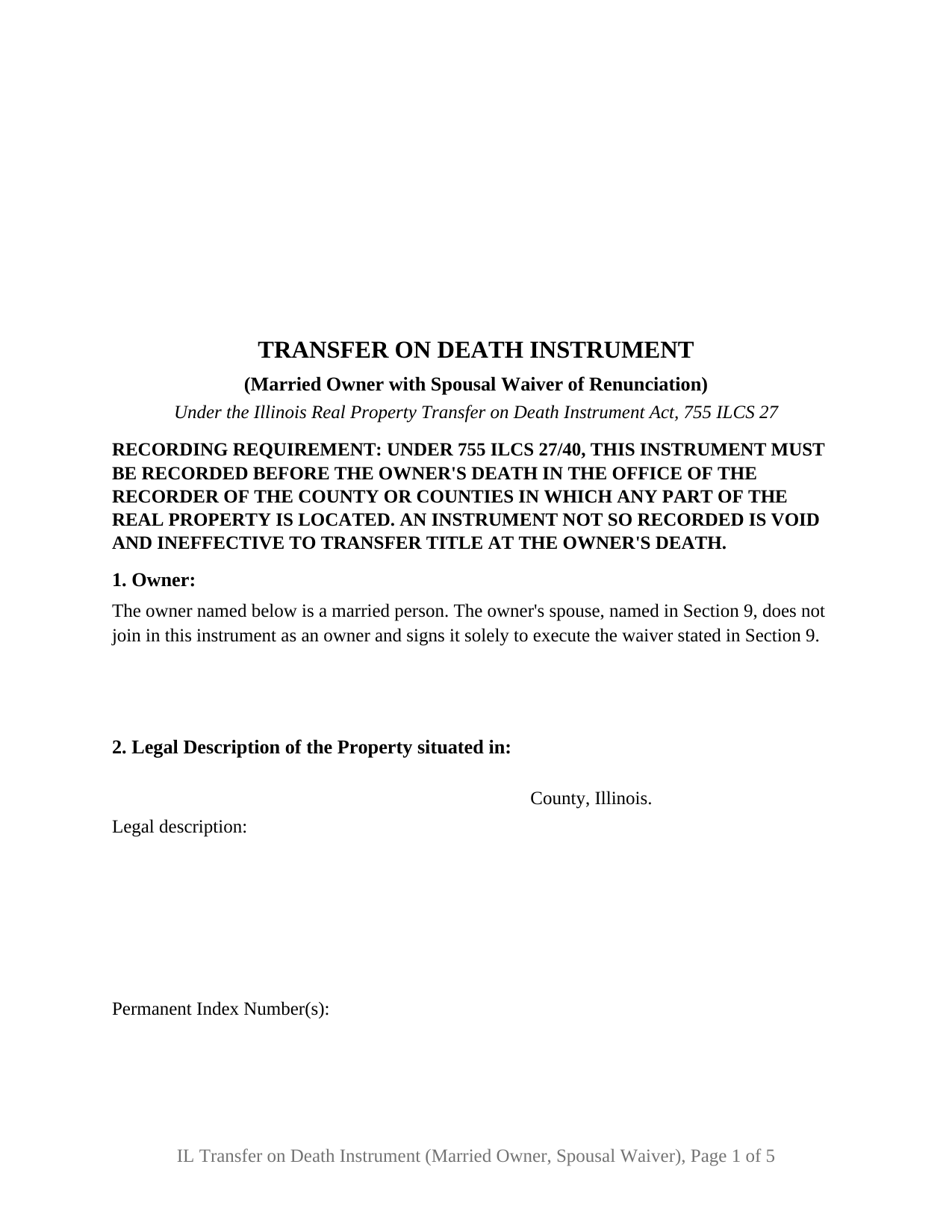
Knox County Transfer on Death Instrument (Married Owner with Spousal Waiver of Renunciation) Form
Fill in the blank Transfer on Death Instrument (Married Owner with Spousal Waiver of Renunciation) form formatted to comply with all Illinois recording and content requirements.
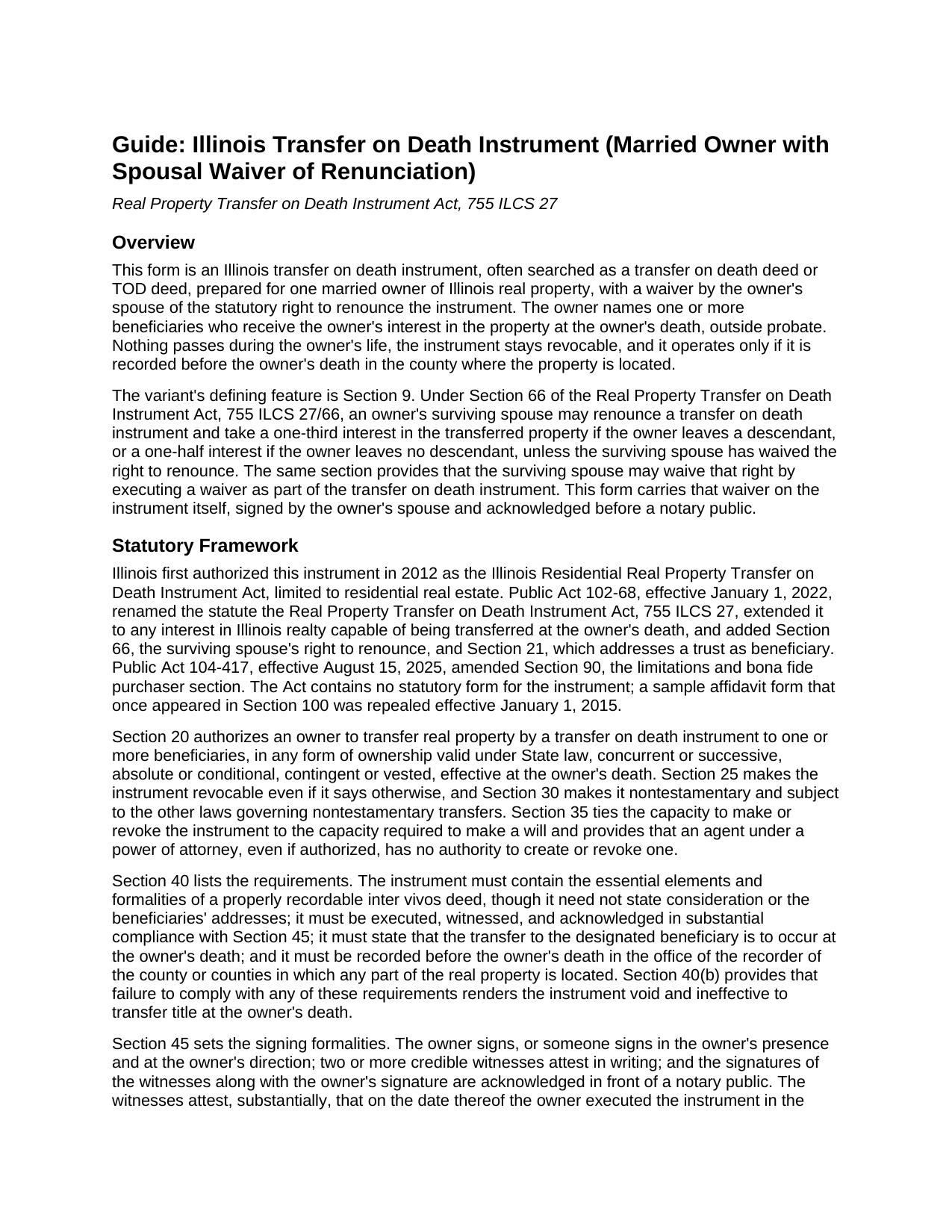
Knox County Transfer on Death Instrument (Married Owner with Spousal Waiver of Renunciation) Guide
Line by line guide explaining every blank on the Transfer on Death Instrument (Married Owner with Spousal Waiver of Renunciation) form.
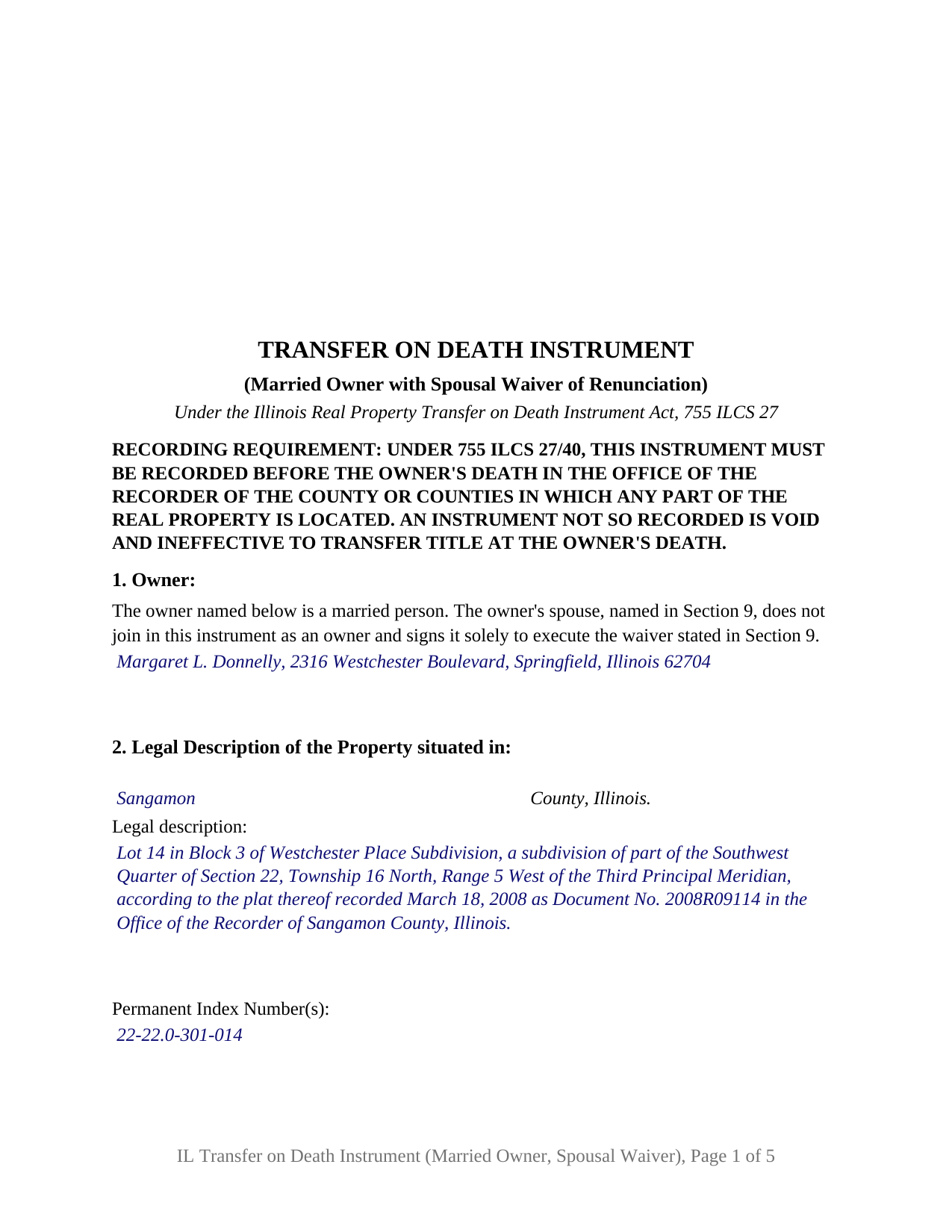
Knox County Completed Example of the Transfer on Death Instrument (Married Owner with Spousal Waiver of Renunciation) Document
Example of a properly completed Illinois Transfer on Death Instrument (Married Owner with Spousal Waiver of Renunciation) document for reference.
All 3 documents above included • One-time purchase • No recurring fees
Immediate Download • Secure Checkout
Additional Illinois and Knox County documents included at no extra charge:
Where to Record Your Documents
Knox County Recorder
Galesburg, Illinois 61401
Hours: 8:30 to 4:30 M-F
Phone: (309) 345-3818
Recording Tips for Knox County:
- Bring your driver's license or state-issued photo ID
- Ensure all signatures are in blue or black ink
- Recording fees may differ from what's posted online - verify current rates
- Request a receipt showing your recording numbers
- Ask about accepted payment methods when you call ahead
Cities and Jurisdictions in Knox County
Properties in any of these areas use Knox County forms:
- Abingdon
- Altona
- Dahinda
- East Galesburg
- Galesburg
- Gilson
- Henderson
- Knoxville
- Maquon
- Oneida
- Rio
- Saint Augustine
- Victoria
- Wataga
- Williamsfield
- Yates City
Hours, fees, requirements, and more for Knox County
How do I get my forms?
Forms are available for immediate download after payment. The Knox County forms will be in your account ready to download to your computer. An account is created for you during checkout if you don't have one. Forms are NOT emailed.
Are these forms guaranteed to be recordable in Knox County?
Yes. Our form blanks are guaranteed to meet or exceed the applicable formatting requirements used for recording in Knox County, including margin requirements, font requirements, and other layout standards. This guarantee applies to formatting, not to the legal sufficiency of information entered by the user or the suitability of a form for a particular transaction.
Can I reuse these forms?
Yes. You can reuse the forms for your personal use. For example, if you have multiple properties in Knox County you only need to order once.
What do I need to use these forms?
The forms are PDFs that you fill out on your computer. The free Adobe Acrobat Reader is recommended, and most PDF apps also work. You do NOT enter your property information online - you download the blank forms and complete them privately on your own computer.
Are there any recurring fees?
No. This is a one-time purchase. Nothing to cancel, no memberships, no recurring fees.
How much does it cost to record in Knox County?
Recording fees in Knox County vary. Contact the recorder's office at (309) 345-3818 for current fees.
Questions answered? Let's get started!
This Illinois transfer on death instrument is prepared for one married owner and carries, on the instrument itself, the spouse's waiver of the statutory right to renounce. The owner names who receives the owner's interest in Illinois real property at death, outside probate; the waiver under Section 66 of the Real Property Transfer on Death Instrument Act, 755 ILCS 27, closes a door the Act otherwise leaves open to a surviving spouse.
The door a surviving spouse can open
Since January 1, 2022, Section 66 has let an owner's surviving spouse renounce a transfer on death instrument and take a one-third interest in the transferred property if the owner leaves a descendant, or a one-half interest if the owner leaves none, by filing a written renunciation with the county recorder within 7 months after the owner's death. A transfer on death deed, as the instrument is often called, that names children from an earlier marriage or anyone other than the spouse is exposed to that filing.
The same section supplies the answer: the surviving spouse may waive the right to renounce by executing a waiver as part of the transfer on death instrument. This form places that waiver in its own numbered section, with the spouse's name, the fixed waiver sentence citing Section 66, a spouse signature line, and a separate acknowledgment certificate, so the waiver is recorded with the instrument before the owner's death.
One owner, one spouse who signs only the waiver
The form recites exactly one owner, a married person, and states that the owner's spouse does not join as an owner and signs solely for the waiver. That is the pattern of an owner who holds the property in his or her own name, acquired before the marriage, inherited, or held with someone other than the spouse. Spouses who hold title together as joint tenants or tenants by the entirety present a two-owner pattern this form is not set up as; Section 70 governs instruments executed by joint owners.
During the owner's life nothing changes: under Section 60 the instrument does not affect the owner's right to sell, mortgage, or transfer the property and creates no interest in the beneficiary. At death the beneficiary takes subject to the liens and other matters then affecting the property, without covenant or warranty of title.
Two witnesses, two certificates
Under Section 45 the owner signs in the presence of two credible witnesses, the witnesses attest in writing that the owner signed in their presence as a free and voluntary act while of sound mind and memory, and the signatures of the owner and the witnesses are acknowledged before a notary public. The form prints the attestation in the statute's substance, two witness blocks, and one acknowledgment certificate for the owner and both witnesses. The spouse's waiver signature has its own certificate, and the spouse is never one of the two witnesses, so the interested-witness rule in Section 45(c) is not engaged by the spouse's signature.
Recording before death is the condition on everything else. Section 40 requires the instrument to be recorded, before the owner dies, in every county where any part of the property lies, and makes an unrecorded instrument void. The form reserves the recorder's 3 by 5 inch space on the first page, carries the preparer statement and return address the Counties Code requires, and prints the paragraph (e) transfer tax exemption notation Illinois recorders look for on an instrument given without consideration.
What the waiver reaches
The waiver reaches the Section 66 right to renounce and nothing more. It is not a homestead release, and it has no work to do where the instrument transfers the property to a trustee of a trust for the sole benefit of the surviving spouse, a transfer Section 66 already exempts from renunciation. The guide covers each point with its citation, along with Section 95, under which the instrument is prepared only by a licensed attorney while an owner's own preparation is preserved, the lapse and revocation rules, and the Section 75 notice of death affidavit, which is prepared separately and is not included in this package.
The package includes the fillable transfer on death instrument, a completed example filled in for a realistic Sangamon County fact pattern, and the guide that walks through every numbered section and the recording process. This description and the guide describe the form and the governing Illinois statutes in general terms; they are not legal advice.
Important: Your property must be located in Knox County to use these forms. Documents should be recorded at the county recording office listed above.
This Transfer on Death Instrument (Married Owner with Spousal Waiver of Renunciation) meets all recording requirements specific to Knox County.
Our Promise
The documents you receive here are guaranteed to meet or exceed the applicable Knox County recording format requirements. If there is a rejection caused by our formatting, we will correct the issue or refund your payment. This guarantee applies to document formatting only and does not extend to information entered by the user, the selection of the form, or the legal effect of the completed document.
Save Time and Money
Get your Knox County Transfer on Death Instrument (Married Owner with Spousal Waiver of Renunciation) form done right the first time with Deeds.com Uniform Conveyancing Blanks. At Deeds.com, we understand that your time and money are valuable resources, and we don't want you to face a penalty fee or rejection imposed by a county recorder for submitting nonstandard documents. We constantly review and update our forms to meet rapidly changing state and county recording requirements for roughly 3,500 counties and local jurisdictions.
4.8 out of 5 - ( 4,832 Reviews )
Marcia D. 5 out of 5 stars
Excellent... This website was awesome. Exactly what I was looking for.
Thank you!
Elizabeth F. 5 out of 5 stars
This was great other than exemption codes did not populate and I couldn't refer to it.
Thank you for your feedback. We really appreciate it. Have a great day!
Lisa A. 5 out of 5 stars
I am so thankful for the time saved by using Deeds.com. Not having to run downtown and stand in line is awesome!
We are delighted to have been of service. Thank you for the positive review!
OLGA B. 5 out of 5 stars
I just purchased the documents. I appreciate that they are accurate to the county and state I live in and all the forms to make it complete. Thank you so much for your assistance in a very chaotic situation.
We appreciate your business and value your feedback. Thank you. Have a wonderful day!
Renee K. 5 out of 5 stars
So very easy to upload documents to the site and communication is very quick. It made our transactions so effortless.
Thank you!
Jose R. 5 out of 5 stars
User friendly. Smooth transaction. I saved a lot of time
Thank you for taking the time to leave your feedback Jose, we really appreciate it. Have a fantastic day!
Terriana H. 5 out of 5 stars
Order processed and fulfilled in the same day!
Thank you!
Elizabeth B. 5 out of 5 stars
Excellent product! Easy to fill out, complete directions. I highly recommend.
We appreciate your business and value your feedback. Thank you. Have a wonderful day!
Juan M. 5 out of 5 stars
Very happy
We appreciate your business and value your feedback. Thank you. Have a wonderful day!
Linda A. 5 out of 5 stars
This was perfect for providing the necessary forms. Easy to enter needed information. I would recommend this for legal documents.
We appreciate your business and value your feedback. Thank you. Have a wonderful day!
CHARLES H. 5 out of 5 stars
Easy to fill-in forms, easy instructions, worth purchasing
Thank you!
THOMAS C. 5 out of 5 stars
Thank you for the fine, easy to implement service.
Thank you for your feedback. We really appreciate it. Have a great day!
Emery N. 5 out of 5 stars
Thank you for your service,,you have a very good site,,easy to use
Thank you for your feedback. We really appreciate it. Have a great day!
John H. 5 out of 5 stars
Quality product. Forms are as advertised. Easy to use site.
We appreciate your business and value your feedback. Thank you. Have a wonderful day!
Thomas D. 2 out of 5 stars
The documents themselves are fine and the information provided with them is helpful. I find the actual processing of the documents, however, to be difficult particularly once the document has been saved. First, I note that the box for the date only allows entry of the last 2 digits of the year. Unfortunately, my download only allows me to enter one of the 2 digits required. When I delete it repeatedly, it eventually allows both digits to be entered but puts them in extremely small text and in superscrypt. I have not found a solution to this problem and am not sure the deed can even be recorded with this problem. Another problem is that if you try to revise the document after you have saved it the curser goes to the end of the line after each key entry. This means that there basically is no way to efficiently save the document for reworking later since you will have to delete everything you have entered in the text box unless you only need to make a single keystroke change or are willing to replace the curser after each entry. Try that with a long property description! Please note that I am using a Mac to prepare my documents and perhaps this is part of an "incompatibility problem". However, I didn't see a disclaimer regarding Mac use and so would expect the documents to perform correctly. Overall, I give the program a "2 star" rating because I am experiencing significant difficulties in entering dates in the documents even before saving them and because saving your work for later revision appears to be basically unworkable.
Thank you for your feedback Thomas, we appreciate you being specific about the issues you encountered. Adobe and Mac have a fairly long history of issues working together.