Edwards County Transfer on Death Instrument (Married Owners as Tenants by the Entirety) Form
Last validated November 13, 2026 by our Forms Development TeamFormatted for recording in Edwards County, for property anywhere in the county: rural and unincorporated areas as well as Albion, Bone Gap, Browns, Ellery, West Salem.
- 3 documents included
- Immediate PDF download
- Formatting guarantee
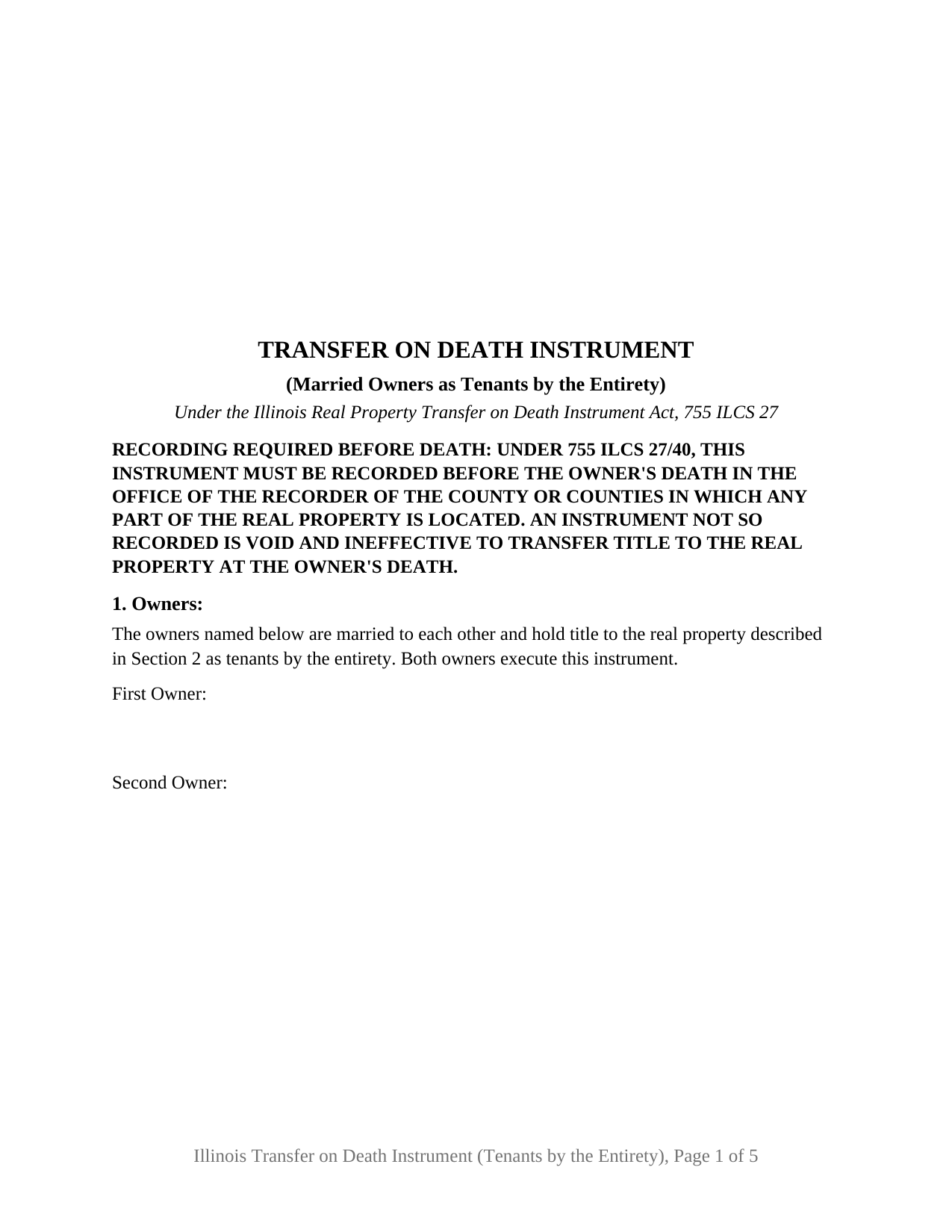
Edwards County Transfer on Death Instrument (Married Owners as Tenants by the Entirety) Form
Fill in the blank Transfer on Death Instrument (Married Owners as Tenants by the Entirety) form formatted to comply with all Illinois recording and content requirements.
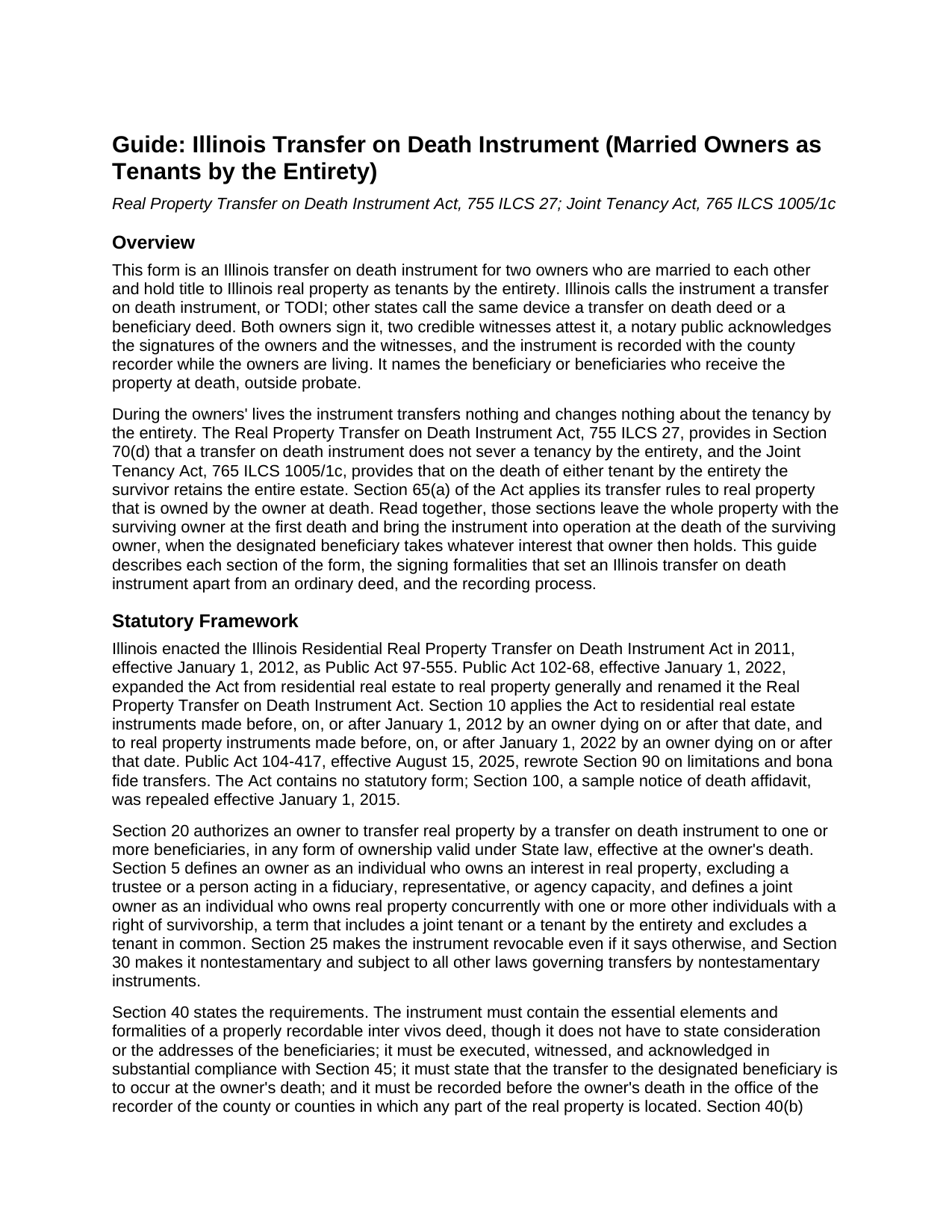
Edwards County Transfer on Death Instrument (Married Owners as Tenants by the Entirety) Guide
Line by line guide explaining every blank on the Transfer on Death Instrument (Married Owners as Tenants by the Entirety) form.
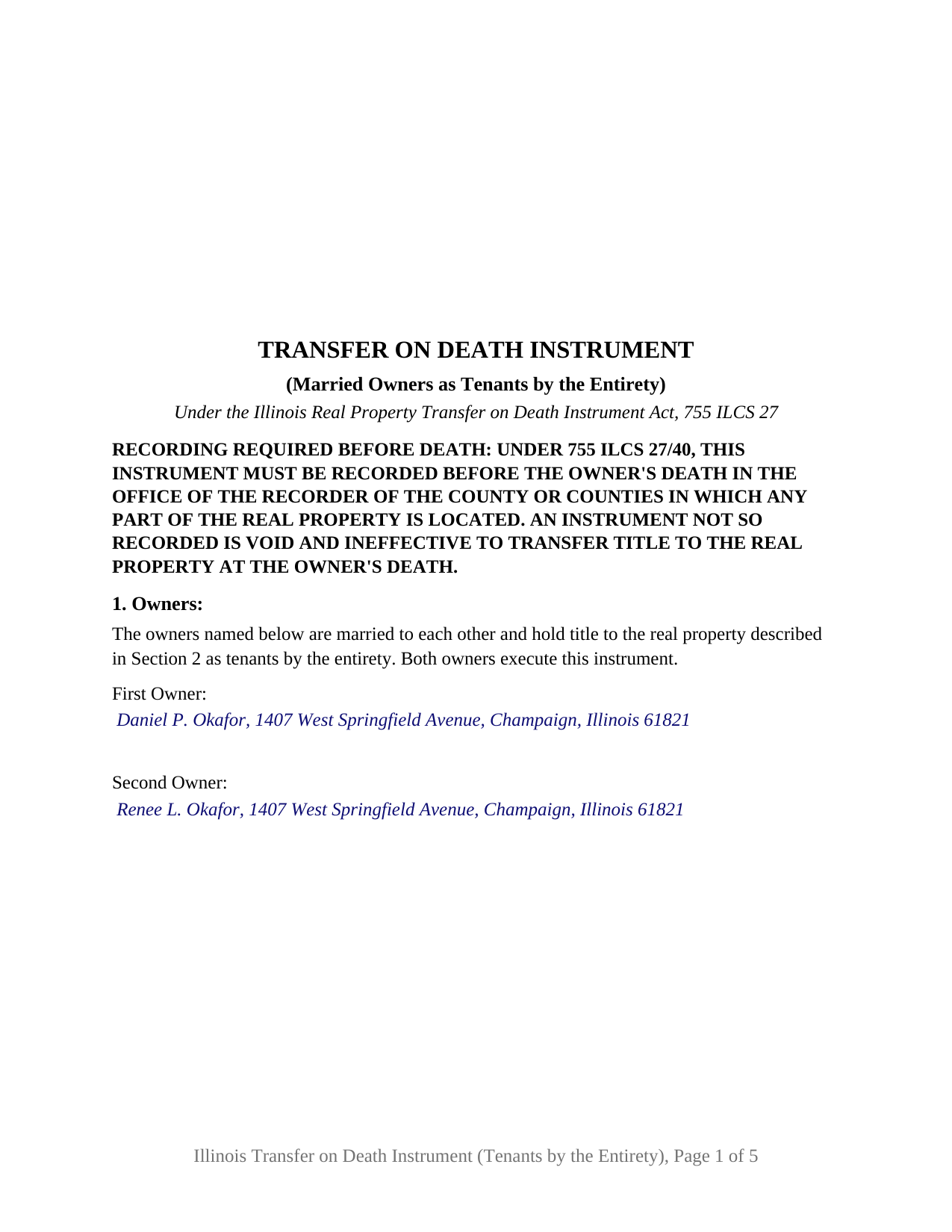
Edwards County Completed Example of the Transfer on Death Instrument (Married Owners as Tenants by the Entirety) Document
Example of a properly completed Illinois Transfer on Death Instrument (Married Owners as Tenants by the Entirety) document for reference.
All 3 documents above included • One-time purchase • No recurring fees
Immediate Download • Secure Checkout
Additional Illinois and Edwards County documents included at no extra charge:
Where to Record Your Documents
Edwards County Clerk/Recorder
Albion, Illinois 62806
Hours: 8:00 to 4:00 M-F
Phone: (618) 445-2115
Recording Tips for Edwards County:
- Bring your driver's license or state-issued photo ID
- Ensure all signatures are in blue or black ink
- Make copies of your documents before recording - keep originals safe
- Recorded documents become public record - avoid including SSNs
- Recording fees may differ from what's posted online - verify current rates
Cities and Jurisdictions in Edwards County
Properties in any of these areas use Edwards County forms:
- Albion
- Bone Gap
- Browns
- Ellery
- West Salem
Hours, fees, requirements, and more for Edwards County
How do I get my forms?
Forms are available for immediate download after payment. The Edwards County forms will be in your account ready to download to your computer. An account is created for you during checkout if you don't have one. Forms are NOT emailed.
Are these forms guaranteed to be recordable in Edwards County?
Yes. Our form blanks are guaranteed to meet or exceed the applicable formatting requirements used for recording in Edwards County, including margin requirements, font requirements, and other layout standards. This guarantee applies to formatting, not to the legal sufficiency of information entered by the user or the suitability of a form for a particular transaction.
Can I reuse these forms?
Yes. You can reuse the forms for your personal use. For example, if you have multiple properties in Edwards County you only need to order once.
What do I need to use these forms?
The forms are PDFs that you fill out on your computer. The free Adobe Acrobat Reader is recommended, and most PDF apps also work. You do NOT enter your property information online - you download the blank forms and complete them privately on your own computer.
Are there any recurring fees?
No. This is a one-time purchase. Nothing to cancel, no memberships, no recurring fees.
How much does it cost to record in Edwards County?
Recording fees in Edwards County vary. Contact the recorder's office at (618) 445-2115 for current fees.
Questions answered? Let's get started!
Spouses who hold their Illinois homestead as tenants by the entirety can name, on one recorded instrument that both of them sign, who takes the home after the second of them dies. This form prepares that transfer on death instrument, the Illinois TODI that other states call a transfer on death deed or beneficiary deed, under the Real Property Transfer on Death Instrument Act, 755 ILCS 27, for exactly two owners who are married to each other and hold title by the entirety under 765 ILCS 1005/1c.
Both spouses on one instrument
Tenancy by the entirety is the Illinois estate for a married couple's homestead, and the Joint Tenancy Act gives it two features that shape this form: the survivor retains the entire estate when the first spouse dies, and no deed, mortgage, or lease of the homestead is effective unless both tenants sign. Section 1 recites that the owners are married to each other and hold as tenants by the entirety, and both execute the instrument in signature blocks of their own. The recital states the estate the owners assert; the vesting deed is the source of that estate.
The first death changes nothing the instrument does
The Act counts a tenant by the entirety as a joint owner, Section 70(d) provides that the instrument does not sever the tenancy, and Section 65(a) applies the at-death rules to property owned by the owner at death. When the first spouse dies, the whole estate stays with the survivor under 765 ILCS 1005/1c and nothing passes under the instrument; when the surviving spouse dies, the designated beneficiary takes whatever interest that owner then holds, outside probate and subject to any mortgage then on the property. The form prints the single sentence Section 40(a)(2) requires, that the transfer is to occur at the owner's death; the guide traces the second-death result through the sections that produce it.
Revocation takes both while both are living
Because all of the joint owners execute this instrument, Section 70(b) governs its revocation: only all of the then living joint owners may revoke it, and the last surviving joint owner may revoke it notwithstanding any agreement to the contrary. While both spouses live, one of them cannot undo the designation alone; after the first death, the survivor can replace or revoke it by a later instrument meeting Sections 45 and 55, prepared separately and not included in this package. A will does not revoke it.
Witnesses, a notary, and three certificates
Section 45 requires each owner's signature to be attested in writing by two credible witnesses and the owners' and witnesses' signatures to be acknowledged before a notary public; without two credible witnesses the instrument is void. The form prints the attestation above two witness blocks and carries three acknowledgment certificates, one for each spouse and one for the witnesses, a layout the form uses rather than a rule of Illinois law. Section 40 makes recording before the owner's death a condition of validity; the form states that condition in capitals on its first page, reserves the recorder's 3 inch by 5 inch space, and prints the 35 ILCS 200/31-45 paragraph (e) exemption notation for a nonconsideration transfer.
What this configuration recites
The form recites two owners, married to each other, holding the described property as tenants by the entirety, both signing, with nothing about either owner's status left to a blank or a selector. Section 3 receives one or more beneficiaries of any class the Act permits, an individual, a trustee, or an entity; two or more named without a stated form of ownership take equal undivided shares with no right of survivorship under Section 65(a)(2). A couple who bought their house together and took title by a deed naming them as tenants by the entirety, naming their adult children, and a childless couple naming a sibling, present the pattern this instrument recites. Spouses holding as joint tenants or tenants in common, a married owner holding title alone, an unmarried owner, a trustee, and three or more owners present configurations this form is not set up as; it carries no Section 66 spousal waiver because both spouses execute it as owners.
The package includes the fillable transfer on death instrument, a completed example filled in for a Champaign County fact pattern, and the guide that walks through every numbered section, the signing formalities, and recording. This description and the guide describe the form and the Illinois statutes in general terms; they are not legal advice.
Important: Your property must be located in Edwards County to use these forms. Documents should be recorded at the county recording office listed above.
This Transfer on Death Instrument (Married Owners as Tenants by the Entirety) meets all recording requirements specific to Edwards County.
Our Promise
The documents you receive here are guaranteed to meet or exceed the applicable Edwards County recording format requirements. If there is a rejection caused by our formatting, we will correct the issue or refund your payment. This guarantee applies to document formatting only and does not extend to information entered by the user, the selection of the form, or the legal effect of the completed document.
Save Time and Money
Get your Edwards County Transfer on Death Instrument (Married Owners as Tenants by the Entirety) form done right the first time with Deeds.com Uniform Conveyancing Blanks. At Deeds.com, we understand that your time and money are valuable resources, and we don't want you to face a penalty fee or rejection imposed by a county recorder for submitting nonstandard documents. We constantly review and update our forms to meet rapidly changing state and county recording requirements for roughly 3,500 counties and local jurisdictions.
4.8 out of 5 - ( 4,858 Reviews )
Bruce J. 5 out of 5 stars
Fast results
Thank you!
jonathan f. 5 out of 5 stars
I had a one time event. The website instructions were straightforward; the job was completed quickly; the cost was modest. I am completely satisfied and will not hesitate to use again.
We appreciate your business and value your feedback. Thank you. Have a wonderful day!
PAUL L. 5 out of 5 stars
Outstanding site in every way and reasonably priced.
We appreciate your business and value your feedback. Thank you. Have a wonderful day!
harry S. 4 out of 5 stars
Just created account. Very easily done. have not recorded anything yet. Hope to do so soon.
Thank you for your feedback. We really appreciate it. Have a great day!
Kelly M. 5 out of 5 stars
Received exactly what you said I would get. Good Quick Service
Thank you, Kelly. We’re glad everything was as expected and that the service was quick.
Kimberly R. 5 out of 5 stars
Love this site. Very informative and helpful!
Thank you for your feedback. We really appreciate it. Have a great day!
tim g. 5 out of 5 stars
that is what I was looking for thanks
Thanks Tim, glad we could help.
Karen D. 5 out of 5 stars
Very easy to use and understand. Thank you.
Thank you!
Brennan H. 5 out of 5 stars
I had worked for a couple of months sending things back and forth to the county and still had no success. I decided to use deeds.com and it was all done in a few hours. Such a relief! While I find this to be wrong and the county should work with property owners as well as they work with third parties, I was still grateful for this service.
Thank you for your feedback. We really appreciate it. Have a great day!
Thomas W. 5 out of 5 stars
The serevice was fast and accurate. I would highly recommend Deeds.com to my friends and associates.
Thank you!
michael o. 5 out of 5 stars
After trying to get help locally I found your website. Very easy
Thank you for your feedback. We really appreciate it. Have a great day!
John H. 5 out of 5 stars
This was pretty easy especially for a old guy like me.
Thanks John, glad we could help!
Franklin W. 1 out of 5 stars
I am not so happy. I did find and purchase the document I needed. But there is one problem. It is in Adobe PDF format only. I cannot enter information into the form.
Sorry to hear that. Sounds like you may have been trying to complete the document in your browser instead of downloading the PDF and completing it on your computer. The PDF forms are fill in the blank, that's one of the reasons we use that format.
Connie P. 5 out of 5 stars
Easy, fast, responsive. My document was filed and posted in just a matter of days.
Your feedback is valuable to us and helps us improve. Thank you for sharing your thoughts!
Amy S. 5 out of 5 stars
Fast and easy access.
Thank you!