Brown County Transfer on Death Instrument Form
Last validated October 23, 2026 by our Forms Development TeamFormatted for recording in Brown County, for property anywhere in the county: rural and unincorporated areas as well as Mount Sterling, Timewell, Versailles.
- 3 documents included
- Immediate PDF download
- Formatting guarantee
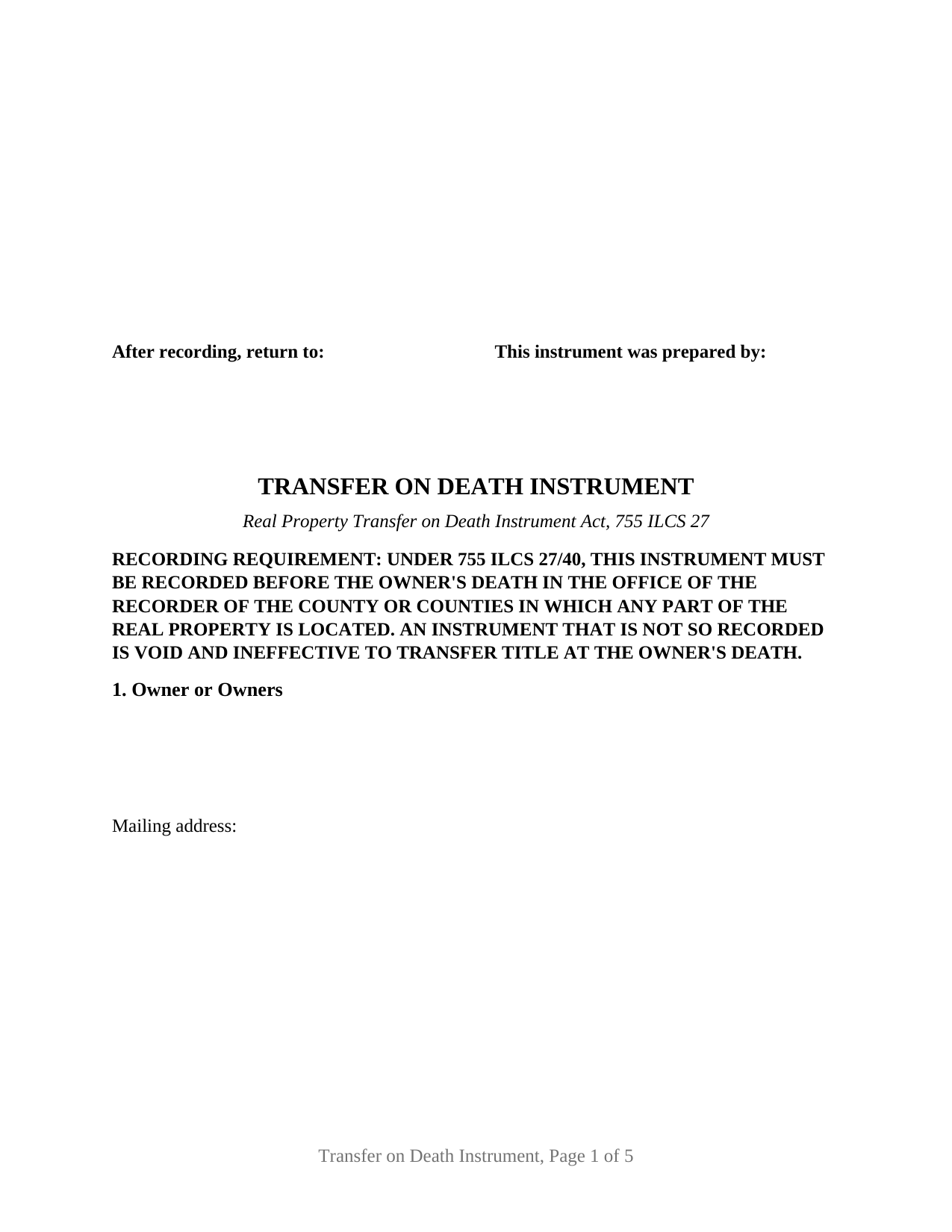
Brown County Transfer on Death Instrument Form
Fill in the blank Transfer on Death Instrument form formatted to comply with all Illinois recording and content requirements.
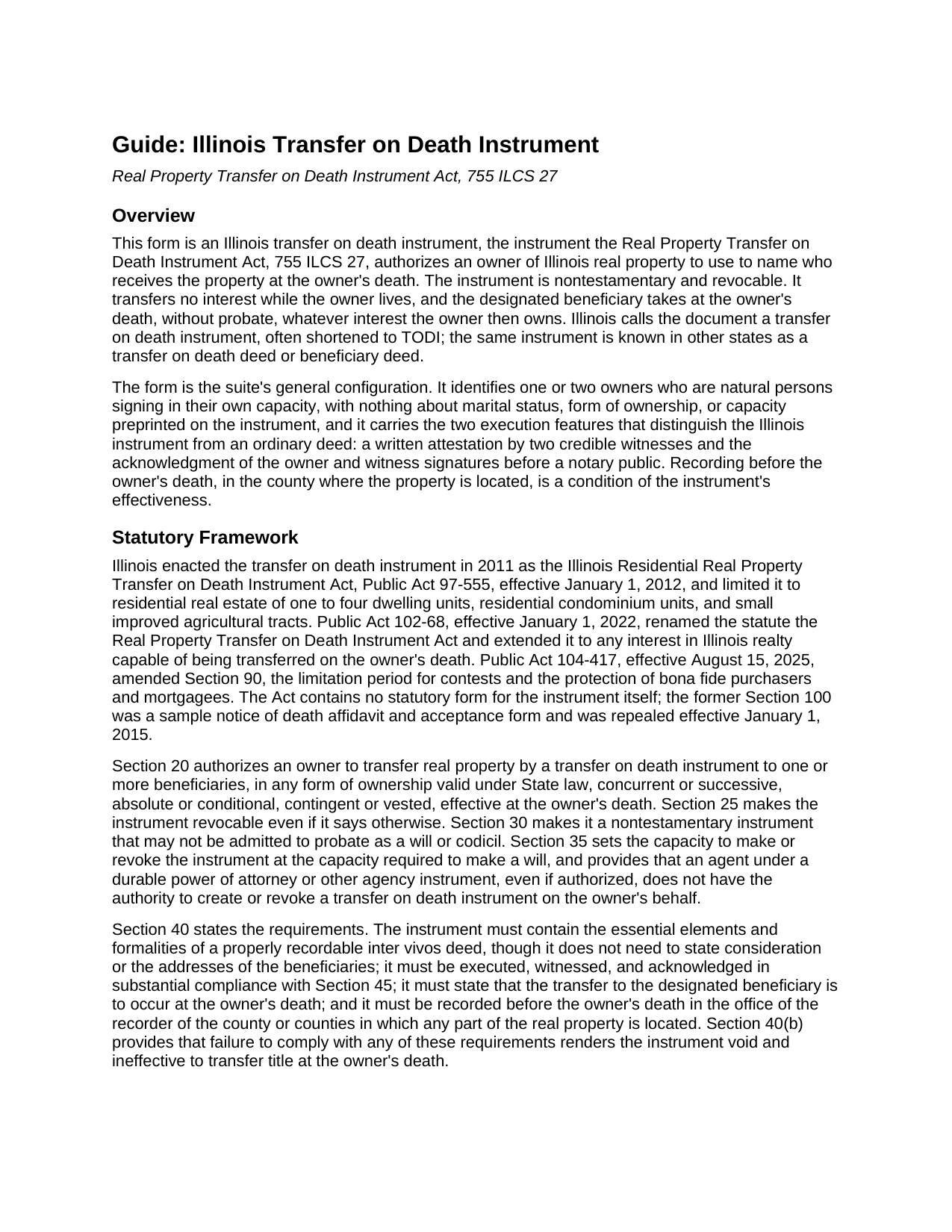
Brown County Transfer on Death Instrument Guide
Line by line guide explaining every blank on the Transfer on Death Instrument form.
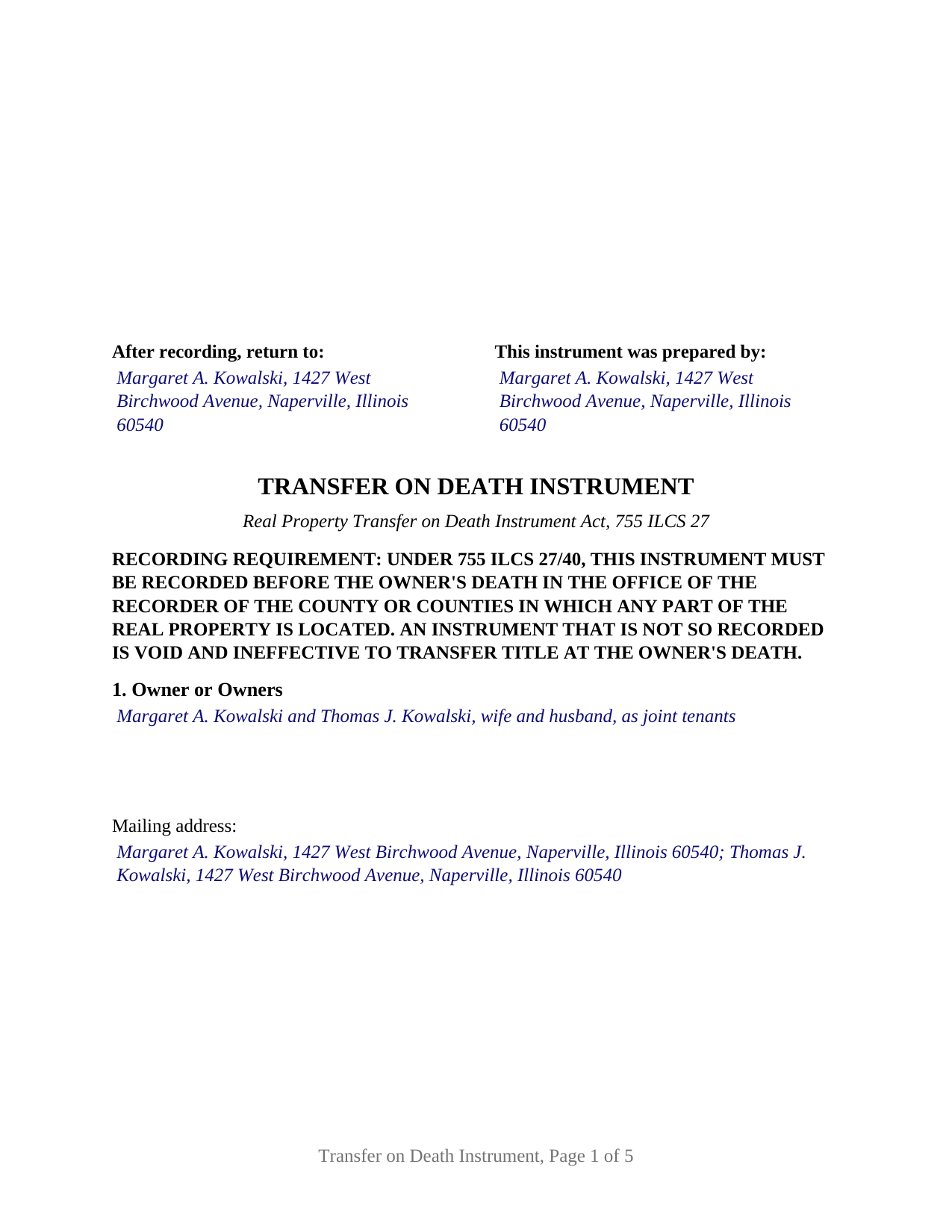
Brown County Completed Example of the Transfer on Death Instrument Document
Example of a properly completed Illinois Transfer on Death Instrument document for reference.
All 3 documents above included • One-time purchase • No recurring fees
Immediate Download • Secure Checkout
Additional Illinois and Brown County documents included at no extra charge:
Where to Record Your Documents
County Clerk/Recorder
Mt. Sterling, Illinois 62353
Hours: 8:30 to 4:30 M-F
Phone: (217) 773-3421 Ext. 206
Recording Tips for Brown County:
- Bring your driver's license or state-issued photo ID
- Ensure all signatures are in blue or black ink
- Recording fees may differ from what's posted online - verify current rates
- Request a receipt showing your recording numbers
- Ask about accepted payment methods when you call ahead
Cities and Jurisdictions in Brown County
Properties in any of these areas use Brown County forms:
- Mount Sterling
- Timewell
- Versailles
Hours, fees, requirements, and more for Brown County
How do I get my forms?
Forms are available for immediate download after payment. The Brown County forms will be in your account ready to download to your computer. An account is created for you during checkout if you don't have one. Forms are NOT emailed.
Are these forms guaranteed to be recordable in Brown County?
Yes. Our form blanks are guaranteed to meet or exceed the applicable formatting requirements used for recording in Brown County, including margin requirements, font requirements, and other layout standards. This guarantee applies to formatting, not to the legal sufficiency of information entered by the user or the suitability of a form for a particular transaction.
Can I reuse these forms?
Yes. You can reuse the forms for your personal use. For example, if you have multiple properties in Brown County you only need to order once.
What do I need to use these forms?
The forms are PDFs that you fill out on your computer. The free Adobe Acrobat Reader is recommended, and most PDF apps also work. You do NOT enter your property information online - you download the blank forms and complete them privately on your own computer.
Are there any recurring fees?
No. This is a one-time purchase. Nothing to cancel, no memberships, no recurring fees.
How much does it cost to record in Brown County?
Recording fees in Brown County vary. Contact the recorder's office at (217) 773-3421 Ext. 206 for current fees.
Questions answered? Let's get started!
An Illinois transfer on death instrument is signed like a will and recorded like a deed: two credible witnesses attest to the owner's signature, a notary acknowledges the owner and the witnesses, and the document goes to the county recorder while the owner is alive. This form prepares that instrument under the Real Property Transfer on Death Instrument Act, 755 ILCS 27, for one or two owners of Illinois real estate. Illinois calls it a transfer on death instrument, or TODI; elsewhere it is a transfer on death deed or beneficiary deed.
A deed that waits
The instrument transfers nothing while the owner lives; under Section 60 of the Act it does not affect the owner's right to sell, mortgage, or lease the property and creates no interest in favor of the beneficiary. At the owner's death the beneficiary takes whatever interest the owner then owns, outside probate, subject to any mortgage then affecting title. Only a later transfer on death instrument or an instrument of revocation, executed with the same formalities and recorded before death, revokes it; a will cannot. Those later instruments are prepared separately and are not included in this package.
Two witnesses, one notary, and the recorder
Section 45 sets the execution formalities apart from an ordinary Illinois deed. The owner signs, two or more credible witnesses attest in writing that the owner executed the instrument in their presence as a free and voluntary act while of sound mind and memory, and the witness and owner signatures are acknowledged before a notary public. Fewer than two credible witnesses leaves the instrument void, and a beneficiary who witnesses puts that beneficiary's share at risk under Section 45(c). The form prints the statutory attestation above two witness blocks and carries three acknowledgment certificates, one for each owner block and one for the witnesses.
Recording gives the instrument effect. Section 40 requires recording before the owner's death with the recorder of the county where the property is located; an instrument not recorded in time is void. The form restates that requirement at the top of the first page, reserves the 3 inch by 5 inch recorder space, carries the preparer statement and return address the Counties Code requires, and prints the transfer tax exemption notation recorders look for.
Joint owners and the designation of the last to die
Illinois treats co-owners with a right of survivorship, joint tenants and tenants by the entirety, as joint owners under Section 70. One or more joint owners may sign, the instrument does not sever the joint tenancy, and where fewer than all sign, the designation of the joint owner who is the last to die governs. Where all sign, revocation takes all living joint owners, and the last survivor may revoke alone. A tenant in common is not a joint owner; that owner's designation operates at that owner's own death on that owner's undivided interest. The form prints only the sentence the Act requires, that the transfer is to occur at the owner's death.
One form, one or two owners
The form recites nothing about marital status, form of ownership, or capacity. One free-form owner block receives one or two natural persons with whatever status recital they state, two owner signature blocks follow, each paired with an acknowledgment certificate; a single owner leaves the second block and its certificate blank. The beneficiary block receives the classes the Act permits, individuals, trustees, and private or public entities, and absent a stated form of ownership two or more beneficiaries take equal undivided shares with no survivorship. A sole owner naming a child, a married couple holding as joint tenants naming their children, and one of two siblings holding as tenants in common naming a beneficiary for a half interest present the one-or-two-owner pattern this form recites. Trustee owners, entity owners, agents under a power of attorney, and three or more owners on one instrument are outside this configuration.
Prepared by the owner
Section 95 of the Act provides that a transfer on death instrument is prepared only by a licensed attorney, and in the same section preserves an owner's own preparation and provides that an instrument is not void for lack of attorney preparation. The package includes the fillable form, a completed example for a DuPage County fact pattern, and the guide that walks through every section and the recording process; the guide and this description explain the form and the statutes in general terms and are not legal advice.
Important: Your property must be located in Brown County to use these forms. Documents should be recorded at the county recording office listed above.
This Transfer on Death Instrument meets all recording requirements specific to Brown County.
Our Promise
The documents you receive here are guaranteed to meet or exceed the applicable Brown County recording format requirements. If there is a rejection caused by our formatting, we will correct the issue or refund your payment. This guarantee applies to document formatting only and does not extend to information entered by the user, the selection of the form, or the legal effect of the completed document.
Save Time and Money
Get your Brown County Transfer on Death Instrument form done right the first time with Deeds.com Uniform Conveyancing Blanks. At Deeds.com, we understand that your time and money are valuable resources, and we don't want you to face a penalty fee or rejection imposed by a county recorder for submitting nonstandard documents. We constantly review and update our forms to meet rapidly changing state and county recording requirements for roughly 3,500 counties and local jurisdictions.
4.8 out of 5 - ( 4,843 Reviews )
Pauline C. 5 out of 5 stars
Everything that was stated to be included in my order was complete. Very satisfied
Thank you for your positive words! We’re thrilled to hear about your experience.
Vera P. 5 out of 5 stars
An excellent service!
Thank you!
Dee S. 5 out of 5 stars
This was easy and much cheaper than getting a lawyer. Thanks! - From alabama
We appreciate your business and value your feedback. Thank you. Have a wonderful day!
Patrick A. 5 out of 5 stars
Real value. Excellent forms, guidance & samples. Included Homestead Exemption form & info are also valuable & greatly appreciated.
Thank you for your feedback. We really appreciate it. Have a great day!
Robin B. 5 out of 5 stars
I came, I saw, I ordered, I downloaded.
Thank you!
Terrence L. 5 out of 5 stars
Awesome service! 4 services wouldn't handle a 1-time filing, but Deeds.com got the job done in less than 21 hours, for only $15 (plus filing fees). This saved me days of difficulty and aggravation, esp. during COVID-19 lockdown!
Thank you for your feedback. We really appreciate it. Have a great day!
Jayne J. 5 out of 5 stars
We have used this service two times and now going for third. Would recommend. So glad this service is available.
Thank you for your positive words! We’re thrilled to hear about your experience.
Elma Jean B. 5 out of 5 stars
My experience was great! Thank you, ejb
We appreciate your business and value your feedback. Thank you. Have a wonderful day!
RUTH O. 5 out of 5 stars
Got access to the forms immediately after ordering. Lots of helpful information, forms were easy to use. Happy I choose this site.
Thank you Ruth. Have a great day!
Frank W. 5 out of 5 stars
Everything worked smoothly
Thank you!
Michelle N. 5 out of 5 stars
Great experience
Thank you Michelle.
Joyce S. 5 out of 5 stars
Download very easy. Forms are just what I need. Thanks
Thank you for your feedback. We really appreciate it. Have a great day!
John B. 5 out of 5 stars
Helpful, timely service. Overall, an excellent transaction. Would definitely use Deeds.com again if the need arises.
Thank you!
Andrea R. 5 out of 5 stars
I was pleasantly surprised as I didn't even know you can record a quit claim deed digitally. I am in the mortgage business so I will gladly refer all my clients to this website! Deeds.com was prompt and fast with the entire process. My document was recorded and completed in less than 24 hours! Thank you again!
We appreciate your business and value your feedback. Thank you. Have a wonderful day!
Bryan A. 5 out of 5 stars
Very easy thank you for this quick process.
Thank you for the kind words Bryan.