Wayne County Final Lien Waiver Form
Last validated October 6, 2026 by our Forms Development TeamFormatted for recording in Wayne County, for property anywhere in the county: rural and unincorporated areas as well as Boston, Cambridge City, Centerville, Dublin, Economy, Fountain City, Greens Fork, Hagerstown and 5 more.
- 3 documents included
- Immediate PDF download
- Formatting guarantee
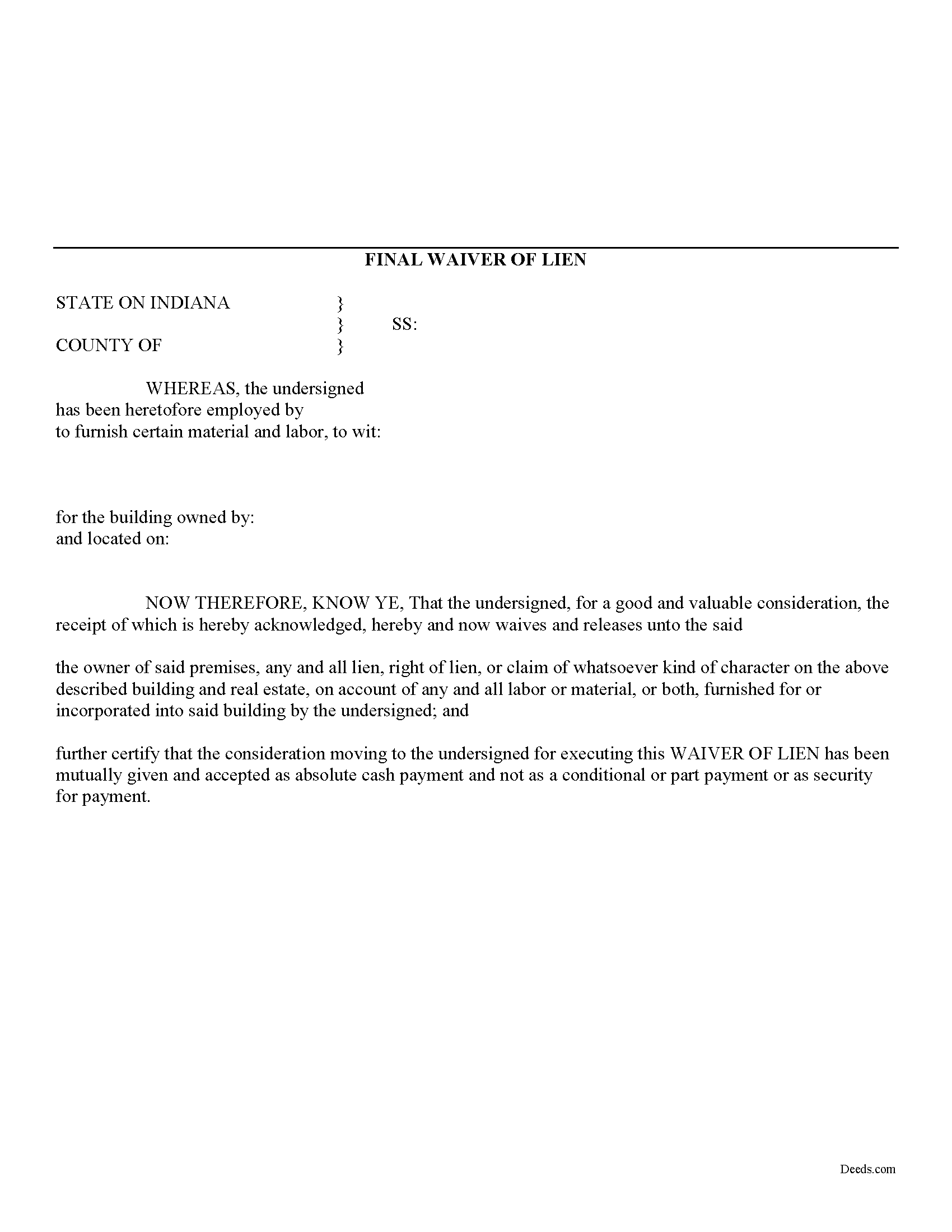
Wayne County Final Lien Waiver Form
Fill in the blank Final Lien Waiver form formatted to comply with all Indiana recording and content requirements.
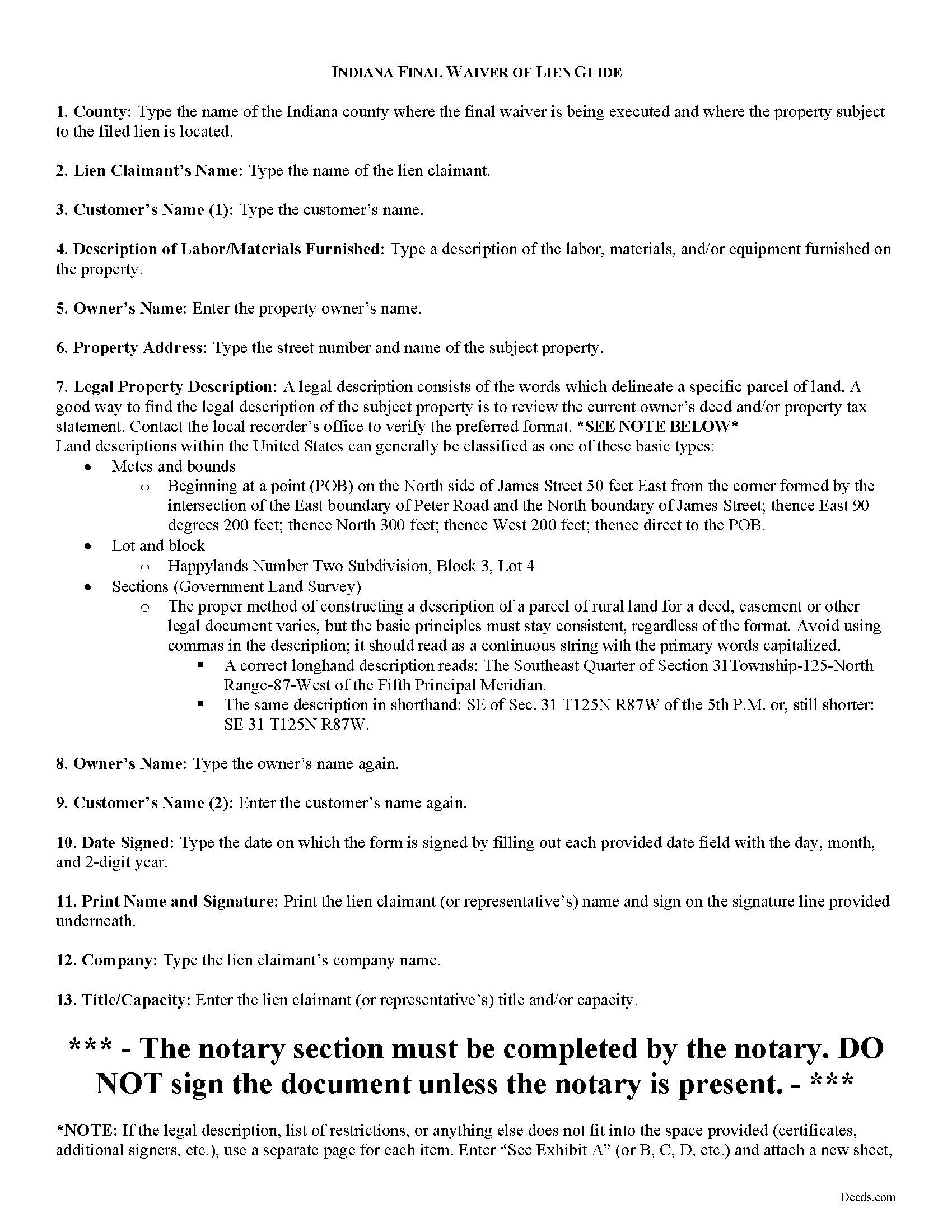
Wayne County Final Lien Waiver Guide
Line by line guide explaining every blank on the form.
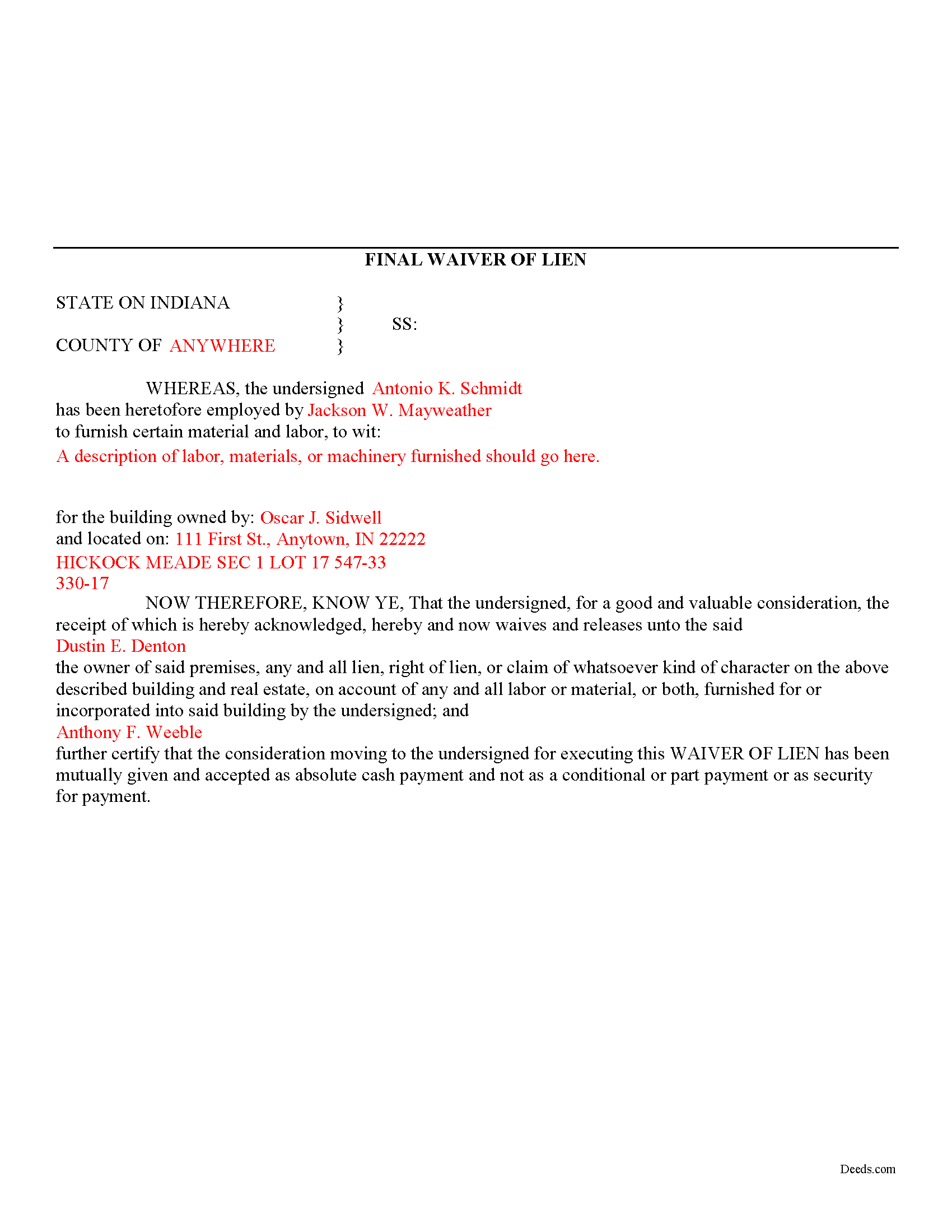
Wayne County Completed Example of the Final Lien Waiver Document
Example of a properly completed form for reference.
All 3 documents above included • One-time purchase • No recurring fees
Immediate Download • Secure Checkout
Additional Indiana and Wayne County documents included at no extra charge:
Where to Record Your Documents
Wayne County Recorder
Richmond, Indiana 47374
Hours: Monday 8:30 to 5:00; Tuesday through Friday 8:30 to 4:30
Phone: (765) 973-9235
Recording Tips for Wayne County:
- Bring your driver's license or state-issued photo ID
- Ensure all signatures are in blue or black ink
- Ask for certified copies if you need them for other transactions
- Ask if they accept credit cards - many offices are cash/check only
- Check that your notary's commission hasn't expired
Cities and Jurisdictions in Wayne County
Properties in any of these areas use Wayne County forms:
- Boston
- Cambridge City
- Centerville
- Dublin
- Economy
- Fountain City
- Greens Fork
- Hagerstown
- Milton
- Pershing
- Richmond
- Webster
- Williamsburg
Hours, fees, requirements, and more for Wayne County
How do I get my forms?
Forms are available for immediate download after payment. The Wayne County forms will be in your account ready to download to your computer. An account is created for you during checkout if you don't have one. Forms are NOT emailed.
Are these forms guaranteed to be recordable in Wayne County?
Yes. Our form blanks are guaranteed to meet or exceed the applicable formatting requirements used for recording in Wayne County, including margin requirements, font requirements, and other layout standards. This guarantee applies to formatting, not to the legal sufficiency of information entered by the user or the suitability of a form for a particular transaction.
Can I reuse these forms?
Yes. You can reuse the forms for your personal use. For example, if you have multiple properties in Wayne County you only need to order once.
What do I need to use these forms?
The forms are PDFs that you fill out on your computer. The free Adobe Acrobat Reader is recommended, and most PDF apps also work. You do NOT enter your property information online - you download the blank forms and complete them privately on your own computer.
Are there any recurring fees?
No. This is a one-time purchase. Nothing to cancel, no memberships, no recurring fees.
How much does it cost to record in Wayne County?
Recording fees in Wayne County vary. Contact the recorder's office at (765) 973-9235 for current fees.
Questions answered? Let's get started!
Mechanic's liens are governed under Title 32 of Indiana Code. A waiver is a knowing relinquishment of a right. In this case, the person granting the waiver is relinquishing the right to seek a mechanic's lien for all or part of the amount due. This assurance is usually enough to get the other party to pay. In Indiana, there are no statutory forms for waivers although according to the principles of contract law, the parties may agree to such modifications in writing.
Use the final waiver when a customer makes the final payment, meaning nothing is left due and owing after this payment. This waiver is conditioned upon the payment actually clearing and it will not be effective until that happens.
Waivers must identify the parties, the type of materials/services provided, the location of the job, and the claimant's notarized signature. Record the completed document in the land records for the county where the property is located.
This article is provided for information purposes only and should not be relied upon as a substitute for the advice from an attorney. Please speak with an Indiana attorney with questions about using a lien waiver, or any other issues related to mechanic's liens in Indiana.
Important: Your property must be located in Wayne County to use these forms. Documents should be recorded at the county recording office listed above.
This Final Lien Waiver meets all recording requirements specific to Wayne County.
Our Promise
The documents you receive here are guaranteed to meet or exceed the applicable Wayne County recording format requirements. If there is a rejection caused by our formatting, we will correct the issue or refund your payment. This guarantee applies to document formatting only and does not extend to information entered by the user, the selection of the form, or the legal effect of the completed document.
Save Time and Money
Get your Wayne County Final Lien Waiver form done right the first time with Deeds.com Uniform Conveyancing Blanks. At Deeds.com, we understand that your time and money are valuable resources, and we don't want you to face a penalty fee or rejection imposed by a county recorder for submitting nonstandard documents. We constantly review and update our forms to meet rapidly changing state and county recording requirements for roughly 3,500 counties and local jurisdictions.
4.8 out of 5 - ( 4,833 Reviews )
Amy R. 4 out of 5 stars
Great personal support via messaging. Website confusing and broken links in emails.
Thank you!
Kirk G. 5 out of 5 stars
Excellent! I will be back!
Thank you!
Alice s. 5 out of 5 stars
So far so good!
Happy we could assist. Thank you for sharing your experience.
ROBERTA G K. 5 out of 5 stars
I have looked and finally found a reliable source of updated legal documents that are current with local and state law that I can be readily downloaded for review, reference and use.
We appreciate your business and value your feedback. Thank you. Have a wonderful day!
Deborah C. 5 out of 5 stars
Good organization and guidance.
Thank you!
Michael F. 5 out of 5 stars
I'm not too bright and I made a mess of things when I tried to create my own deed. It was lucky that I found the forms here after so many of my personal failures. It's good that the pros know what they are doing.
Such kind words Michael, thank you.
Carol C. 5 out of 5 stars
Thanks. So easy to navigate. Also very useful. I recommend.
We appreciate your business and value your feedback. Thank you. Have a wonderful day!
Kelly Y. 5 out of 5 stars
The document was easy to locate, pay for and download. I hope it will be this easy to process by the County!
Thank you!
Lenore B. 4 out of 5 stars
Thank you for making this deed available. The guide was such a big help.
Thanks Lenore, have a great day!
Dana R. 5 out of 5 stars
This site is Awesome! So easy to use and they really work fast. I will use this for all my Maricopa County Recorder items or deeds, etc. Love this site.
Thank you for your feedback. We really appreciate it. Have a great day!
Munir S. 5 out of 5 stars
Good service. Easy to use, responsive, fast, and fairly priced. First time user, will continue to use it for future needs. Recommend.
Thank you for your positive words! We’re thrilled to hear about your experience.
Elizabeth M. 5 out of 5 stars
So fare easy and straight forward
Thank you for your feedback. We really appreciate it. Have a great day!
irene a. 5 out of 5 stars
good forms thanks, irene
Thank you Irene.
Helen M. 1 out of 5 stars
The forms are very confusing when there is so much to download! Trying to keep track and make sure you have everything needed is terrible! I think I have everything but I was under the impression I would be filling it out online and with instructions... I am very disappointed to say the least!
Sorry to hear of your disappointment Helen. We have gone ahead and canceled your order and payment. We do hope that you are able to find something more suitable to your needs elsewhere. Have a wonderful day.
Joice W G. 4 out of 5 stars
Easy to use and able to individualize, which was important since I needed to print more than one doc. I just wish I had an option for a less expensive purchase - seemed like a lot for just a couple docs.
We appreciate your business and value your feedback. Thank you. Have a wonderful day!