Randolph County Full Release of Memorandum of Contract Form
Last validated September 9, 2026 by our Forms Development TeamFormatted for recording in Randolph County, for property anywhere in the county: rural and unincorporated areas as well as Farmland, Losantville, Lynn, Modoc, Parker City, Ridgeville, Saratoga, Union City and 1 more.
- 3 documents included
- Immediate PDF download
- Formatting guarantee
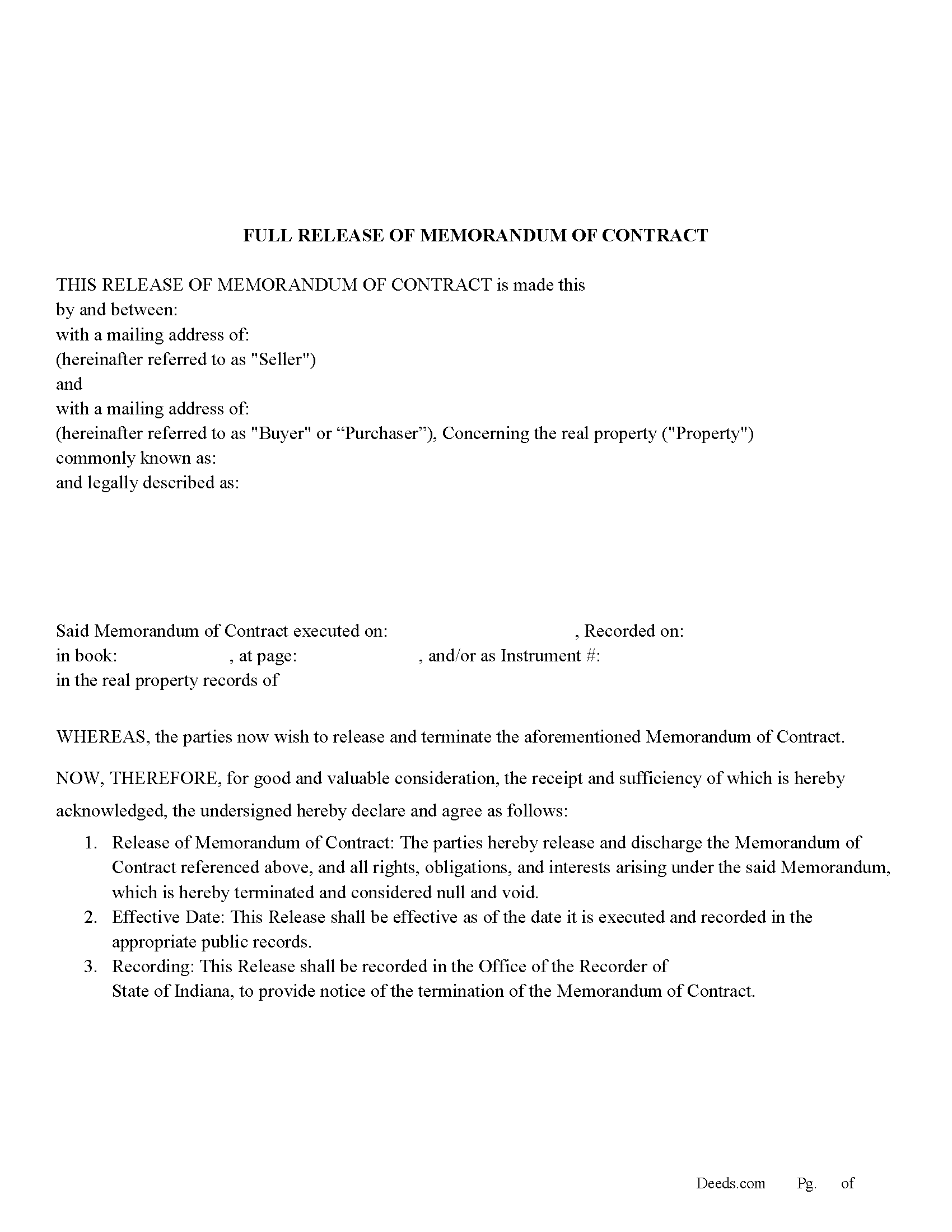
Randolph County Full Release of Memorandum of Contract Form
Fill in the blank Full Release of Memorandum of Contract form formatted to comply with all Indiana recording and content requirements.
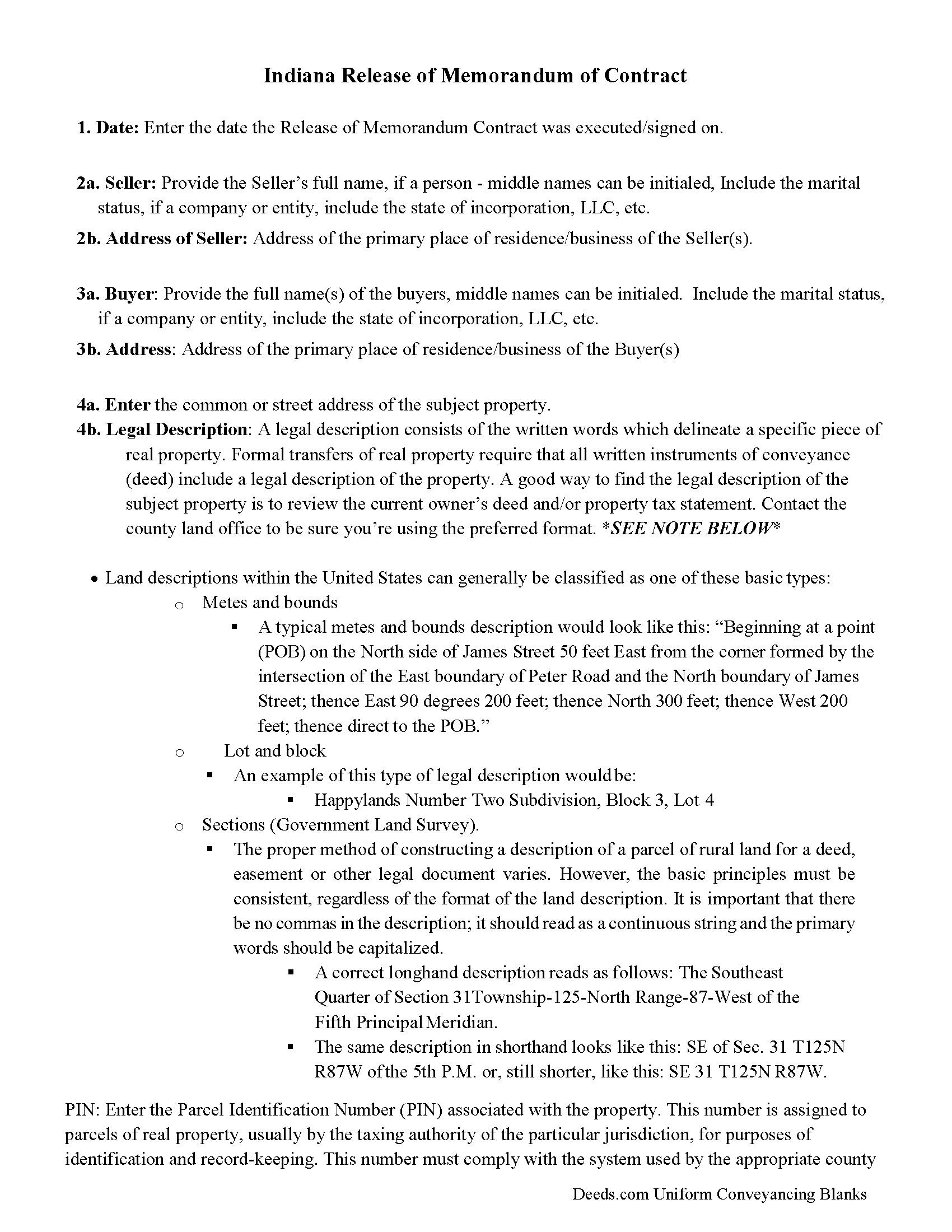
Randolph County Full Release of Memorandum of Contract Guide
Line by line guide explaining every blank on the Full Release of Memorandum of Contract form.
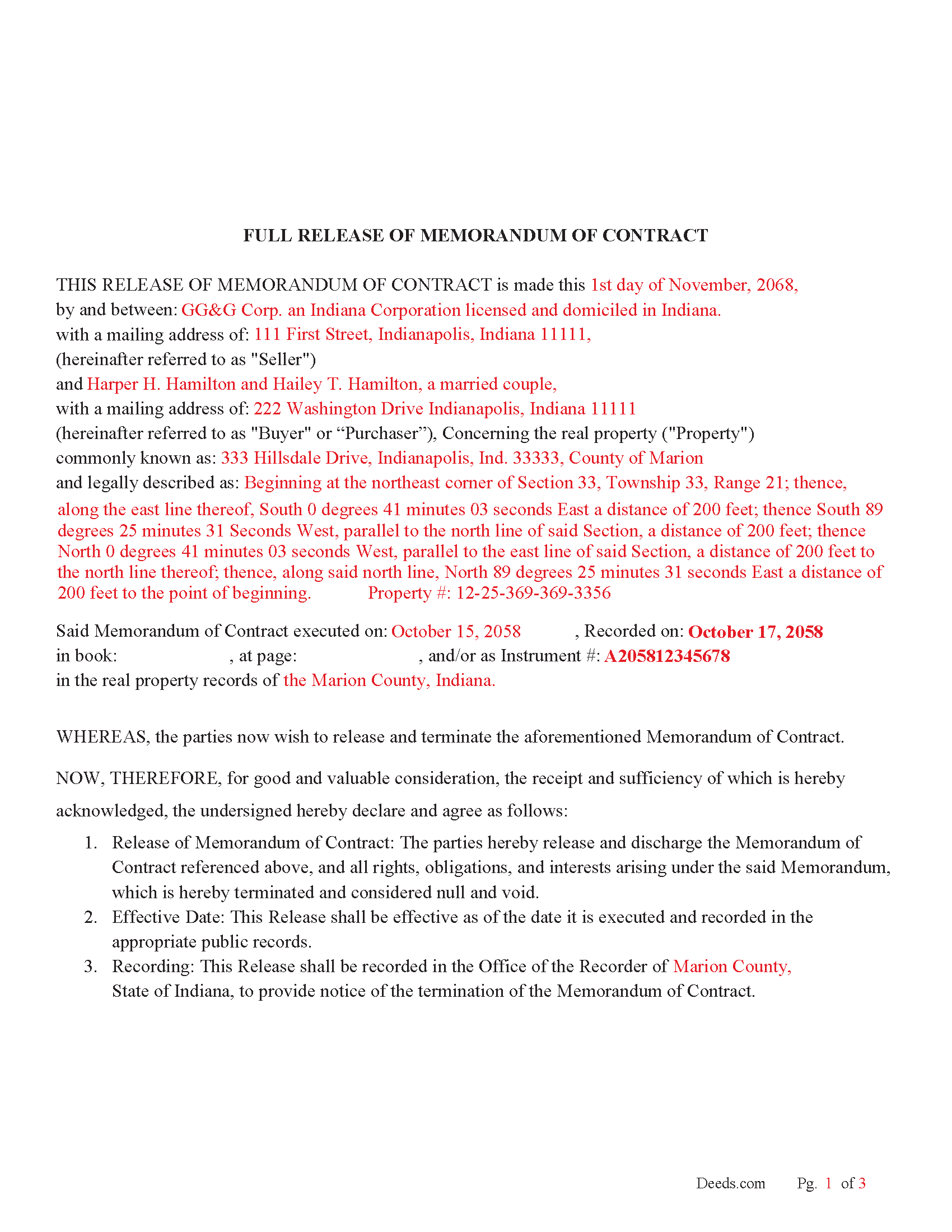
Randolph County Completed Example of the Full Release of Memorandum of Contract Document
Example of a properly completed Indiana Full Release of Memorandum of Contract document for reference.
All 3 documents above included • One-time purchase • No recurring fees
Immediate Download • Secure Checkout
Additional Indiana and Randolph County documents included at no extra charge:
Where to Record Your Documents
Randolph County Recorder
Winchester, Indiana 47394
Hours: 8:00 to 4:00 Monday through Friday
Phone: (765) 584-7300
Recording Tips for Randolph County:
- Bring your driver's license or state-issued photo ID
- Ensure all signatures are in blue or black ink
- Double-check legal descriptions match your existing deed
- Verify all names are spelled correctly before recording
- White-out or correction fluid may cause rejection
Cities and Jurisdictions in Randolph County
Properties in any of these areas use Randolph County forms:
- Farmland
- Losantville
- Lynn
- Modoc
- Parker City
- Ridgeville
- Saratoga
- Union City
- Winchester
Hours, fees, requirements, and more for Randolph County
How do I get my forms?
Forms are available for immediate download after payment. The Randolph County forms will be in your account ready to download to your computer. An account is created for you during checkout if you don't have one. Forms are NOT emailed.
Are these forms guaranteed to be recordable in Randolph County?
Yes. Our form blanks are guaranteed to meet or exceed the applicable formatting requirements used for recording in Randolph County, including margin requirements, font requirements, and other layout standards. This guarantee applies to formatting, not to the legal sufficiency of information entered by the user or the suitability of a form for a particular transaction.
Can I reuse these forms?
Yes. You can reuse the forms for your personal use. For example, if you have multiple properties in Randolph County you only need to order once.
What do I need to use these forms?
The forms are PDFs that you fill out on your computer. The free Adobe Acrobat Reader is recommended, and most PDF apps also work. You do NOT enter your property information online - you download the blank forms and complete them privately on your own computer.
Are there any recurring fees?
No. This is a one-time purchase. Nothing to cancel, no memberships, no recurring fees.
How much does it cost to record in Randolph County?
Recording fees in Randolph County vary. Contact the recorder's office at (765) 584-7300 for current fees.
Questions answered? Let's get started!
Use this document to release a previously recorded Memorandum of Contract or Purchase Agreement.
IC 32-21-2-3 – Recording Instruments This section of the Indiana Code outlines the general rules for recording documents affecting real estate, which include deeds, mortgages, leases, and releases. It specifies that once an instrument (including releases) is recorded, it provides notice to all persons of the matters contained in the document. This is the general statute governing the recording of documents with the county recorder.
For use in Indiana only
Important: Your property must be located in Randolph County to use these forms. Documents should be recorded at the county recording office listed above.
This Full Release of Memorandum of Contract meets all recording requirements specific to Randolph County.
Our Promise
The documents you receive here are guaranteed to meet or exceed the applicable Randolph County recording format requirements. If there is a rejection caused by our formatting, we will correct the issue or refund your payment. This guarantee applies to document formatting only and does not extend to information entered by the user, the selection of the form, or the legal effect of the completed document.
Save Time and Money
Get your Randolph County Full Release of Memorandum of Contract form done right the first time with Deeds.com Uniform Conveyancing Blanks. At Deeds.com, we understand that your time and money are valuable resources, and we don't want you to face a penalty fee or rejection imposed by a county recorder for submitting nonstandard documents. We constantly review and update our forms to meet rapidly changing state and county recording requirements for roughly 3,500 counties and local jurisdictions.
4.8 out of 5 - ( 4,829 Reviews )
John B. 5 out of 5 stars
I bought a Quitclaim Deed package for Fayette County, Kentucky, to transfer my house into a Living Trust that I had set up previously. Creating my Quitclaim Deed was pretty straightforward, using the form, the instructions, and the sample Quitclaim Deed. I signed my Quitclaim Deed at a nearby Notary Public, then took it to the Fayette County Clerk's office to be recorded. The clerk there asked me to make two small changes to the Quitclaim Deed, which she let me do in pen on the spot: * In the signature block for the receiver of the property, filled in "Capacity" as "Grantee as Trustee ______________________________ Living Trust". * In the notary's section, changed "were acknowledged before me" to "were acknowledged and sworn to before me".
Thank you for your feedback. We really appreciate it. Have a great day!
Kelin F. 5 out of 5 stars
Prompt, accurate and professional response. Thank you. Kelin F.
Thank you, Kelin! We appreciate your kind words and are glad we could help. Let us know if you ever need anything else!
ed d. 5 out of 5 stars
Fast efficient hassle free
Thank you for your feedback. We really appreciate it. Have a great day!
JOHN B. 3 out of 5 stars
Process of acquiring an account and submitting a document was VERY easy. Failure was on the Recorders office, for not accepting the survey. Cheers.
Thank you!
David B. 5 out of 5 stars
I'm not sure how a forms web-site could be so, but I find deeds.com to be sweet.
Thank you for your feedback. We really appreciate it. Have a great day!
George S. 5 out of 5 stars
Excellent product- very easy to use. Will use again...
Thank you for your feedback. We really appreciate it. Have a great day!
Scott M. 4 out of 5 stars
Very straightforward. Only issue was it took a few times for the mineral deed form to show up. The first few times it instead showed a mineral rights transfer between operators.
Your feedback is valuable to us and helps us improve. Thank you for sharing your thoughts!
Jacqueline S. 5 out of 5 stars
Outstanding service. The quit claim Deed form was great. Very easy to use and explained very clearly. Definitely recommend.
Thank you for your feedback. We really appreciate it. Have a great day!
Yvonne R. 5 out of 5 stars
Quick and easy, however, I couldn't get the guide to download.
Thank you for your feedback. We really appreciate it. Have a great day!
John C. 5 out of 5 stars
Excellent find (Deeds.com) from a google search, first hit. This was exactly what we were looking for. It also got me to upgrade Adobe to be able to fill in the forms. Will be back for follow up as needed, but I think I got everything we needed in the first downloads. Appreciate a well done site like yours. Thanks John
Thank you for your feedback. We really appreciate it. Have a great day!
Crystal W. 5 out of 5 stars
This is the easiest process.
Thank you for your feedback. We really appreciate it. Have a great day!
Linda W. 5 out of 5 stars
Very easy to use. They had the exact document I was looking for.
We appreciate your business and value your feedback. Thank you. Have a wonderful day!
Esfir K. 5 out of 5 stars
I had to call 3 times, two calls were hanged up on me. Thank you to 3rd representative, who helped me with my question. Unfortunately, I do not know her name. She was very patient, kind, professional. I am very thankful for her help.
Thank you!
Elliot B. 5 out of 5 stars
Outstanding forms and the recording service made a short day of what I needed to do. Will be back for the next one, thanks!
Thank you for your feedback. We really appreciate it. Have a great day!
Judy W. 5 out of 5 stars
Very easy to fill out the form especially with the detailed guide and the sample. I will use deeds.com again if needed.
Thank you for your feedback. We really appreciate it. Have a great day!