Whitley County Trustee Deed with Warranty Form
Last validated October 29, 2026 by our Forms Development TeamFormatted for recording in Whitley County, for property anywhere in the county: rural and unincorporated areas as well as Churubusco, Columbia City, Larwill, South Whitley.
- 3 documents included
- Immediate PDF download
- Formatting guarantee
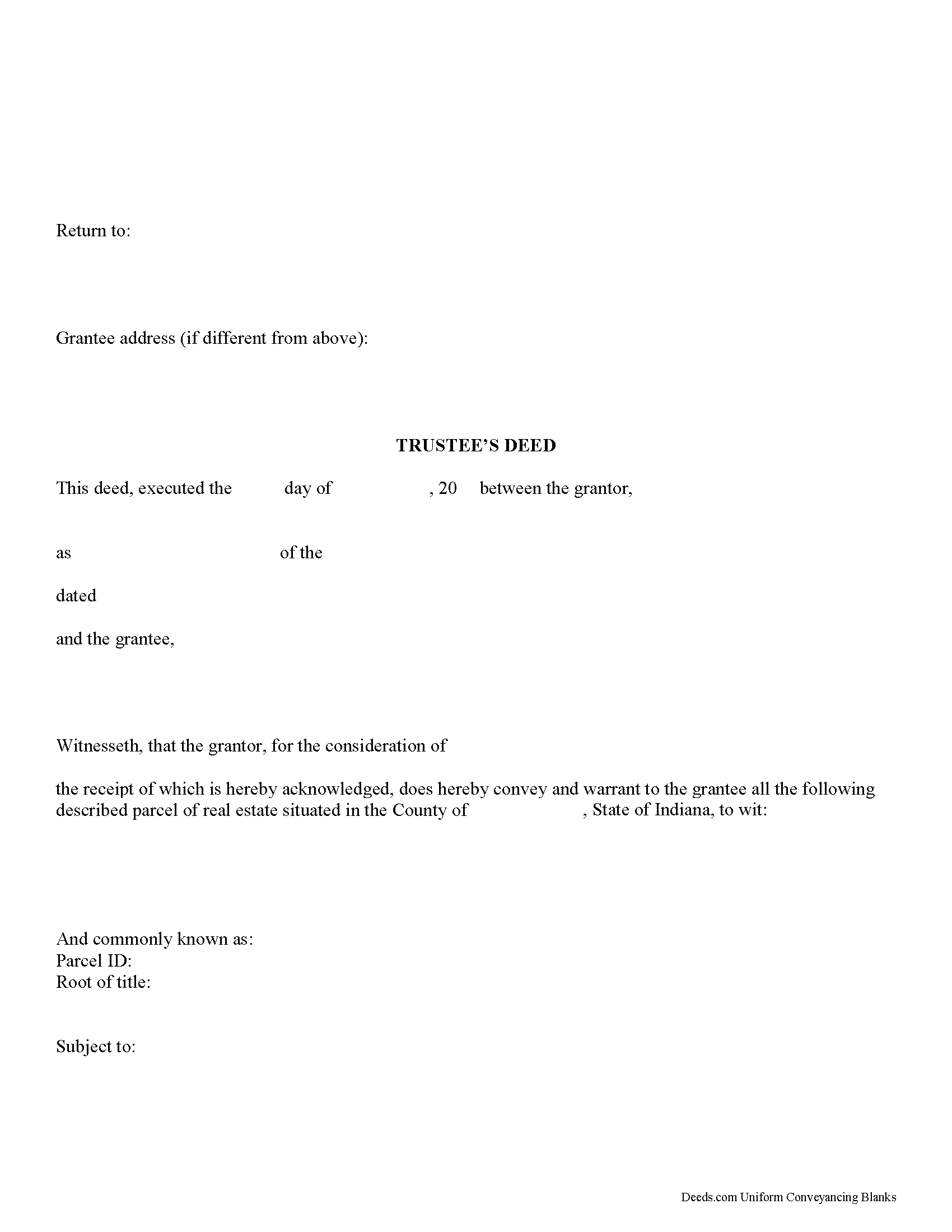
Whitley County Trustee Deed Form
Fill in the blank form formatted to comply with all recording and content requirements.
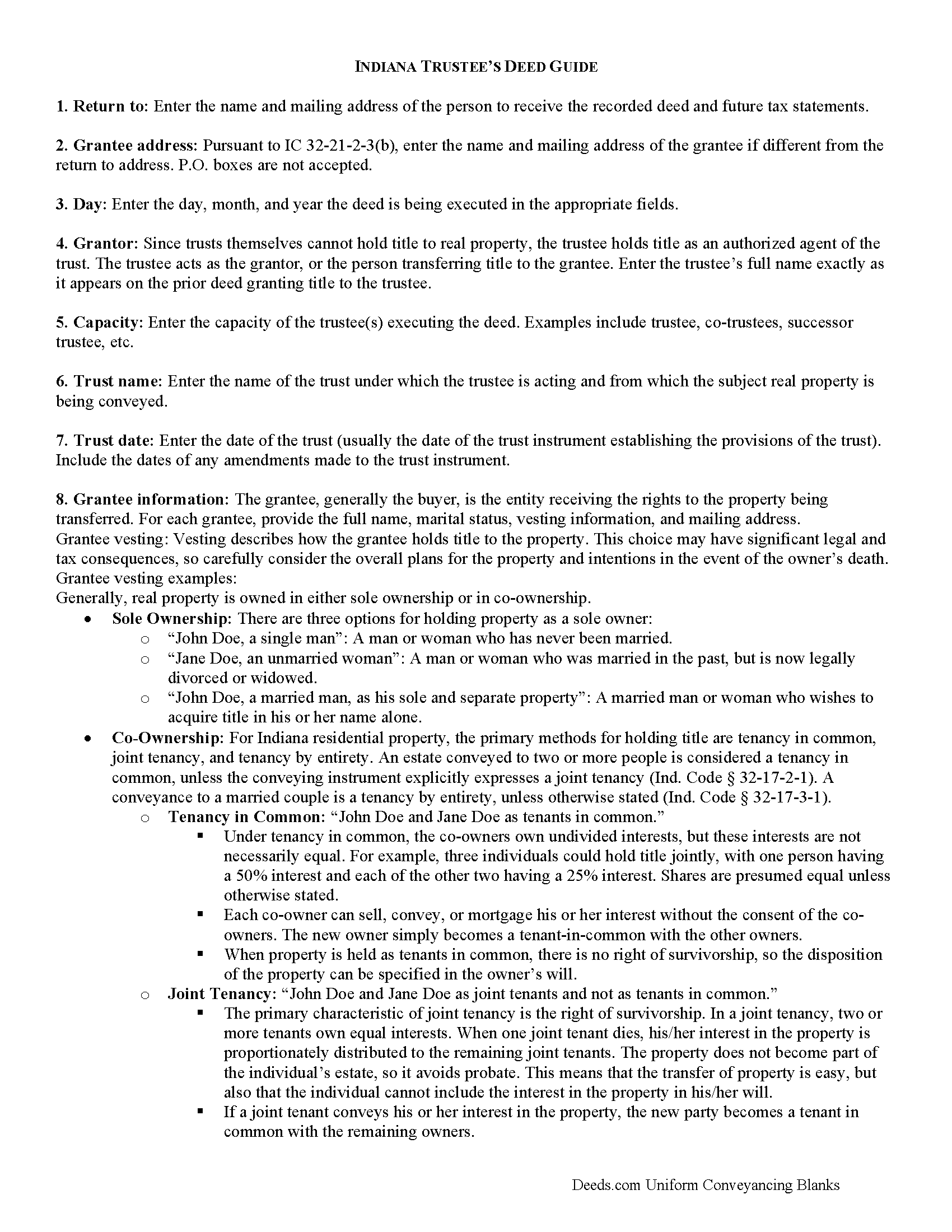
Whitley County Trustee Deed Guide
Line by line guide explaining every blank on the form.
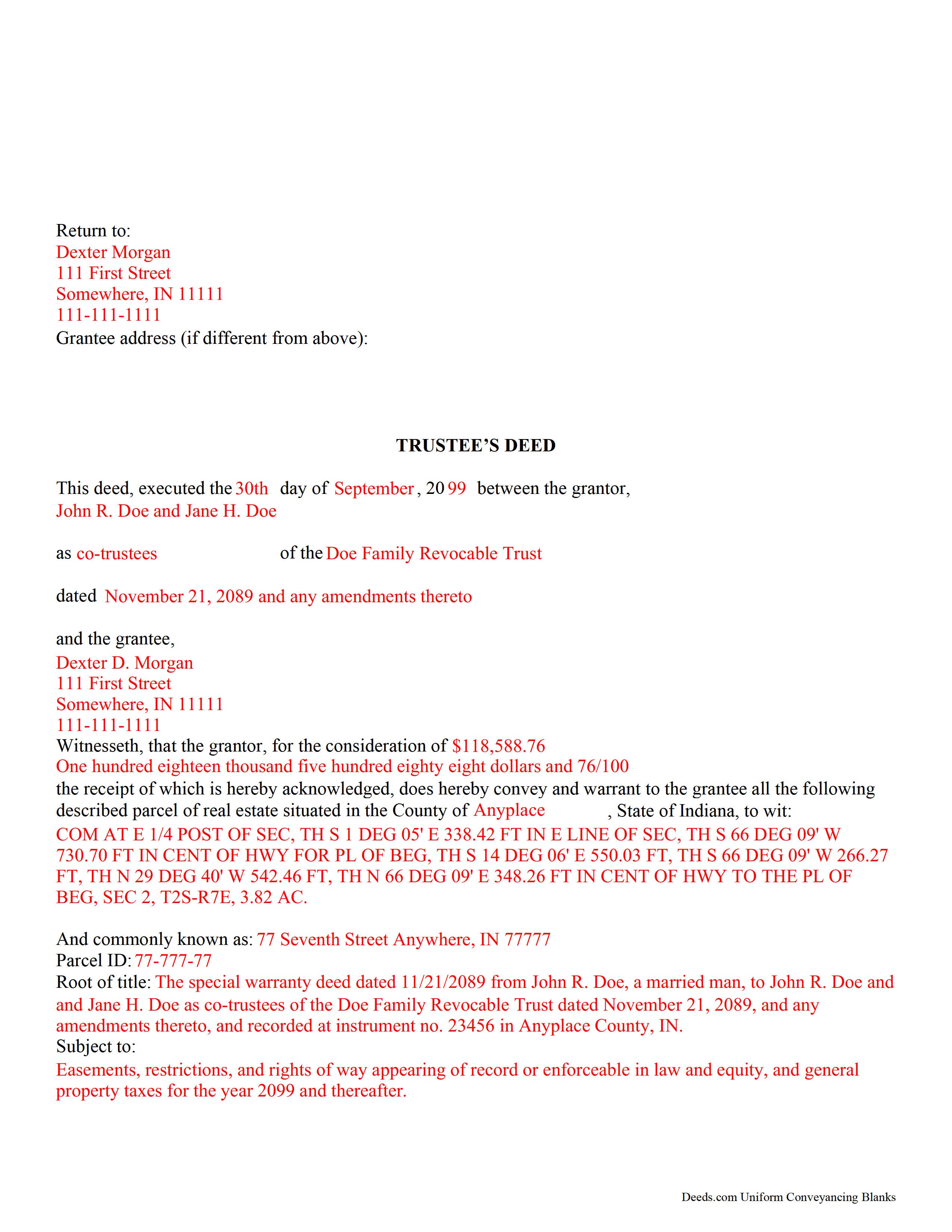
Whitley County Completed Example of the Trustee Deed Document
Example of a properly completed form for reference.
All 3 documents above included • One-time purchase • No recurring fees
Immediate Download • Secure Checkout
Additional Indiana and Whitley County documents included at no extra charge:
Where to Record Your Documents
Whitley County Recorder
Columbia City, Indiana 46725
Hours: 8:00 to 4:30 Monday through Friday
Phone: (260) 248-3106
Recording Tips for Whitley County:
- Bring your driver's license or state-issued photo ID
- Ensure all signatures are in blue or black ink
- Ask about their eRecording option for future transactions
- Avoid the last business day of the month when possible
- Both spouses typically need to sign if property is jointly owned
Cities and Jurisdictions in Whitley County
Properties in any of these areas use Whitley County forms:
- Churubusco
- Columbia City
- Larwill
- South Whitley
Hours, fees, requirements, and more for Whitley County
How do I get my forms?
Forms are available for immediate download after payment. The Whitley County forms will be in your account ready to download to your computer. An account is created for you during checkout if you don't have one. Forms are NOT emailed.
Are these forms guaranteed to be recordable in Whitley County?
Yes. Our form blanks are guaranteed to meet or exceed the applicable formatting requirements used for recording in Whitley County, including margin requirements, font requirements, and other layout standards. This guarantee applies to formatting, not to the legal sufficiency of information entered by the user or the suitability of a form for a particular transaction.
Can I reuse these forms?
Yes. You can reuse the forms for your personal use. For example, if you have multiple properties in Whitley County you only need to order once.
What do I need to use these forms?
The forms are PDFs that you fill out on your computer. The free Adobe Acrobat Reader is recommended, and most PDF apps also work. You do NOT enter your property information online - you download the blank forms and complete them privately on your own computer.
Are there any recurring fees?
No. This is a one-time purchase. Nothing to cancel, no memberships, no recurring fees.
How much does it cost to record in Whitley County?
Recording fees in Whitley County vary. Contact the recorder's office at (260) 248-3106 for current fees.
Questions answered? Let's get started!
Trustees use this form to transfer real property located in Indiana out of trust, with warranties of title as set out in Ind. Code 32-17-1-2. The deed should be executed by the trust's acting trustee(s).
A trustee's deed is an instrument used in trust administration to convey real property out of a trust. Unlike other forms of conveyance, which are named for the type of warranties they carry, the trustee's deed is named after the executing trustee.
The trustee is the administrator of a trust who is appointed by the settlor. The settlor is the person who funds the trust with assets -- in this case, real property. The settlor executes a trust instrument, which contains the provisions of the trust, including a designation of the trust's beneficiaries. This document is generally not of public record.
The trustee serves as the grantor in the trustee's deed. If there are multiple trustees or the trustee appears as a successor, this information is included also. The settlor does not enter directly into the transaction. In addition, the deed states the trust name and date under which the trustee is appearing, as well as any amendments made to the trust instrument.
All instruments of conveyance in Indiana require a legal description of the property begin conveyed, the grantee's information, and the root of title, as well as a "prepared by" statement and affirmation statement regarding the redaction of Social Security Numbers. All acting trustees must sign the deed in the presence of a notary public before the deed is recorded in the county in which the real property is situated.
Because trustees act in a fiduciary capacity, they may be asked to provide a certification of trust, demonstrating that the trust exists and their authority to enter into transactions on behalf of the trust.
The trustee's deed may require additional information depending on the situation. These instruments may or may not include warranties of title, so make sure to use the correct form for the situation. Consult a lawyer with specific questions or guidance in preparing a trustee's deed.
Important: Your property must be located in Whitley County to use these forms. Documents should be recorded at the county recording office listed above.
This Trustee Deed with Warranty meets all recording requirements specific to Whitley County.
Our Promise
The documents you receive here are guaranteed to meet or exceed the applicable Whitley County recording format requirements. If there is a rejection caused by our formatting, we will correct the issue or refund your payment. This guarantee applies to document formatting only and does not extend to information entered by the user, the selection of the form, or the legal effect of the completed document.
Save Time and Money
Get your Whitley County Trustee Deed with Warranty form done right the first time with Deeds.com Uniform Conveyancing Blanks. At Deeds.com, we understand that your time and money are valuable resources, and we don't want you to face a penalty fee or rejection imposed by a county recorder for submitting nonstandard documents. We constantly review and update our forms to meet rapidly changing state and county recording requirements for roughly 3,500 counties and local jurisdictions.
4.8 out of 5 - ( 4,839 Reviews )
Jennifer H. 1 out of 5 stars
Price is too expensive.
Thank you for your feedback Jennifer.
James B. 5 out of 5 stars
Reliable and fast. A great assest.
Thank you!
Mylika M. 5 out of 5 stars
Deed.com has been an amazing resource for my solo practice. Very timely communication and quick results!
We truly value your business and appreciate your review.
brian d. 5 out of 5 stars
I am a Loan Officer and this website saves me a bunch of time. Love it!
We appreciate your business and value your feedback. Thank you. Have a wonderful day!
Scott M. 4 out of 5 stars
Very straightforward. Only issue was it took a few times for the mineral deed form to show up. The first few times it instead showed a mineral rights transfer between operators.
Your feedback is valuable to us and helps us improve. Thank you for sharing your thoughts!
silvia m. 5 out of 5 stars
Used the forms for a quitclaim deed. Worked great! Also, big bonus to have the extra forms available, needed a couple of them. Highly recommend...
We appreciate your business and value your feedback. Thank you. Have a wonderful day!
Bayyinah M. 5 out of 5 stars
EasyPeasy!
Thank you!
THUY N. 5 out of 5 stars
It's convenience.
Thank you for your feedback. We really appreciate it. Have a great day!
Valerie T. 5 out of 5 stars
it was very helpful.
Thank you!
Barbara M. 5 out of 5 stars
We love this service - so easy to use and quick. It is the second time we have used Deeds.com, in two different states. Wonderful service!
Thank you for your feedback. We really appreciate it. Have a great day!
Gerlinde H. 5 out of 5 stars
This was fantastic. I downloaded the document, filled it out, printed it, had it notarized and drove to the recorders office and had it recorded within less than 15 minutes. Instructions are precise and easy to understand. You saved me hundreds of dollars a lawyer would have charged for the same work.
We appreciate your business and value your feedback. Thank you. Have a wonderful day!
Susan T. 5 out of 5 stars
This was perfect for my county I will be recommending your forms to all my clients thank you.
Thank you Susan, have a great day!
Silvana M. 5 out of 5 stars
This is a great service, I was worried about my NOC and Liens being filed in this terrible time!!! Happy I have this service Deeds.com!!!
Thank you for your feedback. We really appreciate it. Have a great day!
Renu A. 5 out of 5 stars
The service was very reliable and they even helped with filling out the paperwork properly. Very quick turn around and efficient!
Thank you!
John L. 5 out of 5 stars
In Colorado a Release of a Deed of Trust without the original note must be efiled - the Recorder said it had to be Simplifile or CSC Global neither of whom are designed to do a 1 off filing (you have to subscribe). Fortunately, I found Deeds.com - they were great. helped me work through a couple clerical issues and it is done. I am so happy and pleased. I would give them more stars if I could. I will spread the word among the realtors and title companies who couldn't help that there is a better option.
Thank you, John. We’re glad we could help get the Colorado release submitted and recorded. We appreciate the kind words and especially appreciate you spreading the word to others who may run into the same filing roadblocks.