Mahaska County Notice to Primary Contractor Form
Last validated October 6, 2026 by our Forms Development TeamFormatted for recording in Mahaska County, for property anywhere in the county: rural and unincorporated areas as well as Barnes City, Beacon, Cedar, Fremont, Leighton, New Sharon, Oskaloosa, Rose Hill and 1 more.
- 3 documents included
- Immediate PDF download
- Formatting guarantee
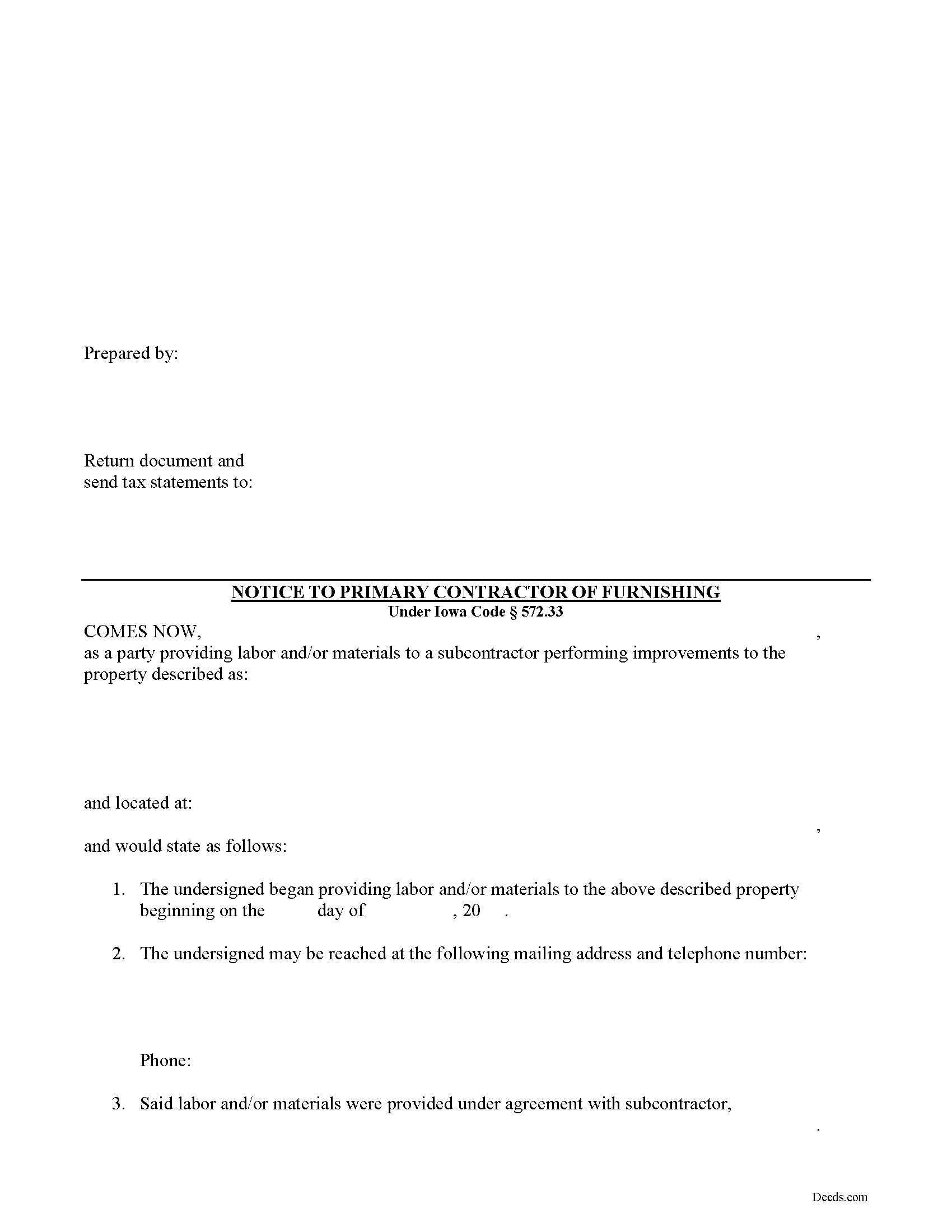
Mahaska County Notice to Primary Contractor Form
Fill in the blank Notice to Primary Contractor form formatted to comply with all Iowa recording and content requirements.
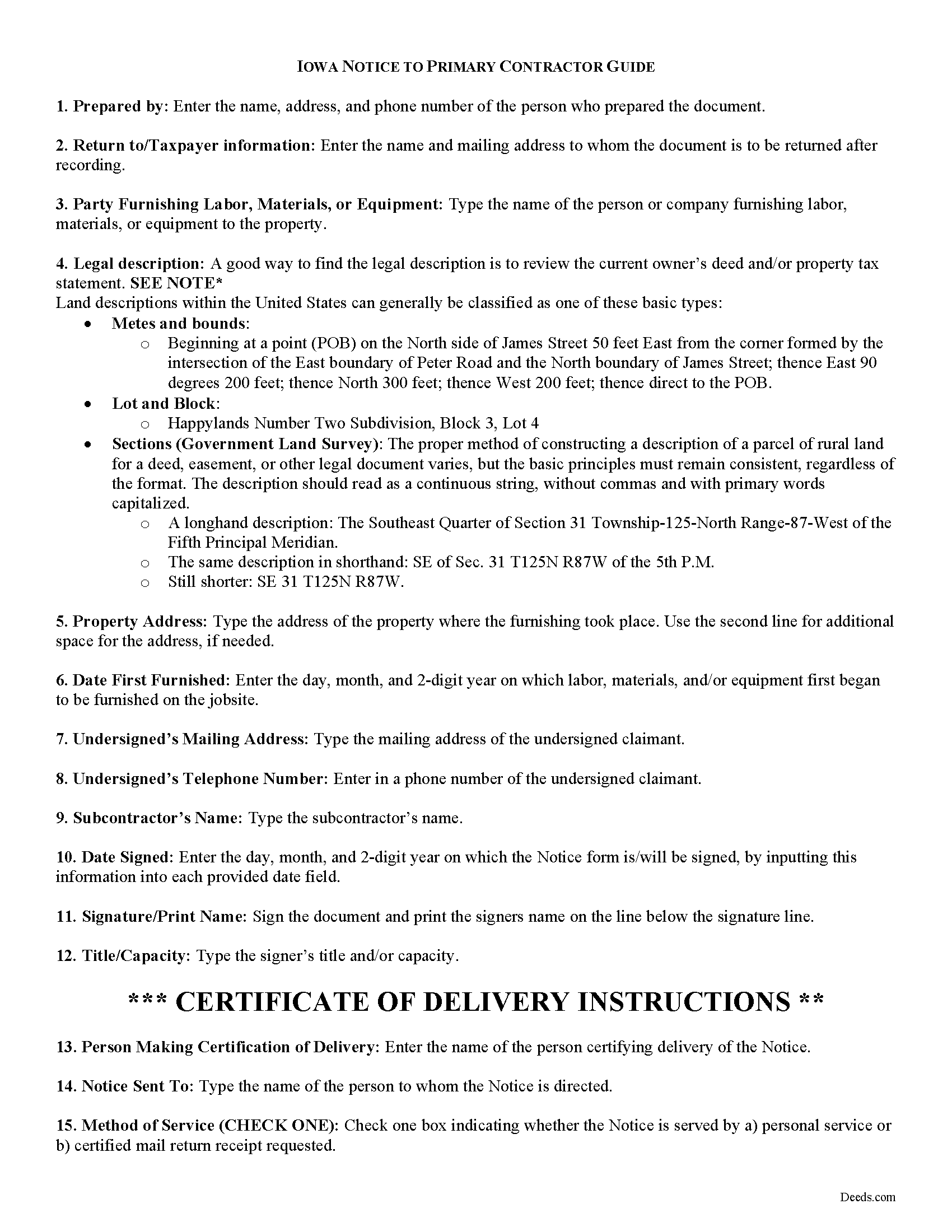
Mahaska County Notice to Primary Contractor Guide
Line by line guide explaining every blank on the form.
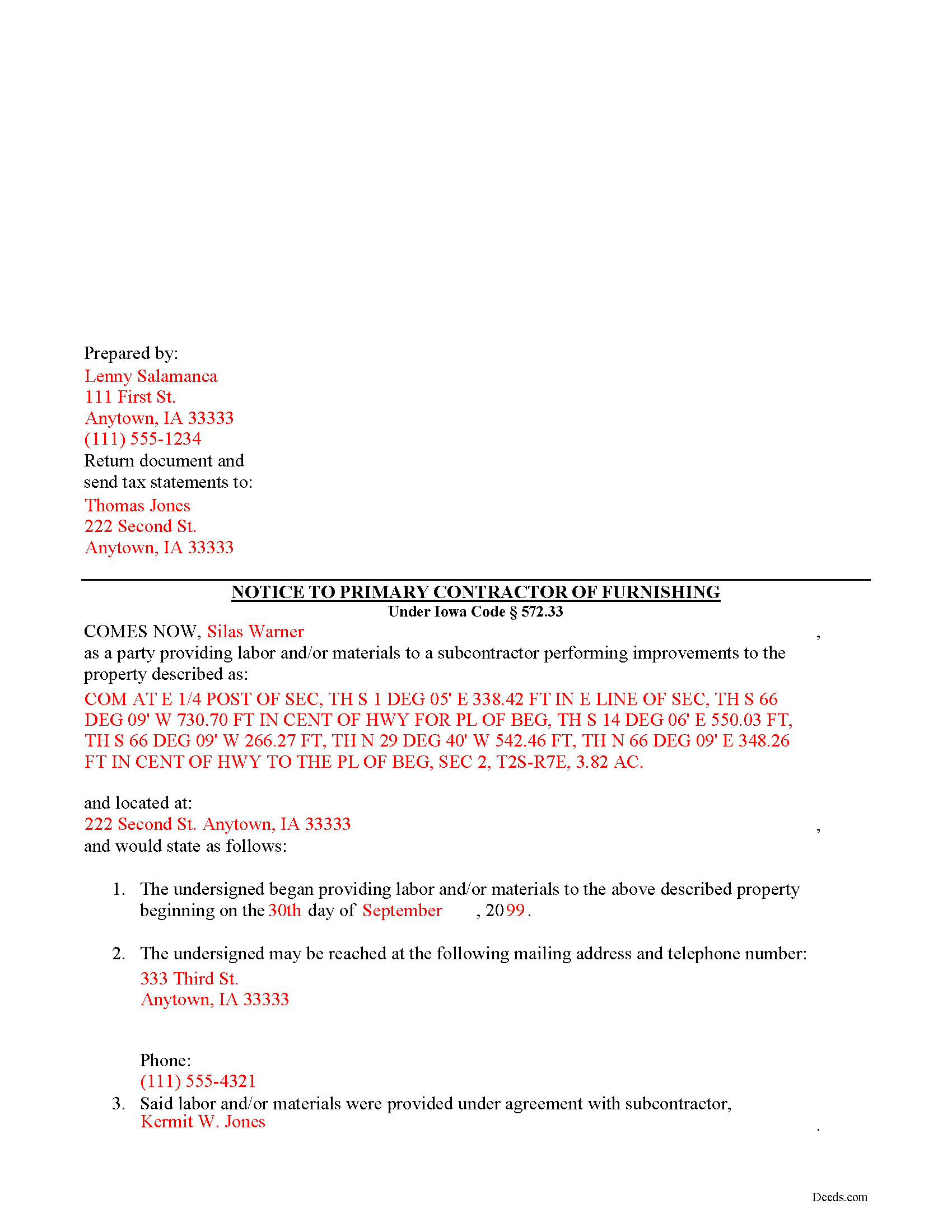
Mahaska County Completed Example of the Notice to Primary Contractor Document
Example of a properly completed form for reference.
All 3 documents above included • One-time purchase • No recurring fees
Immediate Download • Secure Checkout
Additional Iowa and Mahaska County documents included at no extra charge:
Where to Record Your Documents
Mahaska County Recorder
Oskaloosa, Iowa 52577
Hours: 8:00 a.m. - 4:30 p.m. Monday - Friday
Phone: (641) 673-8187
Recording Tips for Mahaska County:
- Bring your driver's license or state-issued photo ID
- Ensure all signatures are in blue or black ink
- Recorded documents become public record - avoid including SSNs
- Recording fees may differ from what's posted online - verify current rates
- Request a receipt showing your recording numbers
Cities and Jurisdictions in Mahaska County
Properties in any of these areas use Mahaska County forms:
- Barnes City
- Beacon
- Cedar
- Fremont
- Leighton
- New Sharon
- Oskaloosa
- Rose Hill
- University Park
Hours, fees, requirements, and more for Mahaska County
How do I get my forms?
Forms are available for immediate download after payment. The Mahaska County forms will be in your account ready to download to your computer. An account is created for you during checkout if you don't have one. Forms are NOT emailed.
Are these forms guaranteed to be recordable in Mahaska County?
Yes. Our form blanks are guaranteed to meet or exceed the applicable formatting requirements used for recording in Mahaska County, including margin requirements, font requirements, and other layout standards. This guarantee applies to formatting, not to the legal sufficiency of information entered by the user or the suitability of a form for a particular transaction.
Can I reuse these forms?
Yes. You can reuse the forms for your personal use. For example, if you have multiple properties in Mahaska County you only need to order once.
What do I need to use these forms?
The forms are PDFs that you fill out on your computer. The free Adobe Acrobat Reader is recommended, and most PDF apps also work. You do NOT enter your property information online - you download the blank forms and complete them privately on your own computer.
Are there any recurring fees?
No. This is a one-time purchase. Nothing to cancel, no memberships, no recurring fees.
How much does it cost to record in Mahaska County?
Recording fees in Mahaska County vary. Contact the recorder's office at (641) 673-8187 for current fees.
Questions answered? Let's get started!
Required Notices to Primary Contractor for Iowa Mechanic's Liens
Persons furnishing labor or materials to a subcontractor (sometimes referred to as "sub-subcontractors or even sub-sub-subcontractors depending on their position in the chain) must send notice to a primary contractor to inform of lien rights in order to preserve their ability to claim a lien.
A person furnishing labor or materials to a subcontractor is not entitled to a lien unless the person furnishing labor or materials notifies the principal contractor in writing with a one-time notice containing: 1) the name, mailing address, and telephone number of the person furnishing the labor or materials, and 2) the name of the subcontractor to whom the labor or materials were furnished, within thirty (30) days of first furnishing labor or materials for which a lien claim may be made. I.C. 572.33(1). Additional labor or materials furnished by the same person to the same subcontractor for use in the same construction project can be covered by this notice. Id.
The person furnishing labor or materials to the subcontractor must also support the lien claim with a certified statement that the principal contractor was notified in writing with the one-time notice described above. Id.
The notice requirement does not apply to a mechanic's lien on single-family or two-family dwellings occupied or used or intended to be occupied or used for residential purposes. I.C. 572.33(2).
This article is provided for informational purposes only and should not be relied upon as a substitute for the advice from a legal professional. Please contact an Iowa attorney with any questions about sending notice to the primary contractor or anything else with regard to mechanic's liens.
Important: Your property must be located in Mahaska County to use these forms. Documents should be recorded at the county recording office listed above.
This Notice to Primary Contractor meets all recording requirements specific to Mahaska County.
Our Promise
The documents you receive here are guaranteed to meet or exceed the applicable Mahaska County recording format requirements. If there is a rejection caused by our formatting, we will correct the issue or refund your payment. This guarantee applies to document formatting only and does not extend to information entered by the user, the selection of the form, or the legal effect of the completed document.
Save Time and Money
Get your Mahaska County Notice to Primary Contractor form done right the first time with Deeds.com Uniform Conveyancing Blanks. At Deeds.com, we understand that your time and money are valuable resources, and we don't want you to face a penalty fee or rejection imposed by a county recorder for submitting nonstandard documents. We constantly review and update our forms to meet rapidly changing state and county recording requirements for roughly 3,500 counties and local jurisdictions.
4.8 out of 5 - ( 4,845 Reviews )
Lisa C. 3 out of 5 stars
Please change on the example for the warranty deed the portion that says Source of Title: They don't use book and pages anymore They only use recording numbers. Please show an example with that for Maricopa County AZ Plus your Notary certificates should have a blank part for if it is signed in another state.
Thank you for your feedback. We really appreciate it. Have a great day!
Melody P. 5 out of 5 stars
5 Stars isn't enough! I worked with KVH today (12-30-20) to get some deeds filed in Dallas County before the end of the year. Timing was critical and I thought my only option was to record in person. Someone suggested I try Deeds.com, and I'm very glad I did. KVH provided excellent service. Everything was quick and efficient, and I highly recommend using this service. Thanks!
We appreciate your business and value your feedback. Thank you. Have a wonderful day!
Celeste F. 5 out of 5 stars
Great experience. No hassle. It kept me out of a government office.
Thank you for your feedback. We really appreciate it. Have a great day!
Arturo P. 5 out of 5 stars
Super easy to use! Totally satisfied. Thanks.
We appreciate your business and value your feedback. Thank you. Have a wonderful day!
Thomas B. 5 out of 5 stars
Spent several weeks searching the net for warranty deeds. For the money and correctness, IMHO, Deeds.com is far and away the best.
Thank you for your feedback. We really appreciate it. Have a great day!
Ashley H. 5 out of 5 stars
Thank you for the quick response time messaging back and forth to get this completed, and also the fairly speedy e-recording! Excellent customer service!!!
We appreciate your business and value your feedback. Thank you. Have a wonderful day!
Joy R. 5 out of 5 stars
Easy and efficient way to get a deed copy.
Thank you!
Sonia C. 5 out of 5 stars
Ordered and received the appropriate quitclaim deed docs for my area. Recorded with no questions or issues. All arounds solid product and service.
Thank you for your feedback. We really appreciate it. Have a great day!
OLGA R. 5 out of 5 stars
Excellent Service for E-Recording. They work with you and guide you on every aspect.
We appreciate your business and value your feedback. Thank you. Have a wonderful day!
Wilian B. 5 out of 5 stars
Top 10 experience, Easy-Fast-Affordable
Happy we could assist. Thank you for sharing your experience.
Rick F. 5 out of 5 stars
Your website was very easy to navigate and I accomplished my single task successfully. It was accomplished with zero issues and in a timely fashion. When or if the need arises, I will definitely use your service again. Thank you!
Thank you for your feedback. We really appreciate it. Have a great day!
Tony R. 5 out of 5 stars
As advertised. Thanks.
We appreciate your business and value your feedback. Thank you. Have a wonderful day!
Alfred J. H. 5 out of 5 stars
Excellent resource for legal forms. Very satisfied. Instructions and caveats explained clearly. Thank You!
Thank you!
Brian T. 5 out of 5 stars
Great to find this makes for easy work when you need to secure your ownership of a property!!Thanks guys Brian the Mann
We appreciate your business and value your feedback. Thank you. Have a wonderful day!
Joyce S. 5 out of 5 stars
The site was very easy to understand and to download the required documents I need to prepare a release. Response of the documents ready for my use was very efficient.
We appreciate your business and value your feedback. Thank you. Have a wonderful day!