Ellis County Correction Deed Form
Last validated November 17, 2026 by our Forms Development TeamFormatted for recording in Ellis County, for property anywhere in the county: rural and unincorporated areas as well as Catharine, Ellis, Hays, Pfeifer, Schoenchen, Victoria, Walker.
- 3 documents included
- Immediate PDF download
- Formatting guarantee
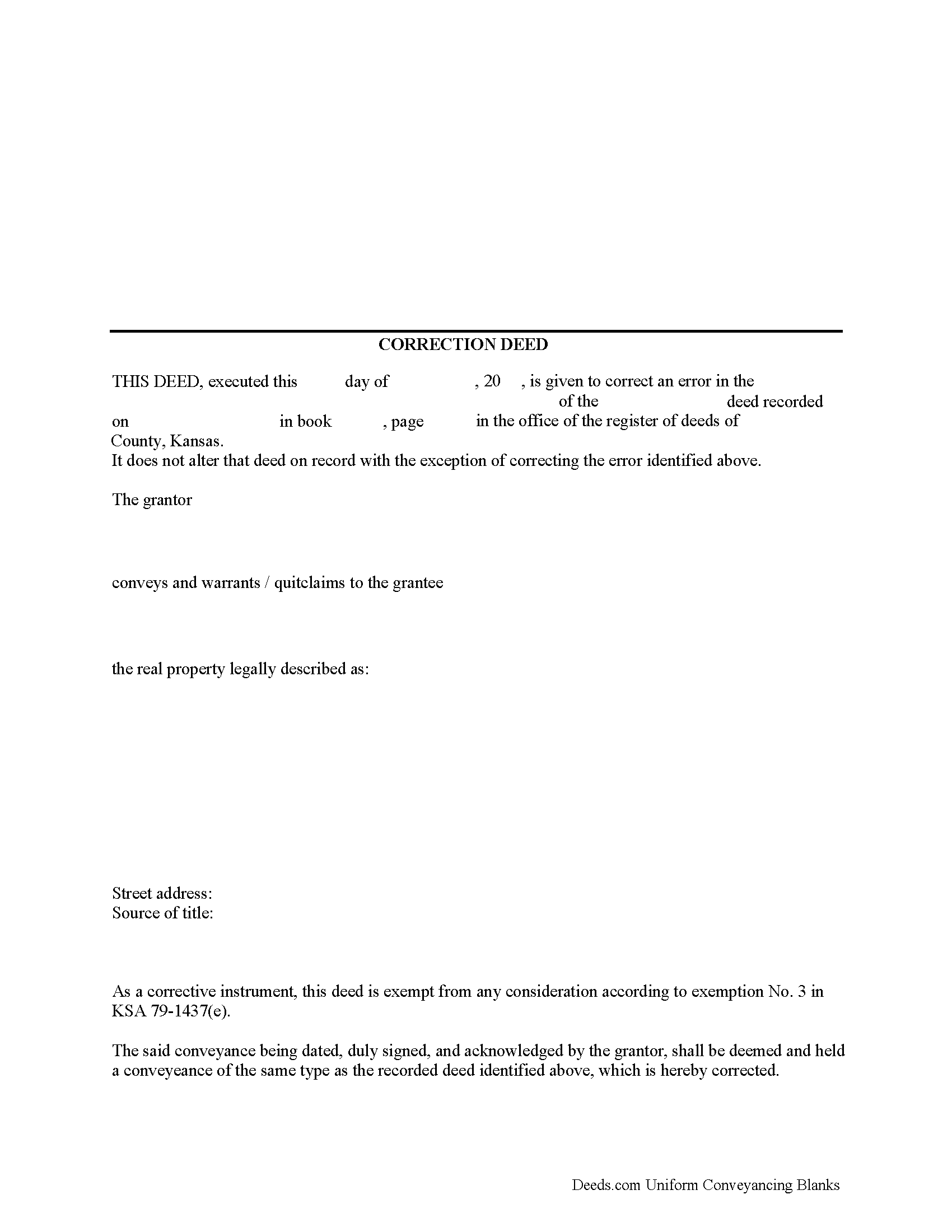
Ellis County Correction Deed Form
Fill in the blank form formatted to comply with all recording and content requirements.
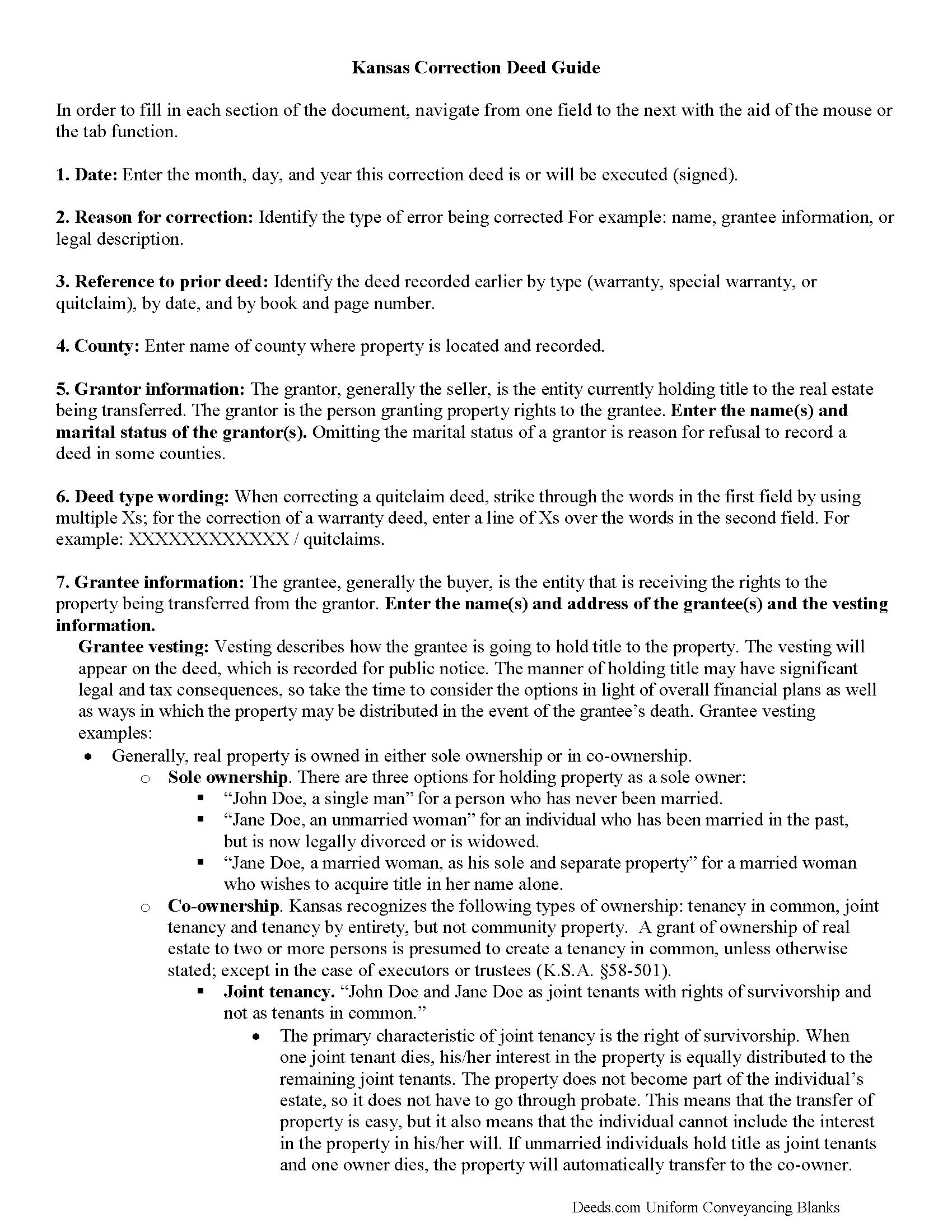
Ellis County Correction Deed Guide
Line by line guide explaining every blank on the form.
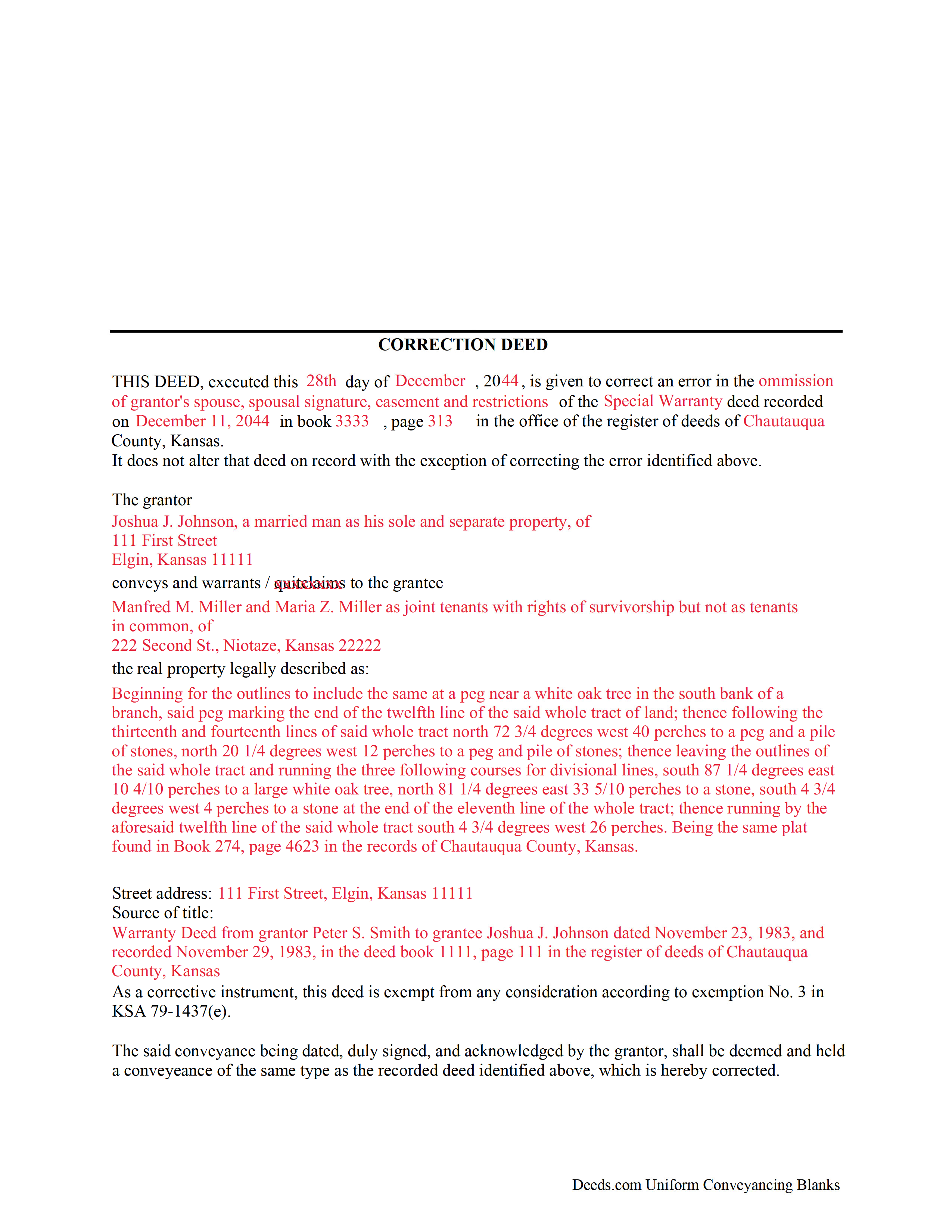
Ellis County Completed Example of the Correction Deed Document
Example of a properly completed form for reference.
All 3 documents above included • One-time purchase • No recurring fees
Immediate Download • Secure Checkout
Additional Kansas and Ellis County documents included at no extra charge:
Where to Record Your Documents
Ellis County Register of Deeds
Hays, Kansas 67601
Hours: 8:00am - 4:00pm M-F
Phone: (785) 628-9450
Recording Tips for Ellis County:
- Bring your driver's license or state-issued photo ID
- Ensure all signatures are in blue or black ink
- Bring extra funds - fees can vary by document type and page count
- Check margin requirements - usually 1-2 inches at top
- Leave recording info boxes blank - the office fills these
Cities and Jurisdictions in Ellis County
Properties in any of these areas use Ellis County forms:
- Catharine
- Ellis
- Hays
- Pfeifer
- Schoenchen
- Victoria
- Walker
Hours, fees, requirements, and more for Ellis County
How do I get my forms?
Forms are available for immediate download after payment. The Ellis County forms will be in your account ready to download to your computer. An account is created for you during checkout if you don't have one. Forms are NOT emailed.
Are these forms guaranteed to be recordable in Ellis County?
Yes. Our form blanks are guaranteed to meet or exceed the applicable formatting requirements used for recording in Ellis County, including margin requirements, font requirements, and other layout standards. This guarantee applies to formatting, not to the legal sufficiency of information entered by the user or the suitability of a form for a particular transaction.
Can I reuse these forms?
Yes. You can reuse the forms for your personal use. For example, if you have multiple properties in Ellis County you only need to order once.
What do I need to use these forms?
The forms are PDFs that you fill out on your computer. The free Adobe Acrobat Reader is recommended, and most PDF apps also work. You do NOT enter your property information online - you download the blank forms and complete them privately on your own computer.
Are there any recurring fees?
No. This is a one-time purchase. Nothing to cancel, no memberships, no recurring fees.
How much does it cost to record in Ellis County?
Recording fees in Ellis County vary. Contact the recorder's office at (785) 628-9450 for current fees.
Questions answered? Let's get started!
In Kansas, the correction deed is the most widely accepted instrument used to correct an error in a recorded deed.
Many counties require, or at least prefer, the filing of a correction deed when making any corrections to the original instrument. It can be used to correct a typographical or other minor error, for example in the names of the grantor or grantee, their marital status or type of vesting, or in the legal description or any other information about the property. Although some counties accept a re-file affidavit when correcting and re-recording a deed, executing a correction or corrective deed is the more common method and guarantees that the state's legibility requirements are met (KSA 28-115(e)). The correction deed must make reference to the earlier deed that has already been recorded by date and instrument number and needs to indicate its exemption status from resubmitting the Kansas Sales Validation Questionnaire (KSA 79-1437(e)). As is required with any deed submitted for recording in Kansas, a new address for tax statements must be furnished with the new deed (KSA 58-2221).
To make more significant changes, such as changing the way title is held (e.g. as joint tenant or tenant-in-common) or such as adding another owner to the property, it is best to record an entirely new deed instead of filing a correction deed. In order to release one name from a deed held in joint tenancy or tenancy in common, for example in case of separation or divorce, use a quitclaim deed.
(Kansas Correction Deed Package includes form, guidelines, and completed example)
Important: Your property must be located in Ellis County to use these forms. Documents should be recorded at the county recording office listed above.
This Correction Deed meets all recording requirements specific to Ellis County.
Our Promise
The documents you receive here are guaranteed to meet or exceed the applicable Ellis County recording format requirements. If there is a rejection caused by our formatting, we will correct the issue or refund your payment. This guarantee applies to document formatting only and does not extend to information entered by the user, the selection of the form, or the legal effect of the completed document.
Save Time and Money
Get your Ellis County Correction Deed form done right the first time with Deeds.com Uniform Conveyancing Blanks. At Deeds.com, we understand that your time and money are valuable resources, and we don't want you to face a penalty fee or rejection imposed by a county recorder for submitting nonstandard documents. We constantly review and update our forms to meet rapidly changing state and county recording requirements for roughly 3,500 counties and local jurisdictions.
4.8 out of 5 - ( 4,867 Reviews )
Paul S. 5 out of 5 stars
Worked very well
Thank you!
Iryna D. 5 out of 5 stars
Exelent work!
We appreciate your business and value your feedback. Thank you. Have a wonderful day!
Margaret T. 5 out of 5 stars
Had a difficult time finding my download after purchase. Thankfully I had printed the form and had. However it was read only and I'm not experienced enough to be able to change that. So I went into my word program and typed in the form. I should be able to use it for my purpose. Just glad I was finally able to find it after hours of searching online. I'm in my 70's and not real computer intelligent which may have been part of the problem
Sorry to hear of your struggle Margaret, we will try harder to make our forms easier for everyone.
Eddy O. 5 out of 5 stars
Your site was very helpful.
Thank you for your feedback. We really appreciate it. Have a great day!
Larry R. 5 out of 5 stars
I appreciate the opportunity to take care of business without the hassle of parking, security checks and lines. It was all done quickly and easily.
Thank you!
Kelly S. 5 out of 5 stars
Fast, easy, responsive.
Thank you!
Clint E. 5 out of 5 stars
Good value. I like not only getting the forms, but also the instructions and examples the forms came with
We appreciate your business and value your feedback. Thank you. Have a wonderful day!
Pamela L. 5 out of 5 stars
Well this could not have been any easier for me! Deeds made this whole process very efficient, and simple. I will definitely be a return customer when needed. Thank You!
Thank you Pamela, we appreciate you!
LAWRENCE P. 4 out of 5 stars
How about a single button zip download of the files displayed instead of downloading them one at a time?
Thank you for your feedback. We really appreciate it. Have a great day!
Eric S. 5 out of 5 stars
Very easy and efficient to use. Thank you!
We appreciate your business and value your feedback. Thank you. Have a wonderful day!
Judy A D. 5 out of 5 stars
It was quick and easy.
Thank you!
Phillip B. 5 out of 5 stars
Nice. Quick and very easy to find and download the exact forms I needed.
Thank you for your feedback. We really appreciate it. Have a great day!
Cyrus A. 5 out of 5 stars
Easy site to work with.
We are grateful for your feedback and looking forward to serving you again. Thank you!
Richard H. 5 out of 5 stars
Excellent service, very user friendly
Thank you!
Brian Z. 5 out of 5 stars
Great site with the forms I needed
Thanks Brian, we appreciate your feedback.