Hodgeman County Correction Deed Form
Last validated October 9, 2026 by our Forms Development TeamFormatted for recording in Hodgeman County, for property anywhere in the county: rural and unincorporated areas as well as Hanston, Jetmore.
- 3 documents included
- Immediate PDF download
- Formatting guarantee
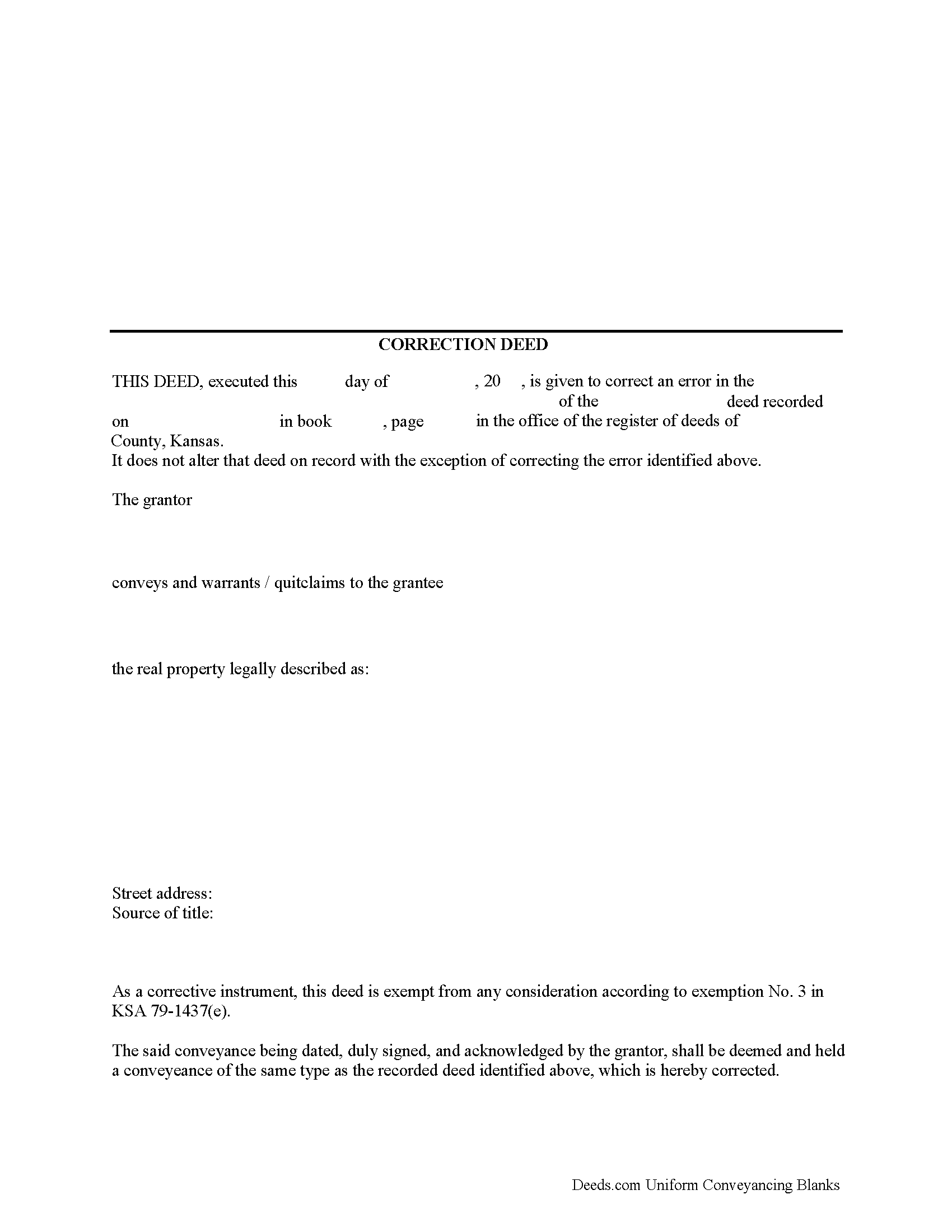
Hodgeman County Correction Deed Form
Fill in the blank form formatted to comply with all recording and content requirements.
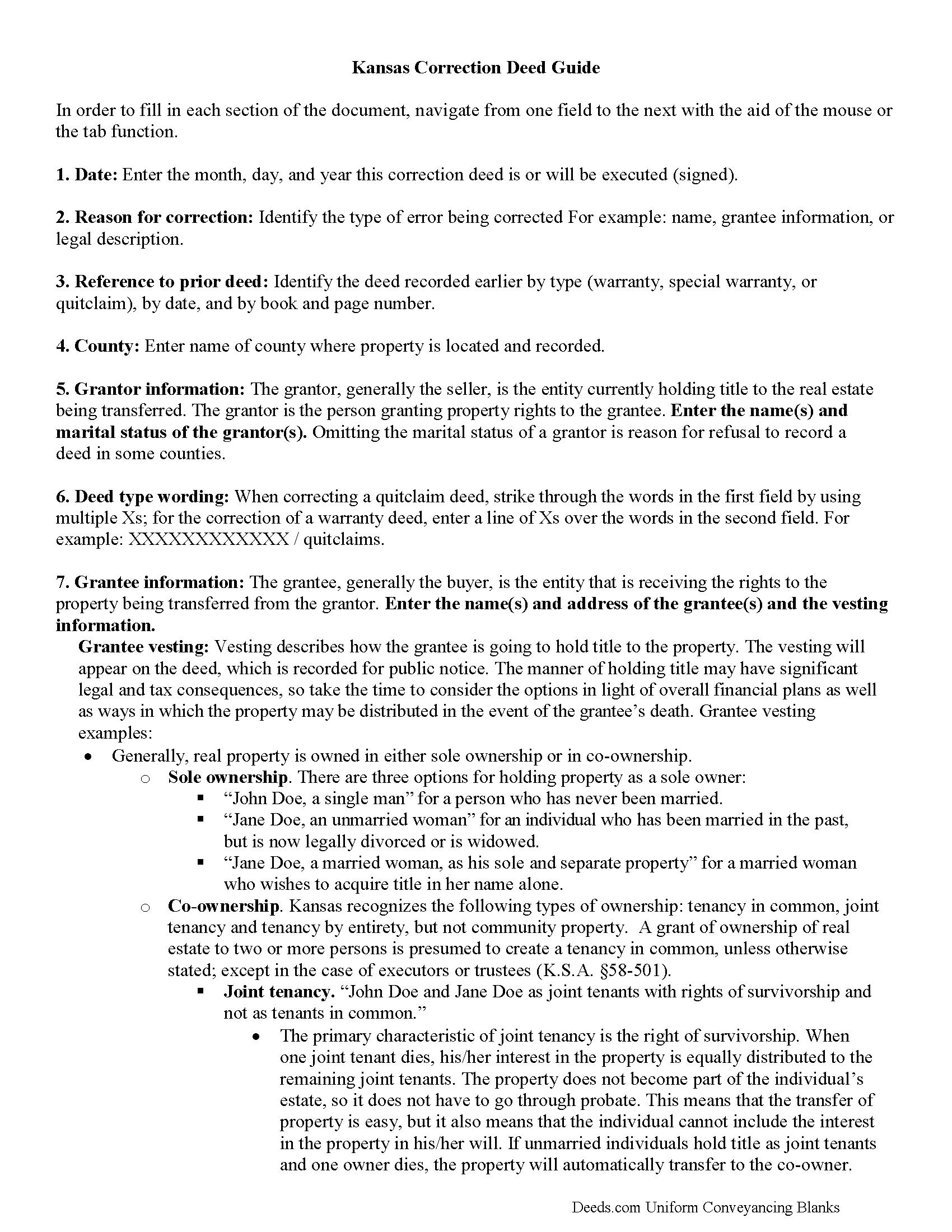
Hodgeman County Correction Deed Guide
Line by line guide explaining every blank on the form.
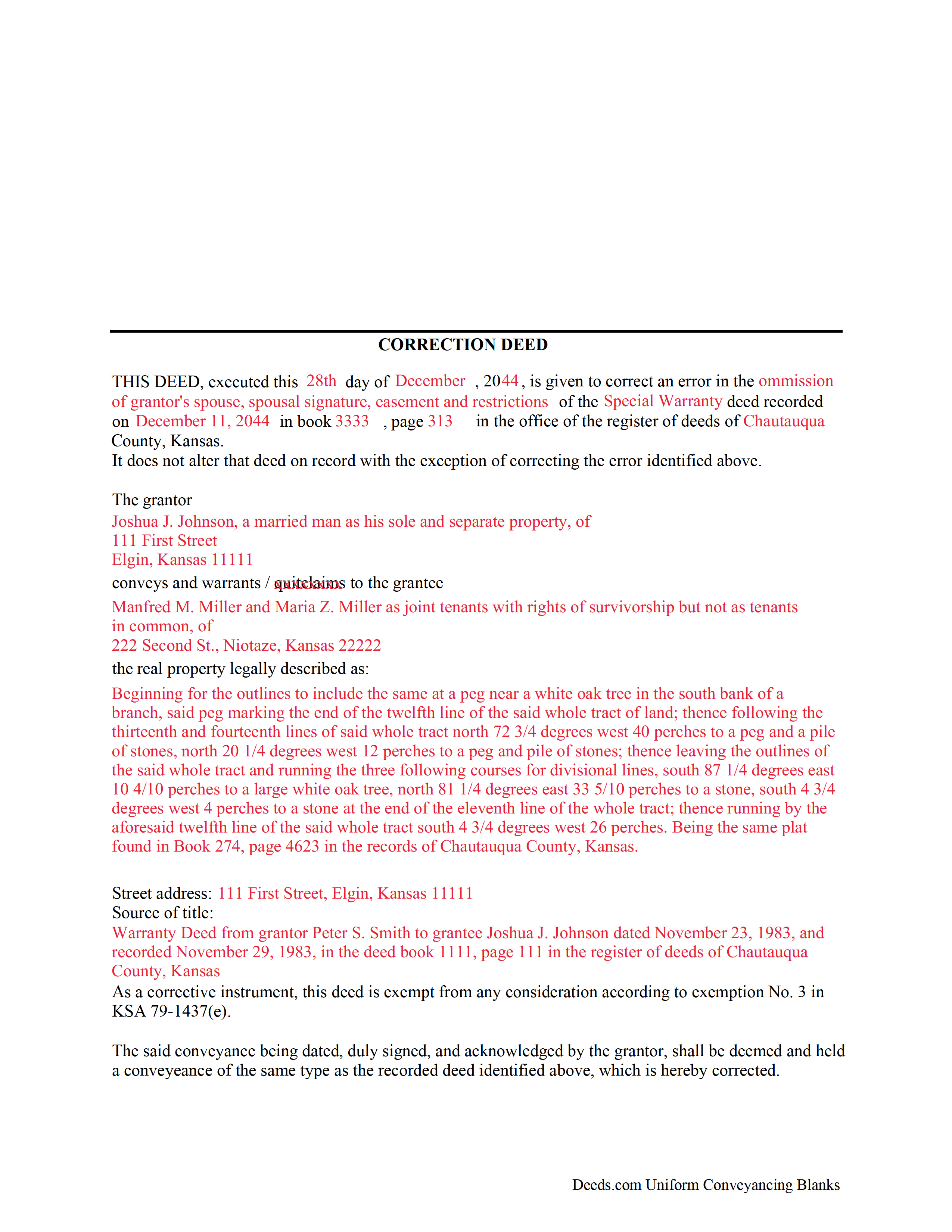
Hodgeman County Completed Example of the Correction Deed Document
Example of a properly completed form for reference.
All 3 documents above included • One-time purchase • No recurring fees
Immediate Download • Secure Checkout
Additional Kansas and Hodgeman County documents included at no extra charge:
Where to Record Your Documents
Hodgeman County Register of Deeds
Jetmore, Kansas 67854
Hours: 9-12, 1-5
Phone: (620) 357-8536
Recording Tips for Hodgeman County:
- Bring your driver's license or state-issued photo ID
- Ensure all signatures are in blue or black ink
- Ask for certified copies if you need them for other transactions
- Ask if they accept credit cards - many offices are cash/check only
- Check that your notary's commission hasn't expired
Cities and Jurisdictions in Hodgeman County
Properties in any of these areas use Hodgeman County forms:
- Hanston
- Jetmore
Hours, fees, requirements, and more for Hodgeman County
How do I get my forms?
Forms are available for immediate download after payment. The Hodgeman County forms will be in your account ready to download to your computer. An account is created for you during checkout if you don't have one. Forms are NOT emailed.
Are these forms guaranteed to be recordable in Hodgeman County?
Yes. Our form blanks are guaranteed to meet or exceed the applicable formatting requirements used for recording in Hodgeman County, including margin requirements, font requirements, and other layout standards. This guarantee applies to formatting, not to the legal sufficiency of information entered by the user or the suitability of a form for a particular transaction.
Can I reuse these forms?
Yes. You can reuse the forms for your personal use. For example, if you have multiple properties in Hodgeman County you only need to order once.
What do I need to use these forms?
The forms are PDFs that you fill out on your computer. The free Adobe Acrobat Reader is recommended, and most PDF apps also work. You do NOT enter your property information online - you download the blank forms and complete them privately on your own computer.
Are there any recurring fees?
No. This is a one-time purchase. Nothing to cancel, no memberships, no recurring fees.
How much does it cost to record in Hodgeman County?
Recording fees in Hodgeman County vary. Contact the recorder's office at (620) 357-8536 for current fees.
Questions answered? Let's get started!
In Kansas, the correction deed is the most widely accepted instrument used to correct an error in a recorded deed.
Many counties require, or at least prefer, the filing of a correction deed when making any corrections to the original instrument. It can be used to correct a typographical or other minor error, for example in the names of the grantor or grantee, their marital status or type of vesting, or in the legal description or any other information about the property. Although some counties accept a re-file affidavit when correcting and re-recording a deed, executing a correction or corrective deed is the more common method and guarantees that the state's legibility requirements are met (KSA 28-115(e)). The correction deed must make reference to the earlier deed that has already been recorded by date and instrument number and needs to indicate its exemption status from resubmitting the Kansas Sales Validation Questionnaire (KSA 79-1437(e)). As is required with any deed submitted for recording in Kansas, a new address for tax statements must be furnished with the new deed (KSA 58-2221).
To make more significant changes, such as changing the way title is held (e.g. as joint tenant or tenant-in-common) or such as adding another owner to the property, it is best to record an entirely new deed instead of filing a correction deed. In order to release one name from a deed held in joint tenancy or tenancy in common, for example in case of separation or divorce, use a quitclaim deed.
(Kansas Correction Deed Package includes form, guidelines, and completed example)
Important: Your property must be located in Hodgeman County to use these forms. Documents should be recorded at the county recording office listed above.
This Correction Deed meets all recording requirements specific to Hodgeman County.
Our Promise
The documents you receive here are guaranteed to meet or exceed the applicable Hodgeman County recording format requirements. If there is a rejection caused by our formatting, we will correct the issue or refund your payment. This guarantee applies to document formatting only and does not extend to information entered by the user, the selection of the form, or the legal effect of the completed document.
Save Time and Money
Get your Hodgeman County Correction Deed form done right the first time with Deeds.com Uniform Conveyancing Blanks. At Deeds.com, we understand that your time and money are valuable resources, and we don't want you to face a penalty fee or rejection imposed by a county recorder for submitting nonstandard documents. We constantly review and update our forms to meet rapidly changing state and county recording requirements for roughly 3,500 counties and local jurisdictions.
4.8 out of 5 - ( 4,837 Reviews )
MARIO D S. 5 out of 5 stars
Well worth the $20.00 for the Transfer on Death Deed, if you are willing to do the leg work to notarize and record the deed. Money well spent and money well saved. The value is in the short, bullet type instructions and State specific forms and requirements.
Thank you!
Glenn M. 5 out of 5 stars
Fast, easy, saves money!!!
Thank you!
Lan S. 5 out of 5 stars
extremely satisfied with the service. I could not get file size correctly at the beginning. I received quick responses pointing out specific problem, which was very helpful for me to correct the mistake. It took 5 or 6 times due to different errors to finally achieve the qualified version. The customer care team was very patient walking me through the process.
We appreciate your business and value your feedback. Thank you. Have a wonderful day!
BARBARA T. 5 out of 5 stars
Love this site! So easy to use and very economical
Thank you!
Zina J. 5 out of 5 stars
Deeds.com supplied exactly what I needed to complete a quitclaim. Deeds.com saved me $180, supplied the necessary forms, and a sample page to use as a guide. I recommend Deeds.com.
Thank you!
Greg F. 5 out of 5 stars
Sorry that this a little late. I'm VERY HAPPY with everything. The deeds paperwork was just what I was looking for. It was very to fill out, it was different than n the folks used years ago. I called the county clerk, and they were very helpful. Thank you for the paperwork it was easy to use and understand.
Thank you for your feedback. We really appreciate it. Have a great day!
Lori F. 5 out of 5 stars
These folks are so amazing! They were very kind, patient and the communication was above and beyond. Basically, THEY ROCK!
Thank you!
Maree W. 5 out of 5 stars
I am so impress with the forms that is needed for your state. It makes your task so easy and no worries. This was a big help in taking care of business. Thank you so much.
We appreciate your business and value your feedback. Thank you. Have a wonderful day!
Gisela A. 5 out of 5 stars
Great selection of documents. Properly formatted form also included great instructions and the example was very helpful. Filed it myself - no problem!
We appreciate your business and value your feedback. Thank you. Have a wonderful day!
Sohaib R. 5 out of 5 stars
Digital anything can be extremely convenient and quick, and my experience with Deeds.com has been exactly that. Very worth their fee. (I used them to record real property records/deeds in Texas).
We appreciate your business and value your feedback. Thank you. Have a wonderful day!
Grace G. 3 out of 5 stars
I like the service, it is hard to see enough of the document to know you're choosing what you need.
Thank you for your feedback. Our previews are intended to show general format and layout. Because these are legal forms, customers should already know the type of document they need before purchasing.
Linda T. 5 out of 5 stars
All downloaded now I just have to fill them out. Will let you know how it does. Thanks for the service. Linda
Thank you for your feedback. We really appreciate it. Have a great day!
Cynthia D. 5 out of 5 stars
It turned out I didn't need the information was taken care of by my husband. Thank you.
Thank you!
Nancy H. 5 out of 5 stars
Easy to use site. Would continue to go to for future needs.
We appreciate your business and value your feedback. Thank you. Have a wonderful day!
Joe D. 5 out of 5 stars
Complete coverage of deeds, laws, etc.
Thank you!